Collection · 76 prompts
AI coding prompts you can copy and paste
These prompts cover the everyday work of writing software with AI: debugging from a stack trace, reviewing a pull request, writing tests before the code, planning a feature, building small tools, learning a new framework and writing docs. The chat prompts work in Claude, ChatGPT and Gemini. The agent prompts are written for Claude Code and Cursor, which can read your project, run commands and edit files.
Two habits make every prompt here work better: paste the real code, error or diff instead of describing it, and say what "done" looks like. Remove passwords, API keys and customer data before you paste anything, and always run and read the code the AI gives you.
Last updated
All 76 prompts
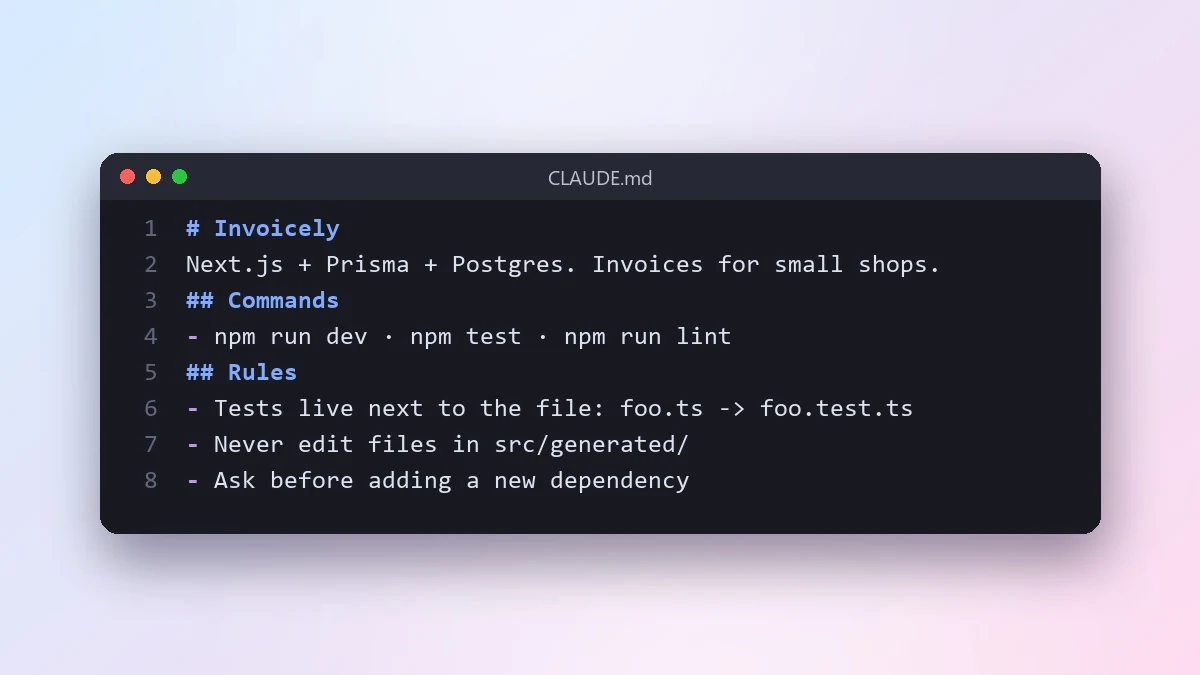 Write a CLAUDE.md file for your projectClaude Code · Cursor
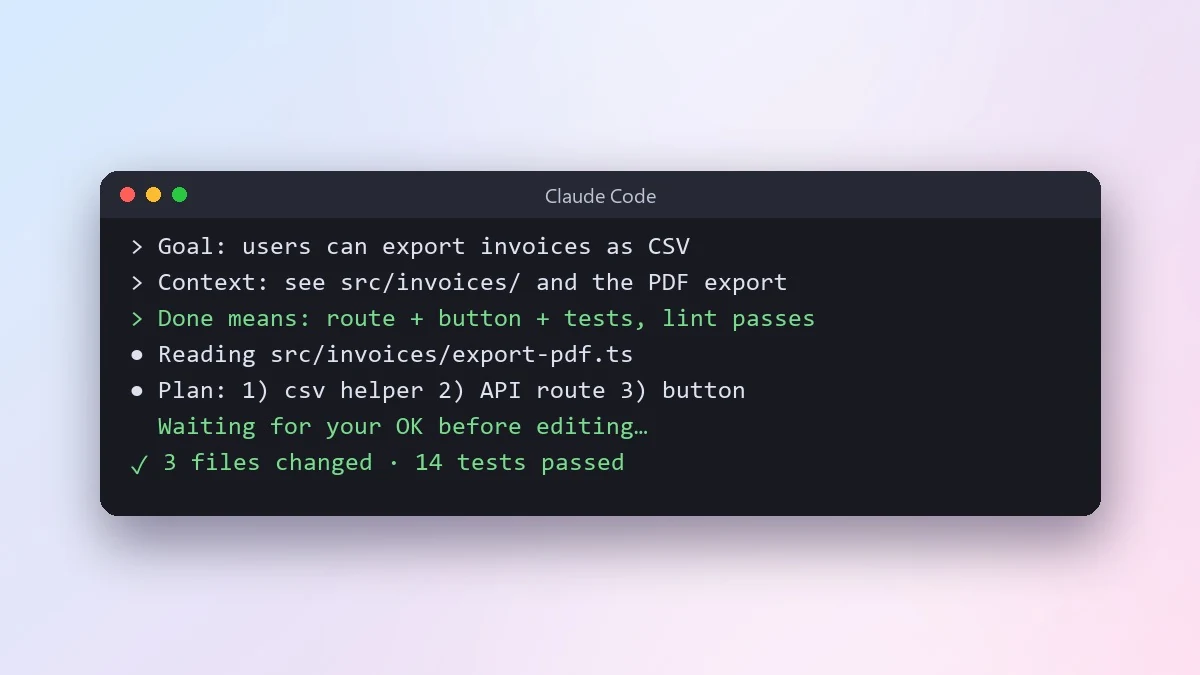 Give an AI coding agent a clear task briefClaude Code · Cursor
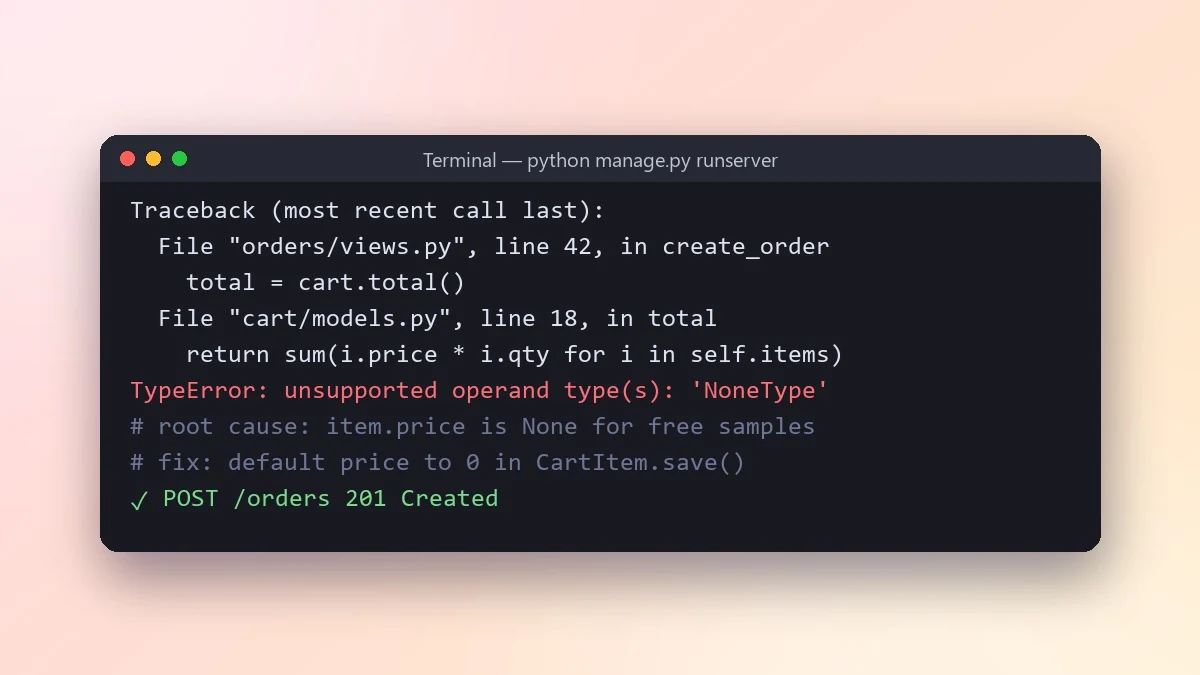 Find the root cause from a stack traceClaude · ChatGPT · Gemini
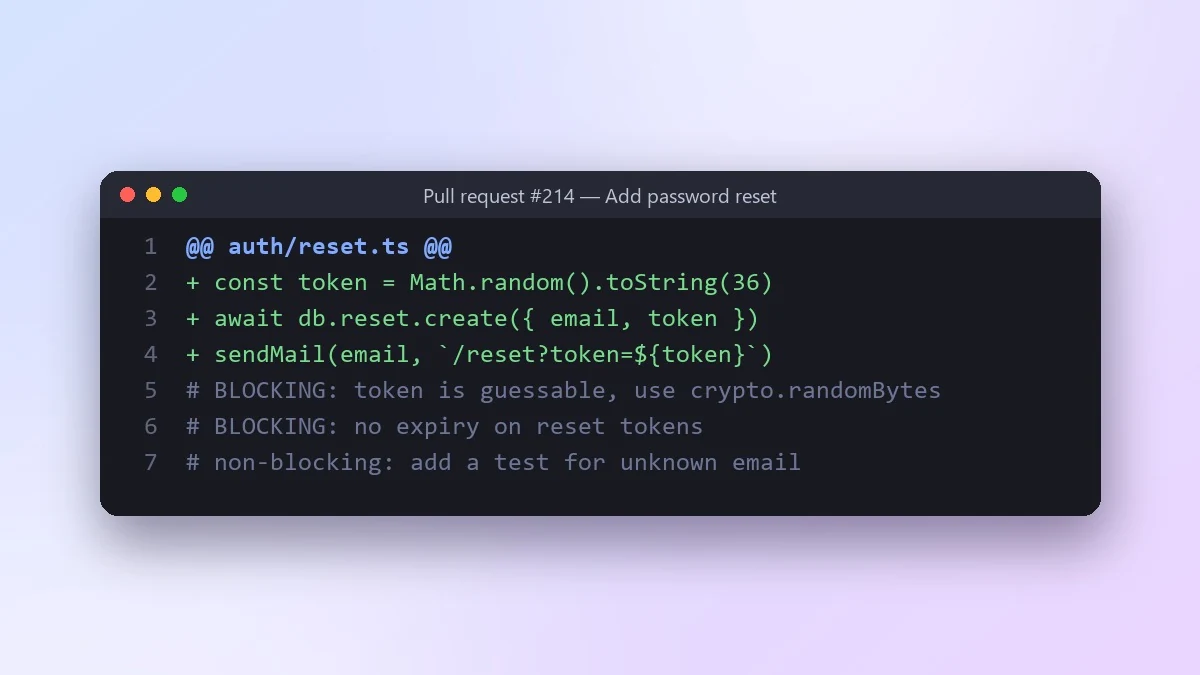 Review a pull request diff before you mergeClaude · ChatGPT · Claude Code
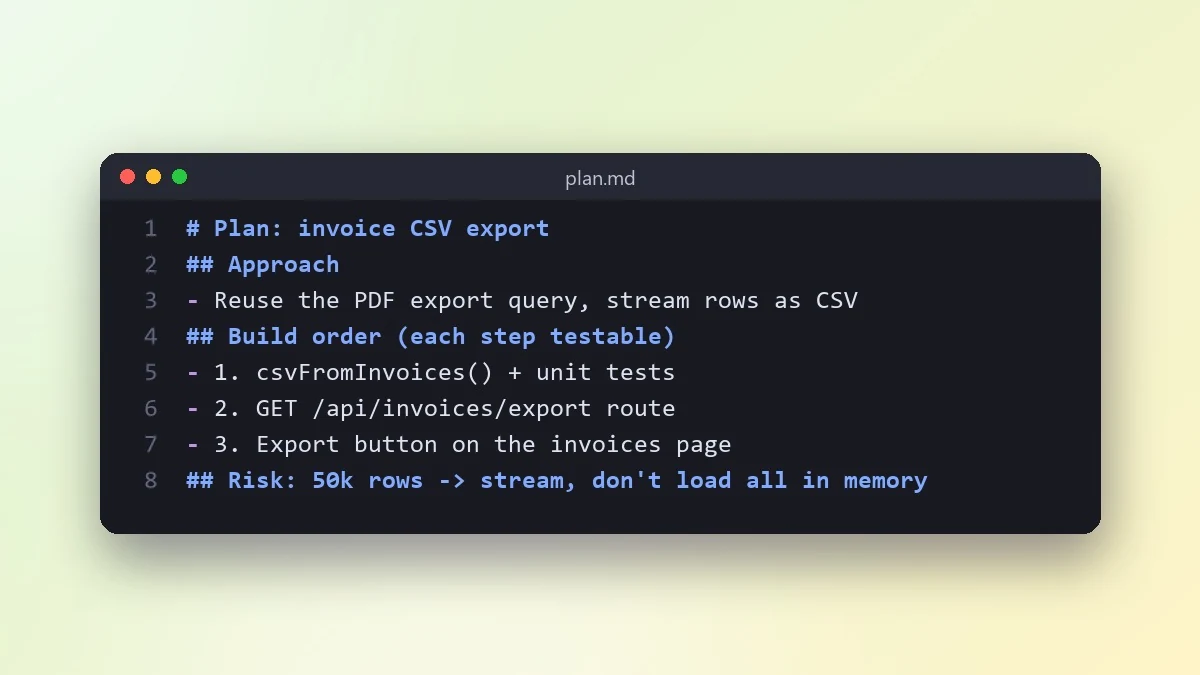 Plan a feature before writing any codeClaude · ChatGPT · Claude Code
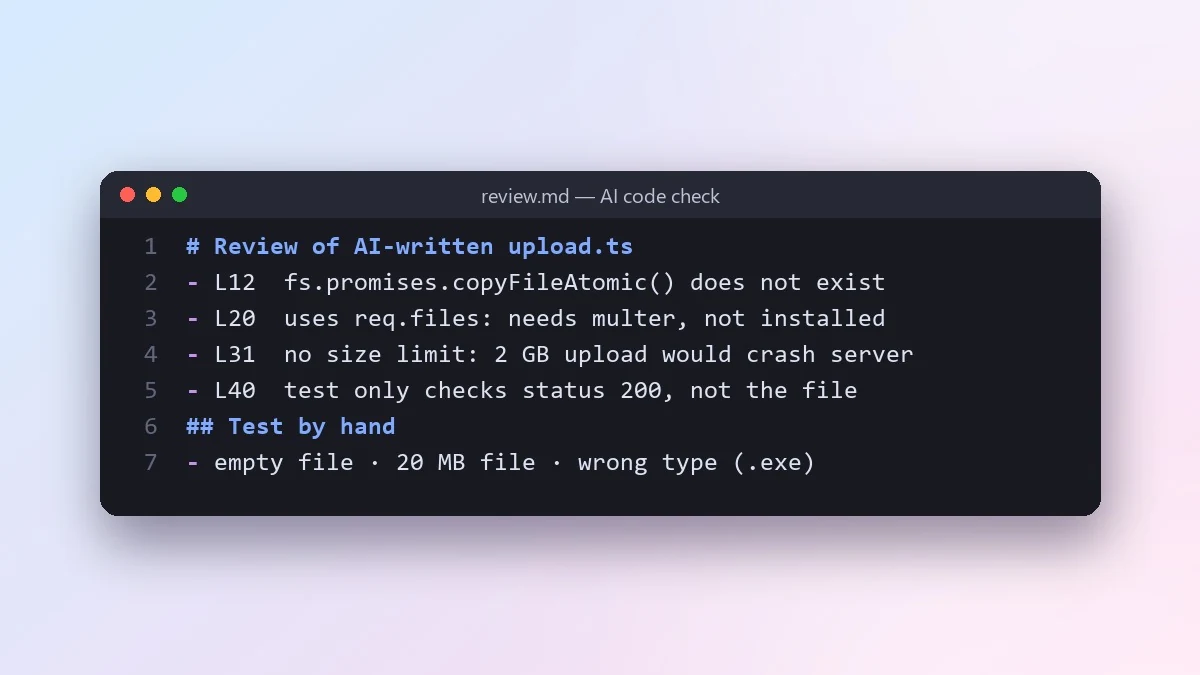 Review code written by an AI before you trust itClaude · ChatGPT · Claude Code
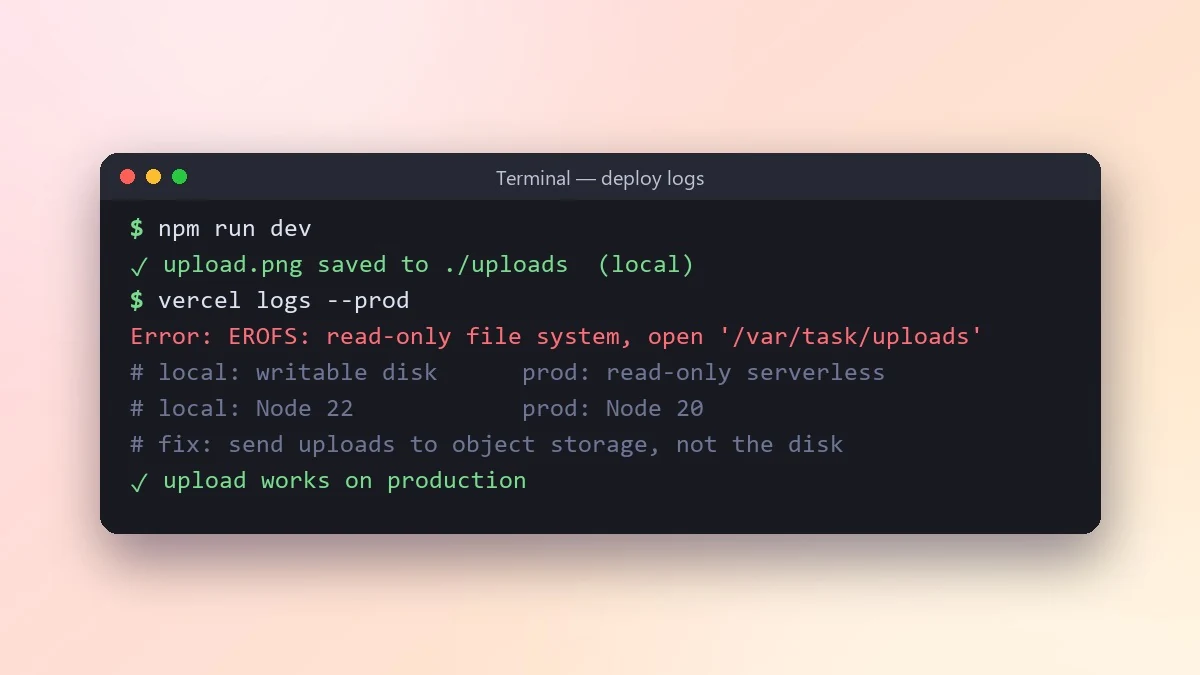 Fix a bug that works locally but fails in productionClaude · ChatGPT · Gemini
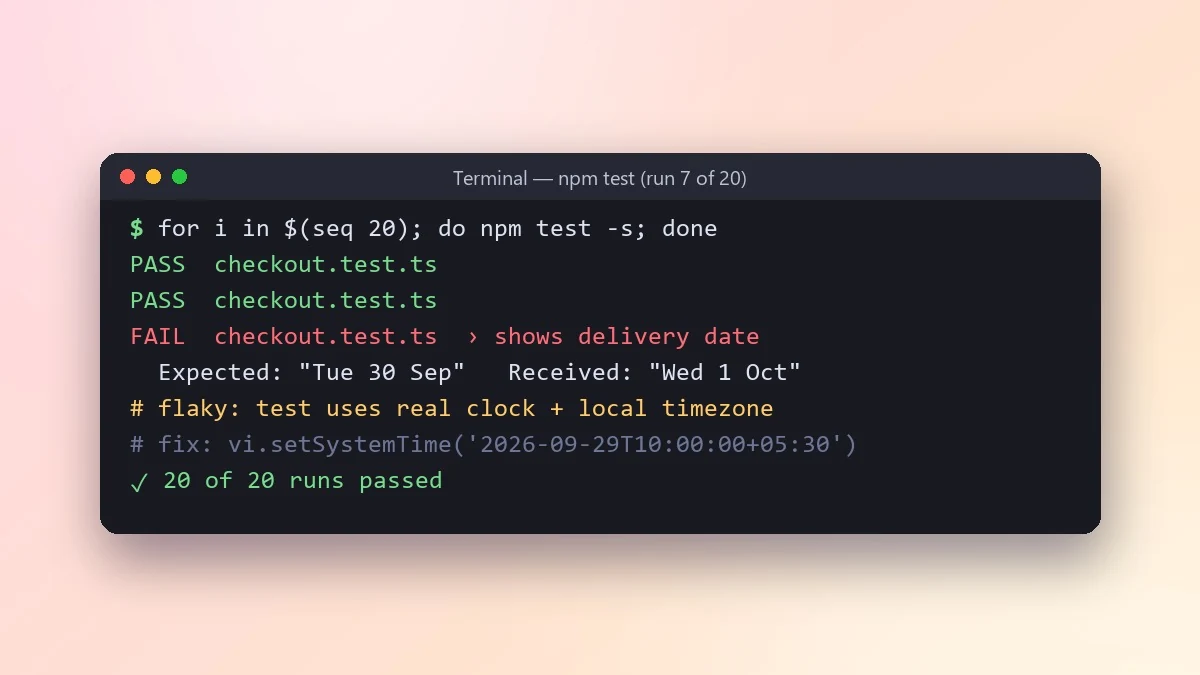 Fix a flaky test that passes and fails at randomClaude · ChatGPT · Gemini
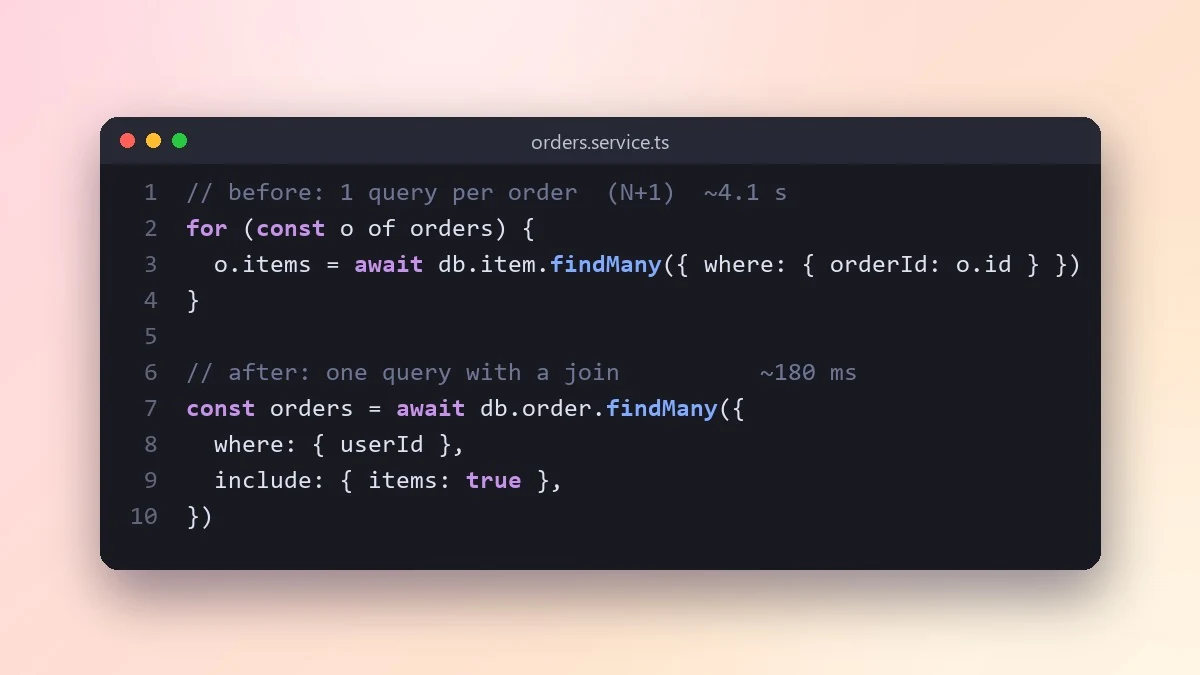 Speed up a slow API endpoint or functionClaude · ChatGPT · Gemini
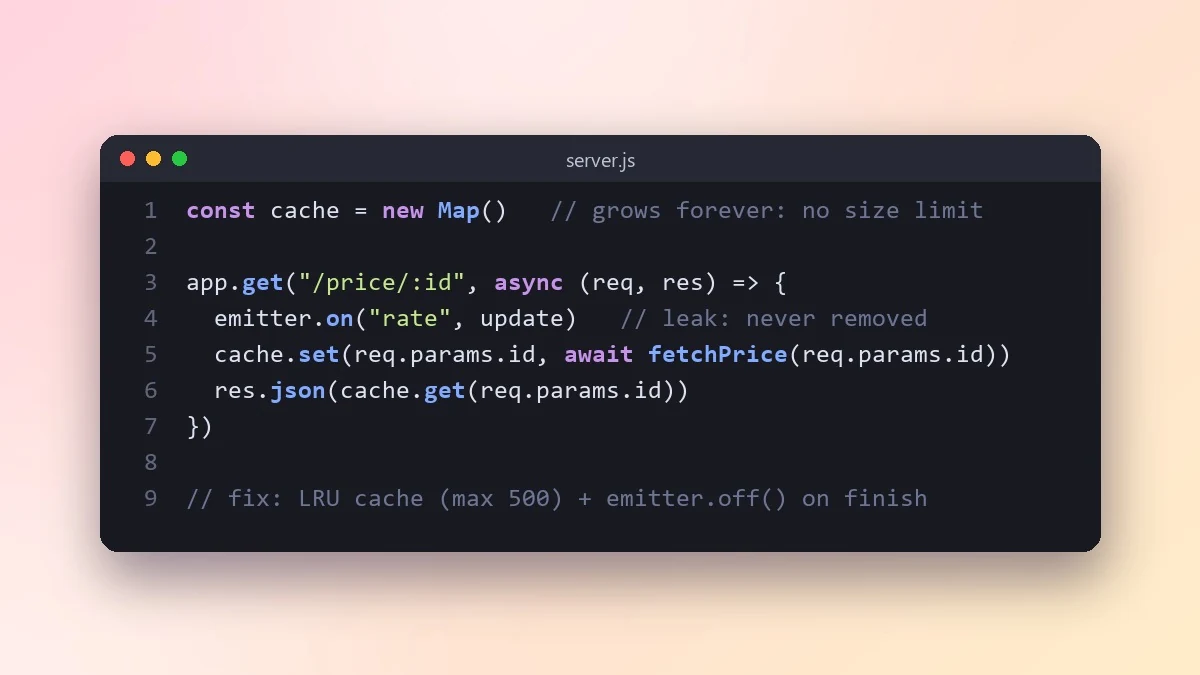 Track down a memory leakClaude · ChatGPT · Gemini
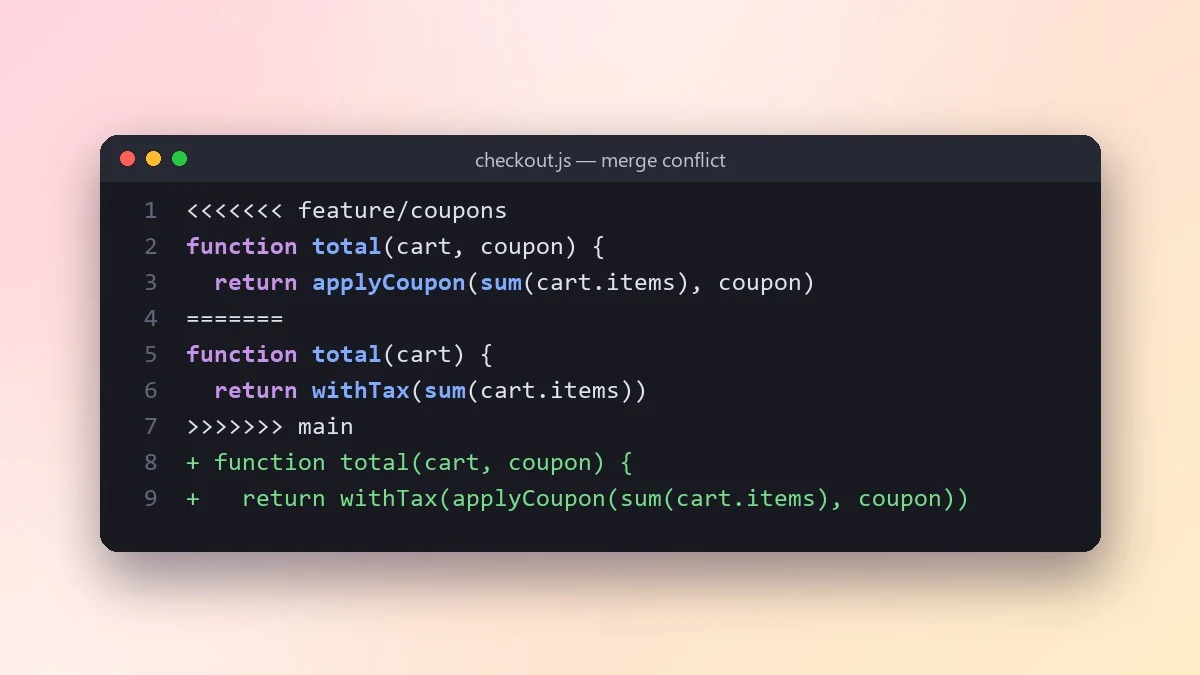 Resolve a Git merge conflict safelyClaude · ChatGPT · Claude Code
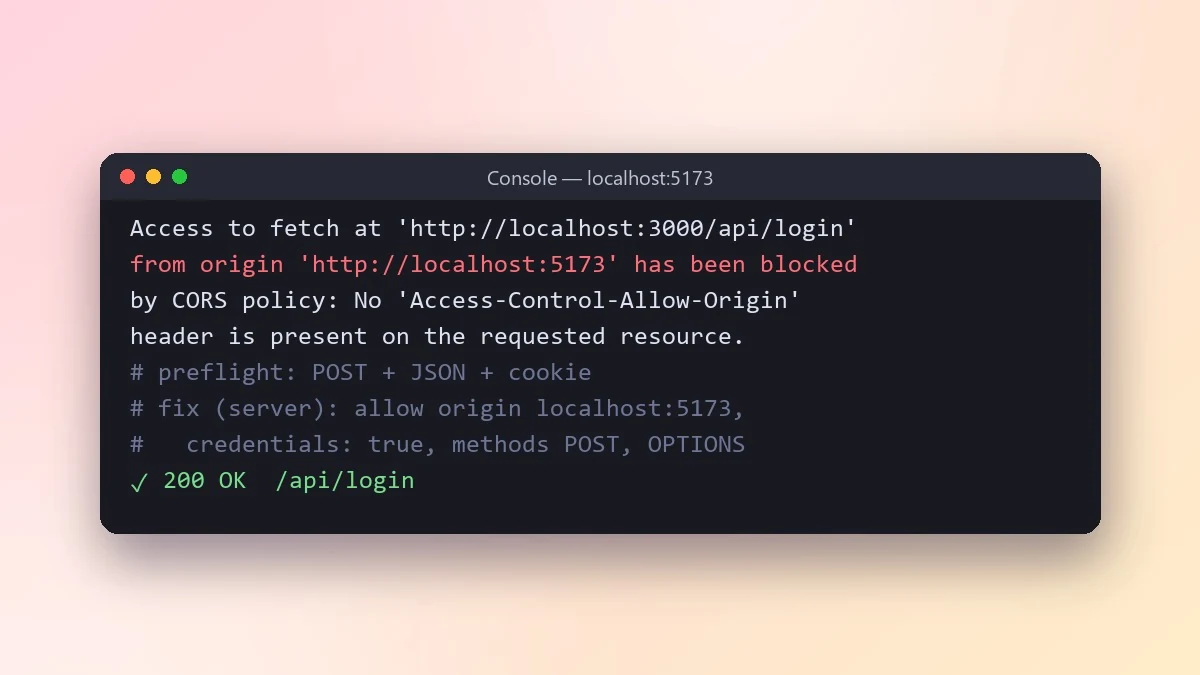 Fix a CORS error between frontend and APIClaude · ChatGPT · Gemini
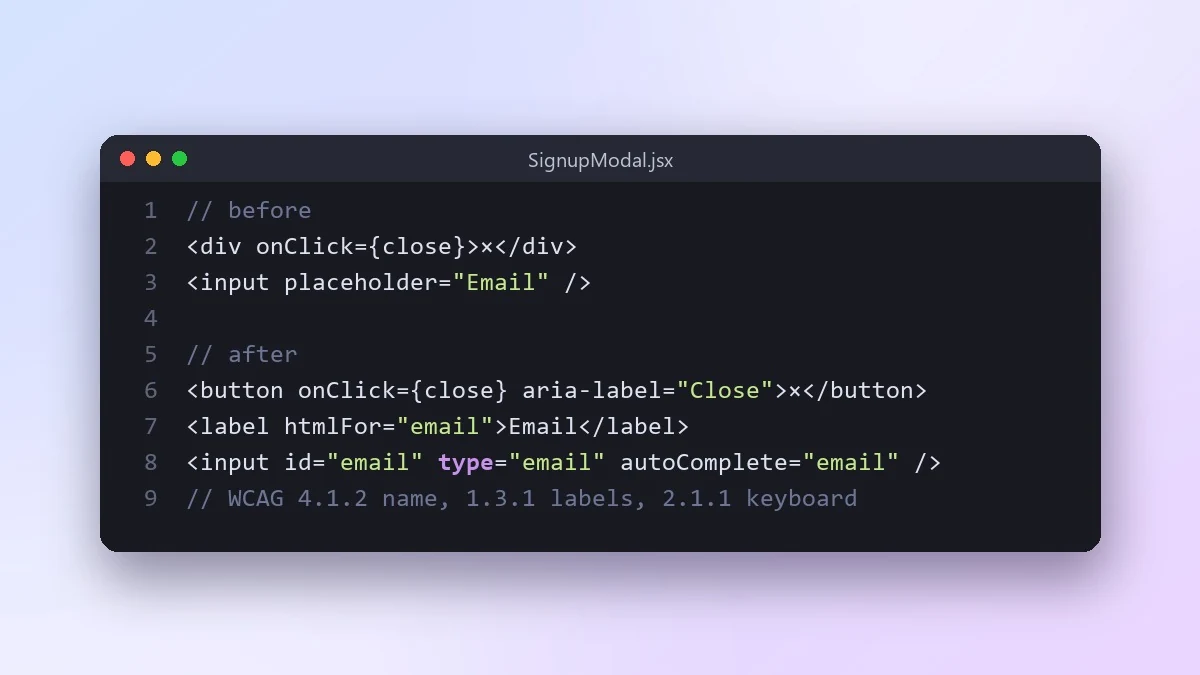 Check a UI component for accessibilityClaude · ChatGPT · Gemini
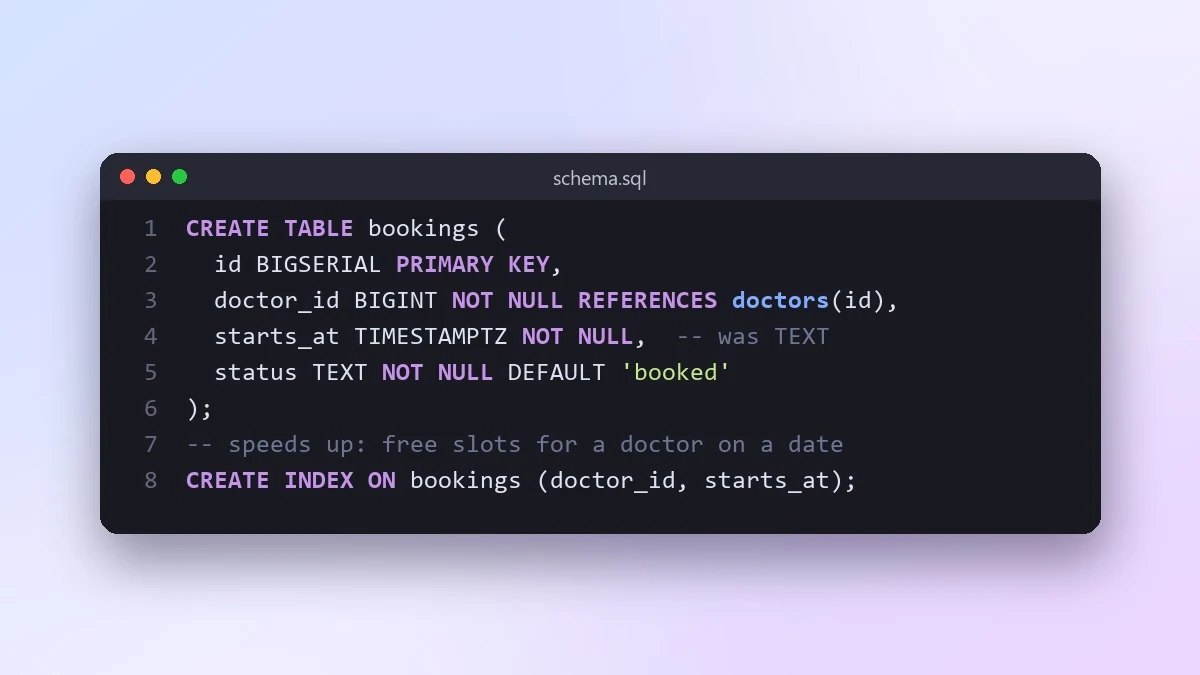 Review a database schema before it goes liveClaude · ChatGPT · Gemini
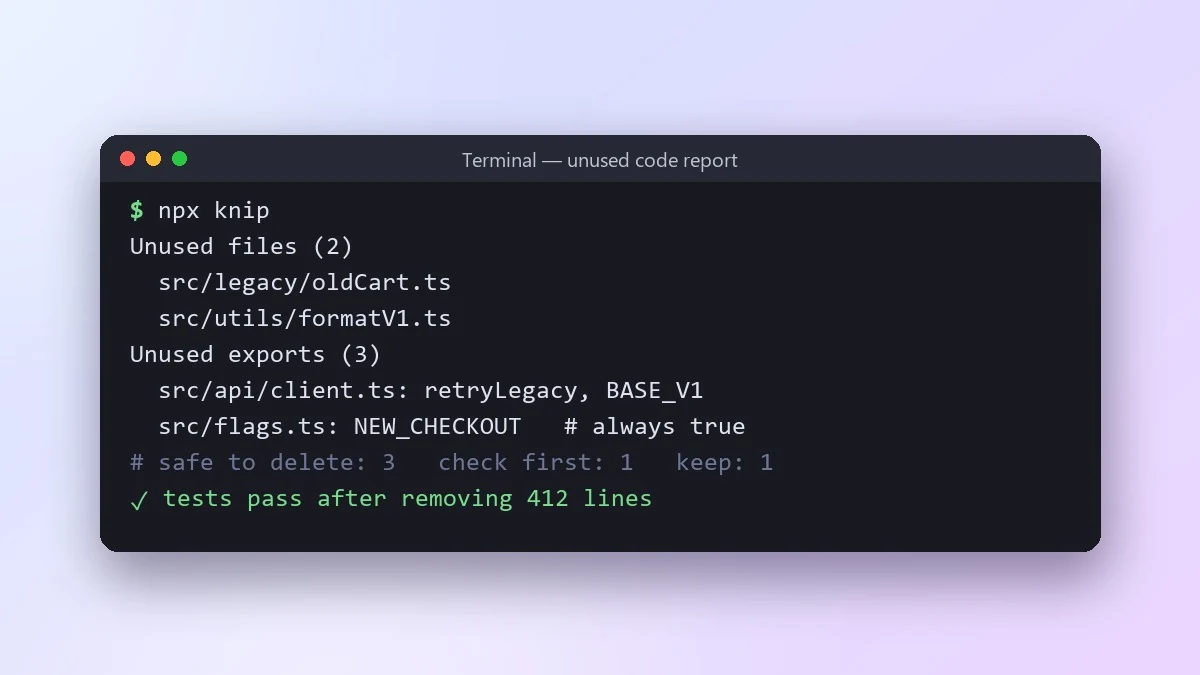 Find dead code and safe things to deleteClaude · ChatGPT · Claude Code
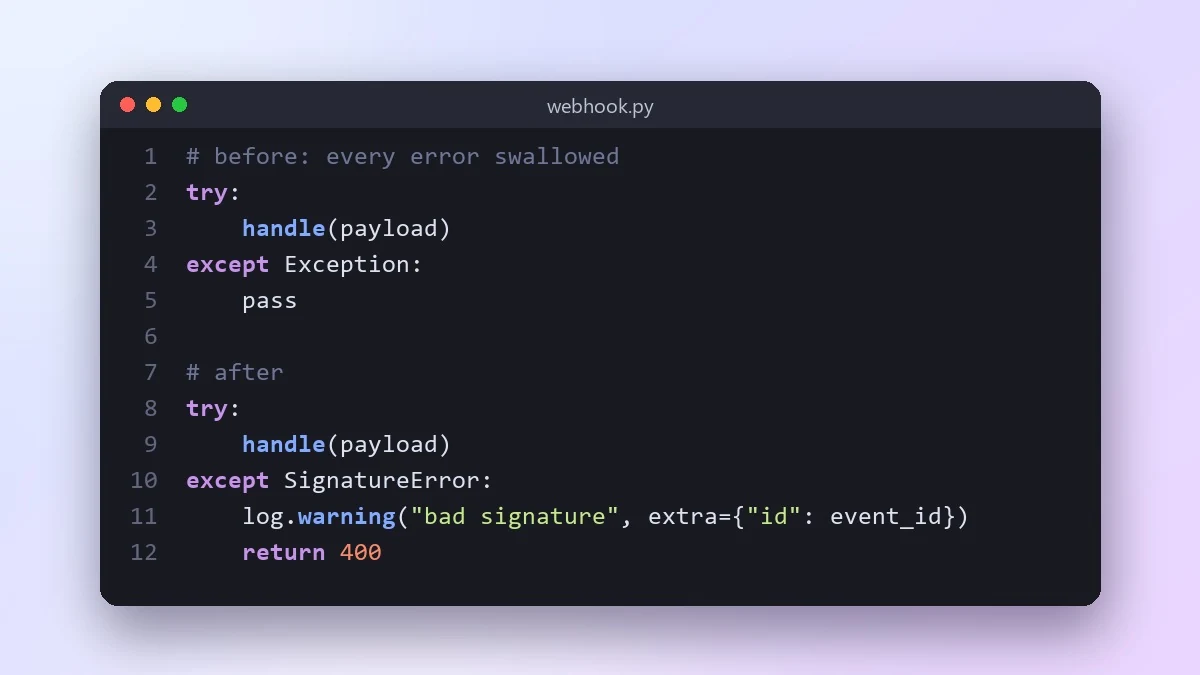 Improve error handling in your codeClaude · ChatGPT · Gemini
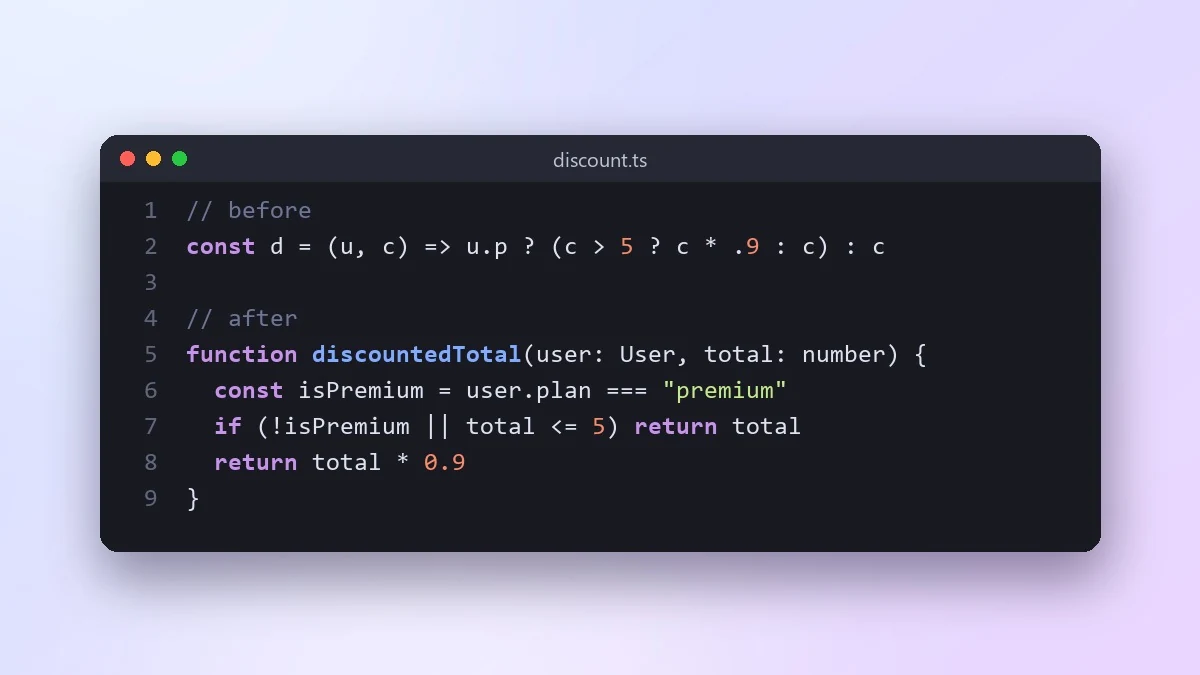 Make confusing code easy to readClaude · ChatGPT · Gemini
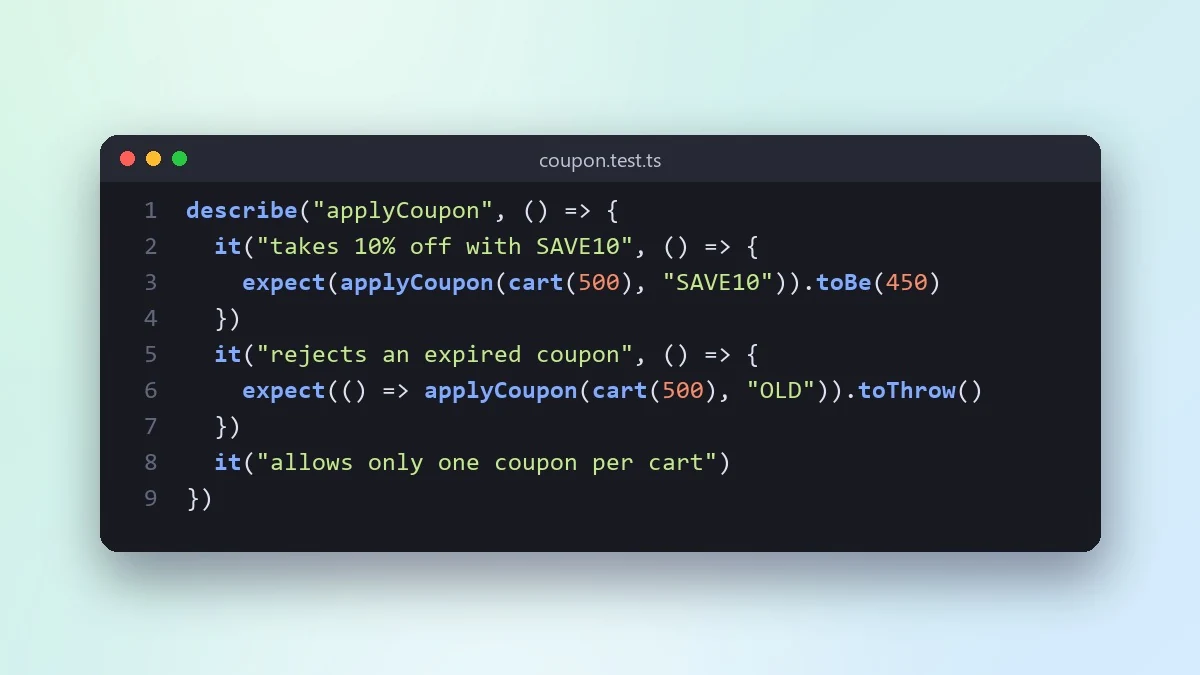 Write the tests first for a new featureClaude · ChatGPT · Claude Code
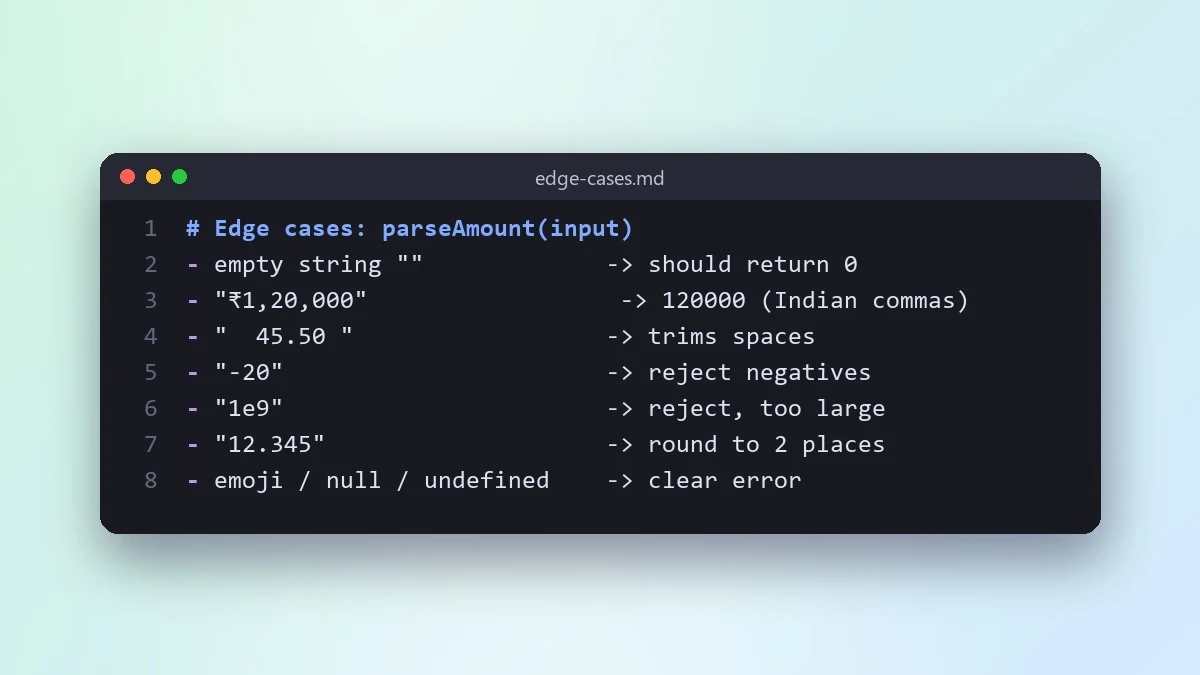 List the edge cases your code might missClaude · ChatGPT · Gemini
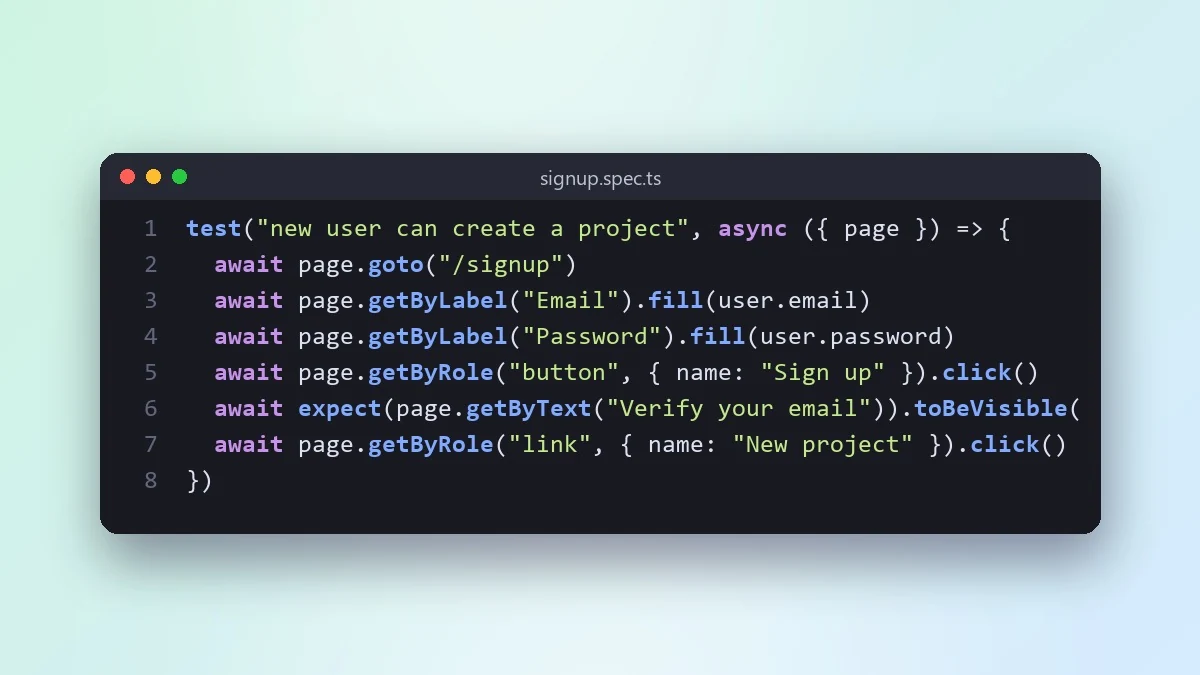 Write an end-to-end test for a user journeyClaude · ChatGPT · Claude Code
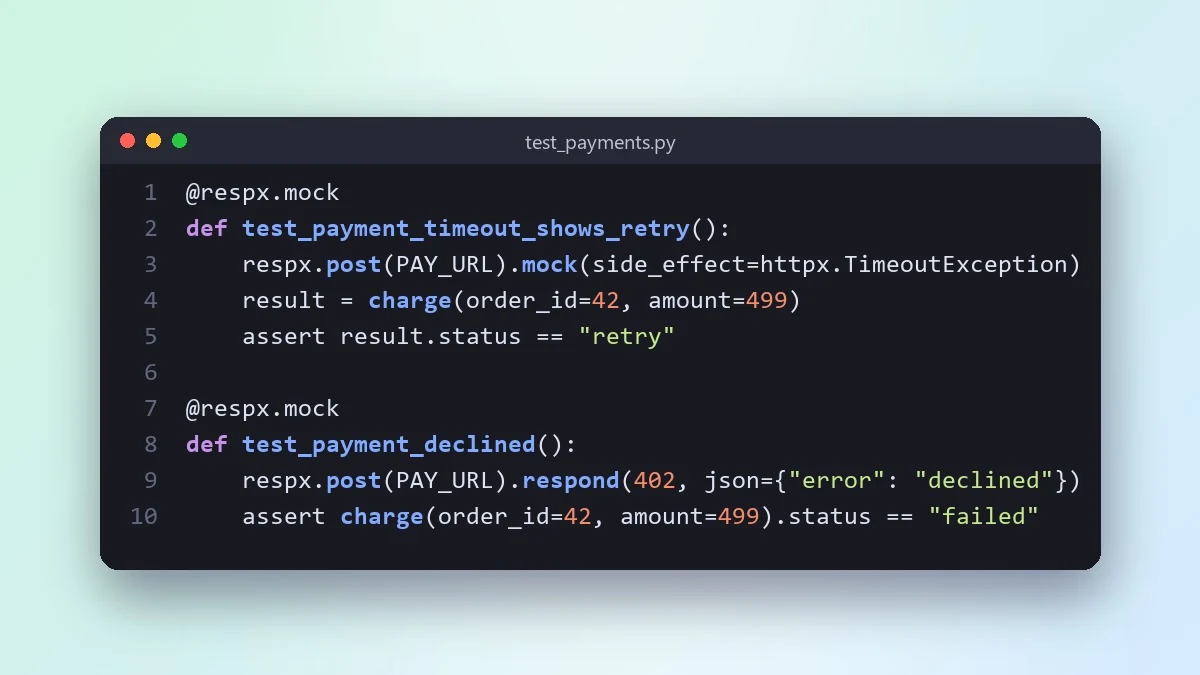 Mock an external API in your testsClaude · ChatGPT · Gemini
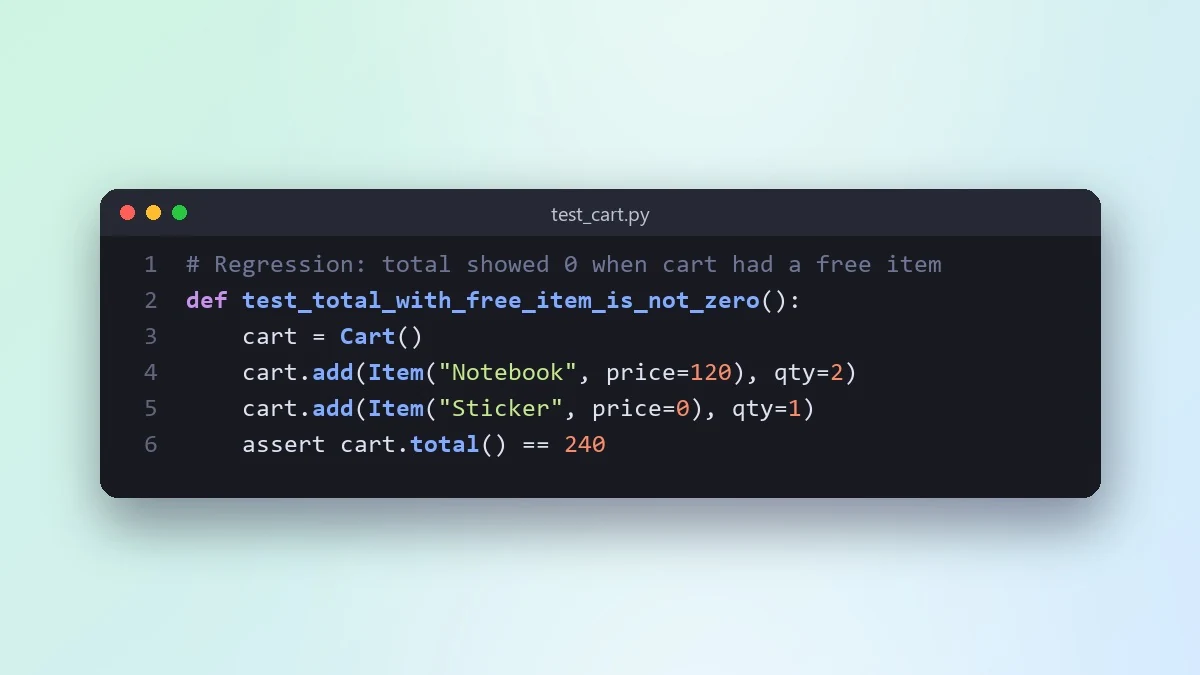 Turn a fixed bug into a regression testClaude · ChatGPT · Claude Code
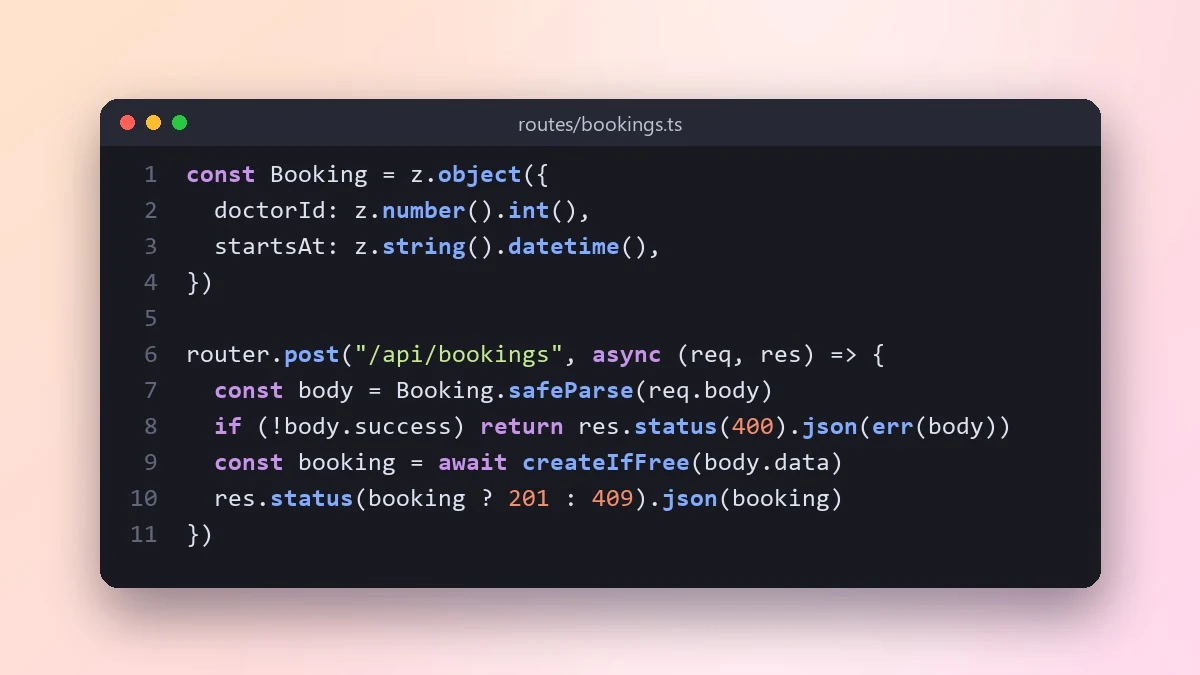 Build a REST API endpoint with validationClaude · ChatGPT · Gemini
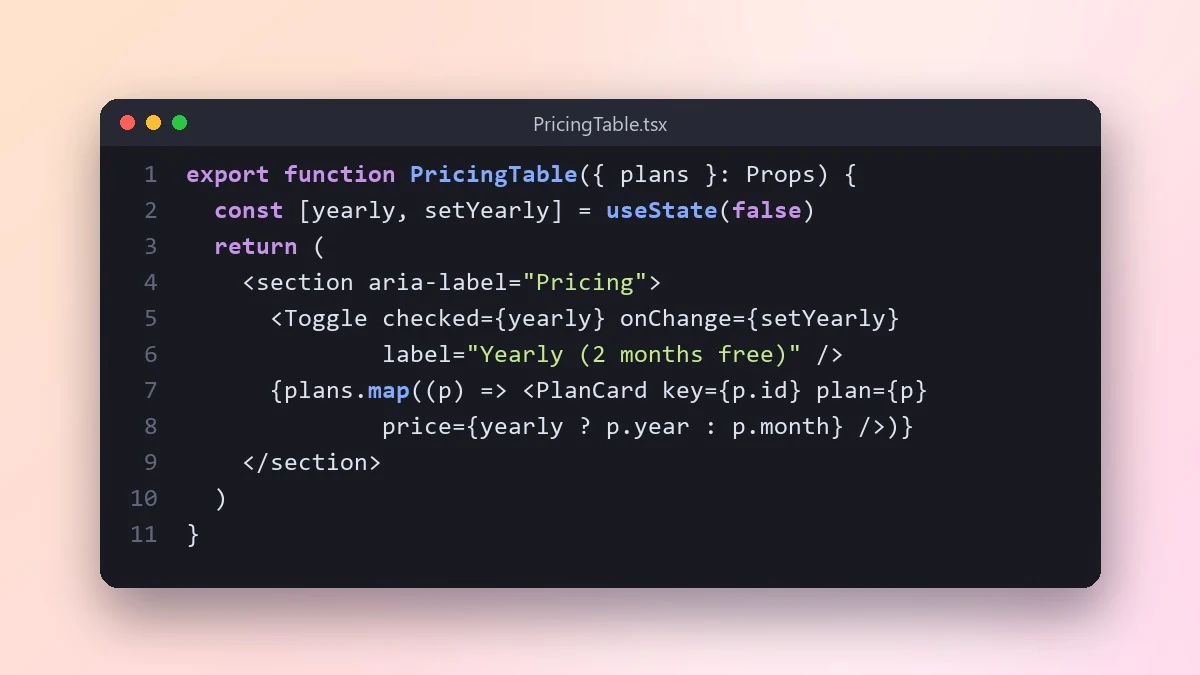 Build a React component from a descriptionClaude · ChatGPT · Gemini
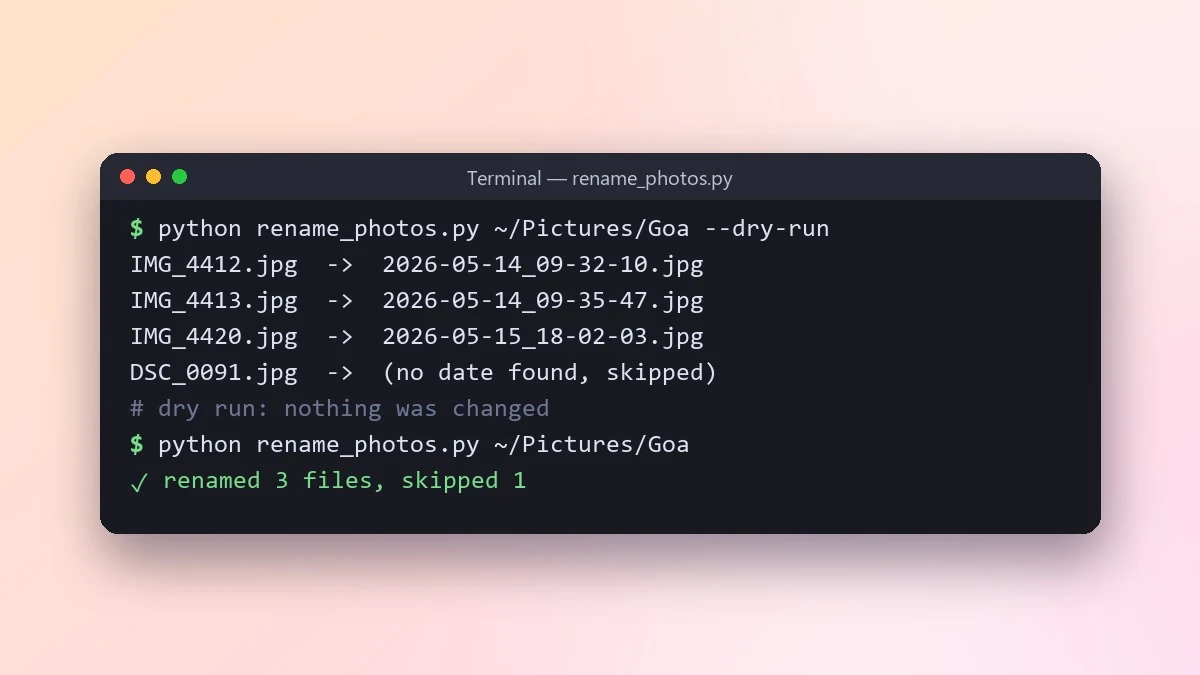 Build a small command-line toolClaude · ChatGPT · Gemini
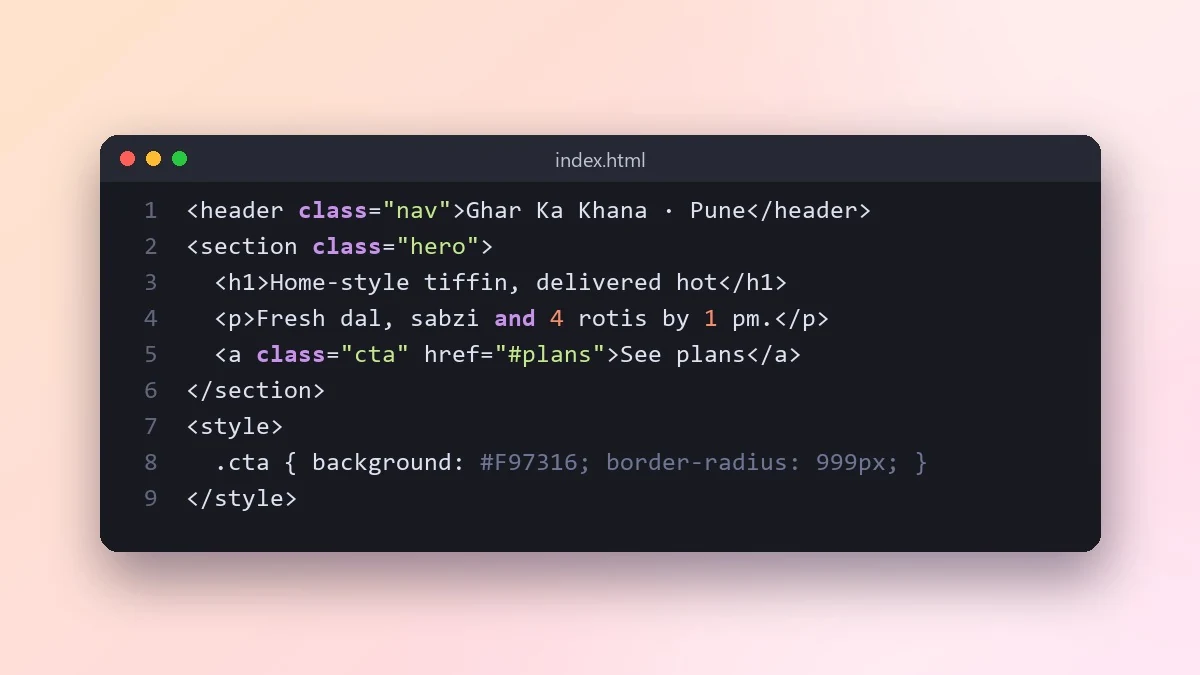 Build a landing page in plain HTML and CSSClaude · ChatGPT · Gemini
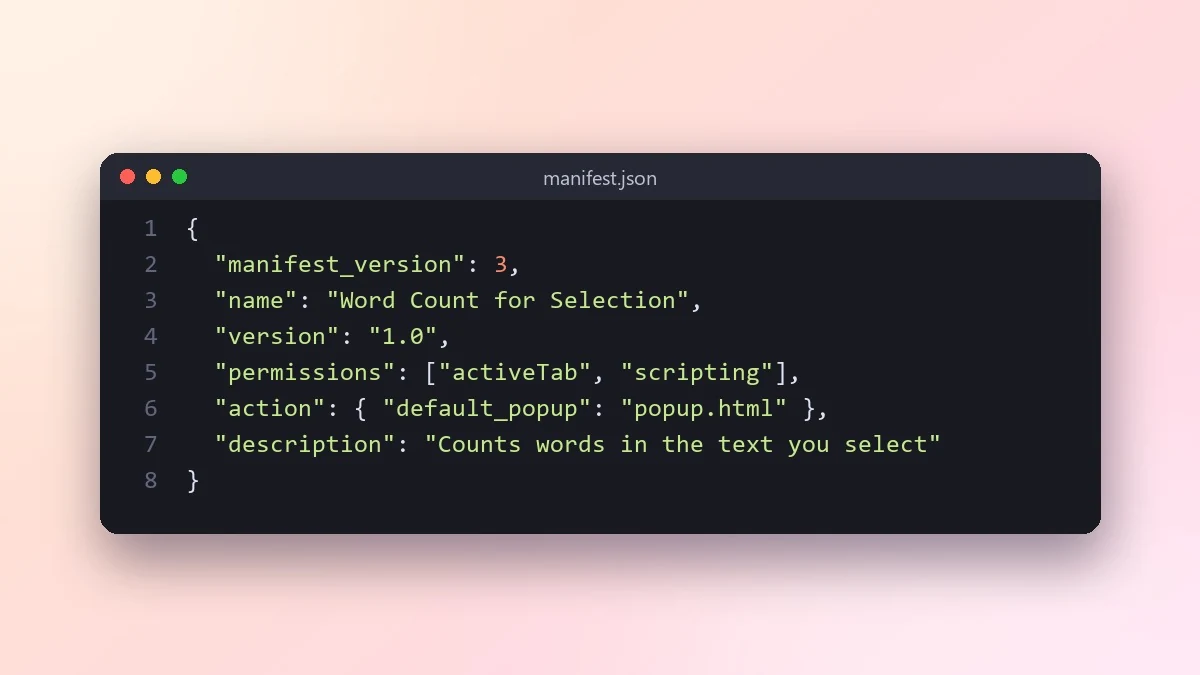 Build a simple Chrome extensionClaude · ChatGPT · Gemini
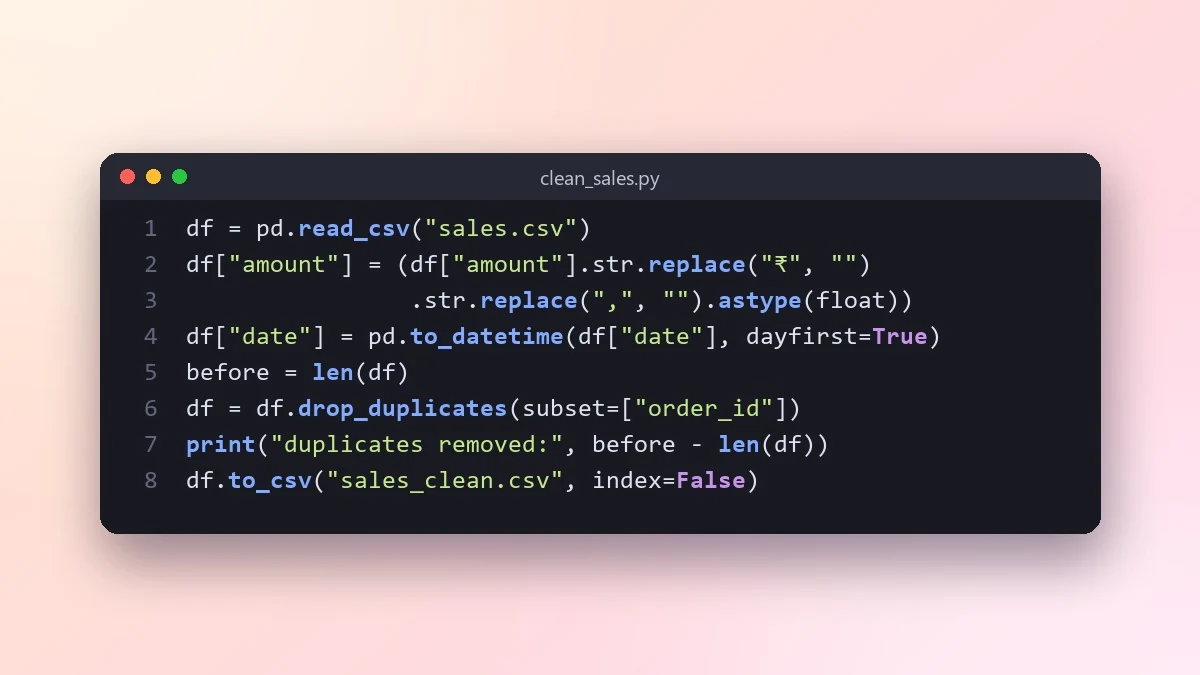 Clean a messy spreadsheet with PythonClaude · ChatGPT · Gemini
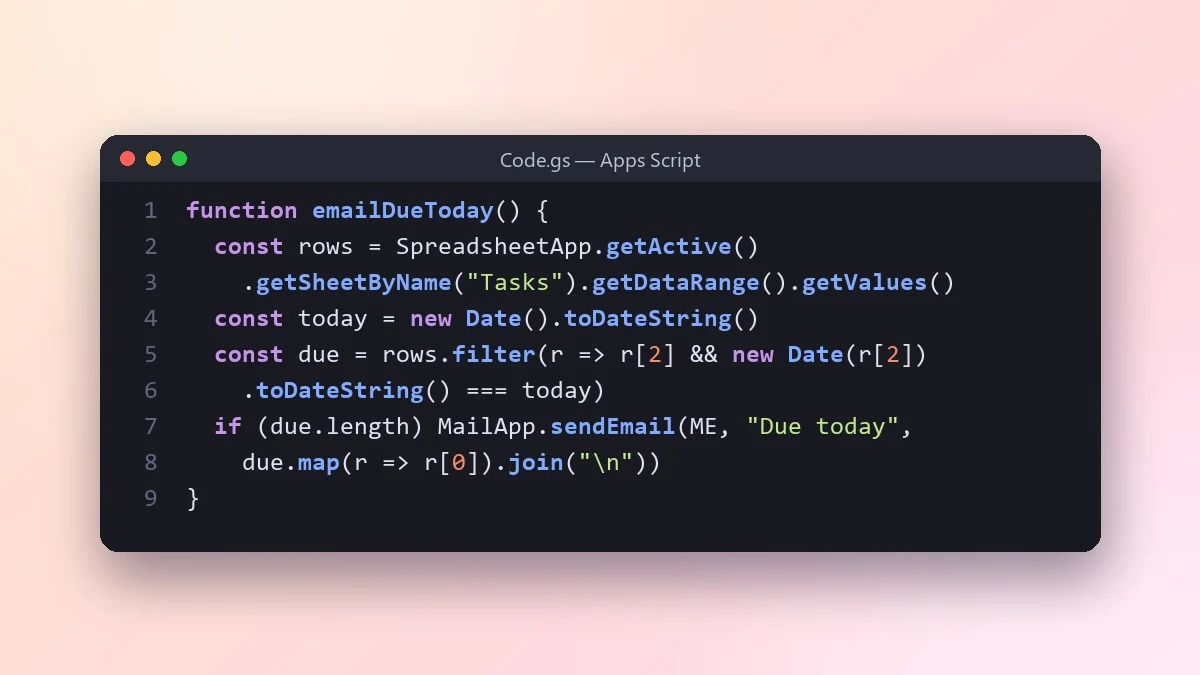 Automate Google Sheets with Apps ScriptClaude · ChatGPT · Gemini
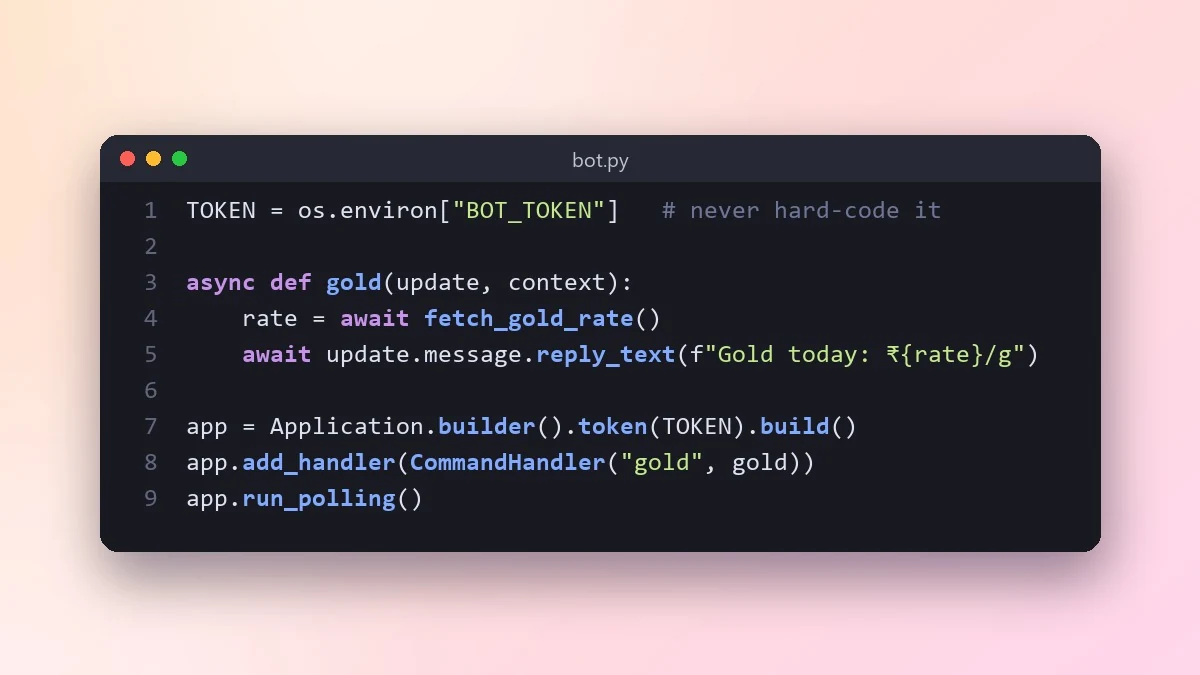 Build a simple Telegram or Discord botClaude · ChatGPT · Gemini
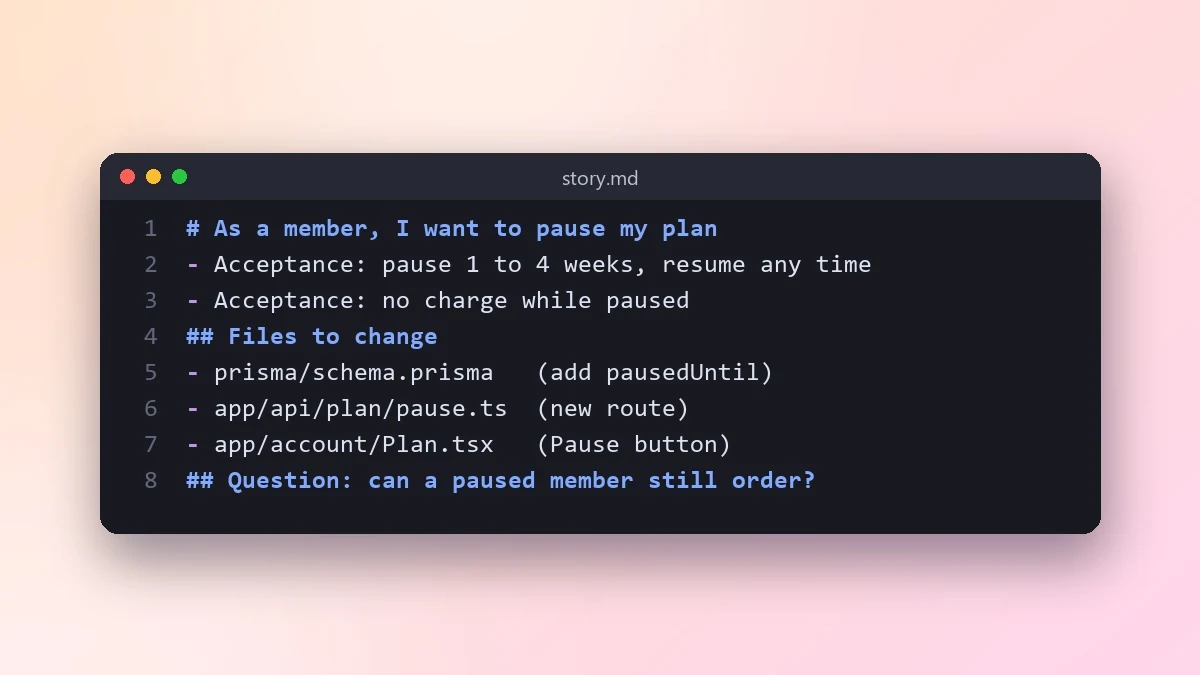 Turn a user story into working codeClaude · ChatGPT · Claude Code
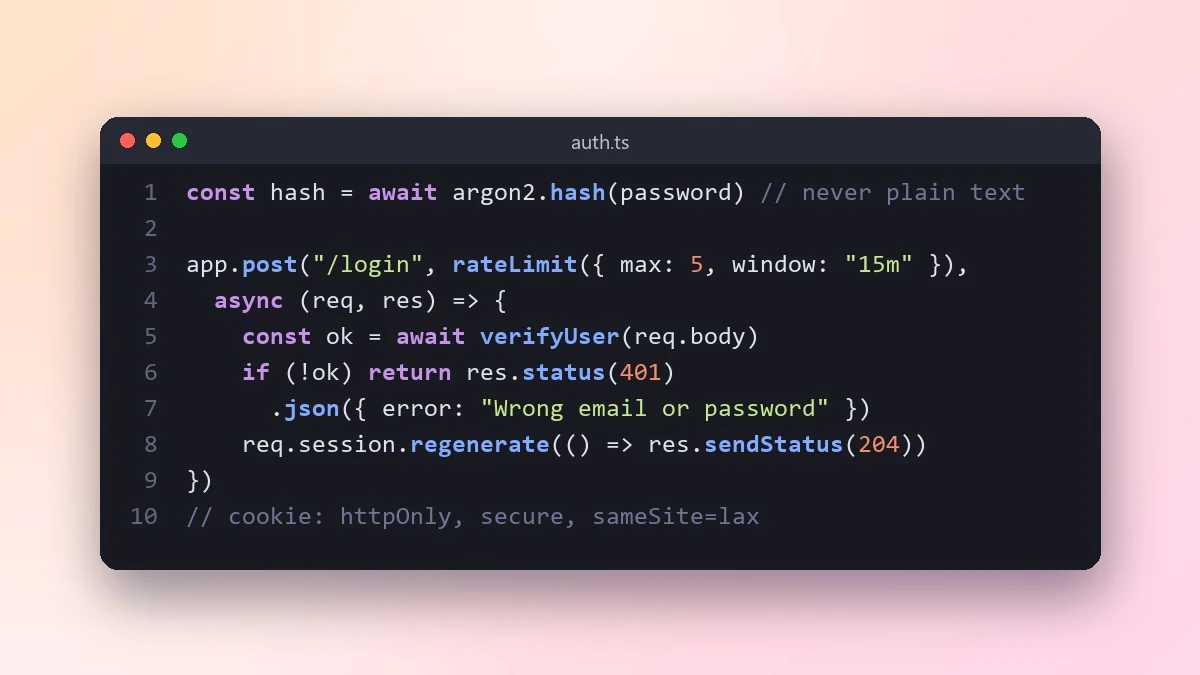 Add secure login to a web appClaude · ChatGPT · Gemini
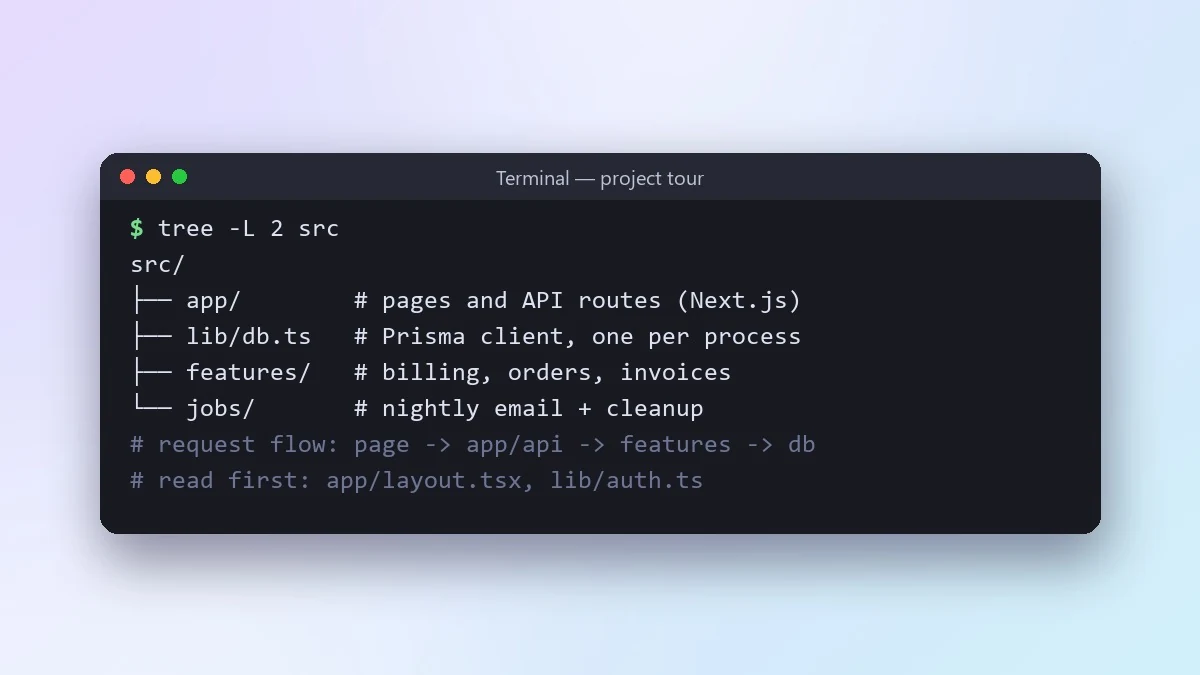 Understand a new codebase fastClaude · ChatGPT · Claude Code
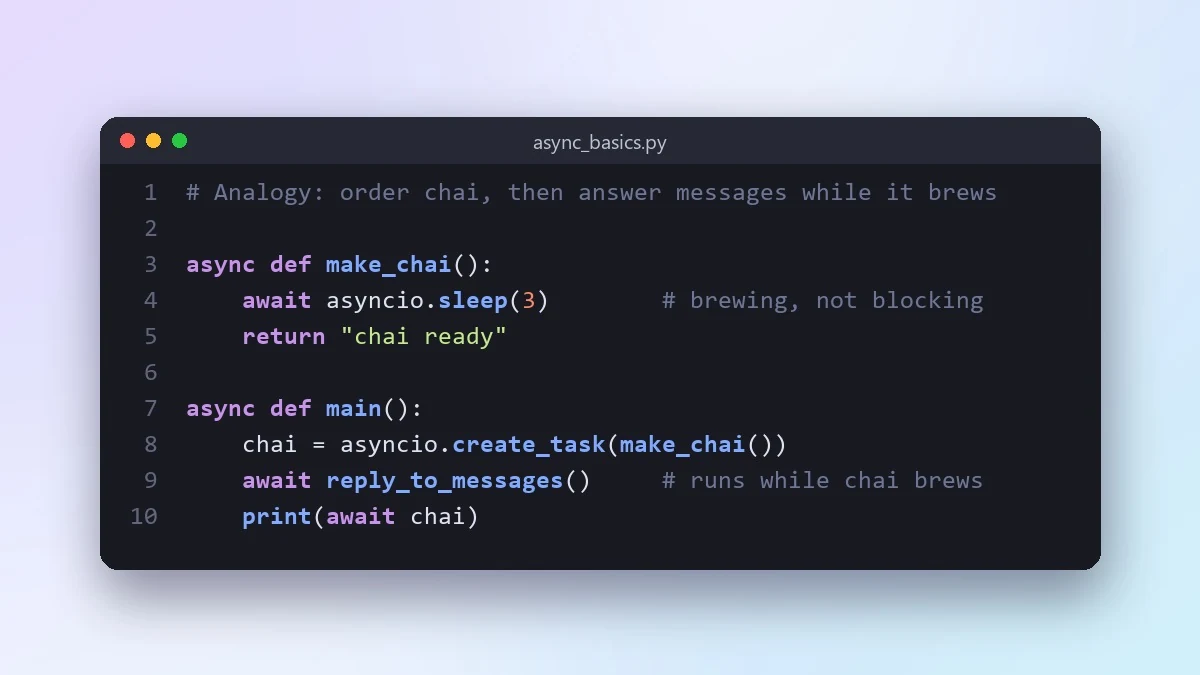 Learn a programming concept with analogiesClaude · ChatGPT · Gemini
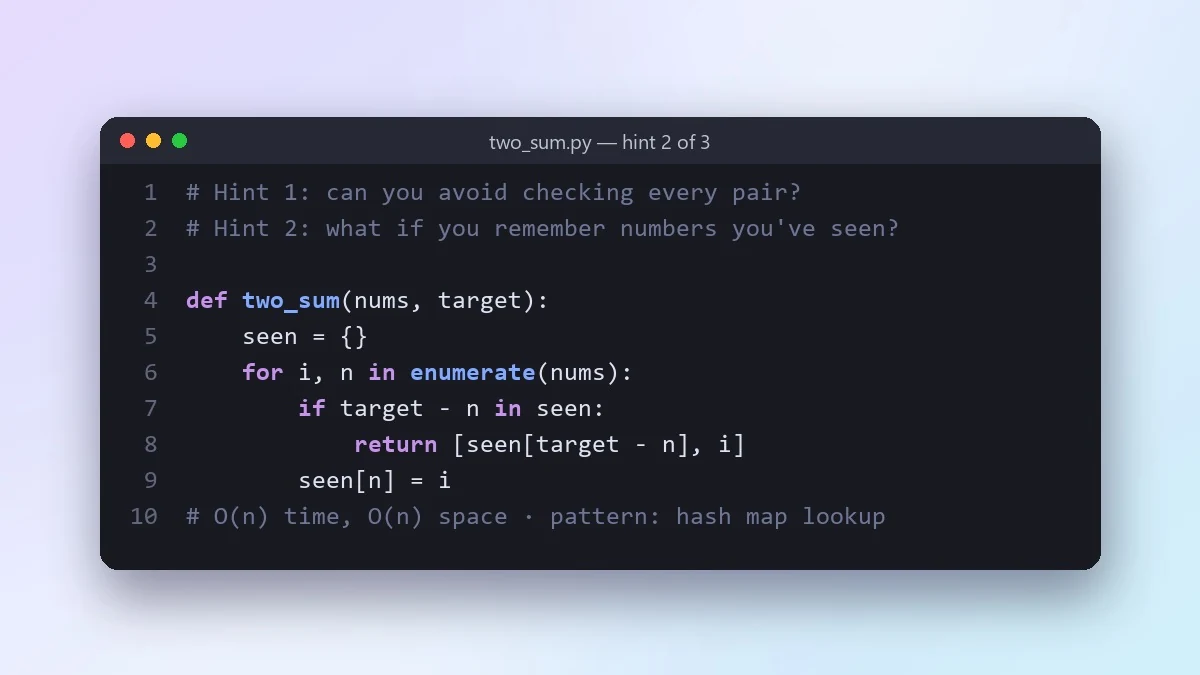 Practise coding interview problems with hintsClaude · ChatGPT · Gemini
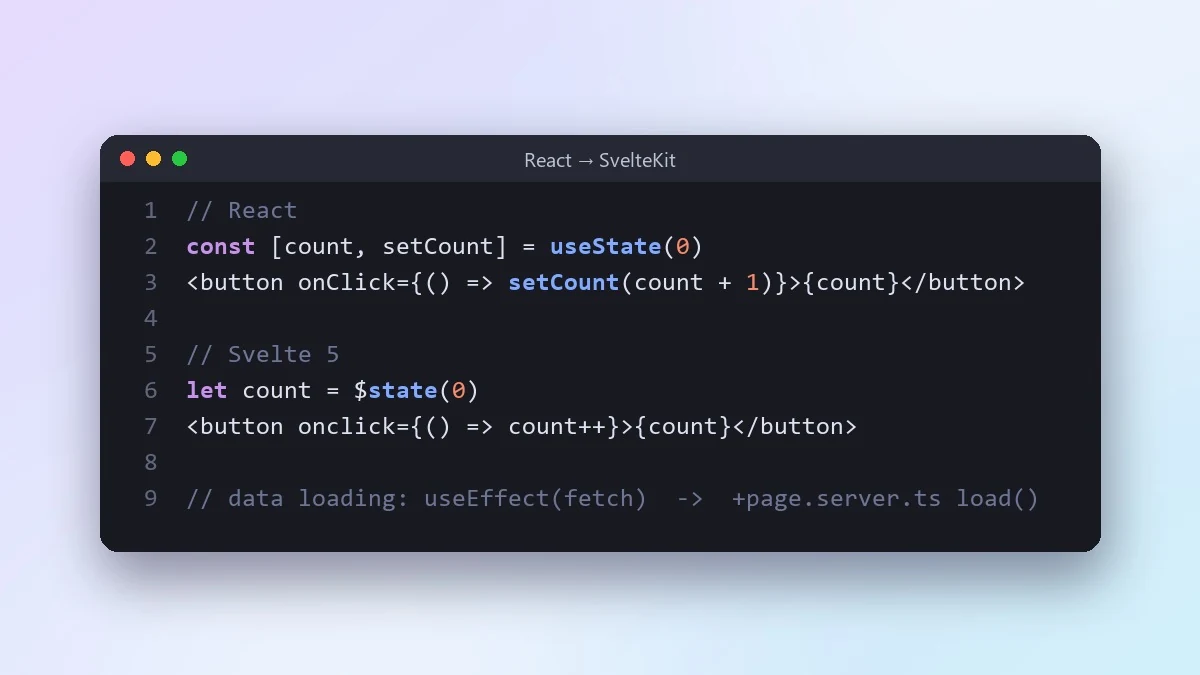 Learn a new framework using one you knowClaude · ChatGPT · Gemini
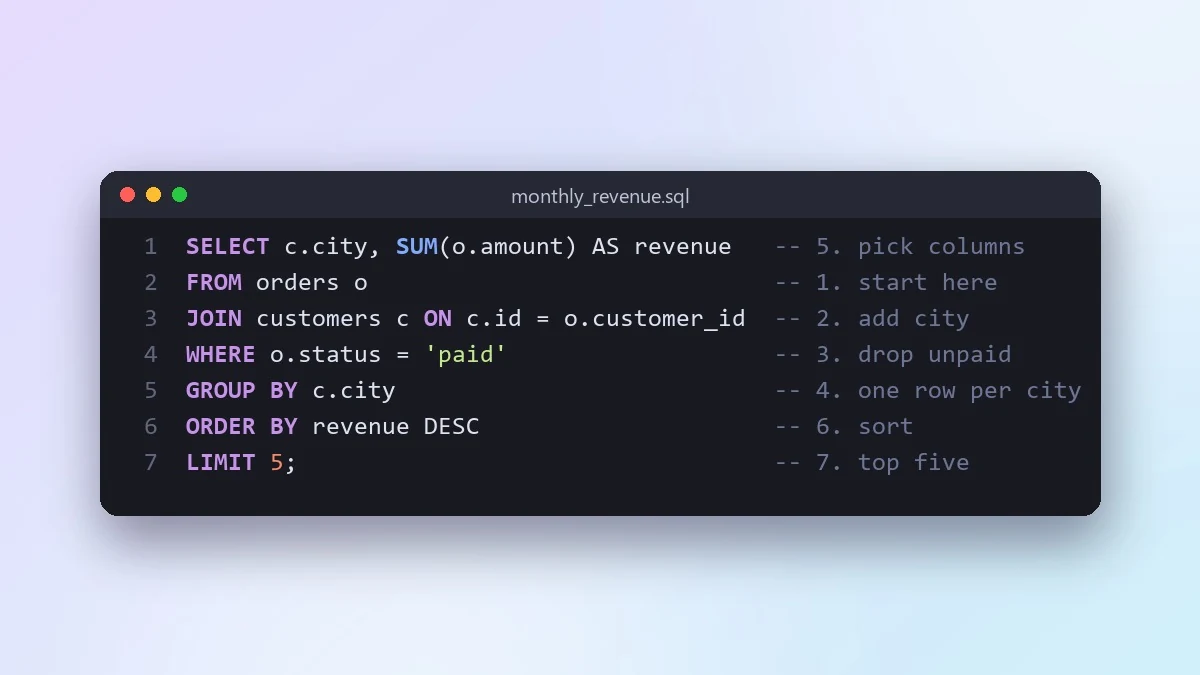 Understand a long SQL query step by stepClaude · ChatGPT · Gemini
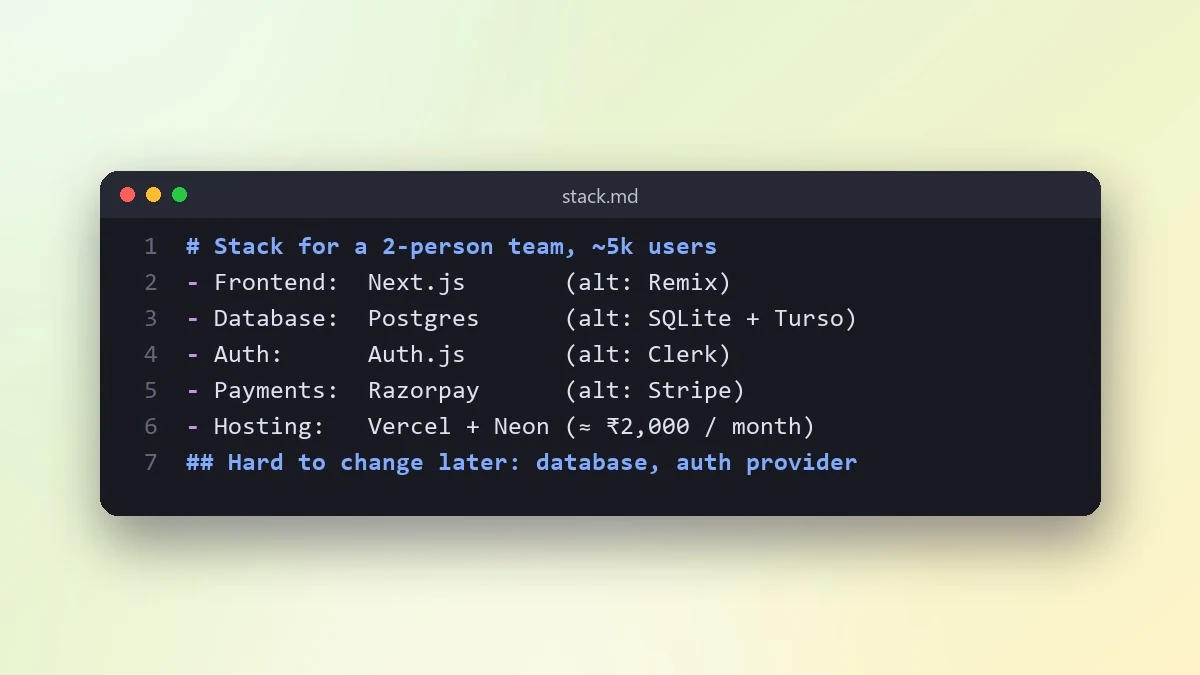 Choose a tech stack for your projectClaude · ChatGPT · Gemini
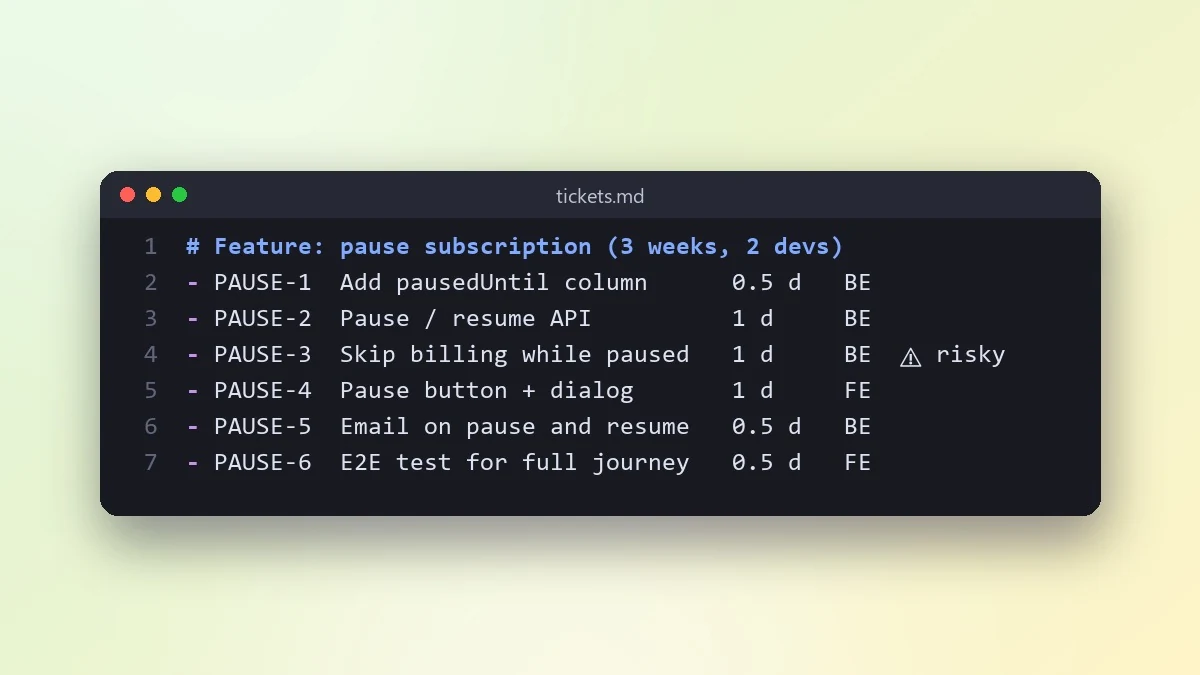 Break a project into small ticketsClaude · ChatGPT · Gemini
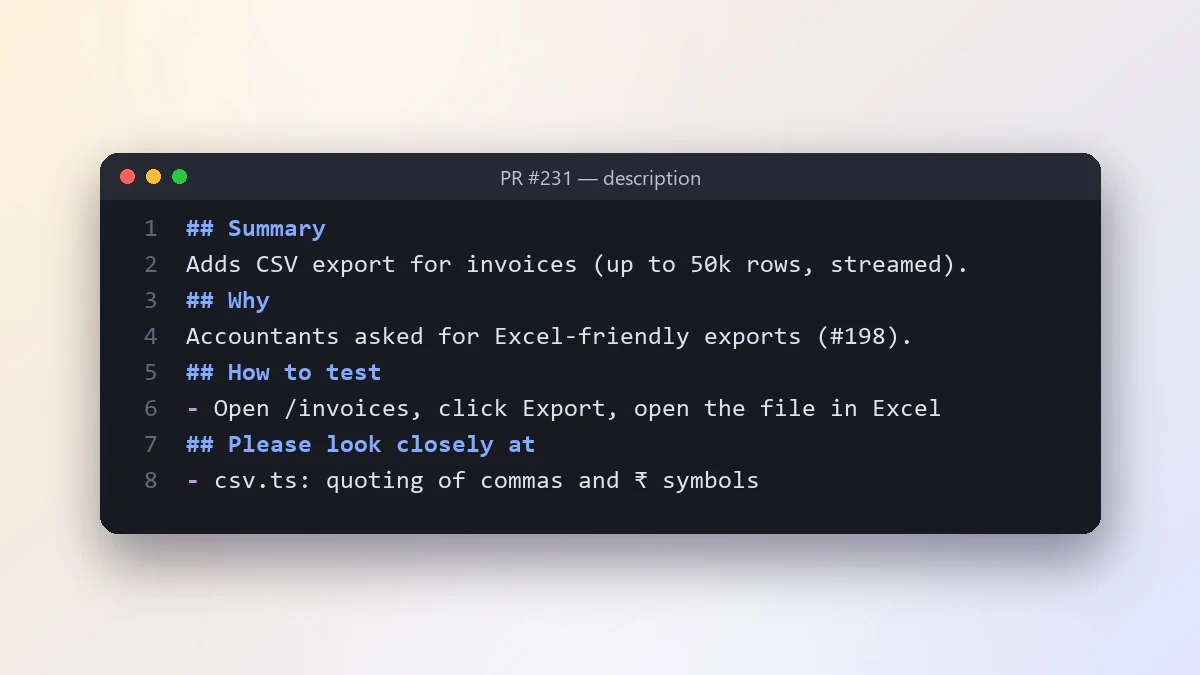 Write a pull request description reviewers loveClaude · ChatGPT · Claude Code
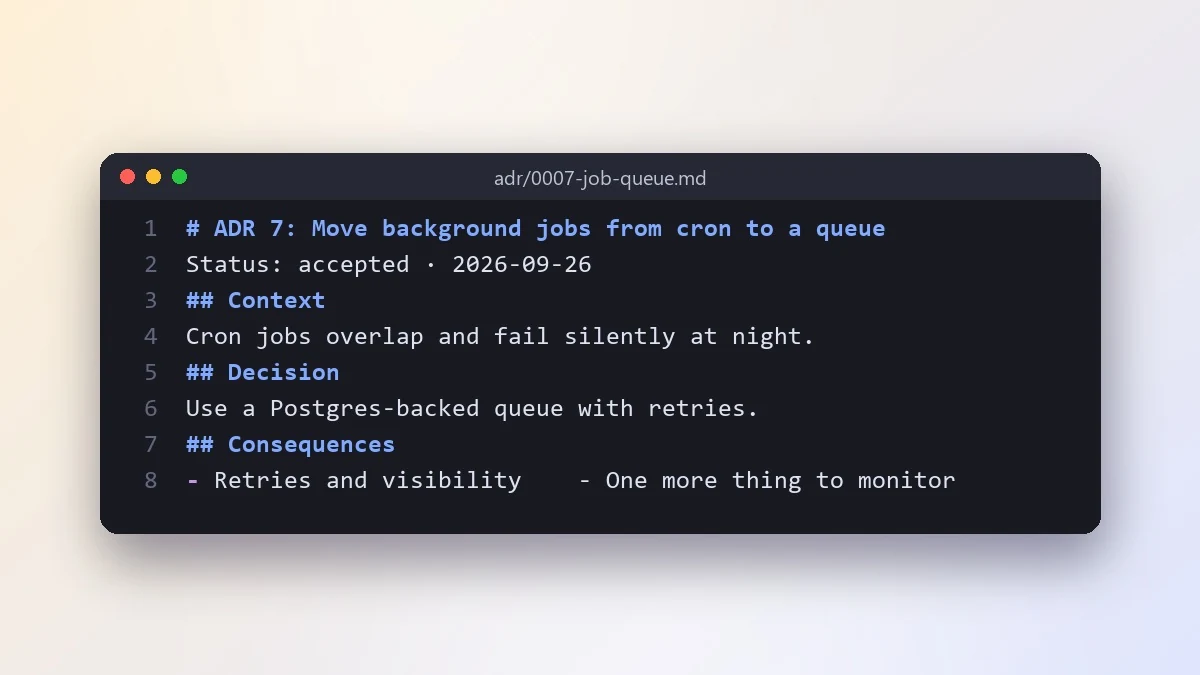 Write an architecture decision recordClaude · ChatGPT · Gemini
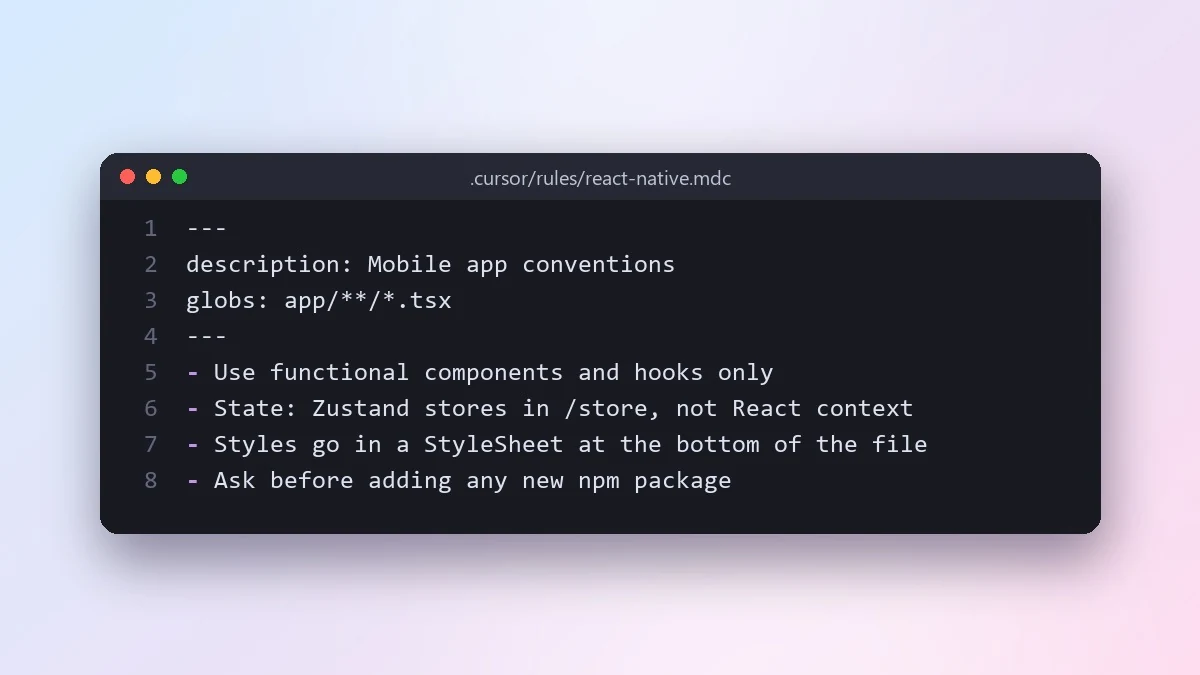 Write Cursor project rules for your codebaseClaude Code · Cursor
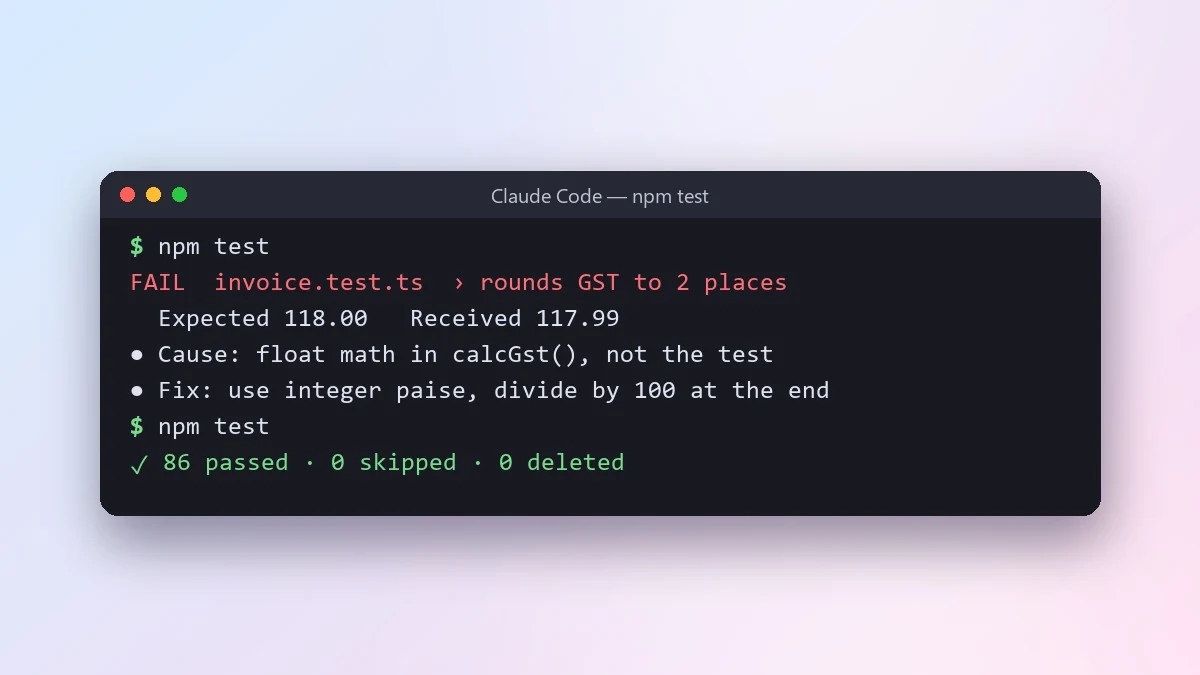 Let an AI agent fix failing tests properlyClaude Code · Cursor
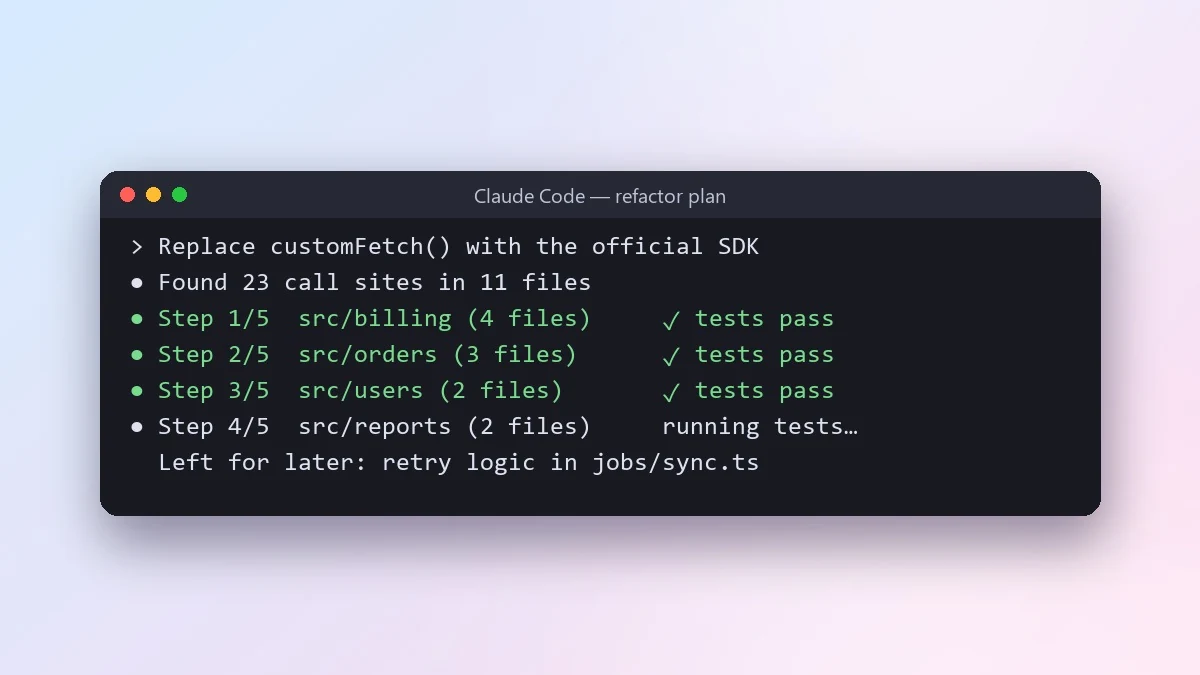 Do a large refactor in small safe stepsClaude Code · Cursor
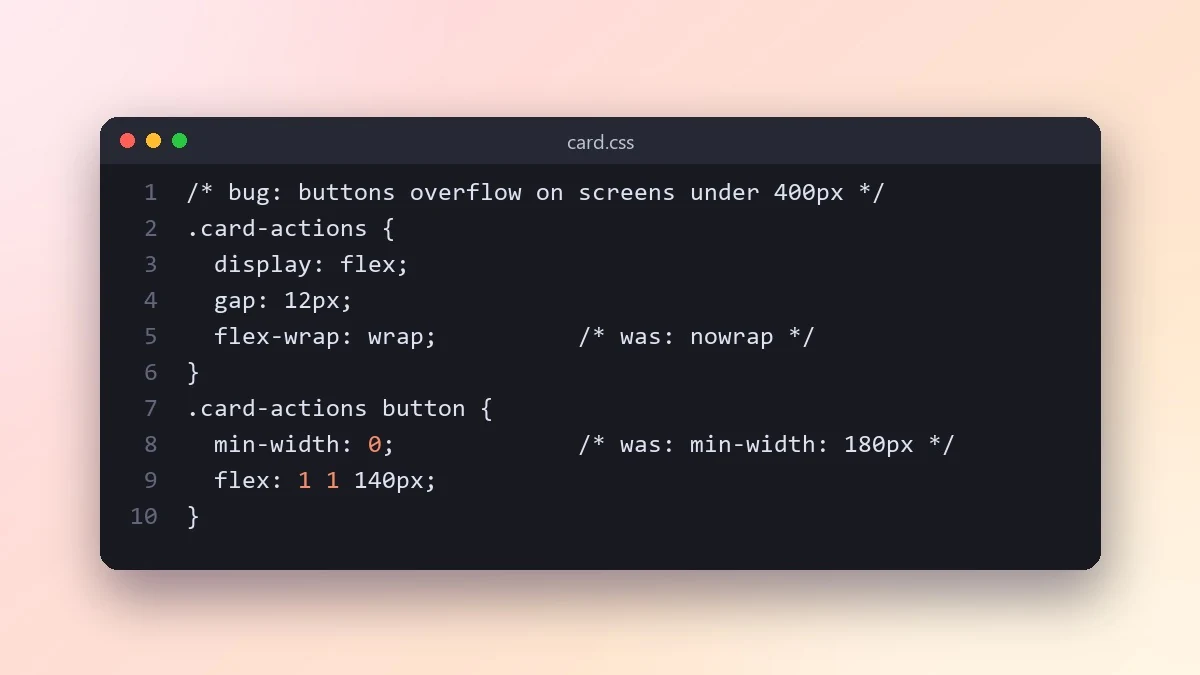 Fix a layout bug from a screenshotClaude · ChatGPT · Claude Code
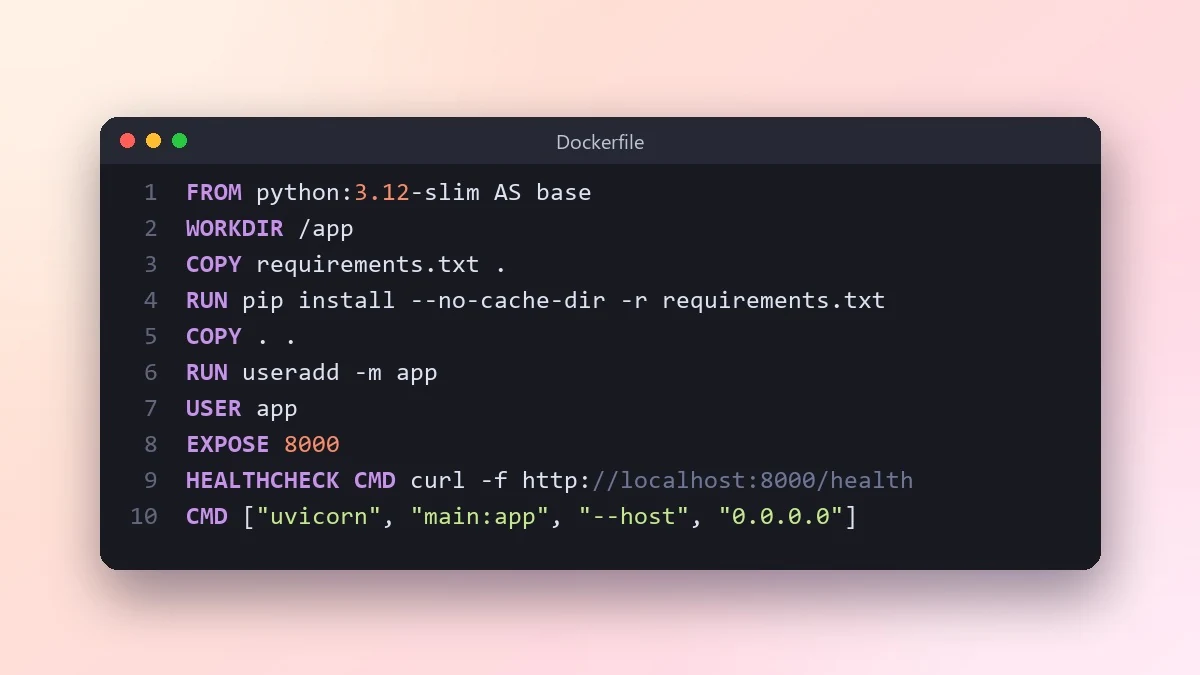 Write a Dockerfile for your appClaude · ChatGPT · Claude Code
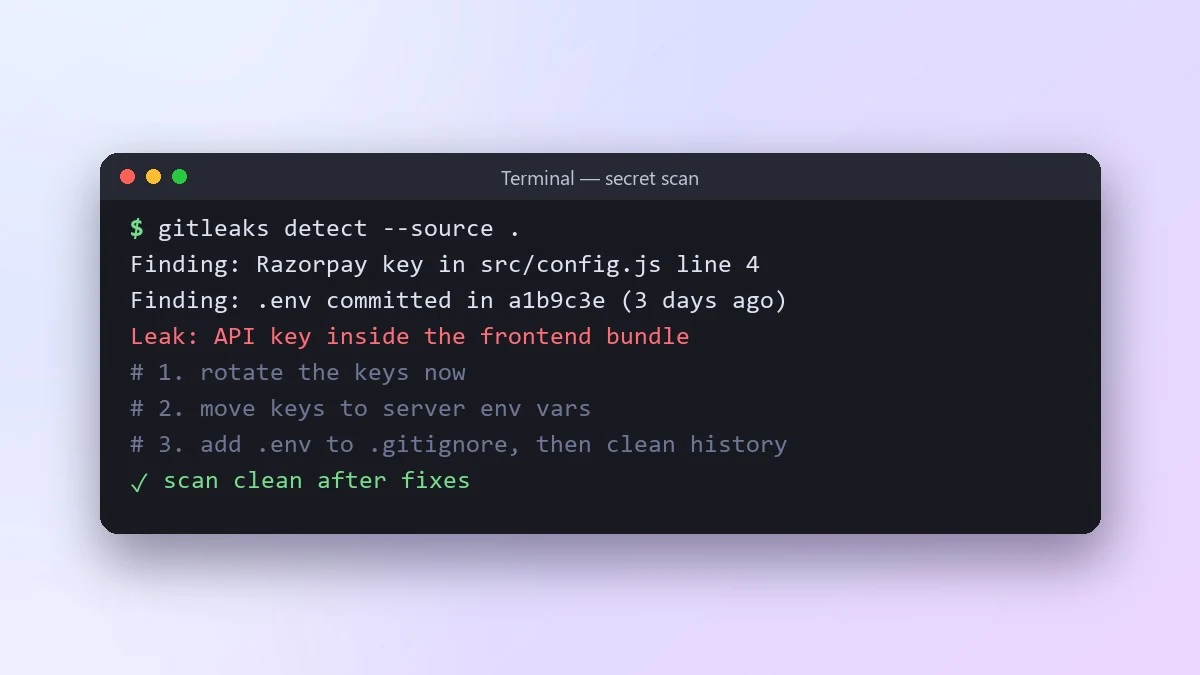 Check your code for leaked API keys and secretsClaude · ChatGPT · Gemini
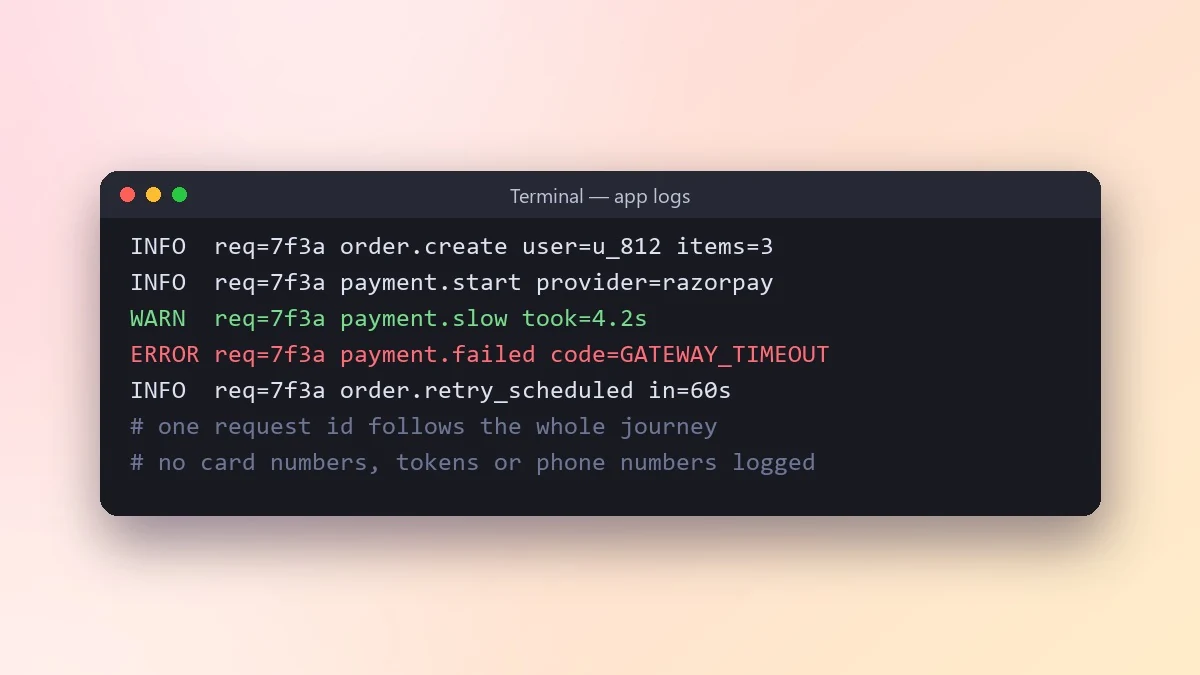 Add logging that helps you debug laterClaude · ChatGPT · Gemini
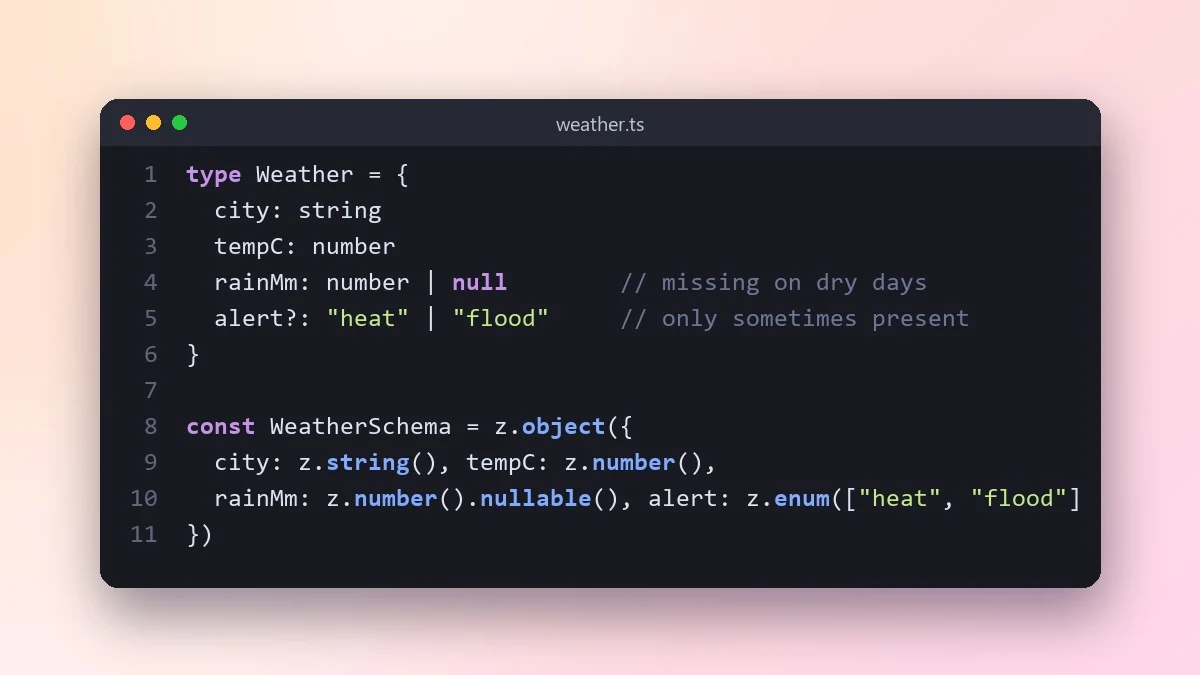 Create TypeScript types from a JSON responseClaude · ChatGPT · Gemini
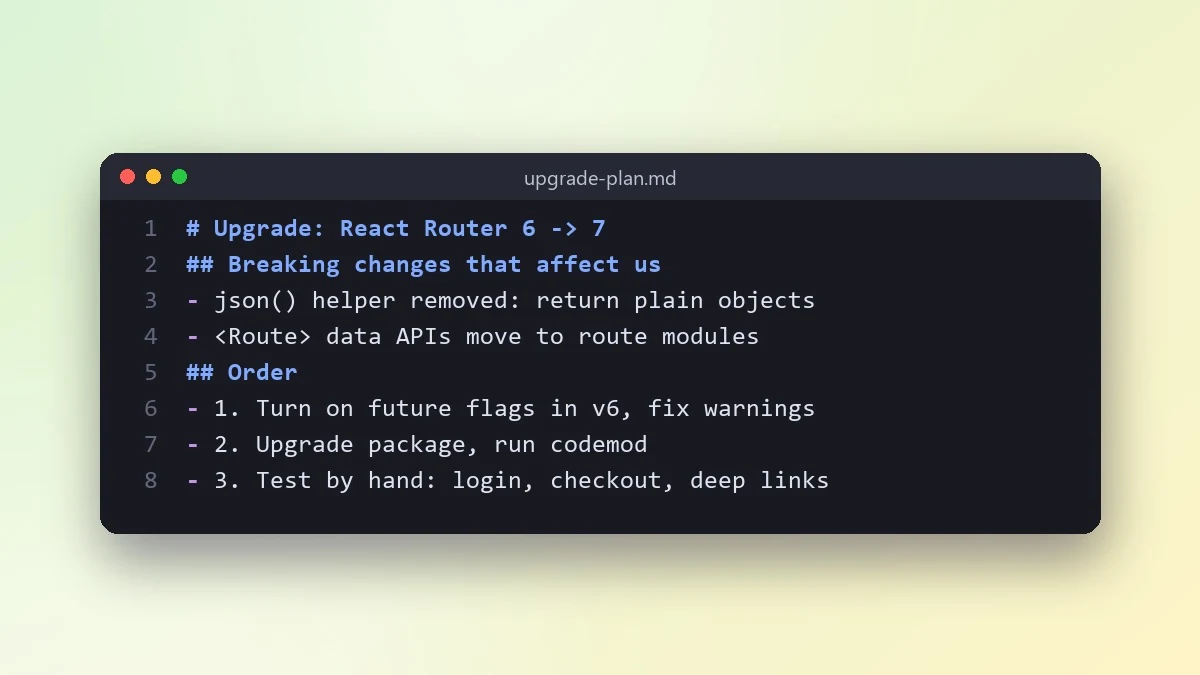 Upgrade a library to a new major versionClaude · ChatGPT · Claude Code
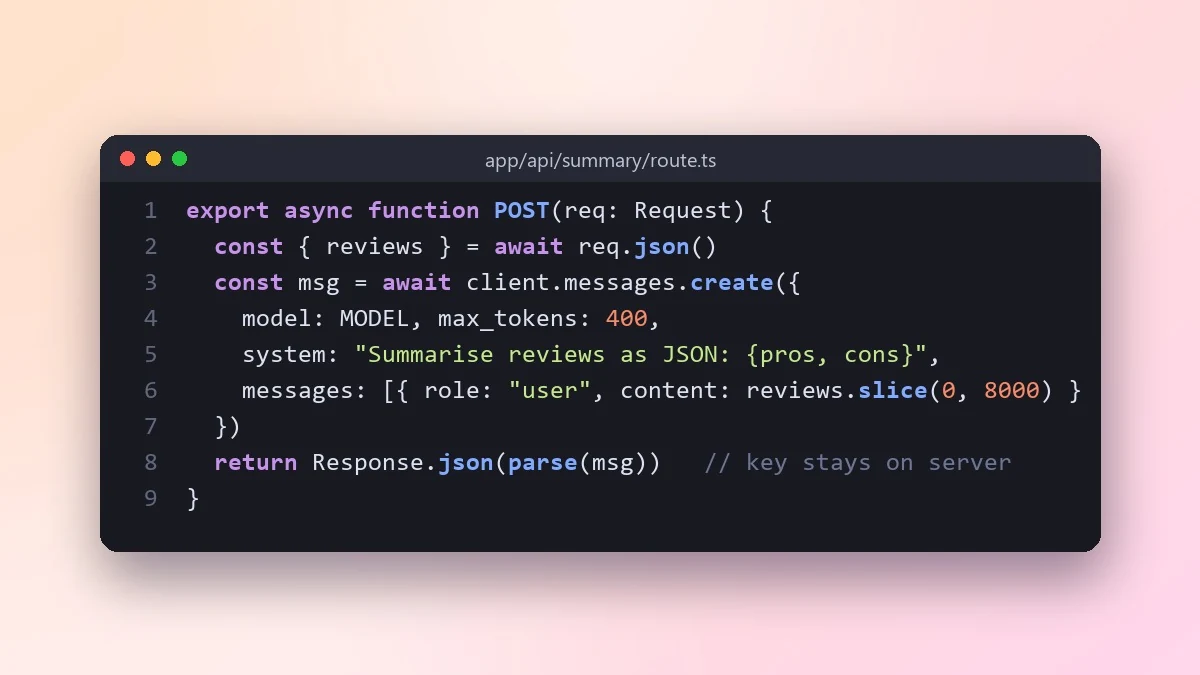 Add an AI feature to your app with an LLM APIClaude · ChatGPT · Gemini
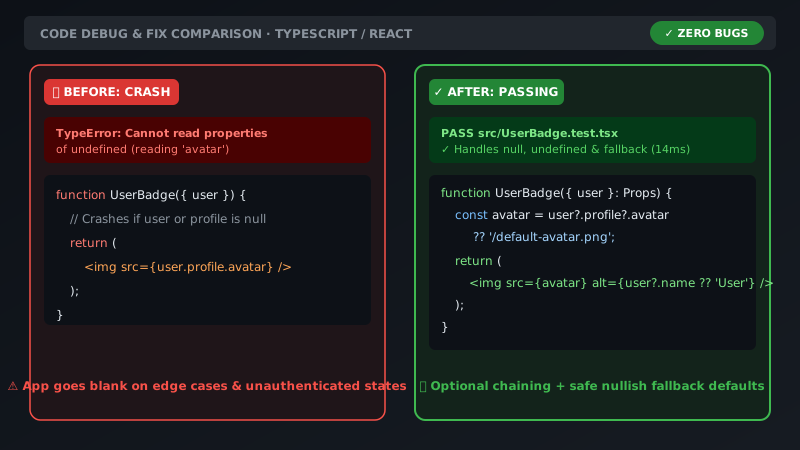 Senior engineer code review & debuggingAny chatbot
Debug an error message step by stepChatGPT · Gemini · Claude
Get a code review like a senior engineerChatGPT · Gemini · Claude
Write unit tests for your codeClaude · ChatGPT · Gemini
Explain code line by lineChatGPT · Gemini · Claude
Refactor messy code safelyChatGPT · Gemini · Claude
Security review checklist for your codeChatGPT · Gemini · Claude
Write an SQL query from plain EnglishClaude · ChatGPT · Gemini
Speed up a slow SQL queryChatGPT · Gemini · Claude
Design a REST API for your appChatGPT · Gemini · Claude
Design a database schemaChatGPT · Gemini · Claude
Write a GitHub Actions workflowChatGPT · Gemini · Claude
Plan how to find a performance bottleneckChatGPT · Gemini · Claude
Plan a safe technology migrationChatGPT · Gemini · Claude
Write a technical specChatGPT · Gemini · Claude
Write clear git commit messagesChatGPT · Gemini · Claude
Write a README for your projectChatGPT · Gemini · Claude
Write friendly release notesChatGPT · Gemini · Claude
Write API documentation from codeChatGPT · Gemini · Claude
Add helpful comments and docstrings to codeChatGPT · Gemini · Claude
Write a regex from a plain descriptionChatGPT · Gemini · Claude
Convert code from one language to anotherChatGPT · Gemini · Claude
Python script to automate a taskChatGPT · Gemini · Claude
Get a beginner roadmap for learning to codeChatGPT · Gemini · Claude
Practise a system design interviewChatGPT · Gemini · Claude
Senior engineer code review & debuggingAny chatbot
Debug an error message step by stepChatGPT · Gemini · Claude
Get a code review like a senior engineerChatGPT · Gemini · Claude
Write unit tests for your codeClaude · ChatGPT · Gemini
Explain code line by lineChatGPT · Gemini · Claude
Refactor messy code safelyChatGPT · Gemini · Claude
Security review checklist for your codeChatGPT · Gemini · Claude
Write an SQL query from plain EnglishClaude · ChatGPT · Gemini
Speed up a slow SQL queryChatGPT · Gemini · Claude
Design a REST API for your appChatGPT · Gemini · Claude
Design a database schemaChatGPT · Gemini · Claude
Write a GitHub Actions workflowChatGPT · Gemini · Claude
Plan how to find a performance bottleneckChatGPT · Gemini · Claude
Plan a safe technology migrationChatGPT · Gemini · Claude
Write a technical specChatGPT · Gemini · Claude
Write clear git commit messagesChatGPT · Gemini · Claude
Write a README for your projectChatGPT · Gemini · Claude
Write friendly release notesChatGPT · Gemini · Claude
Write API documentation from codeChatGPT · Gemini · Claude
Add helpful comments and docstrings to codeChatGPT · Gemini · Claude
Write a regex from a plain descriptionChatGPT · Gemini · Claude
Convert code from one language to anotherChatGPT · Gemini · Claude
Python script to automate a taskChatGPT · Gemini · Claude
Get a beginner roadmap for learning to codeChatGPT · Gemini · Claude
Practise a system design interviewChatGPT · Gemini · Claude
No prompts match that search. Build your own in the builder →
Questions, answered
Which AI is best for coding?
Claude, ChatGPT and Gemini all handle everyday coding help well, and the chat prompts here work in all three. For changes across a whole project, an agent such as Claude Code or Cursor is faster because it can read your files and run your tests.
What is a CLAUDE.md file?
It is a short Markdown file in your project that Claude Code reads at the start of every session. It lists your commands, code style and rules, so the agent works the way your team does. The CLAUDE.md prompt helps you write one.
Is it safe to paste my code into an AI?
Follow your company rules first. Never paste passwords, API keys or customer data, and check whether your plan lets the provider train on your inputs. Many teams use business plans that do not.
Need something that isn’t here?
Describe it in one line and get a AI coding prompt built for you.
Explore more prompts
- Photo editing prompts
- Image generation prompts
- Video generation prompts
- Chat & writing prompts
- ChatGPT prompts
- Gemini prompts
- Claude prompts
- Kling prompts
- Veo prompts
- Seedance prompts
- Midjourney prompts
- Higgsfield prompts
- Ideogram prompts
- Claude Code prompts
- Cursor prompts
- 1980s retro photo prompts for Gemini & ChatGPT
- Viral AI photo trend prompts
- Old photo restoration and enhancement prompts
- AI prompts for your job search
- AI product photo and ad prompts
- AI prompts for content creators
- How to write AI prompts