Remove objects and people from photos with AI
Removing something from a photo used to need hours in an editing app. Now you can describe it: "remove the man in the red shirt on the right", "remove the power lines", "clear the crowd behind us". These prompts also ask the AI to fill the gap with background that matches the light and perspective.
Be specific about what to remove and what to keep. Upload the photo to Gemini or ChatGPT, paste the prompt and describe the thing by colour and position. Use the blur prompts to hide faces and number plates before you post a photo publicly.
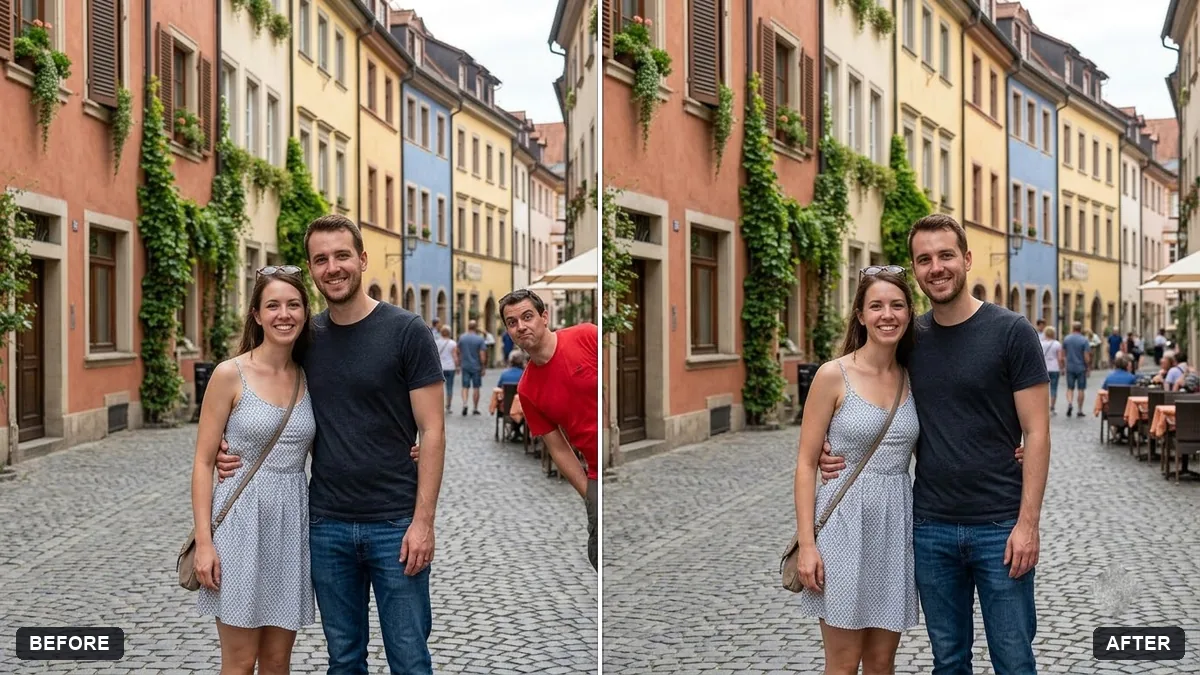
Remove the [DESCRIBE PERSON OR OBJECT, e.g. man in the red shirt on the right] from this photo. Keep [WHO SHOULD STAY] exactly the same.

Fill the gap with realistic background that matches the surroundings, lighting and perspective. Do not change any other faces, clothing or objects.
Three steps, about a minute
- 1
Look at the photo and describe the thing to remove by colour and position: "the man in the red shirt on the right".
- 2
Upload to Gemini or ChatGPT, paste the prompt and fill in what to remove and who to keep.
- 3
Check the filled area and the people you kept. Regenerate if the gap looks smudged.
Make it yours
- Position words: "far left", "behind my shoulder", "in the top corner" help the AI find the right thing.
- Several things: list them one by one: "remove the bin, the scooter and the sign on the wall".
- What fills the gap: say it if you know: "replace with more of the beach and the sea".
- Privacy: blur faces and number plates of strangers before you post a street photo.
If it goes wrong
- It removed the wrong person
- Describe them more exactly and add "keep [NAME OR DESCRIPTION] exactly the same".
- The gap looks blurry or smeared
- Ask for "realistic background with matching texture, light and perspective".
- Other faces changed
- Add "do not change any other faces, clothing or objects".
- A shadow of the removed thing is left
- Reply "also remove its shadow and reflection".
15 more prompts in this collection
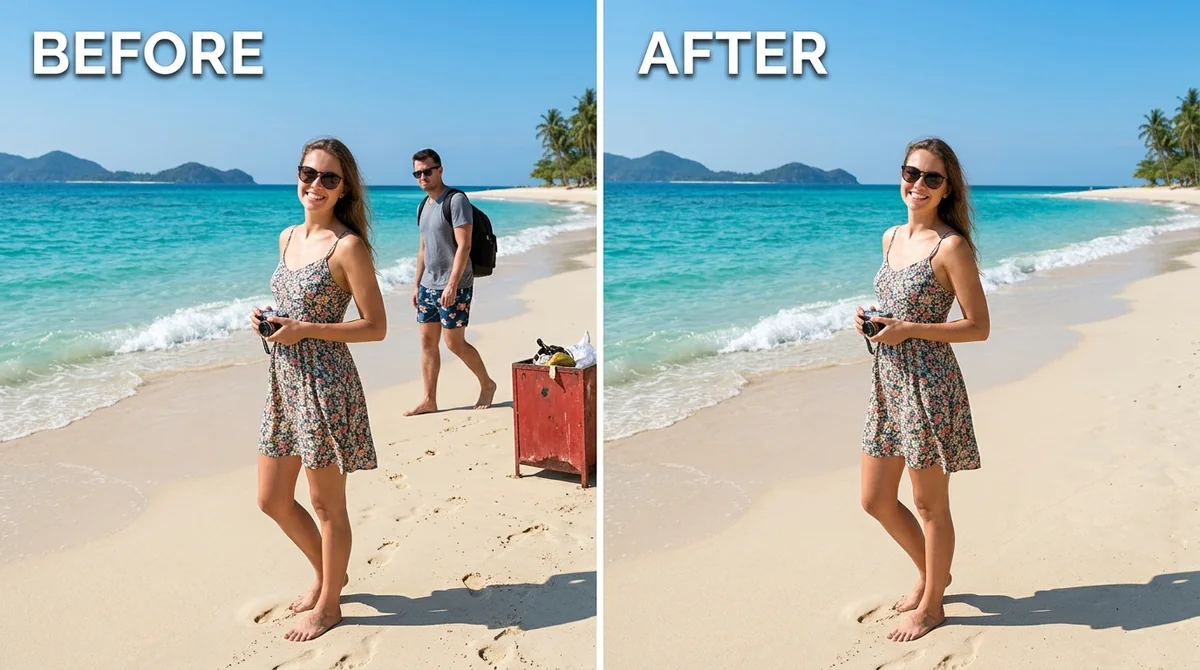 Remove unwanted object or photobomberAny tool
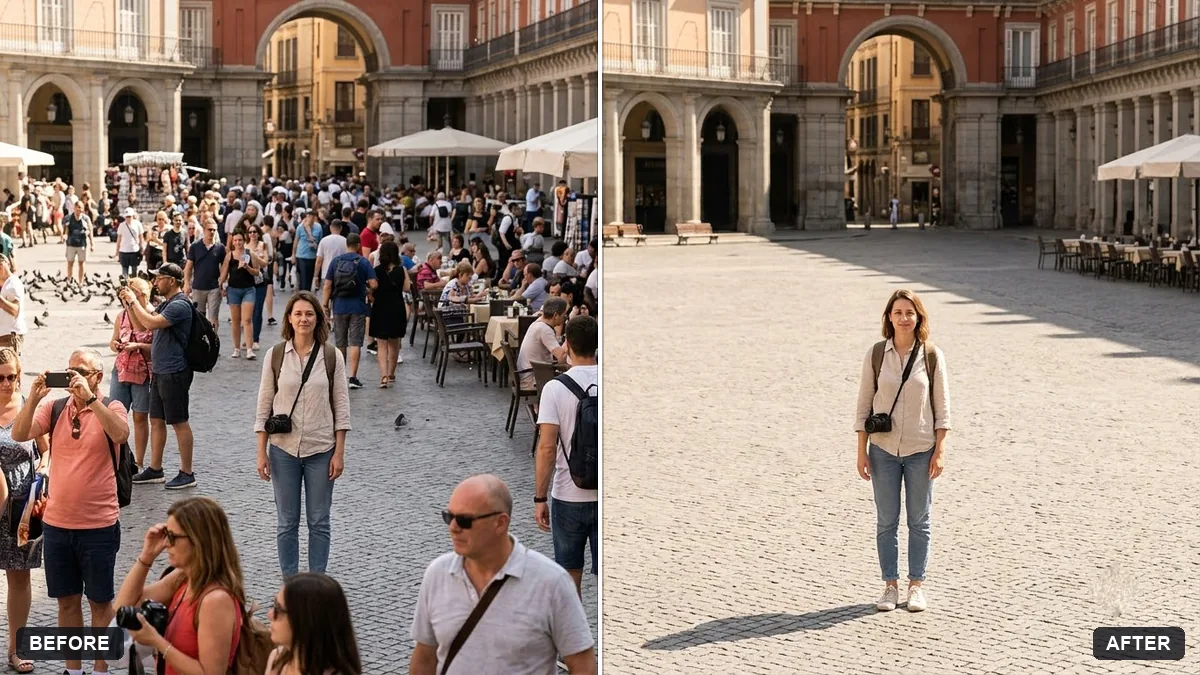 Remove crowds from a tourist photoGemini · ChatGPT
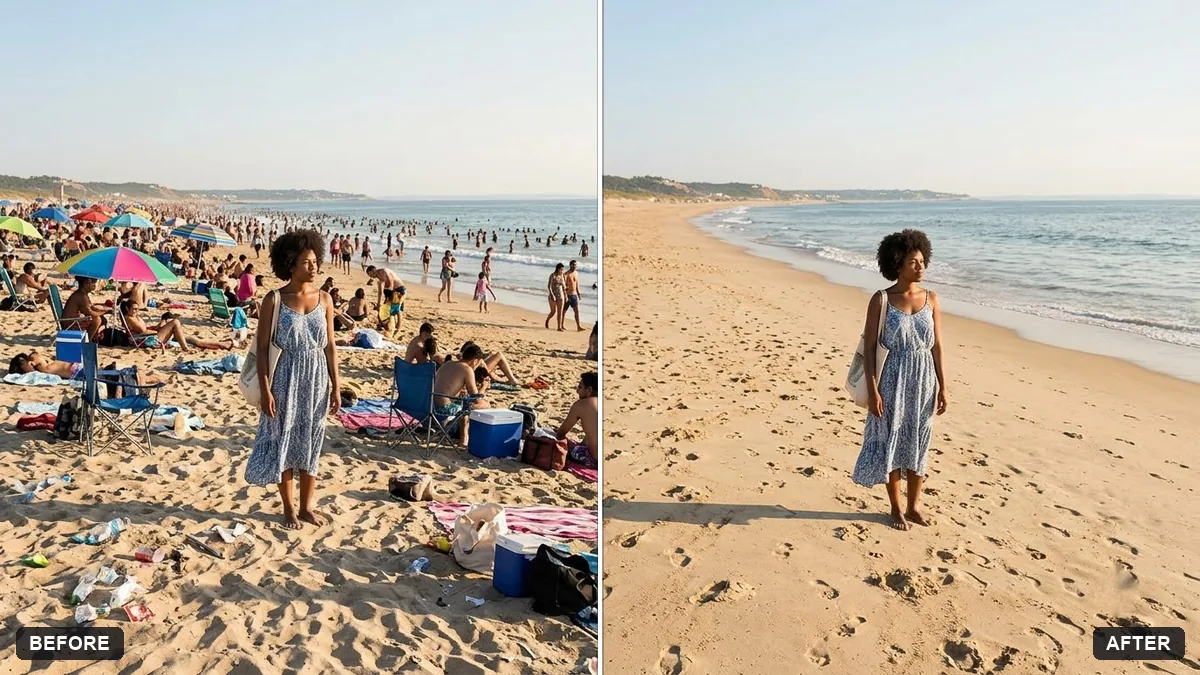 Clear crowds from a beach photoGemini · ChatGPT
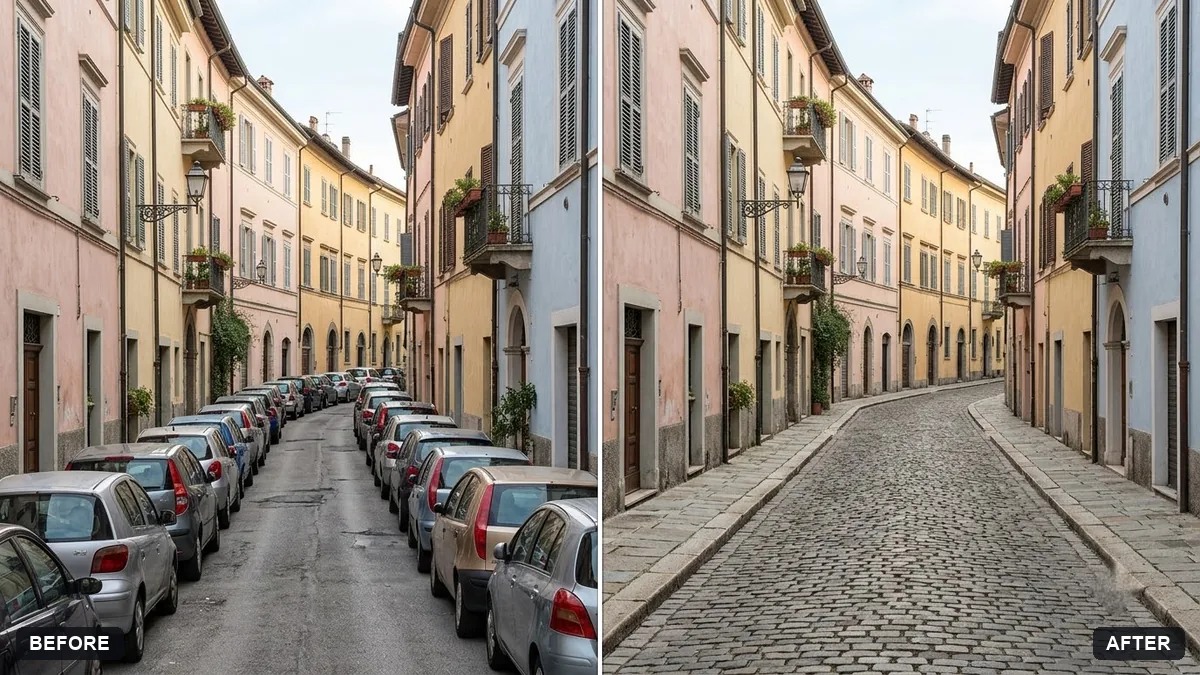 Remove parked cars from a street photoGemini · ChatGPT
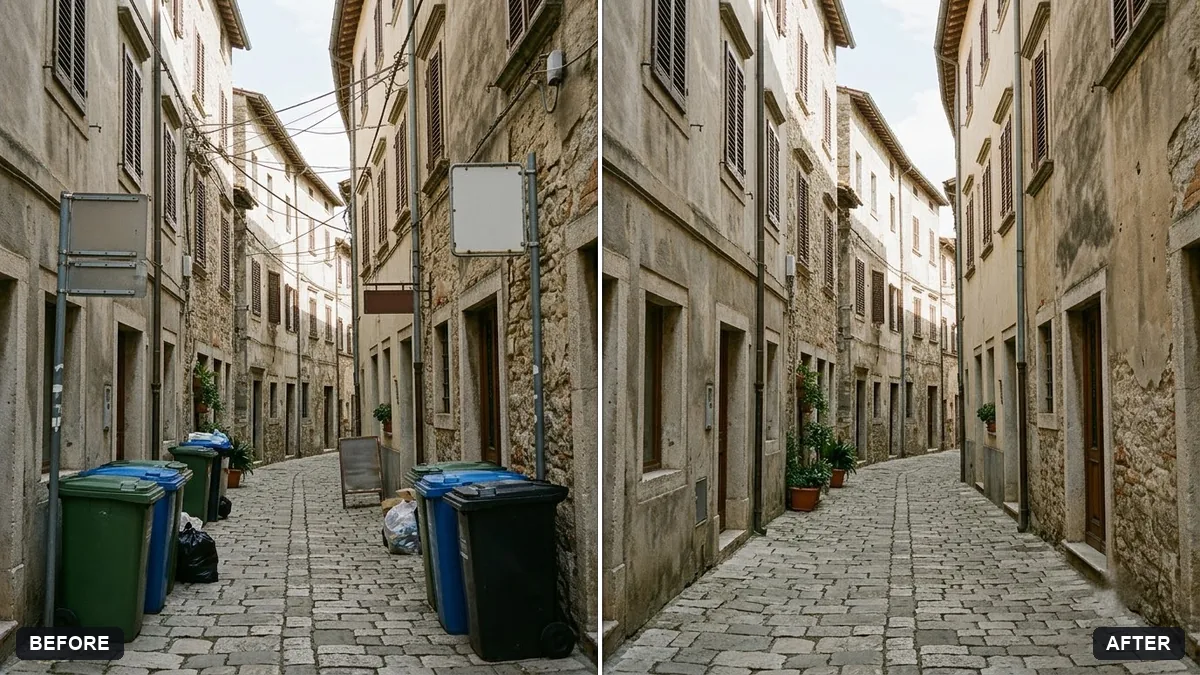 Remove signs and clutter from a street photoGemini · ChatGPT
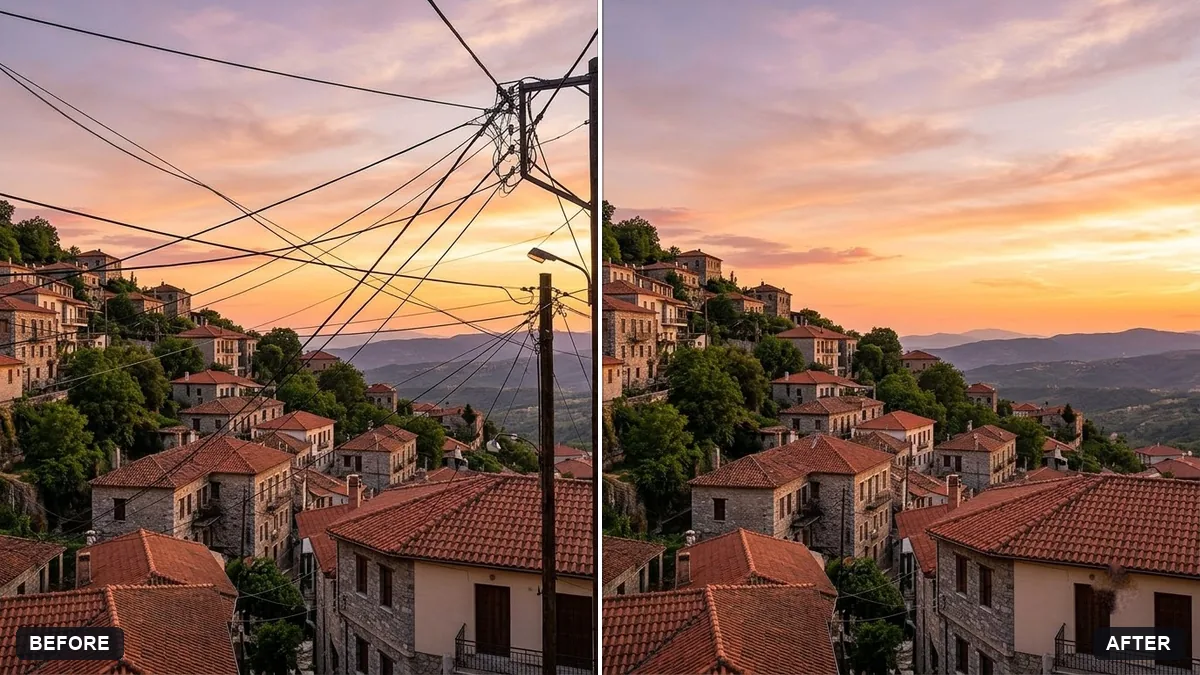 Remove power lines and wires from the skyGemini · ChatGPT
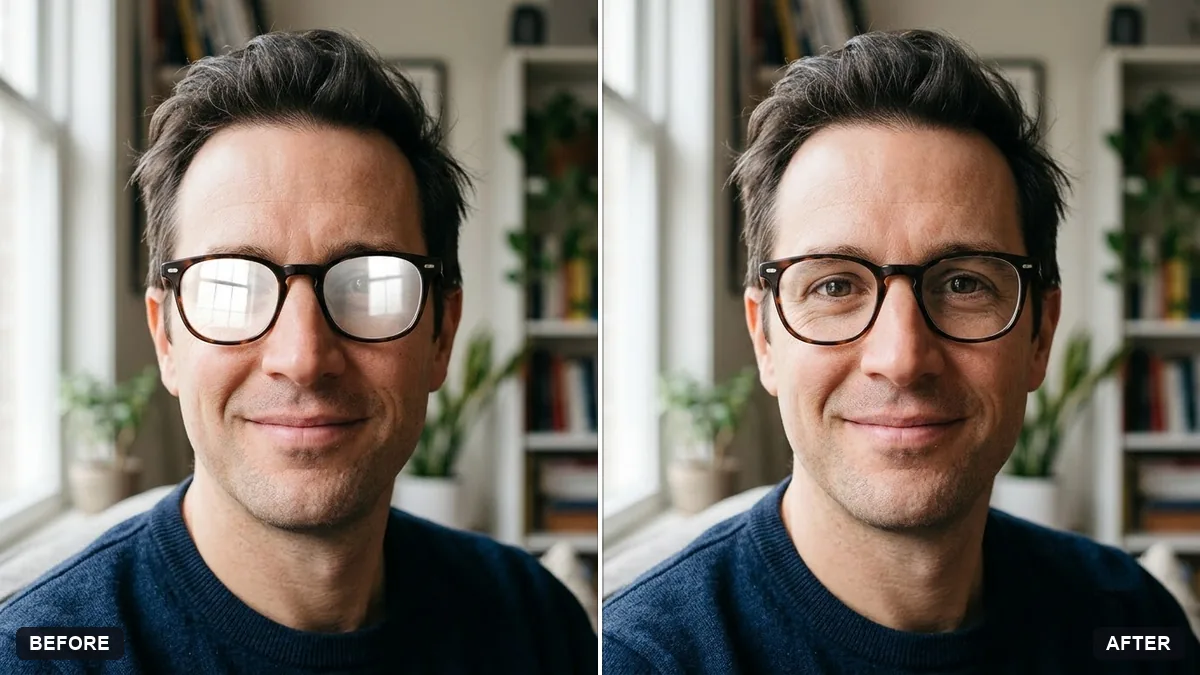 Remove glare from eyeglassesGemini · ChatGPT
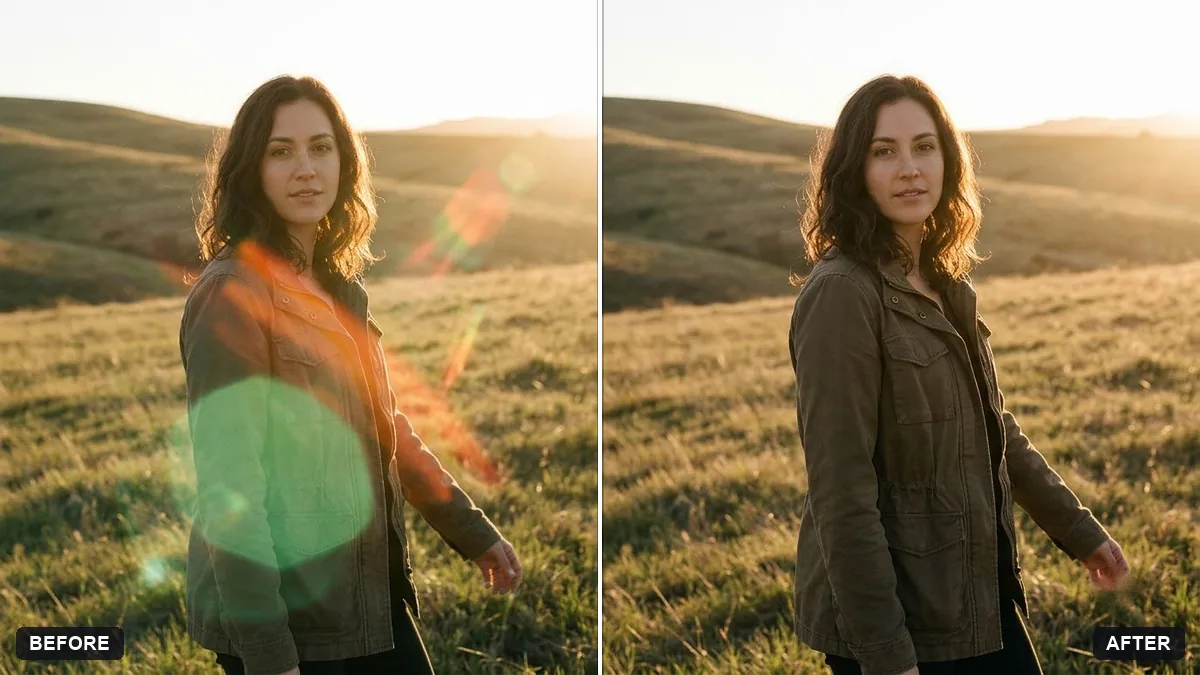 Remove unwanted lens flareGemini · ChatGPT
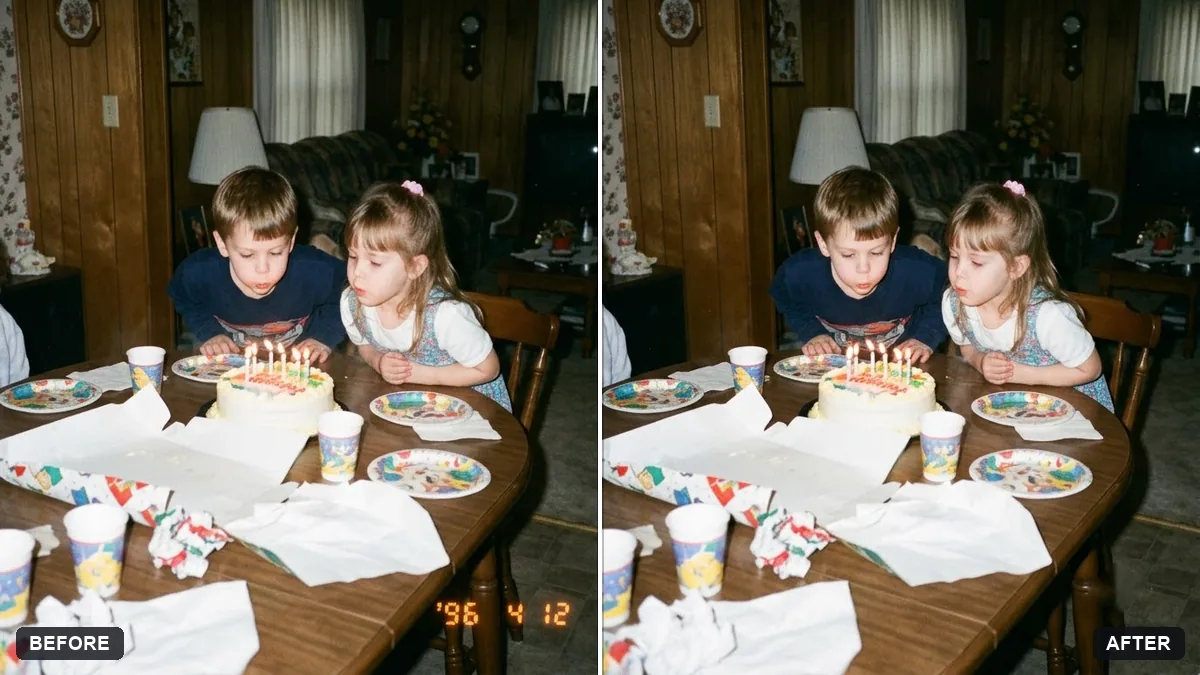 Remove the orange date stamp from a scanGemini · ChatGPT
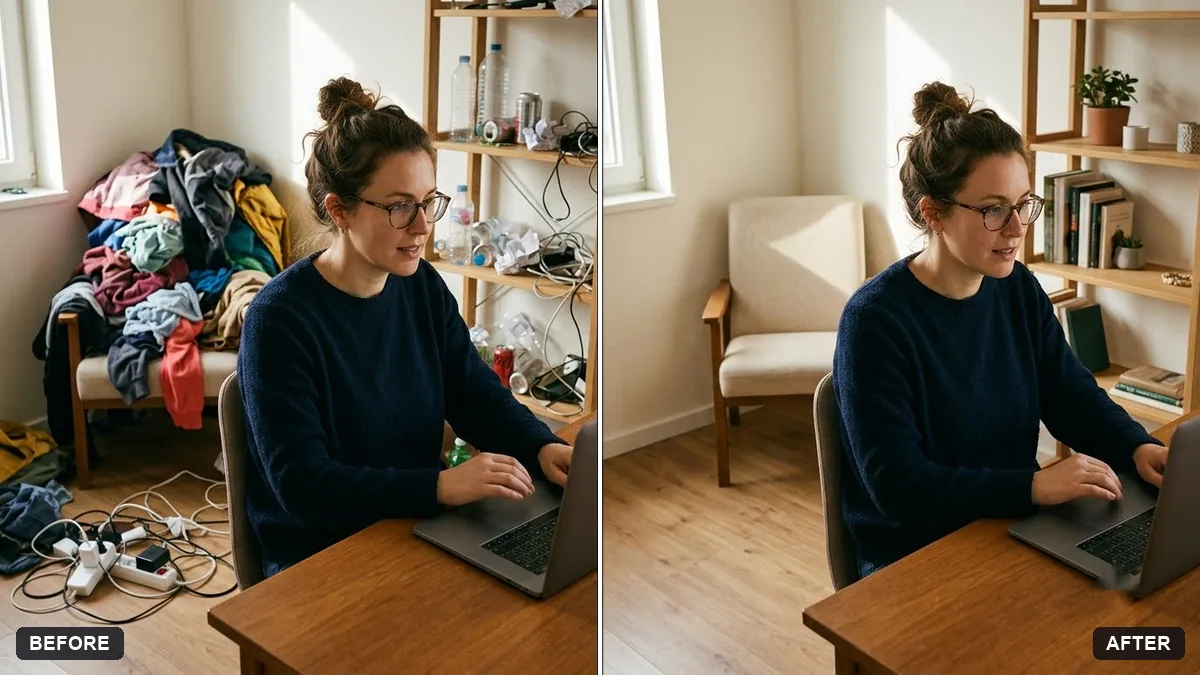 Tidy a cluttered backgroundGemini · ChatGPT
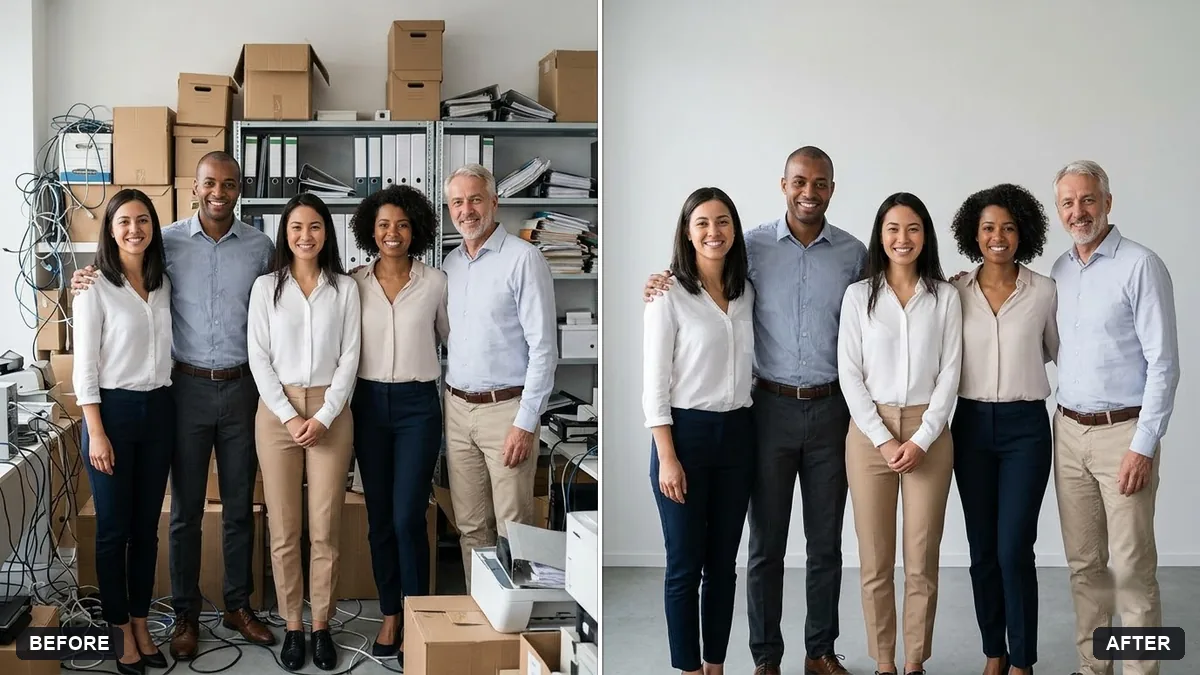 Tidy the background of a team photoGemini · ChatGPT
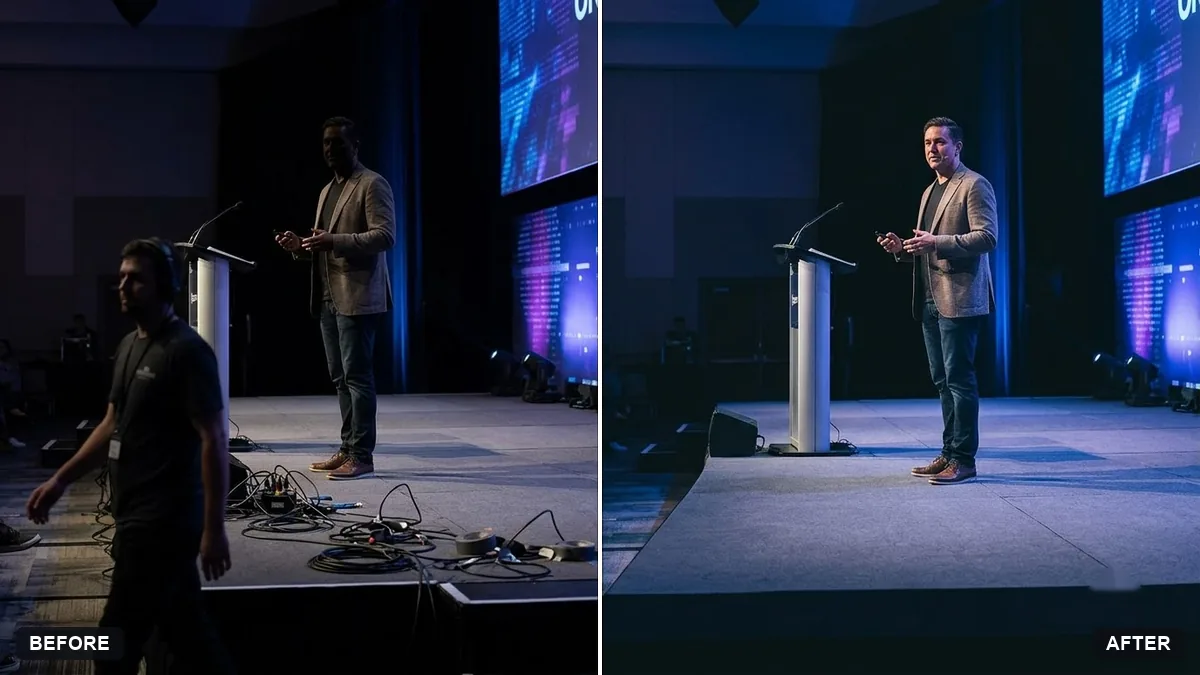 Clean up an event stage photoGemini · ChatGPT
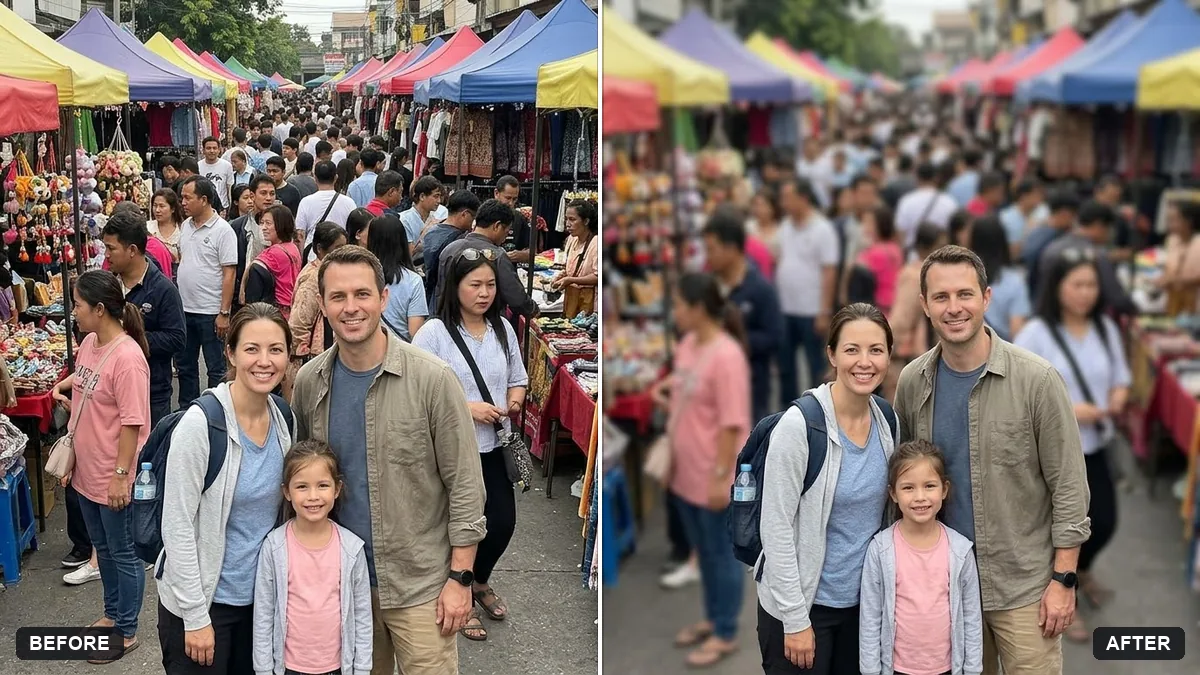 Blur strangers in the backgroundGemini · ChatGPT
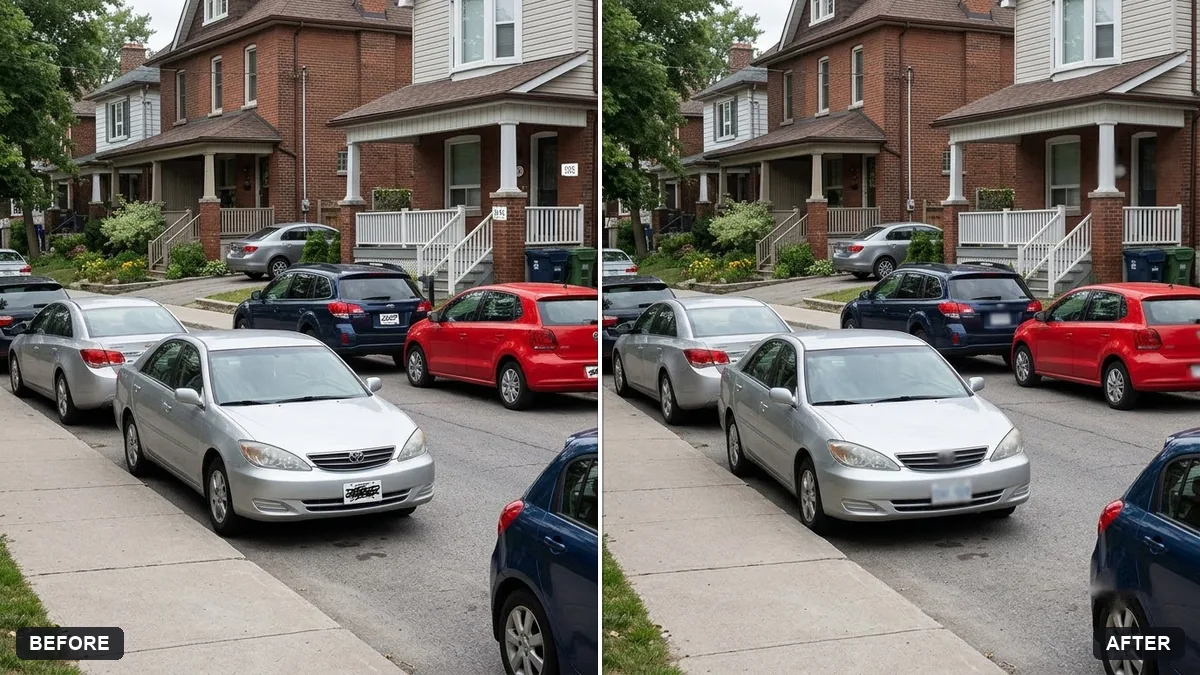 Blur licence plates and house numbersGemini · ChatGPT
1 more prompt without a picture yet
- Remove reflections from window shotsGemini · ChatGPT
Guides that use these prompts
Questions, answered
How do I remove a person from a photo with AI?
Upload the photo to Gemini or ChatGPT and paste the photobomber prompt. Describe the person by what they wear and where they stand, and say who must stay.
Why did the AI change other things too?
Image models redraw the picture. Add "do not change any other faces, clothing or objects" and describe the area to edit as precisely as you can.
Is it OK to remove people from photos?
For your own memories, yes. Do not use edited photos to mislead, for example in news, insurance or legal settings. Blurring strangers before you post is a good habit.