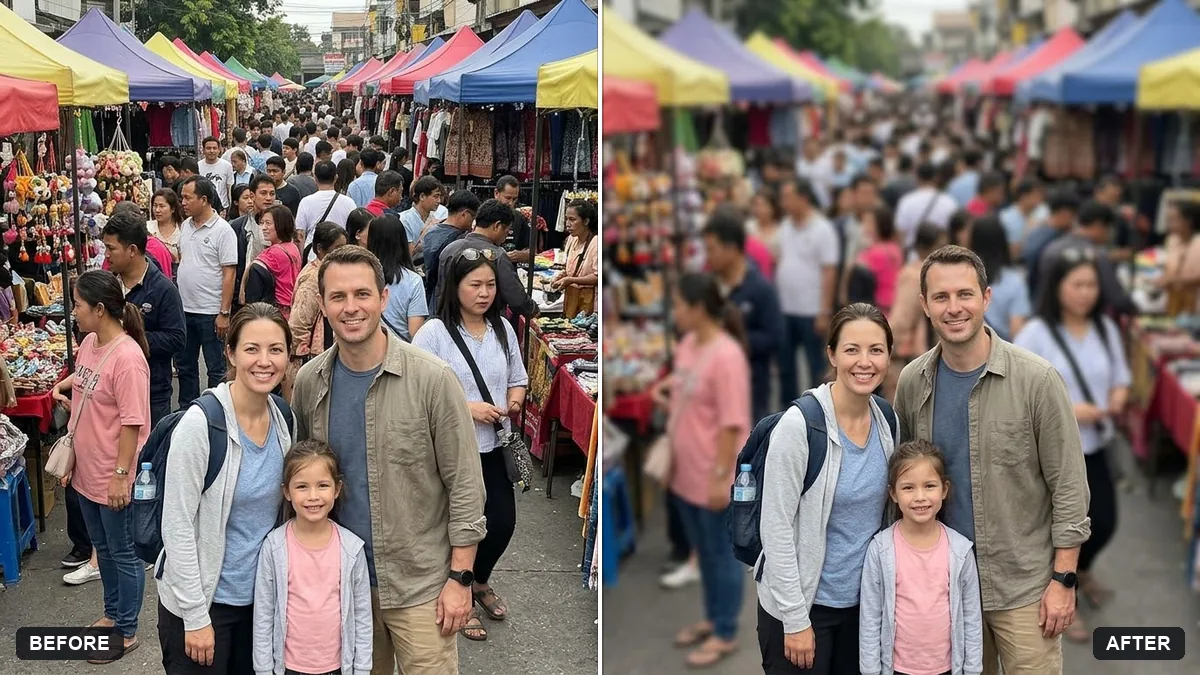
- Updated
Blur strangers in the background
This prompt blurs the faces of strangers in the background but keeps you and your group in the foreground sharp and unchanged, with a natural-looking blur.
Blur the faces of the strangers in the background of this photo, but keep [ME AND MY GROUP] in the foreground sharp and completely unchanged.

The blur should look natural and match the depth of field of the photo.
Ask for a gentle blur so the scene still looks natural.
Your photo goes to the AI app you choose, never to PromptUp.
Get a better result
Your photo with the faces of passers-by in the background softly blurred to match the depth of the scene, while you and your group stay sharp and unchanged.
Privacy blurs should protect strangers without spoiling your photo, so the prompt blurs background faces and keeps you and your group sharp. Matching the photo’s depth of field makes it look natural, and a gentle blur, as the tip says, keeps the scene real.
Someone in your group gets blurred.
Fix: Describe who to keep, such as “the two people in red jackets in front”, so the right faces are protected.
- The blur looks like a smudge. Ask for a gentle, lens-like blur that matches the rest of the photo, not a pixelated block.
- A face is missed. Zoom in and check every background face. If one is still clear, run it again or blur it by hand.
Name a single person or area to blur, such as the man on the left edge, and leave every other face alone.
Check again at full size. Blur every background face that can still be recognised, including faces in reflections, and keep my group unchanged.
More photo editing prompts
See all 334 →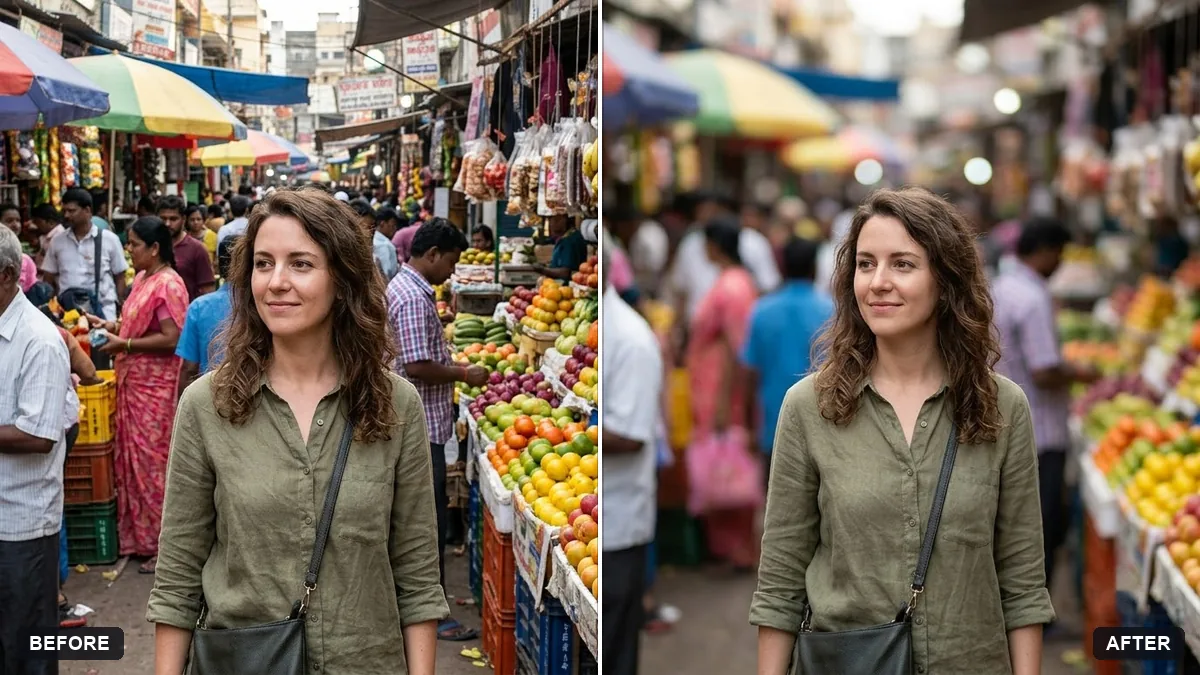
More like this
- Panning motion blur effectGemini · ChatGPT
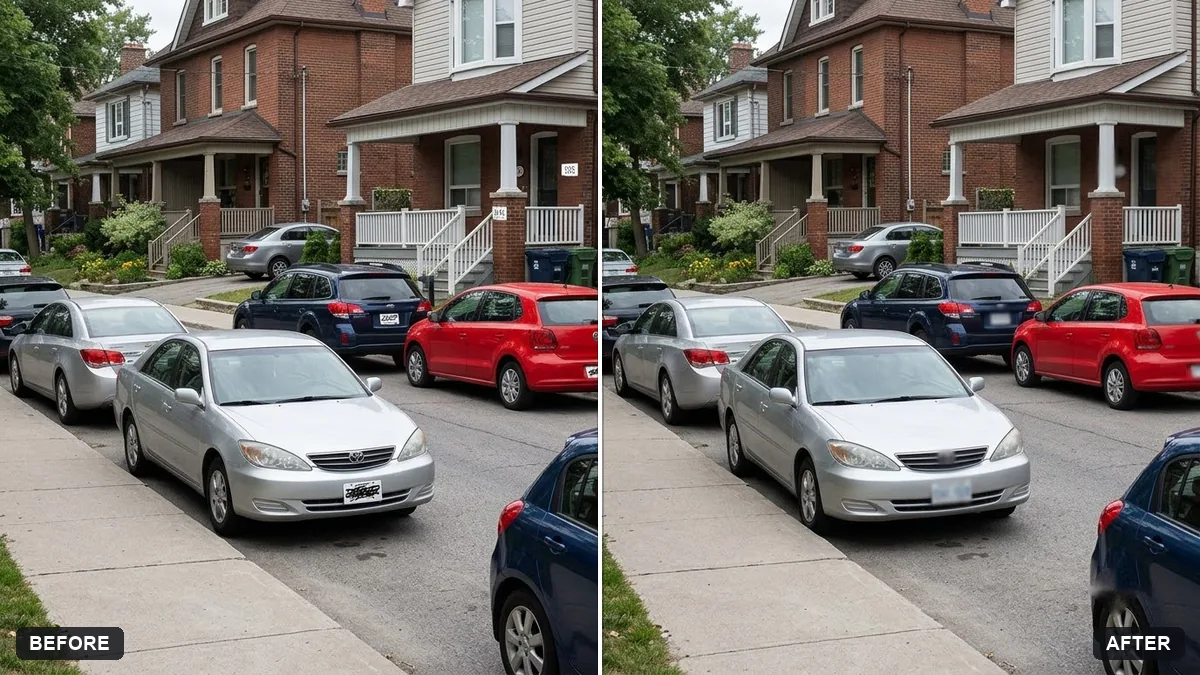
- Remove parked cars from a street photoGemini · ChatGPT
- Remove crowds from a tourist photoGemini · ChatGPT
- Clear crowds from a beach photoGemini · ChatGPT
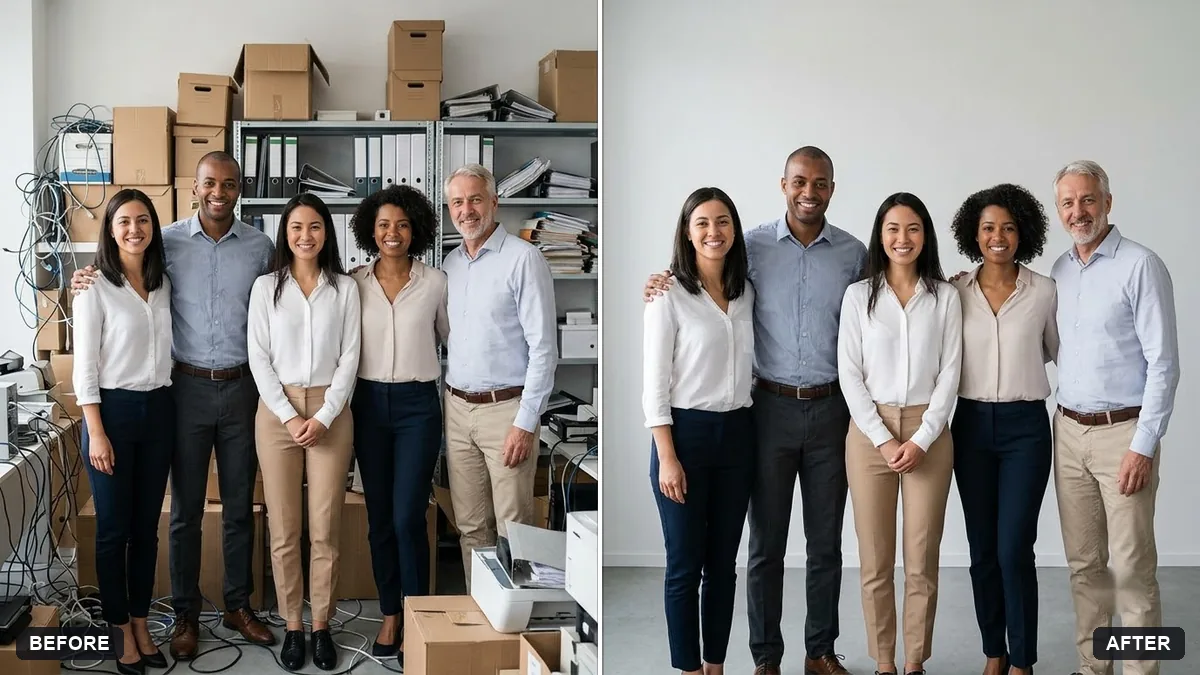
- Clean up an event stage photoGemini · ChatGPT