- Updated
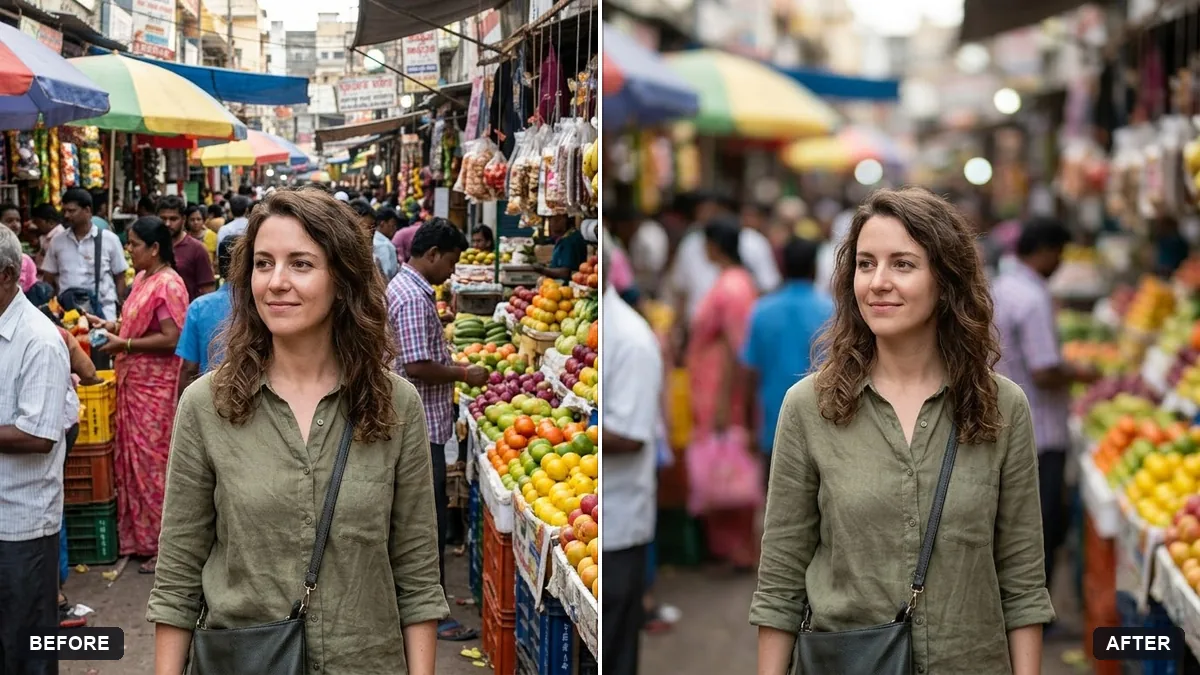
Add a portrait-mode blur to the background
This prompt adds a natural shallow depth-of-field blur to the background, as if the photo was shot with a fast lens such as an 85mm f/1.8.
Add a natural shallow depth-of-field blur to the background of this photo, as if it was shot on an [85mm f/1.8] lens. Keep me completely sharp, including hair edges and glasses.

Blur increases gradually with distance. Do not change my colours, skin or clothing.
Check fine hair and glasses edges for halo effects and ask to fix them.
Your photo goes to the AI app you choose, never to PromptUp.
Get a better result
Your photo with a smooth shallow-depth blur behind you, like a fast portrait lens, with you, your hair edges and glasses staying sharp, and the blur growing the further things are from you.
A halo shows around your hair.
Fix: Zoom in on strands and glasses frames. Ask for “clean edges, no glow around hair”, or generate again if there is a bright fringe.
- The blur is the same everywhere. Ask for a gradual blur that increases with distance, so the ground near your feet is sharper than the far wall.
- The blur is too strong. Name a gentler lens, such as f/2.8 instead of f/1.4, so the background is still recognisable.
Ask for gentle round bokeh circles from any bright lights in the background, keeping them subtle and out of your face.
Keep me completely sharp, especially around my ears, hair and shoulders. Make the edge between me and the blur soft and natural, with no cut-out outline.
More photo editing prompts
See all 334 →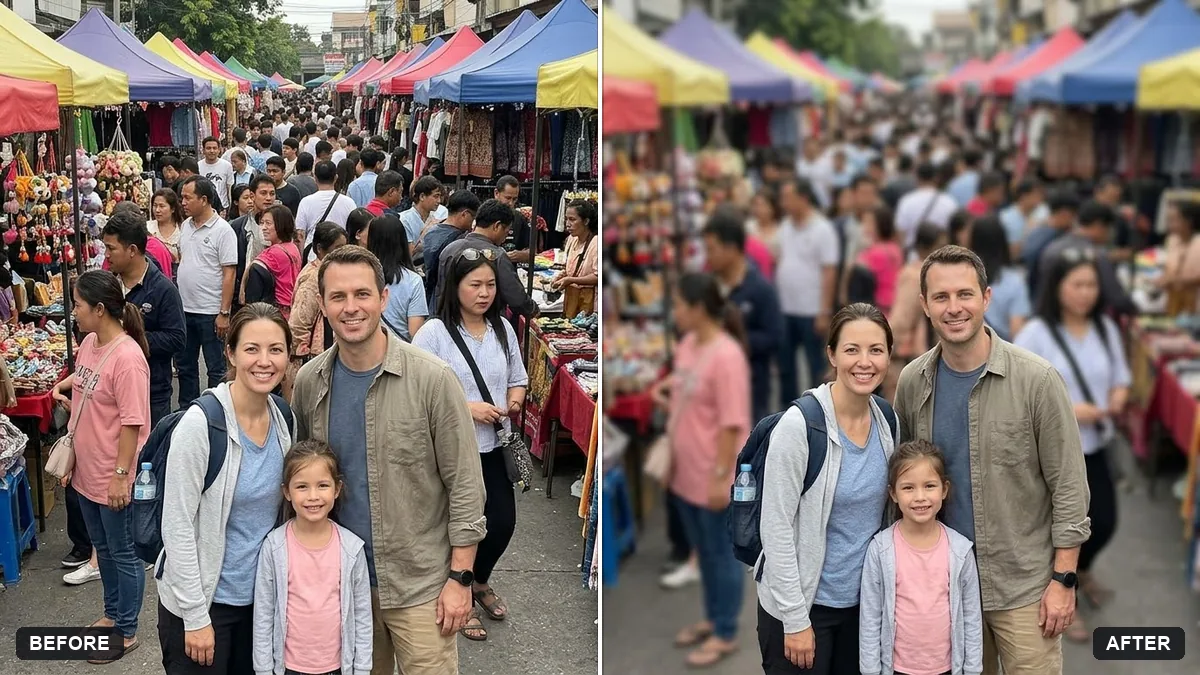
More like this
- Add dreamy bokeh lightsGemini · ChatGPT
- Panning motion blur effectGemini · ChatGPT
- Change the background (keep you the same)Gemini · ChatGPT
- Dark mode analytics dashboardGemini · ChatGPT · Ideogram · Midjourney
- Blur licence plates and house numbersGemini · ChatGPT