Free tool · runs in your browser
Reel hook generator and storyboard builder
Type your topic, pick the kind of video, and get five hooks, a timed beat-by-beat script, a storyboard with an AI video prompt for every scene, a caption with hashtags and a hook card to post. It works from templates and rules, not AI, and nothing you type leaves your browser. Free, no sign-up.
Build a reel plan
PNG, 1080 x 1350 or 1080 x 1920, with a small usepromptup.com mark. Drawn in your browser.
Add your own points and details (optional)
Five hooks to pick from
Each hook is built from a named formula. Pick one and the script, the storyboard and the card follow it.
Beat by beat
Say it, show it. Edit any line: your edit stays until you change the topic, the options or the hook, and the checks follow it.
Storyboard
One row for each scene. Each has a plain AI video prompt. Make the scene with AI video or film it yourself: flip the switch to match what you will do. Trim every clip to the seconds in the table.
| Scene | Seconds | On screen | Text on screen | AI video prompt | Made by |
|---|
Caption
Checks
PromptUp's rules of thumb for a clear short video. They say nothing about how a video will perform.
Reel hook ideas you can copy
Nine hook formulas, with the topic left as a blank. Tap Copy and put your own topic in, or type it in the tool above to get a full plan. The tool also writes each formula in a friendly, bold, funny or Hinglish voice.
Curiosity gap hooks
Hints at something the viewer does not have yet, so they stay to find out.
- FriendlyWhat nobody tells you about [your topic]
- FriendlyPeople skip this step with [your topic]
- Friendly[Your topic]: I wish I knew sooner
- Hinglish[Your topic] ka sach koi nahi batata
- Hinglish[Your topic] ke baare mein ek raaz
Contrast hooks
Puts two versions side by side, hard and easy or before and after, so the gap does the work.
- FriendlyAn easier way to approach [your topic]
- Friendly[Your topic]: before and after
- FriendlyThe smart way for [your topic]
- Hinglish[Your topic] ka aasaan tarika
- HinglishPehle aur baad: [your topic]
Stop doing X hooks
Names a mistake, so the viewer checks whether it is theirs.
- FriendlyStop this mistake with [your topic]
- FriendlyStop doing this with [your topic]
- FriendlyWait. Do this first for [your topic]
- Hinglish[Your topic] mein ye galti band karo
- HinglishYe galti [your topic] mein mat karna
Number hooks
Tells the viewer how much is coming, so they can see where it ends.
- Friendly3 tips for [your topic]
- Friendly3 mistakes with [your topic]
- Friendly3 things to know about [your topic]
- Hinglish[Your topic] ke liye 3 tips
- Hinglish[Your topic] mein 3 galtiyan
POV hooks
Puts the viewer inside a moment they recognise.
- FriendlyPOV: you finally understand [your topic]
- FriendlyPOV: someone explains [your topic] well
- FriendlyPOV: a shortcut for [your topic]
- HinglishPOV: [your topic] ka shortcut mil gaya
- HinglishPOV: koi [your topic] samjha raha hai
Myth buster hooks
Takes on something people believe, then promises the real answer.
- FriendlyA myth about [your topic], busted
- FriendlyDo not overthink [your topic]
- Friendly[Your topic]: simpler than it looks
- Hinglish[Your topic] ki ye galatfehmi hatao
- Hinglish[Your topic]: utna mushkil nahi
Result first hooks
Shows the finished thing first, then explains how it was made.
- FriendlyMeet [your topic]. Here is how
- FriendlyWatch how I made [your topic]
- FriendlyThe result first: [your topic]
- HinglishYe hai [your topic]. Ab dekho kaise
- HinglishPehle final result: [your topic]
I tried it hooks
You did the test, so the viewer does not have to.
- FriendlyI tried [your topic] for you
- FriendlyI tested [your topic]: what I found
- FriendlyI gave [your topic] a proper try
- HinglishMaine [your topic] try kiya. Ab dekho
- Hinglish[Your topic]: maine try kiya
Call out the viewer hooks
Names who the video is for in the first words, so the right people stop.
- Friendly[Audience]: this is for you
- FriendlyCalling all [audience]: [your topic]
- Friendly[Audience], watch this about [your topic]
- Hinglish[Audience]: ye aapke liye hai
- Hinglish[Audience], [your topic] ke liye ye suno
The seven checks
The checks run on your plan as you edit it. They are rules of thumb from PromptUp, not platform rules, apart from the two numbers that platforms publish: 5 hashtags and the caption and title lengths.
- The hook fits in the first 3 seconds. The spoken hook is 8 words or fewer and the on-screen hook is 8 words or fewer, so it can be said and read in 3 seconds.
- The script fits the length. The whole voiceover stays at or under 2.8 words a second, and no single beat is packed past 3.2 words a second. About 2.5 is a comfortable pace.
- On-screen text is short. Every on-screen line is 8 words or fewer and 50 characters or fewer, so people can read it in a second or two.
- One idea in the whole video. The topic does not join two ideas with "and", "vs", "or" or a comma, and there are three points or fewer.
- One clear call to action at the end. The last beat asks for one thing: follow, save, send or comment. Never a keyword to type.
- Five hashtags or fewer. Instagram allows 5 on a post or Reel.
- The caption or title opens with the hook. For Reels and TikTok the first line is 125 characters or fewer, the part Instagram shows before "more". For Shorts the title is 100 characters or fewer.
How to plan a reel in four steps
- Type one topic. Two or three words, like "AI photo prompts". Pick the kind of video, the platform, the length and the tone.
- Pick a hook. Five formulas, five different openings. The first three seconds are where the plan starts.
- Edit the beats. Add your own two or three points if you have them. Watch the checks as you go.
- Make it. Copy the scene prompts for the parts you will generate, film the rest, paste in the caption, and download the hook card for your feed or Story.
What this tool is, and what it is not
It is a planner that works from templates and rules. PromptUp wrote the formulas, the beats and the scene prompts, and the tool fills them with the words you type. It does not write with AI, it does not look at any video, and it does not know what will work for your account. It makes no promise about views, reach or the algorithm.
The platform facts below were checked on 15 October 2026. Platforms change their rules, so check the app before you post.
- Instagram Reels. Instagram caps a post or Reel at 5 hashtags (announced December 2025). Only about the first 125 characters of a caption show before "more", so the hook goes first.
- YouTube Shorts. A YouTube title can be up to 100 characters. YouTube shows the first 3 hashtags of a description above the title, and ignores every hashtag on a video that has more than 15, so 5 or fewer is safe.
- TikTok. TikTok has changed its caption and hashtag limits and they have differed by account, so this tool keeps the caption short and the hashtags to 5 or fewer. Check the limit in your app.
The 9:16 card keeps its text away from the top and bottom of the frame, where Stories and Reels draw buttons and your caption. Guides disagree on the exact margins, so check how it looks on your phone.
More for creators
Copy-paste prompts for scripts and openers, the video prompt tools, and the other studio tools.
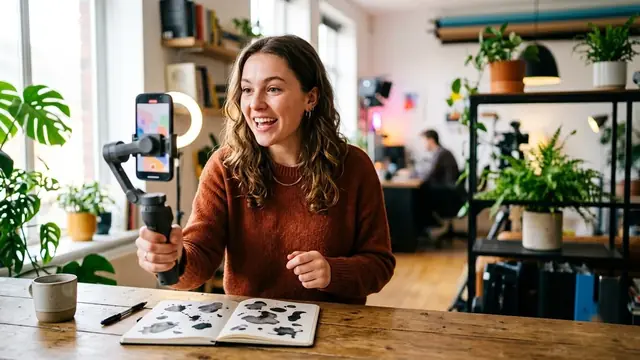 Reel script prompt for ChatGPT and Gemini
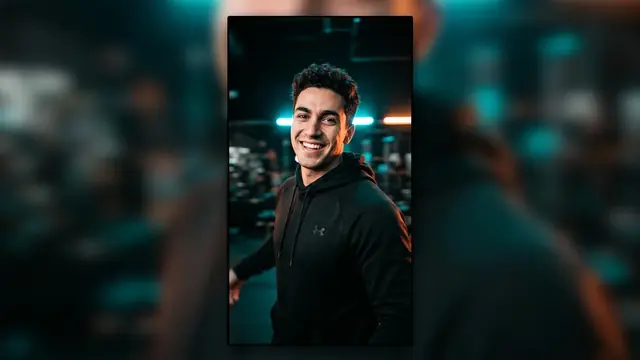 Reel opener AI video prompt
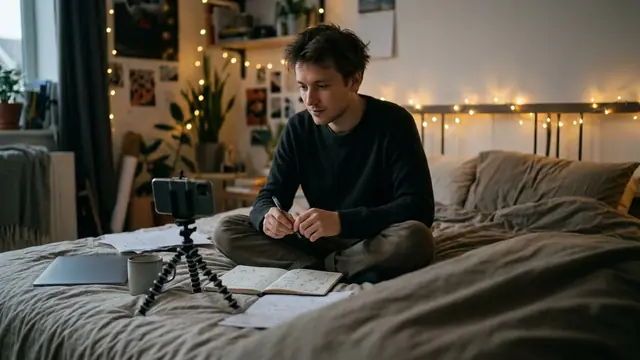 Reel idea generator prompt
 Scroll-stopping hook prompt
 Video prompt templates for Veo, Kling and more
 Cinematic prompt guide: lens, light and camera moves
 Instagram caption and bio generator
Questions, answered
Is the reel hook generator free, and does it use AI?
It is free and needs no sign-up. It is template and rule based, not written by an AI: PromptUp wrote the hook formulas, the beats and the scene prompts, and the tool fills them with your topic. Nothing you type is sent anywhere. If you want more variety, copy a hook or a scene prompt into ChatGPT or Gemini and ask for versions.
How long should a reel hook be?
The hook is what viewers see and hear first. This tool gives it the first 3 seconds, up to 8 spoken words and up to 8 words on screen. Those limits are PromptUp's rule of thumb. No tool can promise views or reach, so the checks only tell you whether the plan is clear, not how it will perform.
How do I write the topic?
As a short noun phrase of 2 or 3 words, like "AI photo prompts", "meal prep for students" or "handmade candles", not a question or a sentence. For a single thing, a plural ("room makeovers") or a phrase that starts with "a" or "my" ("a room makeover") reads best. The hooks put it after words like about, for and with. If it starts with "my" or "our", the tool leaves out lines that tell the viewer to do something with it.
How many words fit in a 15, 30 or 45 second reel?
A natural speaking pace is about 2.5 words a second, so roughly 35 words in 15 seconds, 75 in 30 and 110 in 45. The script check fails above 2.8 words a second, and the script shows the word count for every beat. Plenty of reels use fewer words and let the pictures and music do the work.
How many hashtags should I use?
Five or fewer. Instagram capped a post or Reel at 5 hashtags in December 2025. YouTube shows the first 3 hashtags in a description above the title and ignores every hashtag on a video that has more than 15. TikTok has changed its limits and they have differed by account, so check the limit in your app. The tool gives up to 5 and leaves out broad tags like #reels.
Can I use the scene prompts in any AI video tool?
Yes. They are plain descriptive sentences: the shot, the camera move, the lens, the light and what happens. They do not use the special features of any one tool. Each scene is marked AI video or Film it, and you can flip it. For prompts written for Veo, Kling or Higgsfield, use the video prompt templates, and see the cinematic prompt guide for what each camera word does.
Does the hook card upload my text?
No. The card is drawn in your browser and saved as a PNG, 1080 by 1350 for a feed post or 1080 by 1920 for a Story, with a small usepromptup.com mark. A share link carries only your choices, like the video type and length, never the topic you typed.
Can I get Hinglish hooks?
Yes. Pick the Hinglish tone. The hooks, the spoken lines and the on-screen text are written in Hindi with English letters, like "Chai ka sach koi nahi batata". The scene prompts stay in English, because AI video tools read English.