Tool · 19 prompts
Claude Code prompts you can copy and paste
Claude Code is Anthropic's coding agent. It works inside your project: it reads files, runs commands and tests, and makes changes you approve. These prompts are written for agent work: setting up a CLAUDE.md, giving a clear task brief with a "done means" list, planning before coding, fixing failing tests without cheating, and refactoring in small safe steps. Most also work in Cursor.
This page lists all 19 PromptUp prompts written for Claude Code.
Last updated · How to prompt Claude Code ↓
All 19 prompts
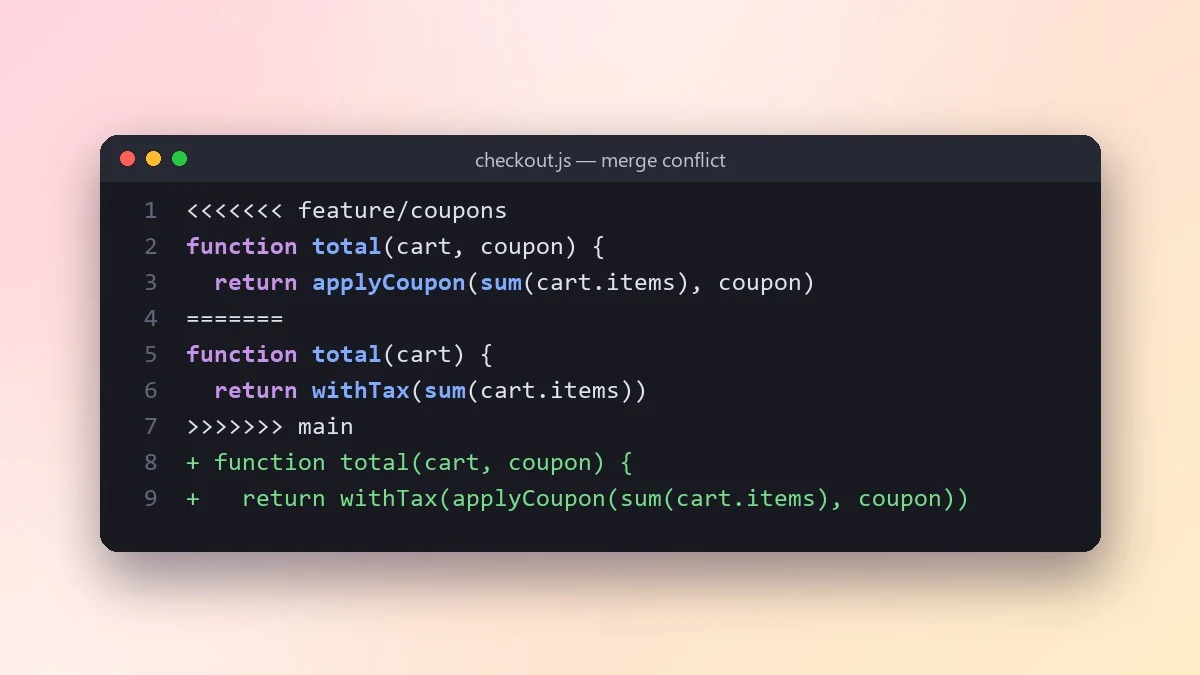 Resolve a Git merge conflict safelyClaude · ChatGPT · Claude Code
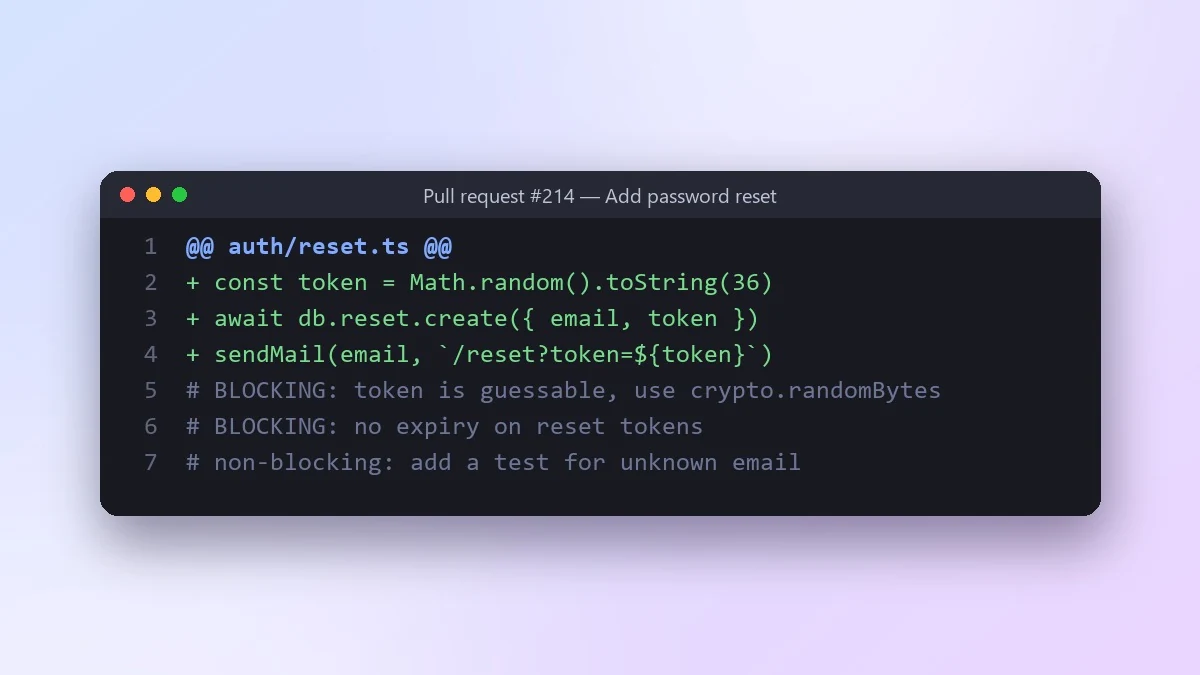 Review a pull request diff before you mergeClaude · ChatGPT · Claude Code
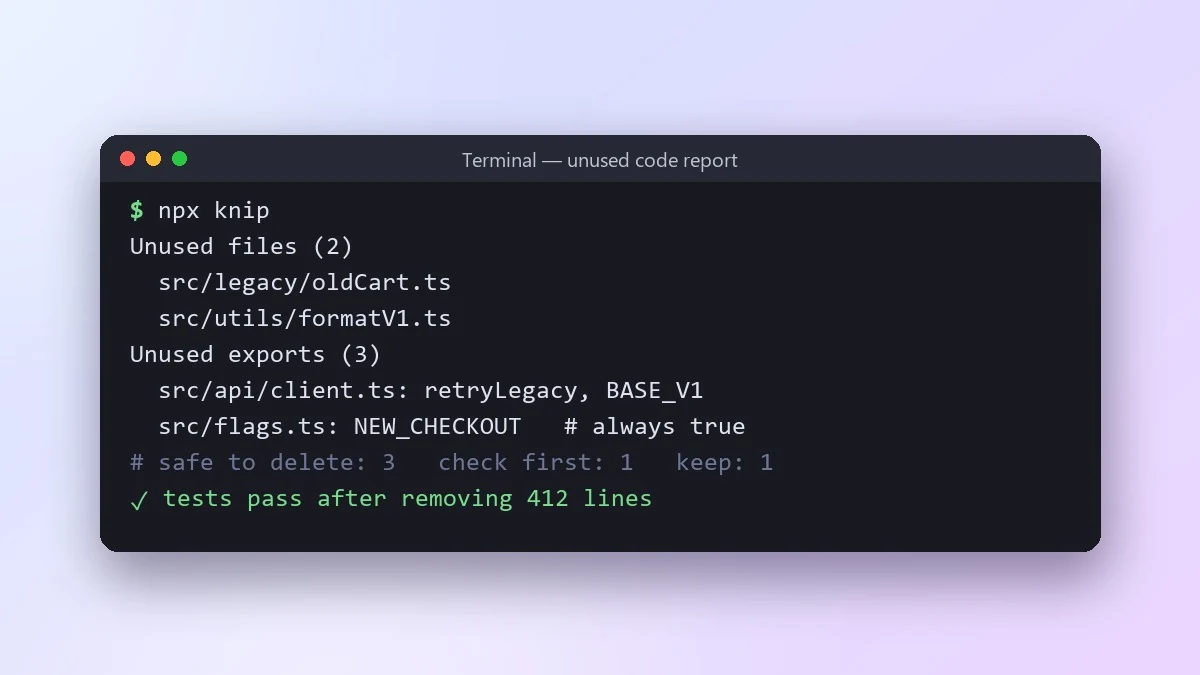 Find dead code and safe things to deleteClaude · ChatGPT · Claude Code
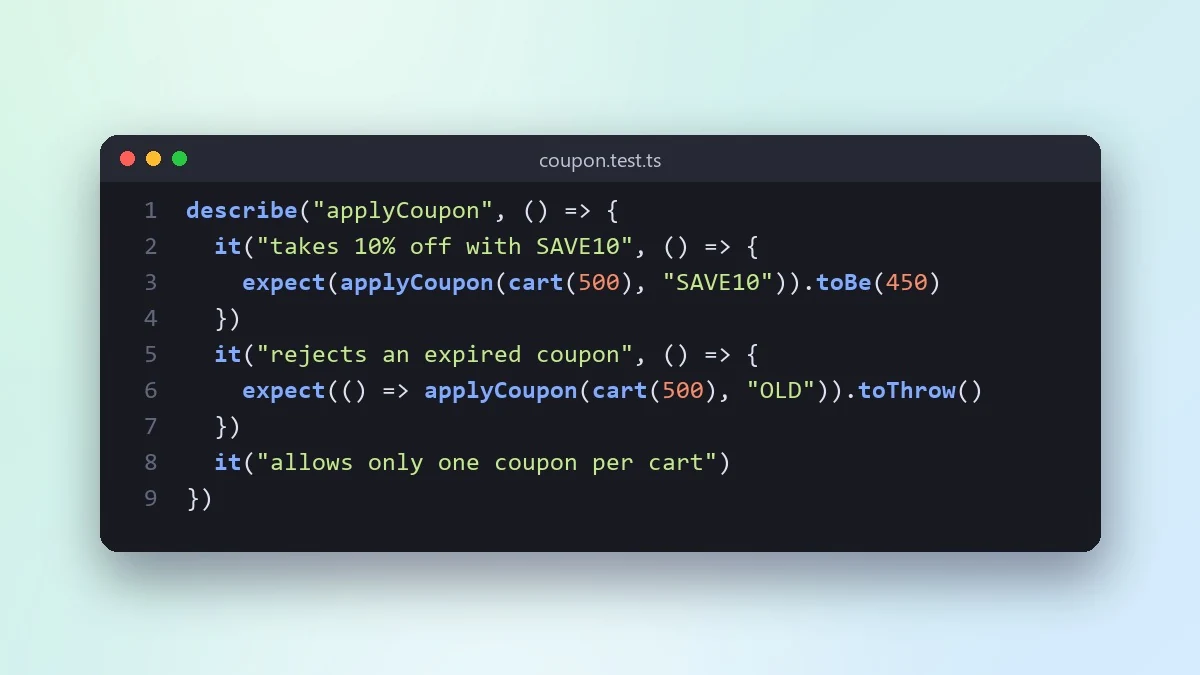 Write the tests first for a new featureClaude · ChatGPT · Claude Code
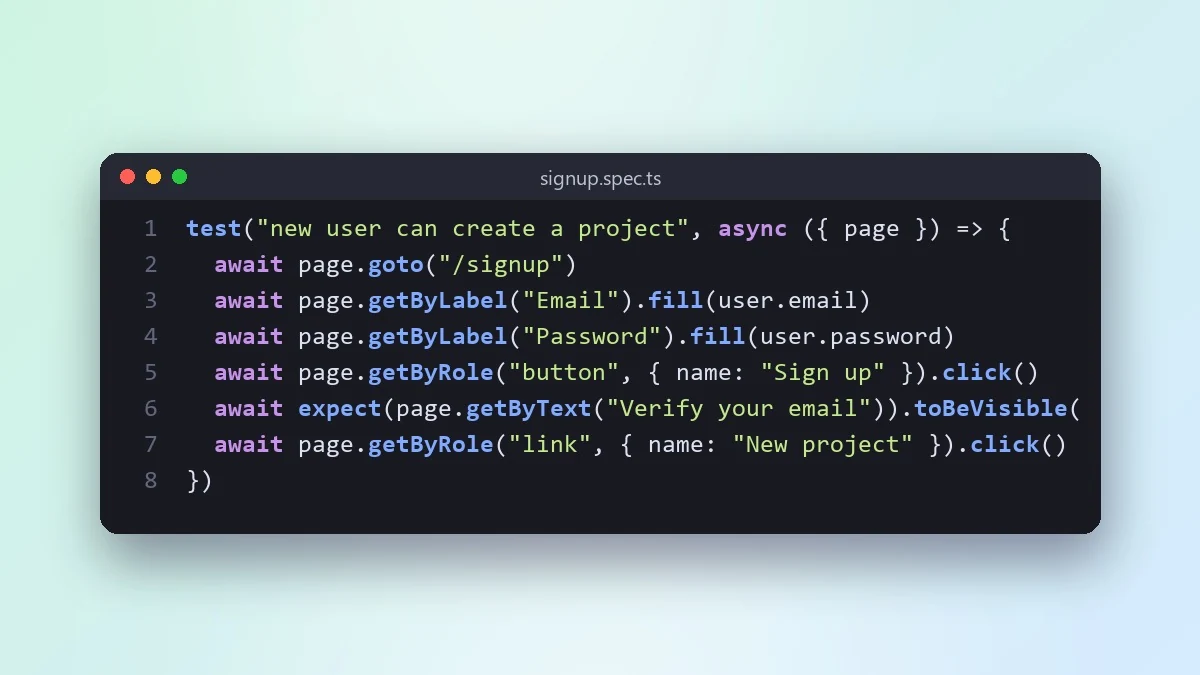 Write an end-to-end test for a user journeyClaude · ChatGPT · Claude Code
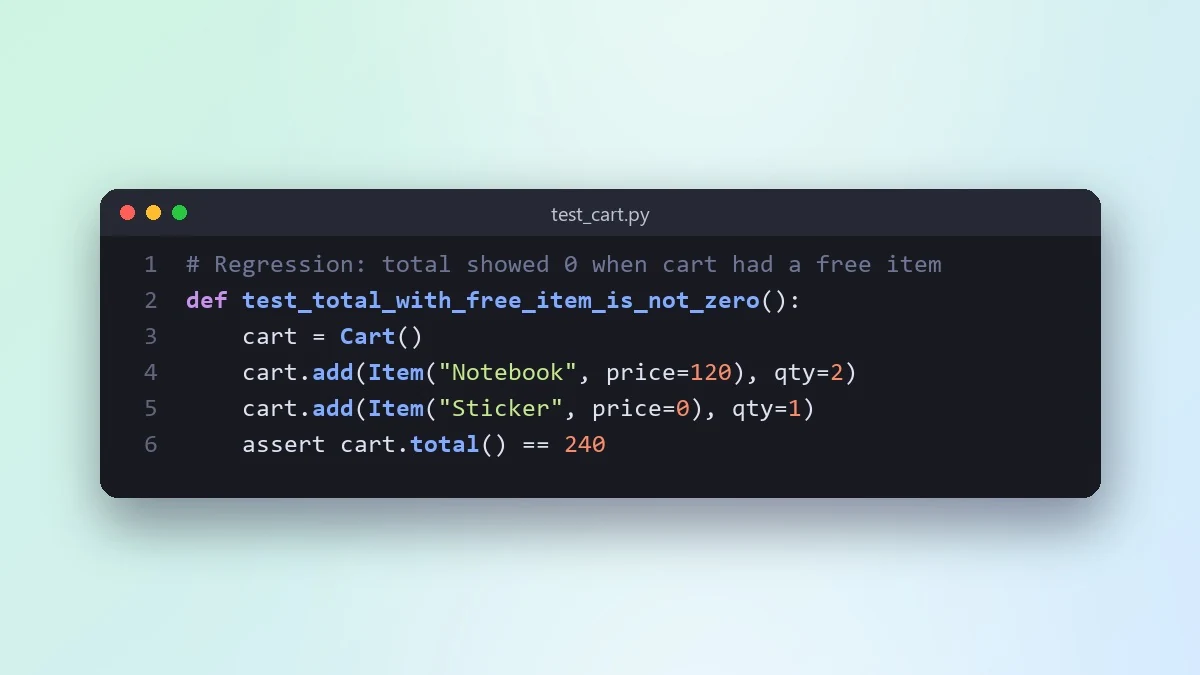 Turn a fixed bug into a regression testClaude · ChatGPT · Claude Code
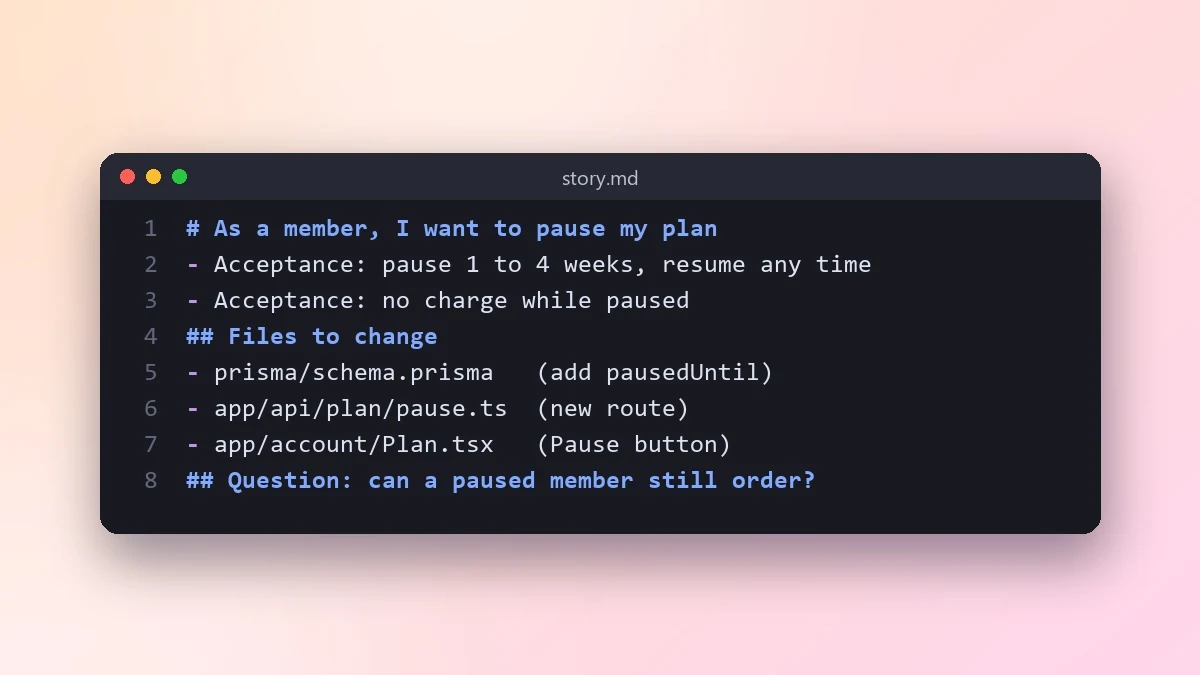 Turn a user story into working codeClaude · ChatGPT · Claude Code
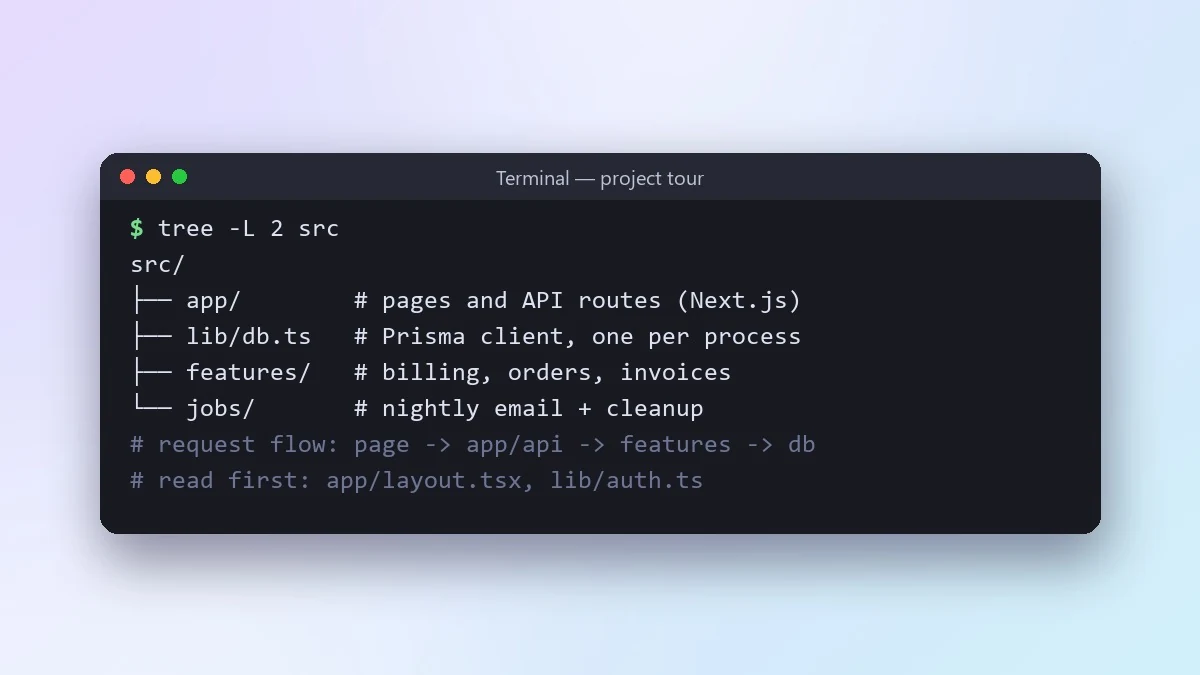 Understand a new codebase fastClaude · ChatGPT · Claude Code
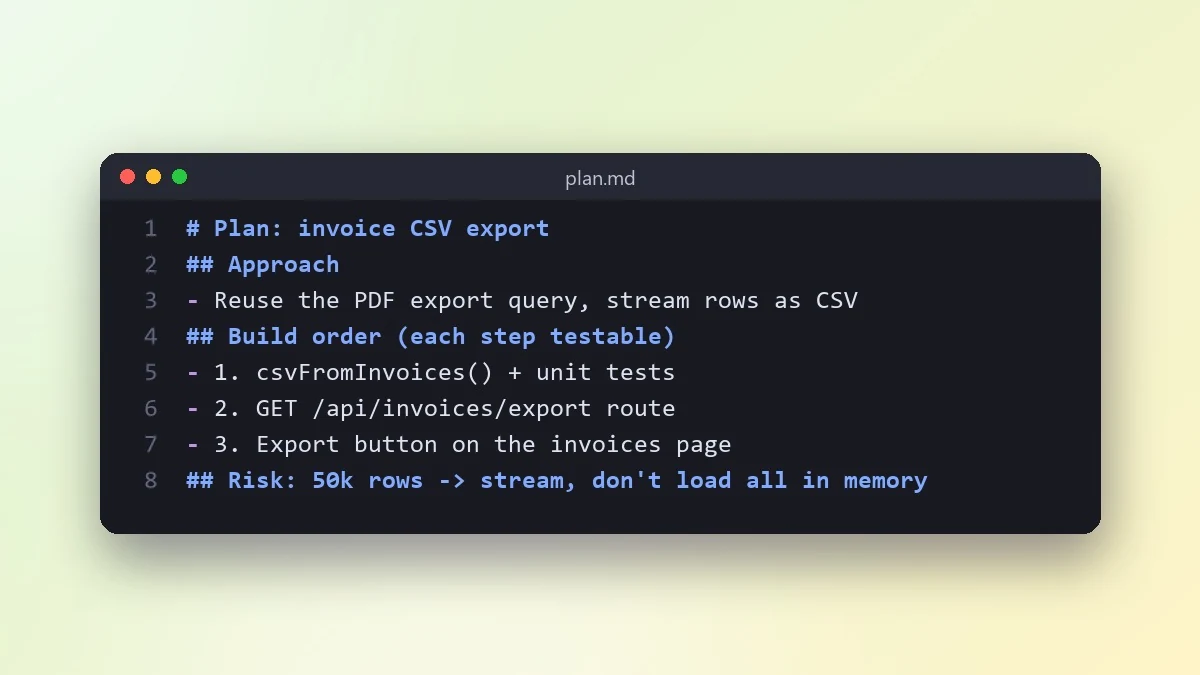 Plan a feature before writing any codeClaude · ChatGPT · Claude Code
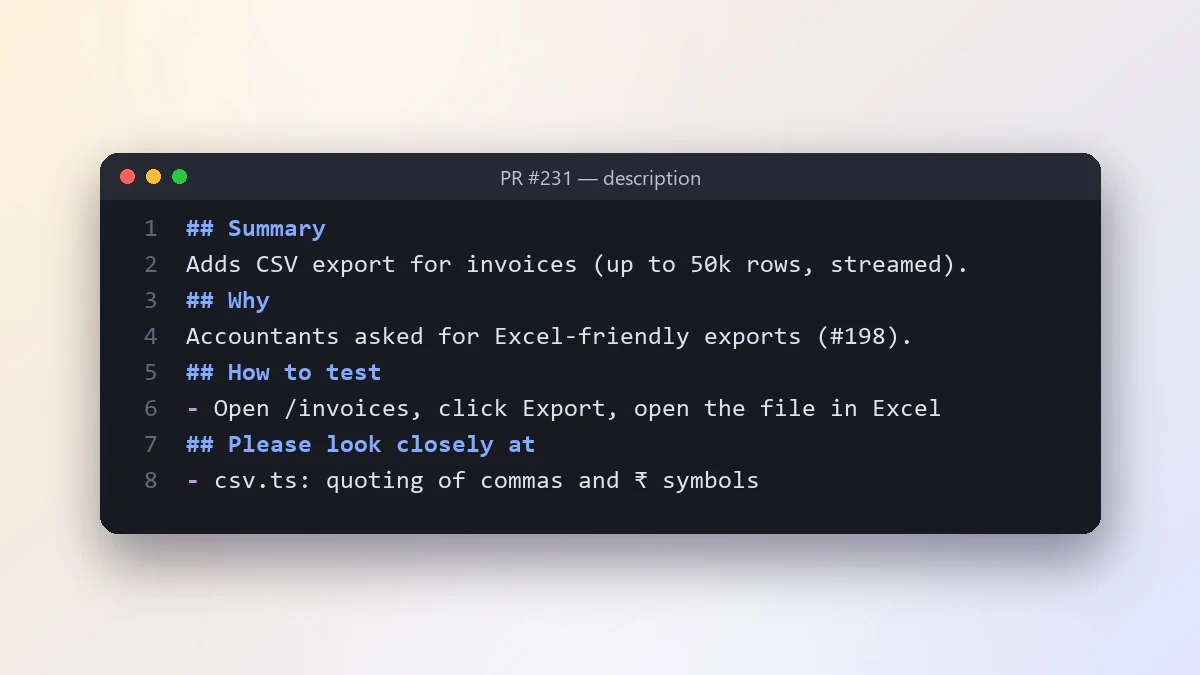 Write a pull request description reviewers loveClaude · ChatGPT · Claude Code
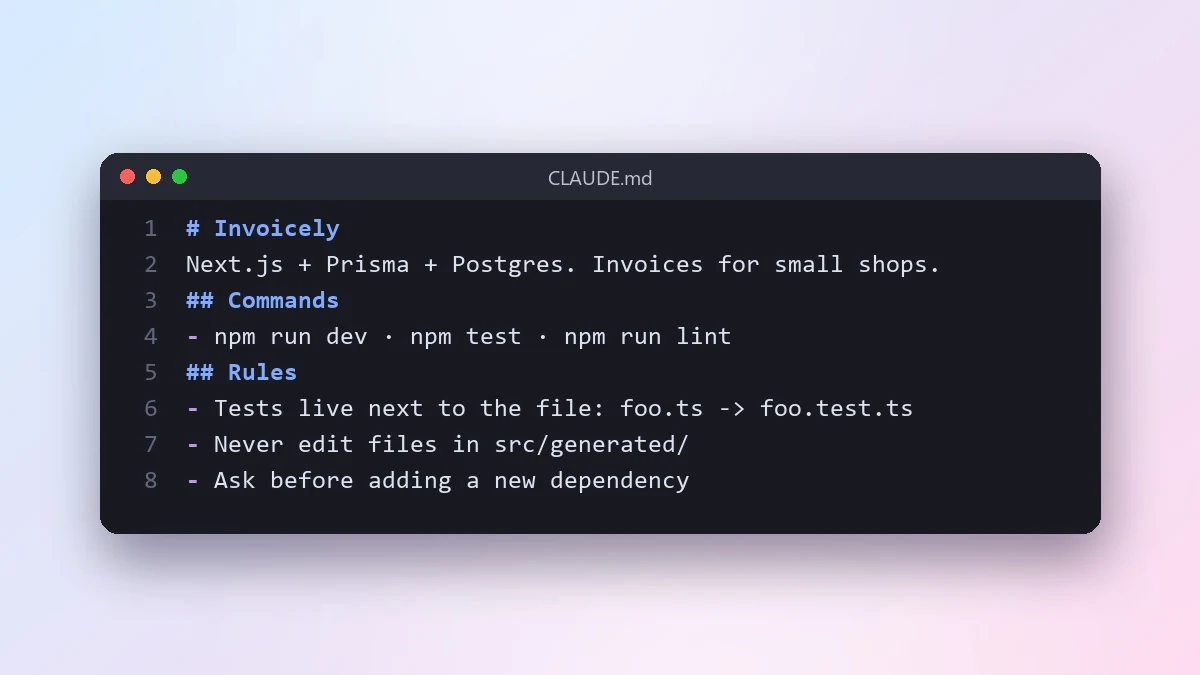 Write a CLAUDE.md file for your projectClaude Code · Cursor
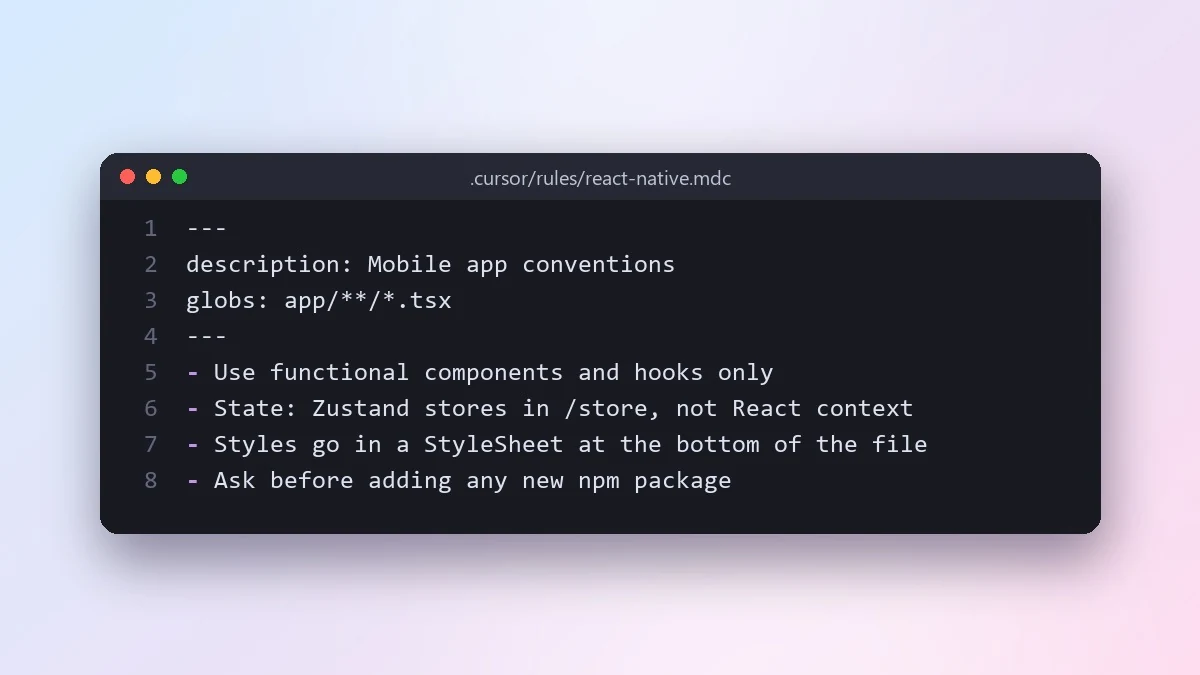 Write Cursor project rules for your codebaseClaude Code · Cursor
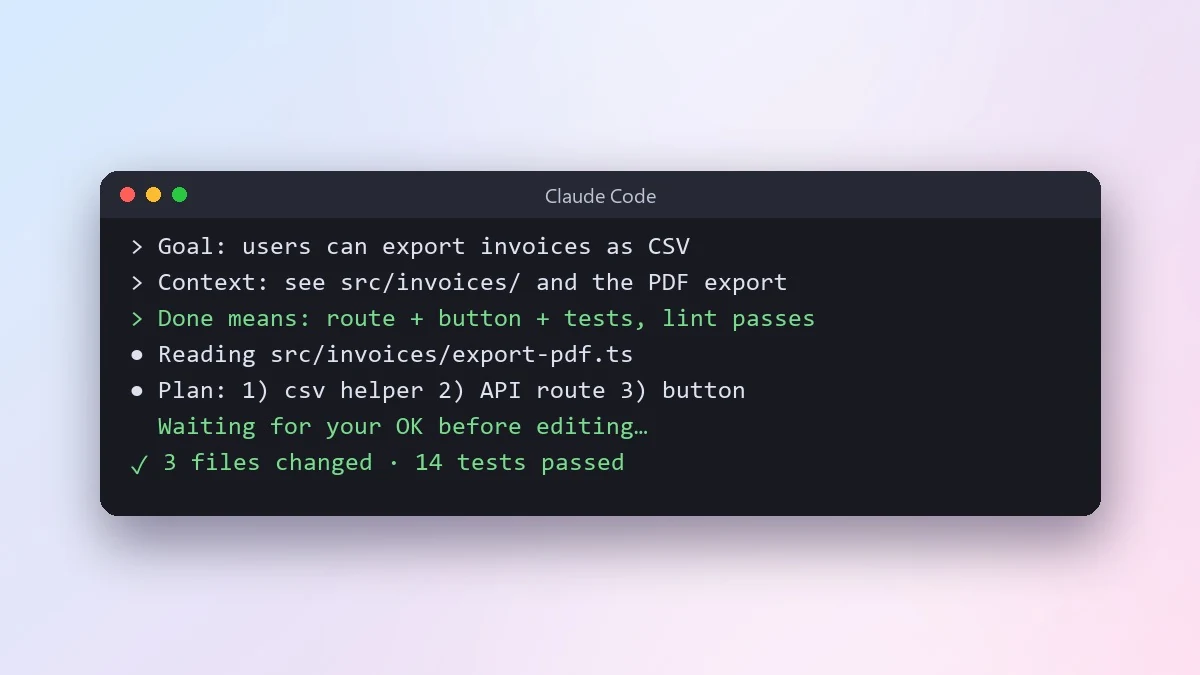 Give an AI coding agent a clear task briefClaude Code · Cursor
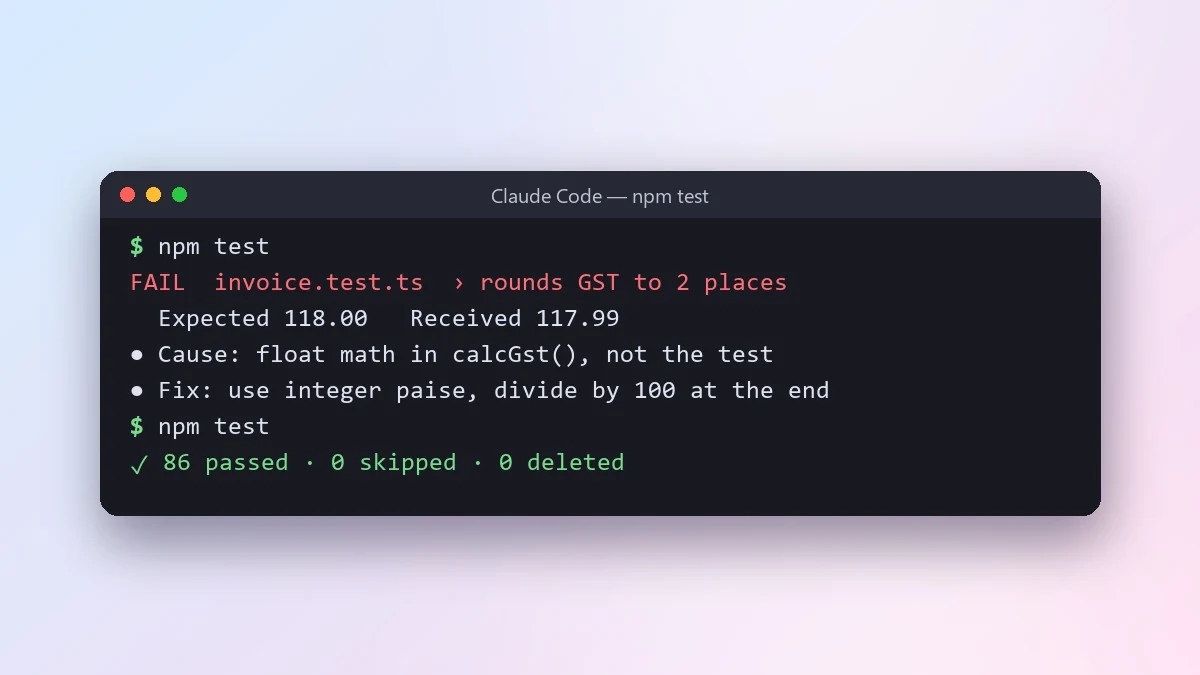 Let an AI agent fix failing tests properlyClaude Code · Cursor
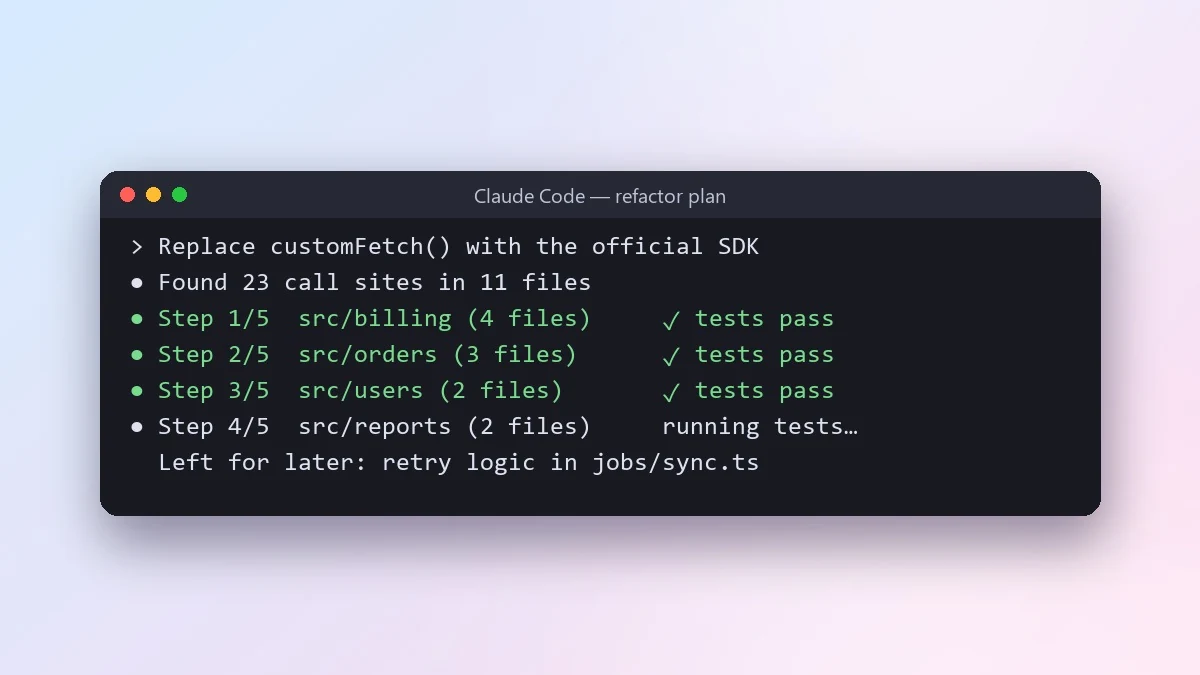 Do a large refactor in small safe stepsClaude Code · Cursor
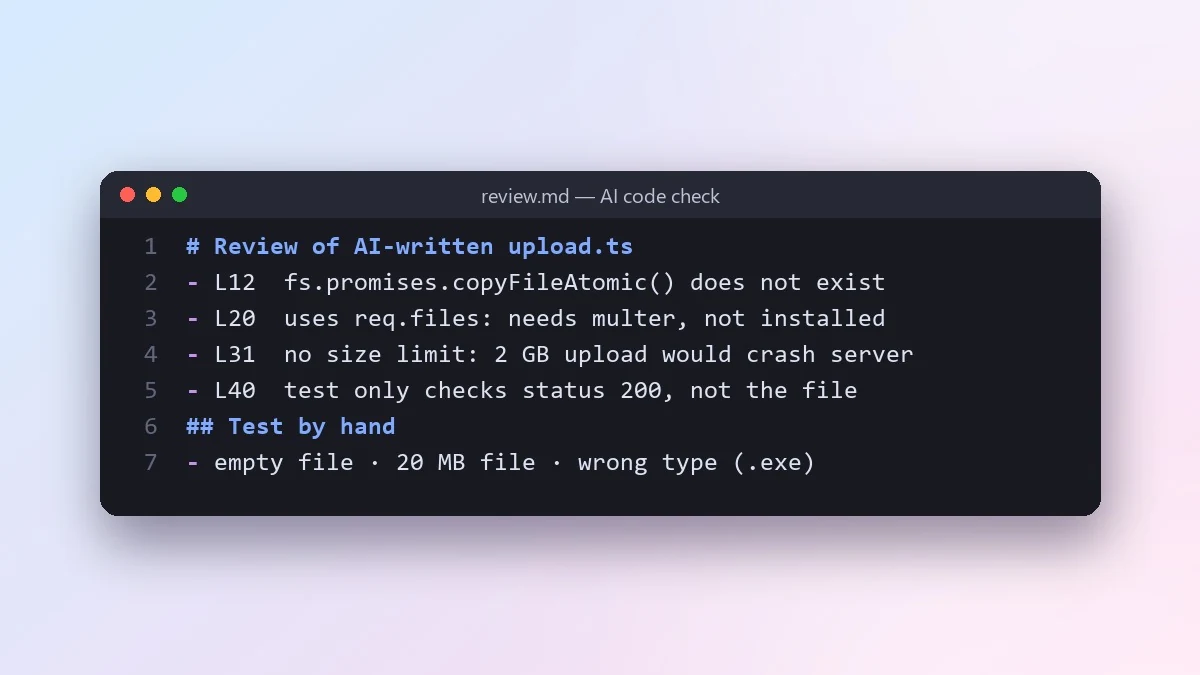 Review code written by an AI before you trust itClaude · ChatGPT · Claude Code
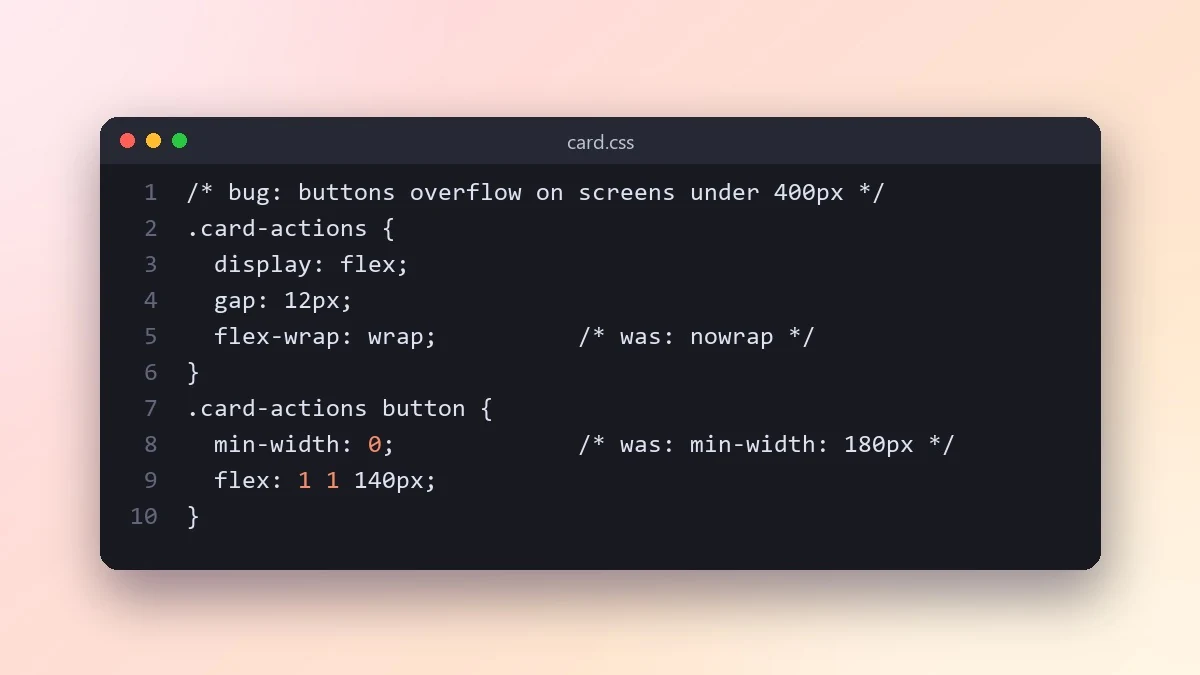 Fix a layout bug from a screenshotClaude · ChatGPT · Claude Code
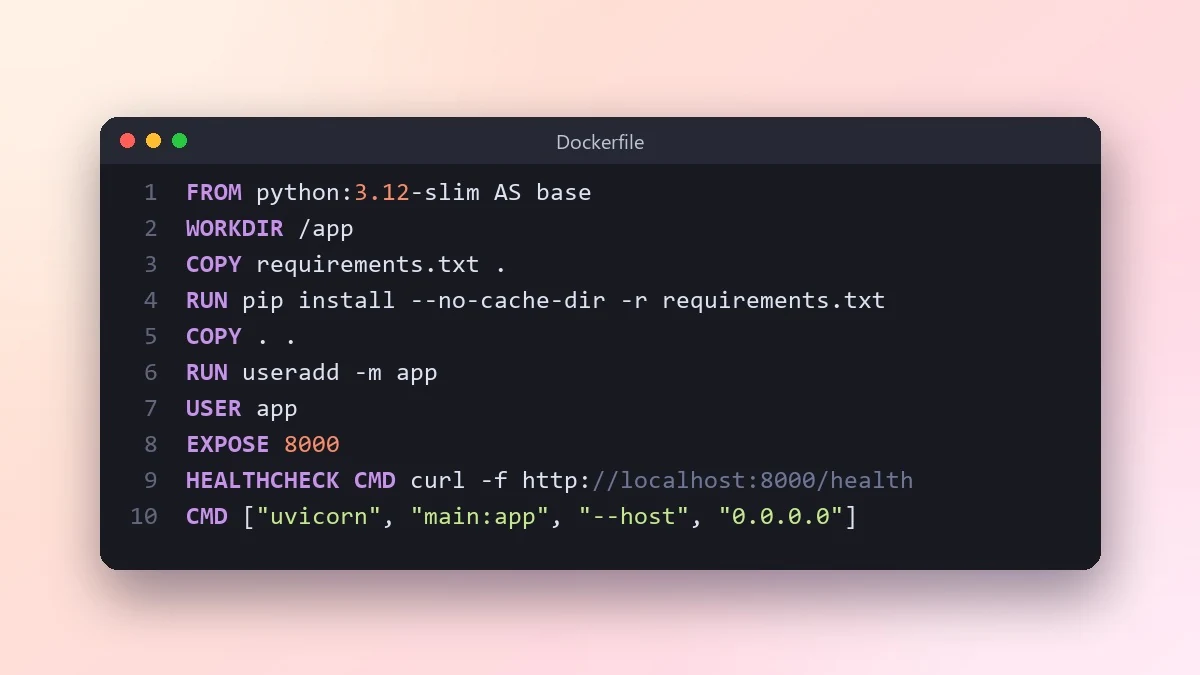 Write a Dockerfile for your appClaude · ChatGPT · Claude Code
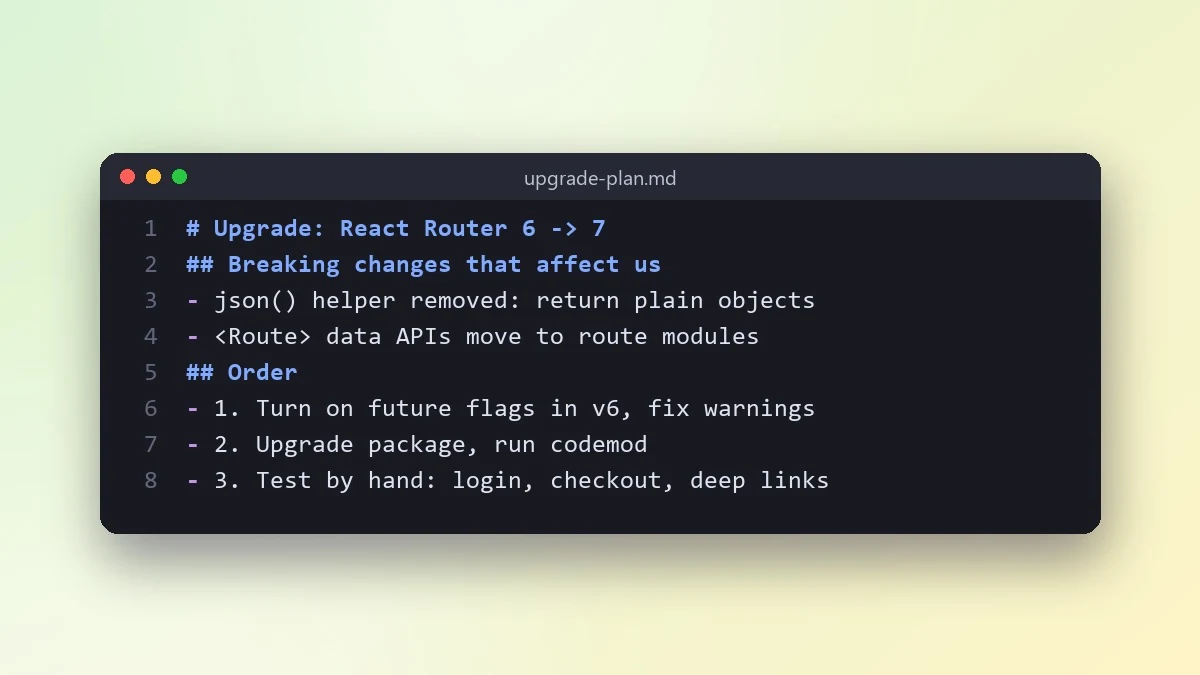 Upgrade a library to a new major versionClaude · ChatGPT · Claude Code
No prompts match that search. Build your own in the builder →
How to prompt Claude Code
Claude Code is Anthropic's coding agent. It works inside your project in the terminal, IDE or browser: it reads files, runs commands and tests, and makes changes you approve.
- Best for
- Multi-file changes and refactors · Fixing failing tests and bugs · Exploring and explaining a new codebase · Repeatable project rules in CLAUDE.md
- Prompt formula
- Goal + context (files, constraints) + done means + how to check
Tips that make the biggest difference
- Write a CLAUDE.md. Put build and test commands, code style and "never do" rules in a CLAUDE.md file at the project root. It is read at the start of each session.
- Say what "done" means. End every task with a checklist: "Done means: tests pass, no new warnings, only files in src/auth changed."
- Plan before big changes. Ask for a plan first and approve it before any code is written. It is cheaper to fix a plan than a large diff.
- Ban the shortcuts. Say "do not delete, skip or weaken tests to make them pass". Agents under pressure sometimes take that route.
Weak vs strong prompt
Weak
Fix the login bug.
Strong
Users get logged out after 5 minutes instead of 24 hours. Find the cause, starting with src/auth/session.ts. Explain the cause before you change anything. Then fix it and add a test that fails before the fix. Done means: npm test passes, only auth files changed, no tests skipped.
Common mistakes
- Huge tasks with no finish line
- No test command, so nothing checks the change
- Accepting a large diff without reading it
Guide checked against the current Claude Code release in .
Questions, answered
Do I need a Claude Code account?
You need access to Claude Code itself to run the prompts. PromptUp is free and needs no sign-up, and it never sees your inputs or results.
How do I use these Claude Code prompts?
Open Claude Code, paste the prompt, and replace the [BRACKETED] fields with your details. Attach a photo first if the prompt is for photo editing.
Need something that isn’t here?
Describe it in one line and get a Claude Code prompt built for you.
Explore more prompts
- Photo editing prompts
- Image generation prompts
- Video generation prompts
- Chat & writing prompts
- ChatGPT prompts
- Gemini prompts
- Claude prompts
- Kling prompts
- Veo prompts
- Seedance prompts
- Midjourney prompts
- Higgsfield prompts
- Ideogram prompts
- Cursor prompts
- 1980s retro photo prompts for Gemini & ChatGPT
- Viral AI photo trend prompts
- Old photo restoration and enhancement prompts
- AI prompts for your job search
- AI product photo and ad prompts
- AI prompts for content creators
- AI coding prompts you can copy and paste
- How to write AI prompts