Free ATS-friendly resume templates: 8 one-column layouts, PDF and Word, no sign-up
Published
Short answerAll eight templates are one column with real text, so applicant tracking software reads them in the right order. Pick one below, fill it in the free resume builder, and download a PDF or Word file with no sign-up and no watermark.
The eight templates
-
Fresher Best for students
Education first, then projects and skills. Made for a first resume.
Use this template (Fresher) → -
Modern Clean
A clean layout with a colour accent and ruled headings. Works for most jobs.
Use this template (Modern) → -
Classic Centered
Centered name and ruled headings. The most traditional look.
Use this template (Classic) → -
Compact Fits more
Smaller type and tighter spacing, for when the content is close to one page.
Use this template (Compact) → -
Minimal Plain
Plain headings with no lines. Simple and easy to print in black and white.
Use this template (Minimal) → -
Banner Colour header
Your name and contact line on a coloured band at the top.
Use this template (Banner) →
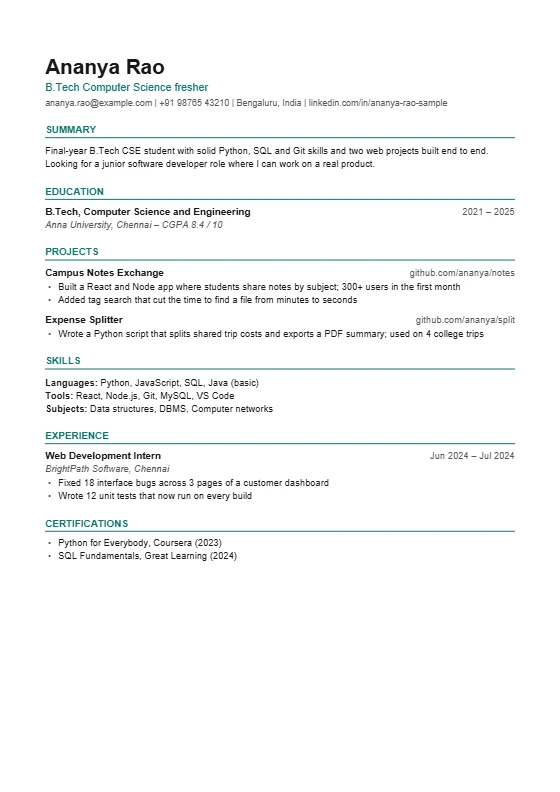
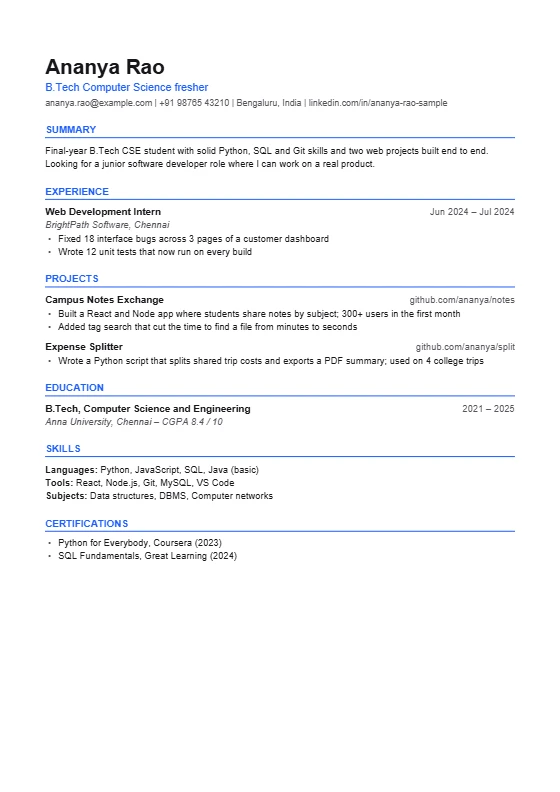
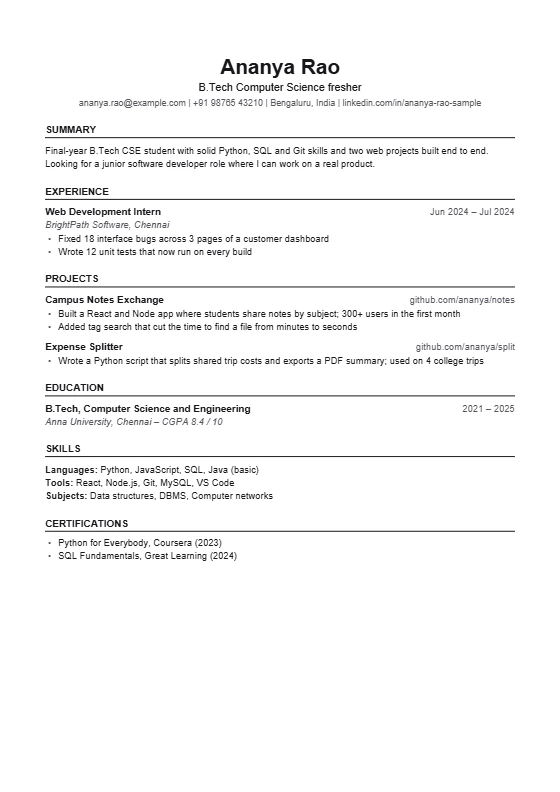
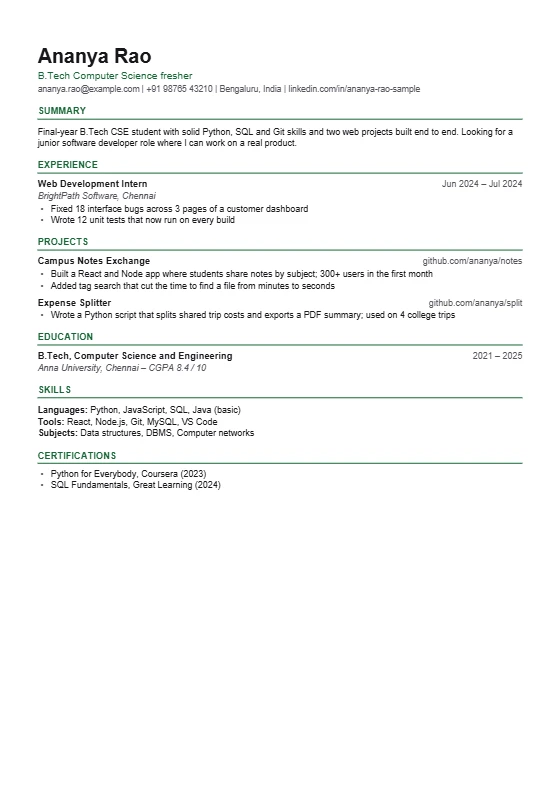
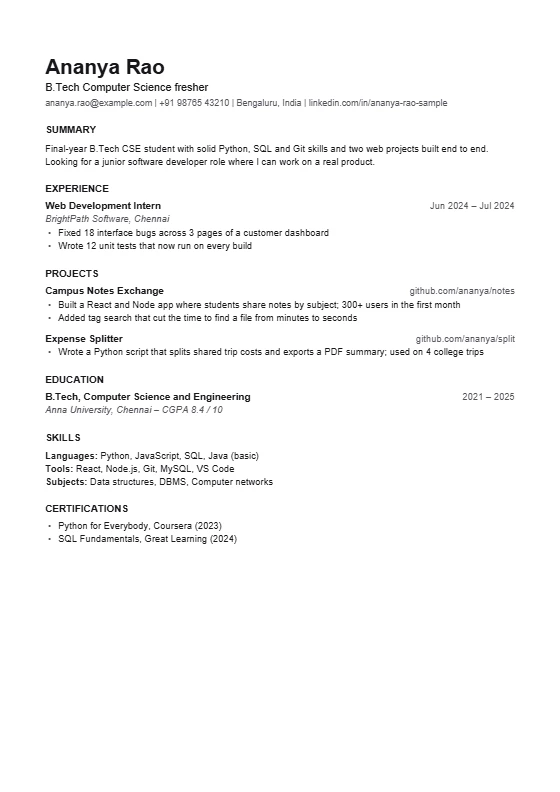
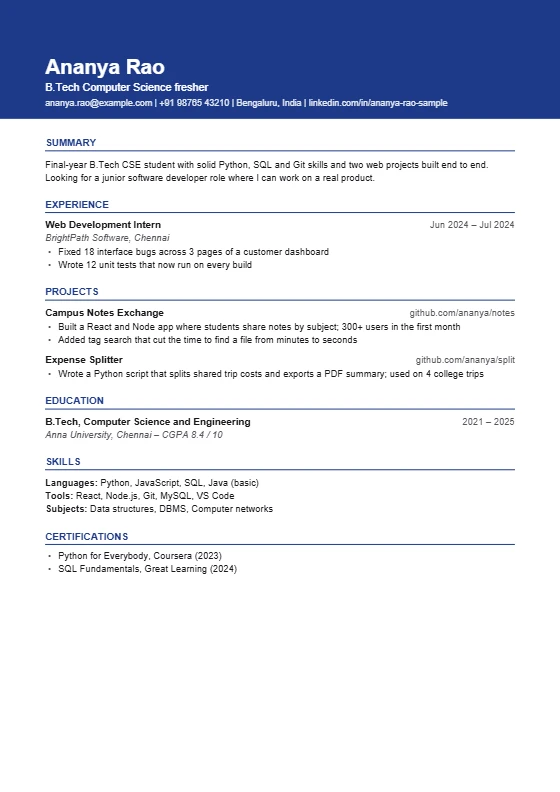
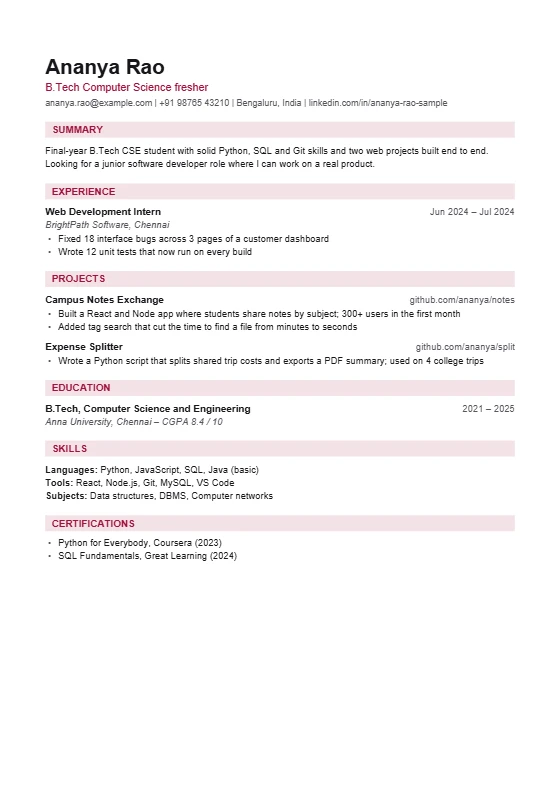
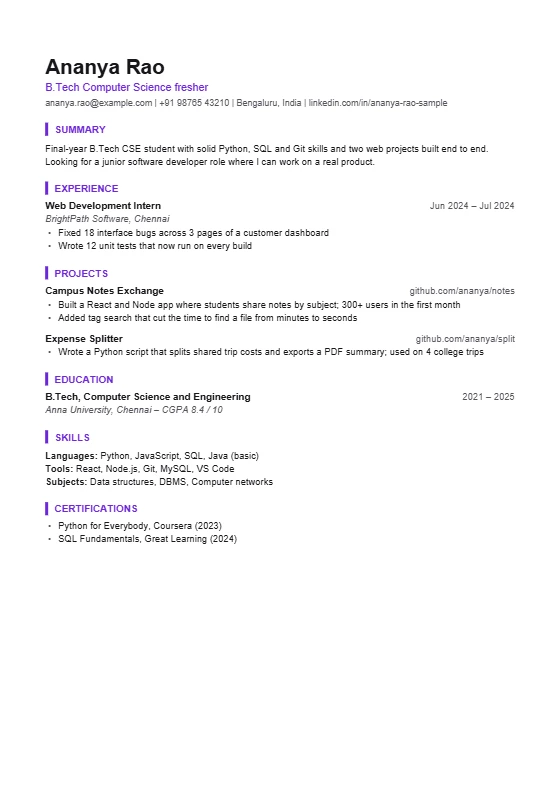
Sample resumes with made-up details. The previews are made by the same code that makes your PDF.
These are the eight layouts in the free resume builder. Each one is a single column with real text, plain headings and no tables, text boxes or pictures, because those are what ATS (applicant tracking) software reads best. Click Use this template to open the builder with that layout selected, and switch to another any time. Your text moves with you.
Which template should you pick?
| If you are... | Pick | Why |
|---|---|---|
| A fresher or student | Fresher | Education comes first, then projects and skills |
| Applying for a traditional job (finance, law, government-style forms) | Classic or Minimal | Centered name and plain headings feel formal |
| Applying in tech, design or marketing | Modern or Bar | Clean with a colour accent |
| Close to the one-page limit | Compact | Smaller type and tighter spacing fit more |
| Wanting a strong first impression | Banner | Your name on a coloured band |
| Wanting soft colour without a heavy look | Tinted | Light bands behind headings |
If you are unsure, choose Fresher or Modern. They are the safest.
What every template has in common
- One column. Text runs in a single order, the way ATS reads it.
- Real text. You can select every word, which means software can too.
- Standard headings: Summary, Experience, Projects, Education, Skills.
- Eight colours. Ink, Navy, Blue, Teal, Green, Maroon, Purple and Rust, changed with one click.
- Your own section order. On a computer you can drag the sections into any order, switch sections off, and add your own, such as Certifications or Achievements.
- Both file types. PDF for sending, Word (.docx) for editing. The Word file is made from the same data, with the same look.
Colour bands and bars are only decoration behind real text, so they do not affect how the text is read. For more on this, see what makes a resume ATS-friendly.
How to use a template
- Click "Use this template" on the one you like.
- Type your details. On a computer, click the text on the resume and type. On a phone, fill the short form.
- Check it. The Check tab gives a score out of 100 and a list of fixes.
- Download the PDF to send, and the Word file to keep.
New to this? Read the fresher resume format and look at the fresher resume examples.
Make your resume free
No sign-up, no watermark. Eight templates, a free ATS check, and PDF and Word downloads. Made on your device.
Frequently asked questions
Are these resume templates really free?
Yes. All eight are free, with no sign-up and no watermark, and you can download them as many times as you like.
Are the templates ATS-friendly?
Yes. All eight are a single column of real text with standard headings. They have no tables, text boxes or pictures.
Can I download the template as a Word file?
Yes. Each template downloads as a Word (.docx) file as well as a PDF. The Word file uses real headings and bullet lists, so it is easy to edit.
Which resume template is best for freshers?
The Fresher template, which puts education first and then projects and skills. Modern and Classic also work well.
Can I change the colour of a template?
Yes. Choose from eight colours on the Look tab. Black (Ink) is the most formal and is the safest for printing in black and white.
Do I need to use the same template for every job?
No. Your details stay the same when you switch. You can send a more formal layout to one employer and a modern one to another.