Tool · 15 prompts
Seedance video prompts you can copy and paste
Seedance is ByteDance's AI video model. These prompts describe the shot, the action and the style in plain language, ready to paste and adapt.
This page lists the prompts that suit Seedance best: dance and music clips, where the movement has to follow a beat.
Last updated · How to prompt Seedance ↓
Try the AI video prompt generatorFree, no sign-up
15 prompts picked for Seedance
Most prompts work in more than one app, so each is listed on the page of the app it suits best. Another 340 prompts also work in Seedance: see every prompt that works in Seedance →
 Ultra slow-motion droplet splashSeedance · Veo
 Trending
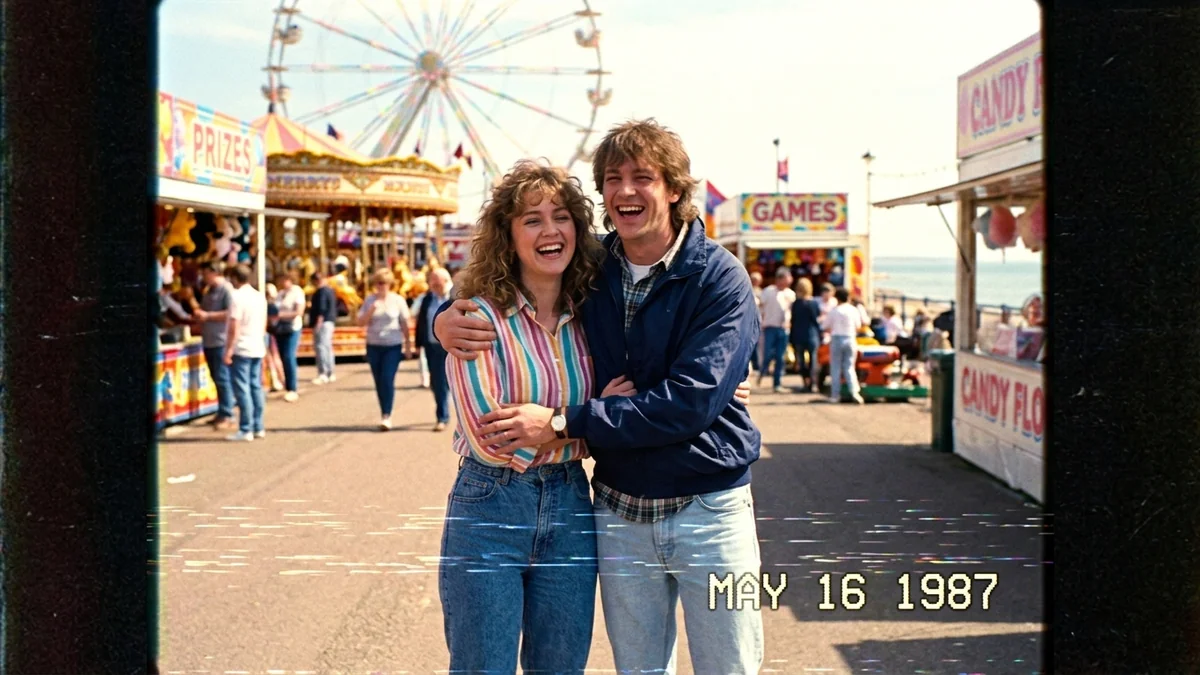
A Day in 1987 (VHS home video)Seedance · Veo · Kling
 Trending
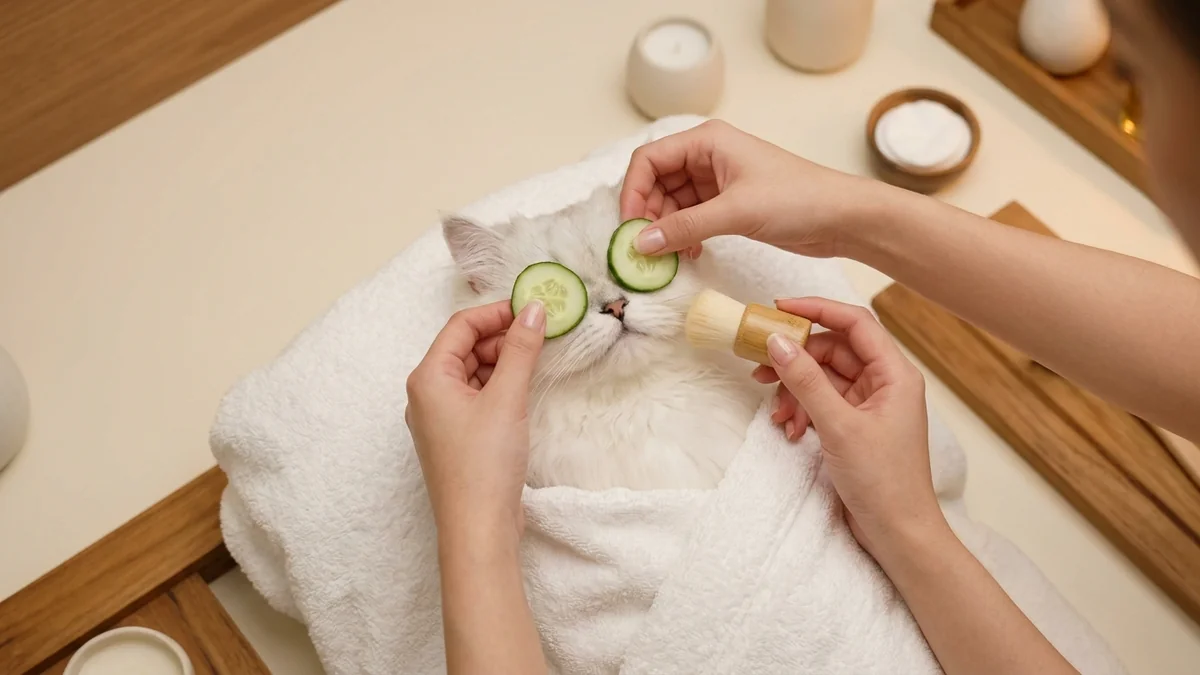
Pet spa day ASMRSeedance · Veo
 Trending
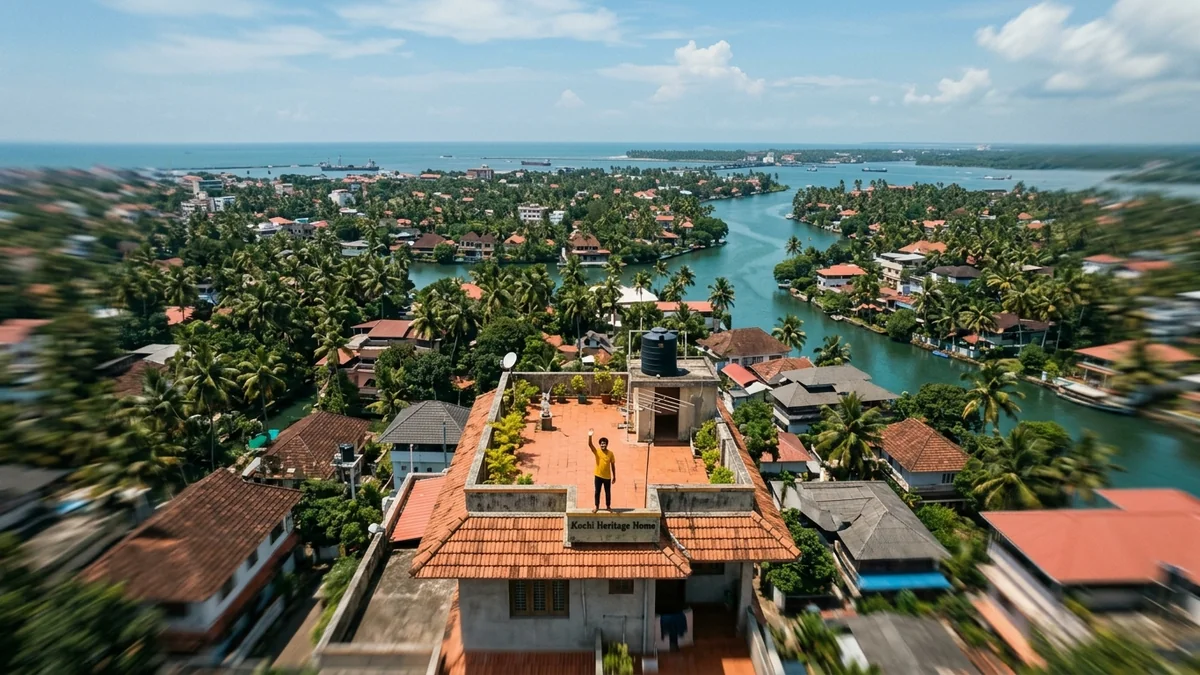
Earth zoom-out from where you standSeedance · Veo · Kling
 Trending
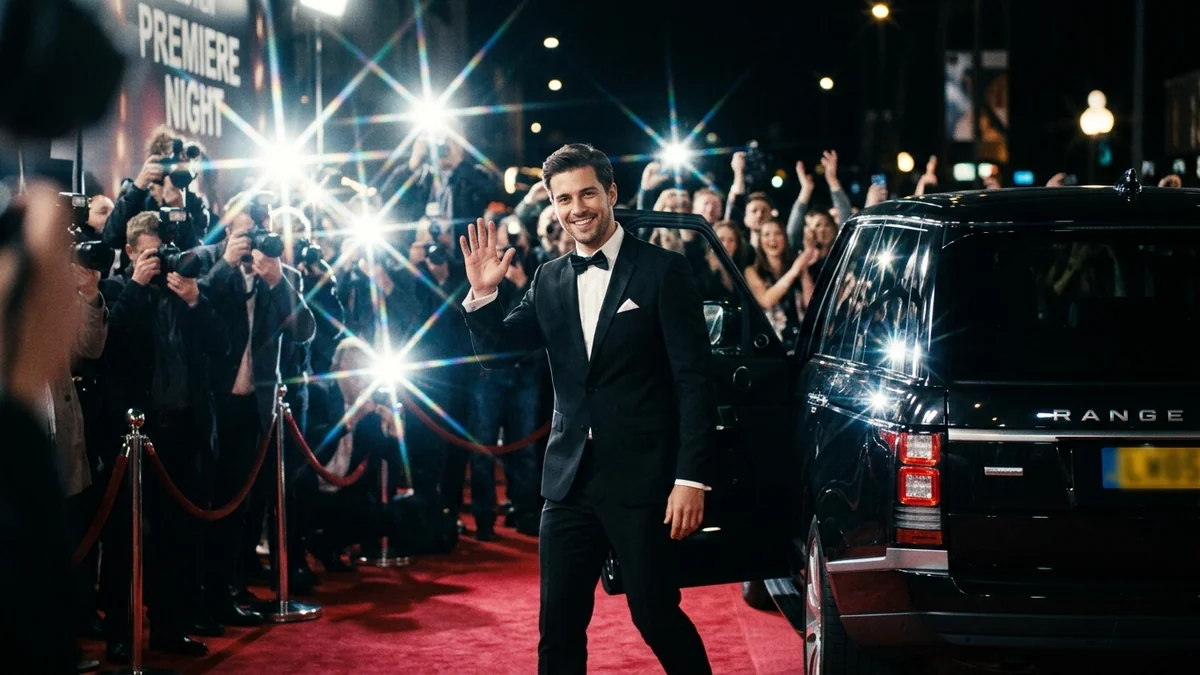
Red carpet paparazzi entranceSeedance · Veo
 Trending
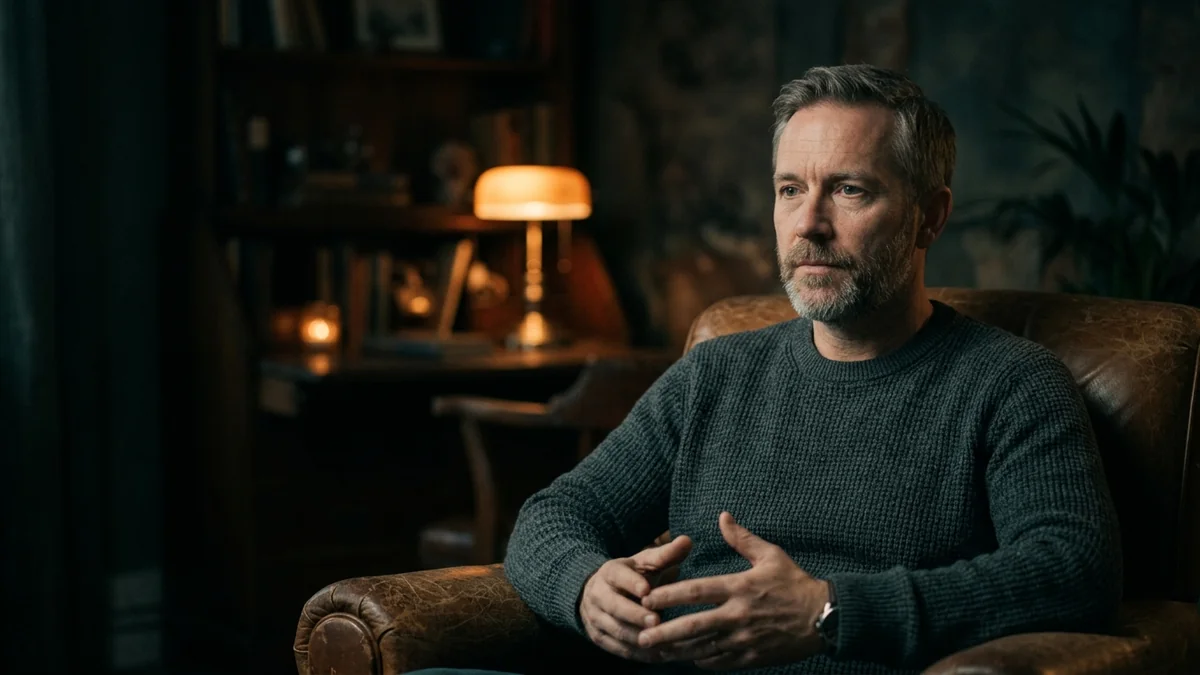
My Netflix-style documentary interviewSeedance · Veo
 Trending
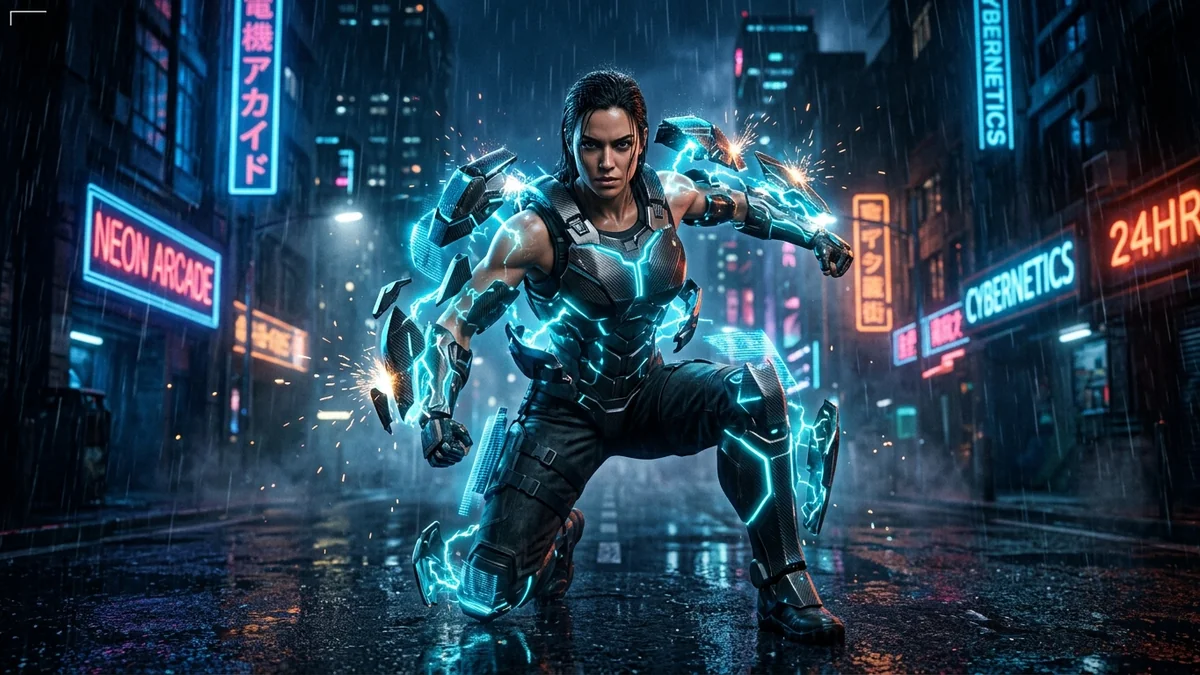
Superhero armor transformationSeedance · Kling
 Trending
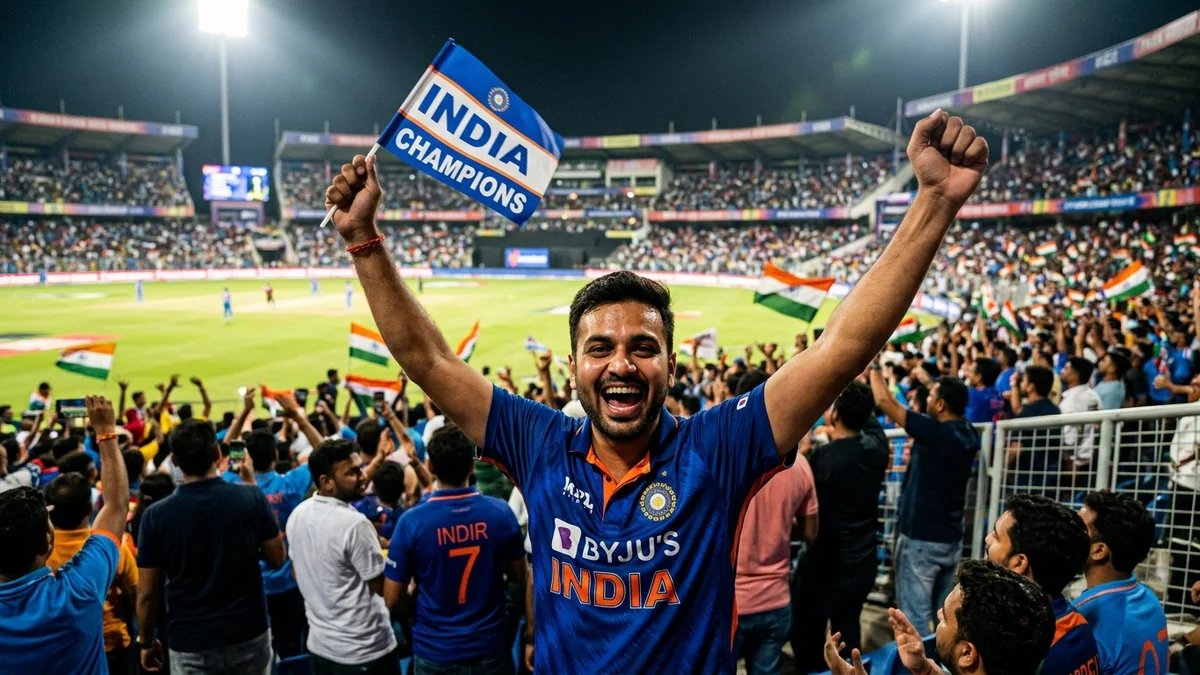
Stadium big-screen fan camSeedance · Veo
 Trending
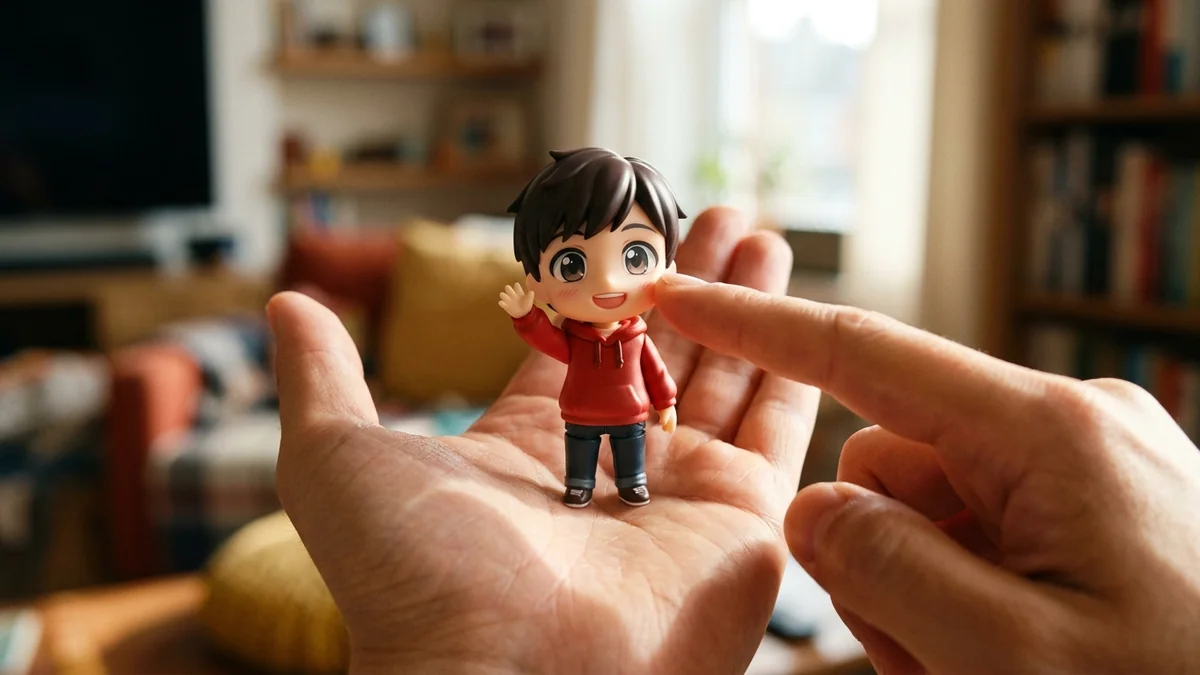
Tiny chibi me in your handSeedance · Kling
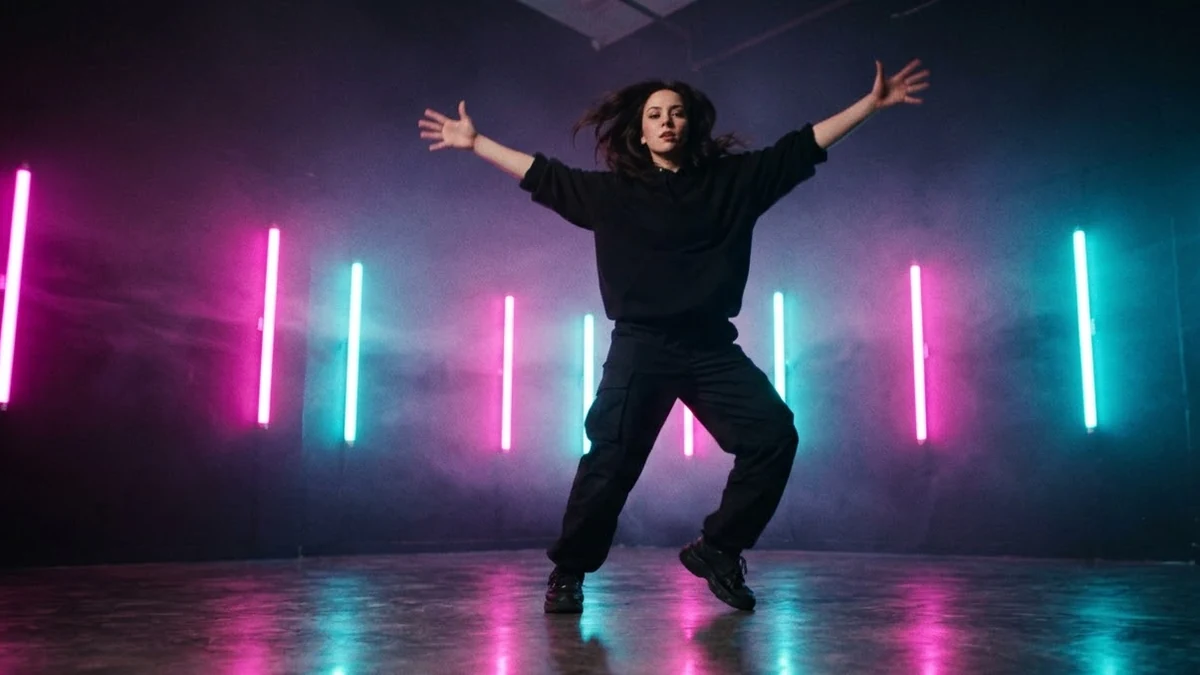 Neon dance music-video clipKling · Seedance · Veo
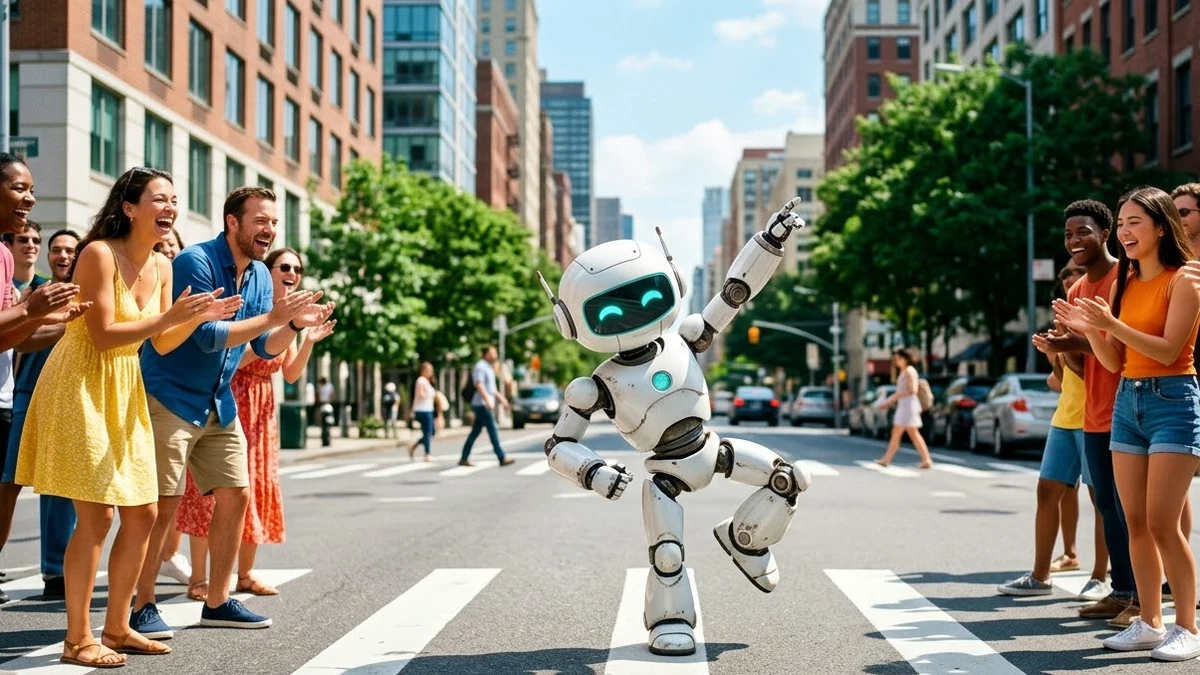 Robot dancing in the streetKling · Seedance · Veo
 Music visualiser wavesVeo · Kling · Seedance
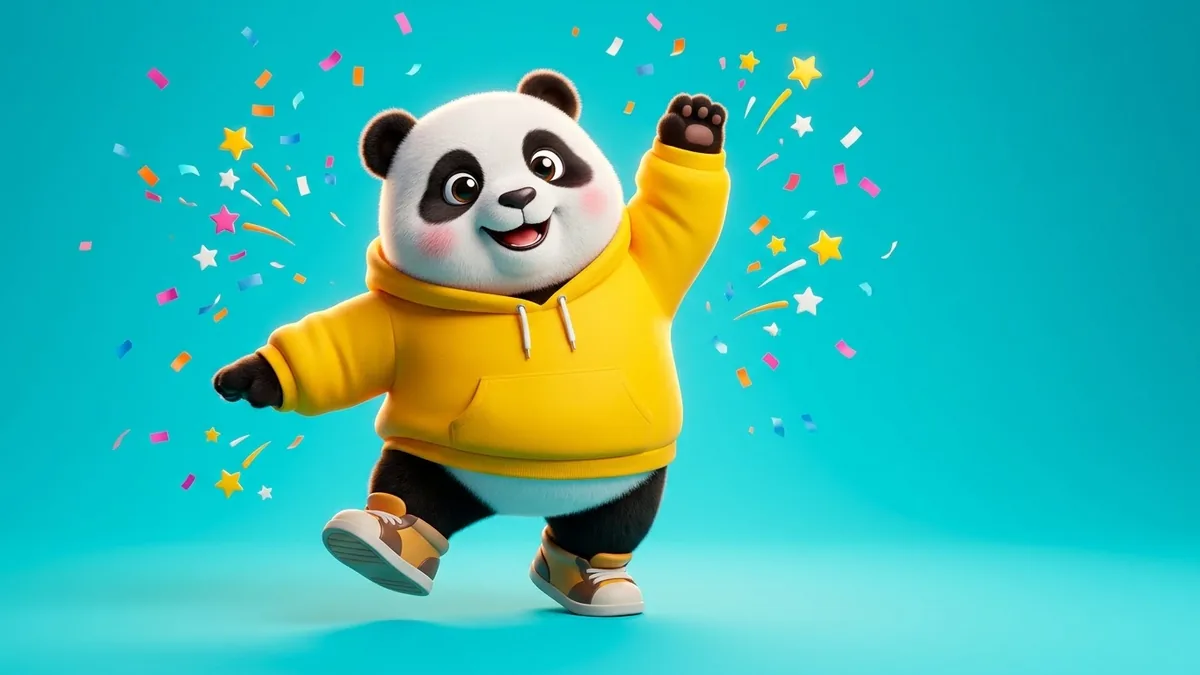 Brand mascot dance introVeo · Kling · Seedance
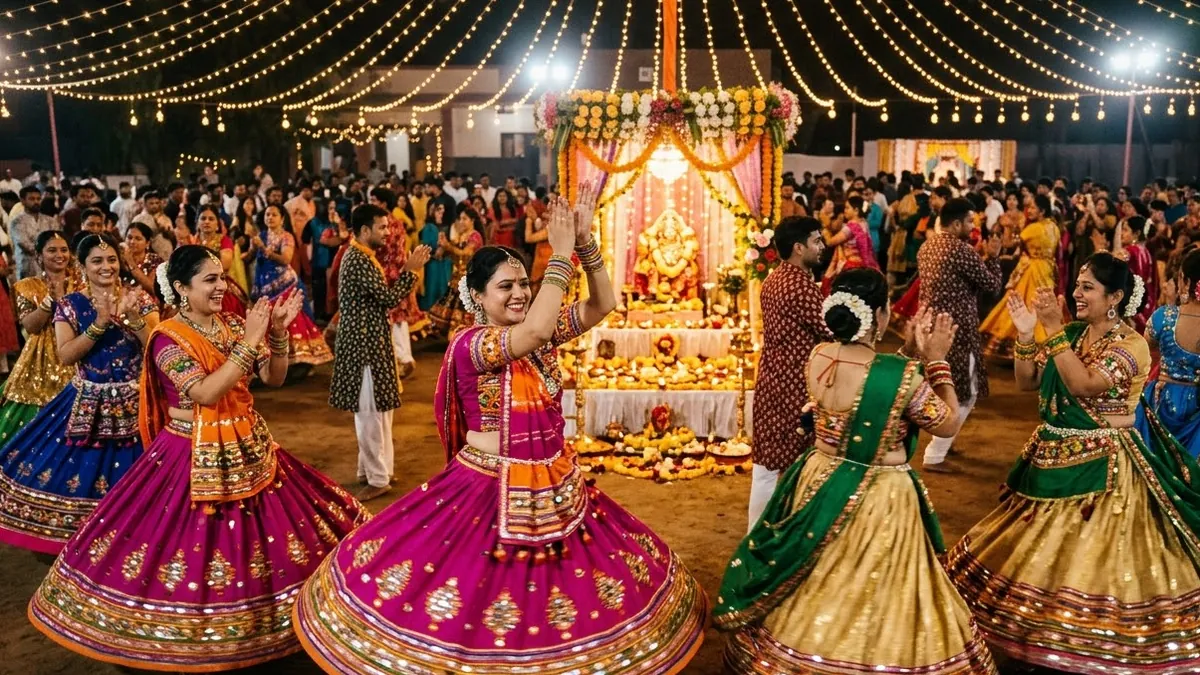 Navratri garba circleVeo · Kling · Seedance
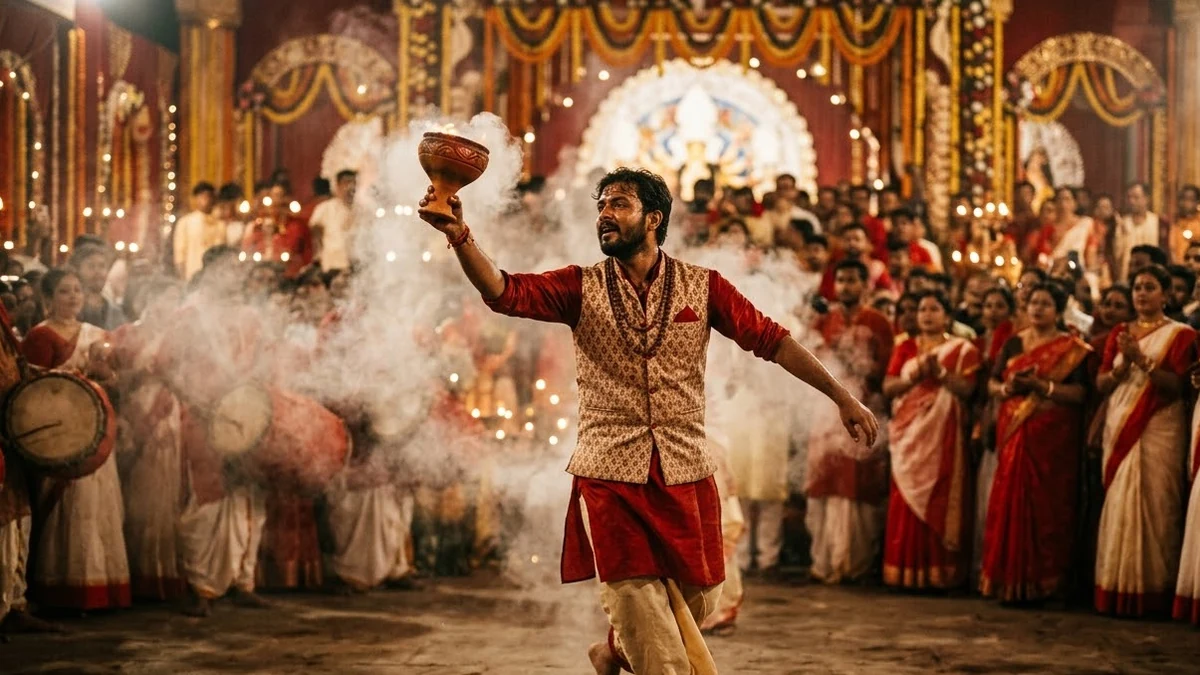 Durga Puja dhunuchi danceVeo · Kling · Seedance
No prompts match that search. Build your own in the builder →
How to prompt Seedance
Seedance is ByteDance's video model. Version 2.5 can make clips of up to 30 seconds and takes many reference inputs: images, audio and style references.
- Latest version
- Seedance 2.5
- Best for
- Longer single clips · Scenes built from several reference images · Music-led and dance clips · Consistent style across a series
- Prompt formula
- Scene + subject + action + camera + style + references (what each one is for)
Tips that make the biggest difference
- Say what each reference is for. When you attach several images, label them in the prompt: "Image 1 is the character, image 2 is the location, image 3 is the colour style."
- Plan the clip in beats. For a longer clip, write short time beats: "0-5s: wide shot of the street. 5-12s: she walks toward camera. 12-20s: close-up as she laughs."
- Keep the style words consistent. Use the same style phrase in every prompt of a series ("soft film look, warm colours, 35mm") so the clips match.
- Describe sound if you want it. Add an audio line with the music mood or the sound effects you expect.
Weak vs strong prompt
Weak
A dance video in the street.
Strong
Image 1 is the dancer, image 2 is the street. 0-4s: wide shot of a colourful lane at golden hour, the dancer walks in. 4-12s: she dances a lively Bollywood step, kurta swirling, camera circles slowly. 12-15s: she stops and laughs at the camera. Warm film look. Audio: upbeat dhol rhythm.
Common mistakes
- Attaching references without saying what they are for
- Very long clips with no beats, so the middle wanders
- Conflicting style words ("gritty realistic" and "cute cartoon")
Guide checked against the current Seedance release in .
What Seedance does differently
- Many references at once. Seedance takes several images and other references in one prompt, as long as you say what each one is for.
- Longer single clips. It can make longer clips than many video models, so you can plan a whole short scene in time beats instead of joining several clips.
- Made by ByteDance. You can use it in Dreamina, ByteDance's creative app, which makes it easy to carry a clip on to editing.
If Seedance gets it wrong
- The dance looks stiff or off the beat. Name the dance style and the tempo ("fast bhangra steps on every beat") and keep one dancer in the frame.
- The middle of a long clip wanders. Write time beats (0-4s, 4-10s and so on) with one action in each.
- It mixed up your reference images. Label them: "Image 1 is the dancer, image 2 is the stage."
- The outfit or face changes partway through. Use a clear, front-facing reference of the person and add "same outfit and face throughout".
Questions, answered
Who makes Seedance?
ByteDance, the company behind TikTok and CapCut.
Can I use my own song?
Describe the music mood in an audio line, or make the clip without music and add your track in an editor. Use music you have the rights to.
Why are there fewer prompts here than on the Veo page?
Each prompt is listed once, on the page of the app it suits best. Most general video prompts are on the Veo page and work in Seedance too.
Need something that isn’t here?
Describe it in one line and get a Seedance video prompt built for you.