Free tool · runs in your browser
Save the date and wedding card maker
Type your names, the date and the city, pick Indian, western or minimal, and get a save-the-date, engagement, haldi, mehndi or sangeet card to send to the family group on WhatsApp. Add your own photo, or copy an AI photo prompt with your names in. Free, no sign-up.
Make your wedding card
The card is a JPG, 1080 pixels wide: 4:5 for posts, 9:16 for WhatsApp status and stories. The link opens the same card with your names, date and city for whoever you send it to.
Make it with AI: photo prompts with your names in
Cards for every wedding function
Pick the function at the top of the tool and the card changes its heading and wording. Each function can have its own date.
- Save the date. The first message to the family group. Many couples send it several months ahead, and the formal invitation about 6 to 8 weeks before the wedding.
- Engagement. Announces the ring ceremony with the date and venue.
- Haldi and mehndi. Daytime and evening functions before the wedding, usually for family and close friends.
- Sangeet. The music and dance night. Add the time so guests can plan.
- Wedding and reception. The main invite, with the date, time and venue.
Wording for your save-the-date message
Lines to put on the card or in the WhatsApp message. Tap Put on card to print one on the card above.
- We are getting married! Save the date and join us for the celebration.
- Two families, one big celebration. Please save the date.
- After all the chai and long talks, it is official. Save the date!
- With the blessings of our families, we invite you to celebrate with us.
- Dancing, delicious food and a lot of love. We cannot wait to celebrate with you.
- Please keep the date free. The formal invitation will follow.
How to make a save-the-date card
- Pick the function. Save the date, engagement, haldi, mehndi, sangeet, wedding or reception.
- Type the names, date and city. The card updates as you type, and the counter shows the days to go.
- Choose a style and a design. Indian, western or minimal, with a monogram or your own photo. Pick Post, Story or Square for the size.
- Download or share. On a phone, Share card sends the picture to WhatsApp. On a computer, Download card saves it. Copy card link gives a link that opens the same card.
- Add the photos. Copy a photo prompt under the card, like a pre-wedding shoot, and use it in Gemini or ChatGPT with your photo.
More wedding ideas
Guides and prompts for wedding photos, invitations and videos, and the other studio tools.
 When to send the save the date and invitations
 Haldi, mehndi and sangeet invitation wording
 Indian wedding AI photo prompts
 AI wedding invitation card prompts
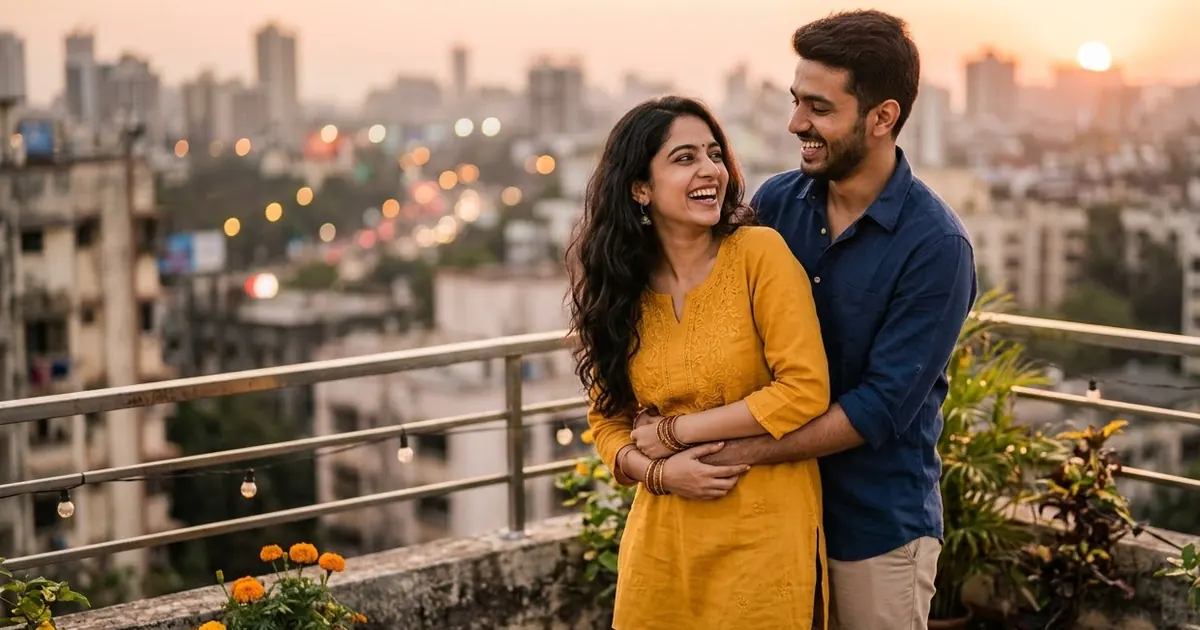 AI couple photo prompts
 Wedding planning prompts
 AI wedding video prompts
 Wedding captions for Instagram
Questions, answered
Is the wedding card maker free?
Yes. It is free, needs no sign-up and adds no watermark, only a small "made free at usepromptup.com" line at the bottom of the card.
Which cards can I make?
A save-the-date, engagement, haldi, mehndi, sangeet, wedding or reception card, in an Indian (maroon and gold), western (ivory and sage) or minimal style. Type both names, the date, the time, the city or venue and a line of your own.
Is this a printable wedding invitation?
It makes a picture 1080 pixels wide, sized for WhatsApp, Instagram posts and stories. That is right for a digital save-the-date or an invite to the family group. For a printed invitation, use the AI prompt for a save-the-date card or ask your printer for a larger file.
How do I send the card to the family WhatsApp group?
On a phone, tap Share card and choose WhatsApp to send the picture. On a computer, download the card and attach it. Send on WhatsApp sends a text invite with a link that opens the same card with your names and date.
Can I put our own photo on the card?
Yes. Pick the Your photo design and add a picture of the two of you. It is shown in an arch frame on the Indian style, a round wreath on the western style and a plain frame on the minimal style. The photo stays on your device and is never uploaded.
What are the AI photo prompts for?
Each prompt has your names, the date and the city filled in, for a save-the-date card, an engagement portrait, a haldi photo, mehndi hands with your names hidden in the design, a sangeet night photo, a pre-wedding shoot, a wedding portrait, a slow-motion clip and a cartoon couple. Paste one into ChatGPT or Gemini, with your photo for the photo prompts. AI tools can misspell names, so check the result before you send it.
Are our names, date or photo sent anywhere?
No. The card is drawn in your browser and saved to your device. The names, the date and the photo you add never leave your phone or computer, and PromptUp does not store them.