AI prompts for wedding invitations, save-the-dates and thank-you cards
Published
Short answerUse a text prompt for the invitation and monogram, and an uploaded couple photo for the save-the-date, then keep the same colours and setting across every card so the whole stationery set looks like it belongs together.
A wedding has a dozen small design jobs that used to mean a trip to a print shop or a freelance designer: the invitation, the save-the-date photo, a monogram for the stationery, and the thank-you cards that go out afterwards. AI tools can draft all of these from a text prompt or a couple of photos, which is useful even if you still hand the final files to a professional printer. Treat the result as a strong first draft, especially for text, since a misspelled name or date on a printed card is expensive to fix after the fact.
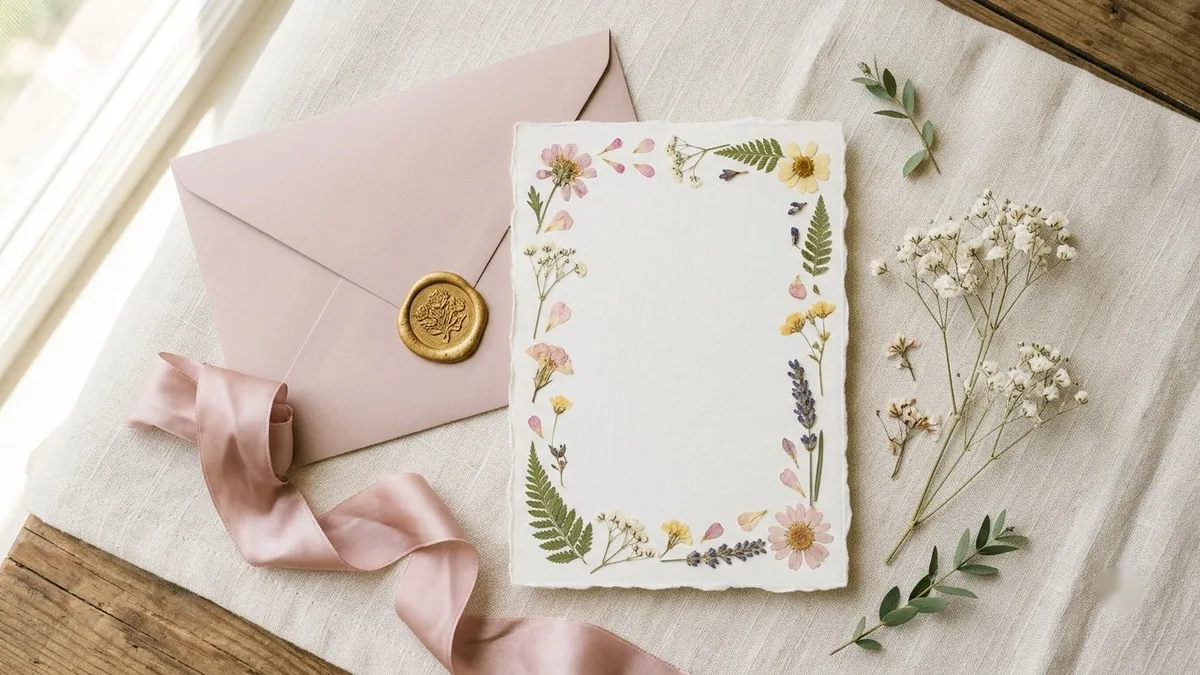
1. The invitation card
Start with the invitation card prompt:
Design an elegant invitation card for [EVENT, e.g. our wedding].

Text, spelled exactly:
"[MAIN LINE, e.g. Aanya & Rohan are getting married]"
"[DATE & TIME]"
"[VENUE]"

Theme: [THEME, e.g. soft gold and ivory with floral linework]. Clear hierarchy, easy-to-read fonts, balanced white space, and print-ready. Portrait 5:7.
Read every line of text in the result before you send it anywhere, especially the date, the venue name and the spelling of names. AI image tools still make the occasional small text mistake, and this is the one design in the whole wedding where that mistake matters most.
2. A save-the-date portrait
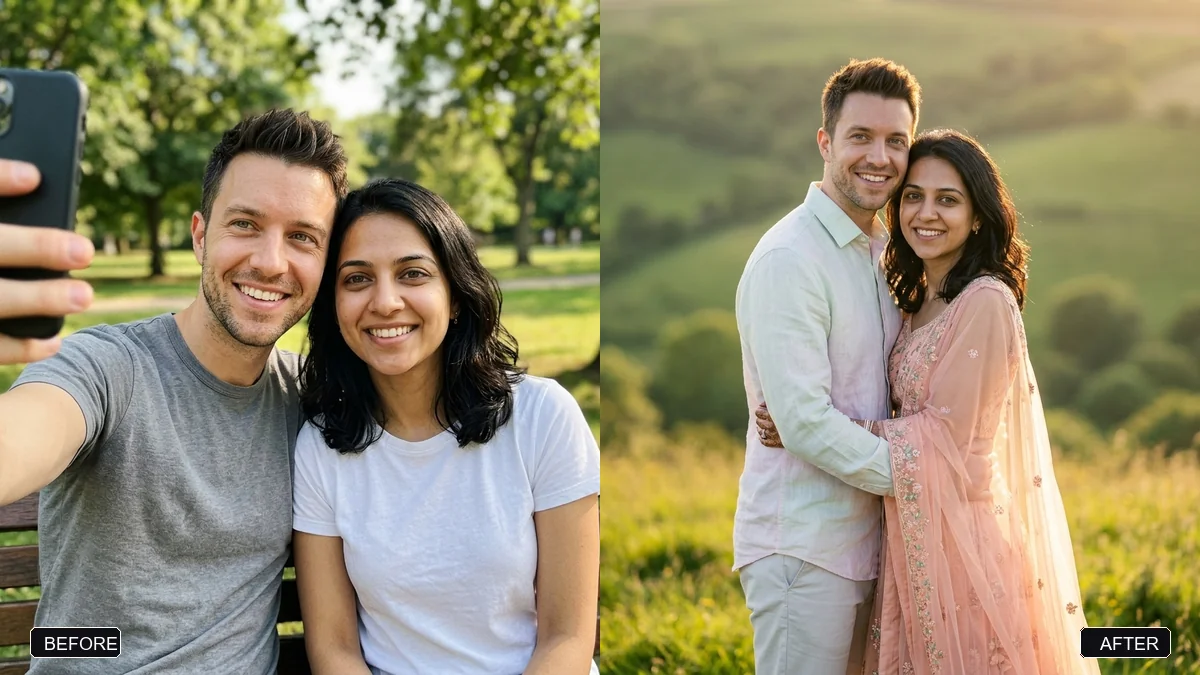
If you'd rather use a real photo of the couple than an illustration, the engagement portrait prompt and the pre-wedding scene prompt turn an existing photo into a softer, styled version, while keeping both faces exactly as they are. Pick a setting, such as a garden at golden hour, a palace courtyard or a beach at sunset, and coordinated outfit colours, then use the same setting across the save-the-date and the invitation for a matching look.
3. A monogram for the stationery
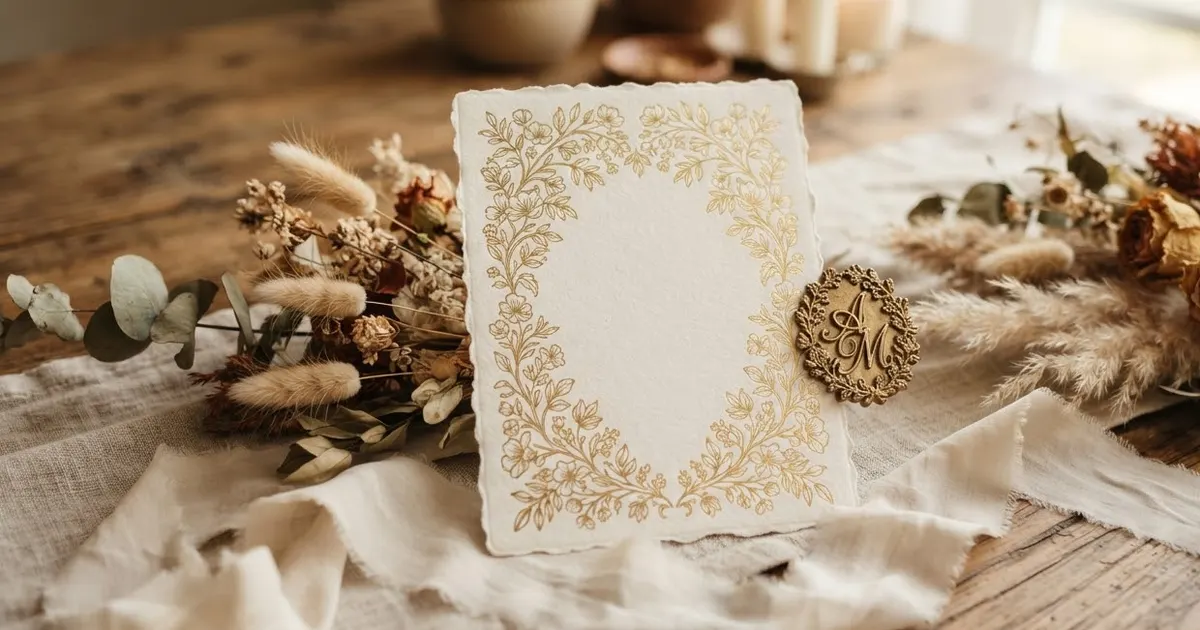
A monogram ties the invitation, the save-the-date and the thank-you cards together as one set. The personal monogram prompt works from just the couple's initials:
Monogram logo using the initials "[INITIALS]". Interlocking letterforms in a [SERIF / SCRIPT / GEOMETRIC] style, thin gold linework inside a [CIRCLE / SHIELD / SQUARE] frame, [DARK COLOUR] on a soft cream background, refined and timeless, suitable for a boutique brand. Flat vector, centred.
Keep it to two or three letters. A monogram with more than that starts to look cluttered at the small size it usually gets printed at, such as on a napkin or a card corner.
4. Thank-you cards, ready for after
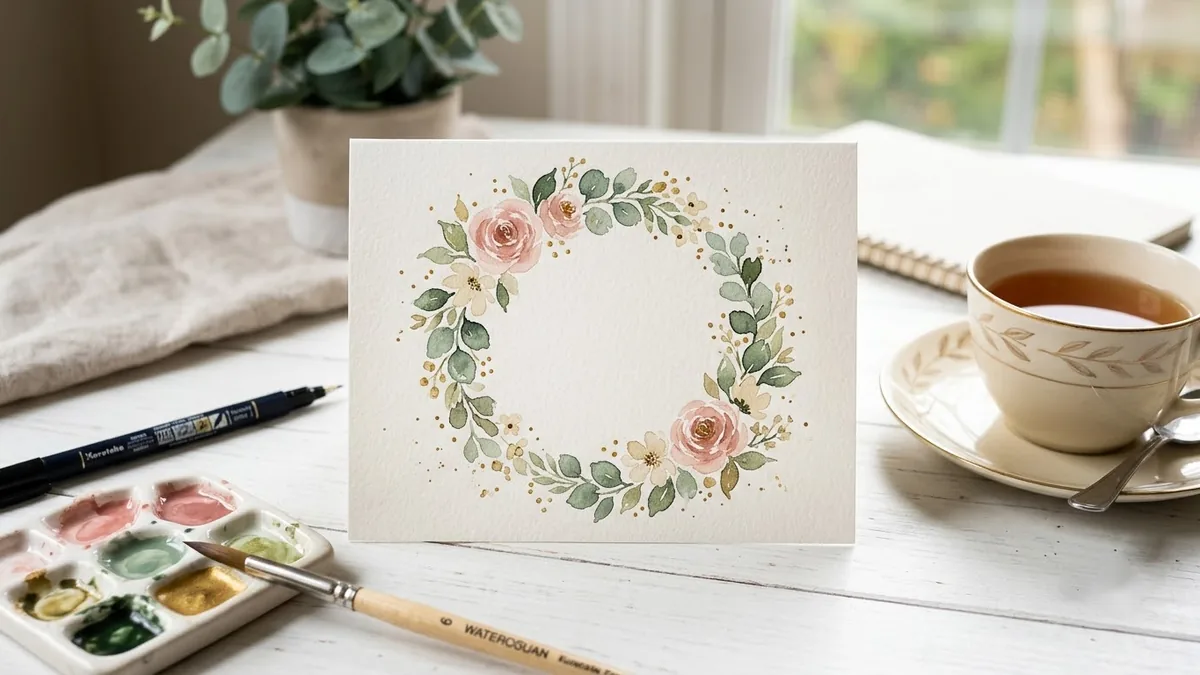
The cards you send out once the wedding is done are easy to forget about while you're planning everything else. The printable thank-you card prompt gives you a clean design with plenty of blank space in the middle, so you can write a short, personal line by hand on each one rather than printing a generic message. A handwritten line is most of what makes a thank-you card feel like it wasn't mass-produced, even when the illustration around it was.
Keeping the whole set consistent
Reuse the same colour palette, the same style words (gold and ivory, pastel and botanical, whatever you picked first) and, where you can, the same photo setting across all four designs. Generating each one from scratch with different wording is the fastest way to end up with four designs that don't look like they belong to the same wedding.
Fixing common problems
The text is slightly wrong. Regenerate once before changing anything; small text mistakes vary between attempts even with the same prompt. If it's still wrong, shorten the line or simplify the font style you asked for.
The couple photo changed a face. Add "keep both faces, hair and features exactly as in the original photo" at the start of the prompt, and repeat it if the first result drifts.
The designs don't match each other. Carry the exact colour and style words over from your first prompt into the rest, instead of describing the mood freshly each time.
Where to go from here
For the photoshoot itself, see our guide to Indian wedding AI photo prompts, and for the speech, AI prompts for a wedding speech. All the prompts above are free in the image generation prompts collection, and the prompt builder can fill in your own names, dates and colours.
Quick checklist
- Keep text in quotation marks, and proofread every date and name before printing.
- Match the invitation and the save-the-date to the same setting and colours.
- Keep a monogram to two or three letters.
- Leave blank space on thank-you cards for a handwritten line.
- Treat every result as a draft until you've checked the spelling yourself.
Comments
No comments yet. Be the first to share what worked for you.