AI prompts for baby announcements, showers and milestone cards
Published
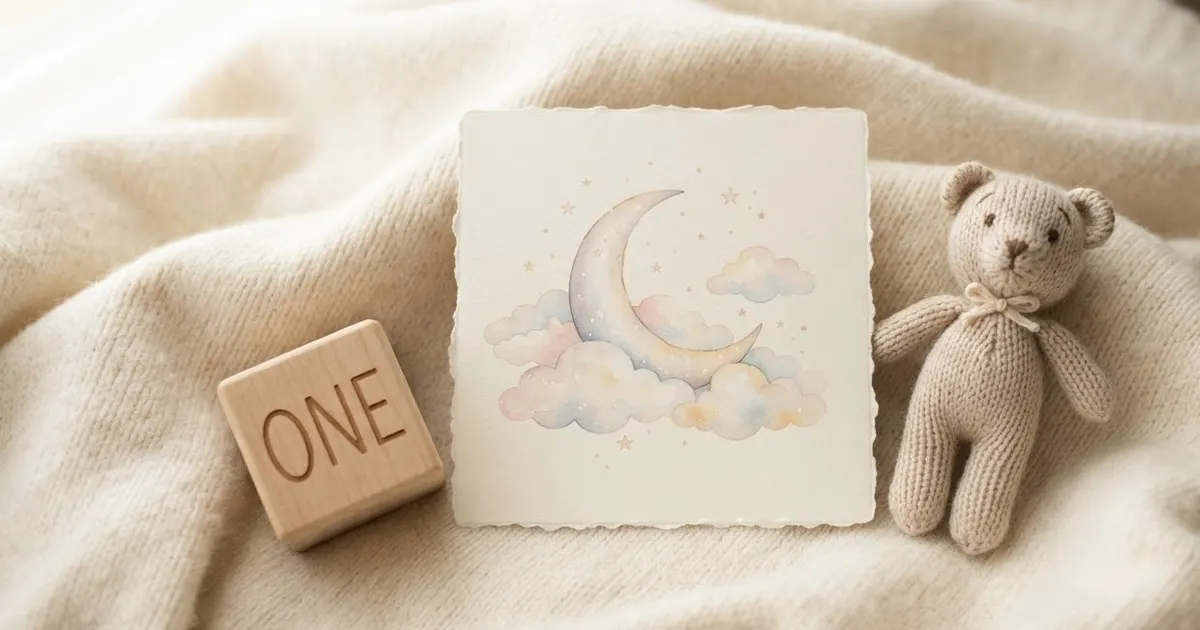
Short answerGenerate text-heavy cards like the baby announcement without the name and date first, then add them yourself so the spelling is certain, and reuse the same theme and prompt across a set so the cards match.
A baby's first year comes with its own small pile of design jobs: an announcement to send out, a shower invitation before that, and milestone cards for every month after. Most parents don't have time to brief a designer for each one, and a template from a card shop rarely matches your own colours or the baby's actual name and date. AI tools fill that gap: describe the theme and the words, and you get a usable design in a couple of tries.
As with any design that has text on it, treat the words as a draft. Several of the prompts below ask for the artwork without the name and date baked in, on purpose, so you can add them yourself afterwards and be certain they're spelled right.
1. The announcement card
The new baby announcement card prompt is built for exactly this:
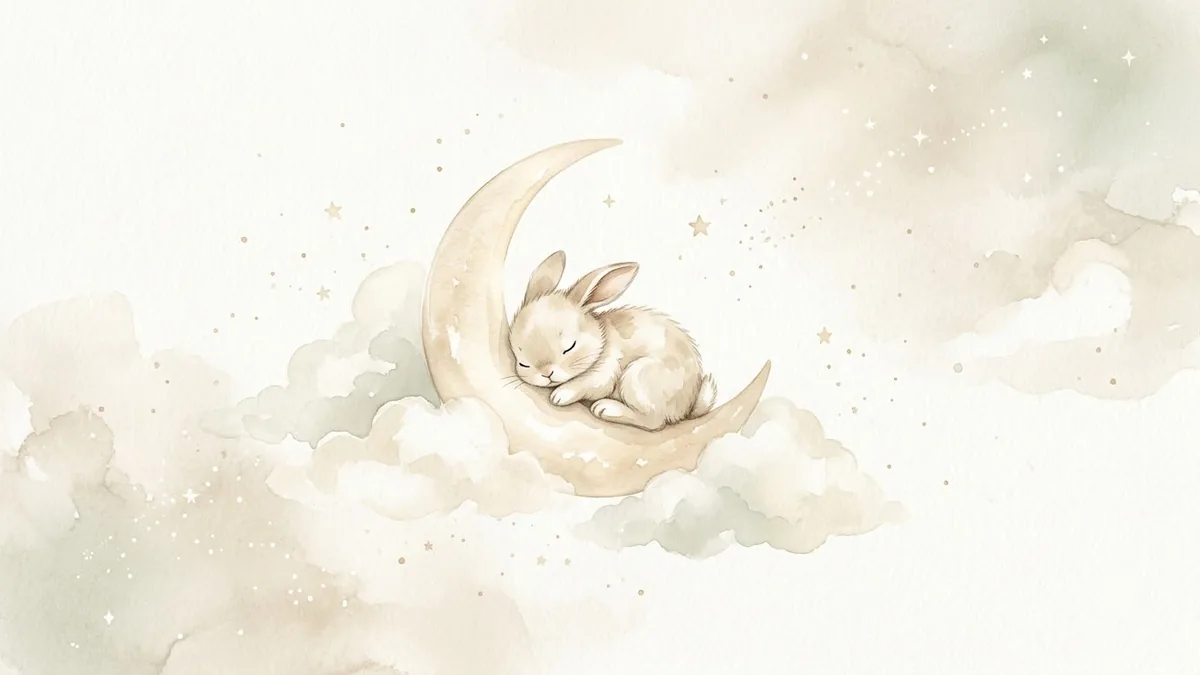
Baby announcement card design. Soft [PALE BLUE / PINK / NEUTRAL] palette, a crescent moon with tiny stars and a sleeping teddy bear, delicate watercolour clouds, text "Welcome, [BABY NAME]" and "Born [DATE]", gentle handwritten font, calm and sweet mood, plenty of white space.
Its own tip is worth following even if you're in a hurry: generate the artwork without any text first, then add the baby's name and birth date yourself in a simple photo editor. It's the one detail on this card that absolutely cannot be wrong.
2. The baby shower invitation
Before the baby arrives, the baby shower invitation prompt works the same way, built around a single theme:
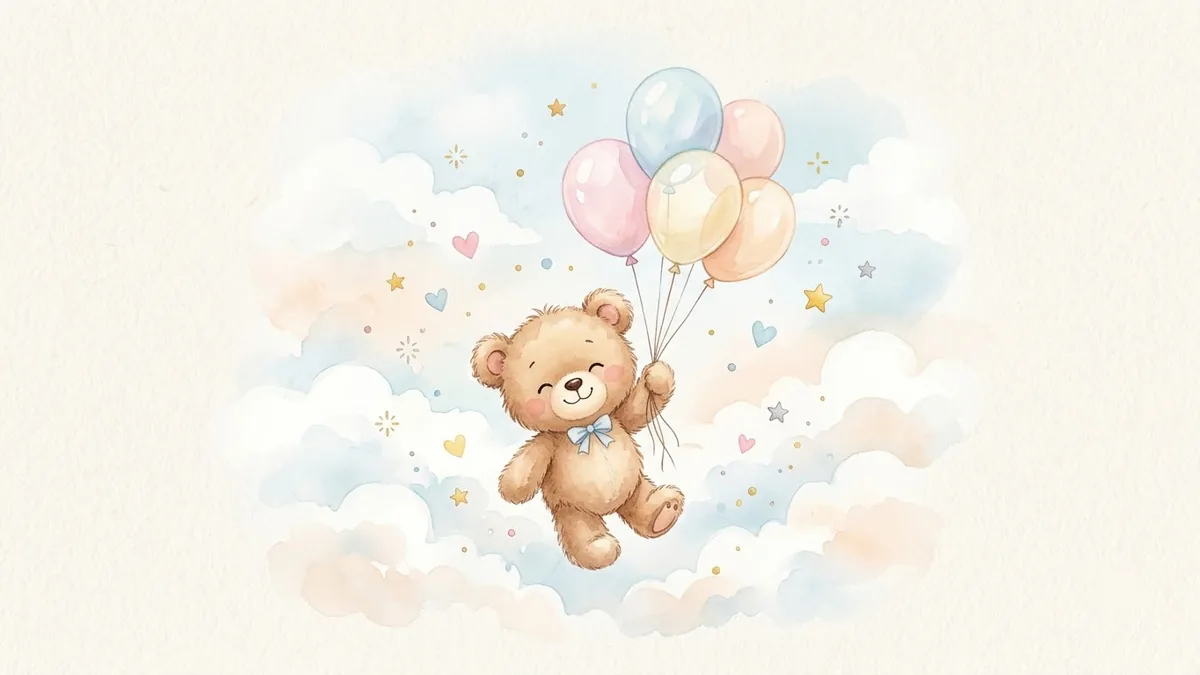
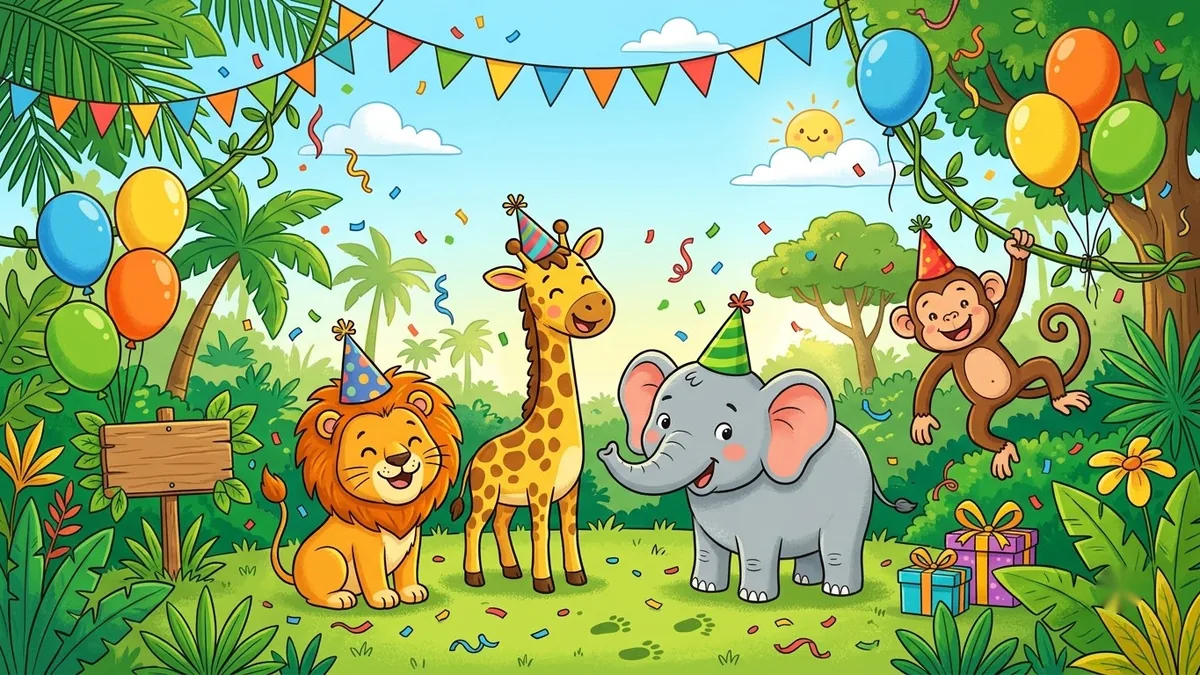
Baby shower invitation with a [SAFARI / CLOUDS / TEDDY BEAR] theme. Soft pastel watercolour animals, balloons and bunting, text "Baby shower for [NAME]", "[DATE, TIME]", "[LOCATION]", warm and playful, hand-lettered heading with a clean sans serif for details, generous margins.
Picking one theme and sticking to it, rather than mixing safari animals with clouds and balloons in the same design, is what keeps this looking intentional instead of busy.
3. A first birthday portrait
Once the first year is done, the first birthday portrait prompt turns an existing photo of the baby into a small celebration scene: a party hat, a cake with a "1" candle and soft balloons, while keeping the baby's face exactly as it is in the original photo. Use a bright, sharp photo where the face is clearly visible; a blurry or dark original is the most common reason this one doesn't come out well.
4. Milestone cards for every month before that
For the months in between, the baby milestone photo card prompt makes the kind of card parents often prop next to the baby for a monthly photo, without needing the physical wooden sign:
Turn this photo of my baby into a milestone card. Keep the baby's face, features and expression exactly the same.

Place the baby on a soft [CREAM / PASTEL] blanket with a wooden number sign reading "[AGE, e.g. 6 months]", a small stuffed toy and gentle window light. Soft, warm colours, shallow depth of field, calm and sweet mood.
Change only the age on the sign each month and keep the rest of the prompt the same, so the set of monthly photos looks consistent when you put them side by side later.
5. A party poster for the first birthday
If the first birthday is a proper party, the kids birthday party poster prompt makes an invitation poster around a theme, with the venue and RSVP details left as plain text for you to type in yourself afterwards, so there's no risk of the address coming out wrong.
Fixing common problems
The baby's face changed. Use a bright, front-facing photo, and repeat "keep the baby's face, features and expression exactly the same" at the start of the prompt if the first result drifts.
The text is wrong on a card. Regenerate the artwork without text, then add the name and date yourself. This is faster than trying to fix a single wrong letter through more prompting.
The set of monthly cards doesn't match. Keep the whole prompt the same except for the age each month, rather than rewriting the mood or colours each time.
Where to go from here
For the months before the baby arrives, see our guide to AI maternity photoshoot prompts. All the prompts above are free in the photo editing prompts collection, and the prompt builder can fill in your own baby's name, dates and colours.
Quick checklist
- Generate text-heavy cards without the name and date first, then add them yourself.
- Pick one theme per design instead of mixing several.
- Use a bright, clearly lit photo for anything that edits the baby's actual photo.
- Keep the prompt mostly the same across monthly milestone cards so the set matches.
- Proofread every card before you print or send it.

Comments
No comments yet. Be the first to share what worked for you.