- Updated
New baby announcement card
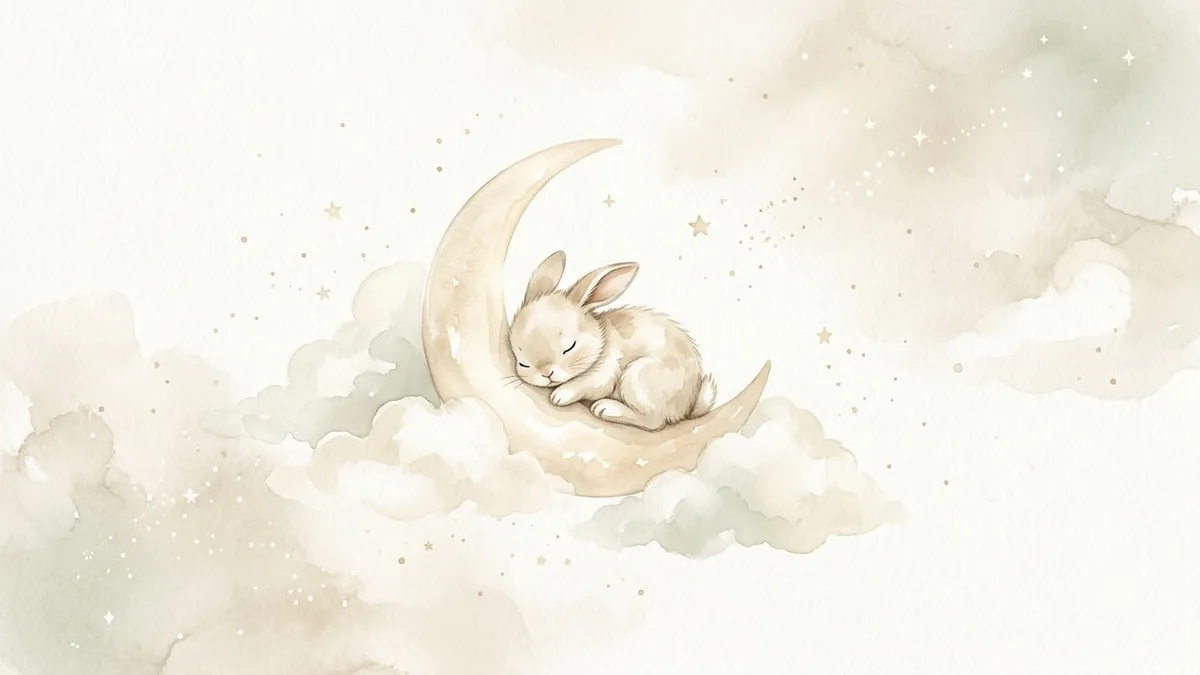
This prompt creates a baby announcement card in a soft palette you choose.
Baby announcement card design. Soft [PALE BLUE / PINK / NEUTRAL] palette, a crescent moon with tiny stars and a sleeping teddy bear, delicate watercolour clouds, text "Welcome, [BABY NAME]" and "Born [DATE]", gentle handwritten font, calm and sweet mood, plenty of white space. --ar 5:7
Generate the artwork without text first, then add name and date in an editor for perfect spelling.
Get a better result
A soft portrait-shaped card with a crescent moon, stars and a sleeping teddy bear in watercolour, pale colours, plenty of white space, and the baby’s name and birth date in a handwritten style.
The baby’s name or the date comes out misspelled.
Fix: Write the date in words, such as “12 March 2026”, and check the name letter by letter. For long names, leave space and add the text in Canva.
- The card is so full that there is no room left for the text. Say “keep the lower third empty for text”, and generate the artwork without words as the page tip suggests. Add the name in an editor.
- Colours come out stronger than the pale palette you wanted. Name the shades, such as “dusty blue, cream and pale gold”, and add “muted, low saturation”.
- The teddy bear looks odd, with extra limbs or an unsettling face. Ask for “a simple round teddy bear with two arms and two legs and closed sleeping eyes, drawn like a children’s book”. Simple shapes survive best.
For twins or a new sibling, change the bear line to “two small teddy bears side by side” and the text to both names. Check the spelling of each name afterwards.
Fix the spelling so the name and the date read exactly as in my prompt, letter by letter. Keep the design the same.
Guides that use this prompt
More image generation prompts
See all 347 →
More like this
- Baby milestone photo cardGemini · ChatGPT
- Baby product soft lifestyleGemini · ChatGPT · Midjourney
- Fantasy trading cardMidjourney · Ideogram · Gemini
- Turn a family photo into a Christmas cardGemini · ChatGPT
- Announce a team change clearlyChatGPT · Gemini · Claude