Free tool · runs in your browser
Make AI photos look real
AI photos often look too smooth and too perfect. Paste your prompt: we show the words that cause the fake look, take them out, and add the lines that make it look like a real phone photo. Free, no sign-up.
Fix your prompt
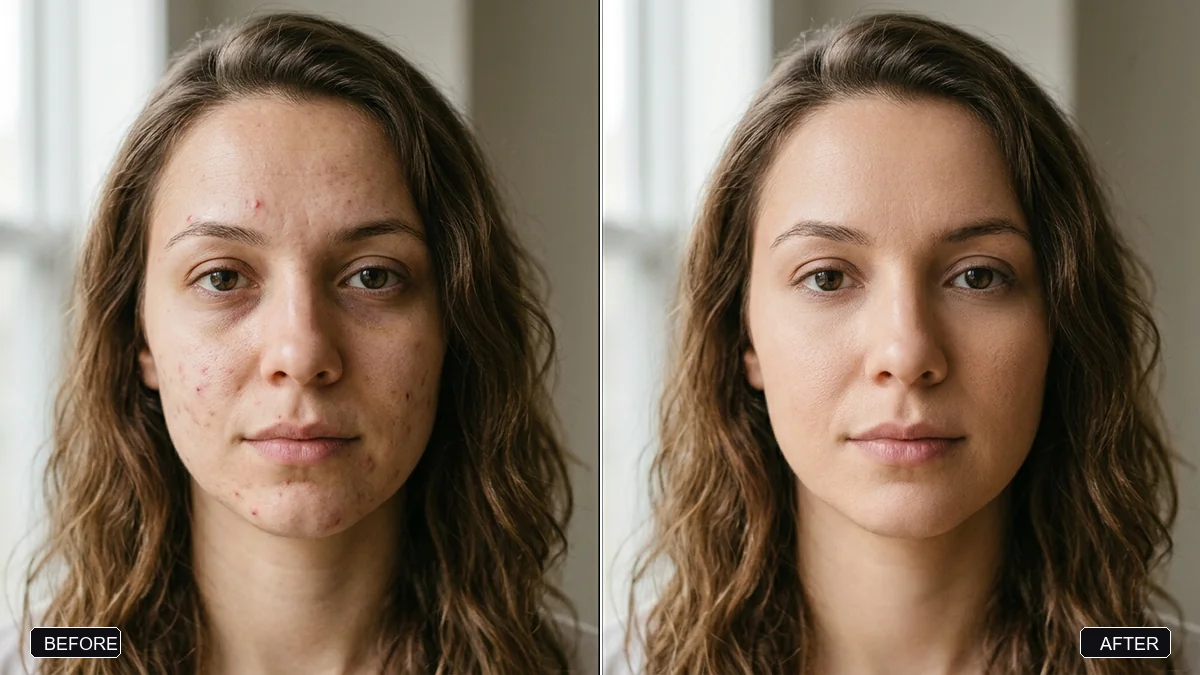 Looks like AI
Your new prompt
Highlighted lines are the ones we added. For an edit of your own photo, switch on "Keep my face" and upload the photo first.
Why AI photos look fake
Most prompts ask for too much perfection. Words like 8k, ultra detailed, flawless skin and cinematic lighting push the AI towards smooth plastic skin, a glowing rim of light and a perfect studio set. Real photos have pores, uneven light, small flaws and ordinary backgrounds.
- Take out the "perfect" words. They are the main cause of the glossy AI look.
- Ask for a normal camera. "Shot on a phone camera" gives natural noise and exposure.
- Ask for real skin and small flaws. Pores, fine lines, a few stray hairs.
- Use everyday light and places. Window light and a lived-in room look real. Neon rim light does not.
More help with AI photos
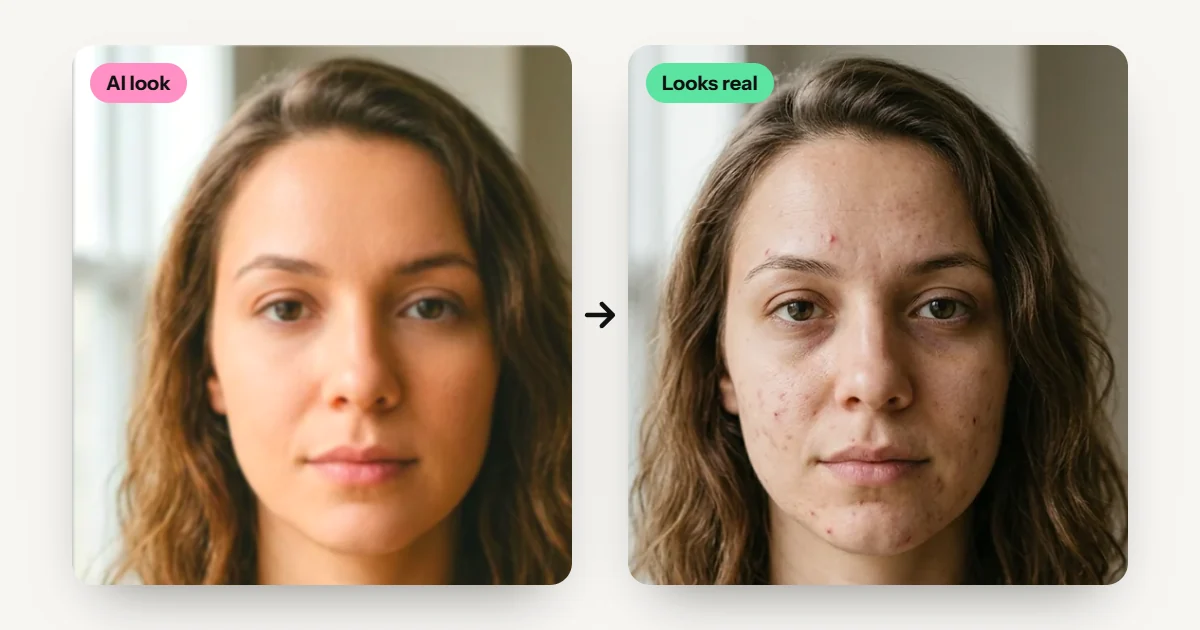 Why AI photos look fake: 8 fixes
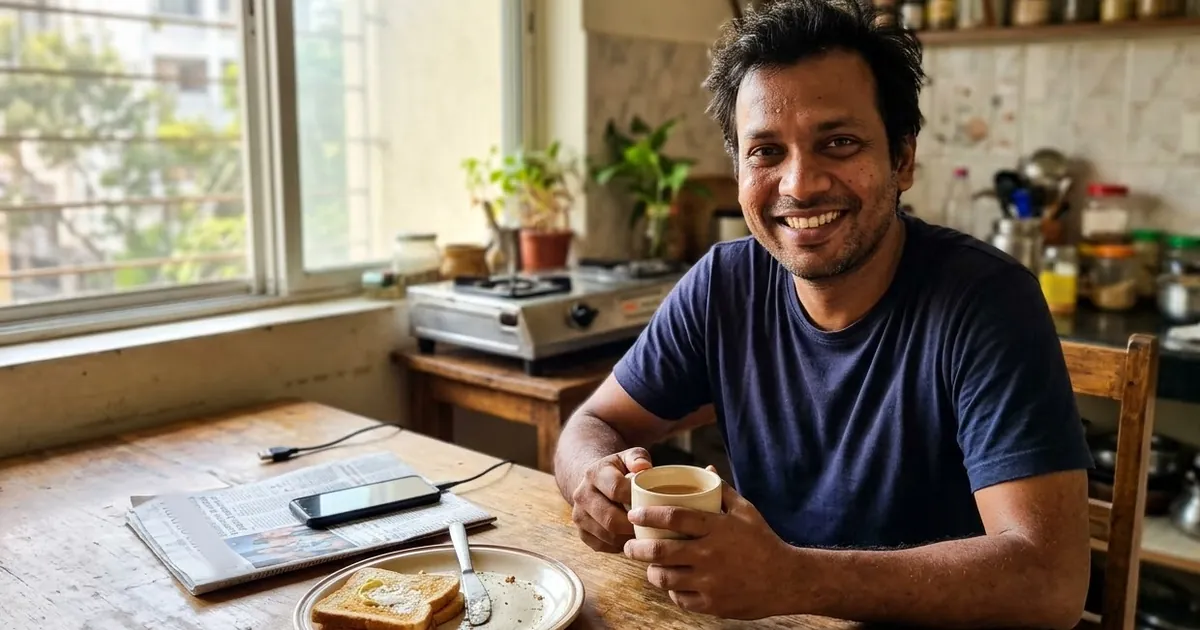 Realistic AI photo prompts
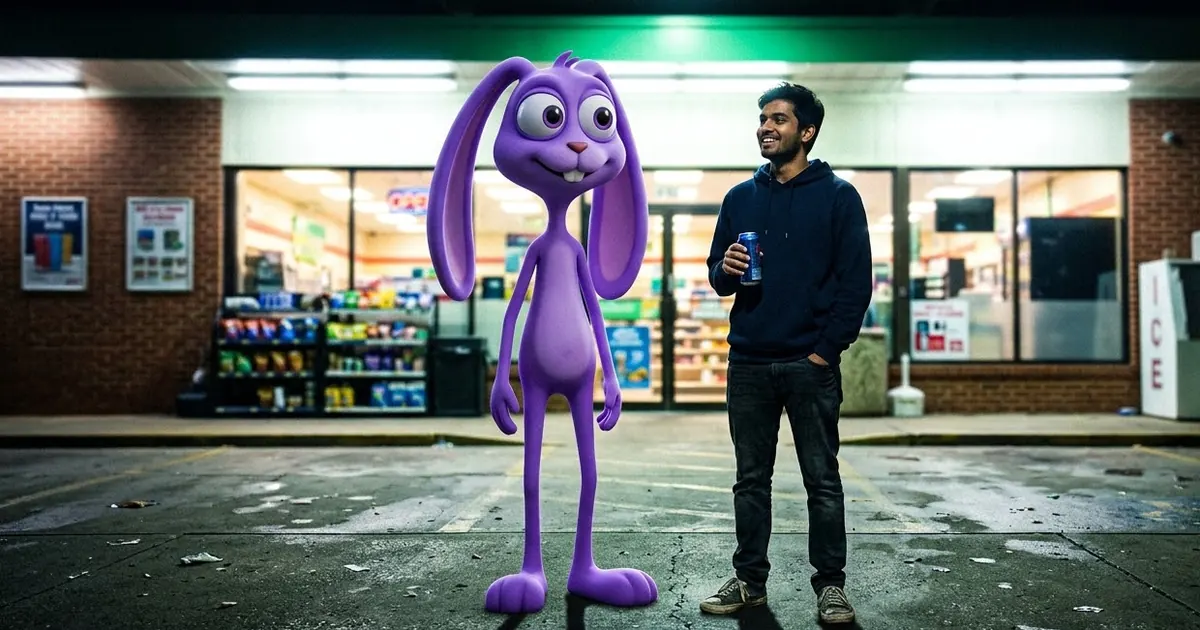 Prompt Doctor: fix any prompt
 Retro Time Machine
Questions, answered
How do I make an AI photo look real?
Remove words like 8k, ultra detailed, flawless skin and cinematic lighting, then ask for real skin texture, a phone camera, ordinary daylight, small flaws and natural colours. This tool does both for you.
How do I remove the AI look from a photo?
Upload the photo to Gemini or ChatGPT and ask it to make it look like a real, unedited phone photo: real skin texture, one natural light, true-to-life colours and slight camera noise, keeping the face the same. For new pictures, run your prompt through this page first. Our guide why AI photos look fake explains each fix.
Why do my Diwali and festival AI photos look fake?
Festival prompts often pile on "glowing", "vibrant" and "cinematic". Remove them and let the diyas, fairy lights and marigolds light the picture: warm, low and a bit uneven, like real festival light. Try the Diwali portrait example above.
Does this work for Gemini and ChatGPT?
Yes. The new prompt is plain text that works in Gemini, ChatGPT, Midjourney and other image tools.
Why does my face look plastic in AI edits?
The AI smooths skin by default, and words like "flawless" or "beautiful" make it worse. Switch on "Real skin" and "Keep my face" so the prompt asks for pores and your real features.
Is my prompt saved anywhere?
No. Everything happens in your browser. PromptUp does not send or store what you type.