Tool · 84 prompts
Higgsfield prompts you can copy and paste
Higgsfield is an AI video and image studio that runs several models in one place, including Kling, Veo and Seedance for video and Soul for photos. It is known for its camera-move presets such as Crash Zoom, Dolly Zoom, 360 Orbit and FPV Drone. For the most repeatable result, pick one camera move per clip: choose the matching preset and also name the move in your prompt. Every prompt here describes the move in words too, so it still works in Kling or Veo, or if a preset is renamed.
This page lists the prompts written for Higgsfield: named camera moves, Soul photo presets and quick ad clips.
Last updated · How to prompt Higgsfield ↓
All 84 prompts
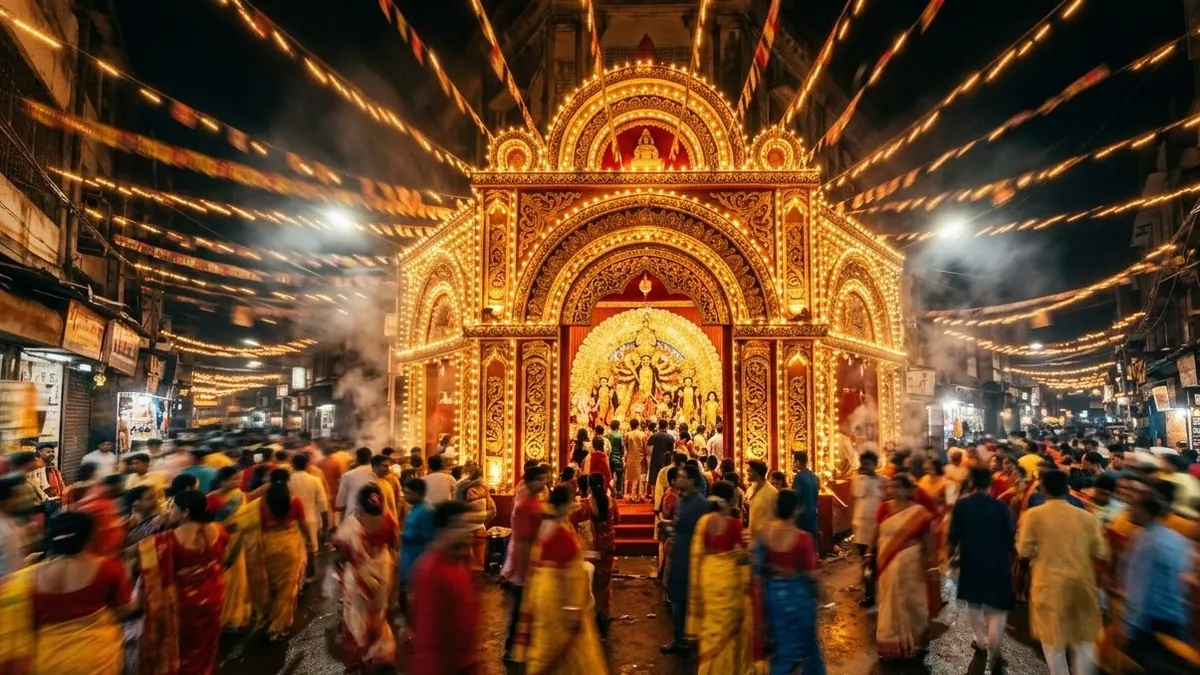 Crash Zoom reveal of a festival streetHiggsfield · Kling · Veo
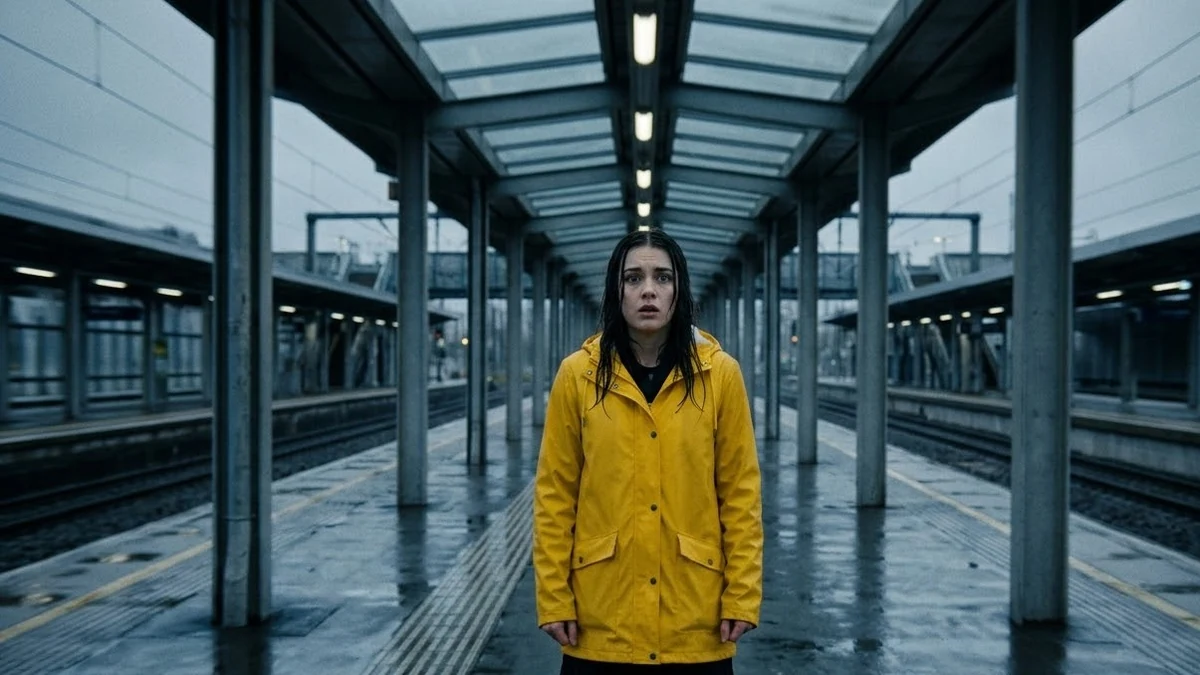 Dolly Zoom "vertigo" momentHiggsfield · Kling · Veo
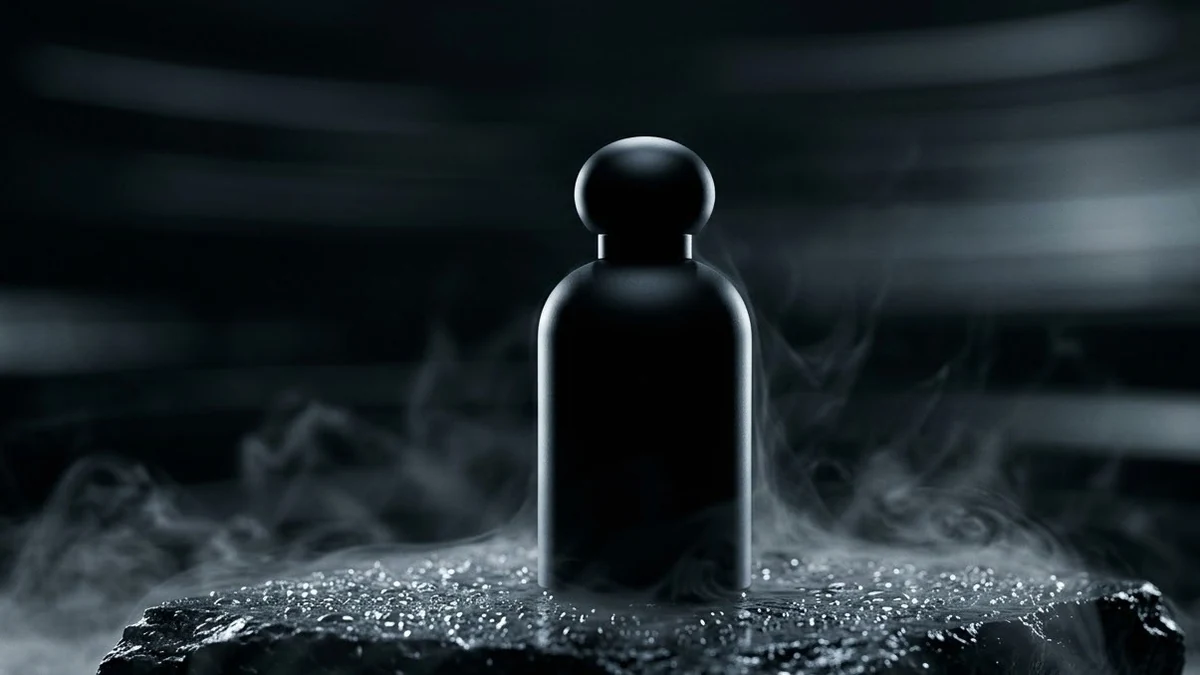 360 Orbit around a productHiggsfield · Kling · Veo
 FPV drone dive through a busy marketHiggsfield · Kling · Veo
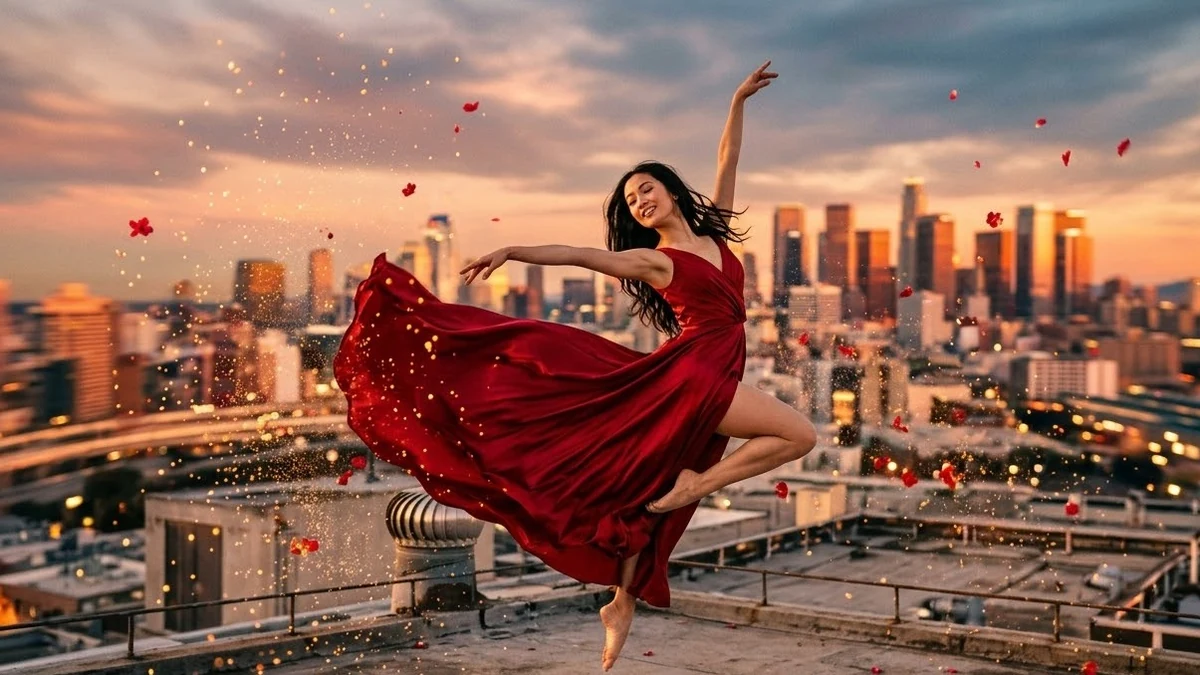 Bullet Time freeze on a jumpHiggsfield · Kling · Veo
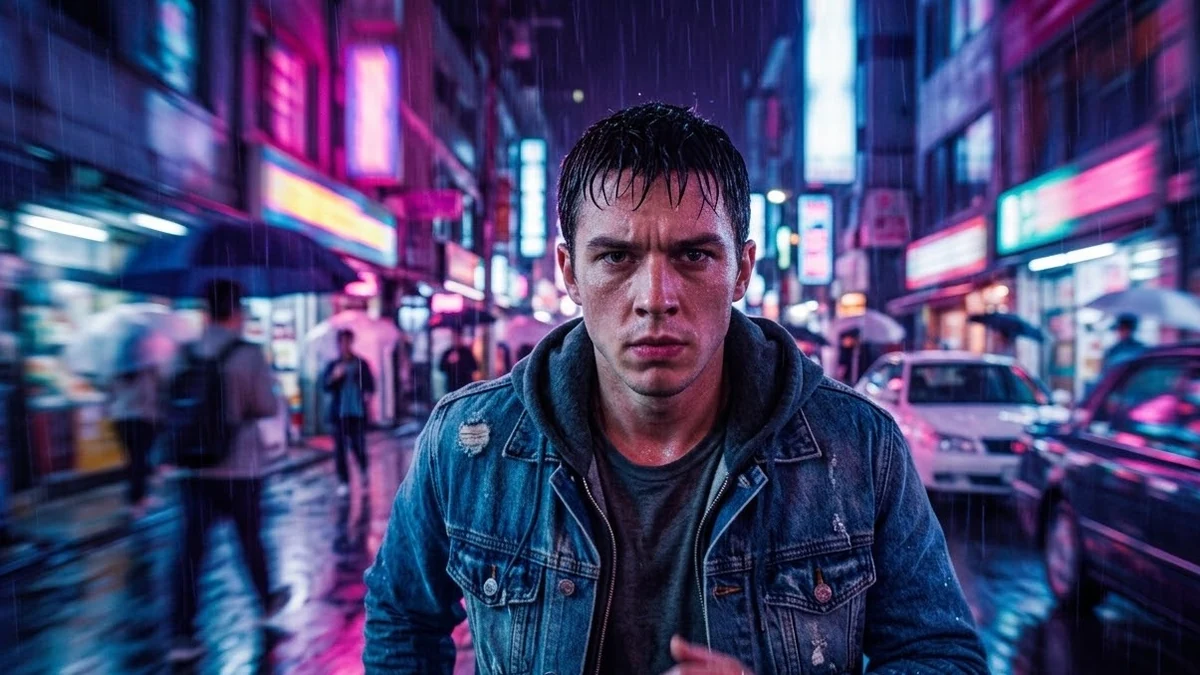 Snorricam run through the rainHiggsfield · Kling · Veo
 Crane Up reveal over a templeHiggsfield · Kling · Veo
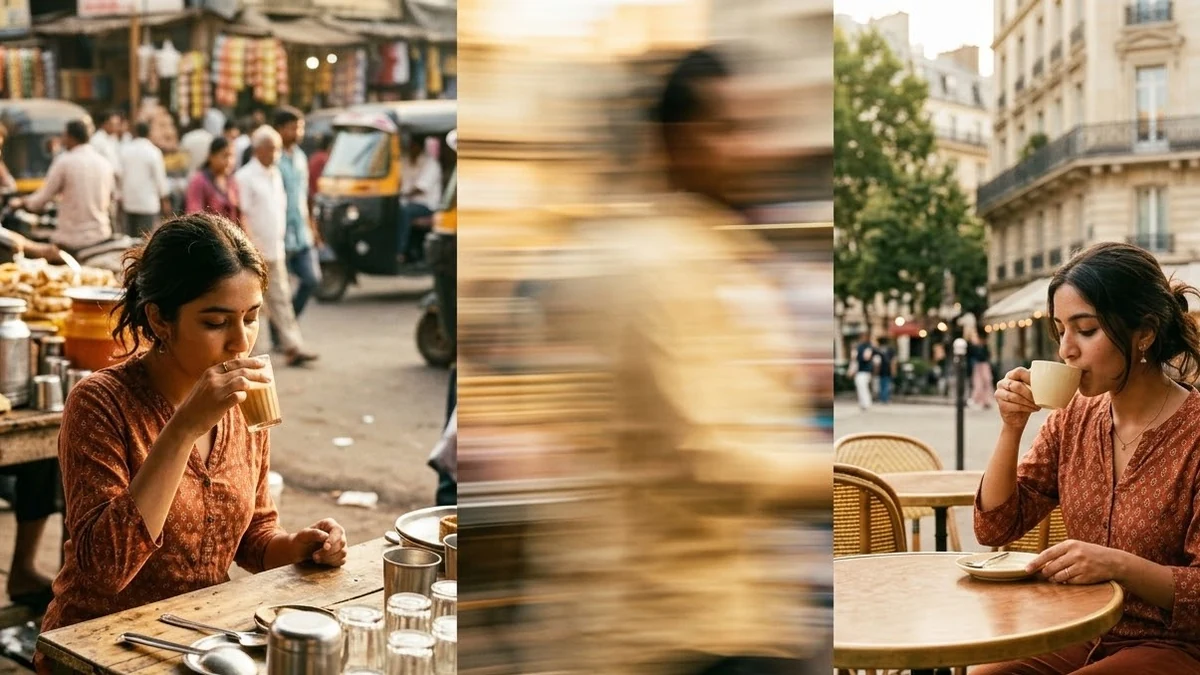 Whip Pan transition between two placesHiggsfield · Kling · Veo
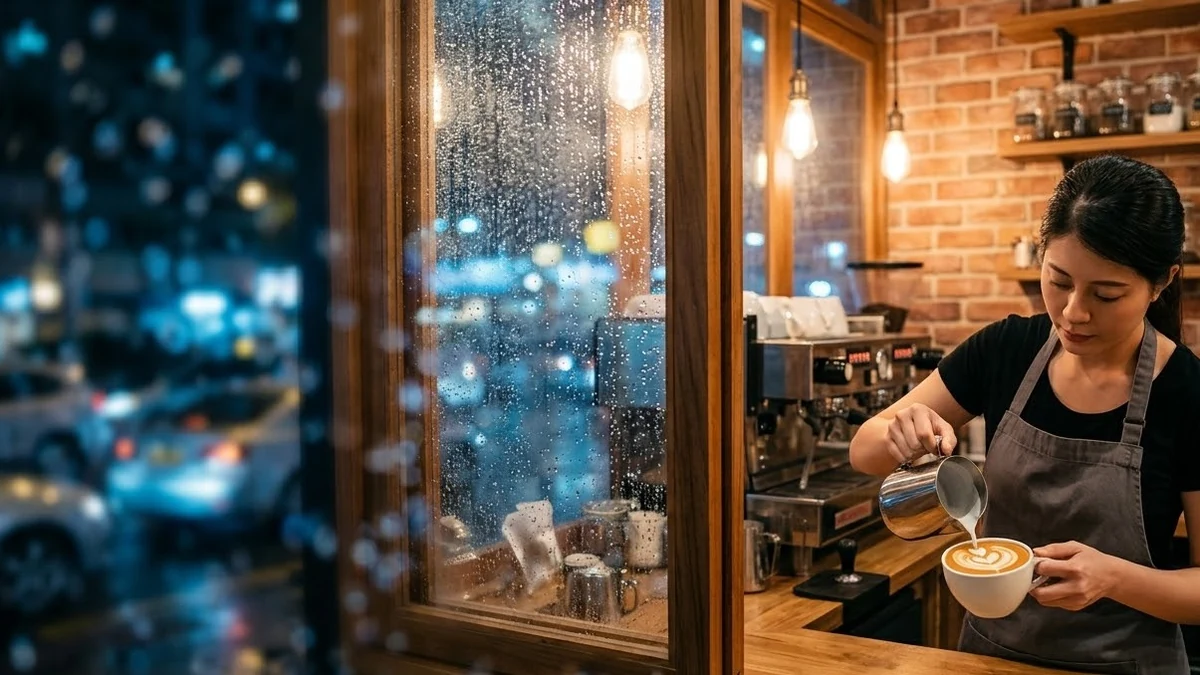 Push through a window into the roomHiggsfield · Kling · Veo
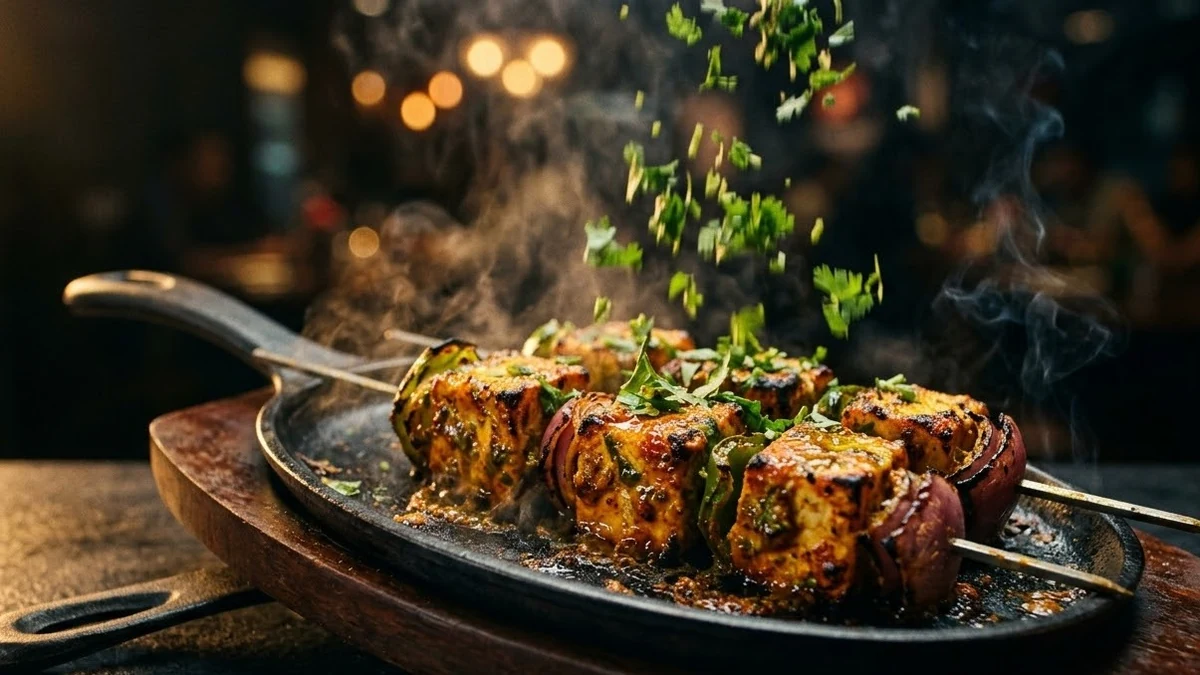 Robo Arm food commercial moveHiggsfield · Kling · Veo
 Hyperlapse through the city at duskHiggsfield · Kling · Veo
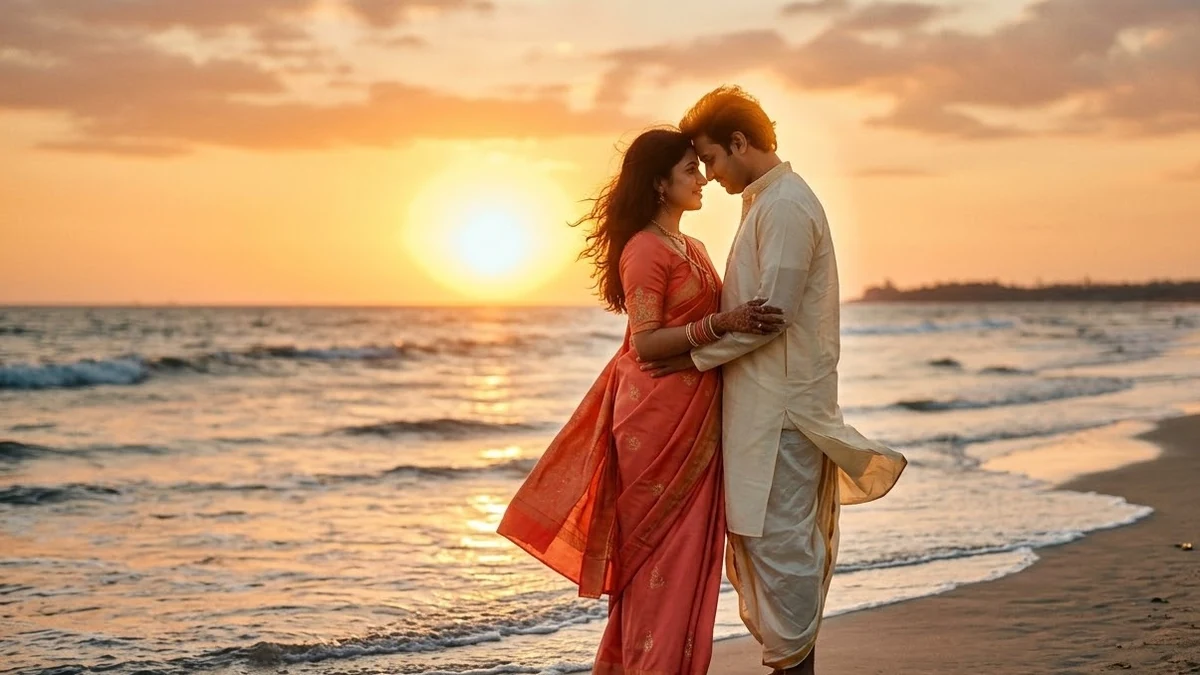 Arc shot around a couple at sunsetHiggsfield · Kling · Veo
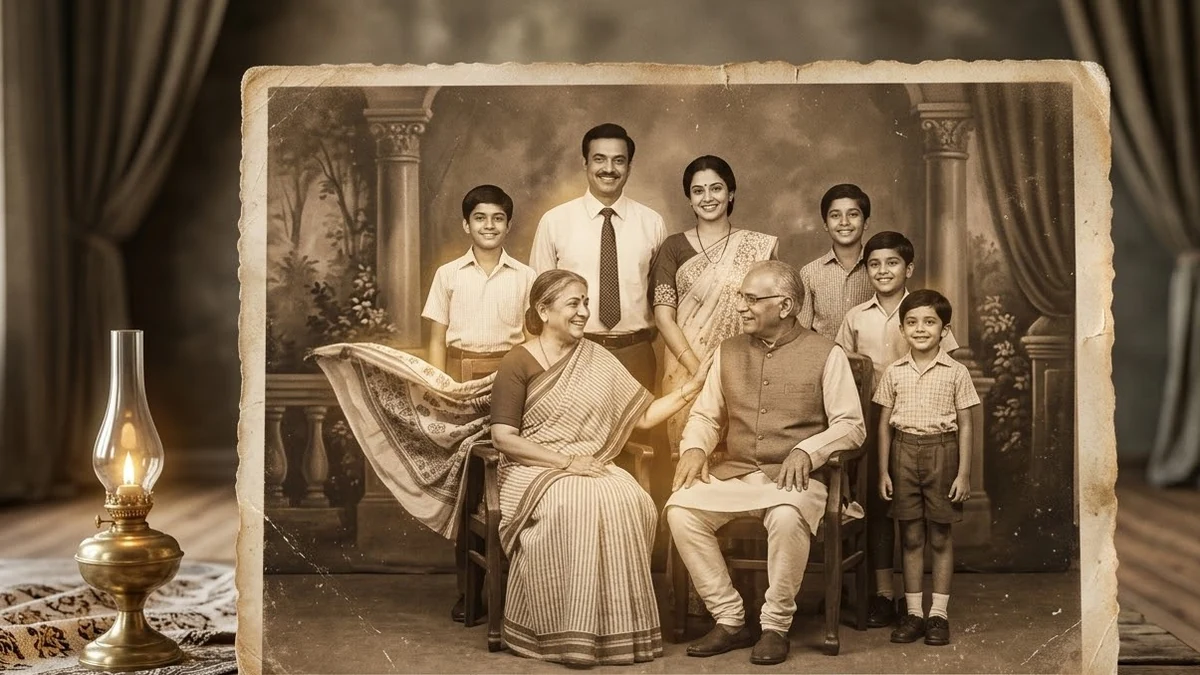 Old family photo to video (Higgsfield)Higgsfield · Kling
 Animate a Diwali photo with glowing lightsHiggsfield · Kling
 Wedding photo to slow-motion clipHiggsfield · Kling
 Make your pet photo moveHiggsfield · Kling
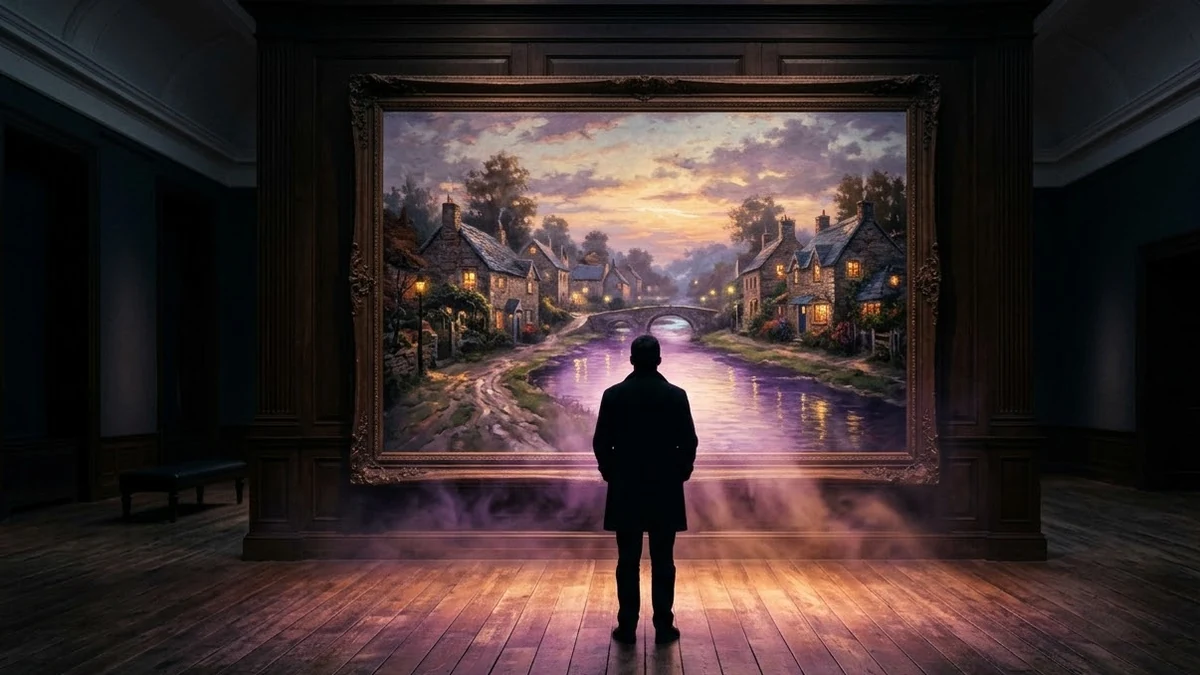 Bring a painting or artwork to lifeHiggsfield · Kling
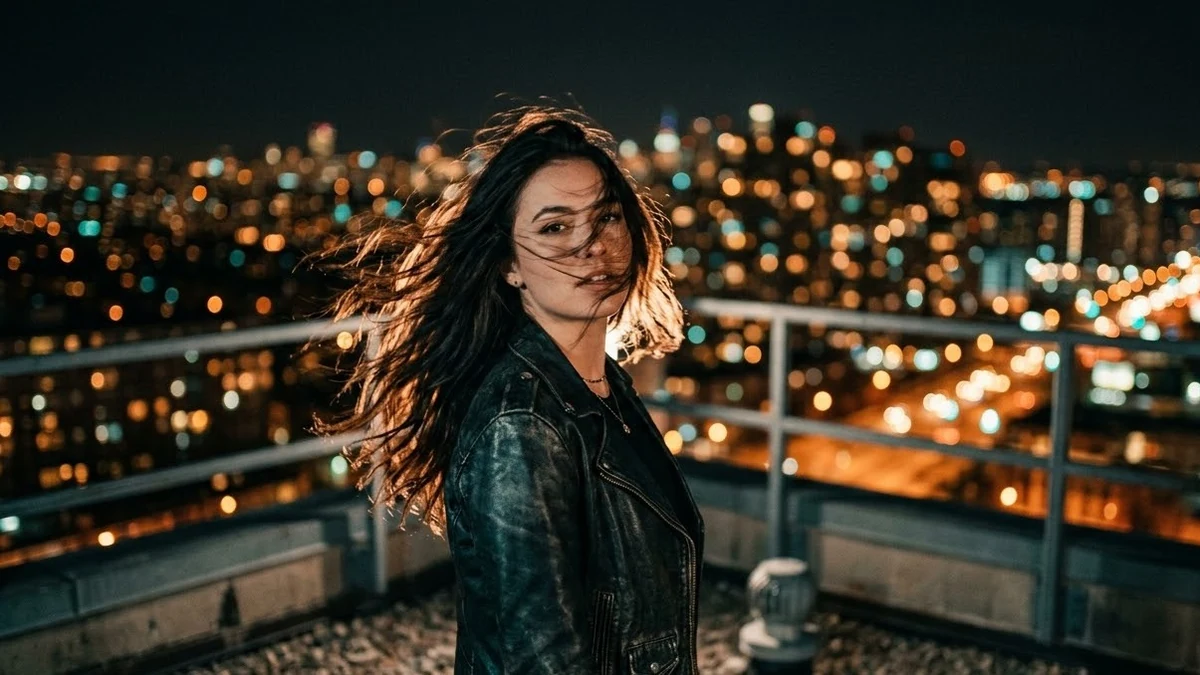 Selfie to a cinematic movie momentHiggsfield · Kling
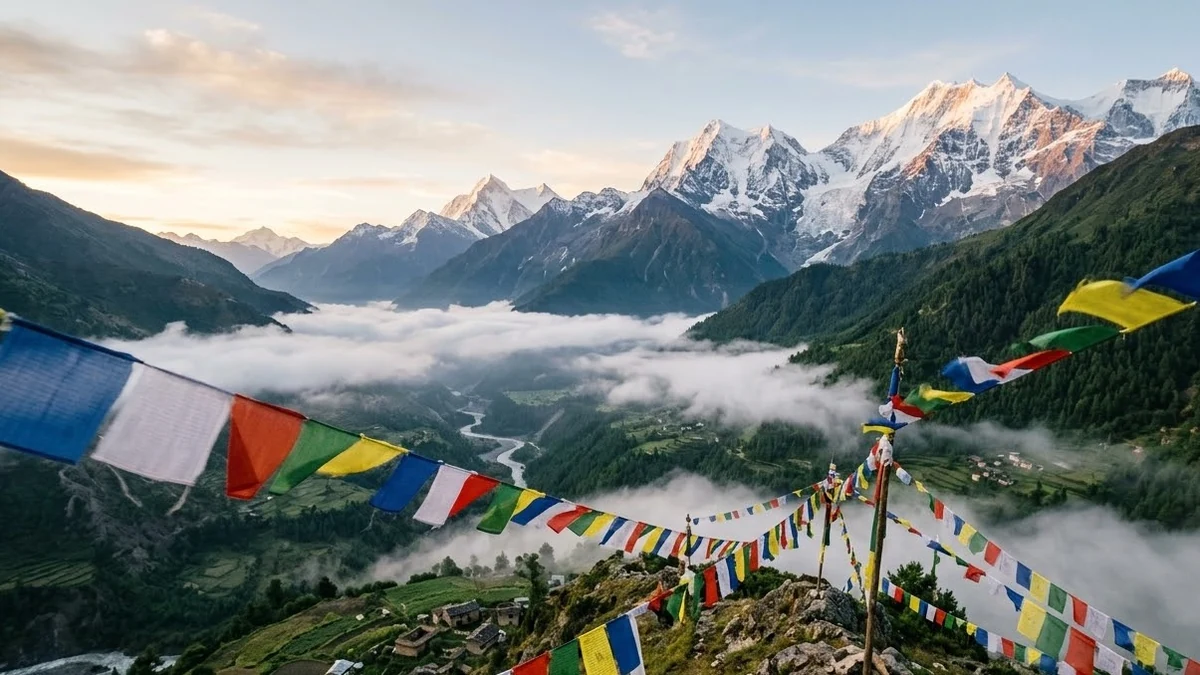 Travel photo with living motionHiggsfield · Kling
 Graduation photo cap toss (Higgsfield)Higgsfield · Kling
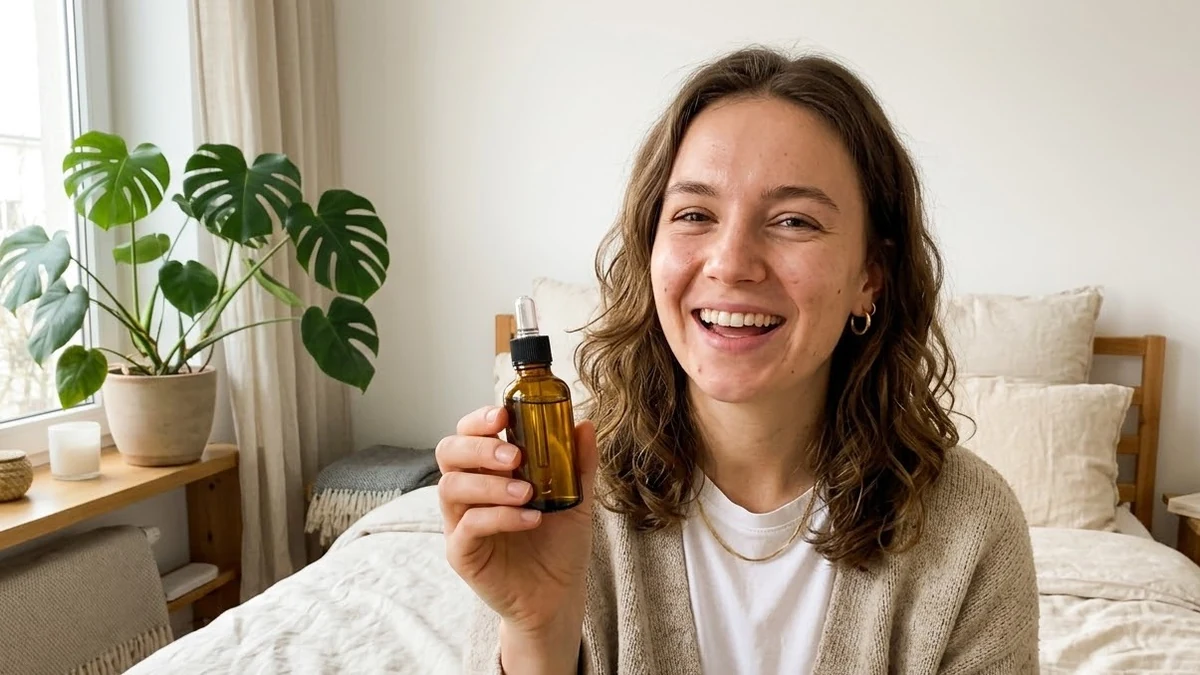 UGC-style customer review videoHiggsfield · Veo
 Satisfying unboxing close-upHiggsfield · Veo
 CGI-style product commercialHiggsfield · Veo
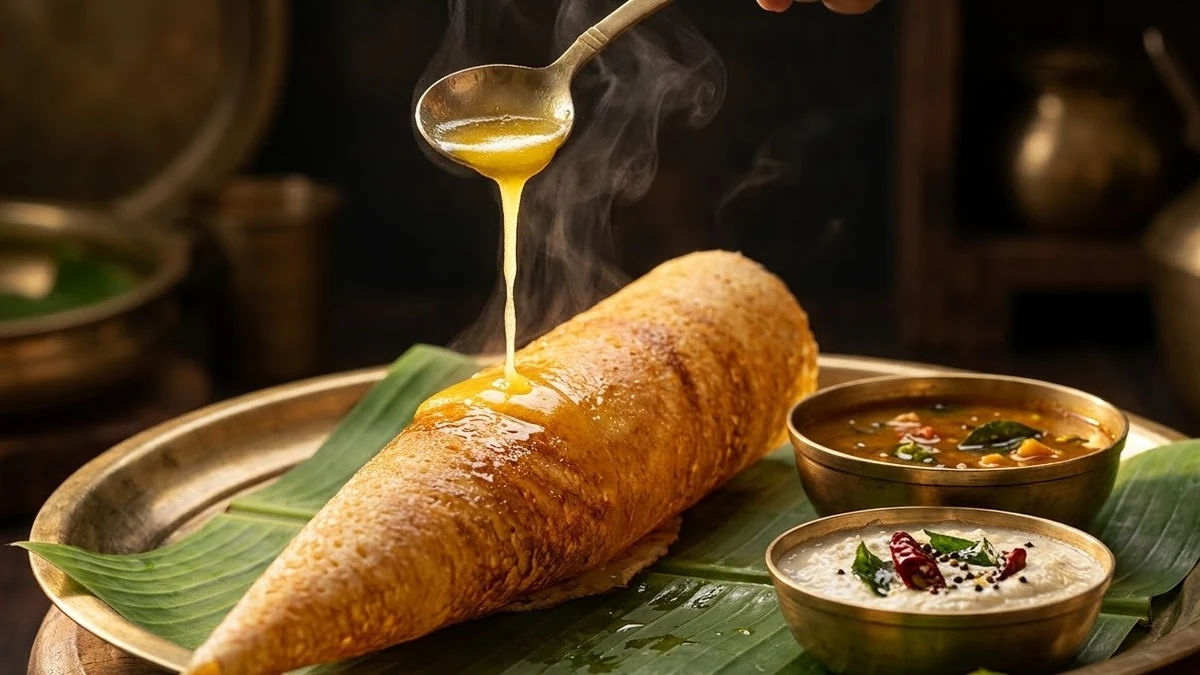 Restaurant food ad in slow motionHiggsfield · Veo
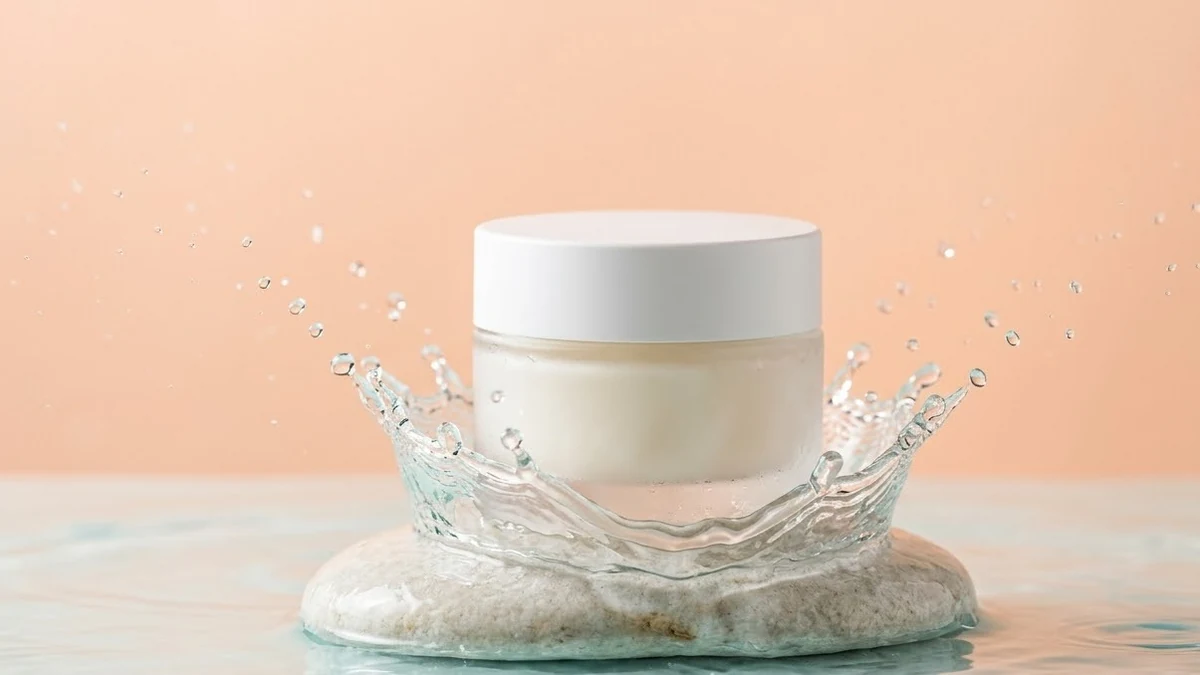 Skincare ad with water splashHiggsfield · Veo
 Small brand story ad (handmade product)Higgsfield · Veo
 App promo with a phone in handHiggsfield · Veo
 Before-and-after product demoHiggsfield · Veo
 Scroll-stopping first 2 seconds for a ReelHiggsfield · Kling
 Outfit change transition ReelHiggsfield · Kling
 Travel Reel with a drone revealHiggsfield · Kling
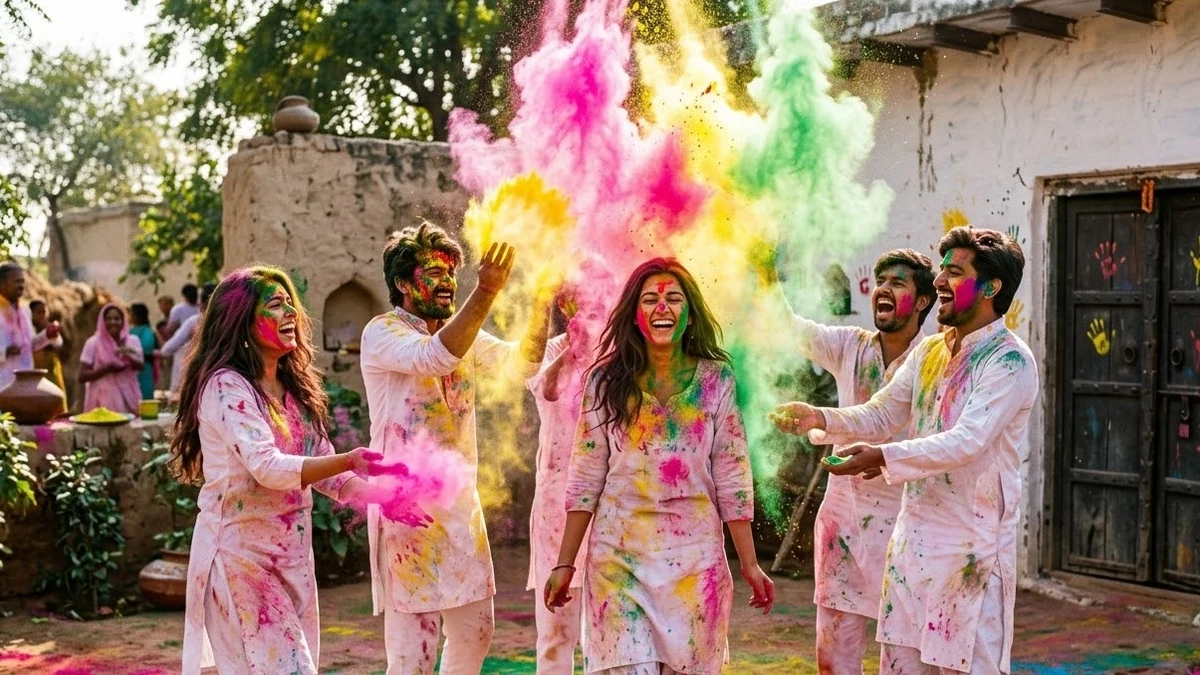 Festival Reel with slow-motion colourHiggsfield · Kling
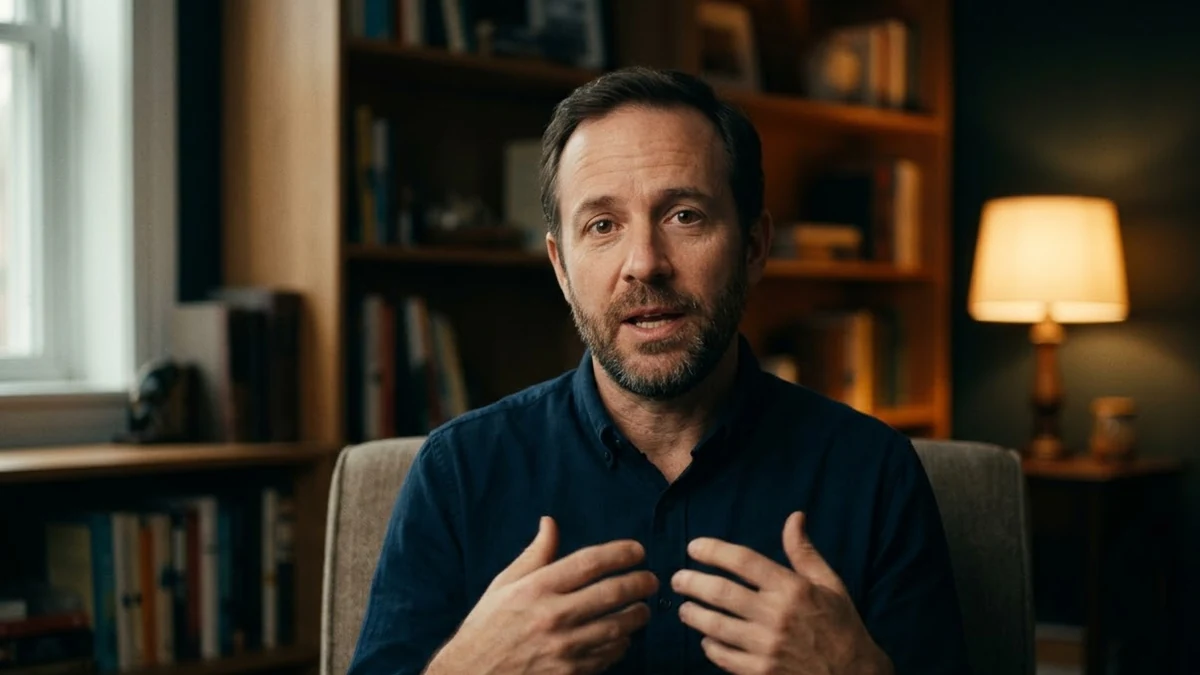 Talking-head video with lip syncHiggsfield
 Aesthetic day-in-my-life shotsHiggsfield · Kling
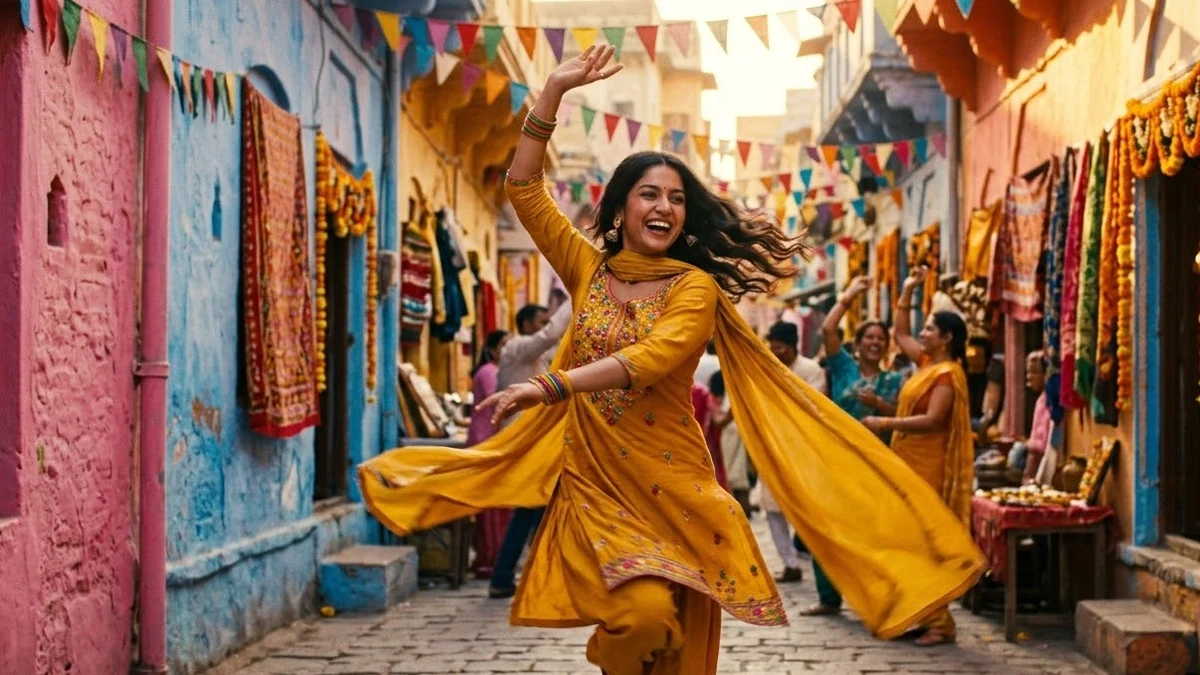 Dance trend video from one photoHiggsfield · Kling
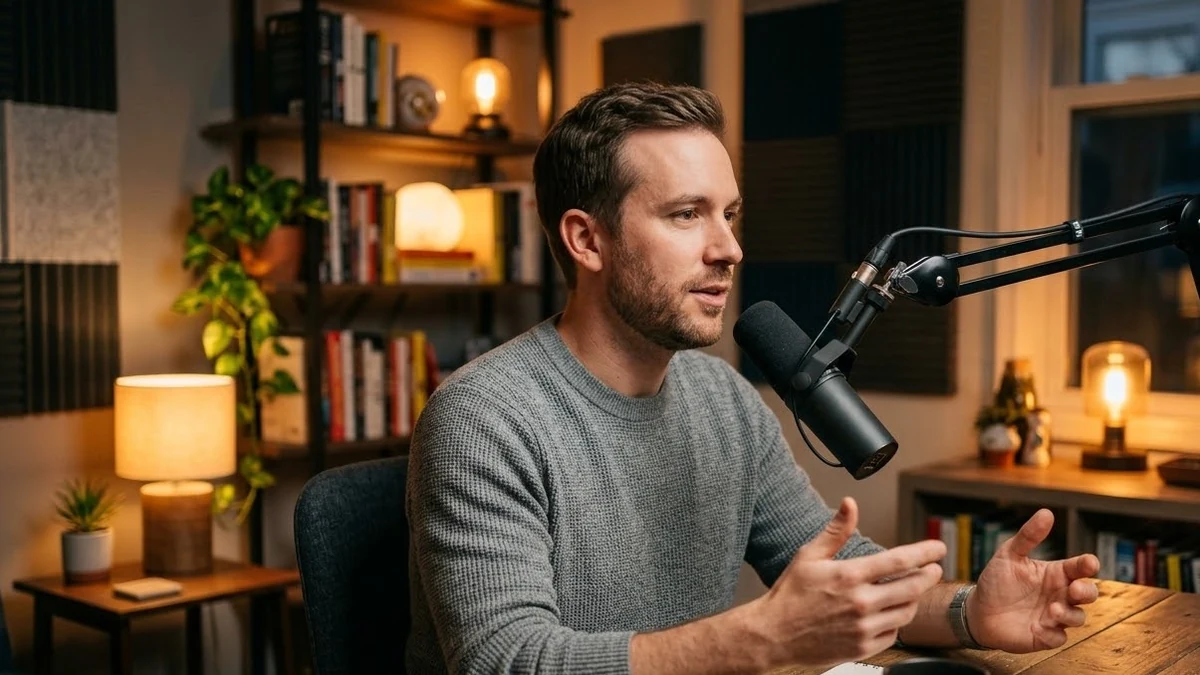 Podcast-style clip for ShortsHiggsfield
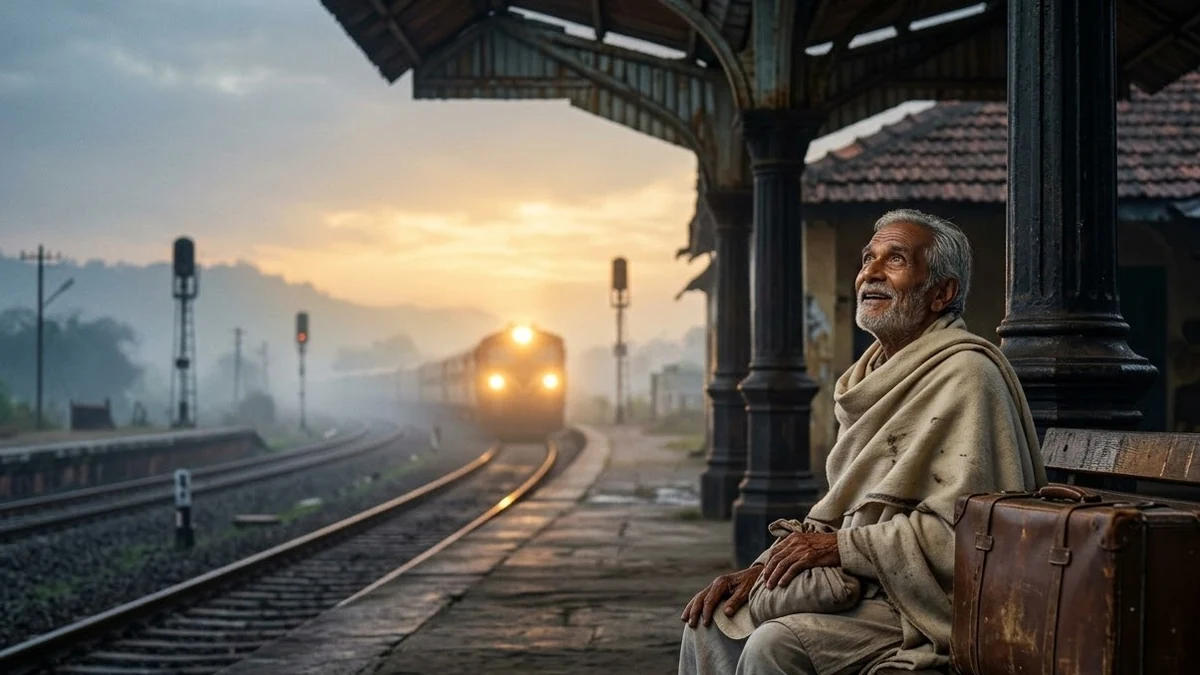 Three-shot short film sceneHiggsfield · Seedance
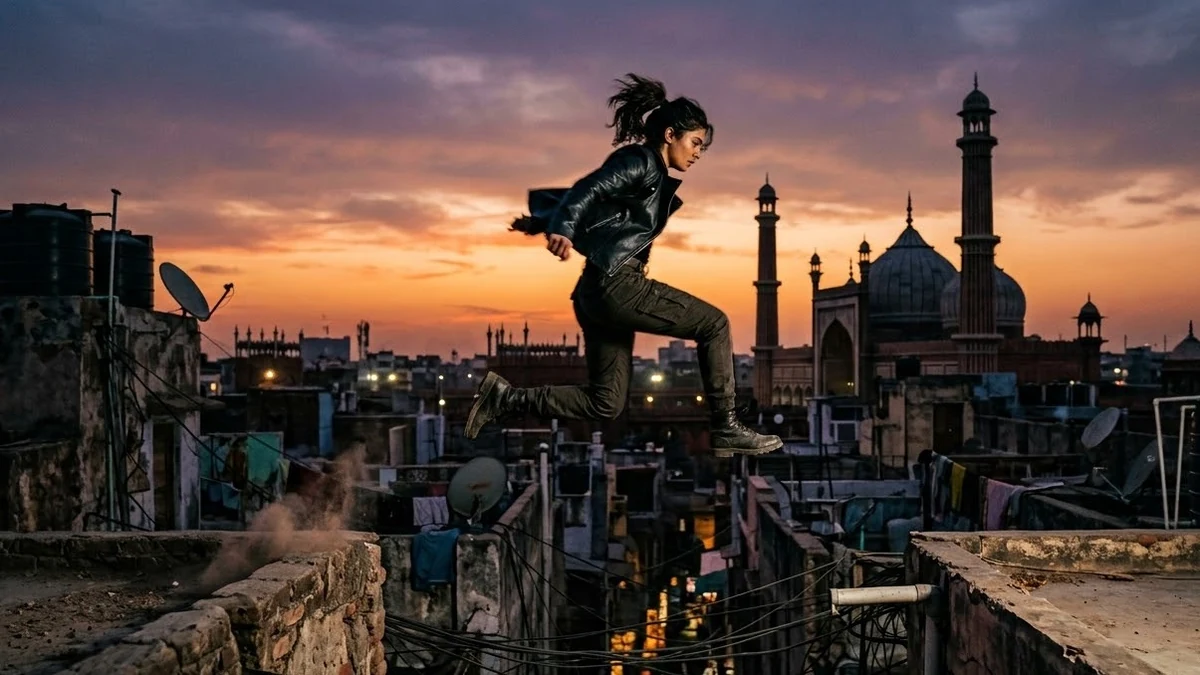 Rooftop chase action sequenceHiggsfield · Seedance
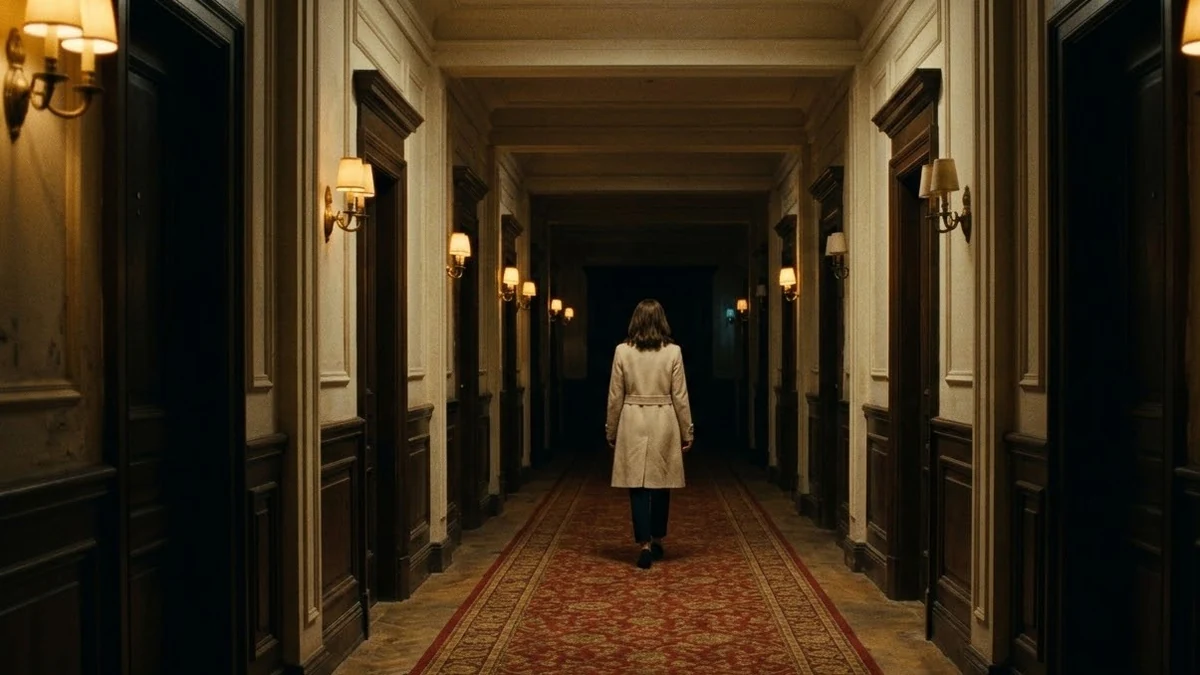 Spooky hotel corridor suspenseHiggsfield · Seedance
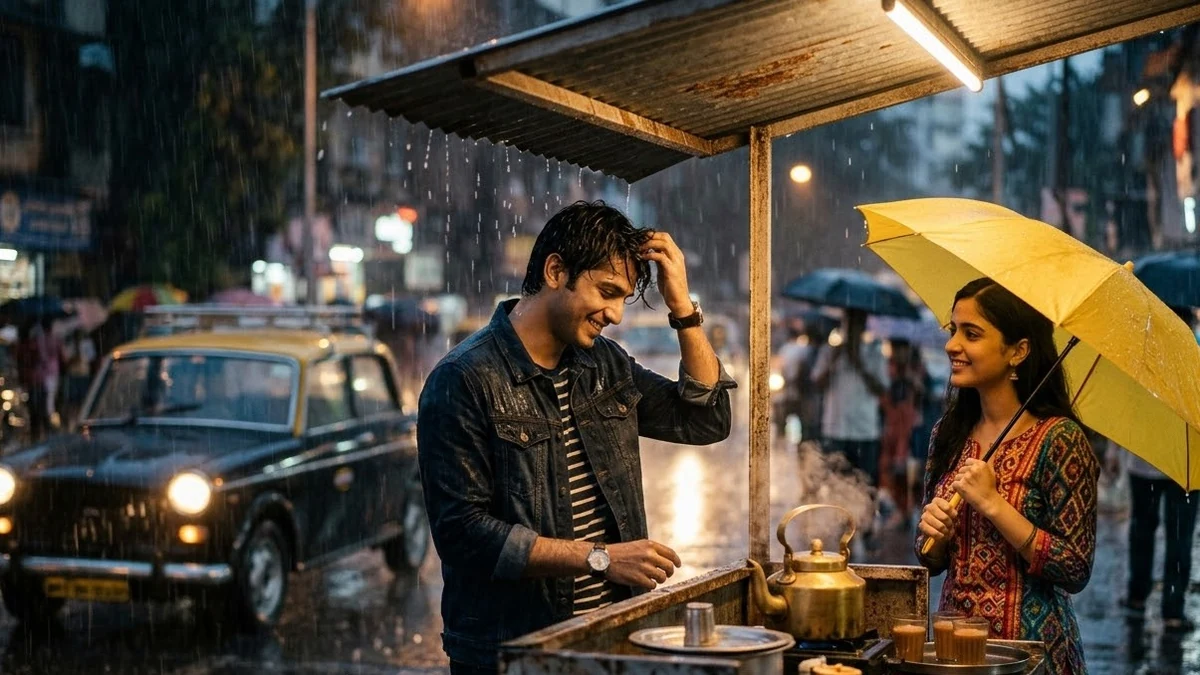 Rainy-day romance sceneHiggsfield · Seedance
 Epic mythology-style trailer shotsHiggsfield · Seedance
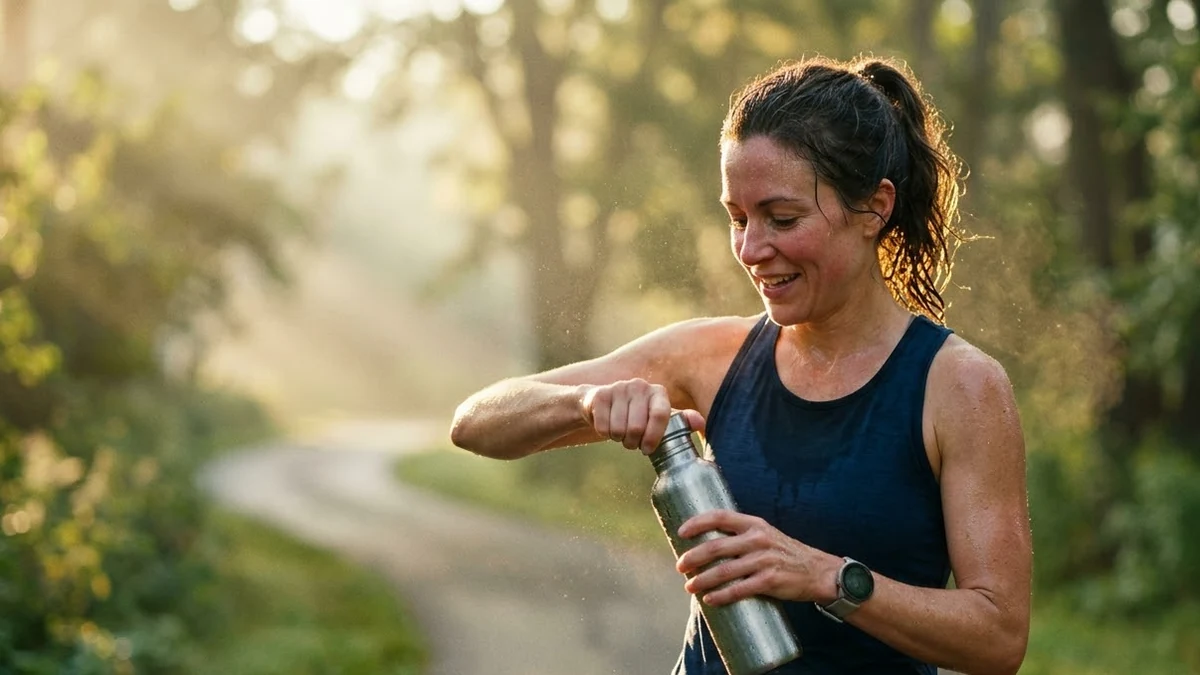 Mini ad storyboard with your productHiggsfield · Seedance
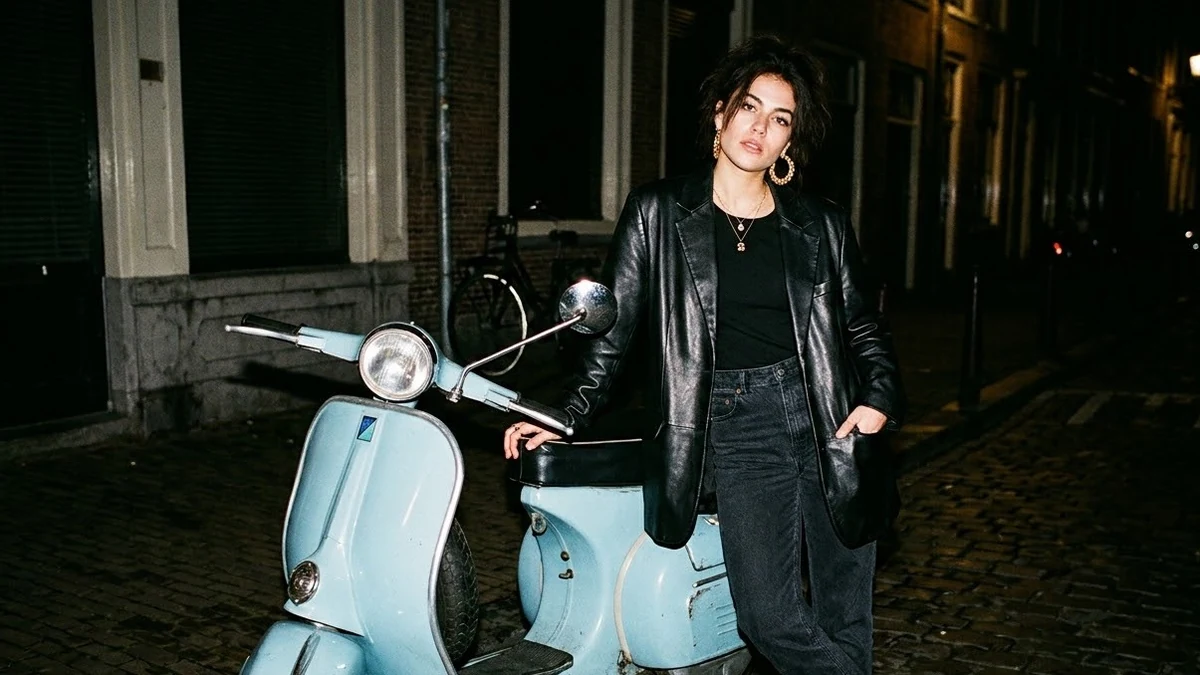 Flash editorial fashion photo (Higgsfield Soul)Higgsfield
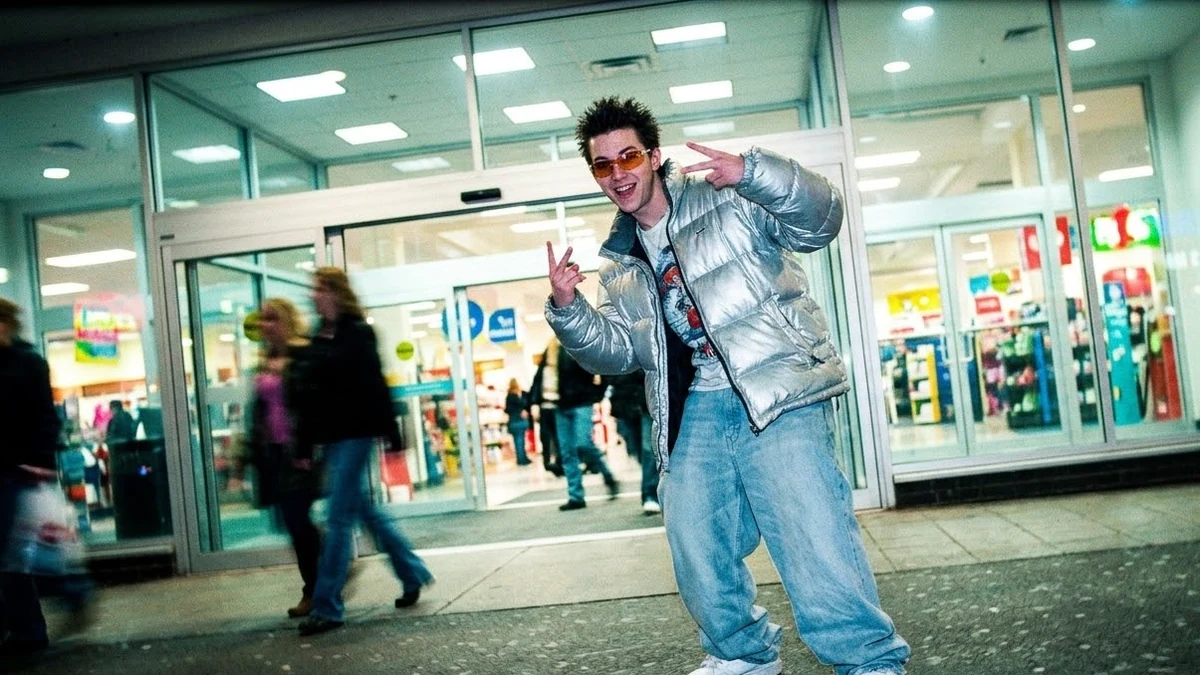 Y2K street style photo (Higgsfield Soul)Higgsfield
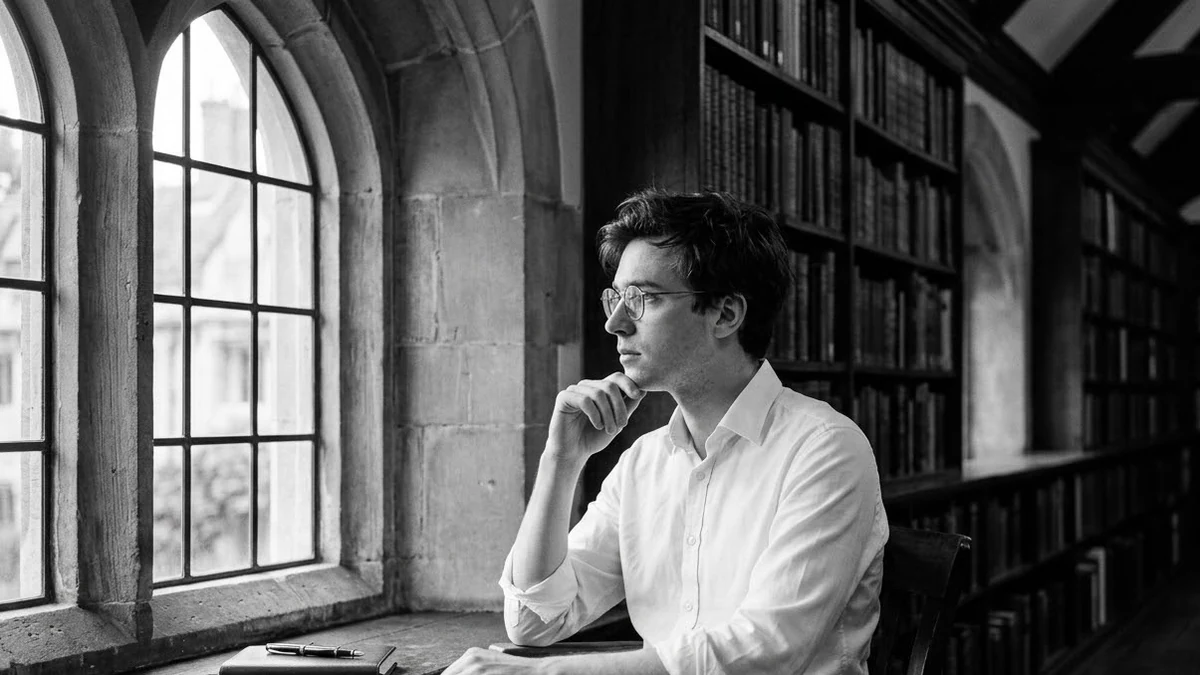 Retro black-and-white portrait (Higgsfield Soul)Higgsfield
 Festive ethnic look photoshoot (Higgsfield Soul)Higgsfield
 Same face across a full photoshoot (Soul ID)Higgsfield
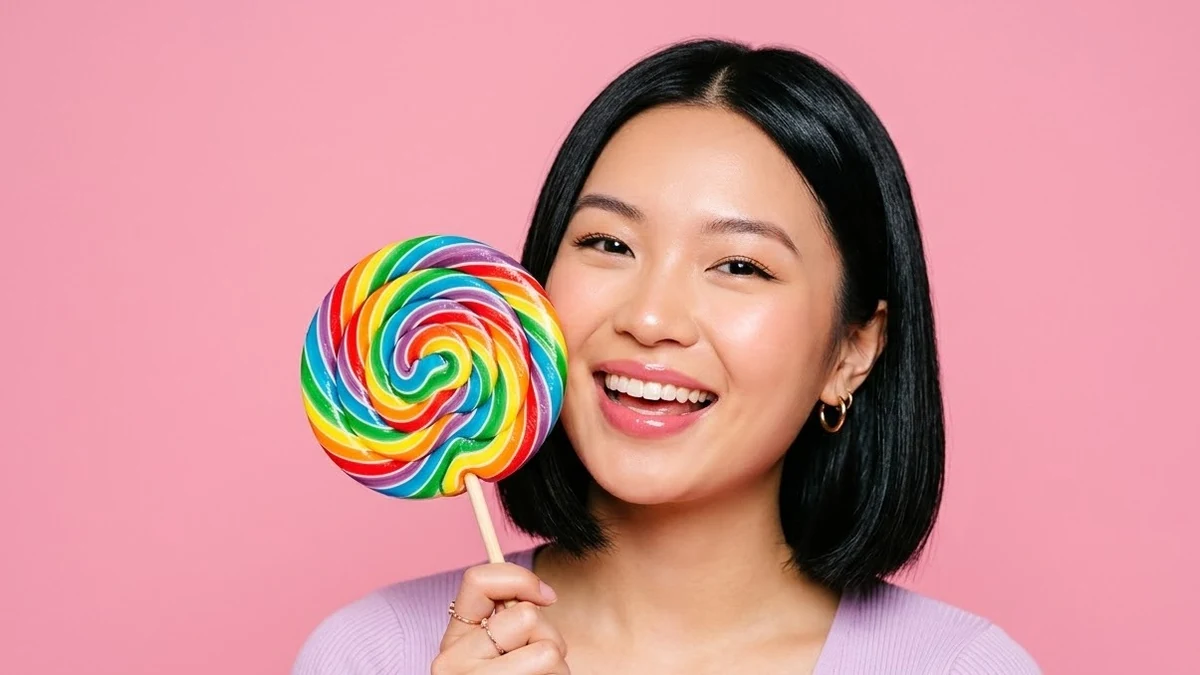 Candy-colour pop portrait (Higgsfield Soul)Higgsfield
 Candid street photography look (Higgsfield Soul)Higgsfield
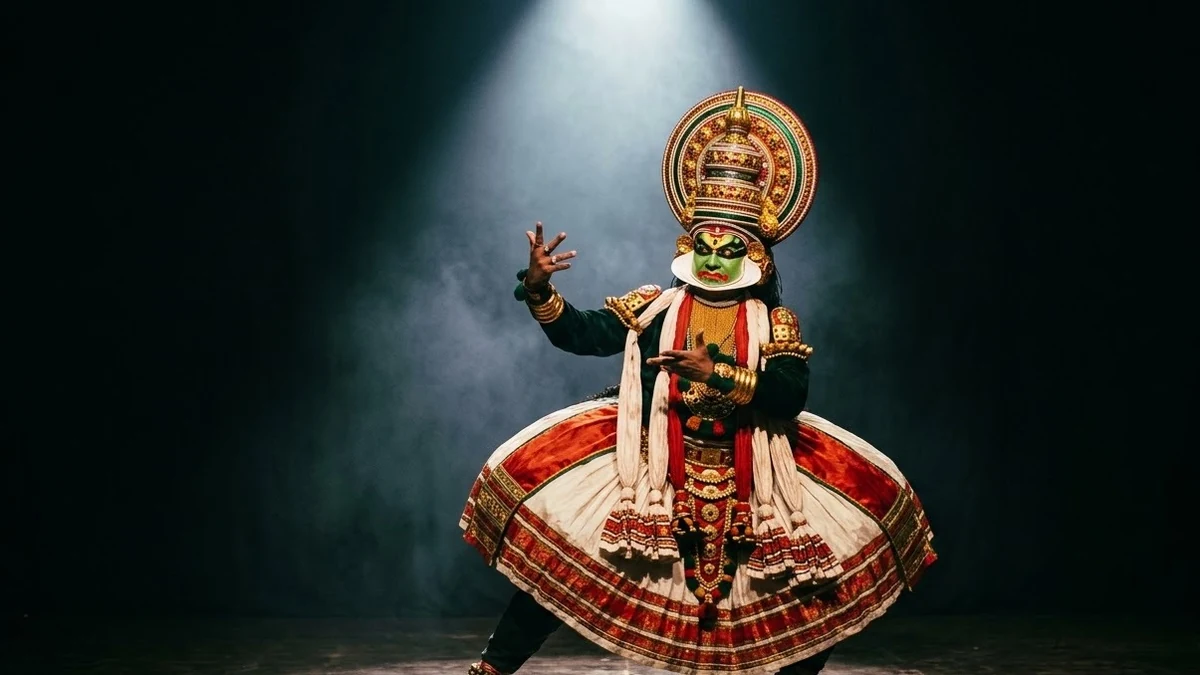 Theatrical light portrait (Higgsfield Soul)Higgsfield
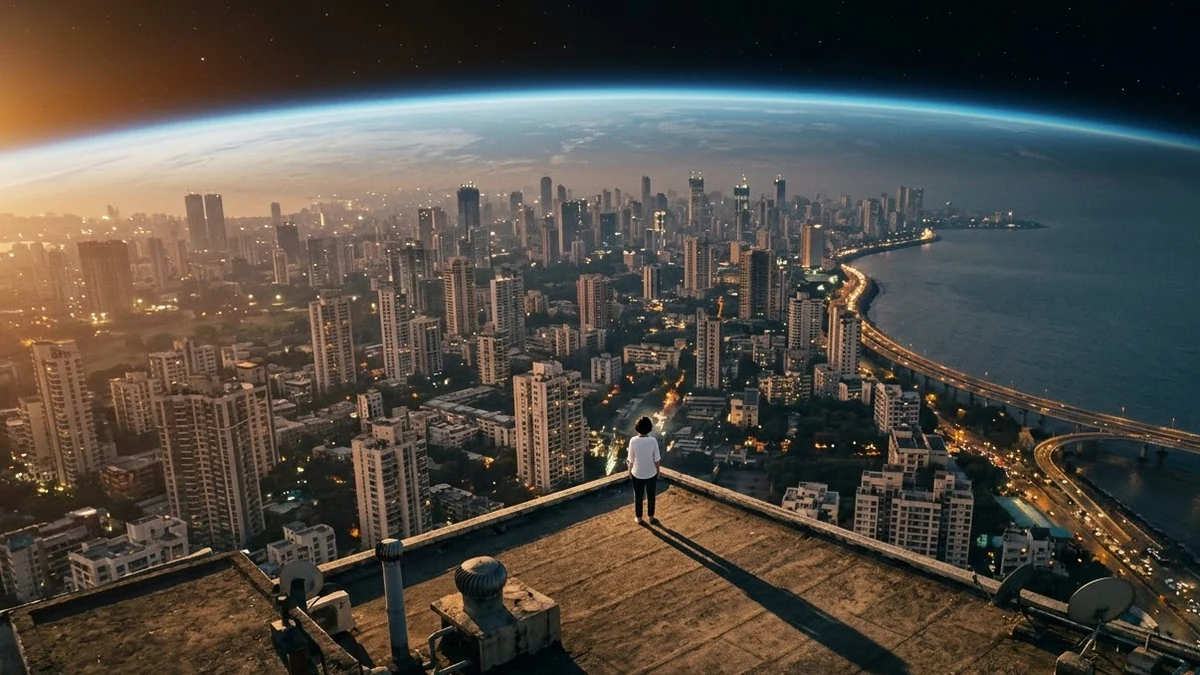 Earth Zoom Out video promptHiggsfield · Kling · Veo
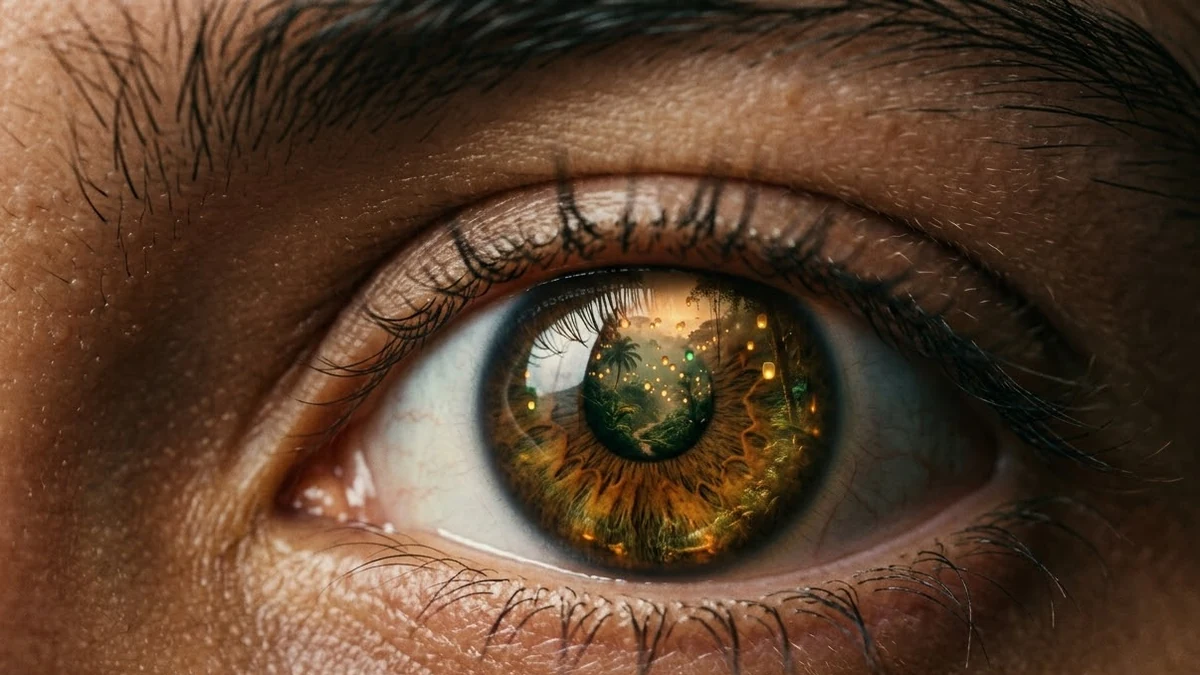 Eyes In video promptHiggsfield · Kling · Veo
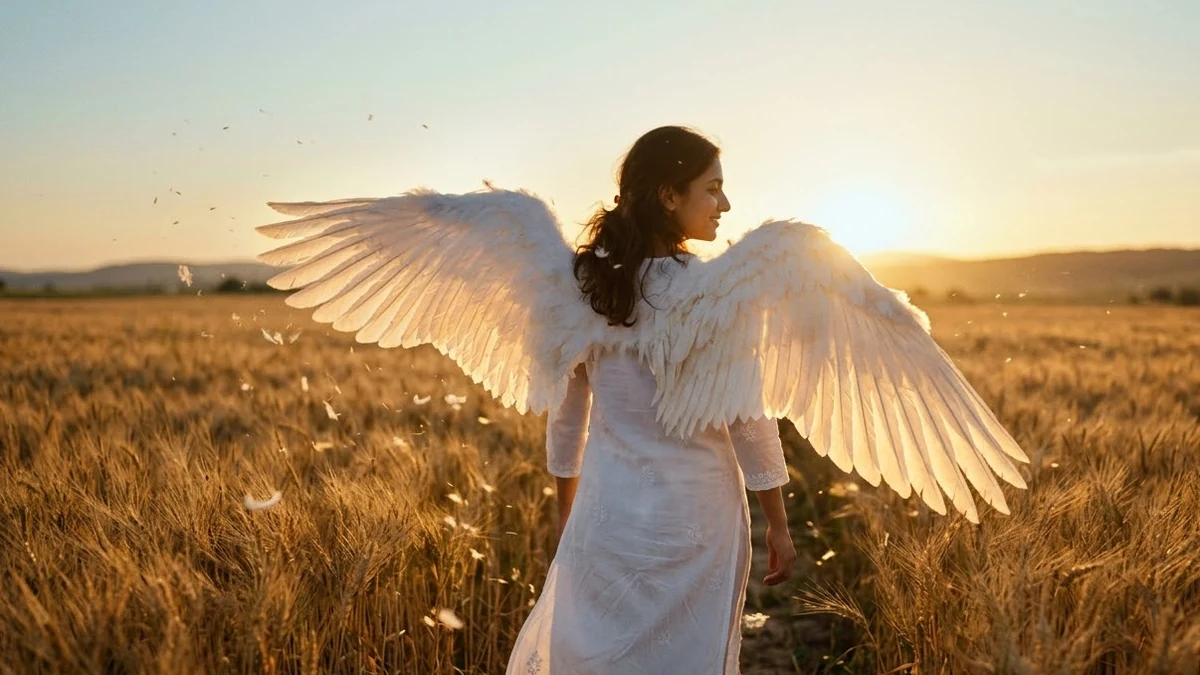 Angel Wings video promptHiggsfield · Kling
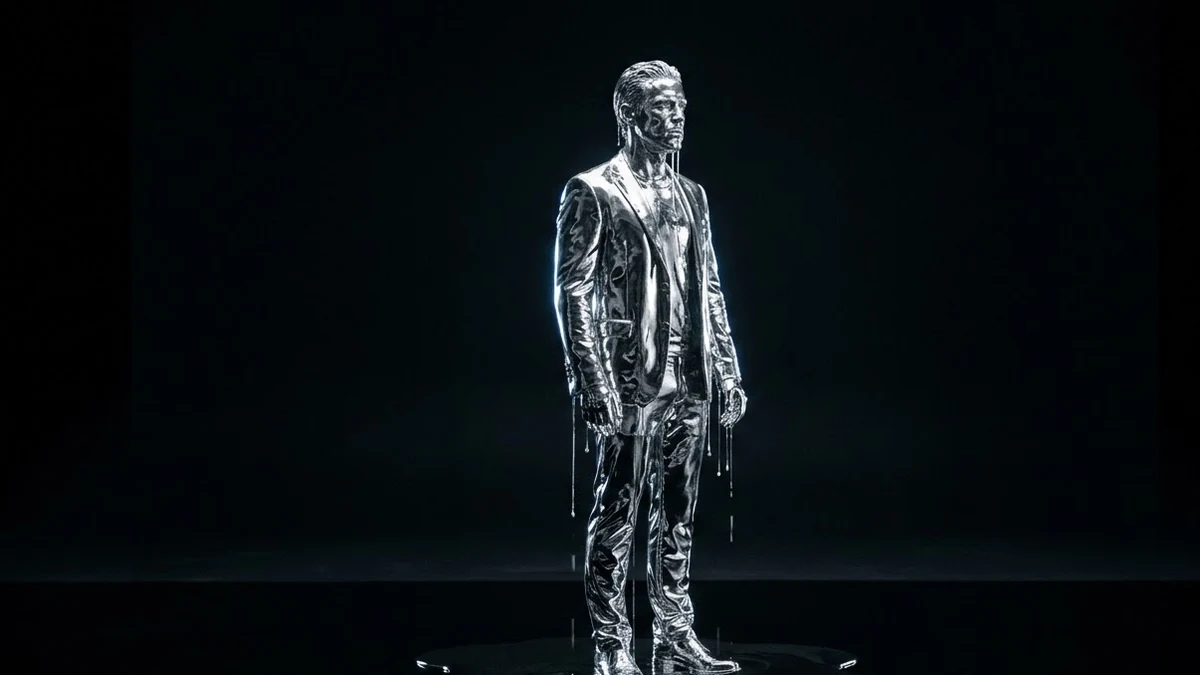 Turn to chrome, then melt promptHiggsfield · Kling · Veo
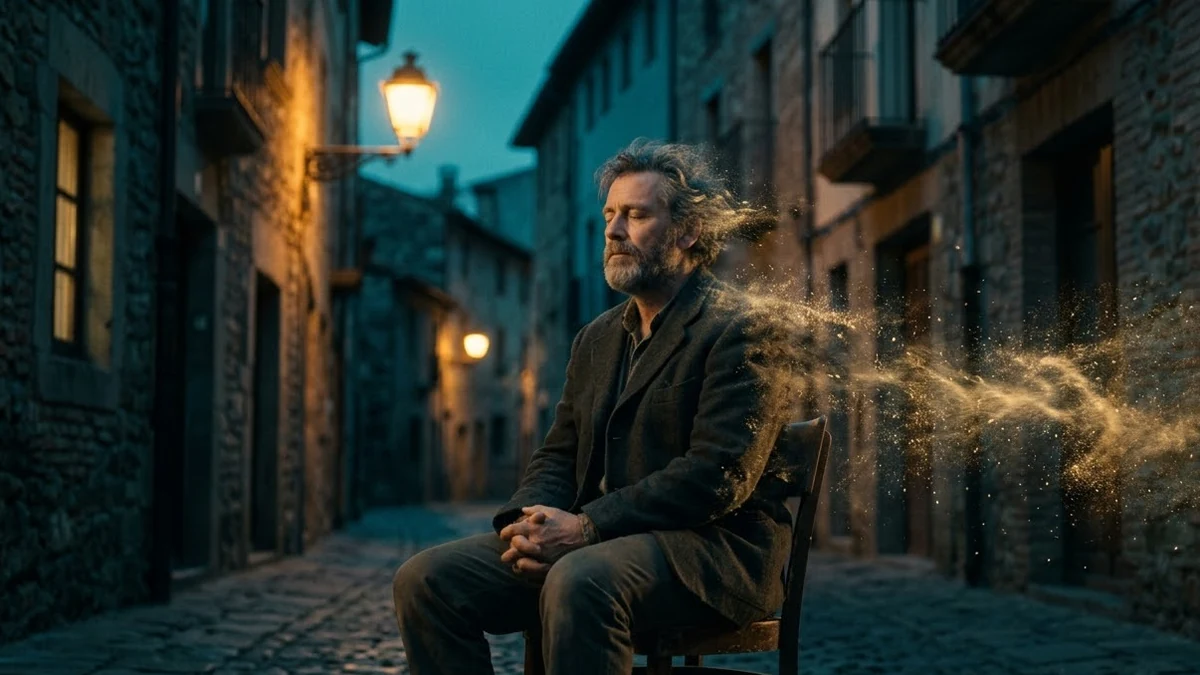 Disintegration video promptHiggsfield · Kling · Veo
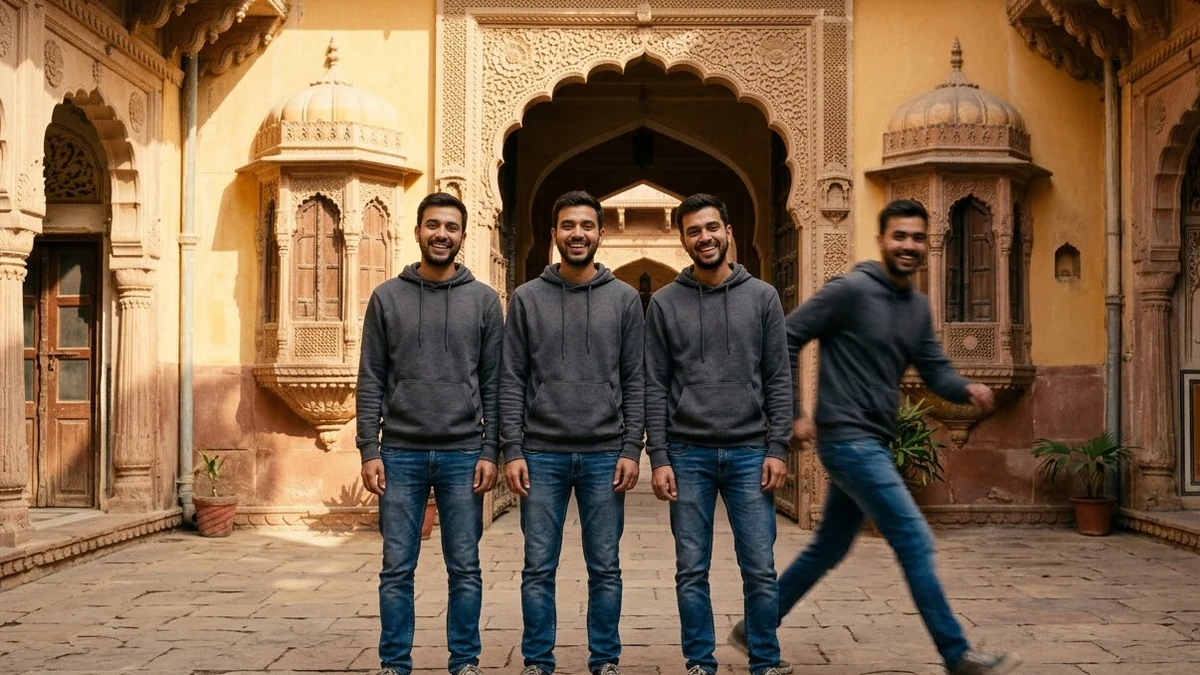 Clone yourself video promptHiggsfield · Kling
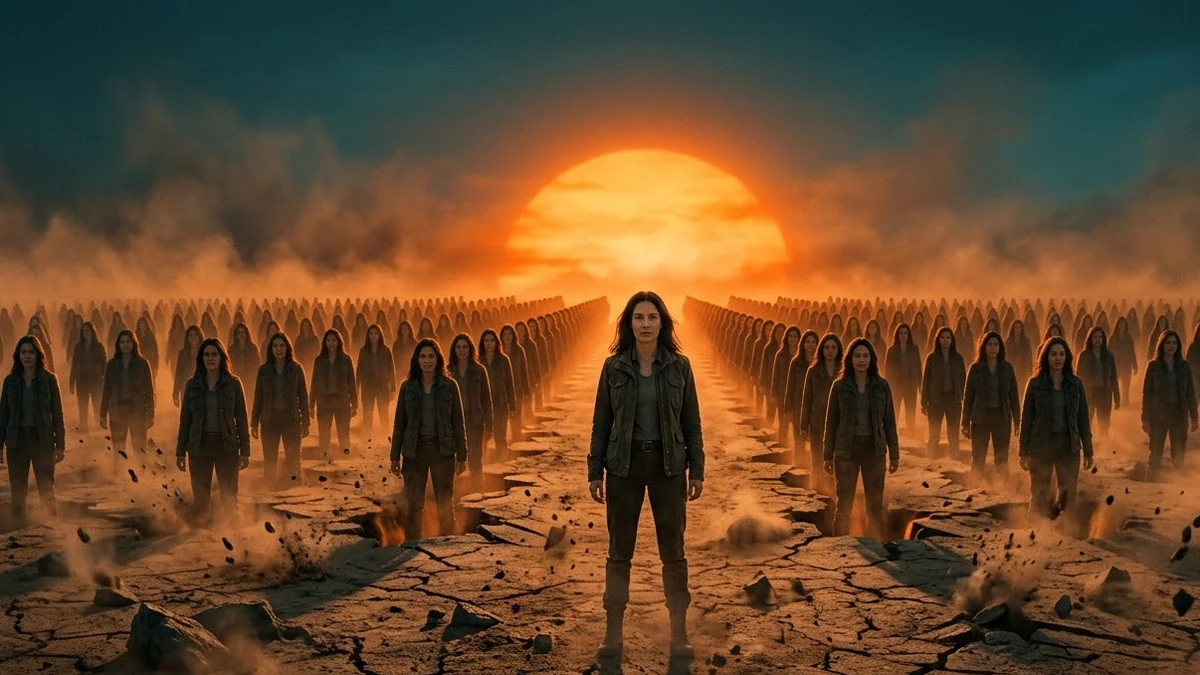 Attack of Clones video promptHiggsfield · Kling · Veo
 Money Rain video promptHiggsfield · Kling · Veo
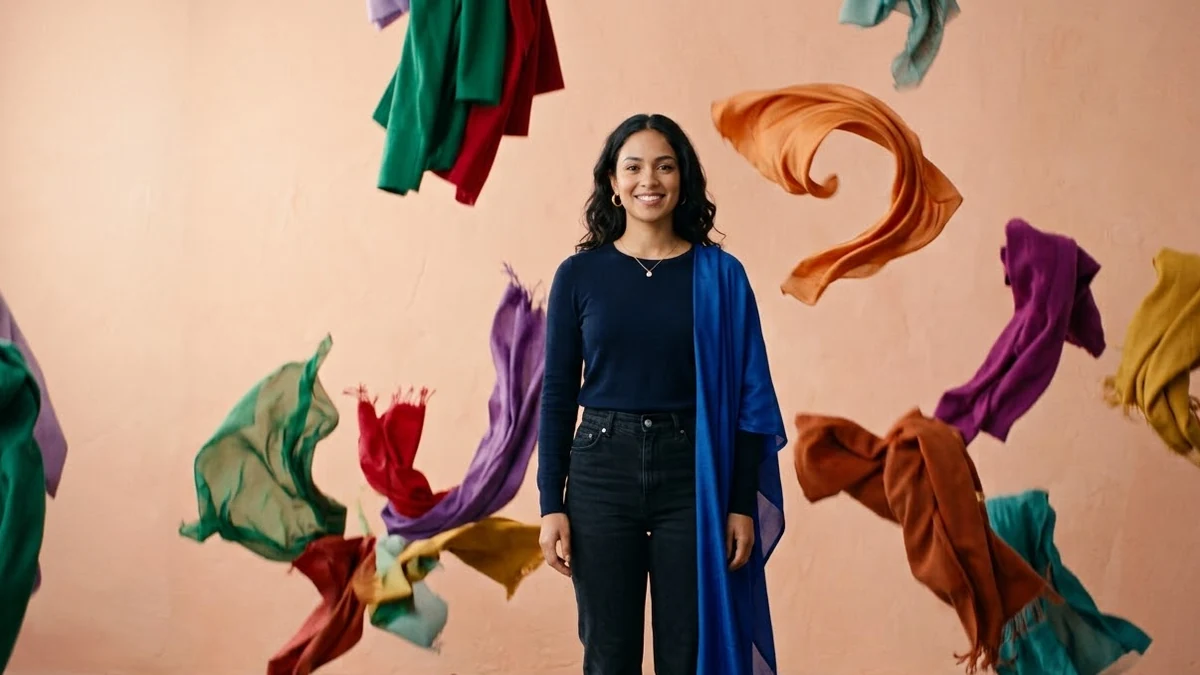 Clothes Rain video promptHiggsfield · Kling
 Colour Rain (Holi) video promptHiggsfield · Kling · Veo
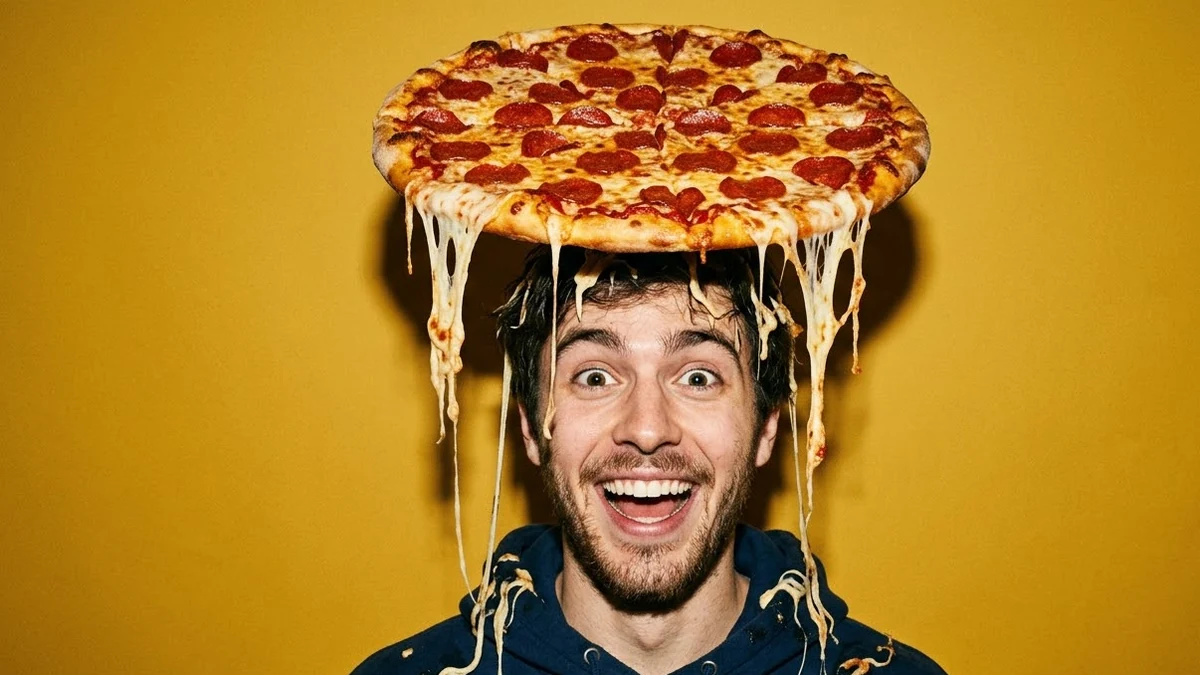 Pizza Fall video promptHiggsfield · Kling
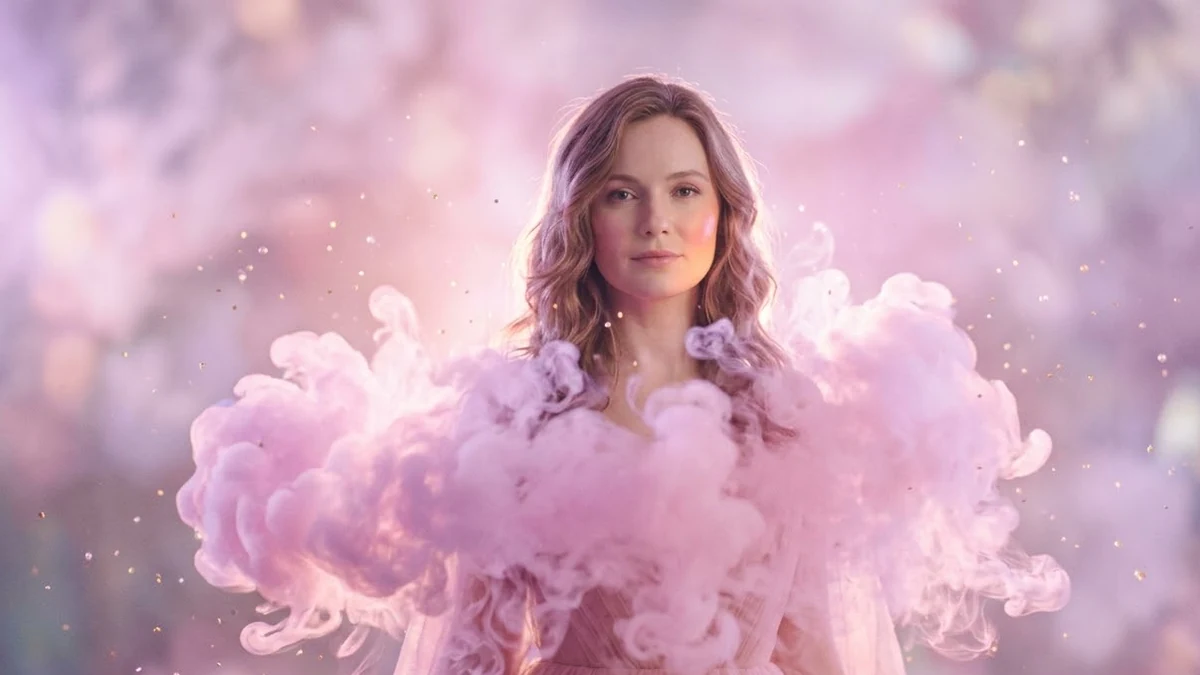 Cotton Cloud video promptHiggsfield · Kling · Veo
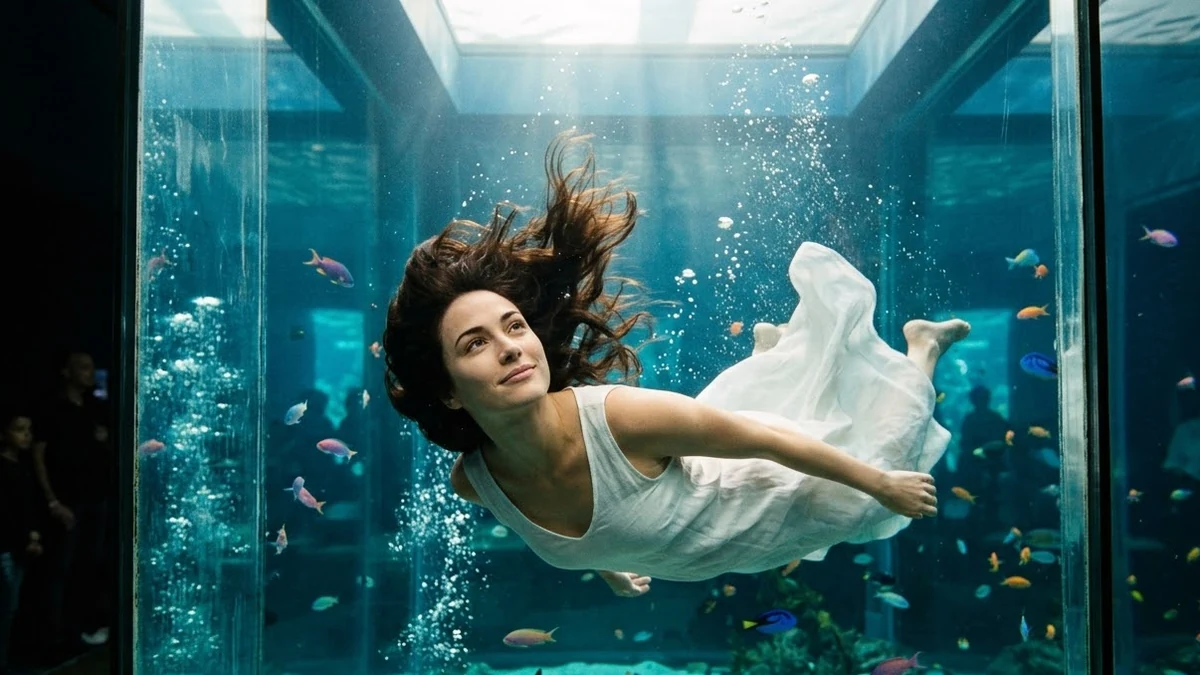 Aquarium video promptHiggsfield · Kling · Veo
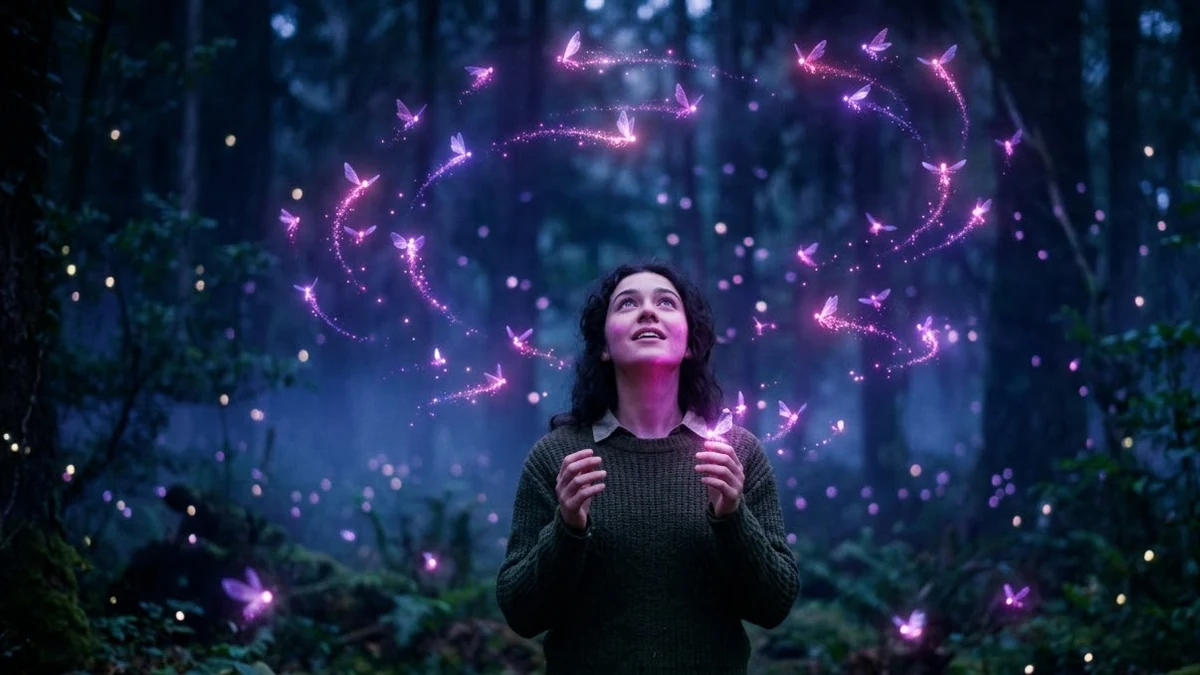 Fairies Around video promptHiggsfield · Kling · Veo
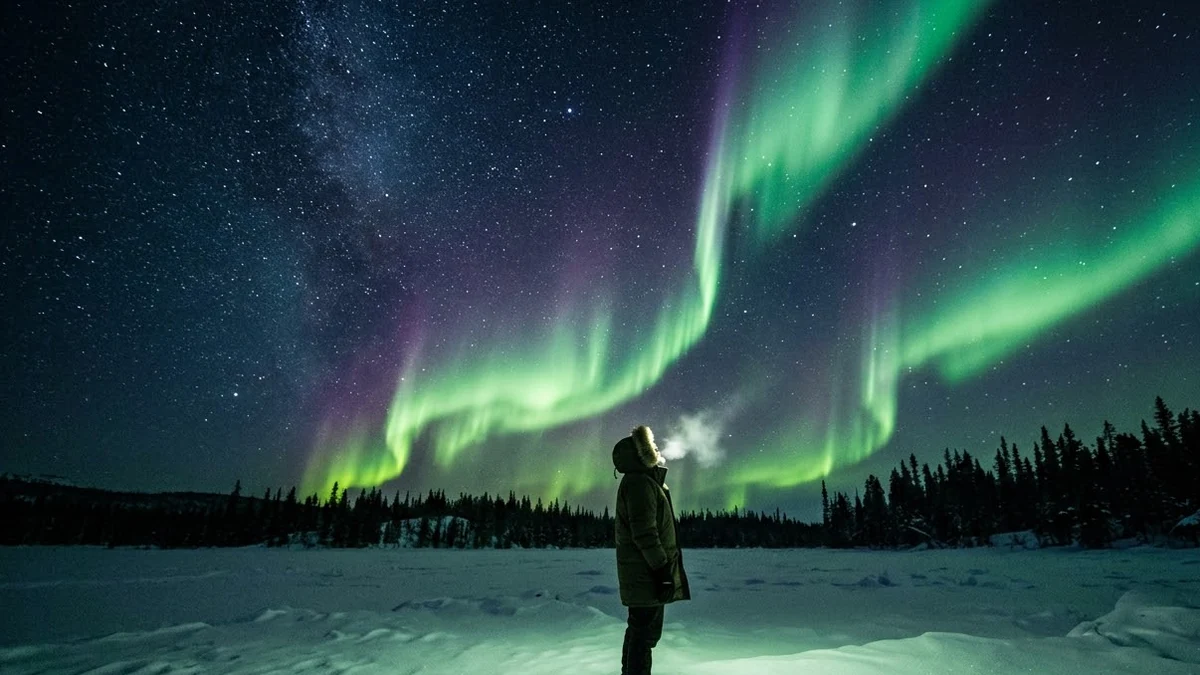 Northern Lights over your photoHiggsfield · Kling · Veo
 Fireworks behind you video promptHiggsfield · Kling · Veo
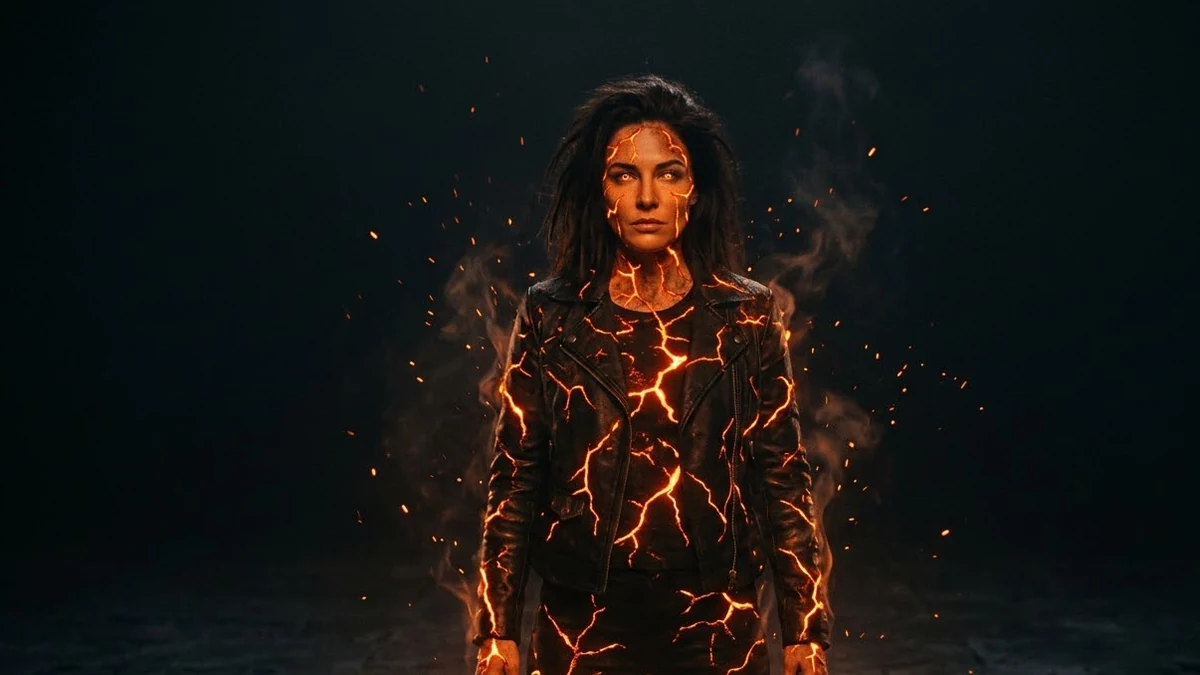 Fire Element video promptHiggsfield · Kling · Veo
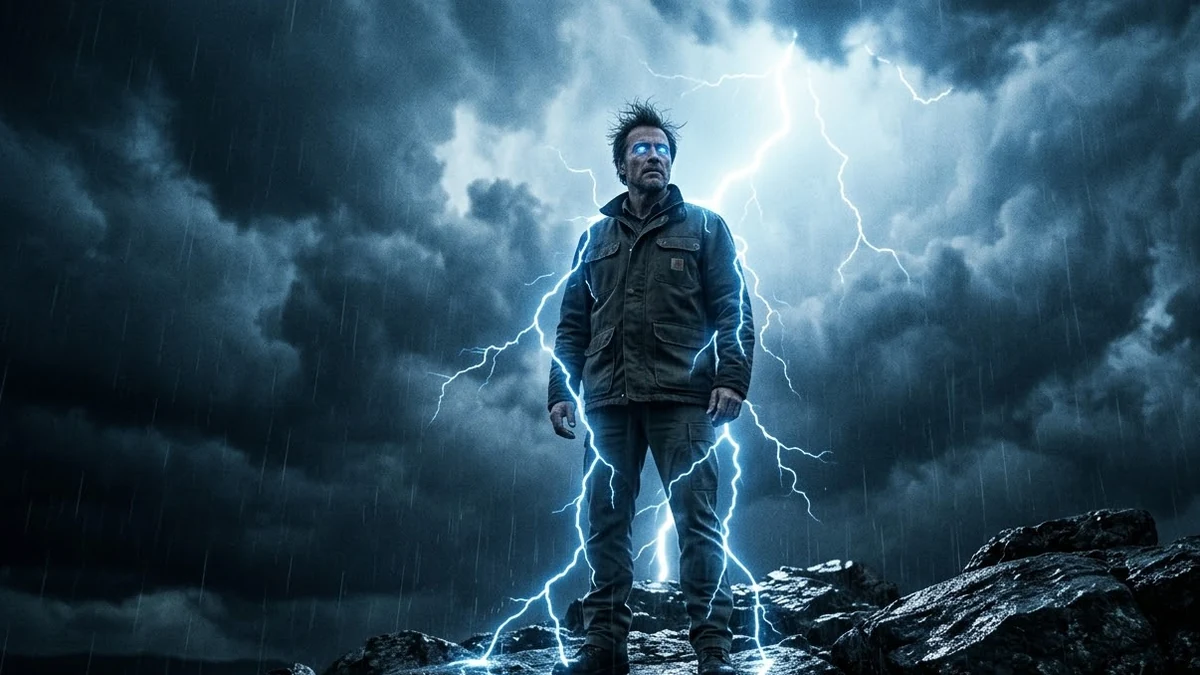 Thunder God video promptHiggsfield · Kling · Veo
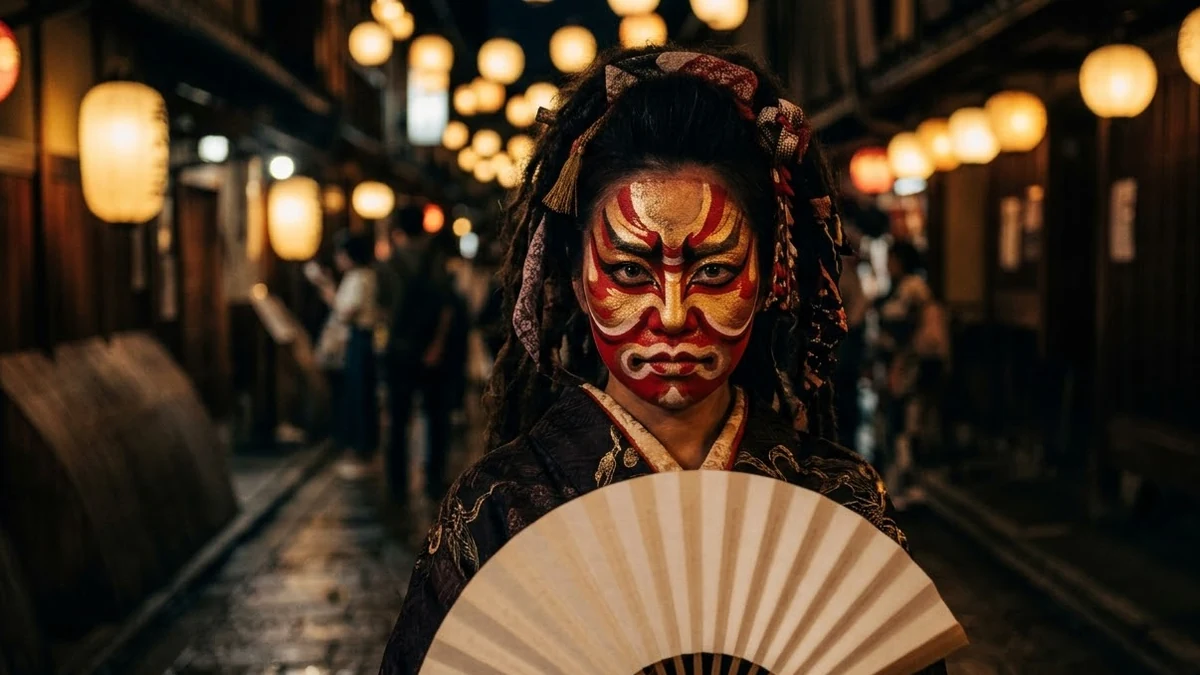 Oni Mask video promptHiggsfield · Kling
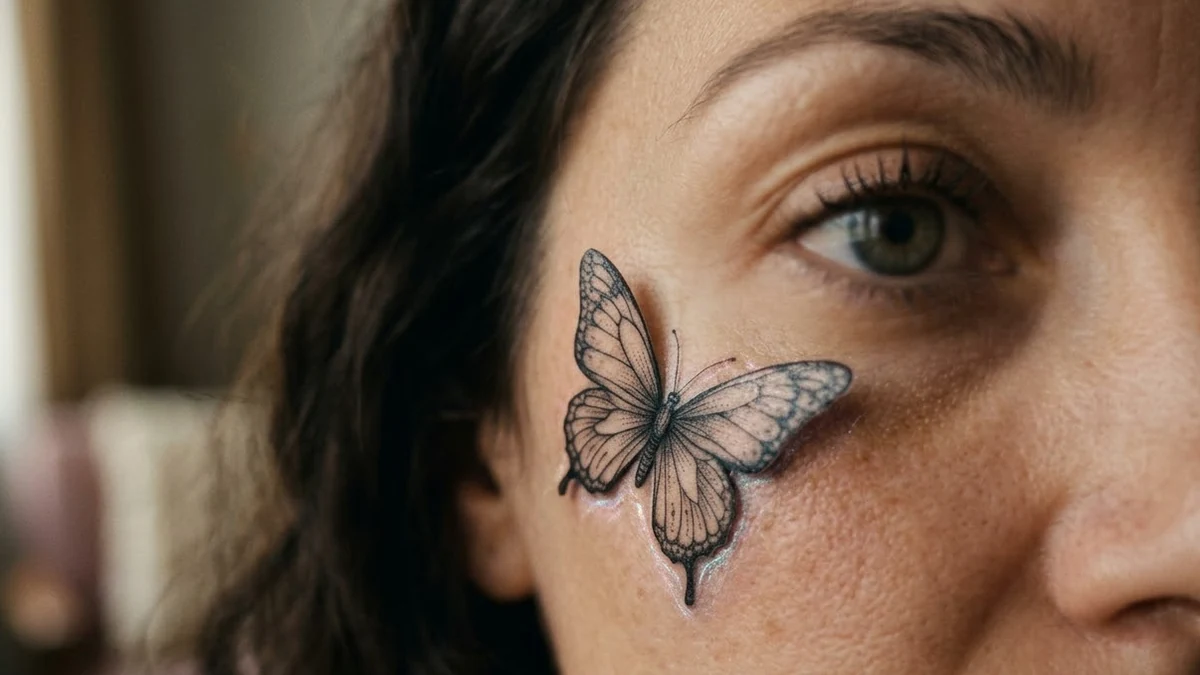 Tattoo Animation video promptHiggsfield · Kling · Veo
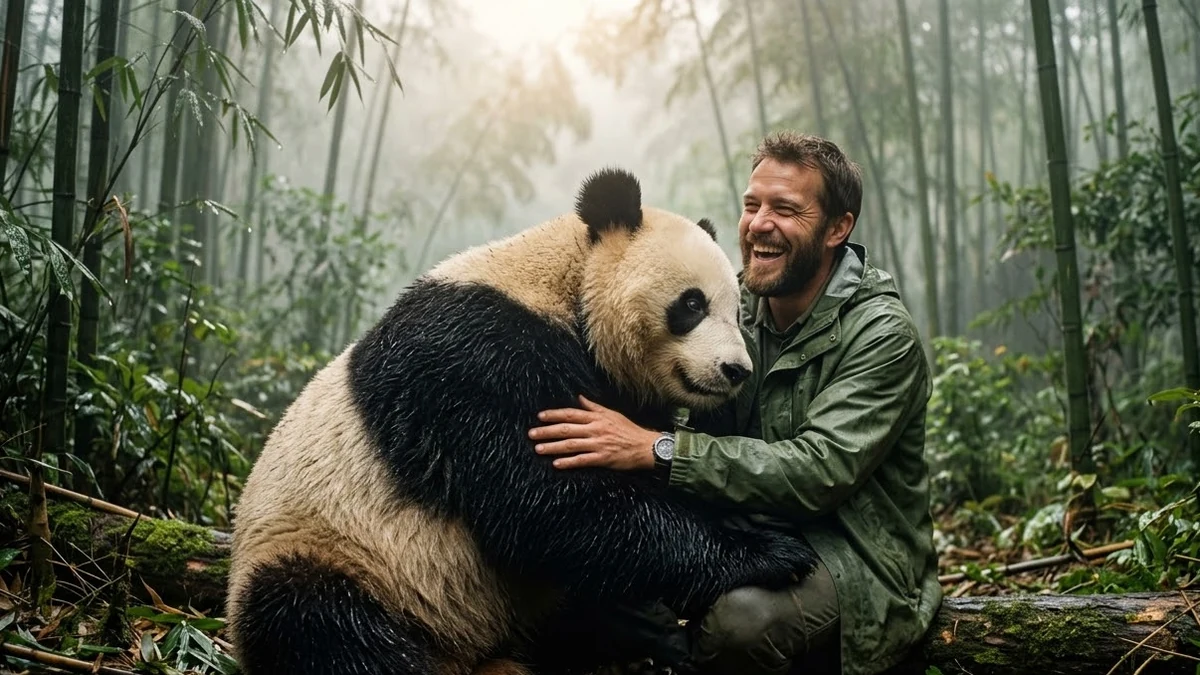 Beast Appearance video promptHiggsfield · Kling · Veo
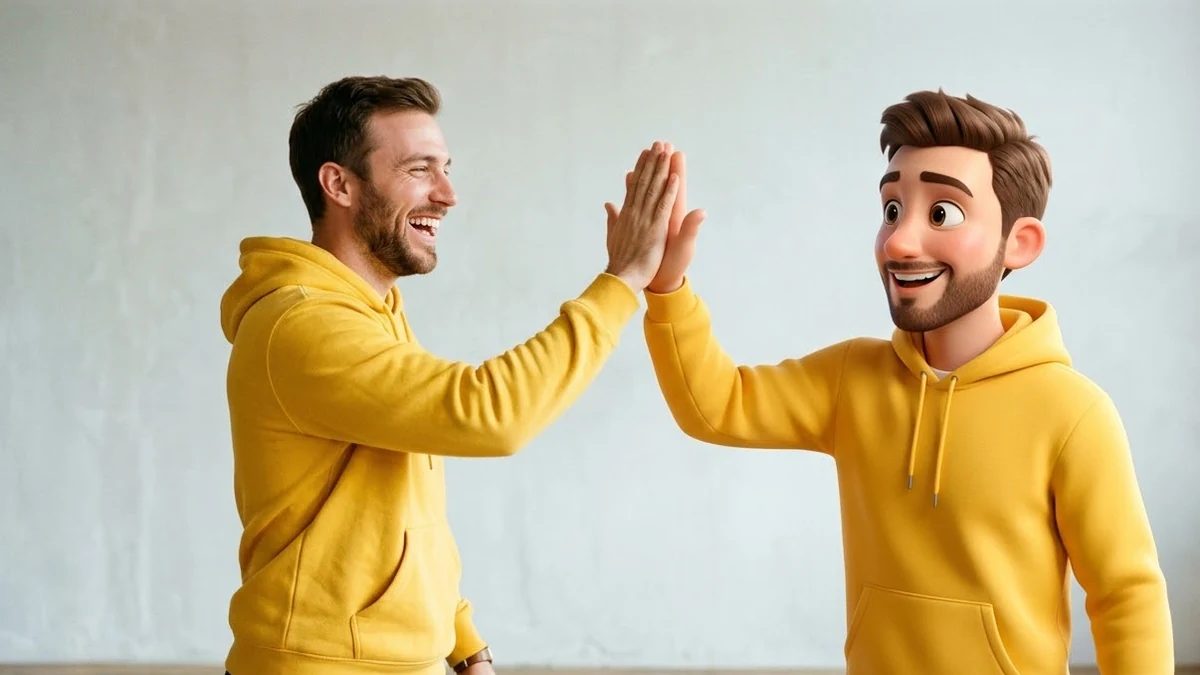 Buddy effect video promptHiggsfield · Kling
 Spirit Animal video promptHiggsfield · Kling · Veo
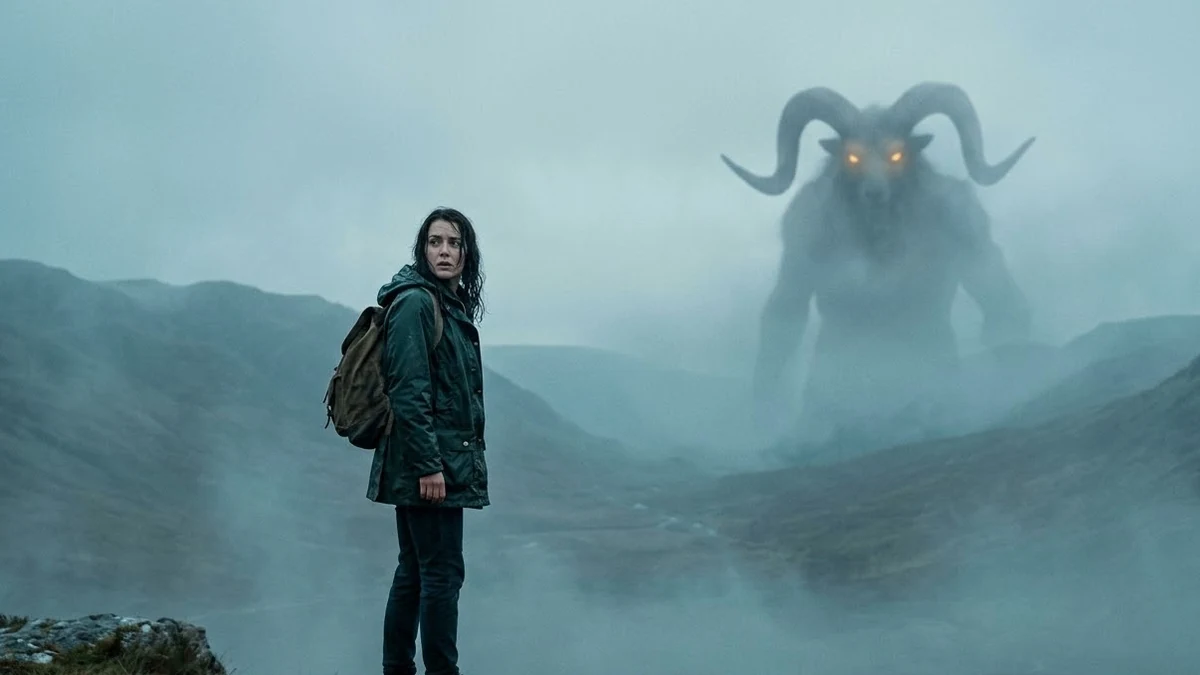 Monstrosity video promptHiggsfield · Kling · Veo
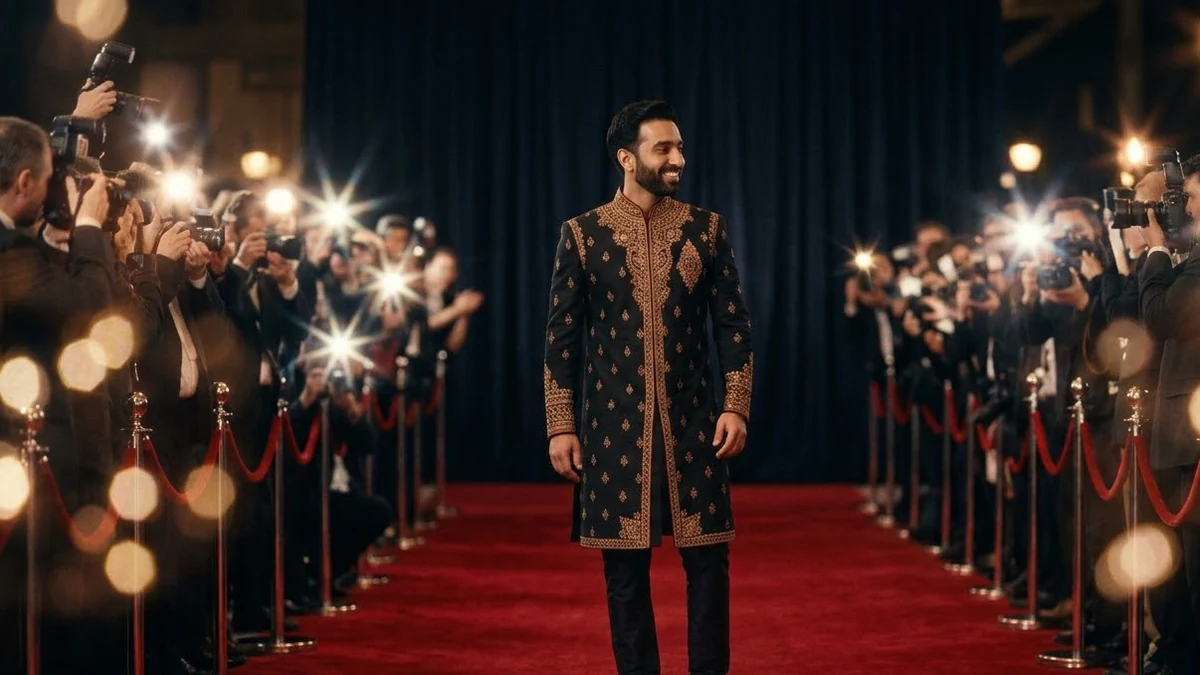 Red Carpet video promptHiggsfield · Kling · Veo
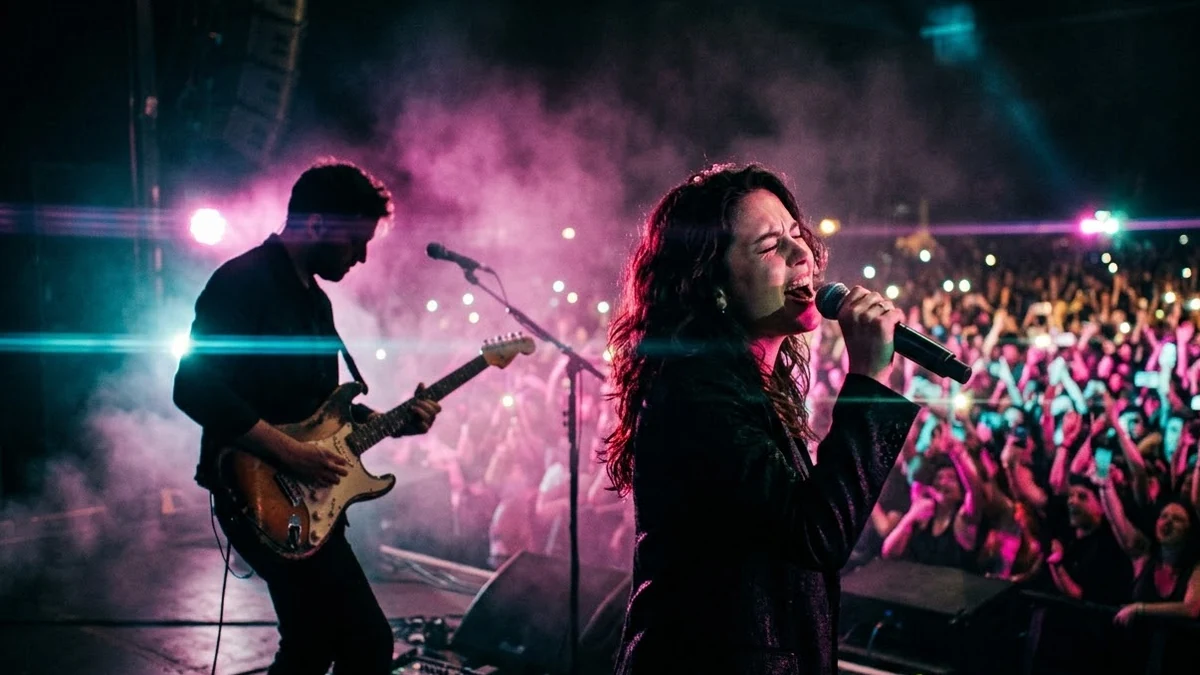 Live Concert video promptHiggsfield · Kling · Veo
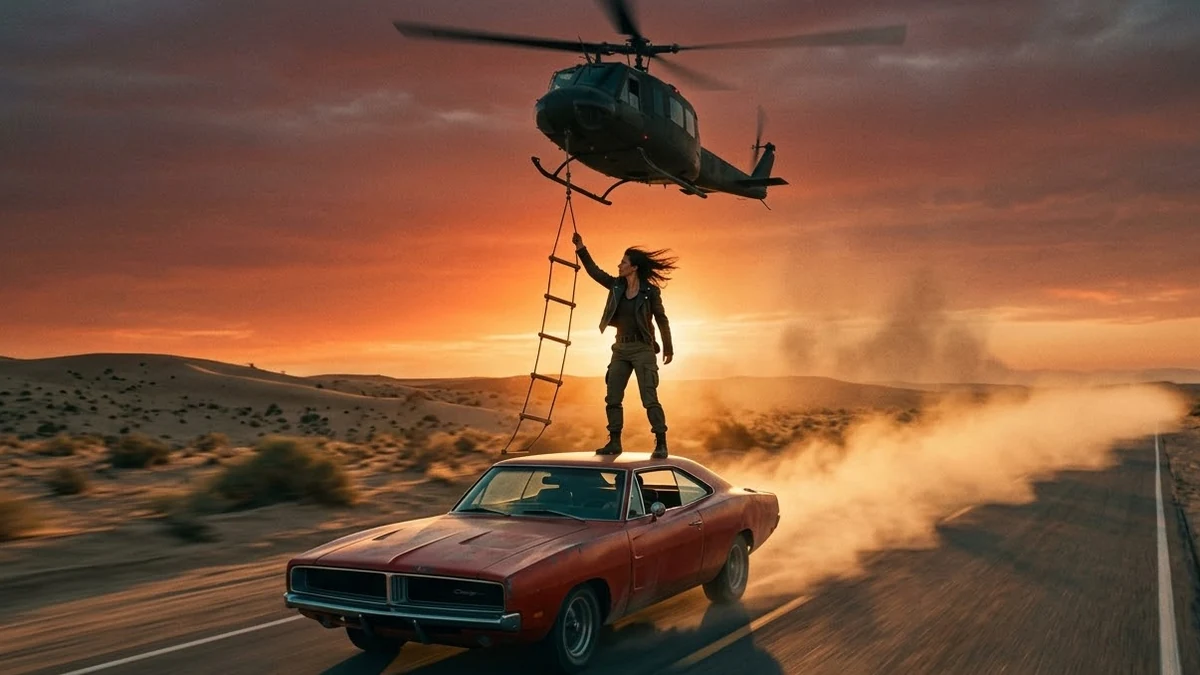 Helicopter Escape video promptHiggsfield · Kling · Veo
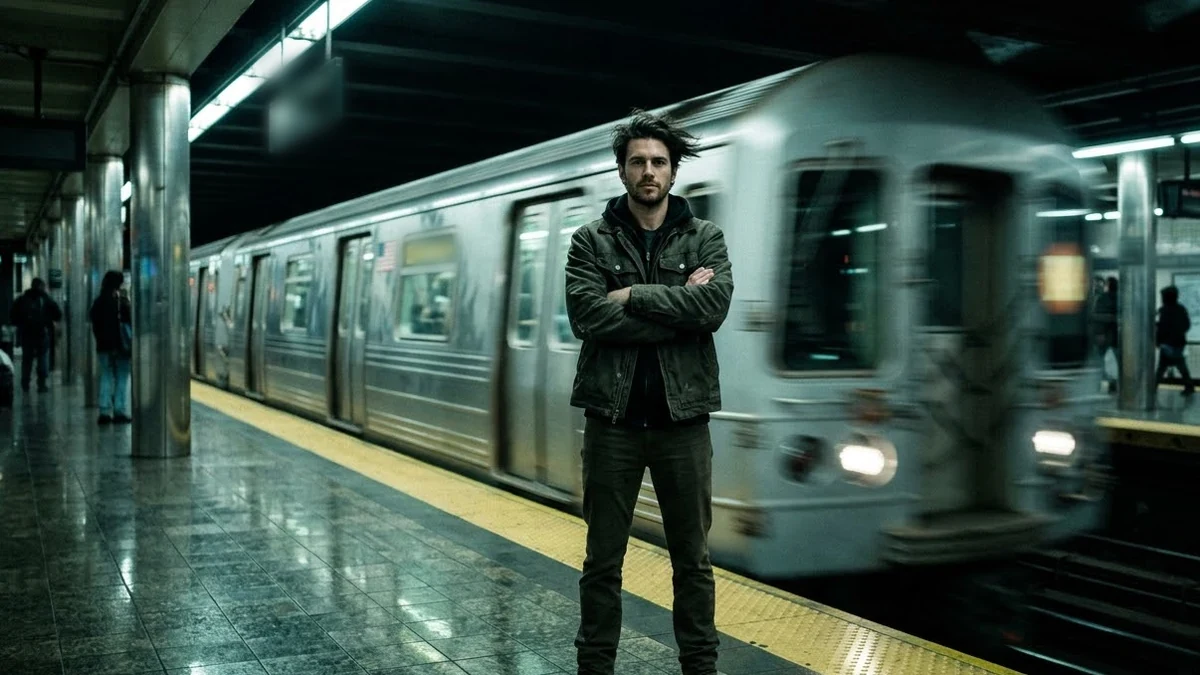 Train Rush video promptHiggsfield · Kling · Veo
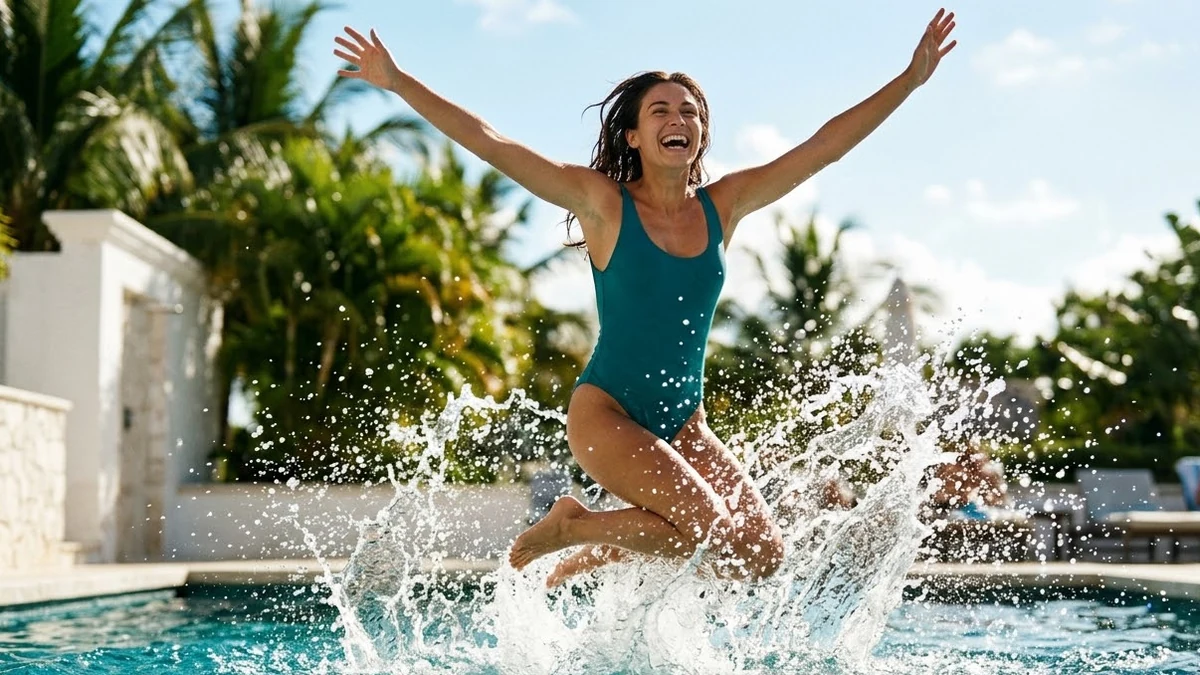 Pool Jump video promptHiggsfield · Kling · Veo
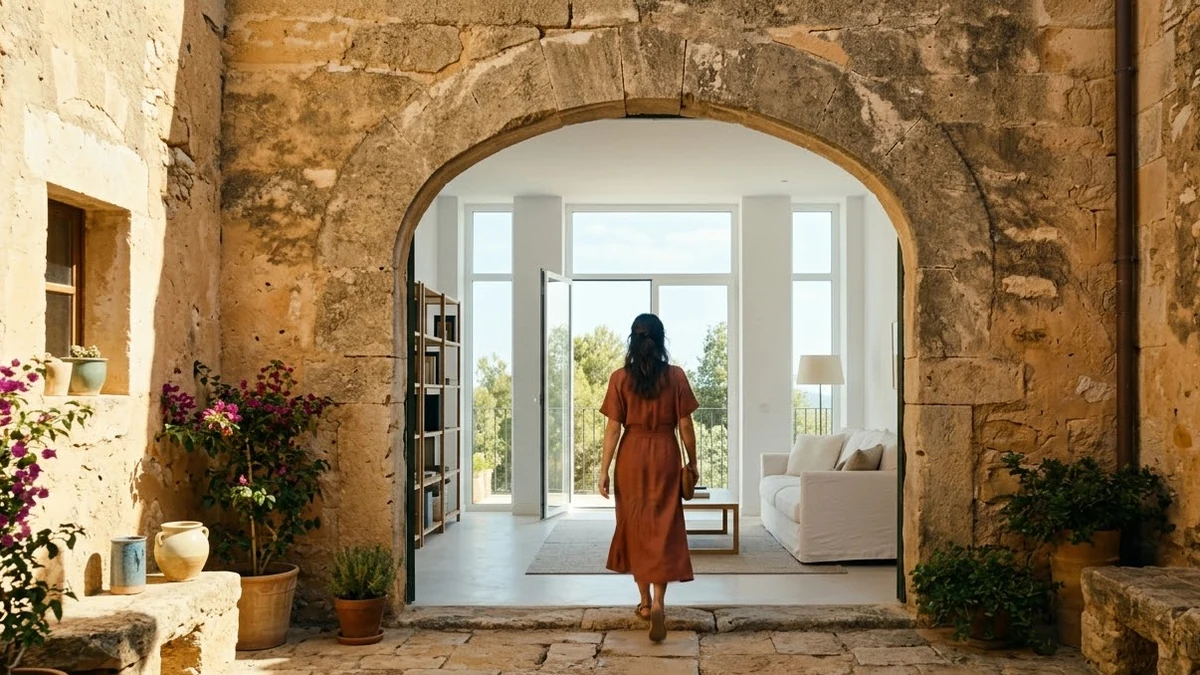 Flying Cam transition promptHiggsfield · Kling
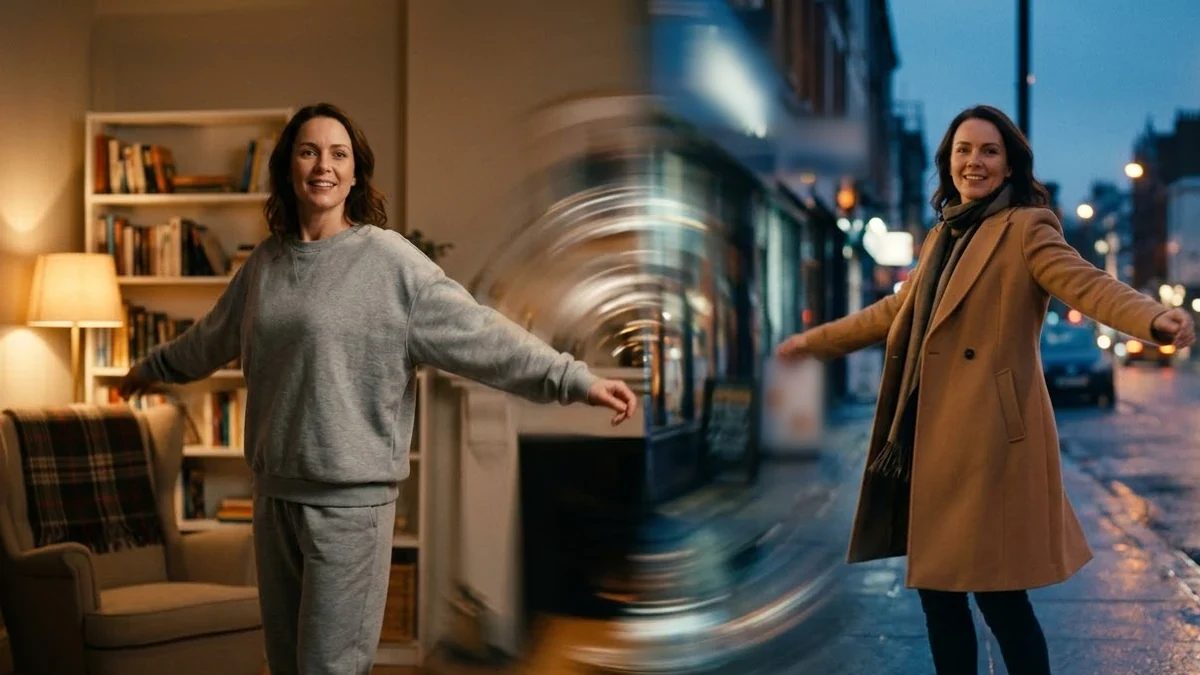 Seamless Transition promptHiggsfield · Kling
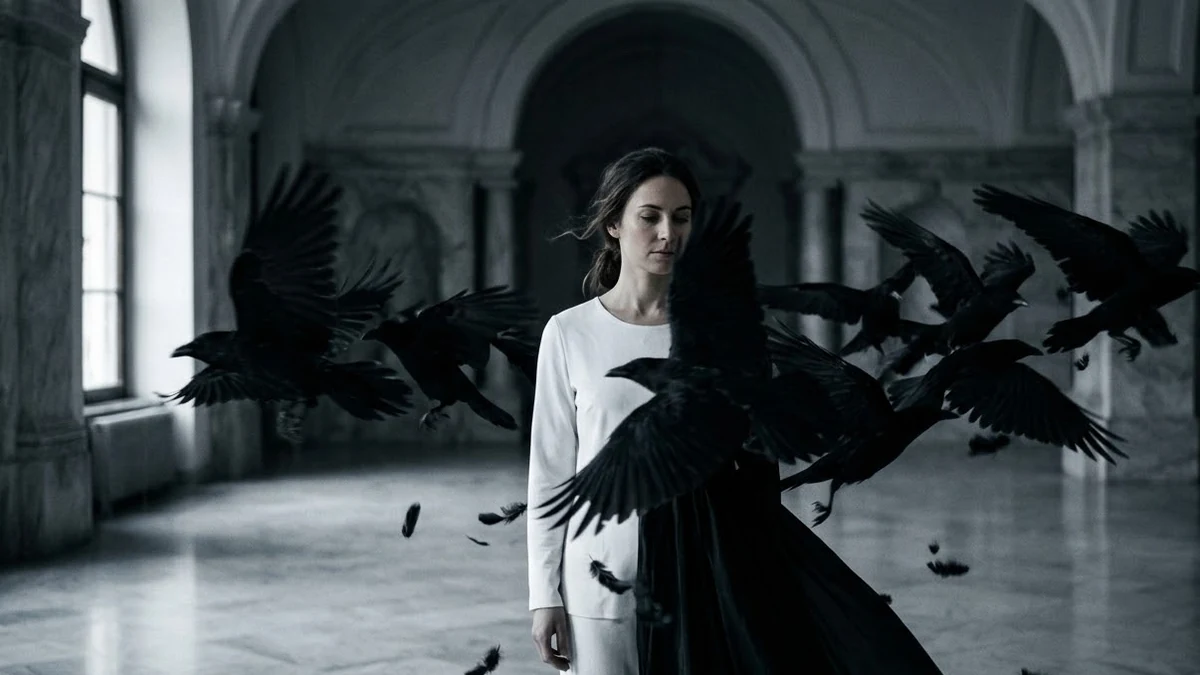 Raven Transition promptHiggsfield · Kling
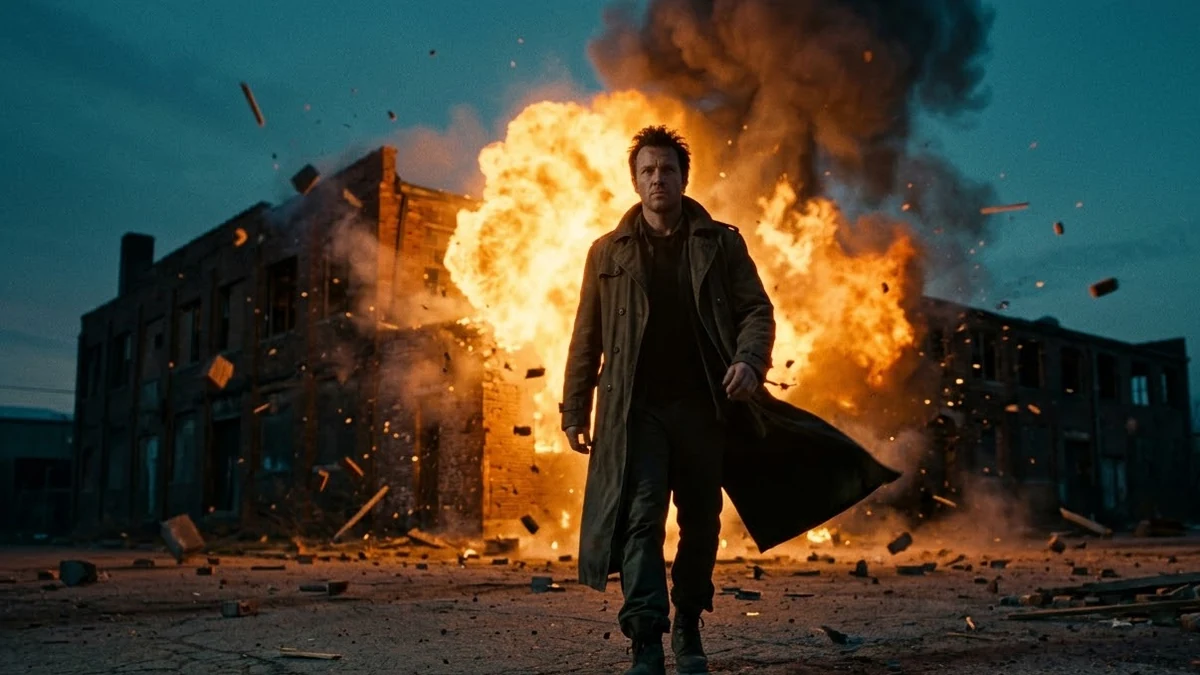 Building Explosion video promptHiggsfield · Kling · Veo
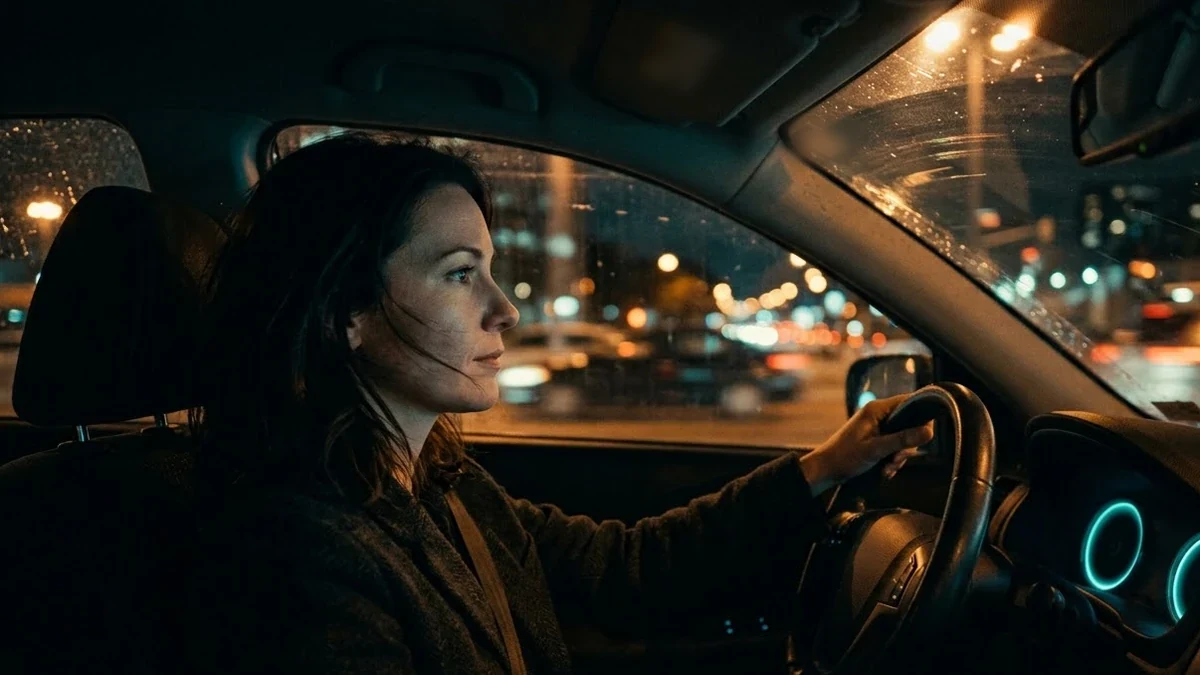 Car Drive video promptHiggsfield · Kling · Veo
No prompts match that search. Build your own in the builder →
How to prompt Higgsfield
Higgsfield is a studio that runs several models in one place: Kling, Veo and Seedance for video, and its own Soul model for photos. It is known for camera-move presets and Soul ID, which keeps the same face across photos.
- Latest version
- Soul 2.0 (photos); Kling, Veo and Seedance (video)
- Best for
- Named camera moves (Crash Zoom, Dolly Zoom, 360 Orbit, FPV Drone) · Fashion and lifestyle photos with Soul presets · The same face across a photoshoot with Soul ID · Short ads and UGC-style clips
- Prompt formula
- Camera preset + subject + action + setting + light + style (and the move in plain words)
Tips that make the biggest difference
- Pick one preset per clip. A Crash Zoom and an Orbit in the same 5 seconds fight each other. Choose the preset that matches the moment.
- Also describe the move in words. Write "the camera rushes forward in a fast crash zoom" even when the preset is selected. It helps the model, and the prompt still works if a preset is renamed or you switch to plain Kling or Veo.
- Let the preset set the look. Soul presets such as Flash Editorial or Retro BW already set the lighting and colour. Describe the person, clothes and place, and skip conflicting style words.
- Choose the video model for the job. Try Kling for people and motion, Veo when you need dialogue and sound, and Seedance for longer clips.
Weak vs strong prompt
Weak
Cool zoom on a festival.
Strong
Crash Zoom preset. Night street during Durga Puja, crowds in festive clothes on both sides. The camera rushes forward in a fast crash zoom toward a huge glowing pandal gate, which ends sharp in the centre. Warm gold and red lights, incense smoke, high energy.
Common mistakes
- Stacking several camera presets
- Style words that fight the chosen Soul preset
- Using photos of someone else for Soul ID (use your own face, with permission)
Guide checked against the current Higgsfield release in .
What Higgsfield adds on top of the models
- Camera-move presets. Moves such as Crash Zoom, Dolly Zoom and 360 Orbit are picked from a list, so the prompt can focus on the subject and the scene.
- Several video models in one place. You can send the same idea to Kling, Veo or Seedance and compare the results without separate accounts.
- Soul and Soul ID. Soul is Higgsfield's own photo model with style presets. Soul ID learns one person's face from their photos so the same face appears across a whole shoot.
If Higgsfield gets it wrong
- The move feels random. Choose one preset and also describe the move in words in the prompt.
- The preset fights your style words. Take out lighting and colour words when a Soul preset already sets them.
- Soul ID does not look like you. Train it on more varied, well-lit photos of the same person: different angles, no sunglasses, no filters.
- A preset looks wrong with one model. Results differ between models. Try the same preset and prompt with another video model.
Questions, answered
Is Higgsfield a video model?
No. It is a studio that runs other video models (Kling, Veo and Seedance) plus its own Soul photo model, with presets on top.
Do these prompts work outside Higgsfield?
Yes. Each prompt also describes the camera move in plain words, so it works in Kling or Veo directly without a preset.
Is the Higgsfield link an affiliate link?
Yes. PromptUp may earn a commission if you sign up through it, at no extra cost to you.
Need something that isn’t here?
Describe it in one line and get a Higgsfield prompt built for you.