Tool · 5 prompts
Cursor prompts you can copy and paste
Cursor is an AI code editor with a built-in agent that can edit many files at once. These prompts help you write project rules, brief the agent with a clear goal and finish line, fix failing tests properly and refactor safely. Most also work in Claude Code.
This page lists all 5 PromptUp prompts written for Cursor.
Last updated · How to prompt Cursor ↓
All 5 prompts
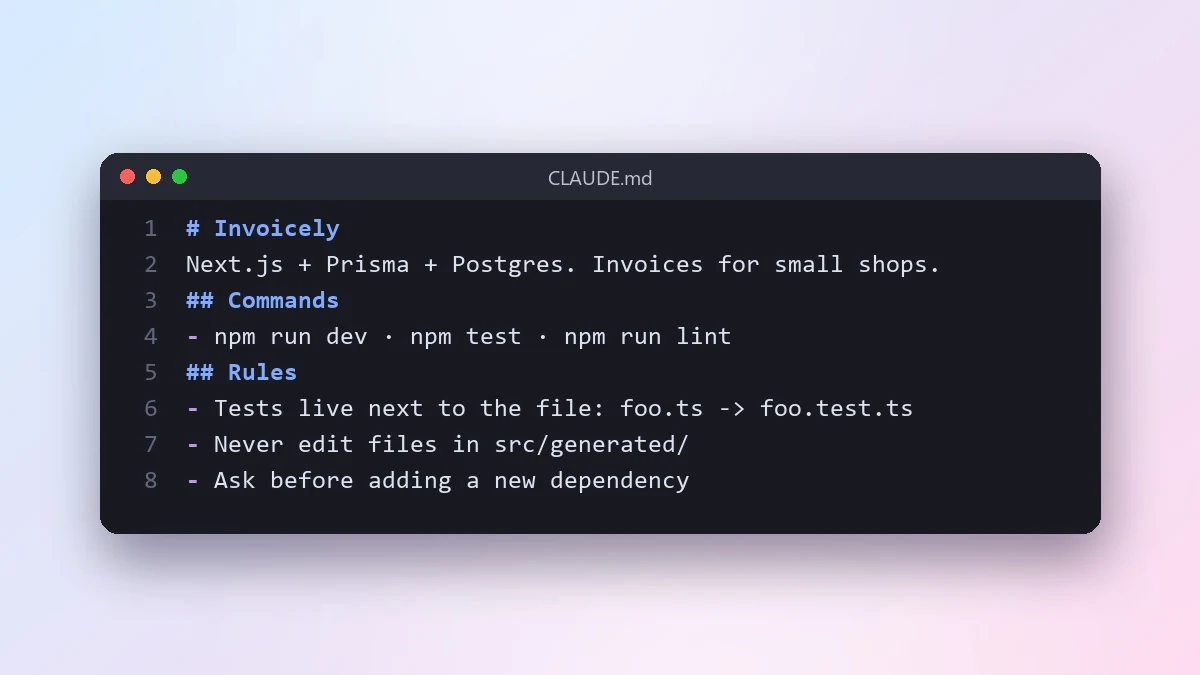 Write a CLAUDE.md file for your projectClaude Code · Cursor
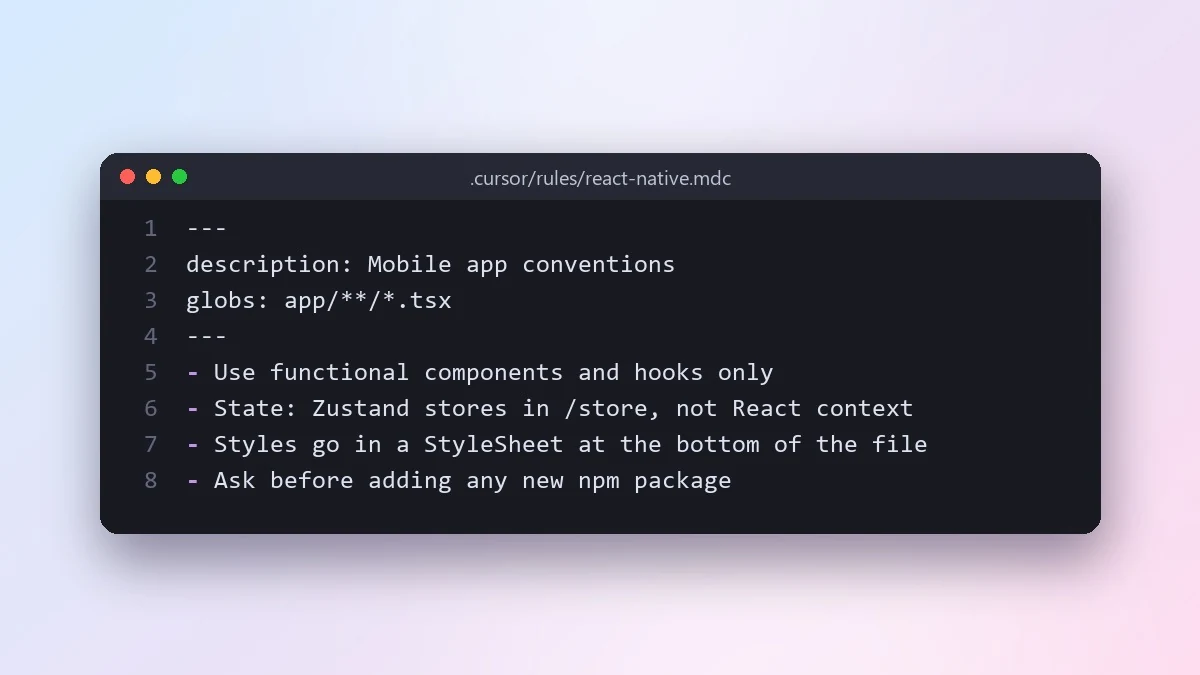 Write Cursor project rules for your codebaseClaude Code · Cursor
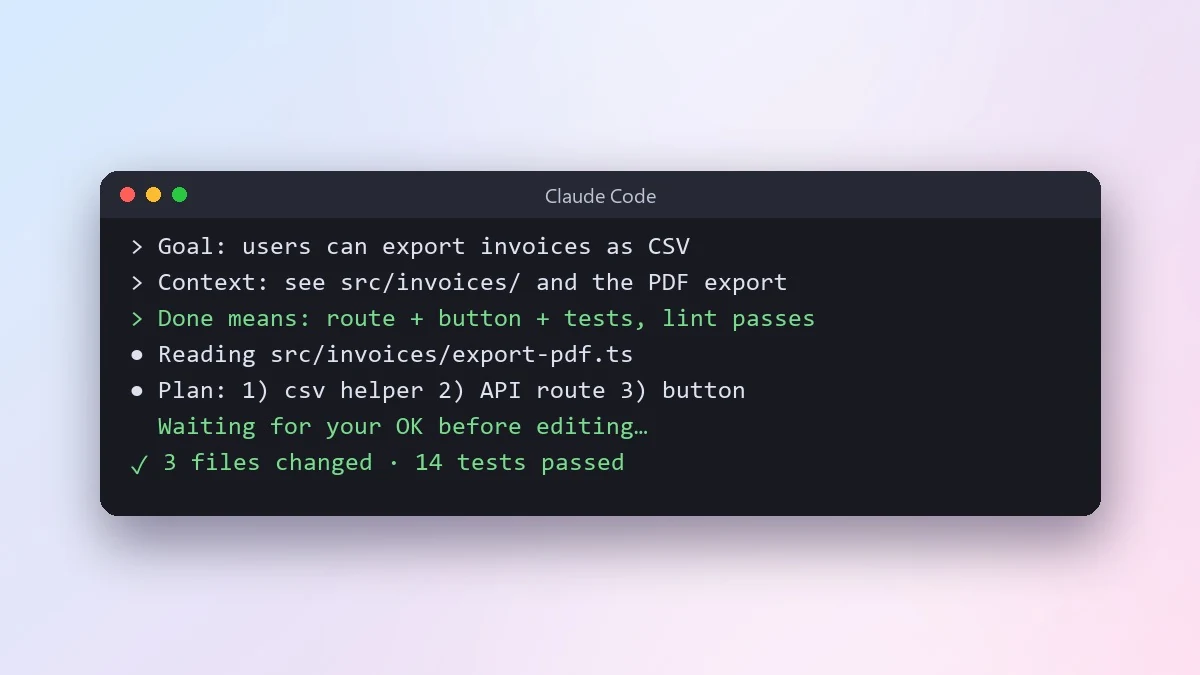 Give an AI coding agent a clear task briefClaude Code · Cursor
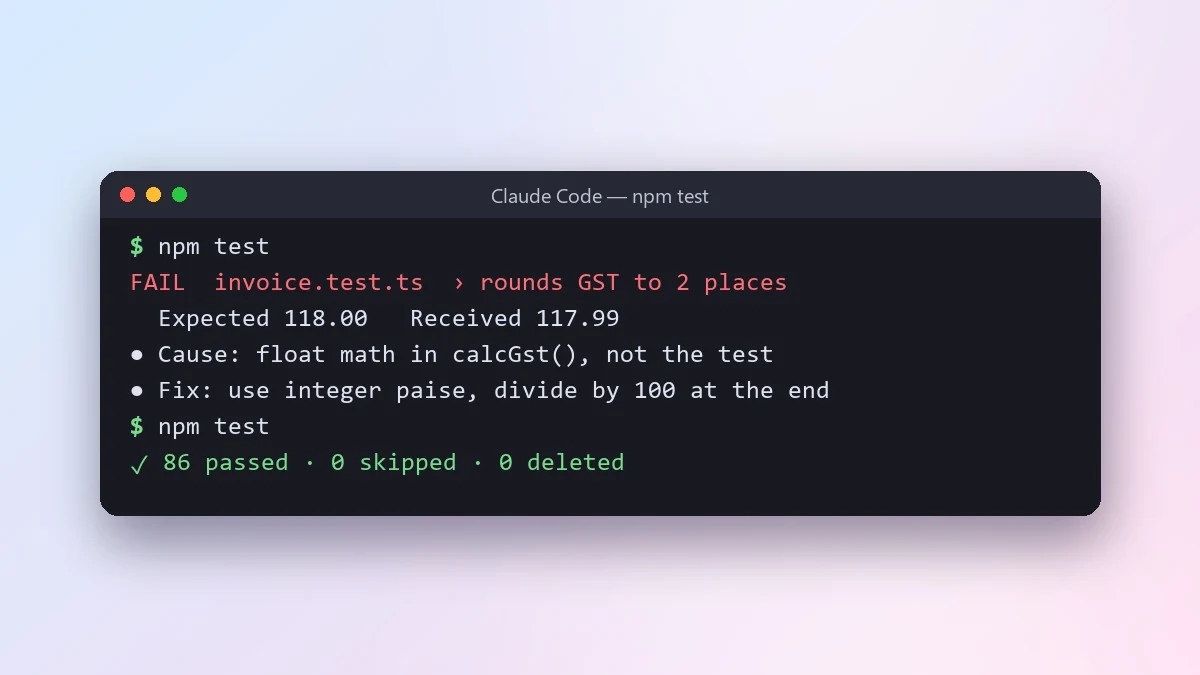 Let an AI agent fix failing tests properlyClaude Code · Cursor
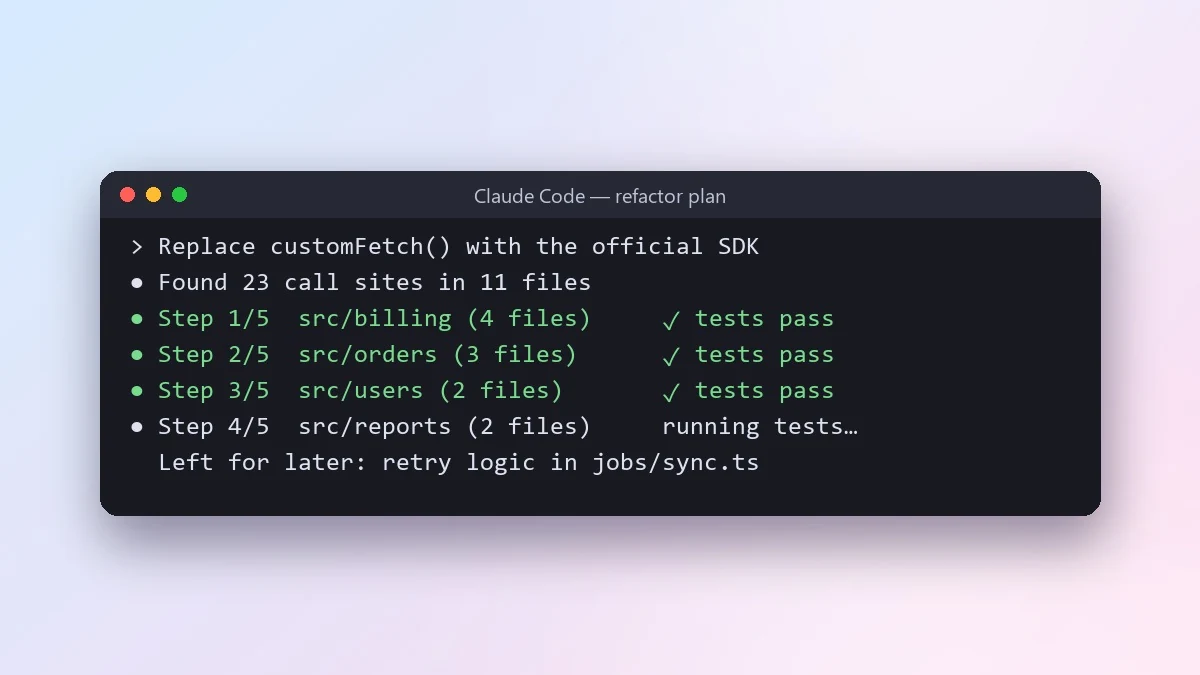 Do a large refactor in small safe stepsClaude Code · Cursor
No prompts match that search. Build your own in the builder →
How to prompt Cursor
Cursor is an AI code editor. Its agent can plan and edit many files at once, and project rules tell it how your codebase works.
- Best for
- Editing across many files · Quick inline changes while you code · Project rules for consistent style · Refactors with a clear plan
- Prompt formula
- Goal + files to touch (@mention them) + rules + done means
Tips that make the biggest difference
- Point at the right files. Use @ to add the files or folders that matter. The agent does better with the right context than with the whole repo.
- Keep rules in the project. Save conventions (framework, naming, testing) as project rules so you do not repeat them in every prompt.
- Ask for small steps. For a refactor, ask for step 1 only, check it runs, then continue. Smaller diffs are easier to review.
- Give a finish line. End with "Done means ..." so the agent knows when to stop.
Weak vs strong prompt
Weak
Clean up this component.
Strong
Refactor @src/components/Cart.tsx: split it into CartList and CartSummary in the same folder, keep all props and behaviour the same, and follow our project rules. Do not touch other files. Done means: the app builds, existing tests pass, and Cart.tsx is under 80 lines.
Common mistakes
- No files mentioned, so it edits the wrong place
- Rules repeated in every prompt instead of saved once
- Letting it change unrelated files
Guide checked against the current Cursor release in .
Questions, answered
Do I need a Cursor account?
You need access to Cursor itself to run the prompts. PromptUp is free and needs no sign-up, and it never sees your inputs or results.
How do I use these Cursor prompts?
Open Cursor, paste the prompt, and replace the [BRACKETED] fields with your details. Attach a photo first if the prompt is for photo editing.
Need something that isn’t here?
Describe it in one line and get a Cursor prompt built for you.
Explore more prompts
- Photo editing prompts
- Image generation prompts
- Video generation prompts
- Chat & writing prompts
- ChatGPT prompts
- Gemini prompts
- Claude prompts
- Kling prompts
- Veo prompts
- Seedance prompts
- Midjourney prompts
- Higgsfield prompts
- Ideogram prompts
- Claude Code prompts
- 1980s retro photo prompts for Gemini & ChatGPT
- Viral AI photo trend prompts
- Old photo restoration and enhancement prompts
- AI prompts for your job search
- AI product photo and ad prompts
- AI prompts for content creators
- AI coding prompts you can copy and paste
- How to write AI prompts