- Prompt at a glance
- Category
- Text & chat
- Works with
- Claude Code · Cursor
- Length
- 105 words
- Fields to fill
- WHAT SHOULD BE TRUE WHEN DONE, WHERE IN THE CODE
- Last updated
Give an AI coding agent a clear task brief
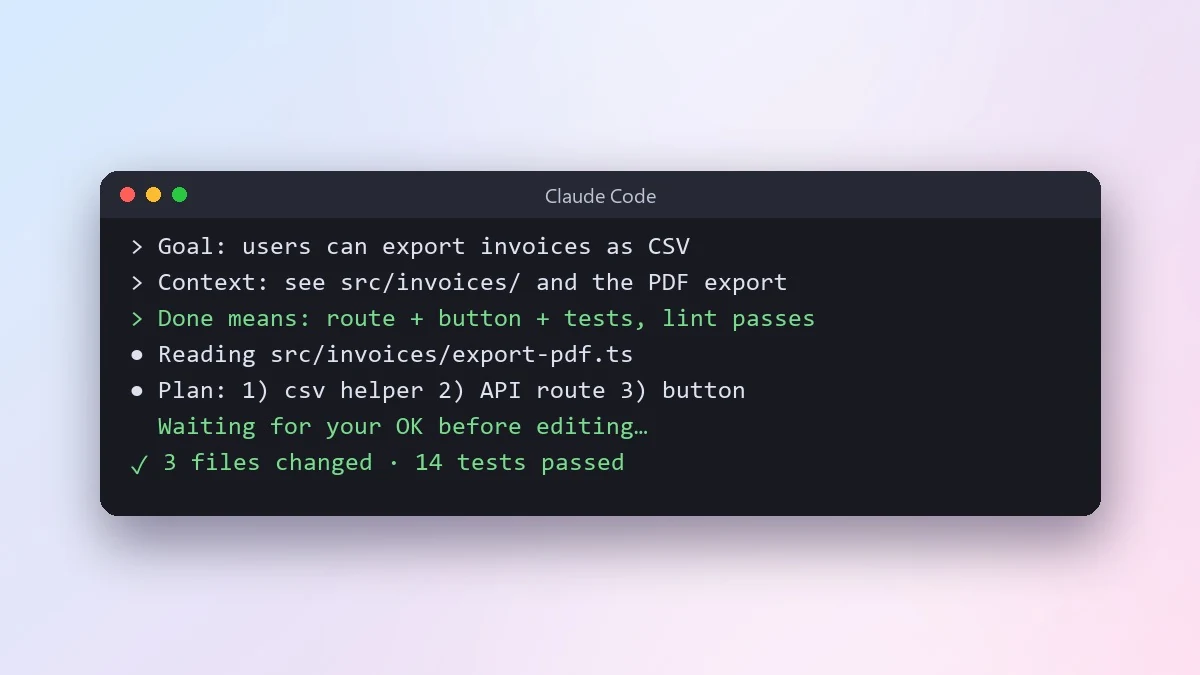
Agents do their best work with a clear goal and a clear finish line. This brief gives the goal, where to look, the constraints and a done means list, and asks the agent to share its plan before it writes code.
Goal: [WHAT SHOULD BE TRUE WHEN DONE, e.g. users can export their invoices as CSV]
Context: [WHERE IN THE CODE, e.g. see src/invoices/ and the existing PDF export]
Constraints: [e.g. no new dependencies, keep the API backward compatible]
Done means:
- [e.g. new endpoint with tests]
- [e.g. button on the invoices page]
- [e.g. all tests and lint pass]

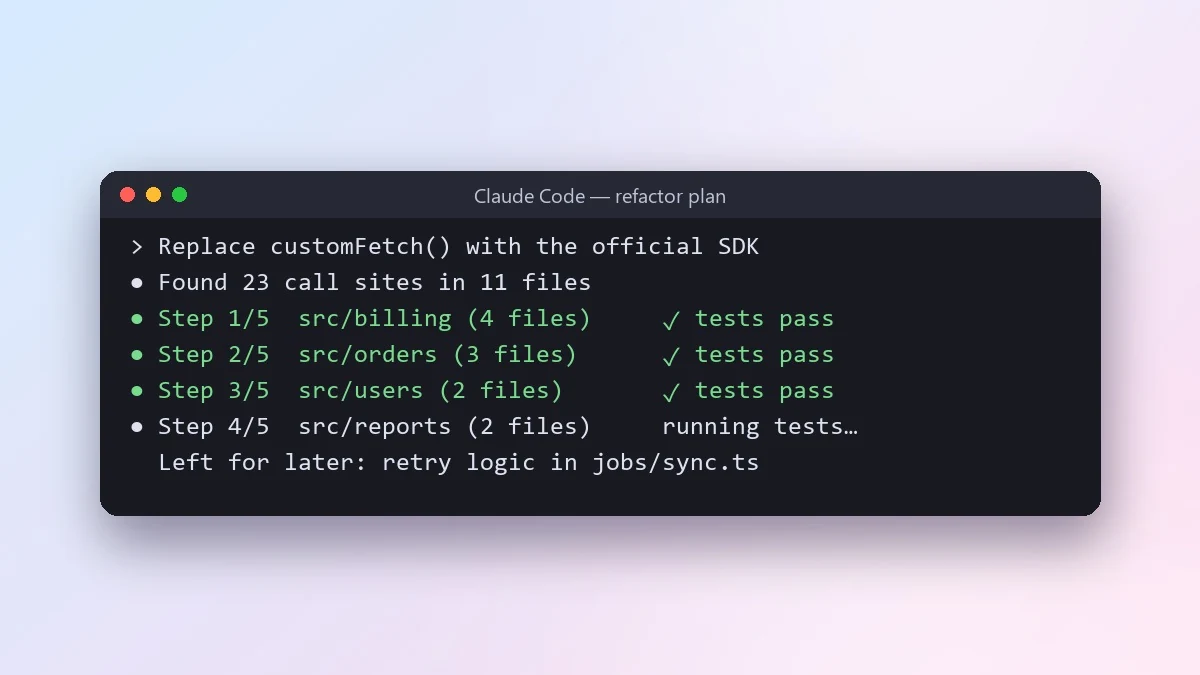
First explore the relevant code and tell me your plan in a few bullet points. Wait for my OK. Then implement it in small steps, run the tests after each step, and finish with a summary of what changed and anything you were unsure about.
A clear "done means" list is the single biggest improvement for agent results. It tells the agent when to stop.
From copy to answer in four steps
- 1
Open Claude Code and start a new chat.
- 2
Paste the prompt.
- 3
Replace each [BRACKETED] field with your real details and paste in your own text where asked.
- 4
Reply with follow-ups such as "make it shorter" or "make it sound more like me".
About this prompt
Which AI tools work with this prompt?
It is written for Claude Code and Cursor. Paste it into your preferred tool and adjust the wording if the result is off.
What do I need to fill in?
Replace these fields before you send it: WHAT SHOULD BE TRUE WHEN DONE, WHERE IN THE CODE. Each field shows an example in the prompt.
Should I paste private information into the prompt?
Only what the task needs. Remove names, contact details and other sensitive data before pasting a resume or document into any AI tool.