New every day
AI prompt of the day
One tested prompt a day, picked from the 1635-prompt PromptUp library. Open it, copy it, and try it in your AI tool. It changes at midnight where you are.
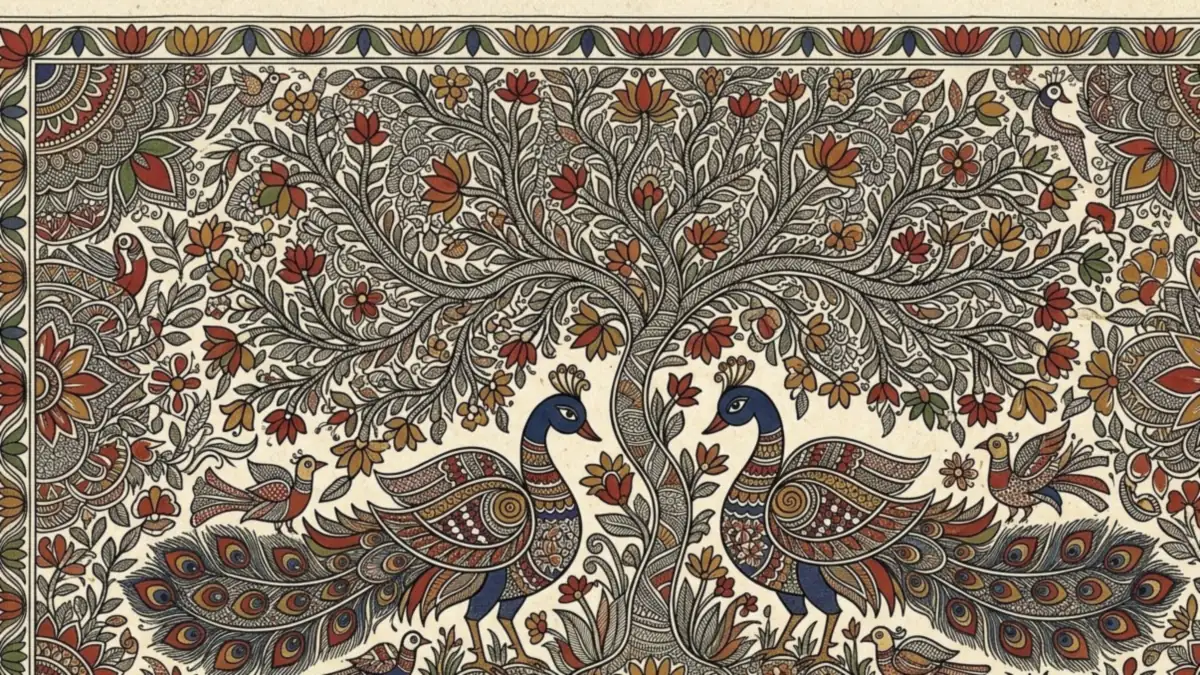 Image
Madhubani style painting
Madhubani style painting of [SUBJECT, e.g. two peacocks under a tree], intricate fine line patterns filling every space, bold outlines, flat natural colours in [PALETTE], decorative floral borders, hand-painted on…
View and copy the prompt →
Previous prompts of the day
 Iftar table at sunsetVeo · Kling · Seedance
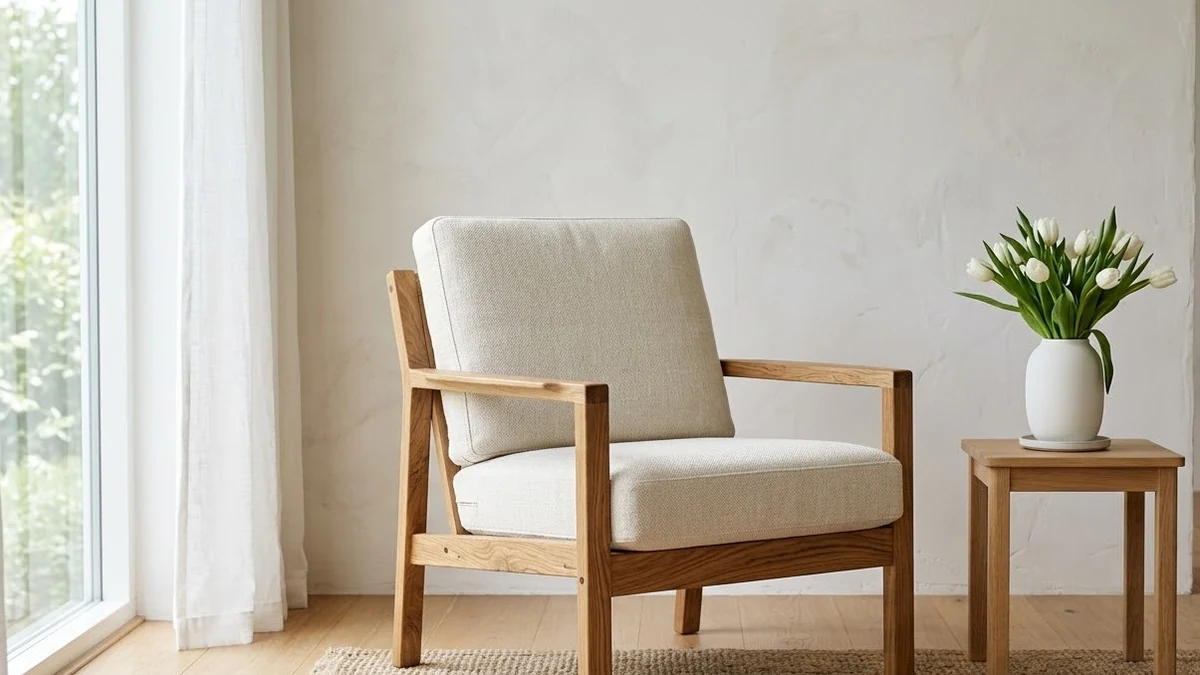 Furniture catalogue photoMidjourney · Gemini · ChatGPT
 Rainy-day romance sceneHiggsfield · Seedance
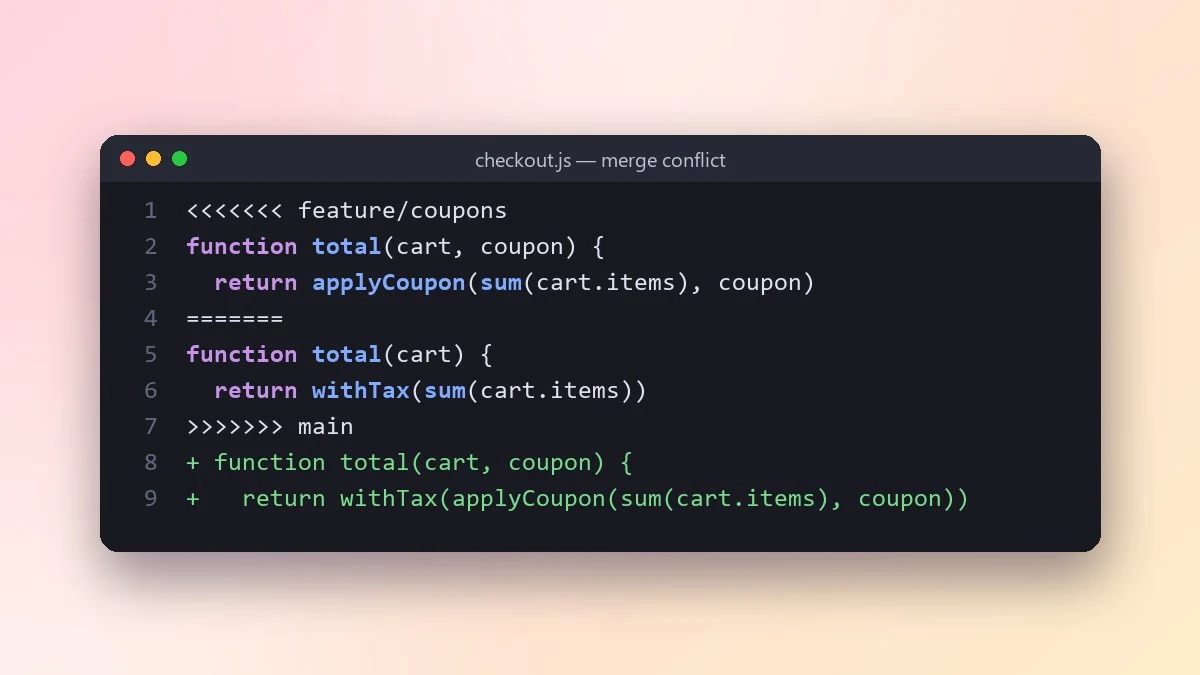 Resolve a Git merge conflict safelyClaude · ChatGPT · Claude Code
 Trending
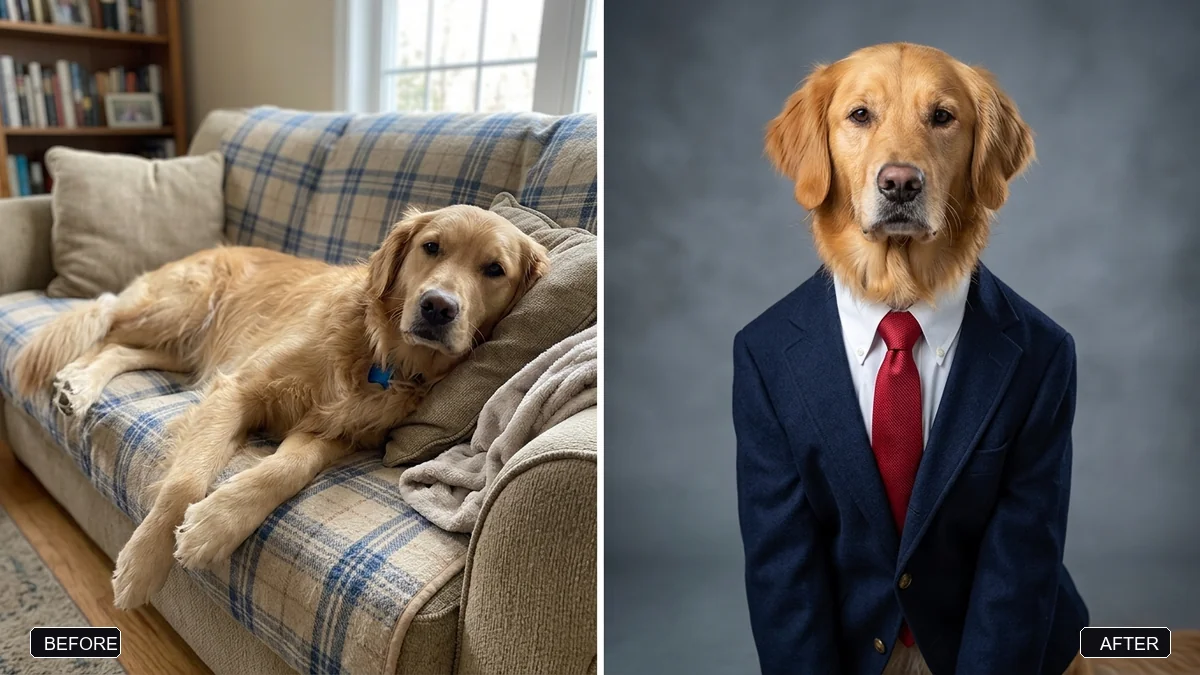
Corporate headshot of your petGemini · ChatGPT
 Superhero landing in a city streetVeo · Kling · Seedance
 Memphis design patternMidjourney · Gemini · ChatGPT
 Badminton smash in slow motionVeo · Kling · Seedance
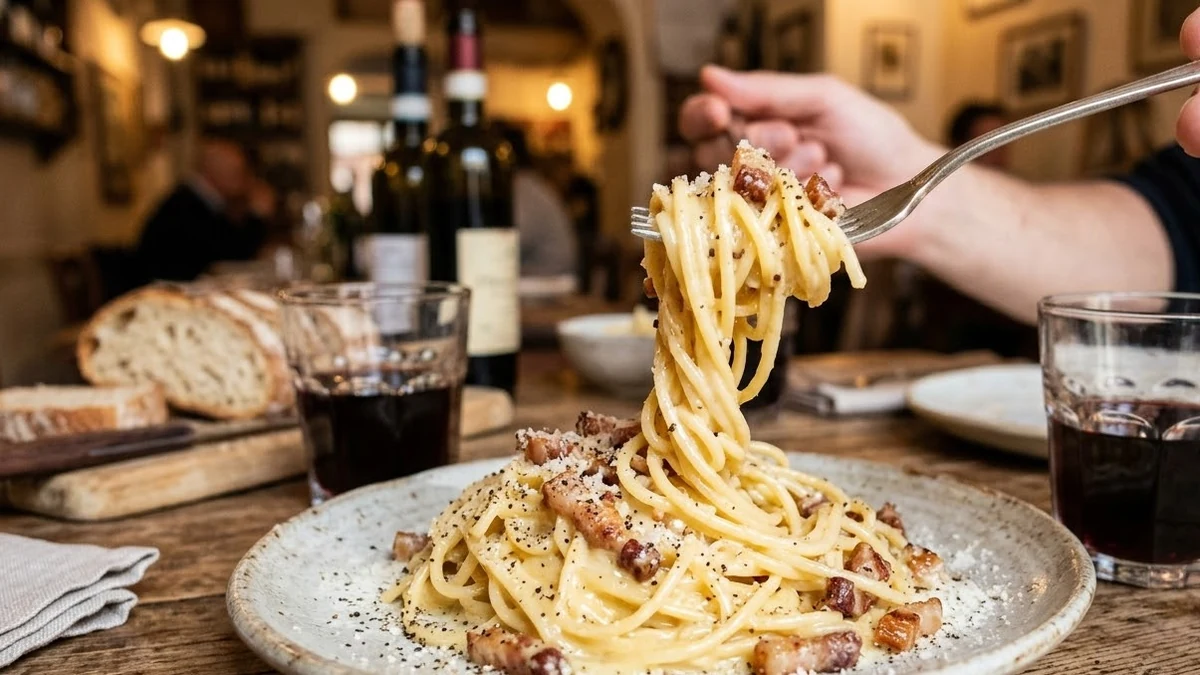 Pasta plate in a trattoriaGemini · ChatGPT · Midjourney
 Skateboard trick slow motionVeo · Kling · Seedance
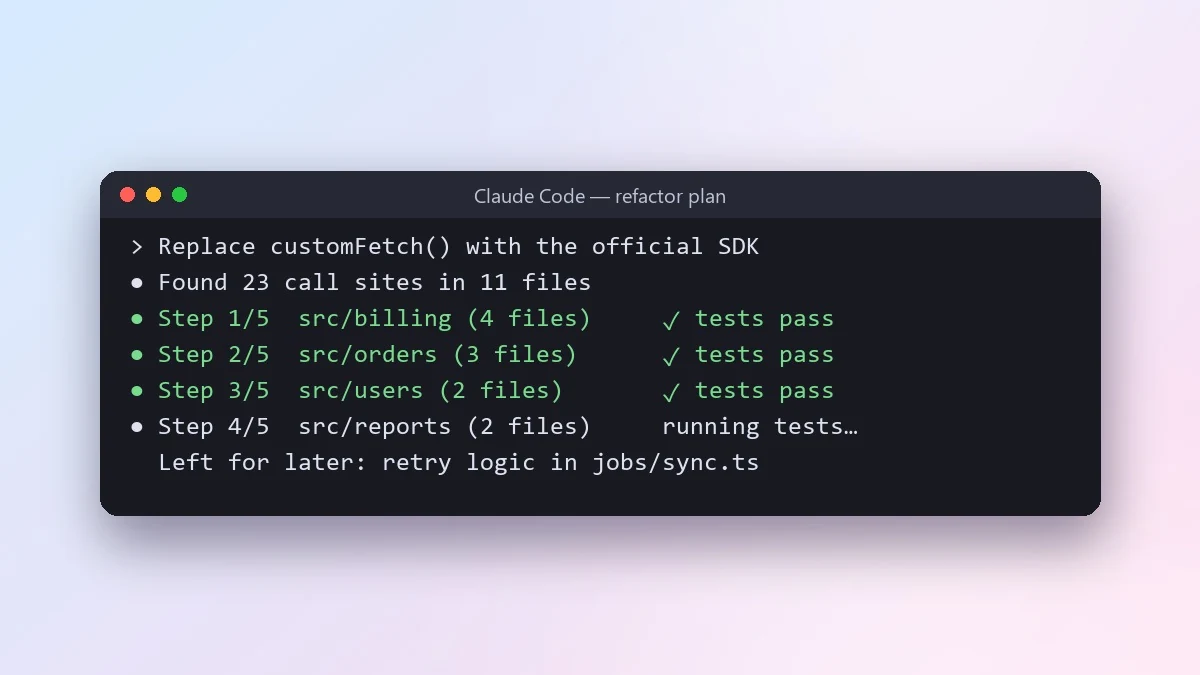 Do a large refactor in small safe stepsClaude Code · Cursor
 Trending
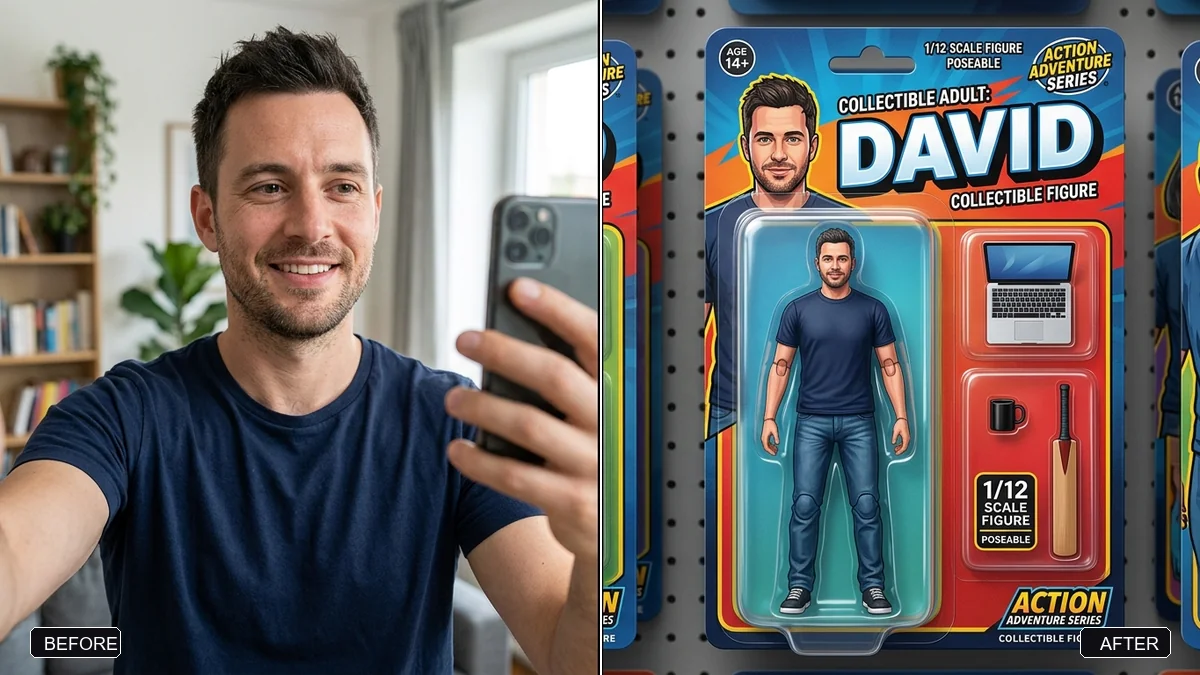
Me as an action figure in toy packagingGemini · ChatGPT
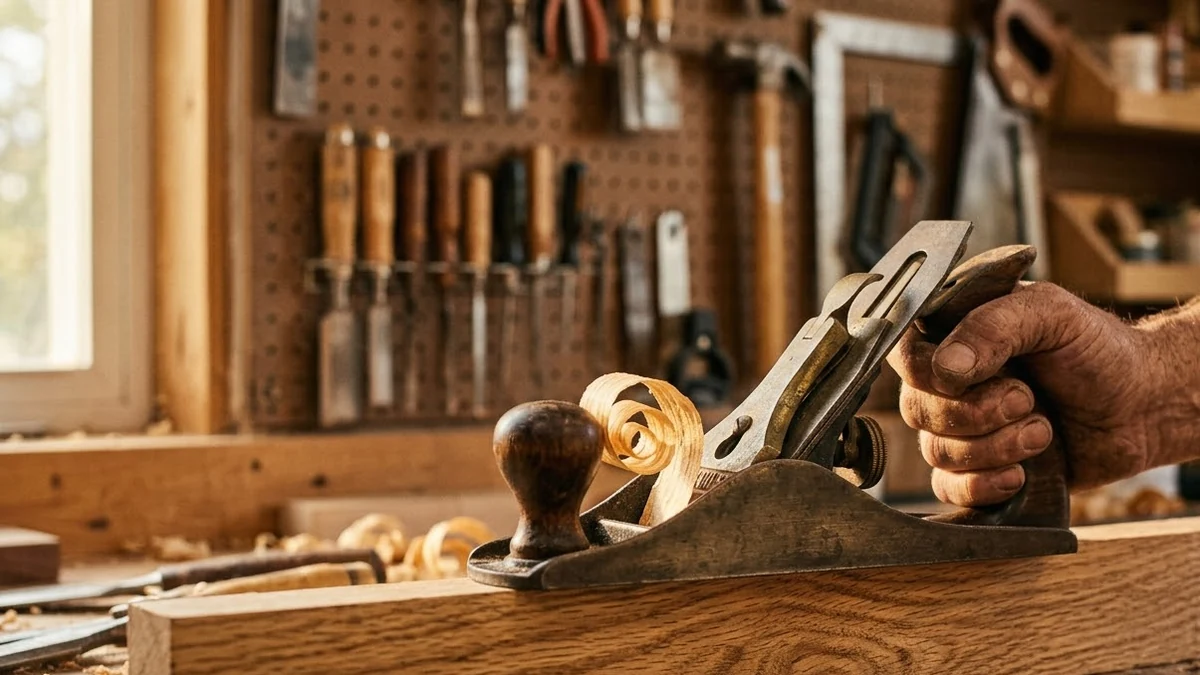 Woodworking with curling shavingsVeo · Kling · Seedance
 Ethnic jewellery set displayGemini · ChatGPT · Midjourney
The first prompt of the day went up on 26 September 2026. Past picks will collect here.
How the daily pick works, and how to get the most from it
Every pick comes from the PromptUp library and always has an example picture, so you can see what the prompt makes before you copy it. The type follows a seven-day cycle, which gives 3 video prompts, 2 image prompts, 1 photo edit and 1 writing prompt each week. Within a type, a prompt that has never been picked goes first, then the one picked longest ago, so the same prompt does not come back while others of its type are waiting. Days are set in advance and a past day never changes, which is why the list above stays the same when you come back.
A daily prompt is most useful as a small, regular practice rather than something to copy and forget. Running one prompt a day, and changing one part of it on purpose, teaches you how each part of a prompt shapes the result: the subject, the style, the light, the camera, the format. After a couple of weeks you will notice the same patterns in prompts you write yourself.
A ten-minute routine
- 1
Open today’s pick and look at the example picture first, so you know what a good result looks like.
- 2
Copy the prompt and replace every [BRACKETED] part with your own detail. For a photo edit, have a clear photo of your own ready to upload.
- 3
Run it in one of the tools listed on the prompt page and compare your result with the example. Note one thing that came out differently.
- 4
Change one word or line and run it again. If you like the result, save the prompt with the Save button so you can find it later in Saved prompts.
Ways to use it
- Learn by changing one thing. Swap only the lighting, the season or the tone and see how much it changes. One change at a time shows you what each part does.
- Keep a prompt notebook. Paste the version you liked best into a note with the date and the tool you used. Your own edited prompts are worth more than the original.
- Try the weekly challenge. The weekly challenge gives one prompt for the whole week, with time to make your own version and share it.
- Check your own prompts. When you write a prompt from scratch, run it through the prompt-writing checklist to see what it is missing.
Questions, answered
How is the prompt of the day picked?
Each day rotates between photo edits, image, video and writing prompts from the PromptUp library, and only prompts with an example picture are picked. A prompt is not repeated until the others of its type have had a turn.
When does it change?
At midnight in your own time zone. The page works out today's date on your device, so there is nothing to refresh or sign up for.
Can I use the prompt for free?
Yes. Every PromptUp prompt is free to copy and use in Gemini, ChatGPT, Claude, Midjourney, Veo or any other AI tool.
Want a prompt for your own idea?
Describe it in one line and PromptUp writes the full prompt.