- Prompt at a glance
- Category
- Text & chat
- Works with
- Claude Code · Cursor
- Length
- 90 words
- Fields to fill
- FOLDERS OR FILES, TEST AND LINT COMMANDS
- Last updated
Do a large refactor in small safe steps
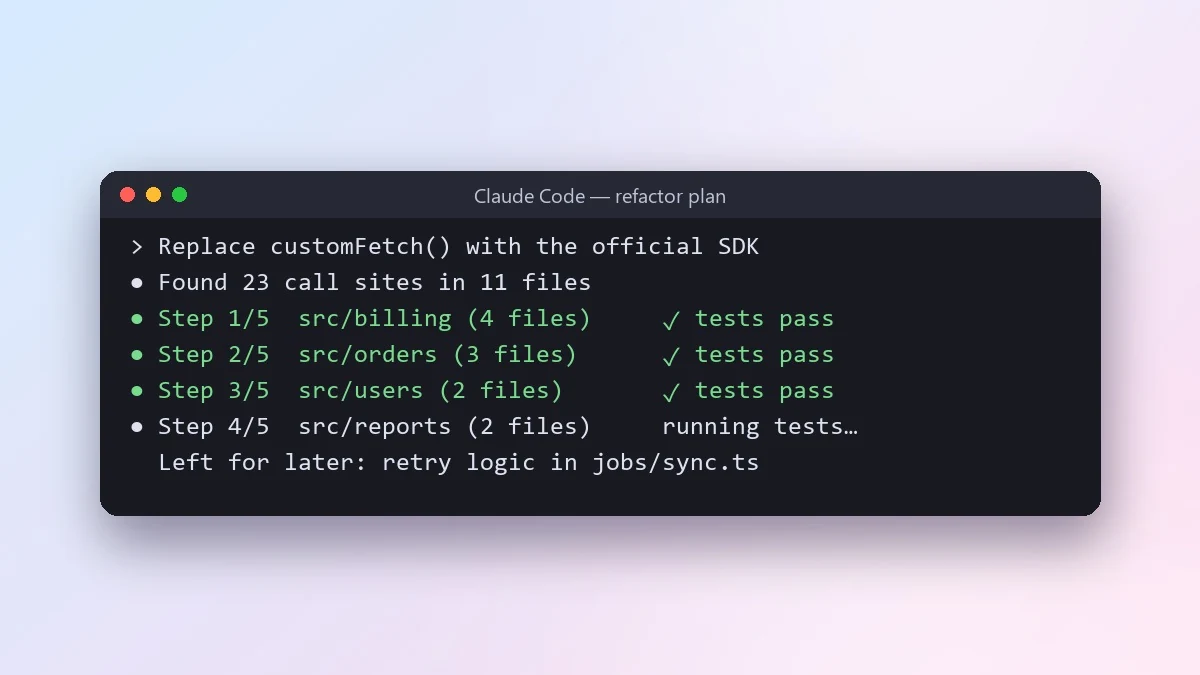
This prompt runs a big refactor, such as swapping a library across the app, in small steps that each leave the app working. The agent tests after every step and stops if anything fails.
Refactor goal: [e.g. replace our custom fetch wrapper with the official SDK across the app]
Scope: [FOLDERS OR FILES]
Must not change: [e.g. public API, database schema, UI behaviour]

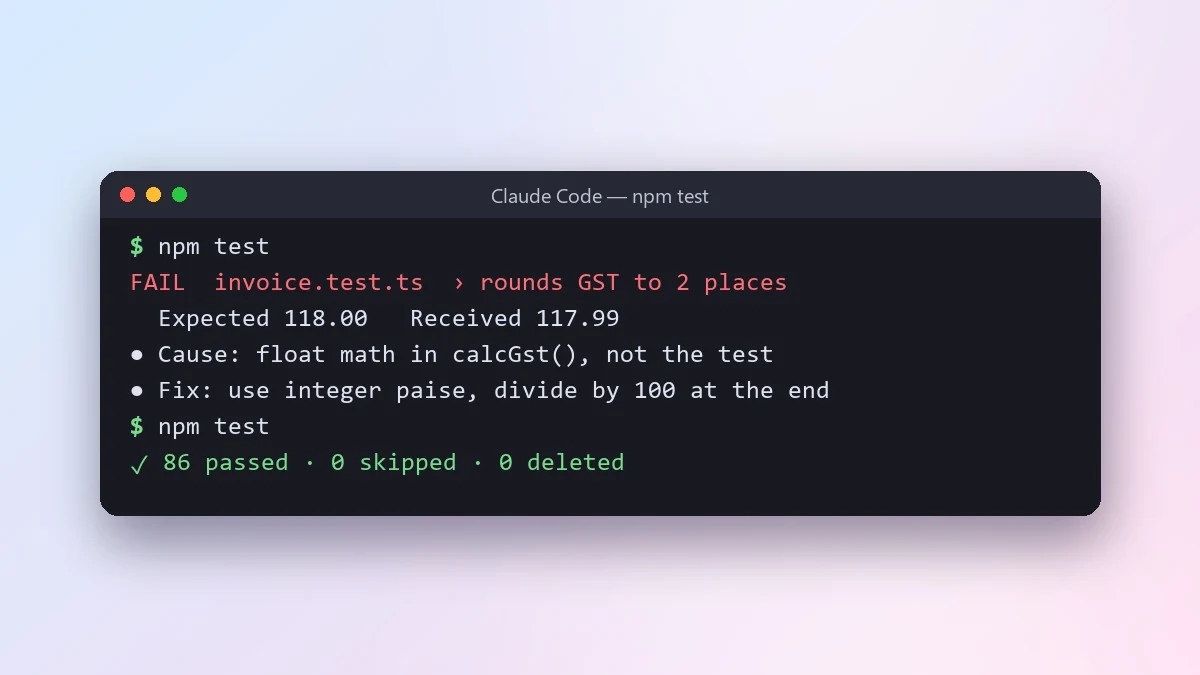
First, find every place this touches and show me the list with a plan split into small steps, each one leaving the app working. Then do one step at a time: make the change, run [TEST AND LINT COMMANDS], and stop if anything fails. Do not mix in unrelated clean-ups. At the end, list anything you left for later and why.
Commit after each step. If step 7 goes wrong, you only lose step 7.
From copy to answer in four steps
- 1
Open Claude Code and start a new chat.
- 2
Paste the prompt.
- 3
Replace each [BRACKETED] field with your real details and paste in your own text where asked.
- 4
Reply with follow-ups such as "make it shorter" or "make it sound more like me".
About this prompt
Which AI tools work with this prompt?
It is written for Claude Code and Cursor. Paste it into your preferred tool and adjust the wording if the result is off.
What do I need to fill in?
Replace these fields before you send it: FOLDERS OR FILES, TEST AND LINT COMMANDS. Each field shows an example in the prompt.
Should I paste private information into the prompt?
Only what the task needs. Remove names, contact details and other sensitive data before pasting a resume or document into any AI tool.