Tool · 8 prompts
Stable Diffusion prompts you can copy and paste
Stable Diffusion is an open image model you can run on your own computer or in apps such as ComfyUI and Forge. Each prompt here comes with a negative prompt (what to keep out of the picture) and starting settings for size, steps and CFG, so you get a usable image in fewer tries.
This page lists all 8 PromptUp prompts written for Stable Diffusion.
Last updated · How to prompt Stable Diffusion ↓
All 8 prompts
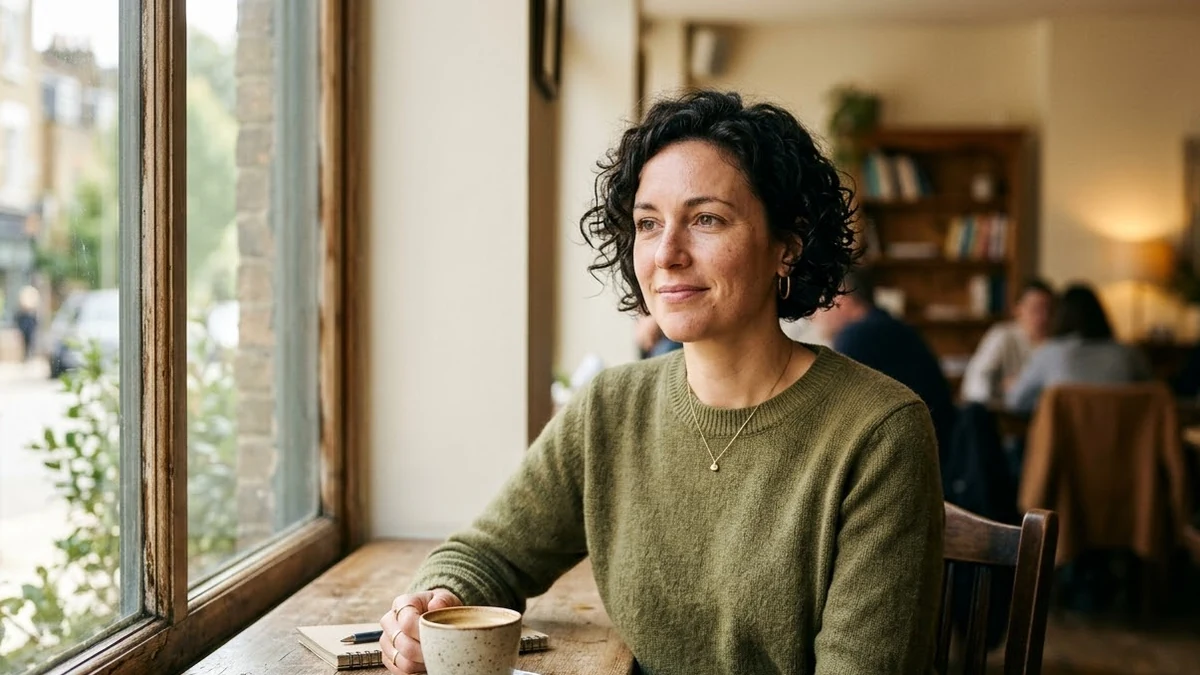 Realistic portrait photoStable Diffusion
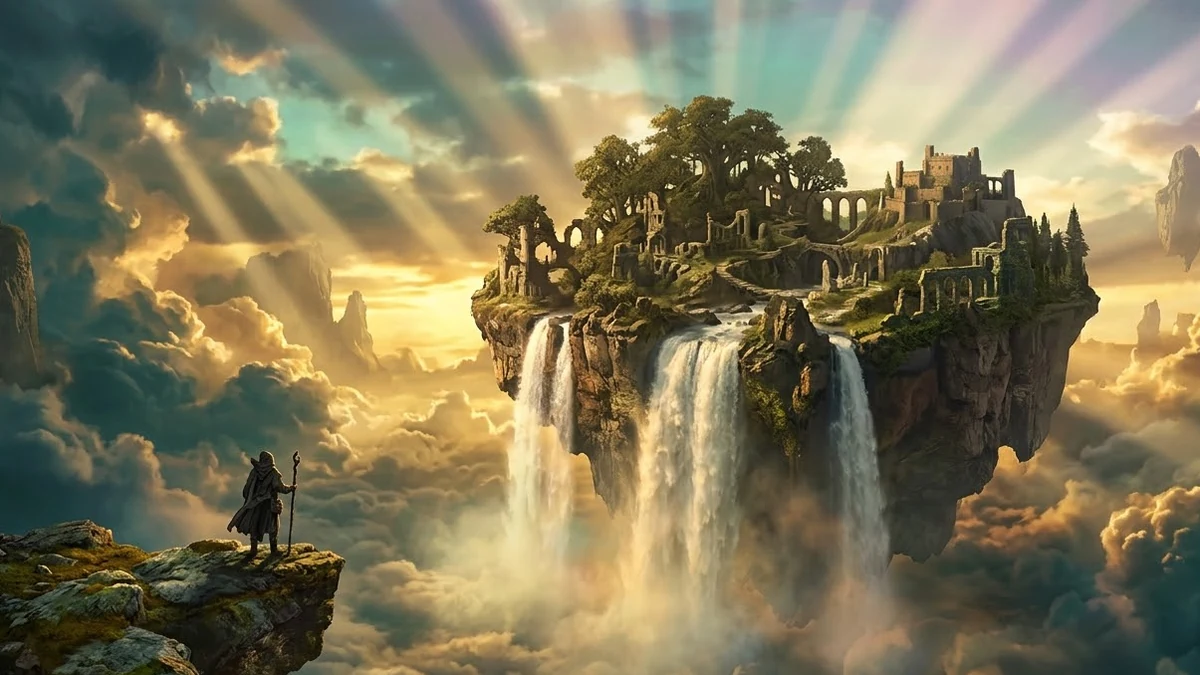 Epic fantasy landscapeStable Diffusion
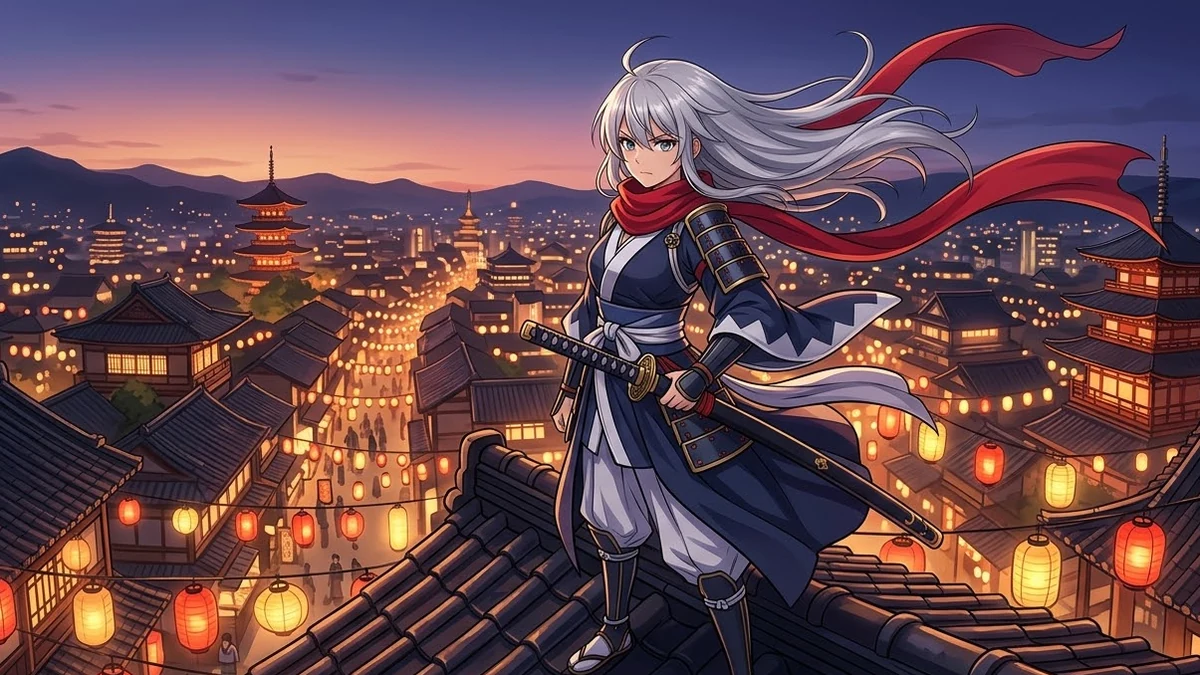 Anime character illustrationStable Diffusion
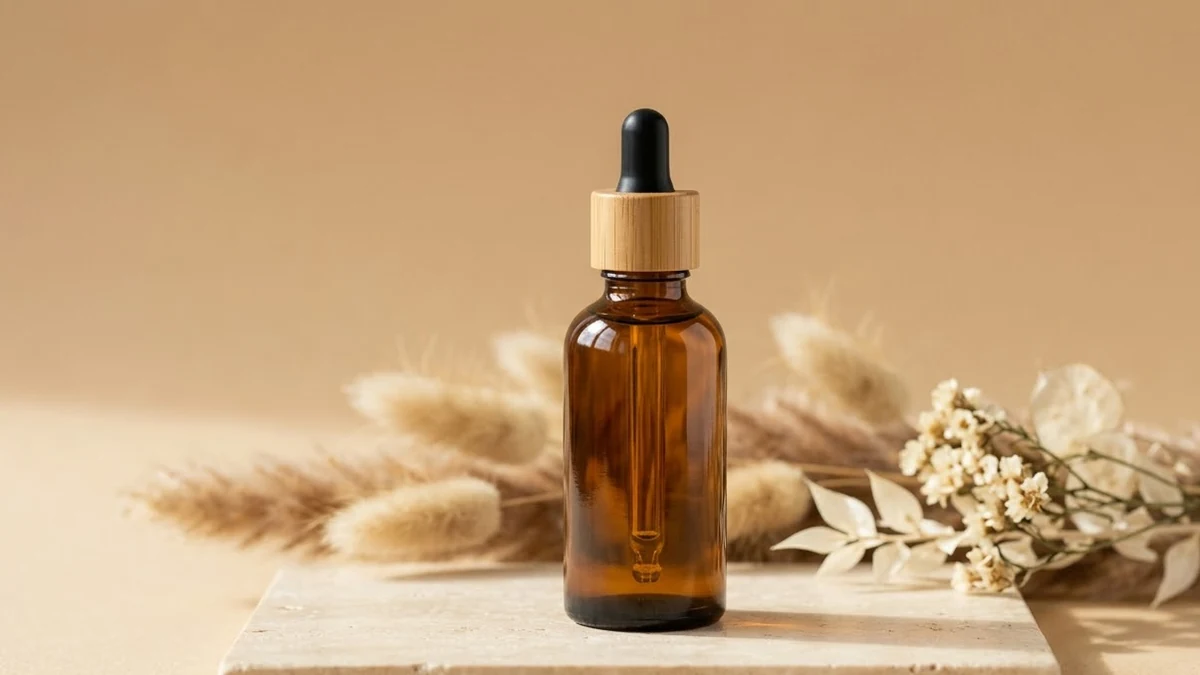 Clean product photoStable Diffusion
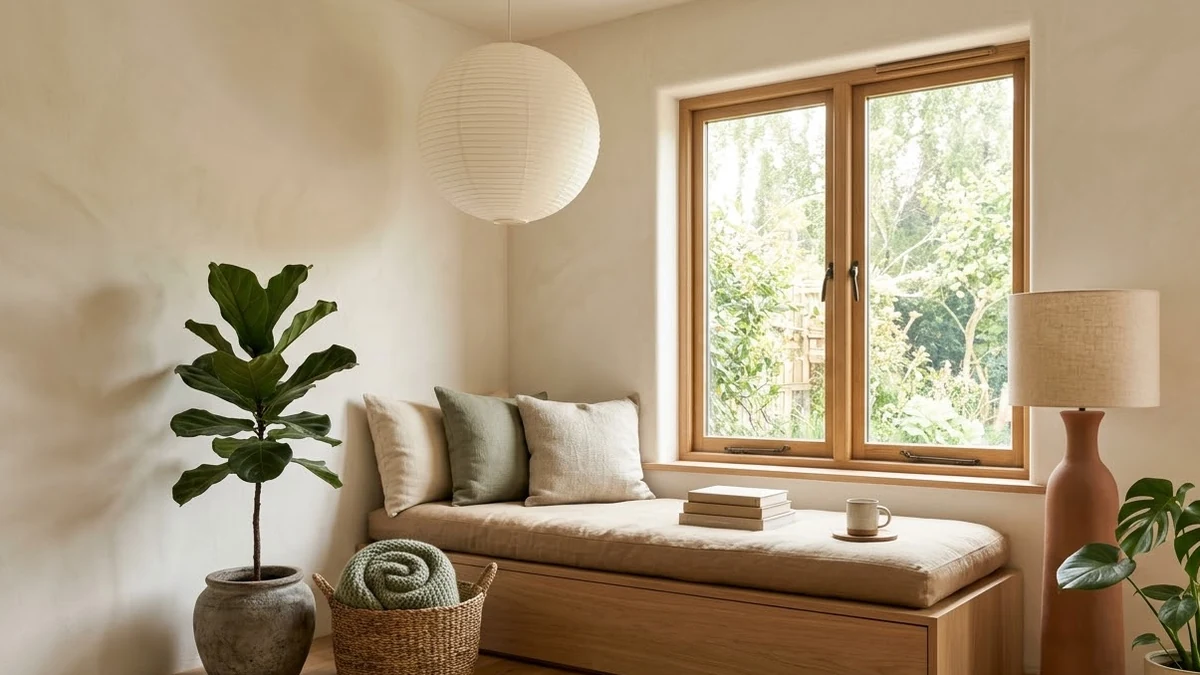 Cozy interior design renderStable Diffusion
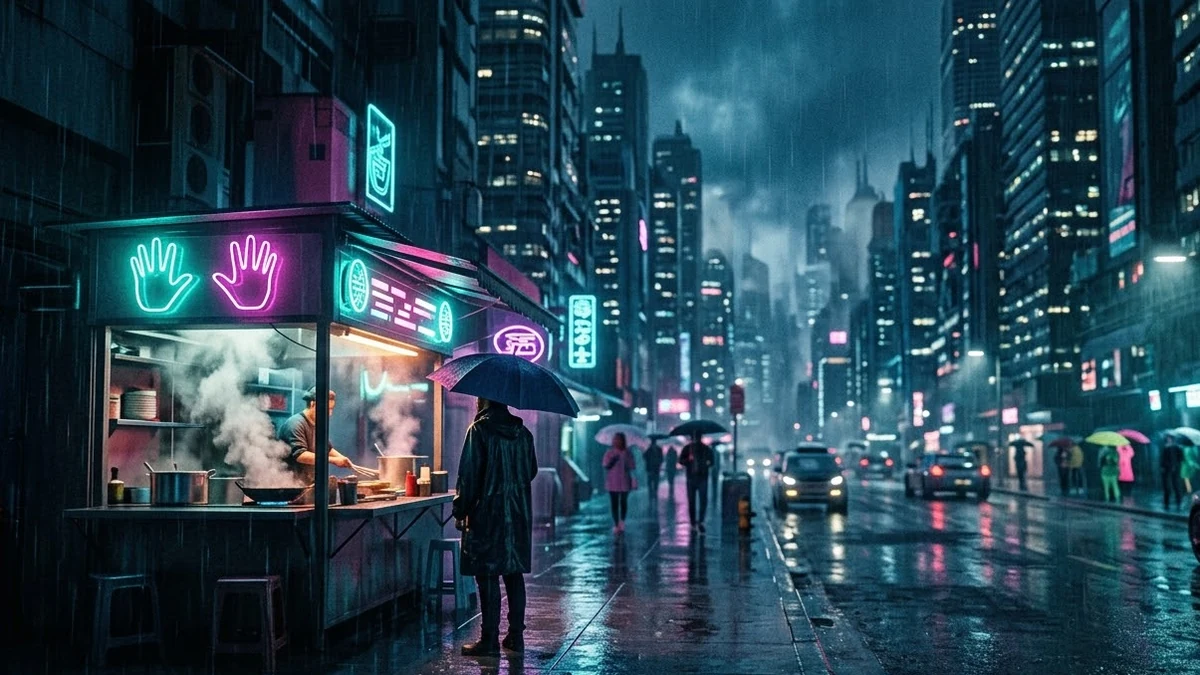 Neon sci-fi city streetStable Diffusion
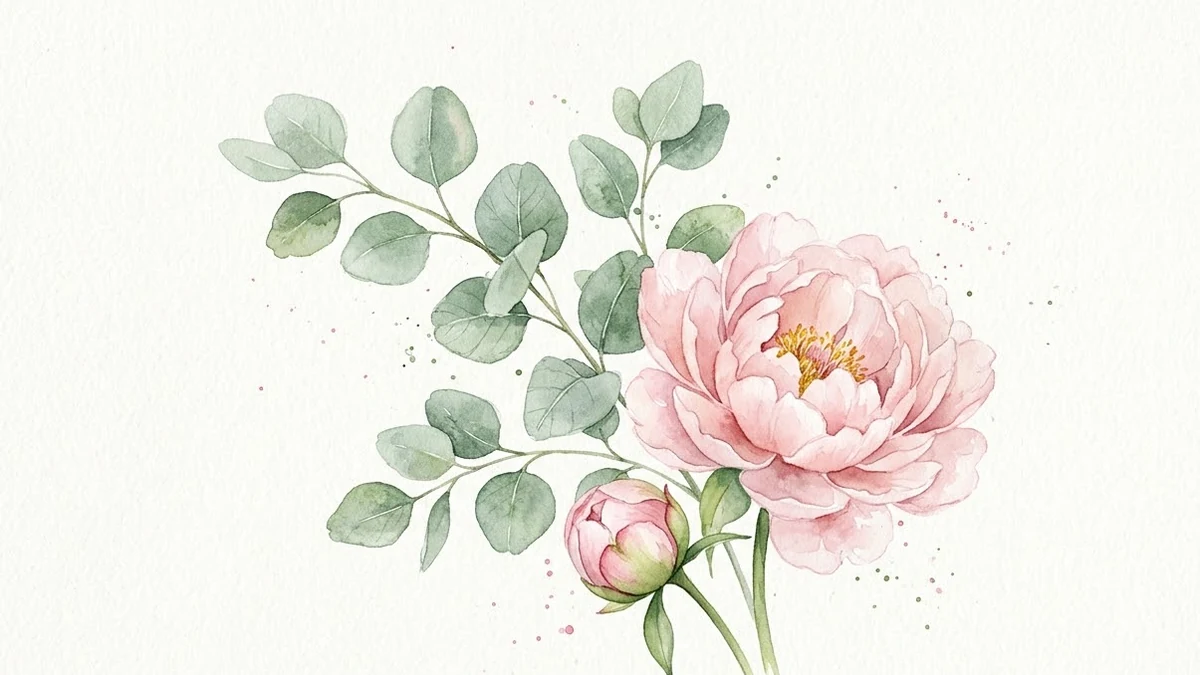 Watercolour botanical printStable Diffusion
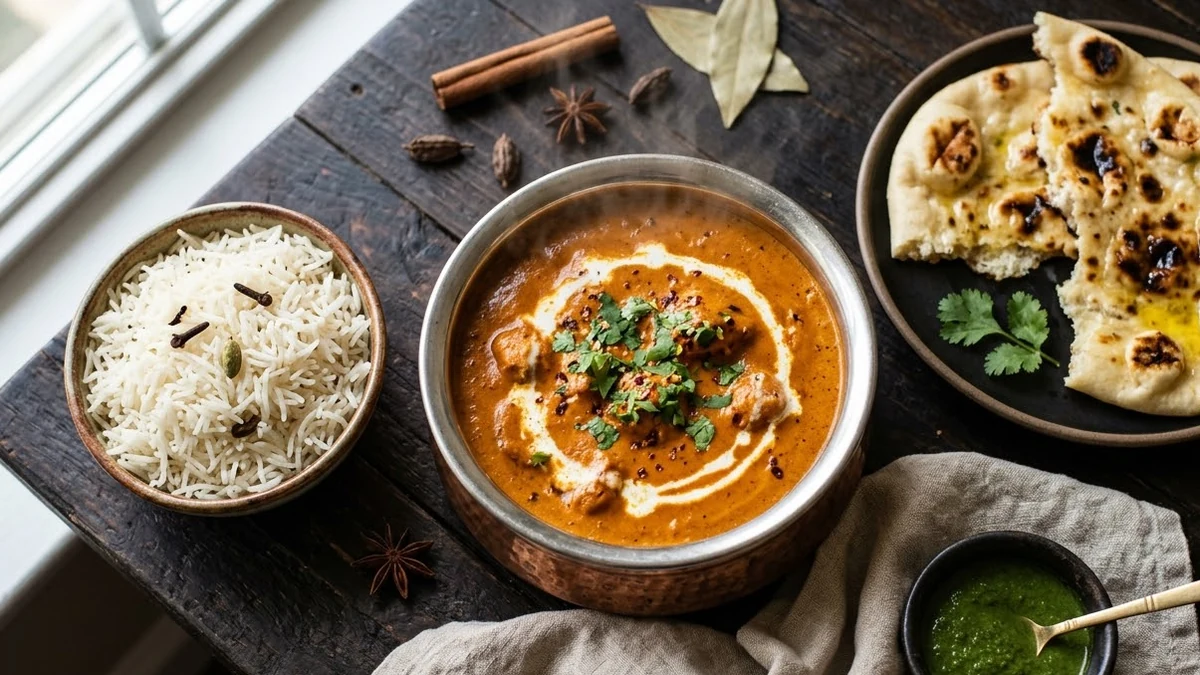 Appetising food photoStable Diffusion
No prompts match that search. Build your own in the builder →
How to prompt Stable Diffusion
Stable Diffusion is an open image model family from Stability AI. You can run it free on your own computer (with a good graphics card) through apps such as ComfyUI or Forge, or use it on many websites. Community checkpoints tune it for styles such as photo, anime or illustration.
- Best for
- Free, unlimited images on your own computer · Anime and illustration styles via community checkpoints · Fine control with negative prompts and settings · Product and interior scenes you edit afterwards
- Prompt formula
- Subject + setting + light + camera or art style + quality words, then a negative prompt and settings
Tips that make the biggest difference
- Use a negative prompt. List what you do not want, such as "extra fingers, blurry, watermark, text". It removes common problems without making the main prompt longer.
- Match the size to the model. Newer models are trained at about 1 megapixel, for example 1024x1024 or 1344x768. Very small or very large sizes cause repeated or stretched subjects.
- Keep CFG moderate. A CFG of about 5 to 7 follows the prompt without burning the colours. Very high values make skin waxy and colours harsh.
- Pick the right checkpoint. A photo checkpoint and an anime checkpoint give very different results from the same words. Choose the checkpoint first, then write the prompt.
- Put the most important words first. Words near the start usually carry more weight, especially with short, tag-style prompts.
Weak vs strong prompt
Weak
a beautiful woman, best quality, masterpiece
Strong
Photo of a woman in her 30s with short curly hair in a sunlit cafe, looking off camera, soft window light, 85mm lens, shallow depth of field, natural skin texture, warm muted colours.
Negative prompt: cartoon, 3d render, plastic skin, extra fingers, watermark, text
Settings: 896x1152, 30 steps, CFG 5
Common mistakes
- No negative prompt, so hands and text come out broken
- Asking for readable words or logos
- Odd image sizes the model was not trained on
- CFG turned all the way up
Guide checked against the current Stable Diffusion release in .
Questions, answered
Do I need a Stable Diffusion account?
You need access to Stable Diffusion itself to run the prompts. PromptUp is free and needs no sign-up, and it never sees your inputs or results.
How do I use these Stable Diffusion prompts?
Open Stable Diffusion, paste the prompt, and replace the [BRACKETED] fields with your details. Attach a photo first if the prompt is for photo editing.
Need something that isn’t here?
Describe it in one line and get a Stable Diffusion prompt built for you.
Explore more prompts
- Photo editing prompts
- Image generation prompts
- Video generation prompts
- Chat & writing prompts
- ChatGPT prompts
- Gemini prompts
- Claude prompts
- Kling prompts
- Veo prompts
- Seedance prompts
- Midjourney prompts
- Higgsfield prompts
- Ideogram prompts
- Claude Code prompts
- Cursor prompts
- 1980s retro photo prompts for Gemini & ChatGPT
- Viral AI photo trend prompts
- Old photo restoration and enhancement prompts
- AI prompts for your job search
- AI product photo and ad prompts
- AI prompts for content creators
- AI coding prompts you can copy and paste
- AI marketing prompts you can copy and paste
- AI prompts for students
- AI travel planning prompts
- AI prompts for small business owners
- AI workout and meal plan prompts
- AI productivity and planning prompts
- How to write AI prompts