How to write Stable Diffusion prompts that work first time
Published
Short answerA good Stable Diffusion prompt names the subject first, then the setting, light and style. Add a negative prompt for things you don't want, use a size the model was trained on, and keep CFG around 5 to 7.
Stable Diffusion is the image model you can run yourself. It is free on your own computer if you have a good graphics card, through apps such as ComfyUI or Forge, and many websites offer it too. The trade-off for that freedom is that it needs a little more care than ChatGPT or Midjourney. It rewards clear prompts and punishes vague ones.
This guide covers the four things that matter most. All the prompts named here are free to copy from the Stable Diffusion prompts page.
1. Put the subject first
Stable Diffusion tends to give more weight to words near the start. So lead with what the picture is of, then add the rest in this order:
Subject → setting → light → camera or art style → quality words
Weak:
beautiful, masterpiece, best quality, a woman
Strong:
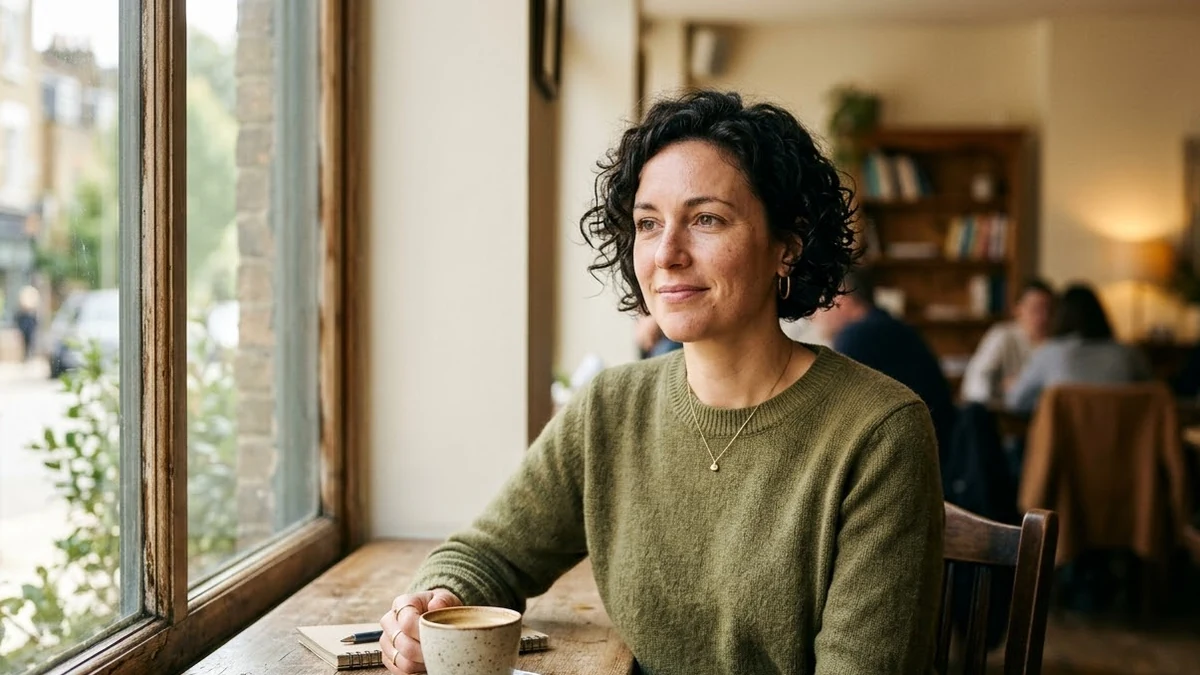
Photo of a woman in her 30s with short curly hair in a sunlit cafe, looking off camera, soft window light, 85mm lens, shallow depth of field, natural skin texture, warm muted colours
The strong version tells the model who, where, what light and what kind of photo. "Masterpiece" tells it almost nothing.
2. Use a negative prompt
The negative prompt lists what you do not want. It is the quickest fix for the common problems:
Negative prompt: cartoon, 3d render, plastic skin, extra fingers, deformed hands, blurry, watermark, text
Tailor it to the picture. A photo needs "cartoon, 3d render" in the negative. An anime illustration needs "realistic photo" instead. Every prompt on PromptUp comes with a negative prompt that matches.
3. Use sizes the model knows
Newer Stable Diffusion models were trained on images of about one megapixel. Good starting sizes:
- Square: 1024 × 1024
- Portrait: 896 × 1152 or 832 × 1216
- Landscape / 16:9: 1344 × 768 or 1216 × 832
Much smaller sizes look muddy. Much larger ones often repeat the subject, such as two heads or a doubled building. Generate at a normal size, then upscale.
4. Keep CFG moderate
CFG (guidance scale) controls how strictly the model follows your words. Around 5 to 7 works for most pictures. Push it too high and skin looks waxy and colours burn. For realistic photos, go lower, around 5. For stylised art, 6 or 7 is fine. About 30 steps is a sensible default.
Pick the right checkpoint first
A checkpoint is a version of the model tuned for a look. A photo checkpoint and an anime checkpoint will give very different results from the same prompt. Choose the checkpoint for the style you want, then write the prompt. The anime prompts on PromptUp use short, comma-separated tags because anime checkpoints respond well to them.
Copy-paste starting points
Each of these includes a negative prompt and settings:
- Realistic portrait photo: soft window light, natural skin
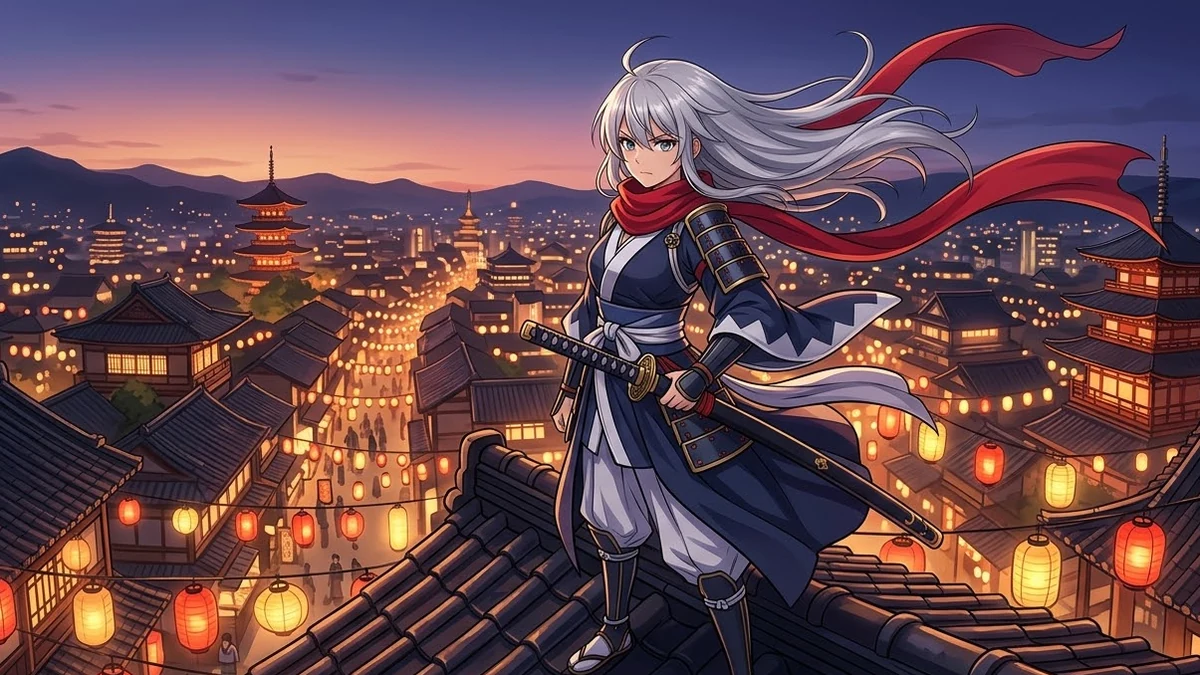
- Anime character illustration: clean line art and cel shading
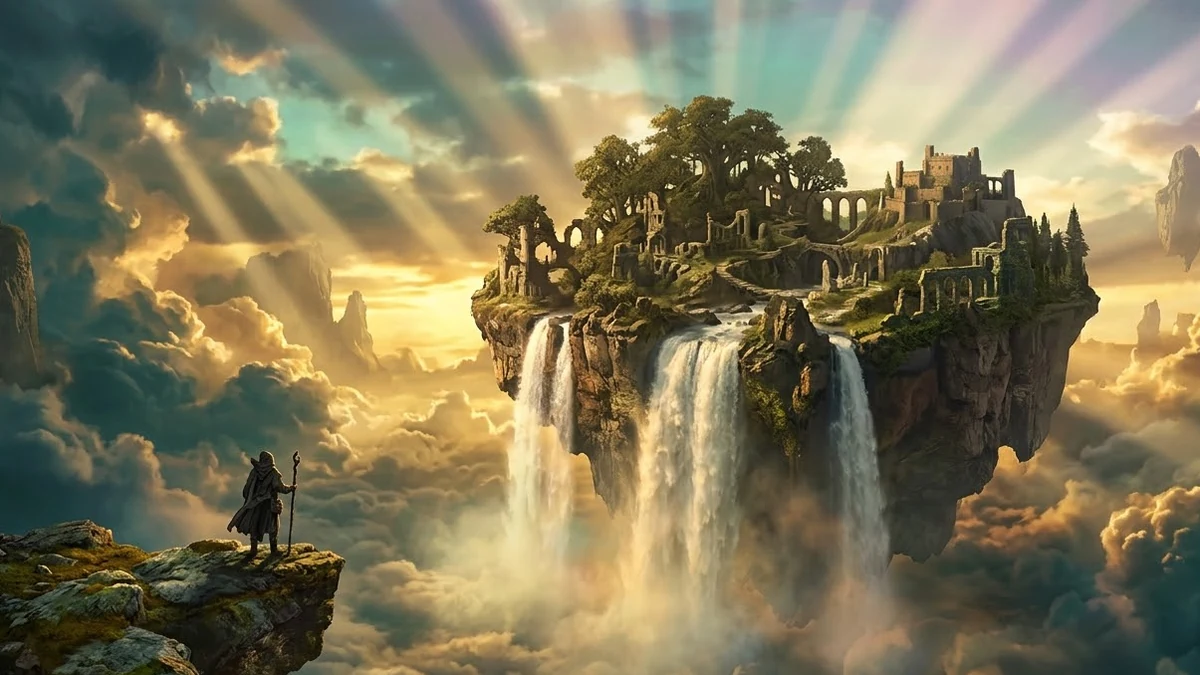
- Epic fantasy landscape: a matte painting with a figure for scale
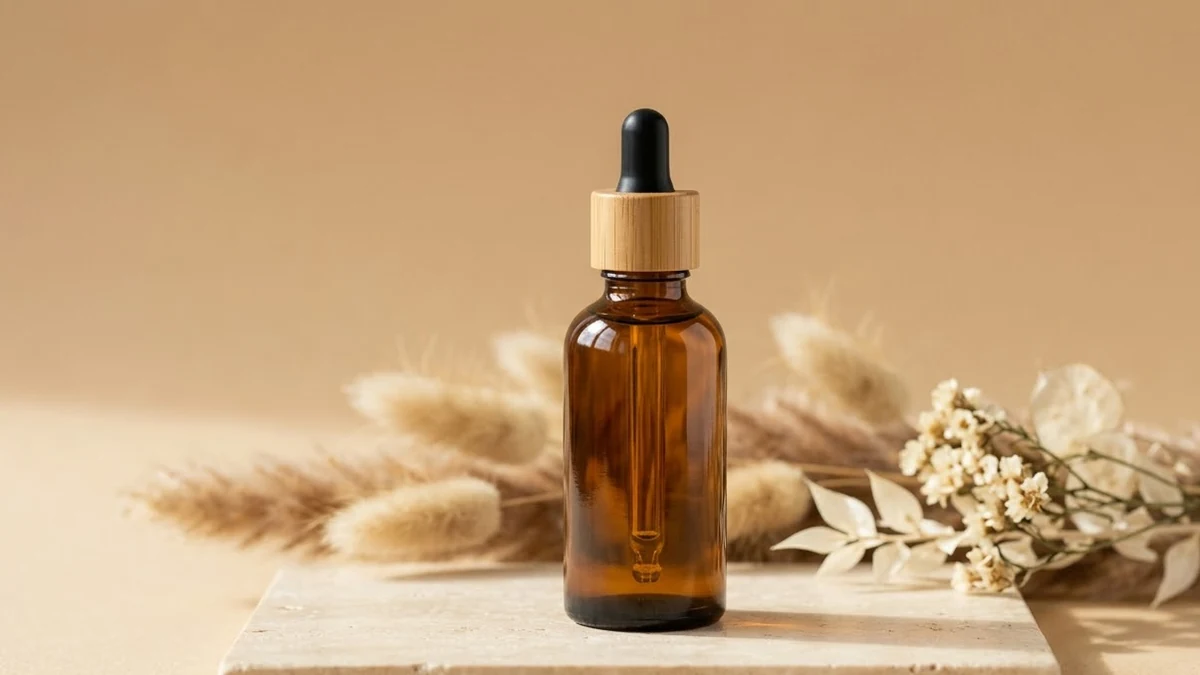
- Clean product photo: a studio scene to put your real product into
- Appetising food photo: overhead, with steam and props
Things Stable Diffusion still gets wrong
- Words in the picture. Signs and labels usually come out as nonsense. Leave text out and add it in an editor, or use Ideogram for designs with words.
- Your real product or face. It cannot copy a real label or a real person from a text prompt. Generate the scene, then combine it with your own photo.
- Hands. Better than before, but still check them. Add "extra fingers, deformed hands" to the negative prompt and generate a few versions.
Stable Diffusion or Midjourney?
Use Stable Diffusion when you want it free and unlimited on your own machine, or need fine control over settings and styles. Use Midjourney when you want great-looking results quickly and don't mind a subscription. The subject-first way of writing prompts works in both.
Comments
No comments yet. Be the first to share what worked for you.