AI room makeover and interior design prompts
Before you paint, buy a rug or call a contractor, you can see the change on a photo of your own room. These prompts redesign a room in a new style, try a wall colour, preview tiles, curtains, rugs or kitchen cabinets, declutter a space, and show a balcony garden or a new house exterior.
Each prompt asks the AI to keep the walls, windows, doors and layout the same and change only what you name. Take the photo from a corner, in daylight, so the AI can see the whole room.
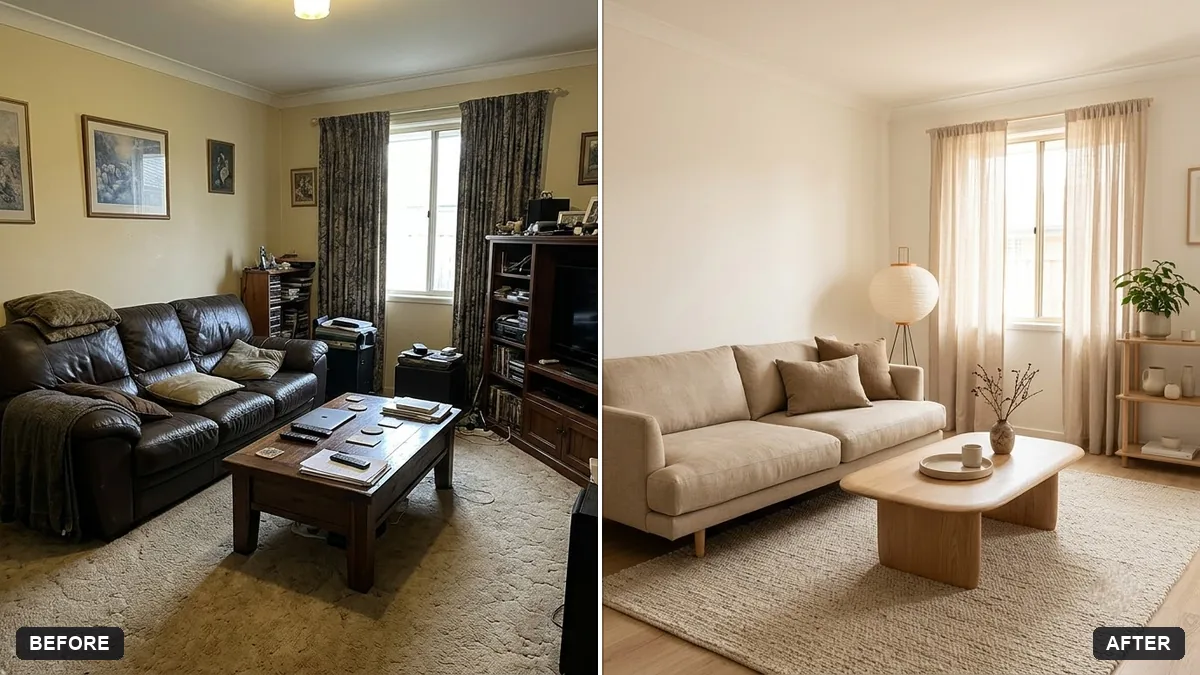
Redesign the room in this photo in a [STYLE, e.g. warm minimalist Japandi] style. Keep the walls, windows, doors, and layout exactly the same — only change the furniture, decor, colours, and lighting.

Budget feel: [BUDGET, e.g. affordable, flat-pack furniture]. Add [MUST-HAVES, e.g. a study desk and more storage].

Photorealistic interior photo from the same camera angle, natural daylight, realistic materials and proportions.
Three steps, about a minute
- 1
Photograph the room from a corner in daylight, with lights on and the floor visible.
- 2
Upload it to Gemini or ChatGPT, paste the prompt and fill in the style, budget and must-haves.
- 3
Compare options, then check real paint samples and measurements before you buy anything.
Make it yours
- Style: warm minimalist, Japandi, modern Indian, Scandinavian or boho.
- Budget: "affordable flat-pack furniture" keeps ideas realistic; "premium" gives a showroom look.
- Must-haves: "a study desk, more storage, space for a bike".
- Compare: ask for "3 different styles side by side" to choose faster.
If it goes wrong
- The room layout changed
- Reply "keep walls, windows, doors and layout exactly the same; change only furniture and decor".
- Furniture is the wrong size
- Give real sizes: "a 3-seater sofa about 2 metres wide".
- It looks like a showroom, not my home
- Add "lived-in, realistic, everyday items".
- Colours look different from the paint card
- Name the exact shade and check a real sample on your wall.
17 more prompts in this collection
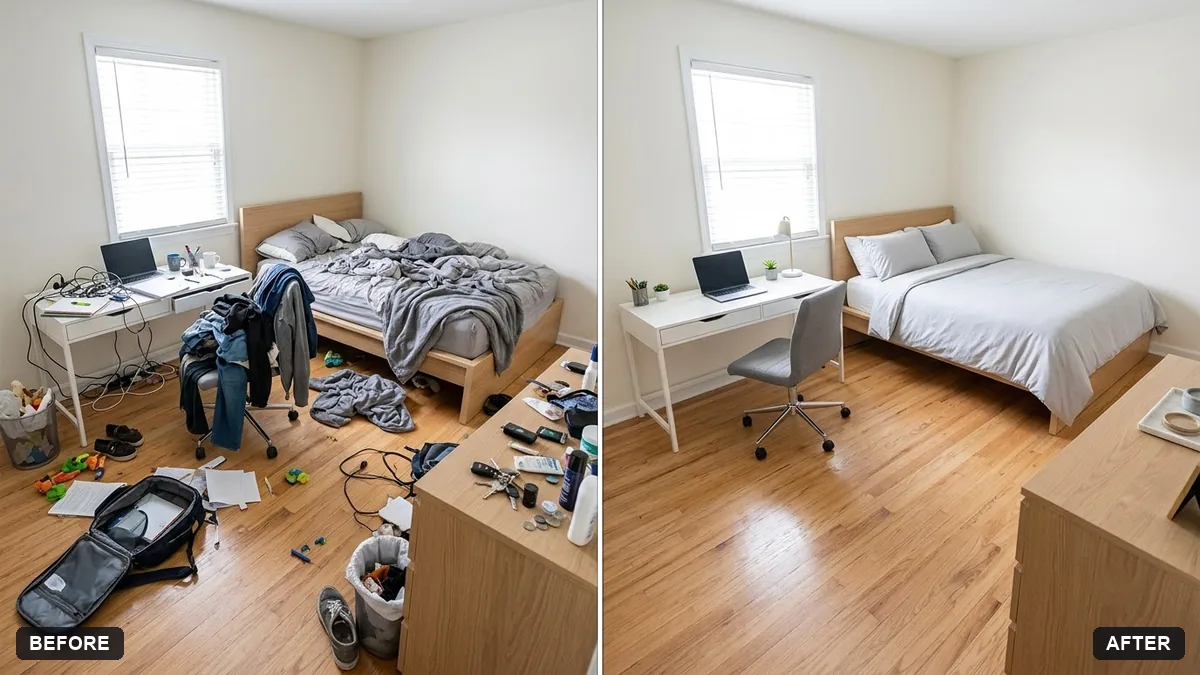 Declutter a room virtuallyGemini · ChatGPT
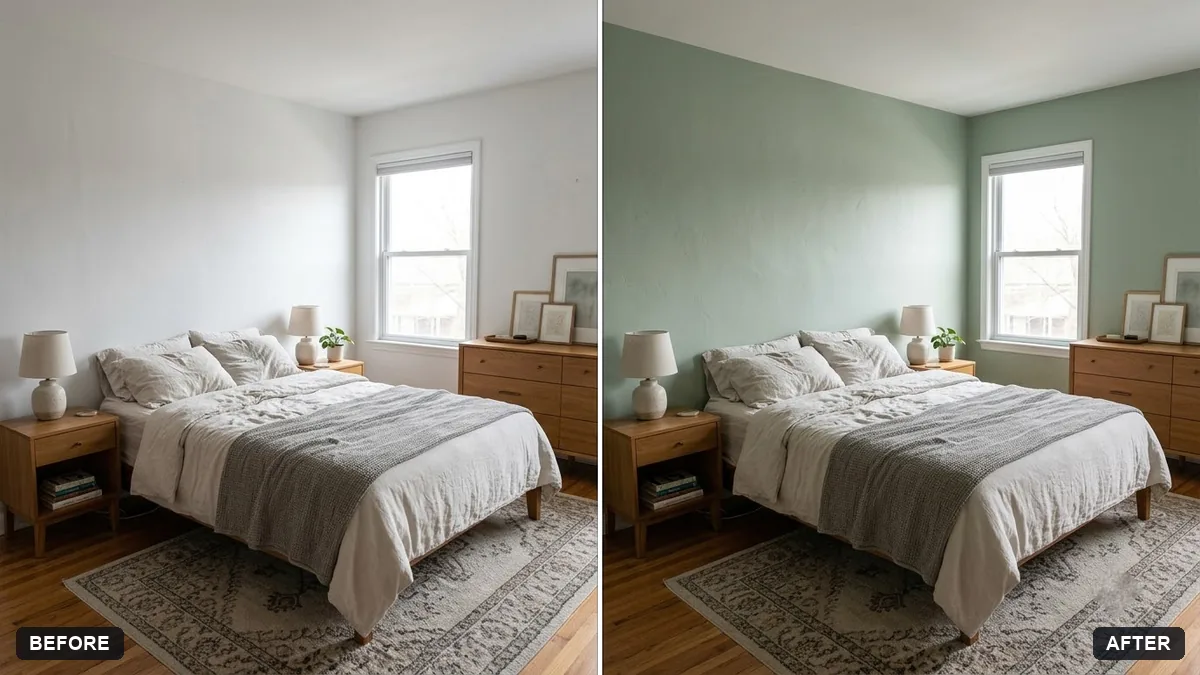 Preview a new bedroom wall colourGemini · ChatGPT
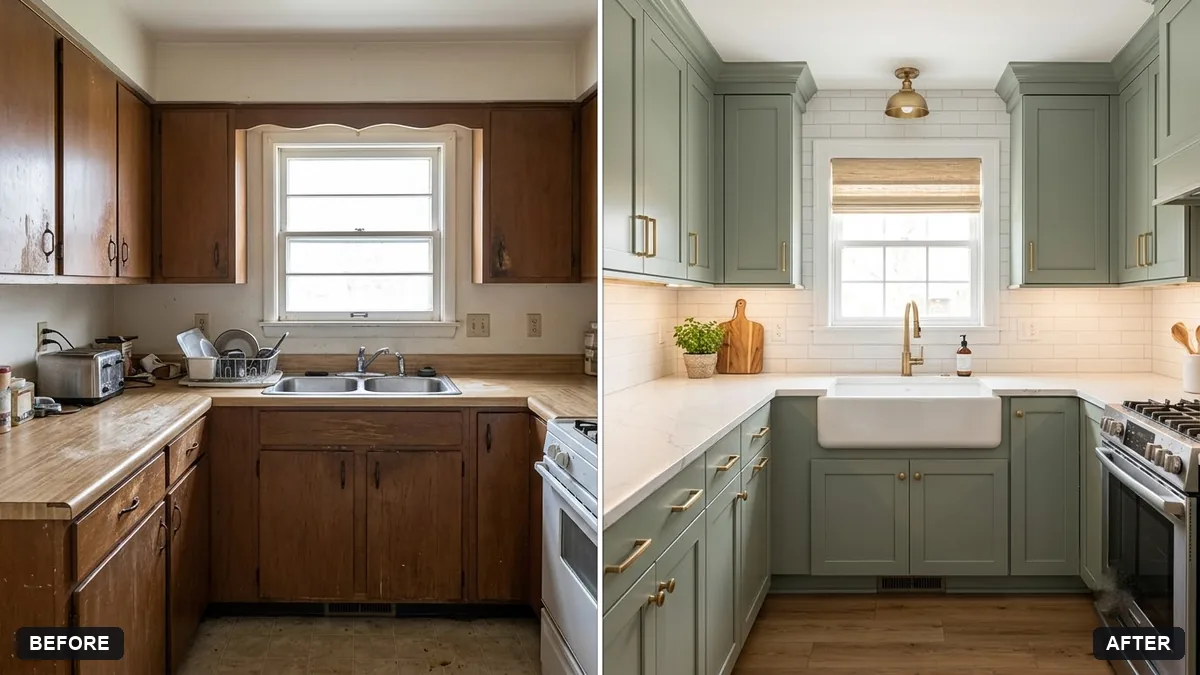 Kitchen remodel previewGemini · ChatGPT
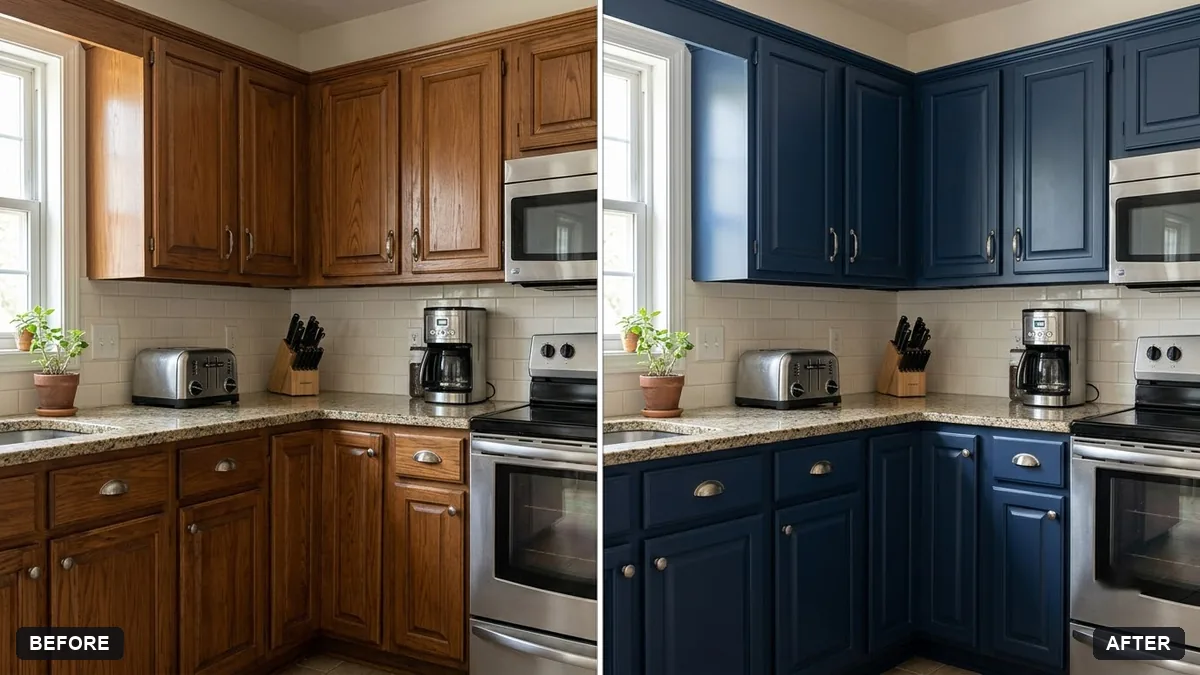 Preview a new kitchen cabinet colourGemini · ChatGPT
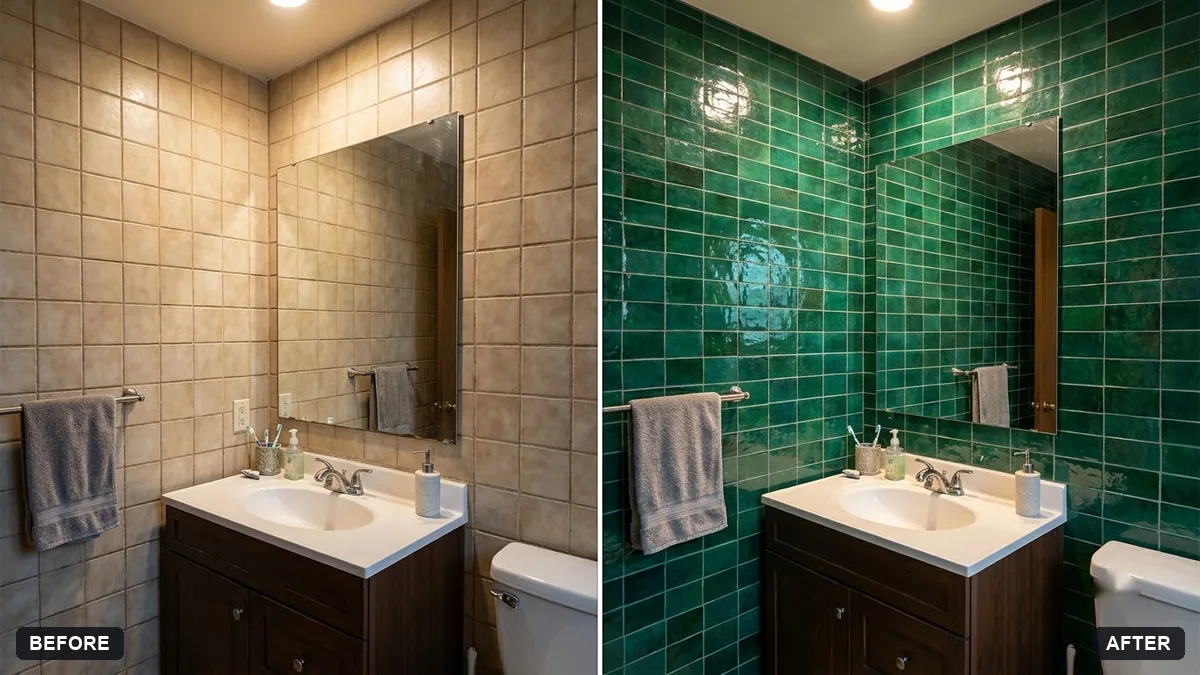 Preview new bathroom tilesGemini · ChatGPT
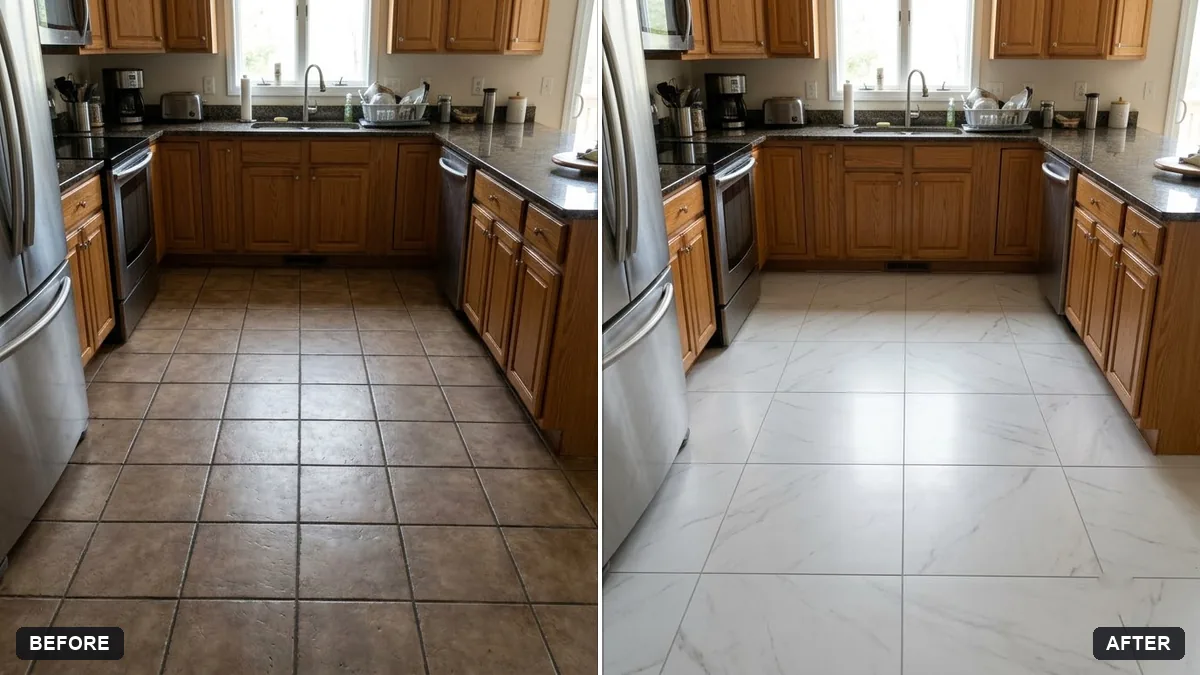 Preview new floor tilesGemini · ChatGPT
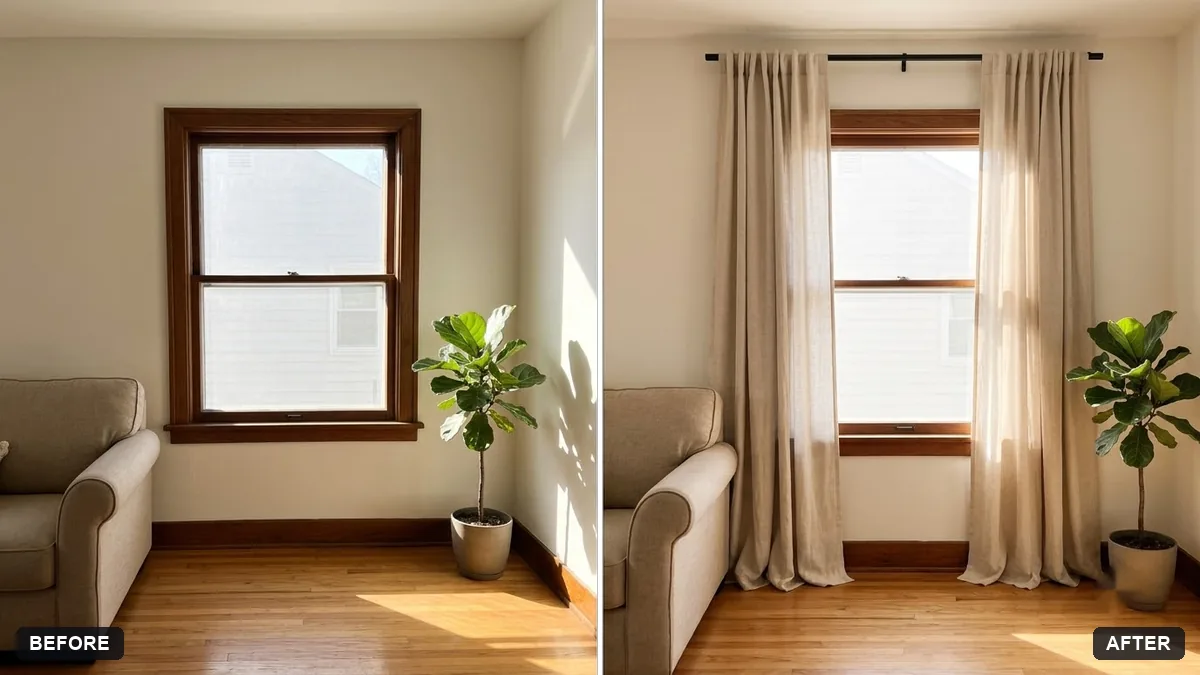 Preview new curtainsGemini · ChatGPT
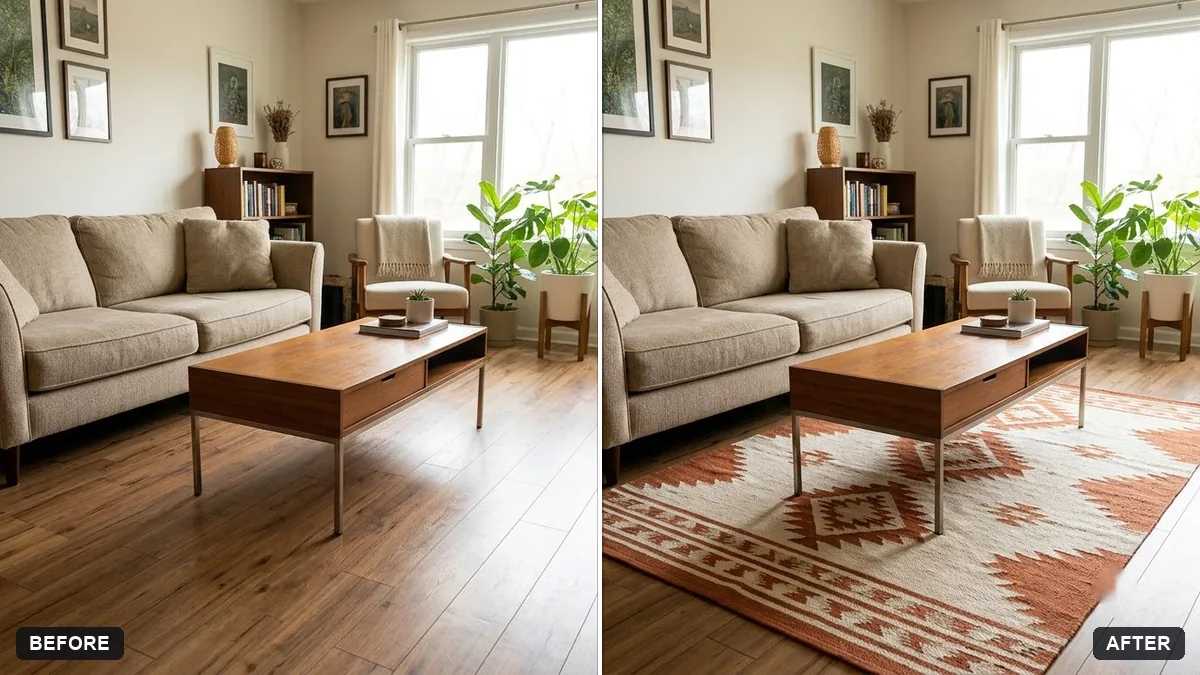 Preview a rug in your roomGemini · ChatGPT
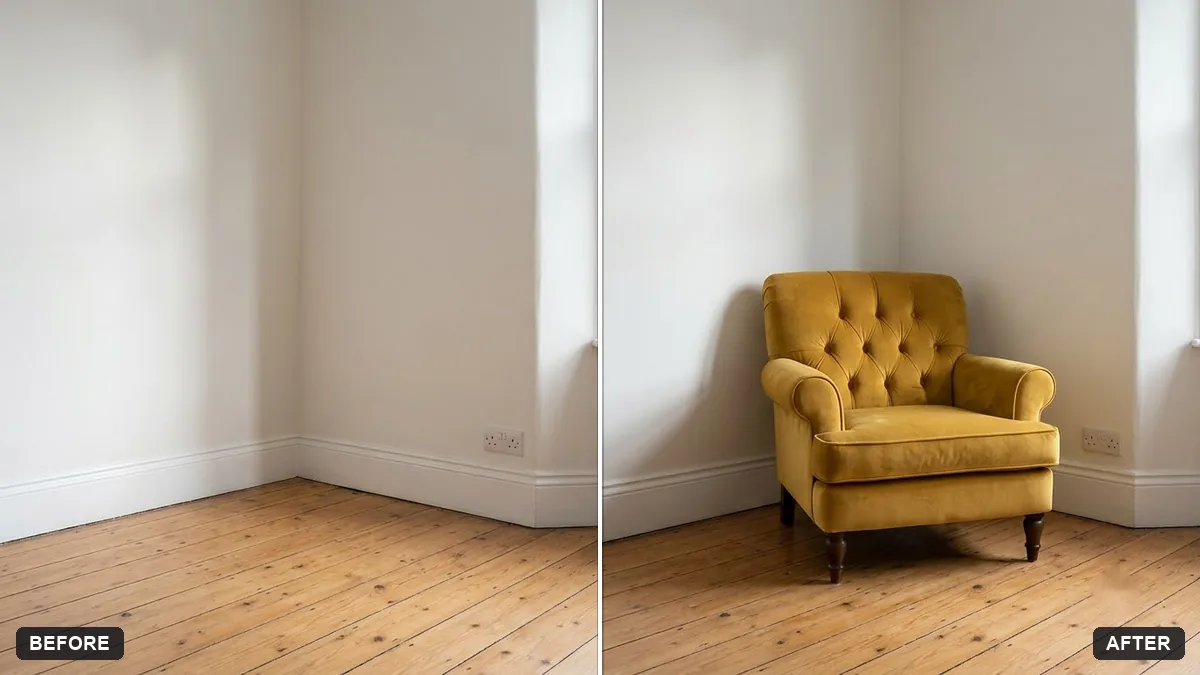 Stage furniture in a room photoGemini · ChatGPT
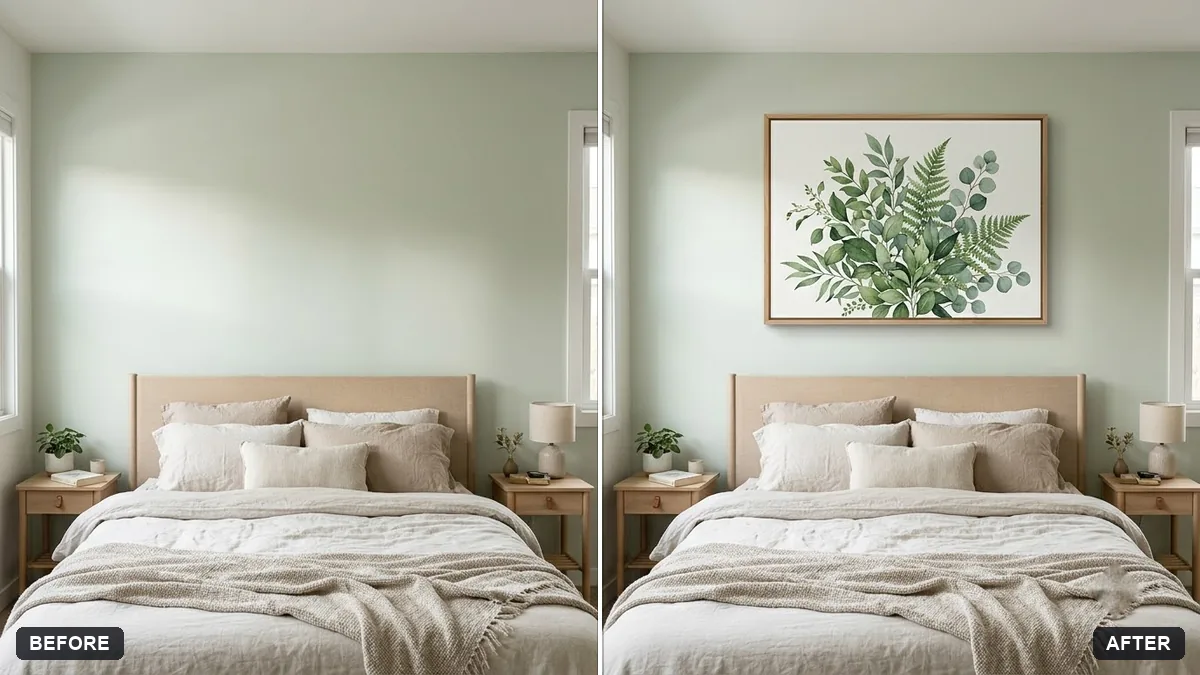 Preview artwork on your wallGemini · ChatGPT
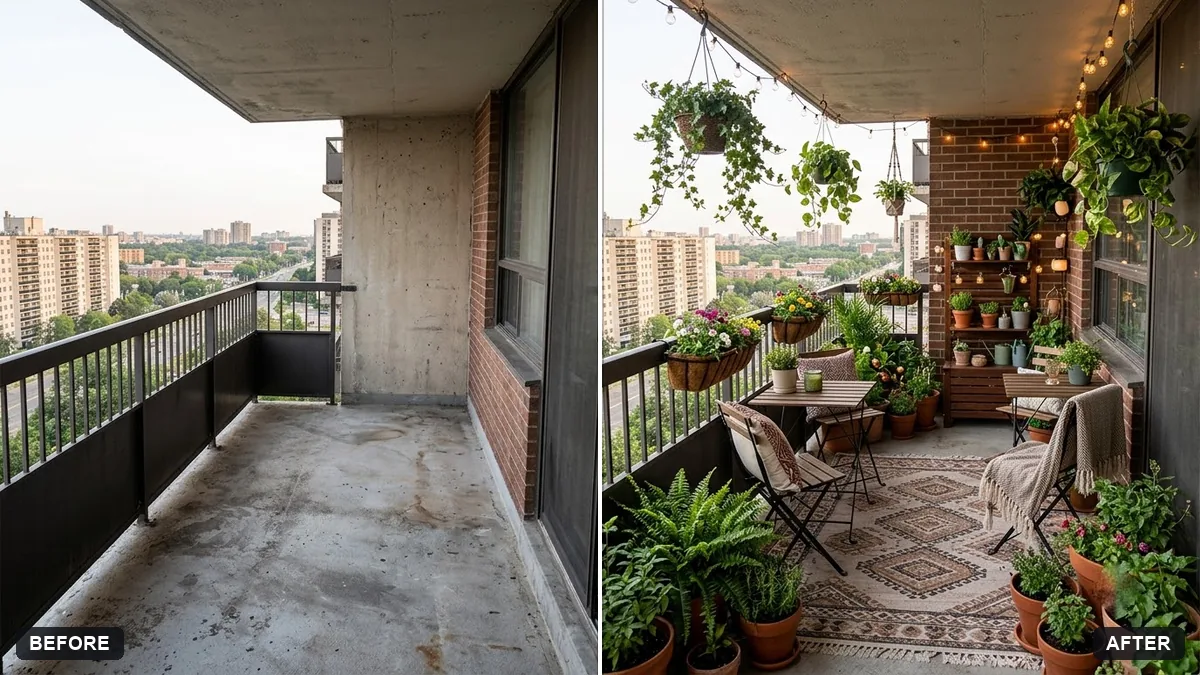 Balcony garden makeover previewGemini · ChatGPT
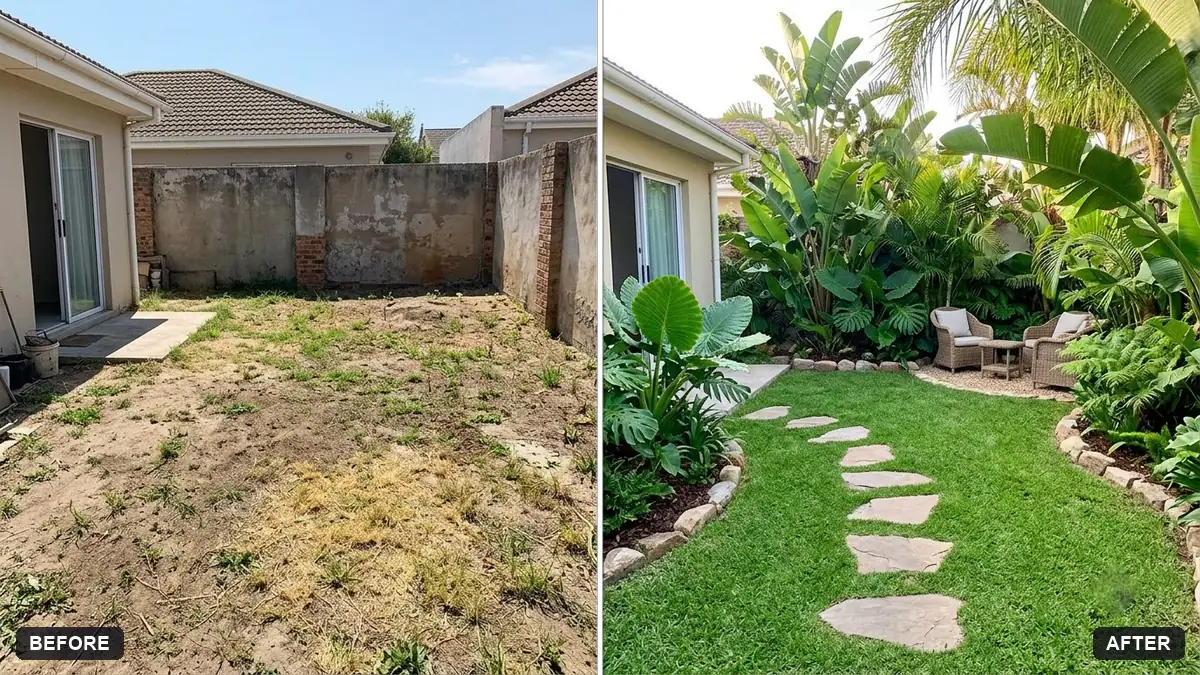 Garden makeover previewGemini · ChatGPT
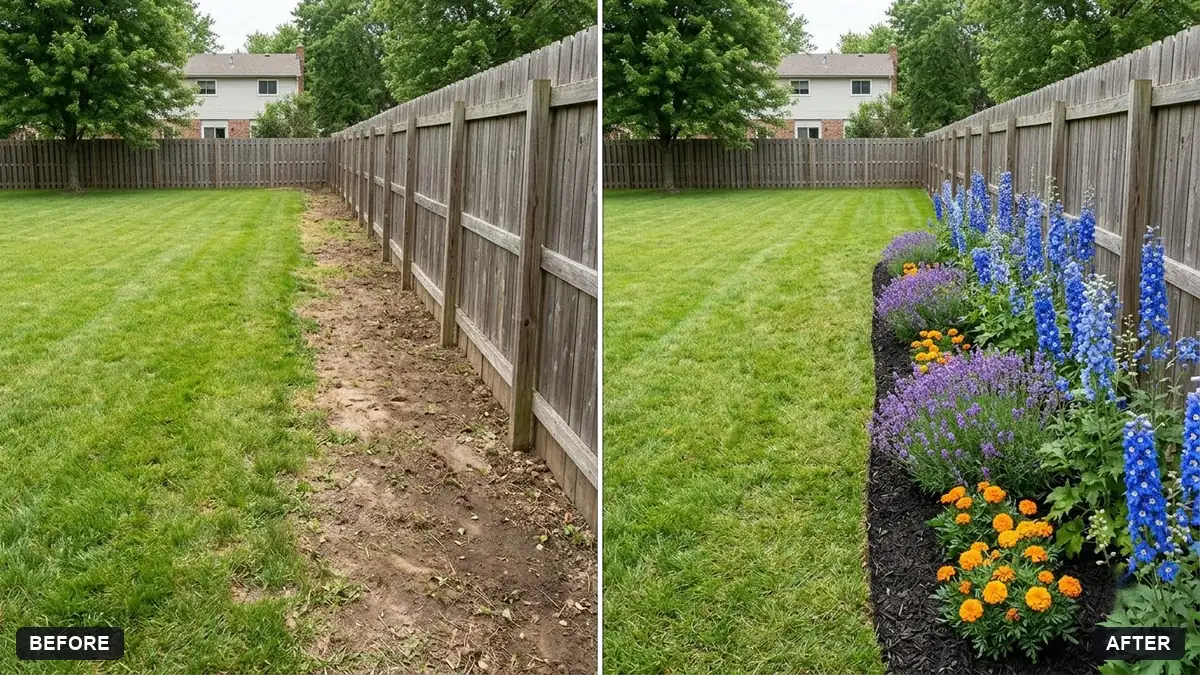 Garden flower bed previewGemini · ChatGPT
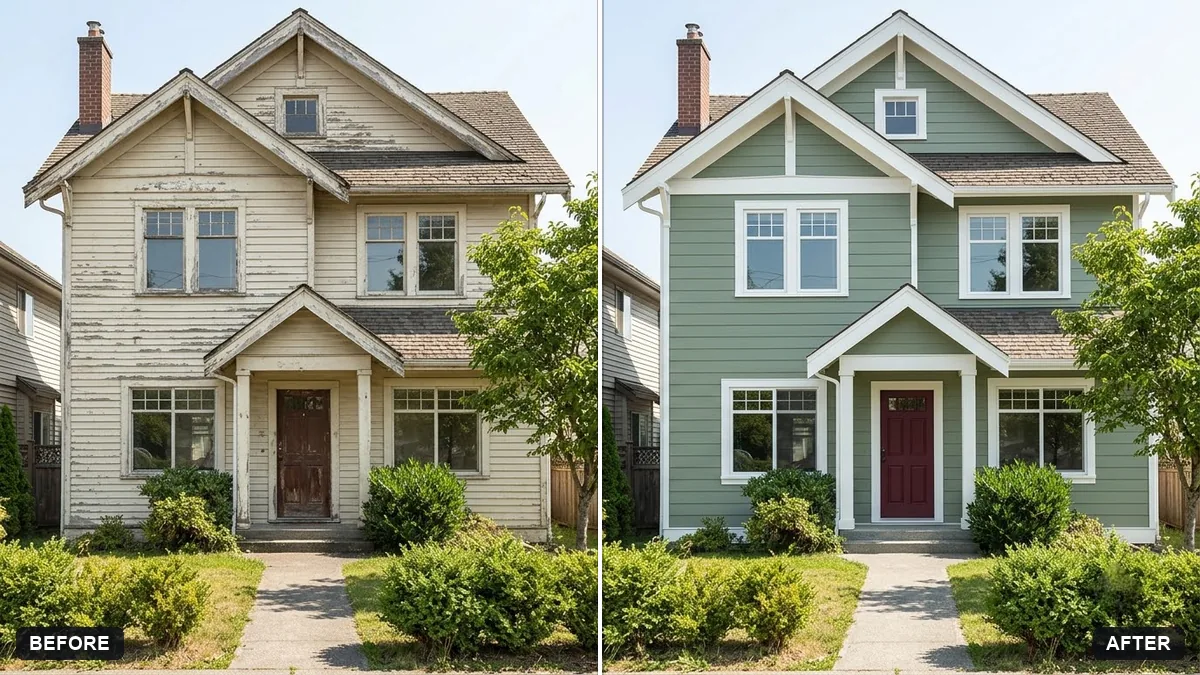 Repaint your house exterior previewGemini · ChatGPT
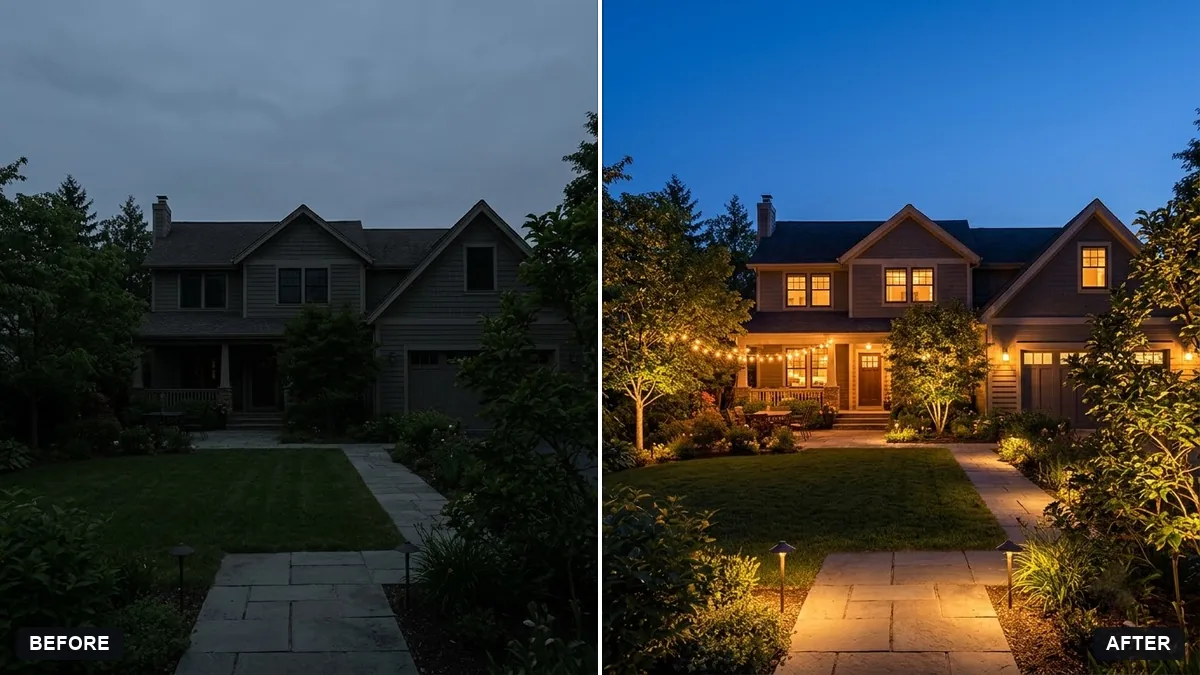 Preview outdoor evening lightingGemini · ChatGPT
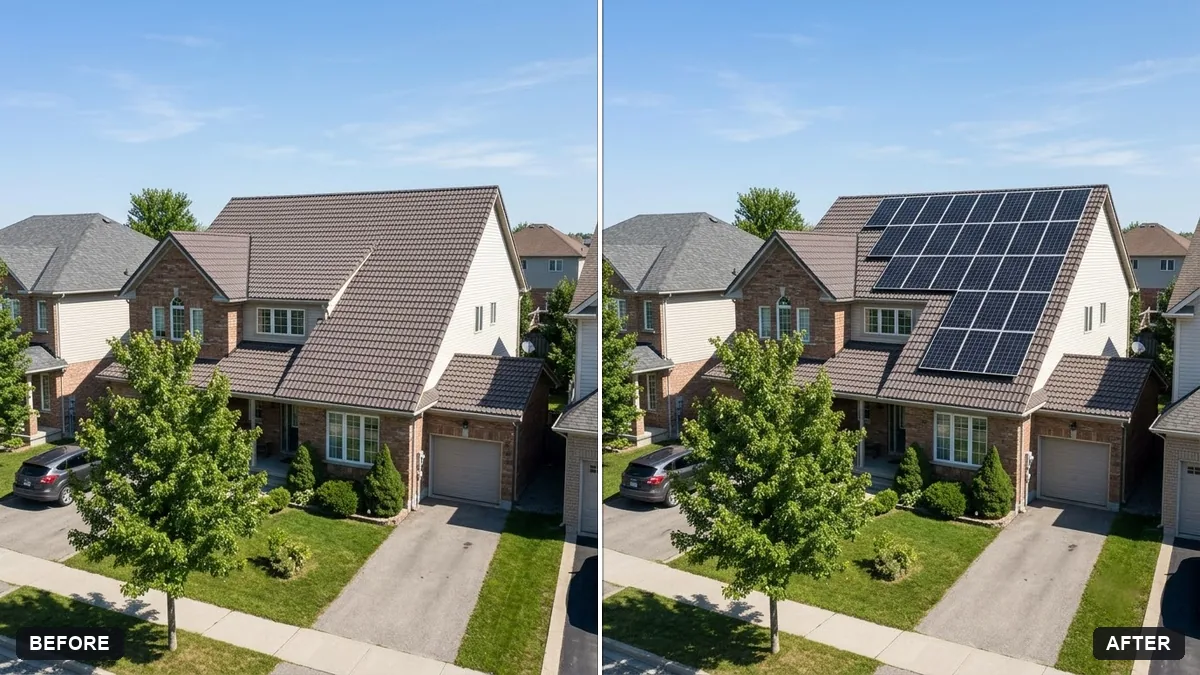 Preview solar panels on a roofGemini · ChatGPT
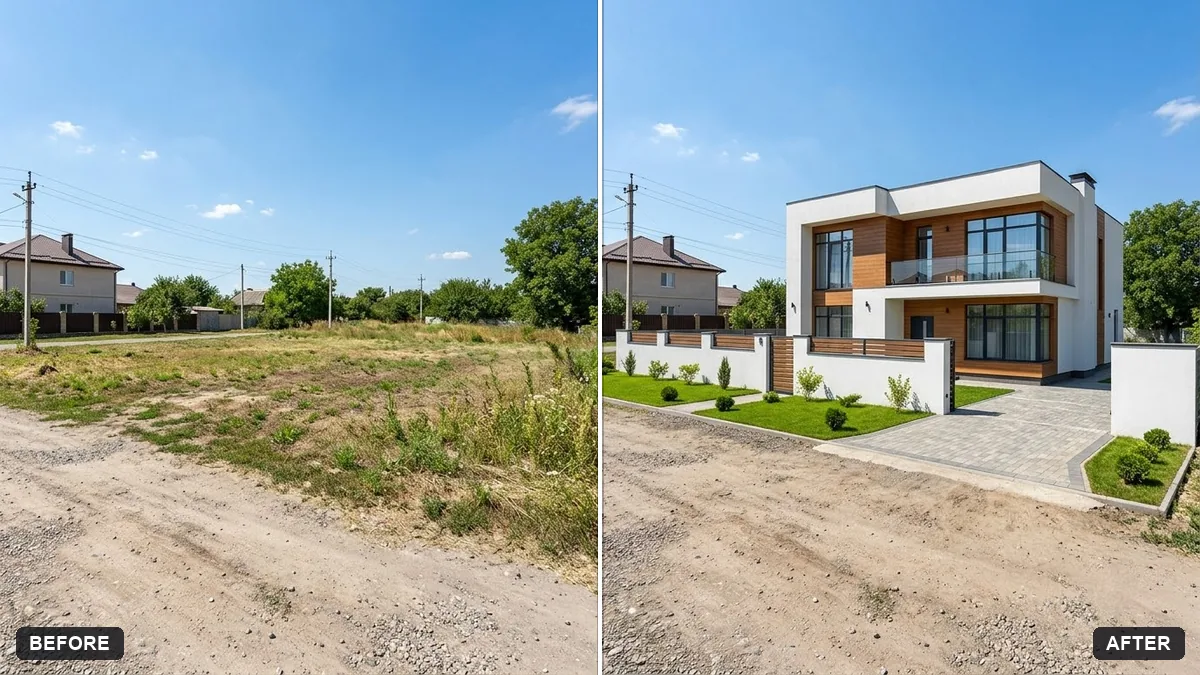 Preview a house on an empty plotGemini · ChatGPT
Guides that use these prompts
Questions, answered
Can AI redesign my room from a photo?
Yes. Upload a photo of your room to Gemini or ChatGPT and paste the room makeover prompt with a style and budget. It keeps the walls, windows and layout and changes the furniture, decor and colours.
Are the colours and sizes accurate?
Treat it as a preview. Paint colours and furniture sizes on screen are approximate, so check real samples and measurements before you buy.
Can I compare several styles?
Yes. Ask for "3 different styles side by side", or run the prompt again with a different style.