Old photo restoration and enhancement prompts
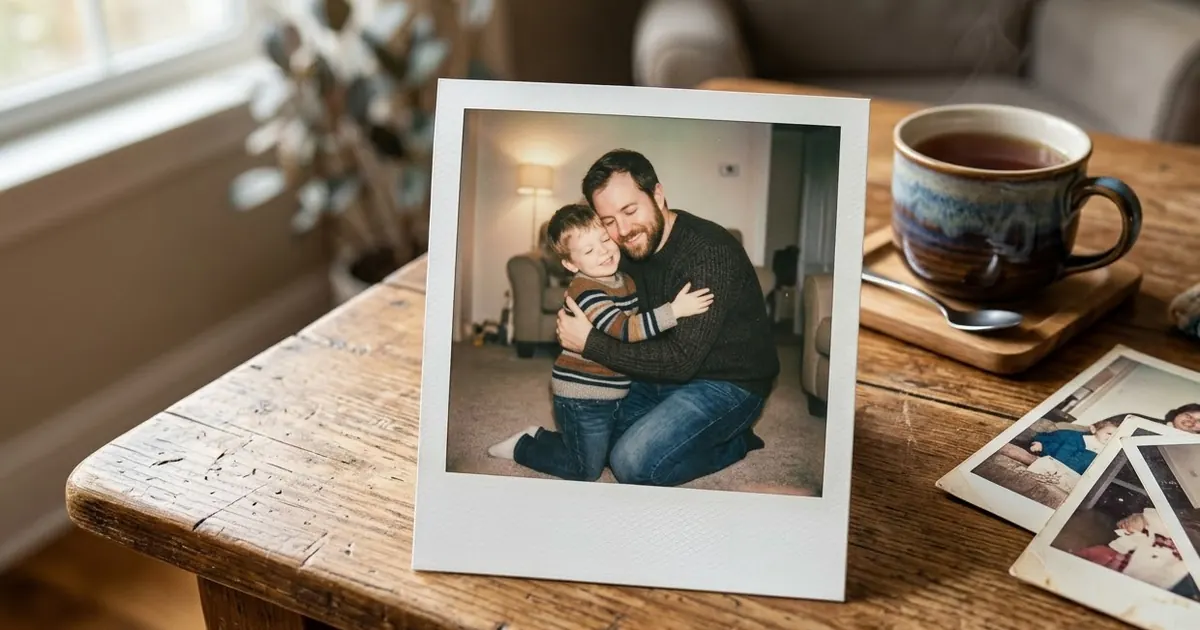
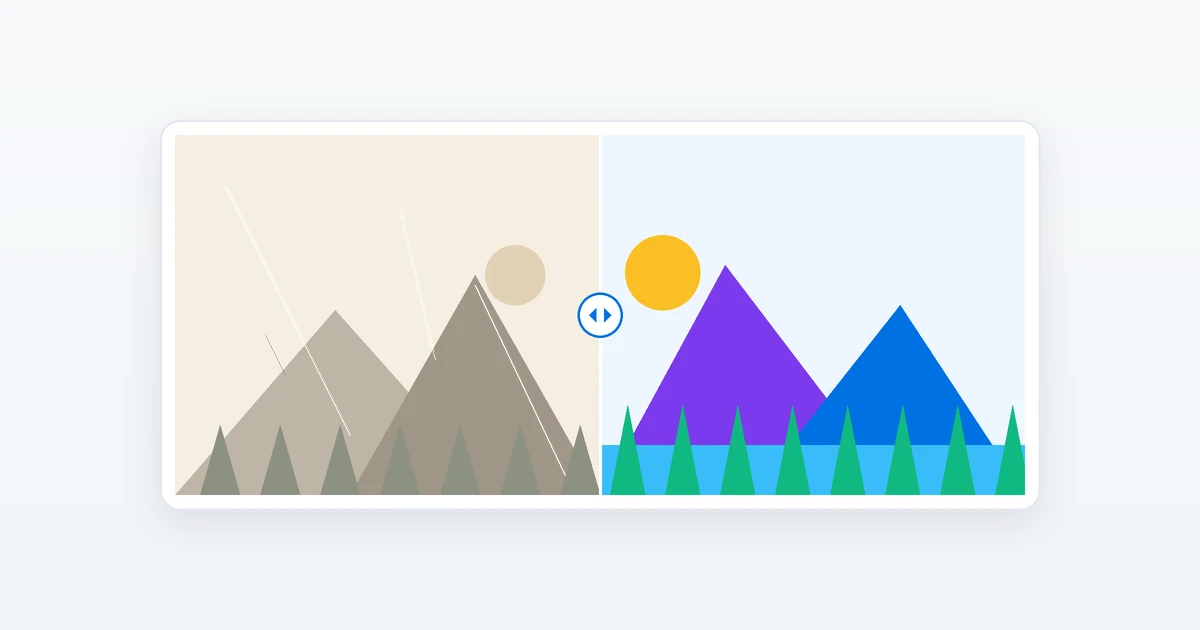
AI can repair scratches, tears and fading, add believable colour to black-and-white pictures and sharpen soft focus. The key is telling the AI to stay faithful to the original faces instead of inventing new ones.
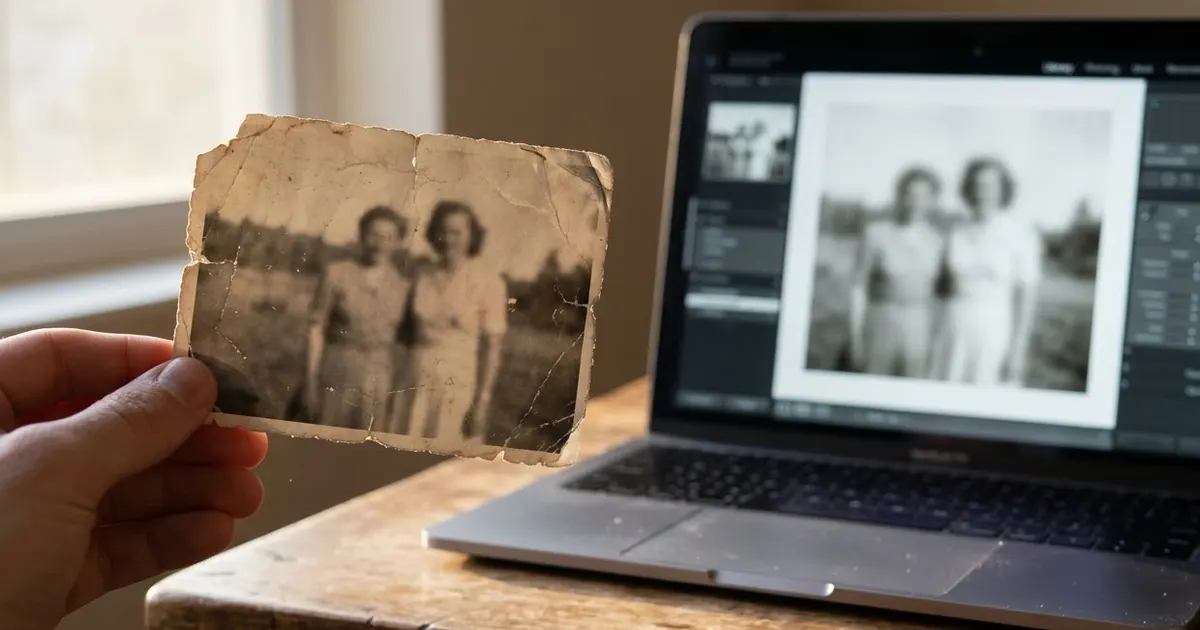
Scan or photograph the print flat in good light without glare, upload it to Gemini or ChatGPT, and paste the prompt that matches the problem. Short, specific prompts usually beat long ones.
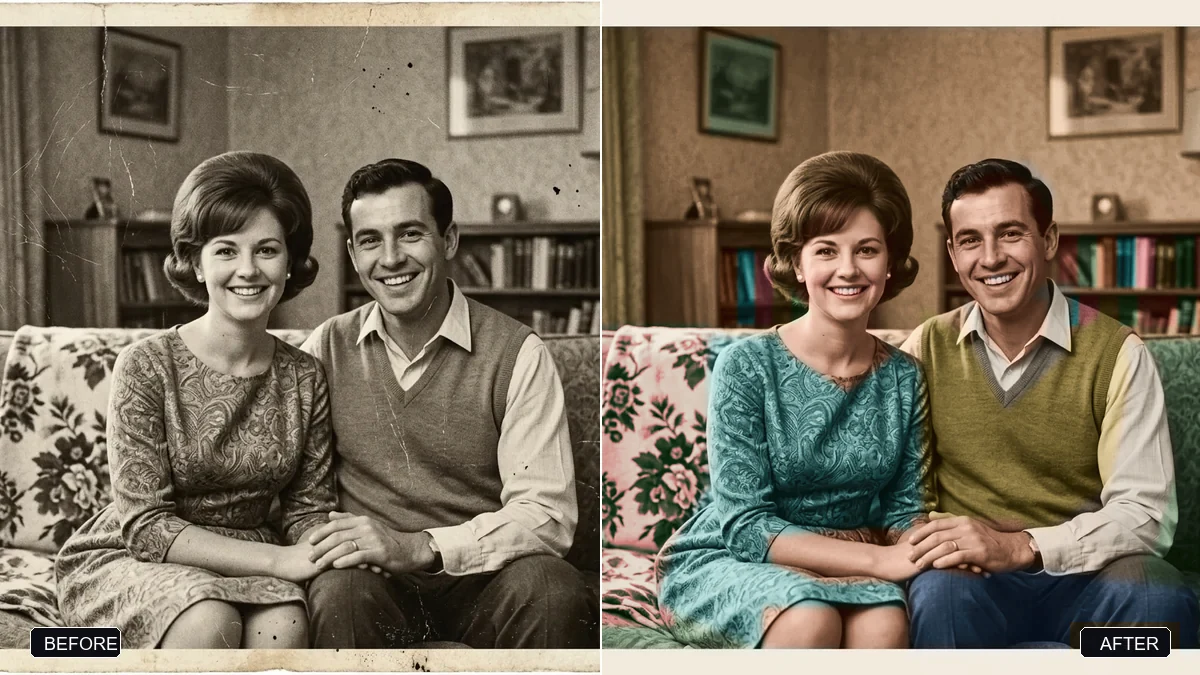
Restore this old family photograph. Repair all scratches, tears, creases, dust spots, stains, and missing areas; recover faded details and even out uneven exposure.

Gently sharpen the faces and reconstruct fine details (eyes, hair, clothing texture) faithfully to the original — do not invent a different face.
Three steps, about a minute
- 1
Scan the print, or photograph it flat near a window with no glare and the phone held straight above it.
- 2
Upload it to Gemini or ChatGPT and paste the prompt that matches the damage: tears, stains, fading or blur.
- 3
Compare the faces with the original. If anyone looks different, ask again with "do not invent a different face".
Make it yours
- One problem at a time: fix the tears first, then colourize in a second step. Asking for everything at once invents more detail.
- Colours you remember: add them to the colourize prompt: "his shirt was light blue, the wall was green".
- Keep it believable: ask for "natural film-era look, not oversaturated" so it still looks like an old photo.
- Make it move: the video prompts at the end turn the restored photo into a short, gentle clip.
If it goes wrong
- Faces look like different people
- Use a higher-resolution scan and reply "keep every face exactly as in the original; repair damage only".
- Skin looks waxy or plastic
- Add "keep natural skin texture and film grain, no smoothing".
- A missing part was filled with something odd
- Describe what was there: "the missing corner was a plain wall and part of her saree".
- The colours look fake
- Ask for "muted, period-accurate colours" and name any colours you know.
14 more prompts in this collection
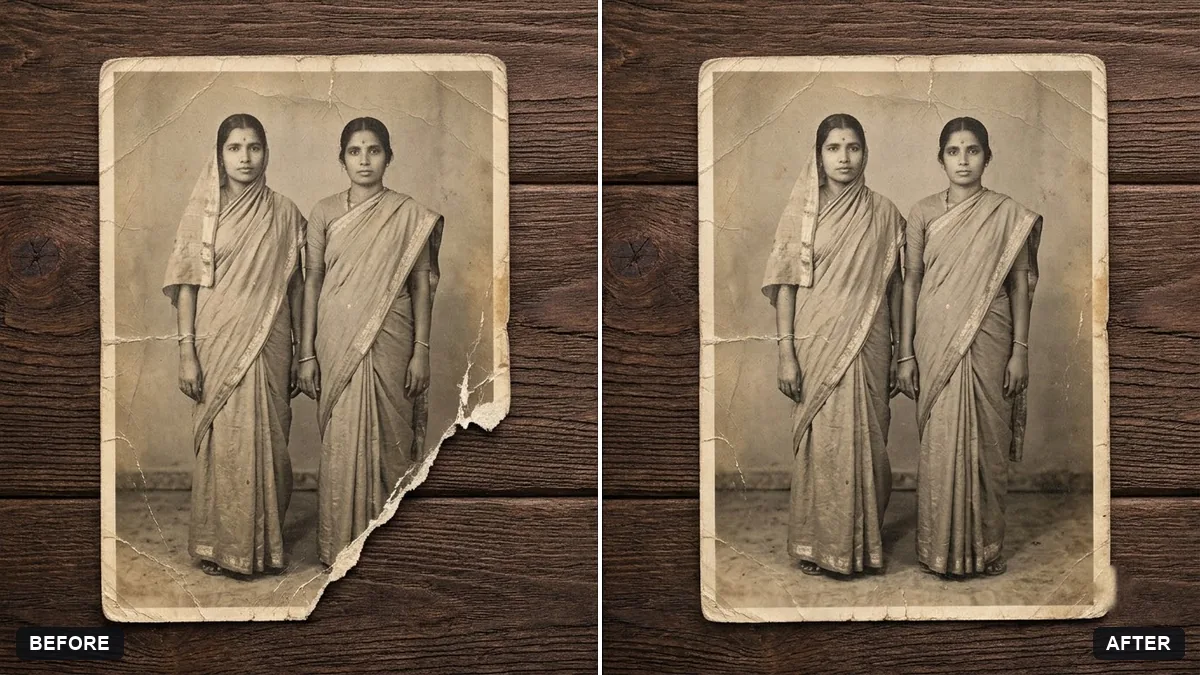 Rebuild a torn photo cornerGemini · ChatGPT
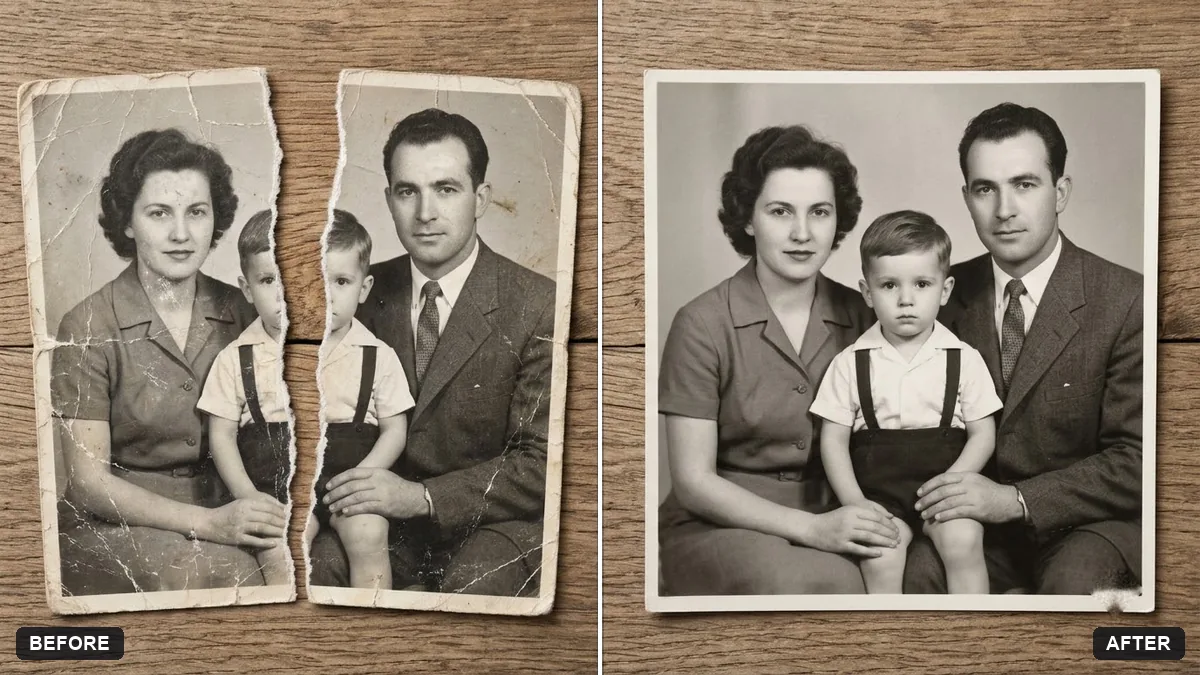 Join two halves of a torn photoGemini · ChatGPT
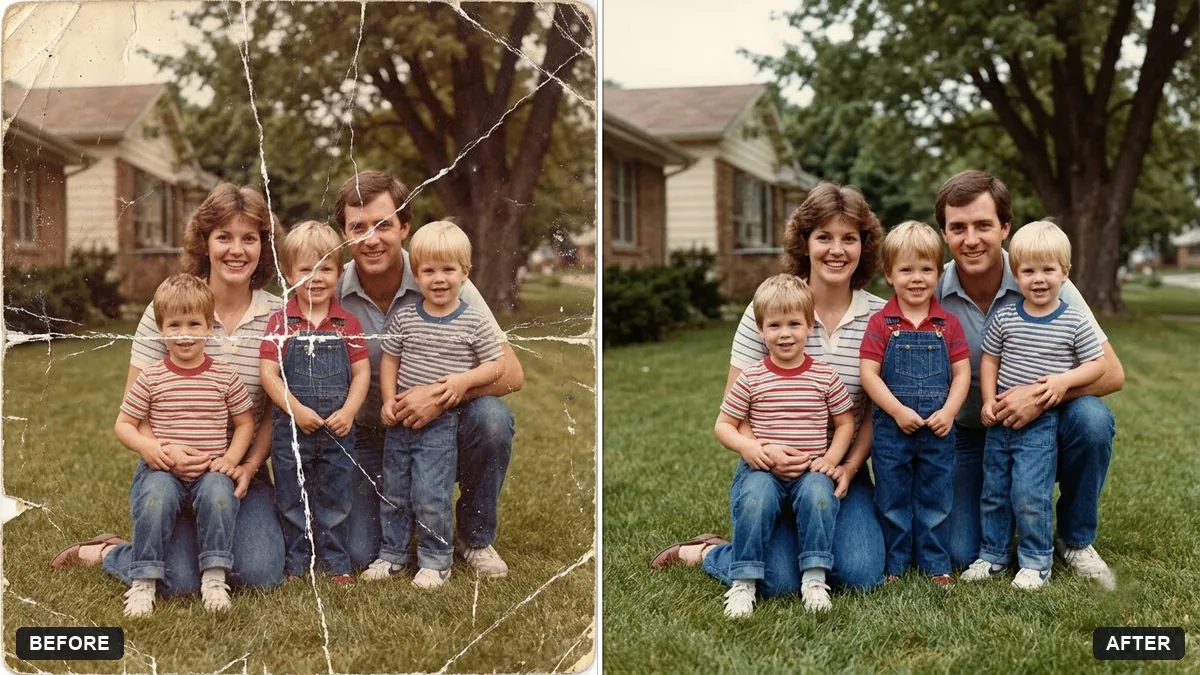 Flatten a crumpled photoGemini · ChatGPT
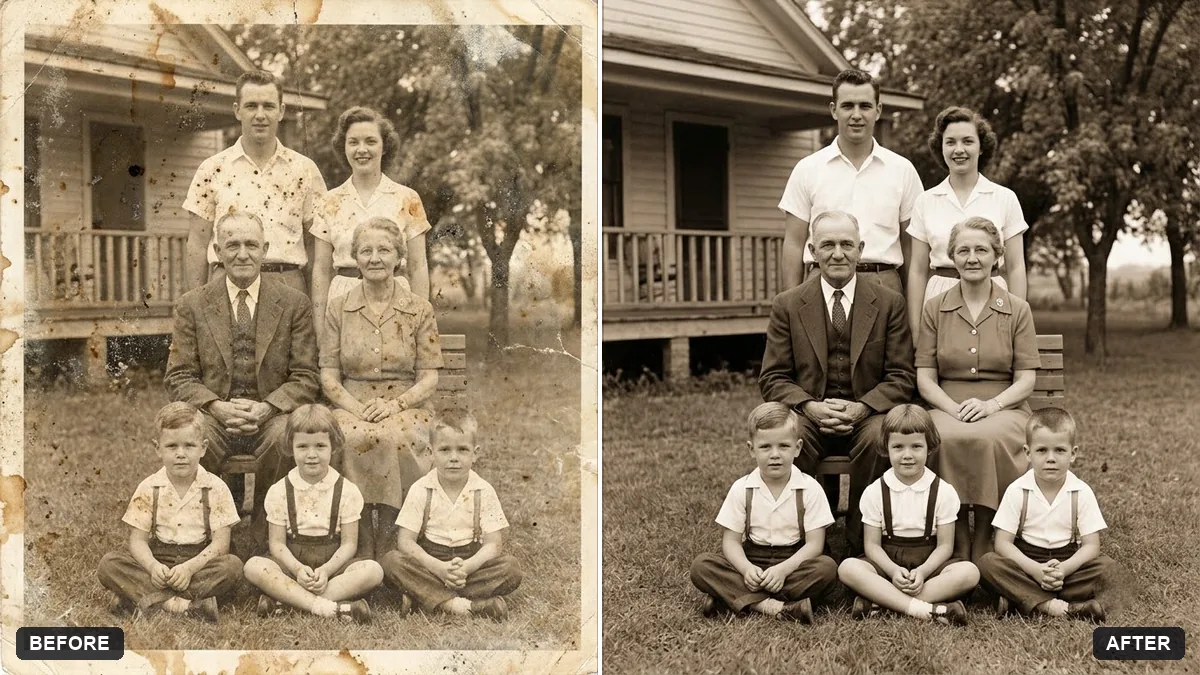 Remove stains and mould from a scanGemini · ChatGPT
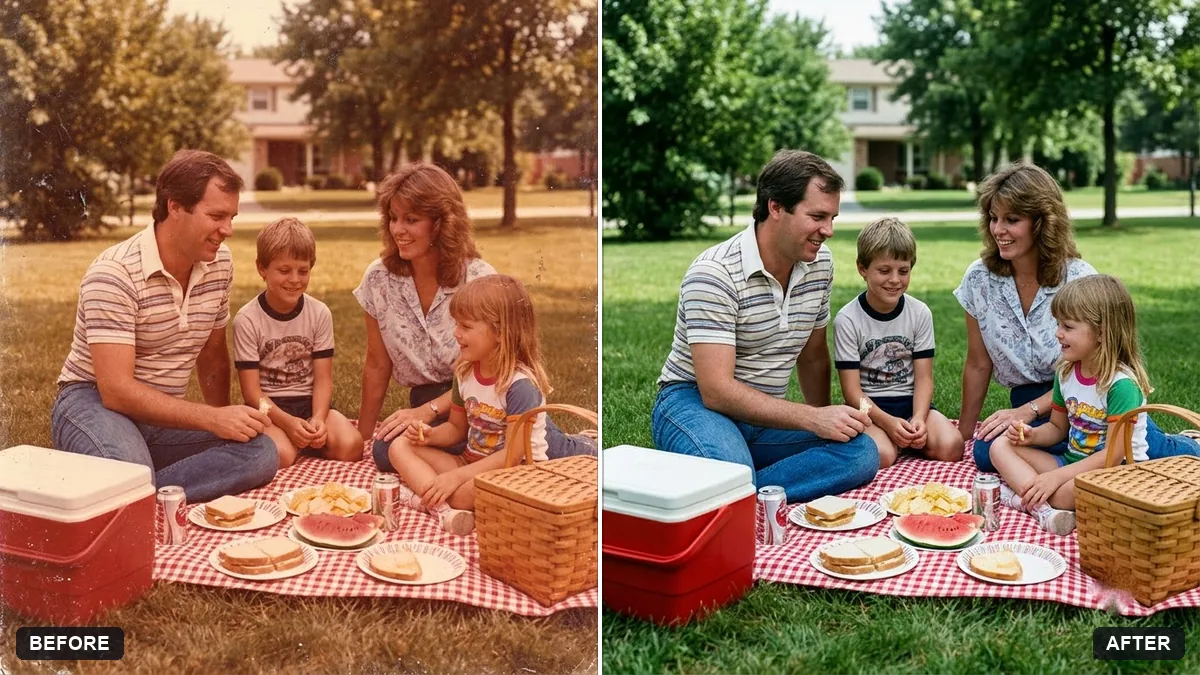 Restore a faded colour printGemini · ChatGPT
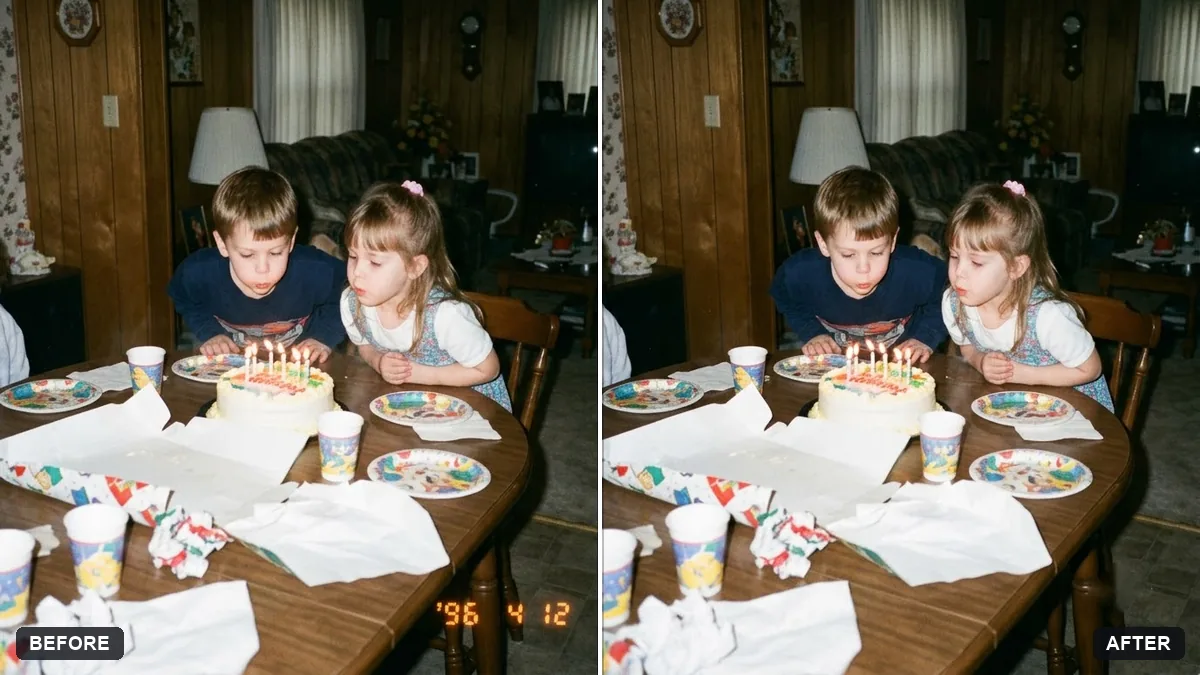 Remove the orange date stamp from a scanGemini · ChatGPT
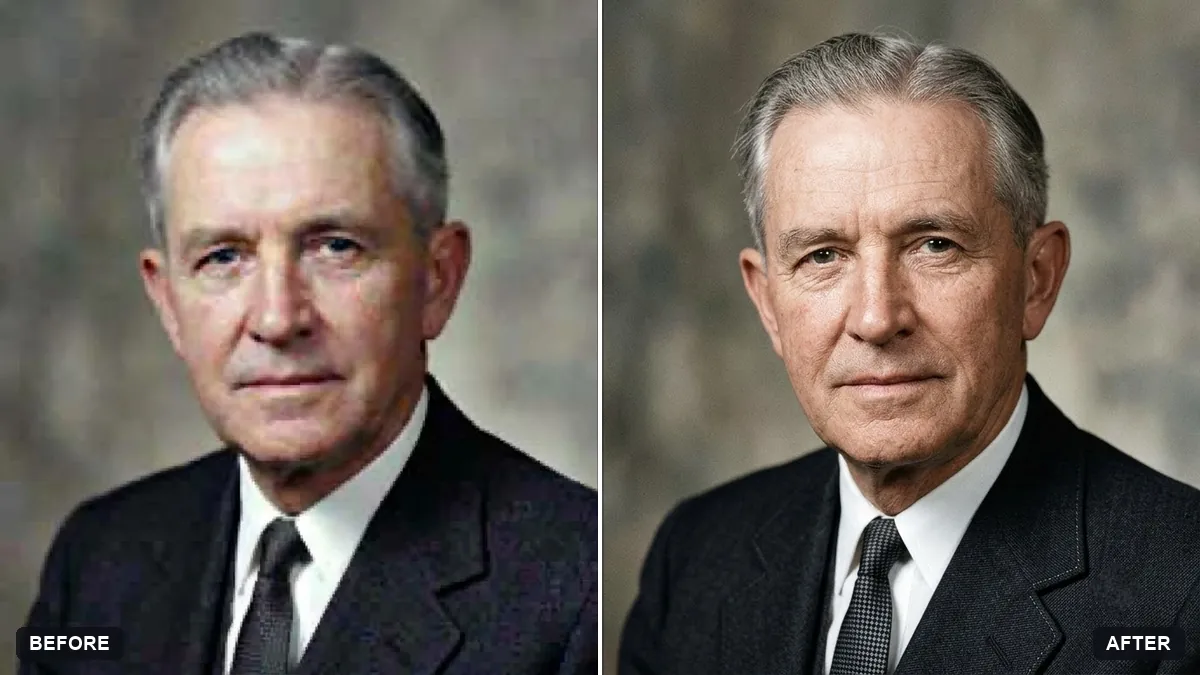 Upscale a tiny old portraitGemini · ChatGPT
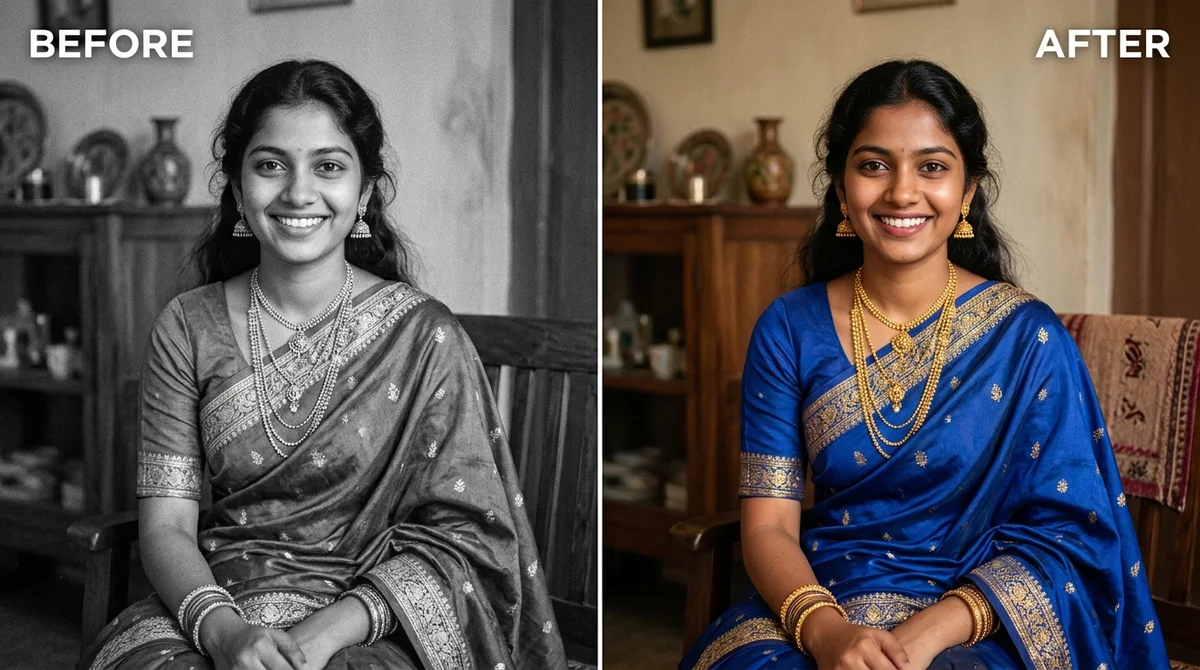 Colourize a black & white photoGemini · ChatGPT
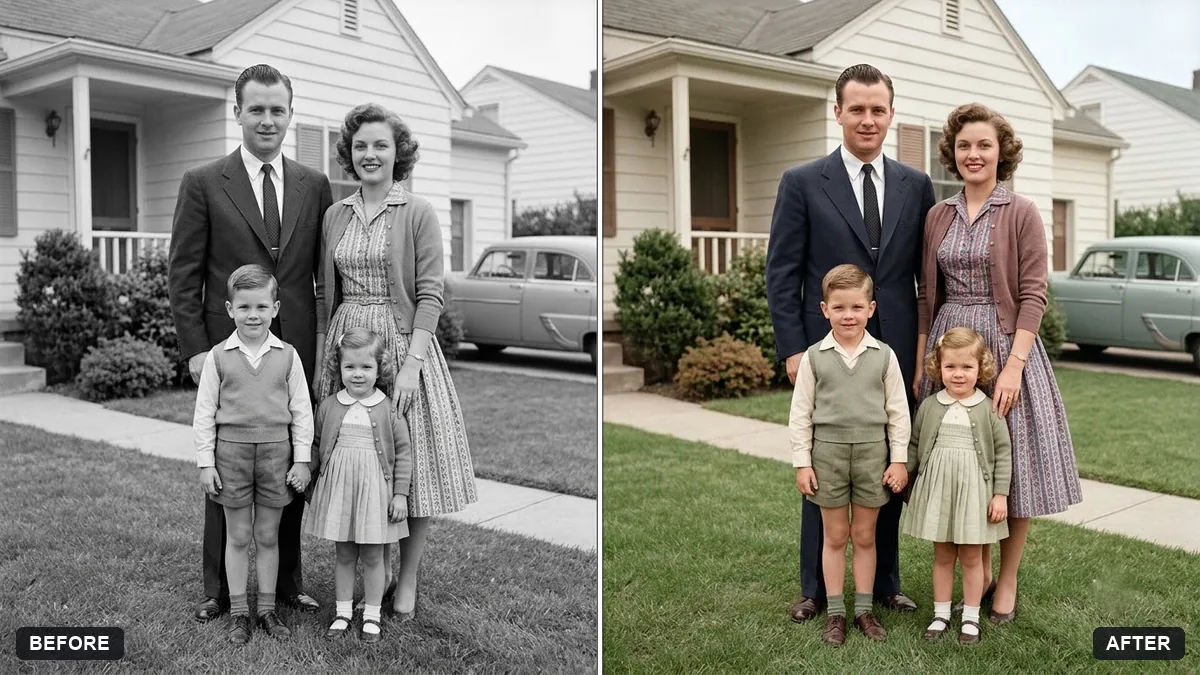 Colourize a 1950s family photoGemini · ChatGPT
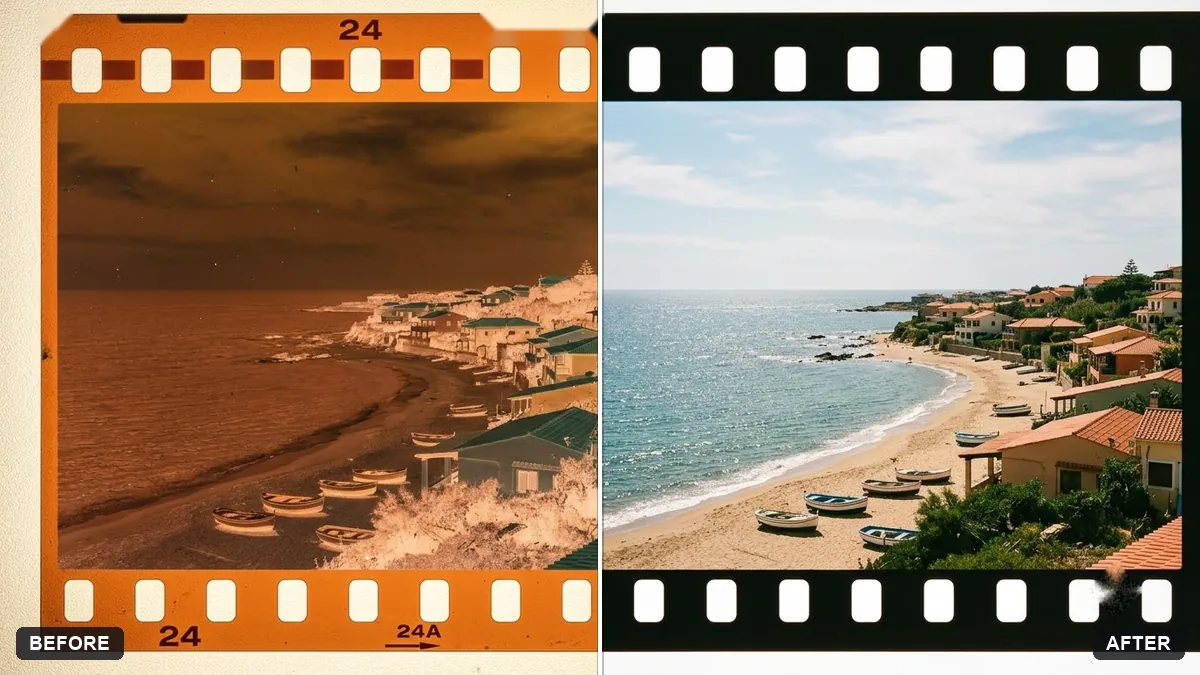 Convert a film negative to a positiveGemini · ChatGPT
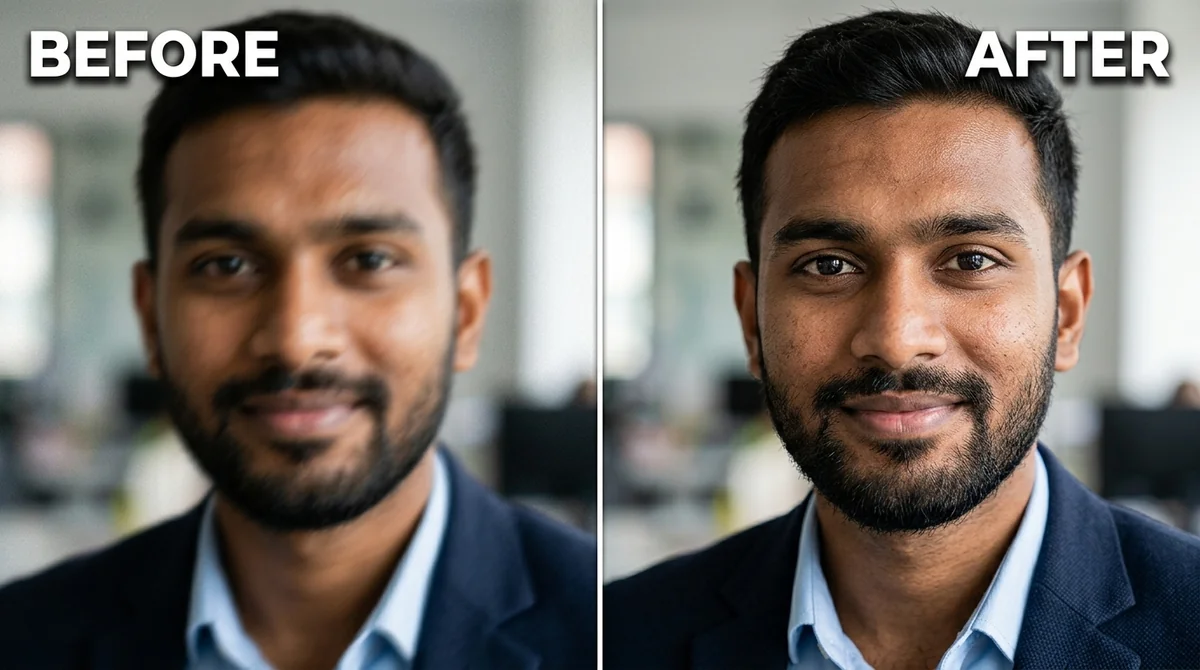 Fix a blurry photo (Sharp & crisp)Gemini · ChatGPT
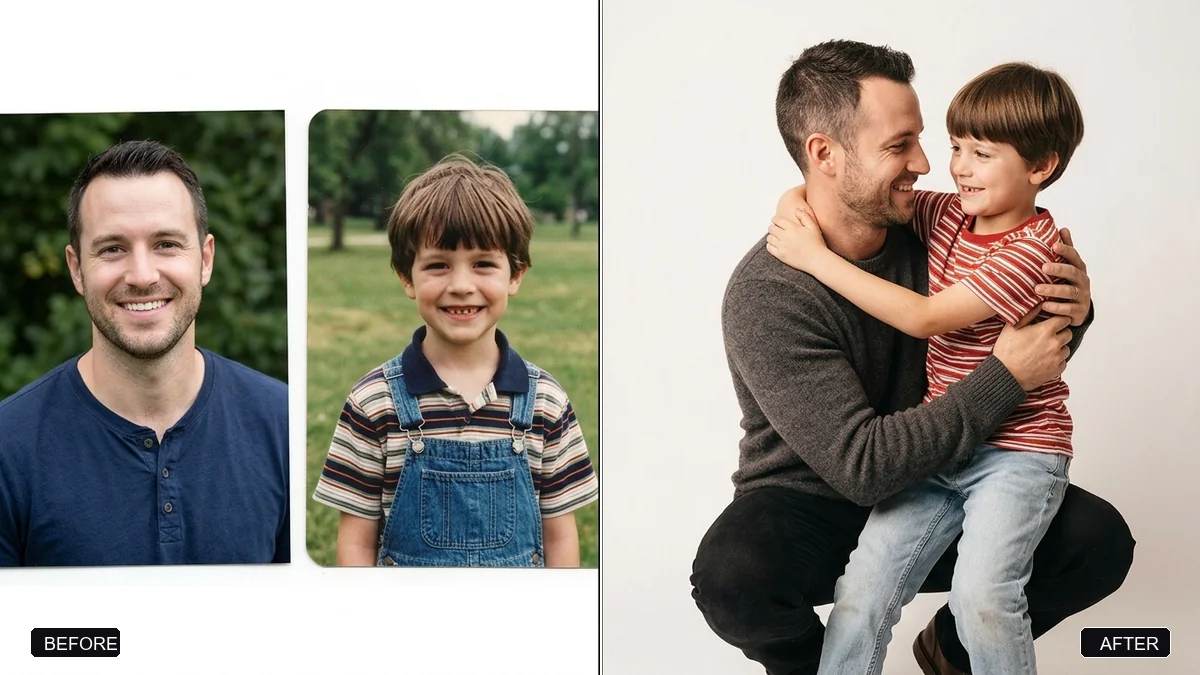 Hug your younger selfGemini · ChatGPT
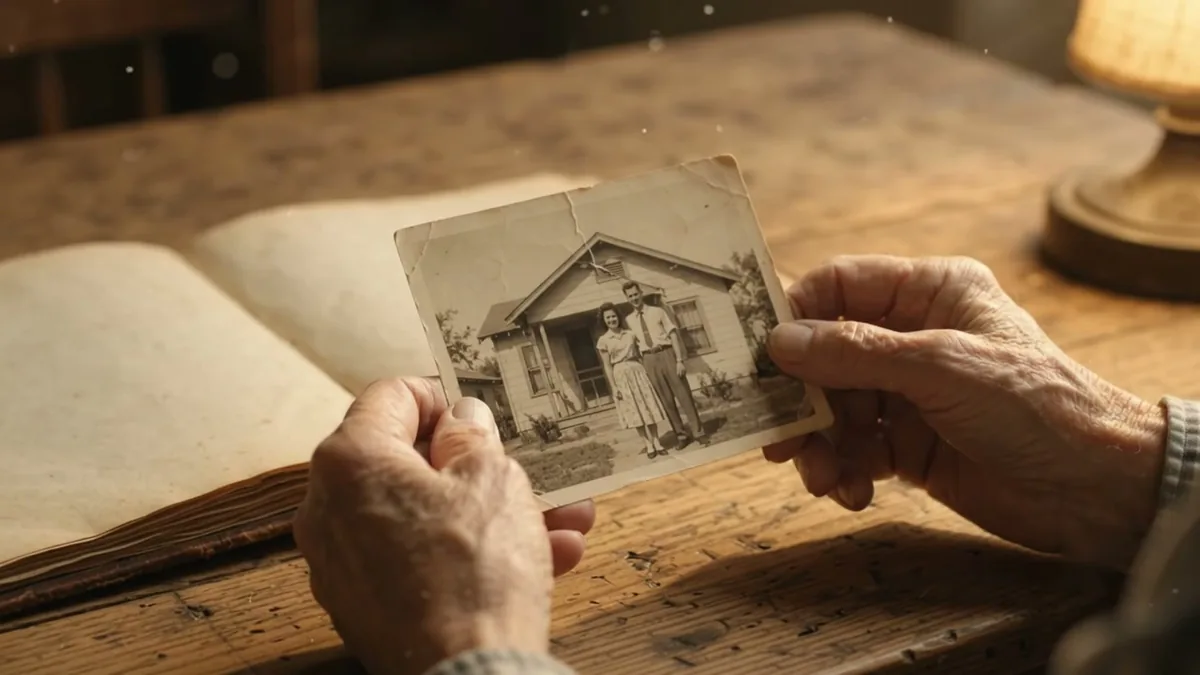 Bring an old photo to lifeKling · Veo
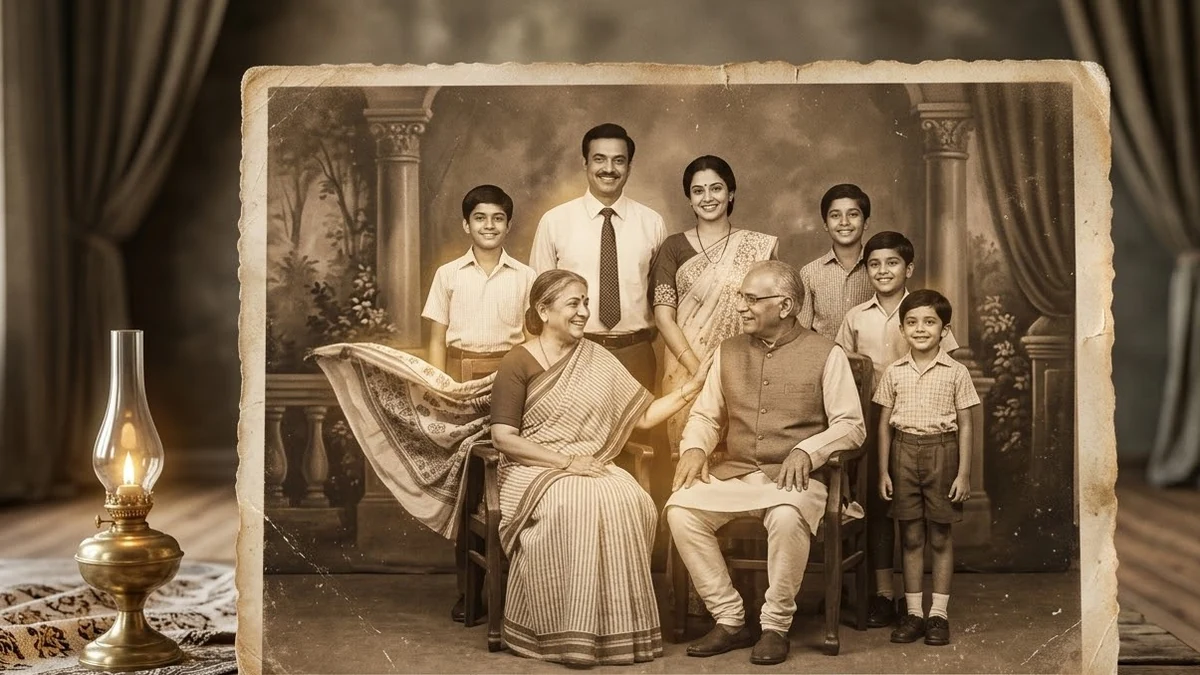 Old family photo to video (Higgsfield)Higgsfield · Kling
Guides that use these prompts
Questions, answered
Can AI restore a badly damaged photo?
It can repair scratches, creases, stains and missing areas and recover faded detail. For severe damage, expect to try more than once and check that faces still look like the original people.
How do I colourize (colorize) a black-and-white photo?
Upload it to Gemini or ChatGPT and use the colourize prompt. Tell the AI any colours you remember, such as "her saree was maroon with a gold border", for a more accurate result.
Should I keep the original scan?
Yes. Always keep the untouched scan. An AI restoration is a new picture based on the old one, and it can get small details wrong, so the original is the true record.