- Updated
Upscale a tiny old portrait
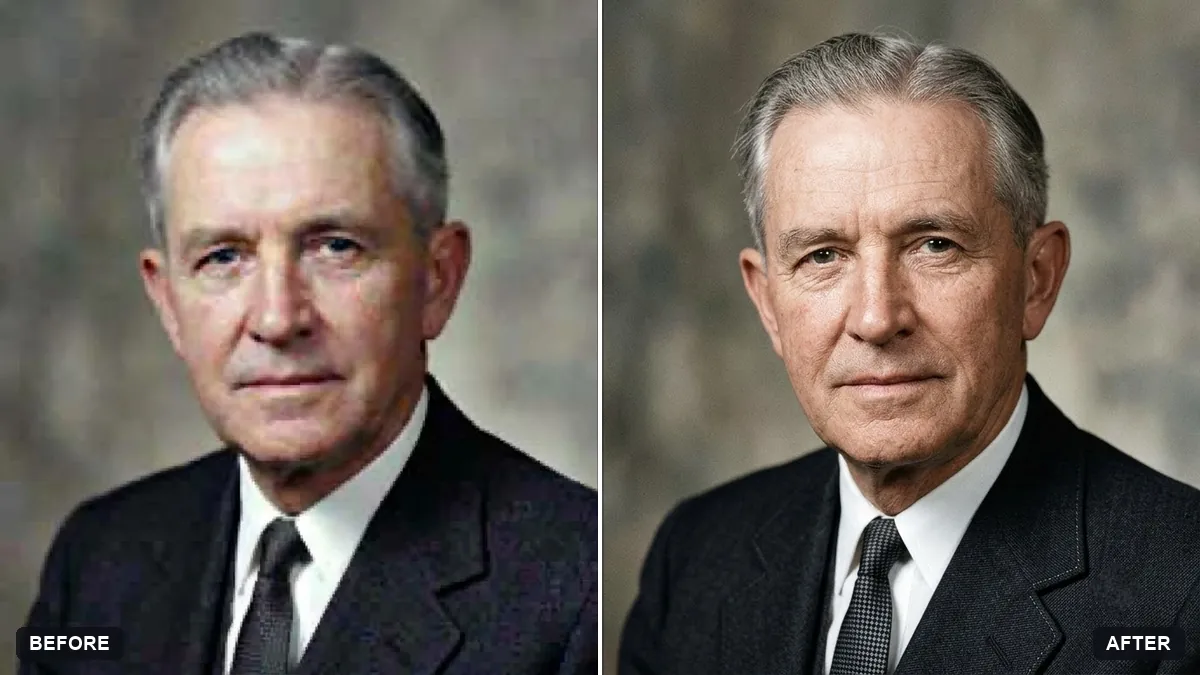
This prompt upscales a small old portrait for printing at a size you choose, recovering natural skin, hair and fabric detail. Details are estimated by AI, so compare with the original.
Upscale this small, low-resolution old portrait to a sharp high-resolution image suitable for printing at [SIZE]. Recover natural skin, hair and fabric detail without inventing a different face.

Keep the original expression, clothing and composition exactly the same.
Use the highest-resolution scan you can find; avoid phone screenshots.
Your photo goes to the AI app you choose, never to PromptUp.
Get a better result
A sharper, high-resolution version of a small old portrait, ready to print at the size you named, with skin, hair and fabric detail recovered while expression, clothing and composition stay the same.
Upscaling can invent a new face, so the prompt says plainly not to. It asks for natural detail in skin, hair and fabric and protects the expression, clothing and composition. The print size blank tells the model how sharp it needs to be.
The face turns into a different person, a real risk at low resolution.
Fix: Repeat “do not invent a different face, keep the original expression”, and compare eyes, nose and mouth side by side with the original before printing.
- The result looks plastic, with all texture smoothed away. Ask for “keep natural skin texture and the grain of the old photograph”. Over-clean pictures look fake.
- You start from a phone screenshot and the detail is poor. Follow the tip and use the highest-resolution scan you can find. If there is none, photograph the print flat in daylight.
For a damaged print, upscale first, then run a second pass with “repair scratches and fold lines, keep it black and white”. Each step then has one clear job.
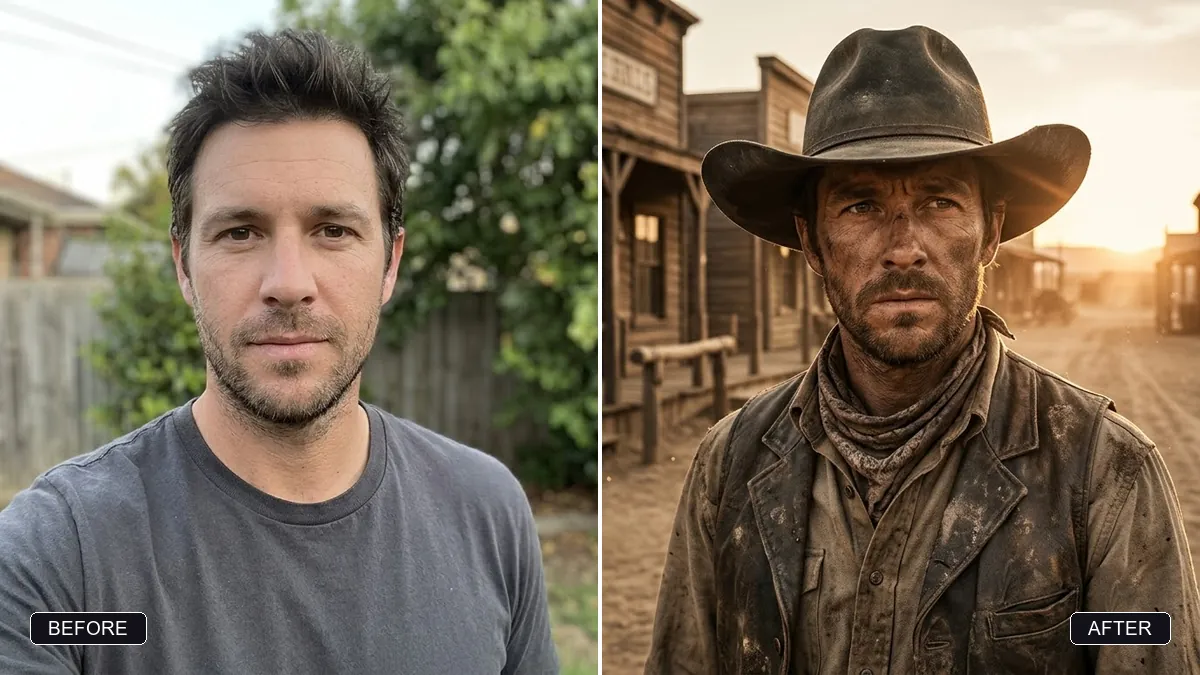
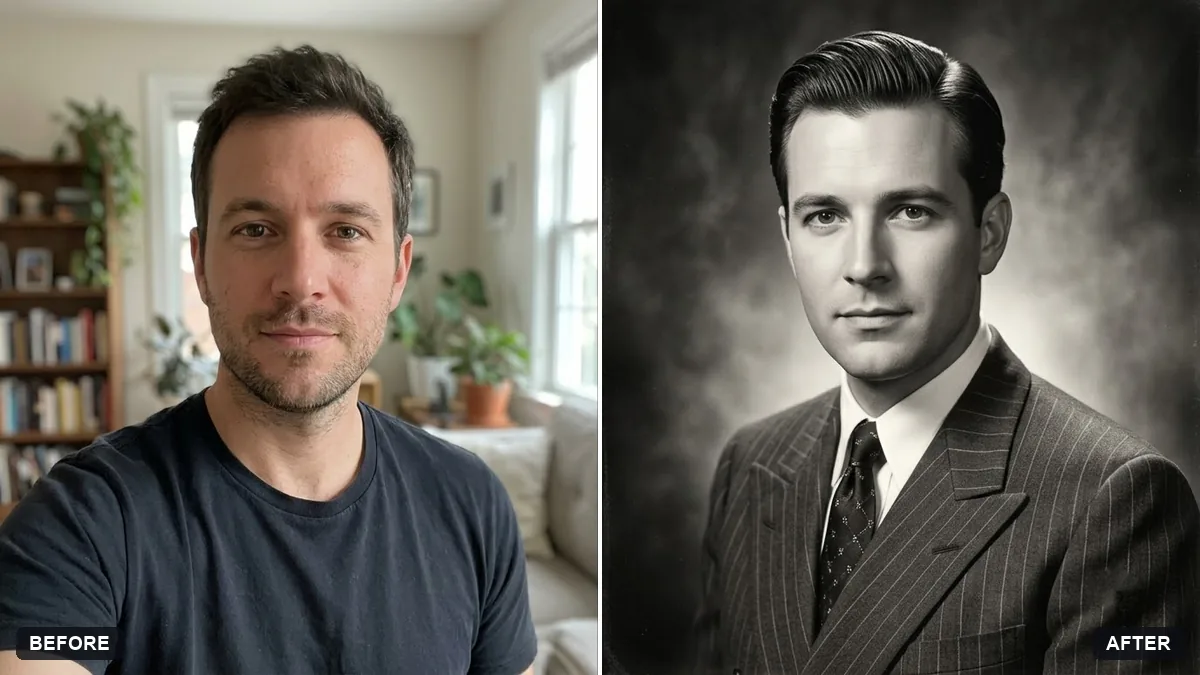
Keep my exact face from the original photo: same eyes, nose, smile, skin tone and age. Change only the style.
Guides on this topic
More photo editing prompts
See all 334 →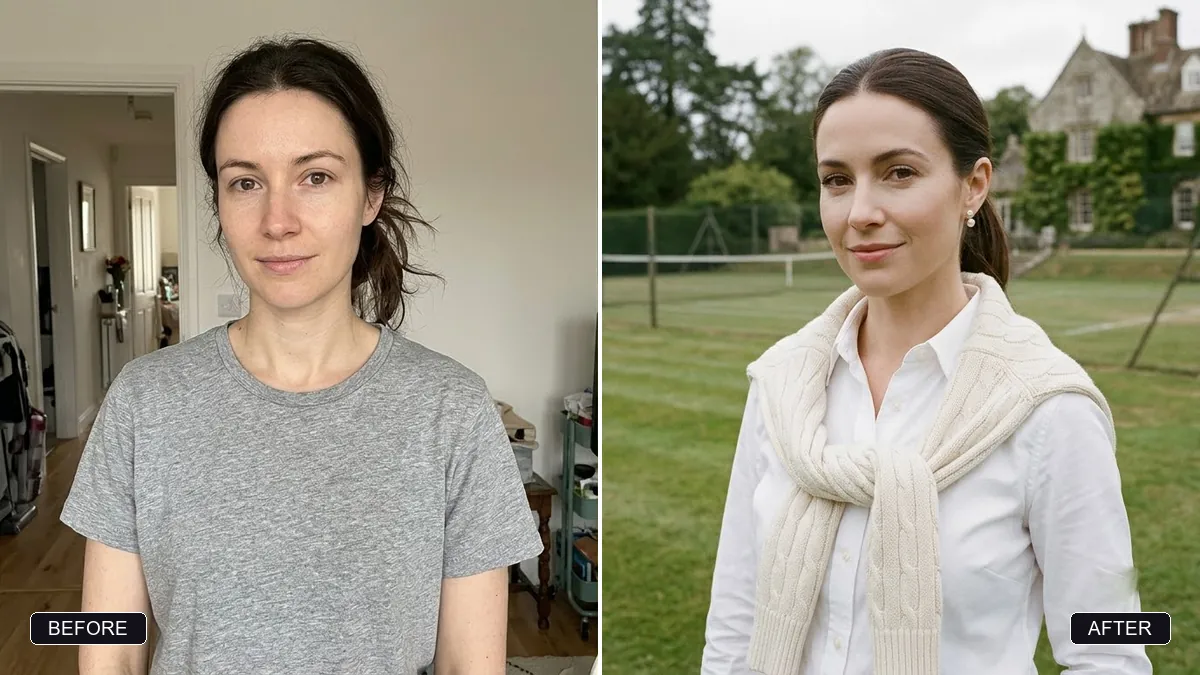
More like this
- Sharpen and upscale a small photoGemini · ChatGPT
- Colourize a black & white photoGemini · ChatGPT
- Convert a film negative to a positiveGemini · ChatGPT
- Flatten a crumpled photoGemini · ChatGPT
- Join two halves of a torn photoGemini · ChatGPT