- Updated
Flatten a crumpled photo
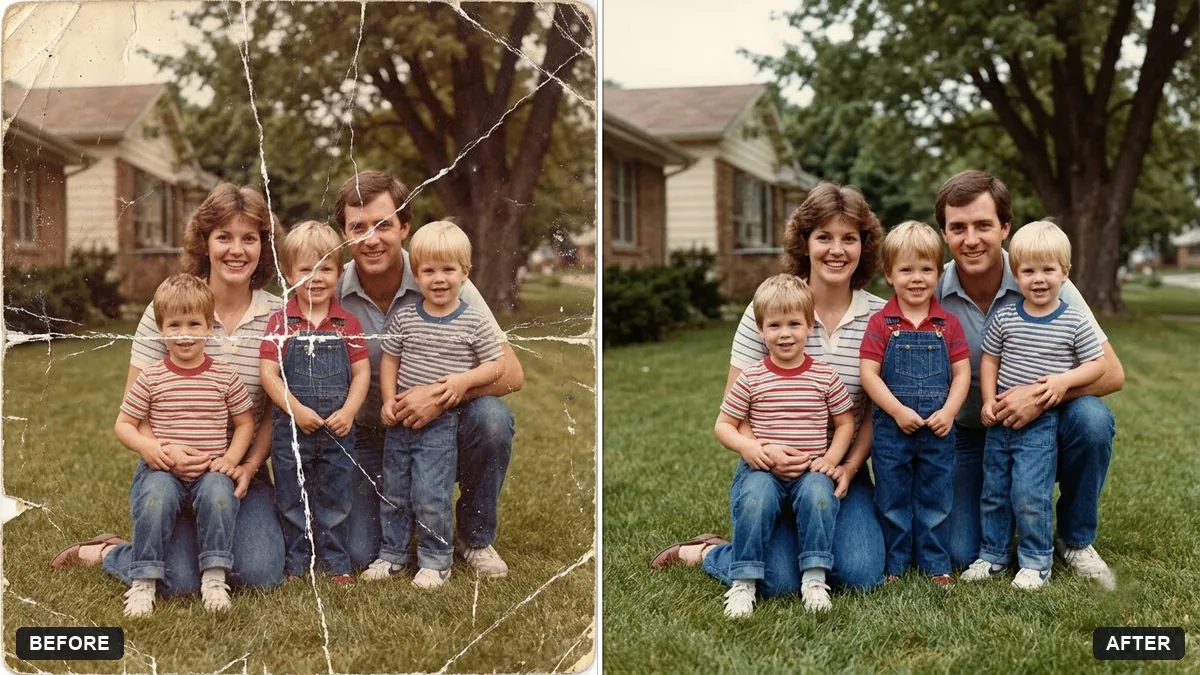
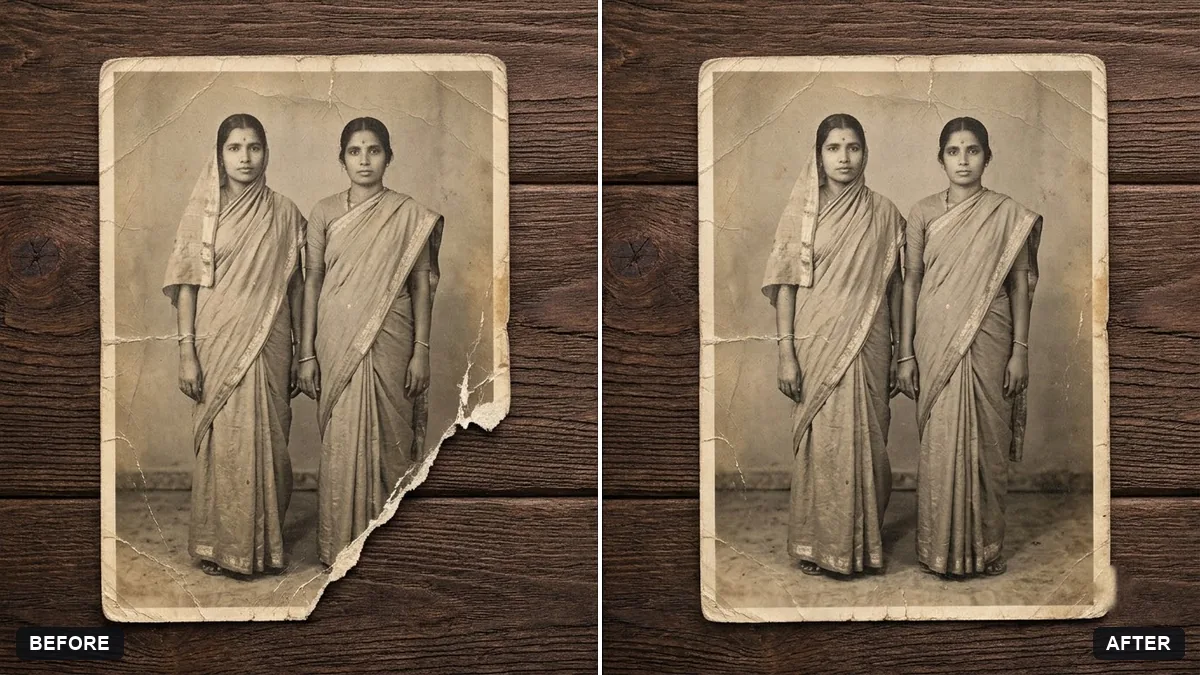
This prompt removes creases, folds and the highlights along them and repairs cracked areas, giving a smooth, even surface with natural detail.
Flatten this photo of a crumpled print, removing creases, folds and highlights along them and repairing the cracked areas. Restore a smooth, even surface with natural detail.

Keep the people, faces and scene exactly as they are. Extra instructions: [ANY DETAIL TO KEEP OR AVOID].
Photograph the print in even light without flash to avoid extra glare.
Your photo goes to the AI app you choose, never to PromptUp.
Get a better result
A smooth, even copy of your creased print, with the fold lines and bright reflections along them removed, cracked areas repaired and the people and scene left as they were.
Creases are both shadows and highlights, so the prompt asks to remove the folds and the shine along them, and to repair cracked areas. Keeping the people, faces and scene exactly as they are protects the memory. Even light with no flash, as the tip says, gives the AI a cleaner start.
Faces are redrawn.
Fix: Compare faces with the original. If they have changed, ask for repairs to the creases only, with the faces left untouched.
- Glare adds new bright patches. Retake the photo in even light, without flash, as the tip says, and from directly above.
- Deep cracks are still visible. Run it a second time on the cracked areas, or mark them in the prompt, for example “the crack across the lower left”.
After flattening, ask for faded colours to be gently restored, with skin tones kept natural and nothing added.
Keep the faces and details exactly as in the original. Do not sharpen or redraw anything, only remove the creases and repair the cracks.
More photo editing prompts
See all 334 →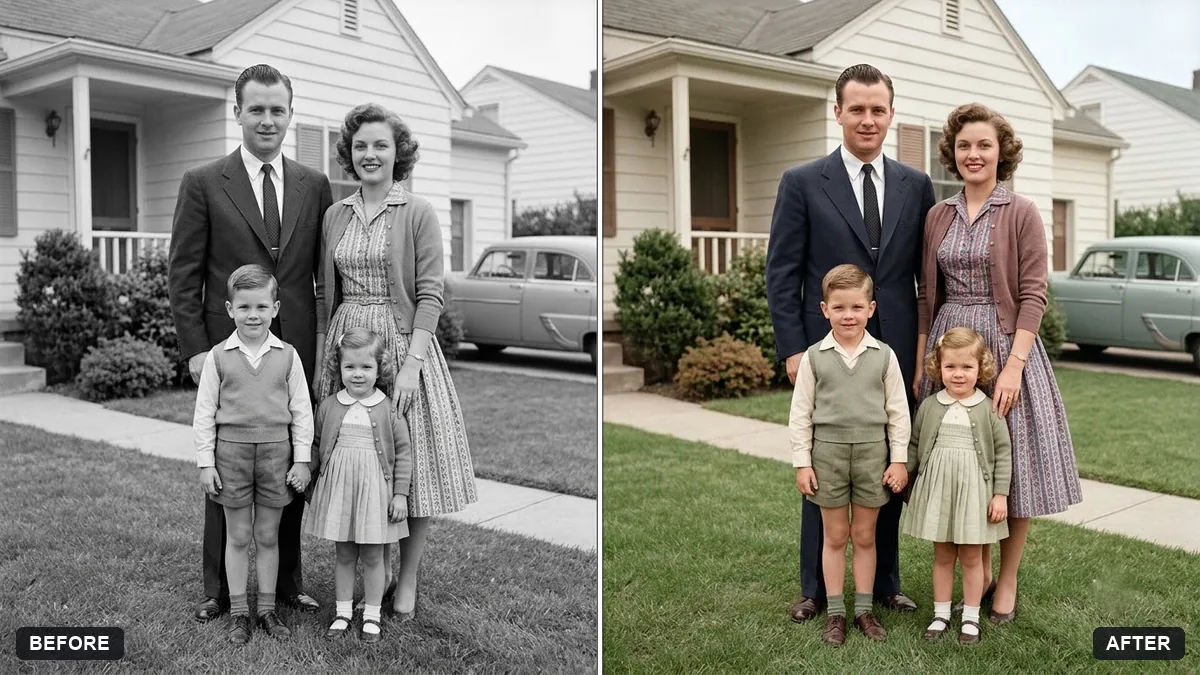
More like this
- Restore a faded colour printGemini · ChatGPT
- Restore an old, damaged family photoGemini · ChatGPT
- Join two halves of a torn photoGemini · ChatGPT
- Fix a blurry photo (Sharp & crisp)Gemini · ChatGPT
- Hug your younger selfGemini · ChatGPT