- Updated
Restore an old, damaged photo: Gemini & ChatGPT prompt
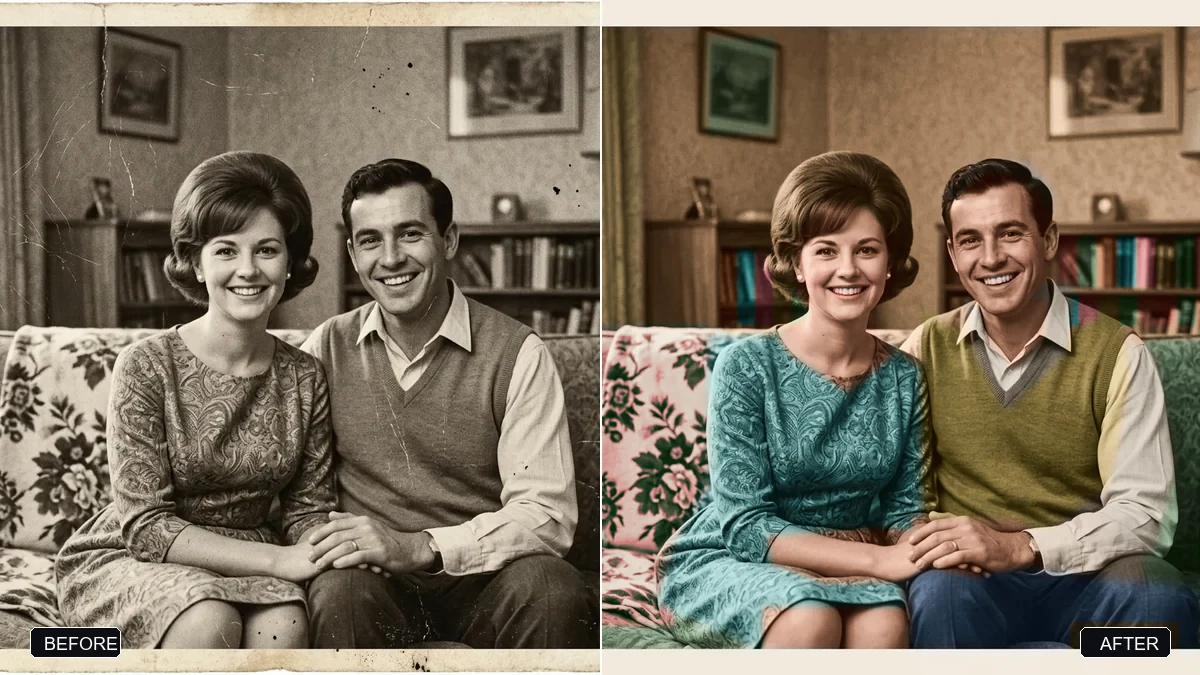
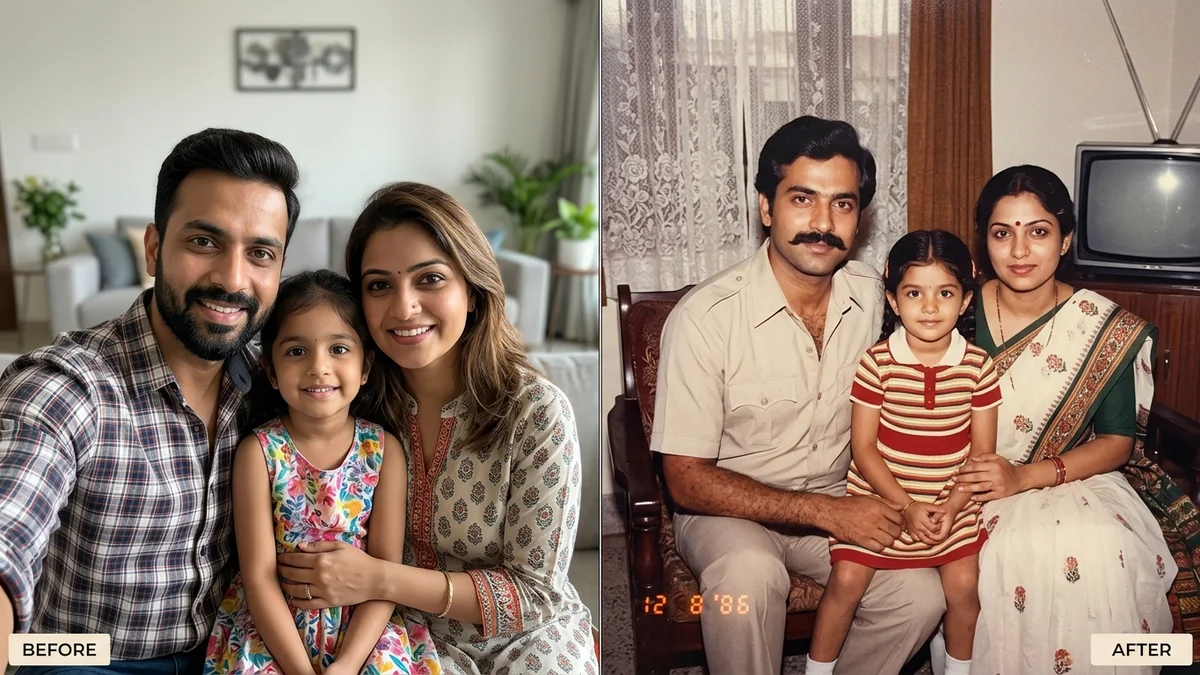
This prompt asks the AI to repair scratches, tears, creases, dust and stains, fill in missing areas, recover faded detail and even out the exposure, while sharpening faces faithfully to the original instead of inventing new ones.
Restore this old family photograph. Repair all scratches, tears, creases, dust spots, stains, and missing areas; recover faded details and even out uneven exposure.

Gently sharpen the faces and reconstruct fine details (eyes, hair, clothing texture) faithfully to the original — do not invent a different face.
Scan or photograph the print flat in good light without glare.
Your photo goes to the AI app you choose, never to PromptUp.
Get a better result
A cleaned-up version of your scan: scratches, creases and stains gone, uneven tones balanced and the faces a little sharper. You asked for repair only, so a black-and-white original should stay black and white.
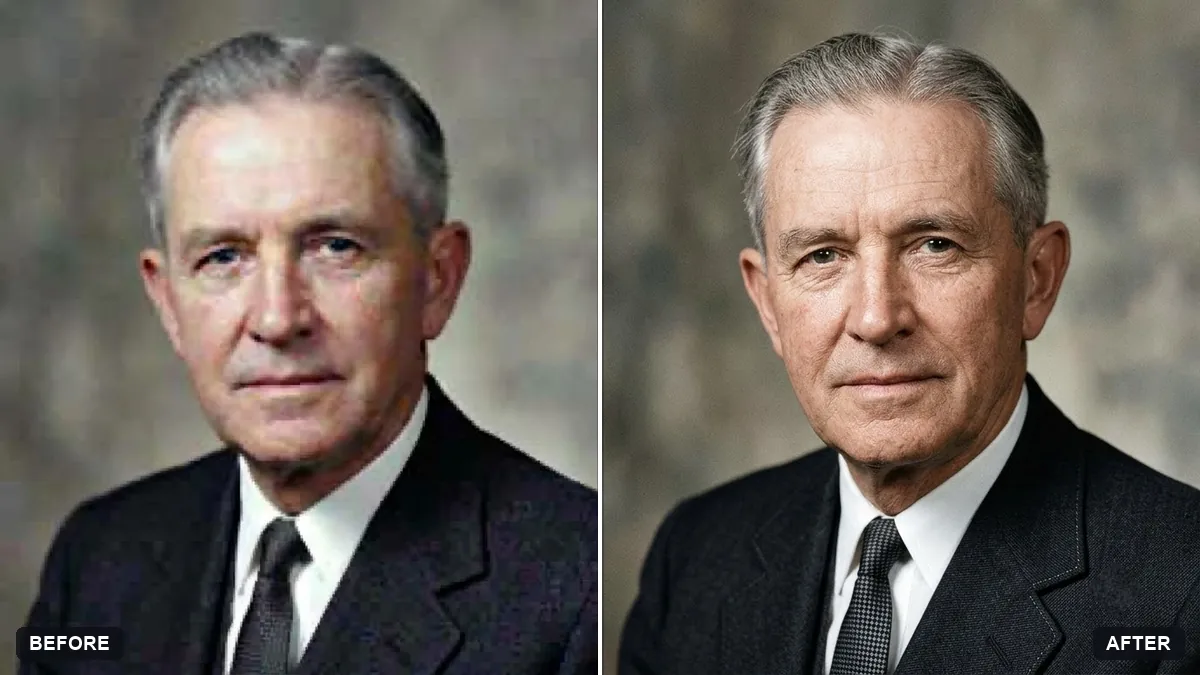
Faces come out too smooth and start to look like strangers.
Fix: Leave out words like “enhance” or “beautify”, and ask to keep skin texture, wrinkles and age exactly as they are.
- A torn or missing corner is filled with made-up detail. Say what should be there, for example “the missing corner is plain wall”, or crop it out before you upload. The AI can only guess what it cannot see.
- The shine from a glossy print is treated as part of the picture. Scan the print flat, or photograph it straight on away from windows, so there is no glare to repair. Light from the side shows creases clearly.
- Patterns, buttons or jewellery come back slightly different. Add “keep patterns, jewellery and medals exactly as in the original”, then zoom in on collars and hair to compare.
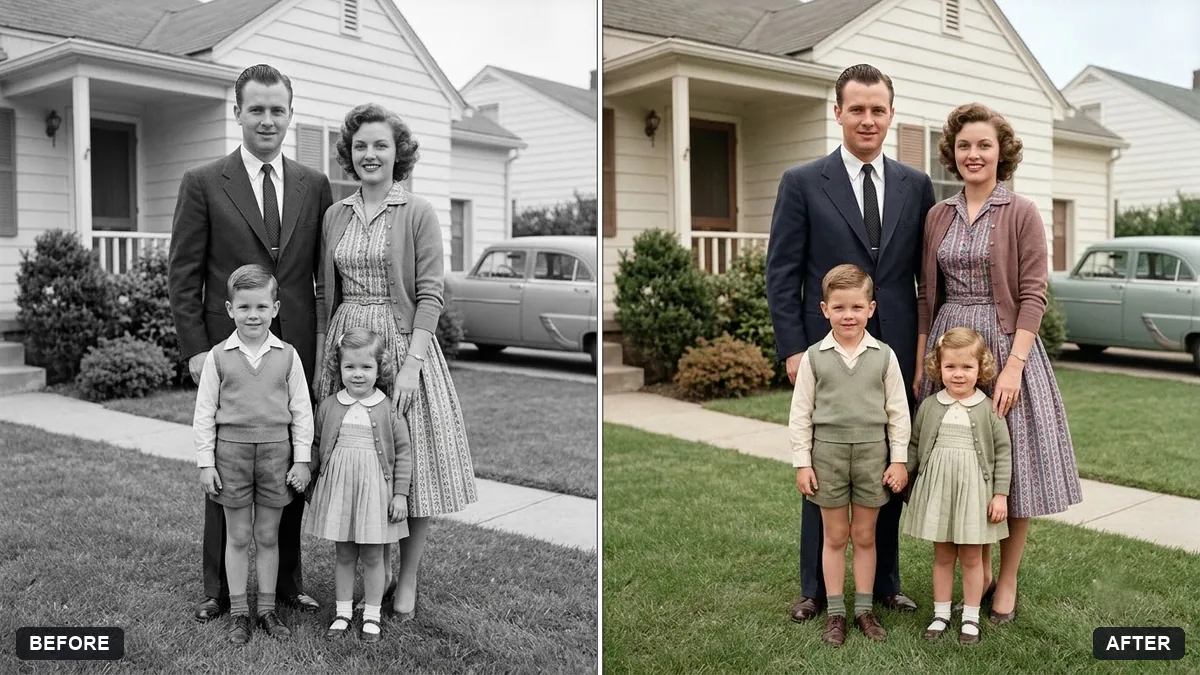
Add “keep the photo black and white, do not colourise”. For a colour copy, run a second pass on the repaired image: “add natural colour, keeping skin tones realistic”.
Keep every face exactly as in the original, with the same skin texture, wrinkles and age. Only repair the damage.
About this prompt
Can AI restore a badly damaged old photo for free?
The prompt is free. Whether your tool lets you edit photos on its free plan depends on that tool and changes over time, so check before you start. A heavily damaged print often works better in two passes: repair first, then ask for a gentle sharpen.
Guides that use this prompt
More photo editing prompts
See all 334 →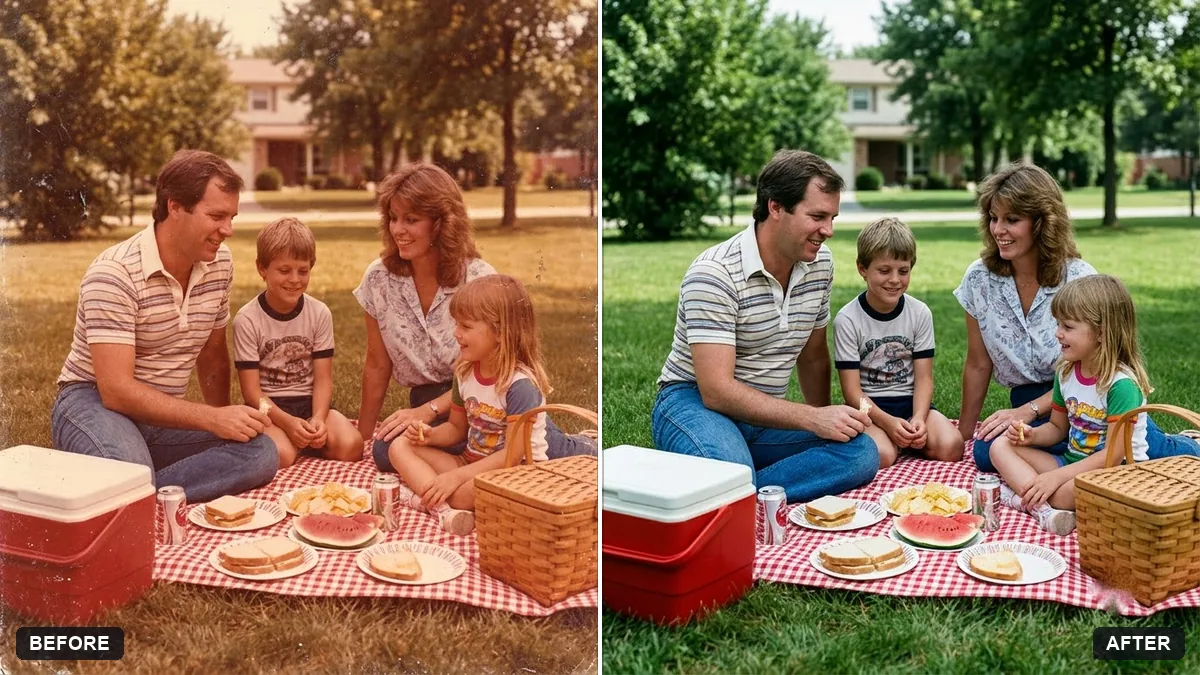
More like this
- Flatten a crumpled photoGemini · ChatGPT
- Old family photo to video (Higgsfield)Higgsfield · Kling
- Remove stains and mould from a scanGemini · ChatGPT
- Rebuild a torn photo cornerGemini · ChatGPT
- Remove the orange date stamp from a scanGemini · ChatGPT