Nano Banana 2.1 is here: what's new, and prompts that use it well
Published
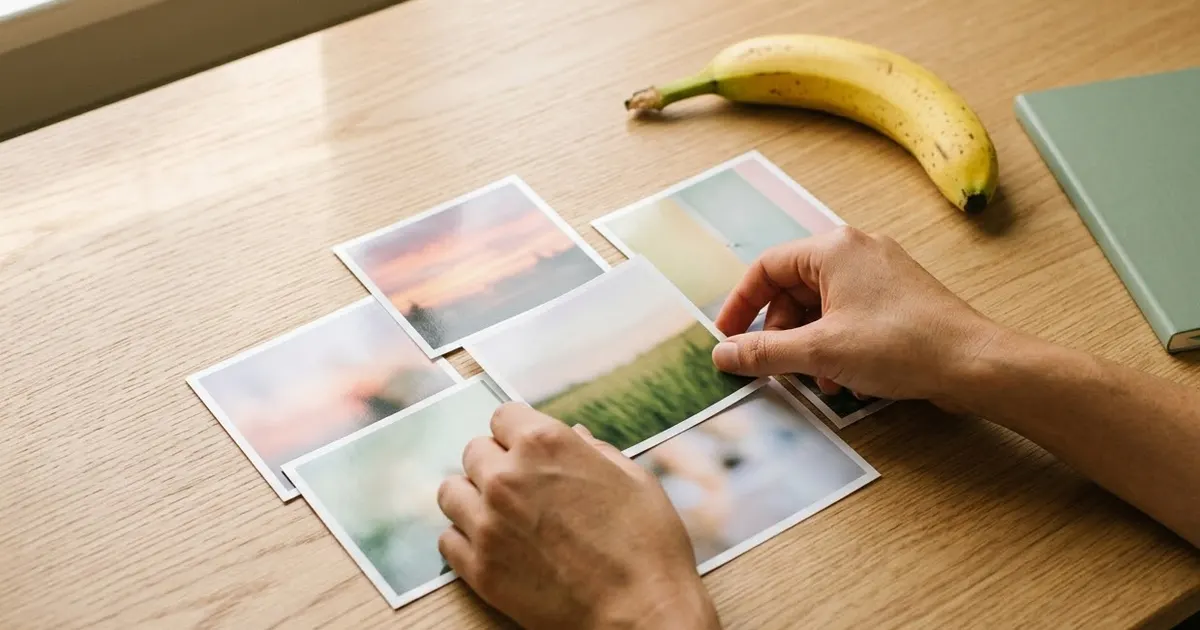
Short answerNano Banana 2.1 is Google's updated image model, rolling out from 6 October 2026, with sharper detail, more reliable text in images and the ability to combine more reference photos at once. The model it replaces, Nano Banana 2, is due to stop working on 29 October 2026, so update any saved prompt or automation that names it directly.
Google started rolling out Nano Banana 2.1 on 6 October 2026, according to coverage from Let's Data Science, which cites Google's own release notes. It's the next version of the Nano Banana image model inside Gemini, and it's already reaching the Gemini app, AI Mode in Google Search, Flow, Google AI Studio and Stitch.
If you only use Google's consumer apps, you don't need to do anything. The new model shows up where the old one used to. If you call the model by name through the API, or you built a prompt library around its exact limits, this guide covers what's different and gives you prompts that put the upgrade to use.
What's actually new
Based on Google's release notes as reported by Let's Data Science, Nano Banana 2.1 brings:
- Better prompt adherence. It follows detailed, multi-part instructions more closely than the previous model.
- Steadier character consistency across turns. Keeping the same face, outfit and features right as you ask for edit after edit is more reliable.
- Clearer text rendering. Words and labels inside an image come out sharper and more correctly spelled.
- More reference images at once. The same coverage reports multi-image fusion of up to 14 reference photos in one request, up from far fewer before.
- Higher resolution output. Reports describe support for 1K, 2K and 4K images, letting you ask for a sharper final file when you need one.
Treat the exact numbers as reported rather than confirmed first-hand, since Google's own blog wasn't reachable while writing this. The direction of the changes, more images at once, cleaner text and steadier faces across edits, lines up with where Google has been pushing Nano Banana since the first version.
The deadline: the previous model is going away
The model most people have been calling Nano Banana 2, officially Gemini 3.1 Flash Image, is due to stop being served through the API on 29 October 2026 at the earliest, according to the same coverage. If none of your prompts or tools call a model by its exact name, this won't affect you. If you built an app, Shortcut or automation that calls gemini-3.1-flash-image directly, that's the one to update before the end of the month.
This is the same pattern as the original Nano Banana's own shutdown, which our Nano Banana 2 migration guide covered at the time: the model name changes, but most prompts that were already well written carry over with little or no change.
Prompts that benefit from the upgrade
Combining several photos into one
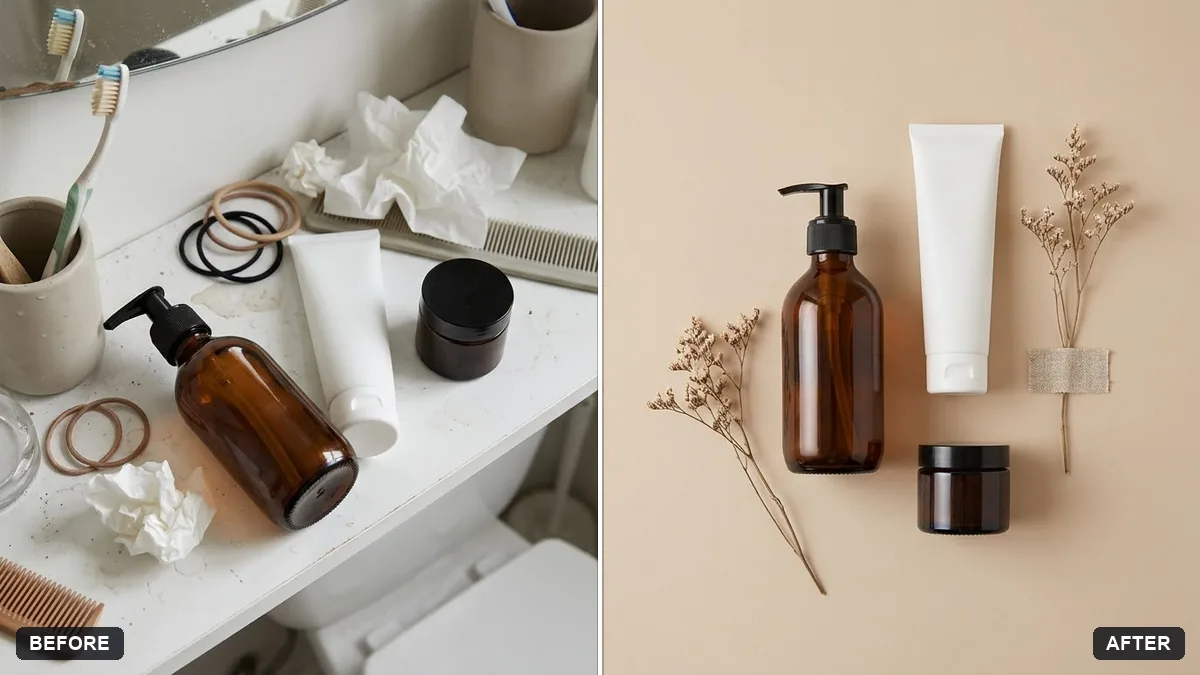
With more reference images supported in one request, prompts that pull together several separate photos are worth trying again if they used to lose details past two or three images. The combine product photos into a flat lay prompt is a good test: feed it more product shots than you used to and check that labels and colours still hold up.
Combine the products in these photos into one neat flat-lay arrangement on a [COLOUR] background.
Keep every product's shape, colour and label exactly the same.
Top-down view, balanced composition with gentle shadows, a few complementary props like [PROPS], soft even light, catalogue quality.
Fixing one small thing in a group photo
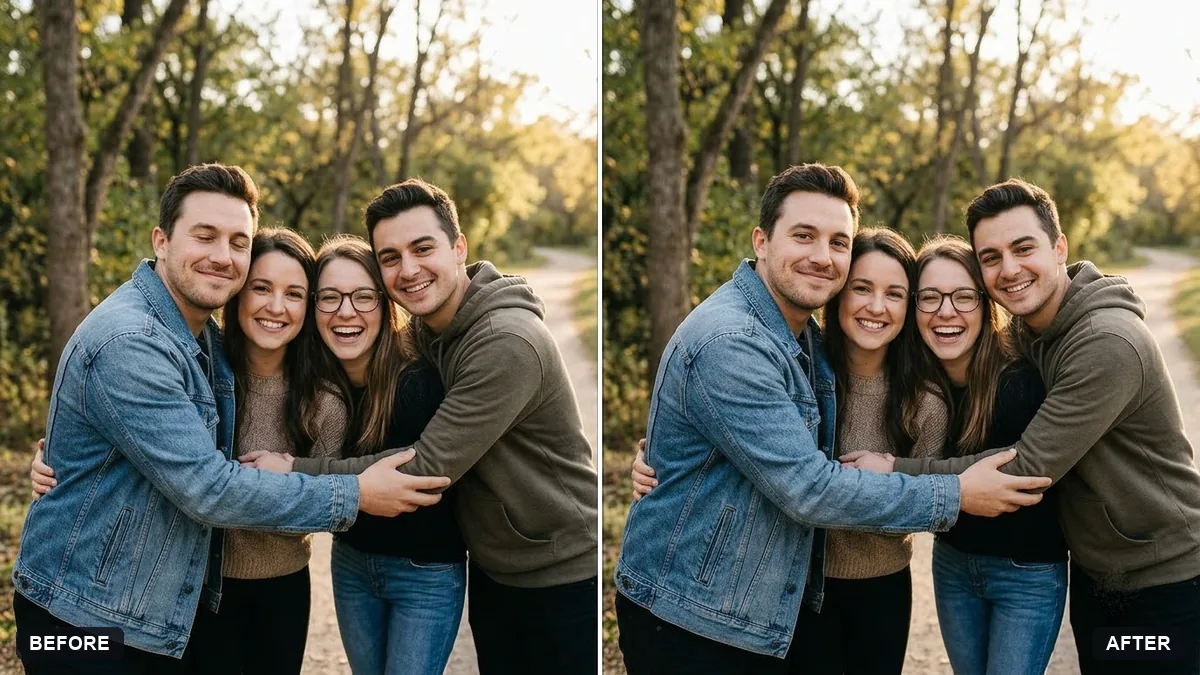
Stronger consistency across edits matters most when you're asking the model to change one small detail and leave everything else untouched. The fix closed eyes in a group photo prompt is exactly this kind of edit:
Fix this group photo. [PERSON, e.g. the man on the far left] has closed eyes. Open his eyes naturally using his real eye shape and colour.

Keep every face, pose, clothing and background exactly the same. Do not change anyone else. Make no other edits apart from a gentle brightness balance.
If the old model used to drift on faces it wasn't meant to touch, this is worth a fresh try.
Text that needs to come out right
Clearer text rendering helps most on anything with words baked into the image, such as a poster or a label. The festival greeting poster prompt depends entirely on the model spelling the headline correctly:
Design a festive greeting poster for [FESTIVAL] from [NAME / BRAND].

Visuals: [ELEMENTS] in a rich [COLOURS] palette, elegant and premium, not cluttered.

Text, spelled exactly: "[GREETING]" as the large headline and "[NAME / BRAND]" small at the bottom. Clean, readable typography. Square 1:1 for WhatsApp and Instagram.
Keep every word of text in quotes, as the prompt card already suggests. That habit matters on any model, and it gives the clearer text rendering something precise to work from.
Character sheets and detail recovery
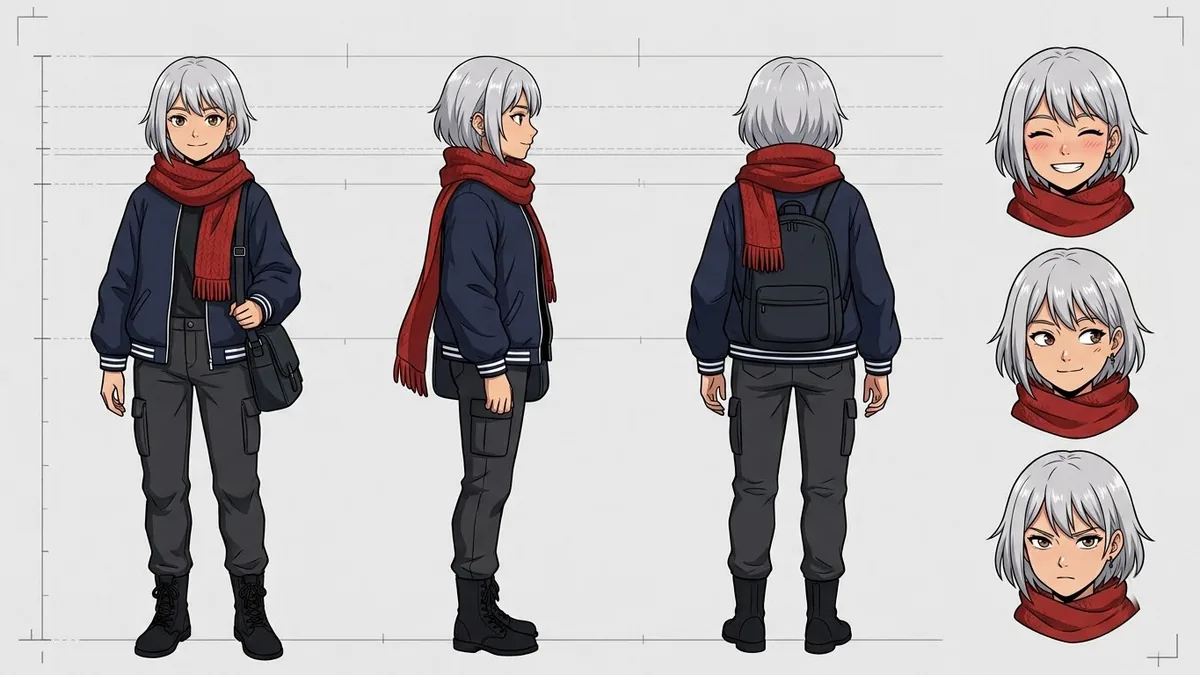
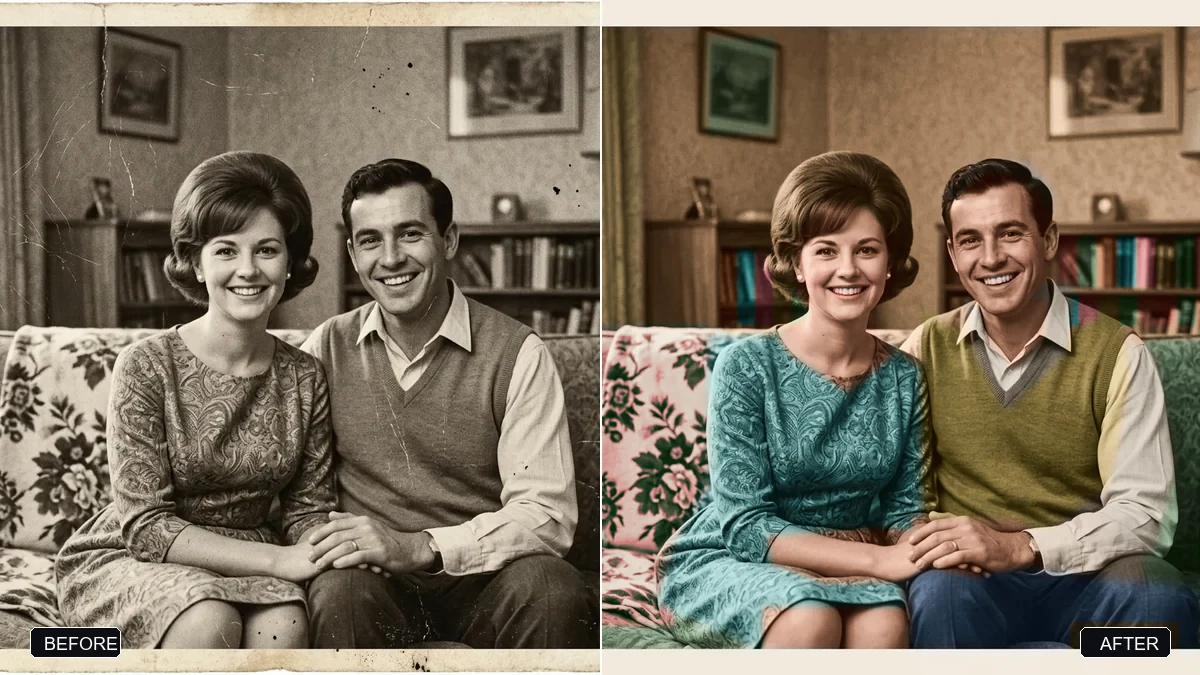
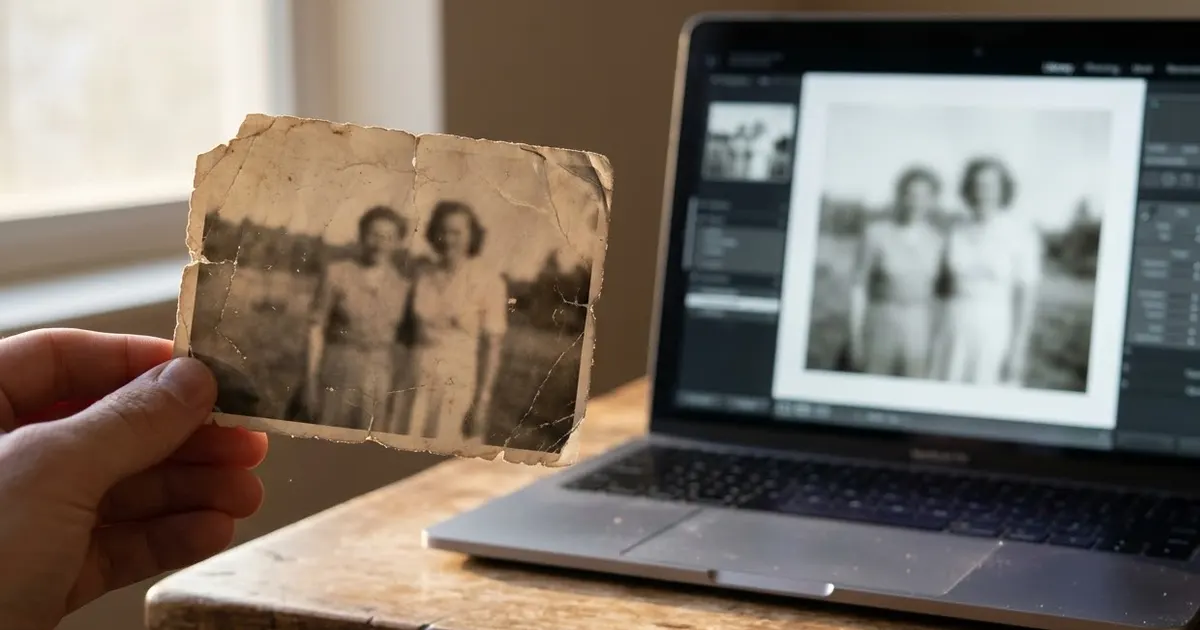
Anything that depends on fine detail, such as the anime character design sheet prompt or the restore an old, damaged photo prompt, is worth a direct before-and-after comparison against your last result on the previous model. Keep the prompt identical and change only the model, so you can actually see what moved.
A quick way to check the upgrade is real for your use case
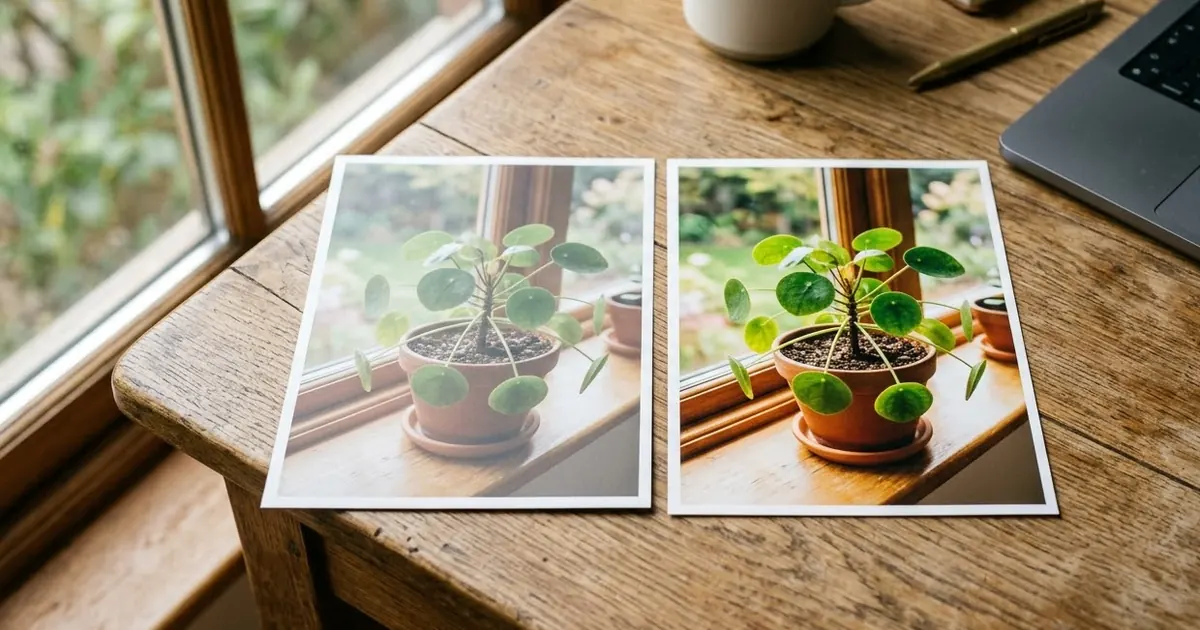
Don't take any of this on faith, including what's written above. Pick two or three prompts you already use often, run them again without changing a single word, and compare the new result with your last saved one side by side. If nothing looks different for your particular images, there's no need to rewrite anything. If you see a real improvement on faces, text or multi-image work, that's the part worth leaning on.
Where to go from here
If you still need to move prompts off the original Nano Banana, start with the Nano Banana 2 migration guide. For general photo-edit habits that apply whatever model you're on, see how to edit an AI prompt. You'll find more ready-made prompts in the PromptUp photo editing prompts and Gemini prompts collections, and the prompt builder can adapt any of these to your own photos.
Quick checklist
- Nano Banana 2.1 began rolling out on 6 October 2026, across the Gemini app, Search's AI Mode, Flow, AI Studio and Stitch.
- The model it replaces, Gemini 3.1 Flash Image, is due to stop working via the API on 29 October 2026 at the earliest.
- If you only use Google's consumer apps, there is nothing to change.
- If you call a model by name in code or an automation, update it before the deadline.
- Re-test your own prompts unchanged before rewriting anything; most still work as they are.

Comments
No comments yet. Be the first to share what worked for you.