- Updated
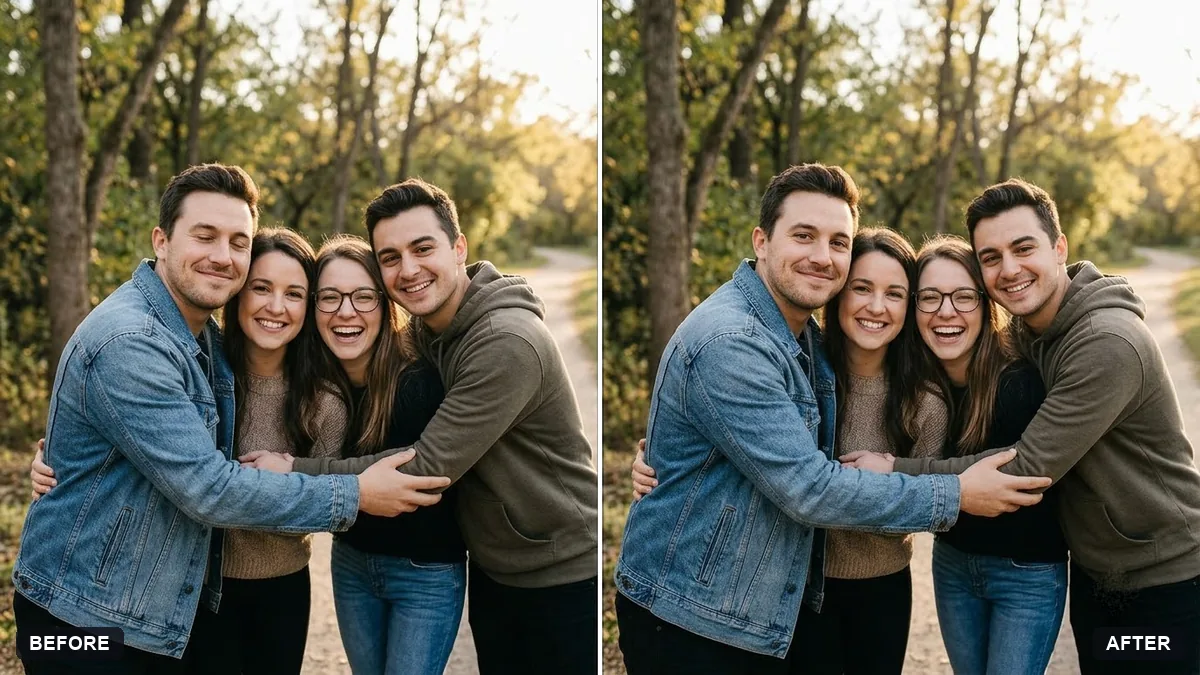
Fix closed eyes in a group photo
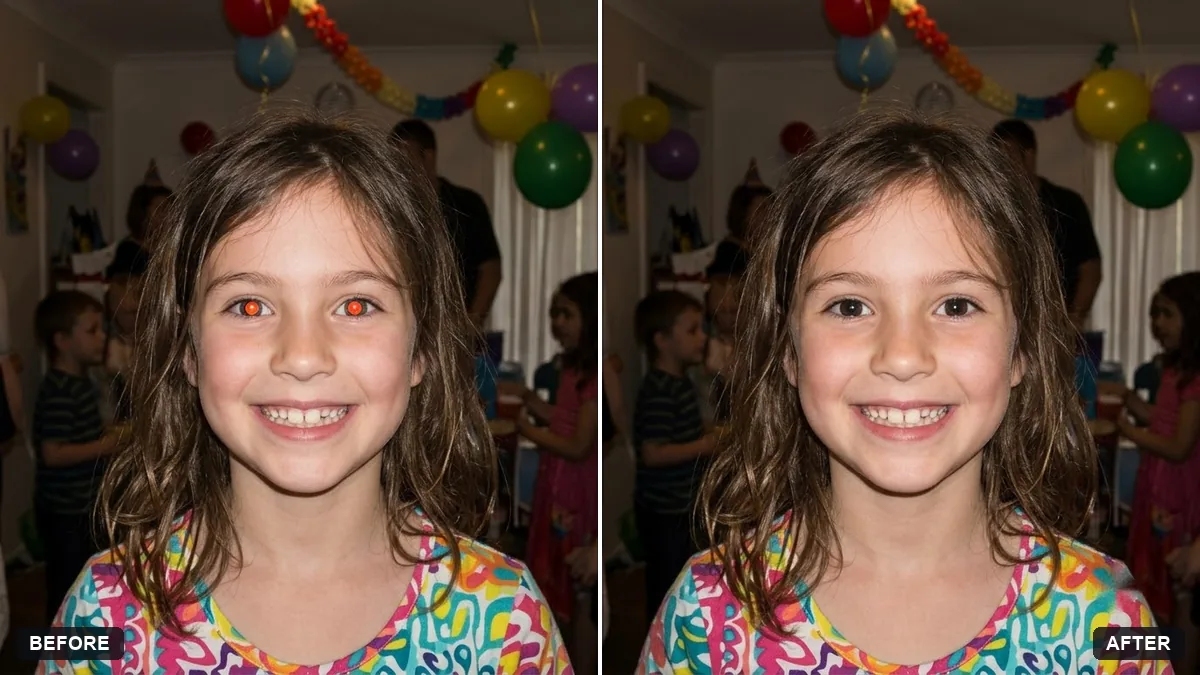
This prompt fixes one problem in a group photo, such as a person with closed eyes. It opens the eyes naturally using their real eye shape and colour, and keeps every other face, pose, clothing and the background.
Fix this group photo. [PERSON, e.g. the man on the far left] has closed eyes. Open his eyes naturally using his real eye shape and colour.

Keep every face, pose, clothing and background exactly the same. Do not change anyone else. Make no other edits apart from a gentle brightness balance.
If the result looks off, upload another frame where his eyes are open and ask it to combine.
Your photo goes to the AI app you choose, never to PromptUp.
Get a better result
The same group photo with one person’s closed eyes opened naturally, everyone else untouched, and only a gentle brightness balance.
The opened eyes look too wide, or the colour is wrong.
Fix: Put the eye colour and any glasses in the bracket, for example “the man on the far left, brown eyes, glasses”, and ask for “relaxed, natural eyelids, not wide open”.
- The person’s smile changes along with the eyes. Add “keep the smile and the shape of the mouth exactly the same, change only the eyelids”.
- Nobody’s face is touched, but small details like collars and patterns drift. Zoom into the clothing after the edit. If something moved, ask it to “restore everything outside the eyes of that one person”.
If more than one person blinked, fix one person per message and check each result before the next. A single edit has far less to get wrong.
Keep every person from the original photo, each with their exact face and age. Do not remove, add or merge anyone.
Guides that use this prompt
More photo editing prompts
See all 334 →
More like this
- Fix a weird AI photo (hands, face, skin)Gemini · ChatGPT
- School farewell group photoGemini · ChatGPT
- Fix wide-angle lens distortionGemini · ChatGPT
- What to eat when you visit a new placeChatGPT · Gemini · Claude
- Fix yellow indoor lightingGemini · ChatGPT