The original Nano Banana is shutting down: how to move to Nano Banana 2
Published
Short answerThe original Nano Banana model (Gemini 2.5 Flash Image) stops working through the Gemini API on 2 October 2026. Nano Banana 2 (Gemini 3.1 Flash Image) replaces it, keeps up to five people consistent in one image, and follows detailed instructions more closely, so most prompts just need a small update, not a rewrite.
If you built prompts or a workflow around the original Nano Banana, it's worth knowing this: Google's Gemini API deprecation notes list the original model, gemini-2.5-flash-image, as due to stop working on 2 October 2026. If your app, shortcut or saved prompt calls that model directly through the API, it will stop returning results after that date. (Google Cloud's Vertex AI lists a later date for the same model, so check which one your setup actually uses.)
The good news is that the replacement, Nano Banana 2, is already out and is a genuine improvement, not just a rename. This guide explains what changed and how to adjust your prompts.
What's different in Nano Banana 2
Nano Banana 2 is Google's name for Gemini 3.1 Flash Image, announced by Google in February 2026 as a faster, more capable successor to the original Nano Banana (Gemini 2.5 Flash Image). Google says it brings the accuracy of its Pro-tier image model to Flash speed. Two changes affect how you should prompt it:
- Better real-world grounding. Google says the model draws on Gemini's world knowledge, so it renders specific, well-known subjects (landmarks, logos, products) more accurately than before, instead of a generic approximation.
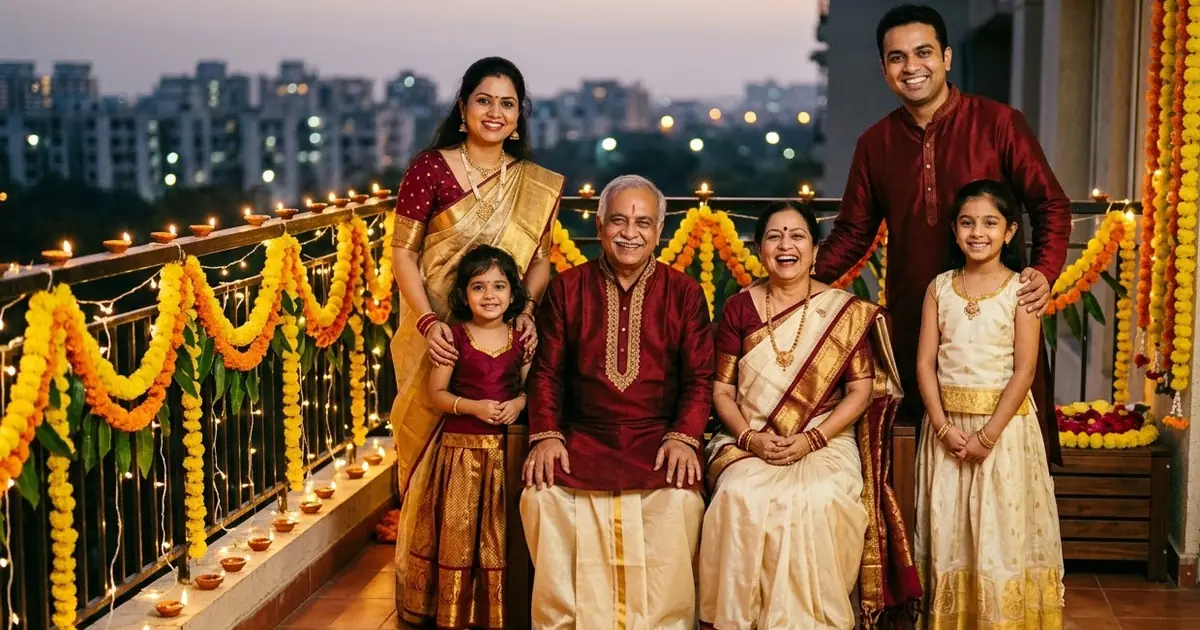
- Stronger multi-subject consistency. Google says it can keep up to five different people looking like themselves in one image, which is a big jump from earlier models that often blurred details on anything past one or two faces.
If you're still on the original Nano Banana through Google's own apps rather than the API, you may already be on Nano Banana 2 without changing anything, since Google has been rolling it out as the default in several products. The deadline mostly matters if you call the model directly by name.
Updating a single-subject prompt
Most photo-edit prompts don't need much change. The instructions that worked on the original model, such as "keep the face exactly the same", still matter and still work. What's worth adding is a line asking it to use its knowledge of the real subject, when that's relevant:
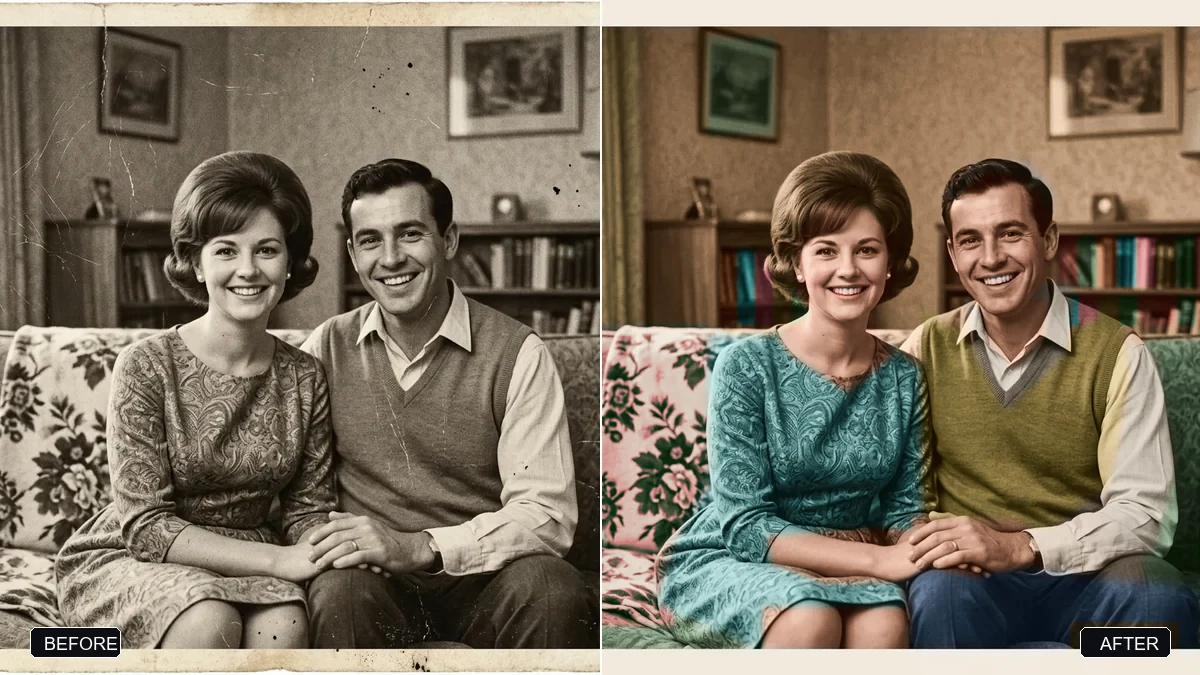
Restore this old family photograph. Repair scratches, tears and faded areas, and even out the exposure.
Reconstruct fine detail (eyes, hair, clothing texture) faithfully to the original person — do not invent a different face.
This is the restore a damaged photo prompt, and it needs no changes at all to benefit from the newer model's sharper detail recovery.
Prompts that now handle more than one subject
This is where it's worth rewriting a prompt rather than just reusing it. If you were avoiding group shots or multi-product images because results used to fall apart past two subjects, try again with a clearer per-subject breakdown:
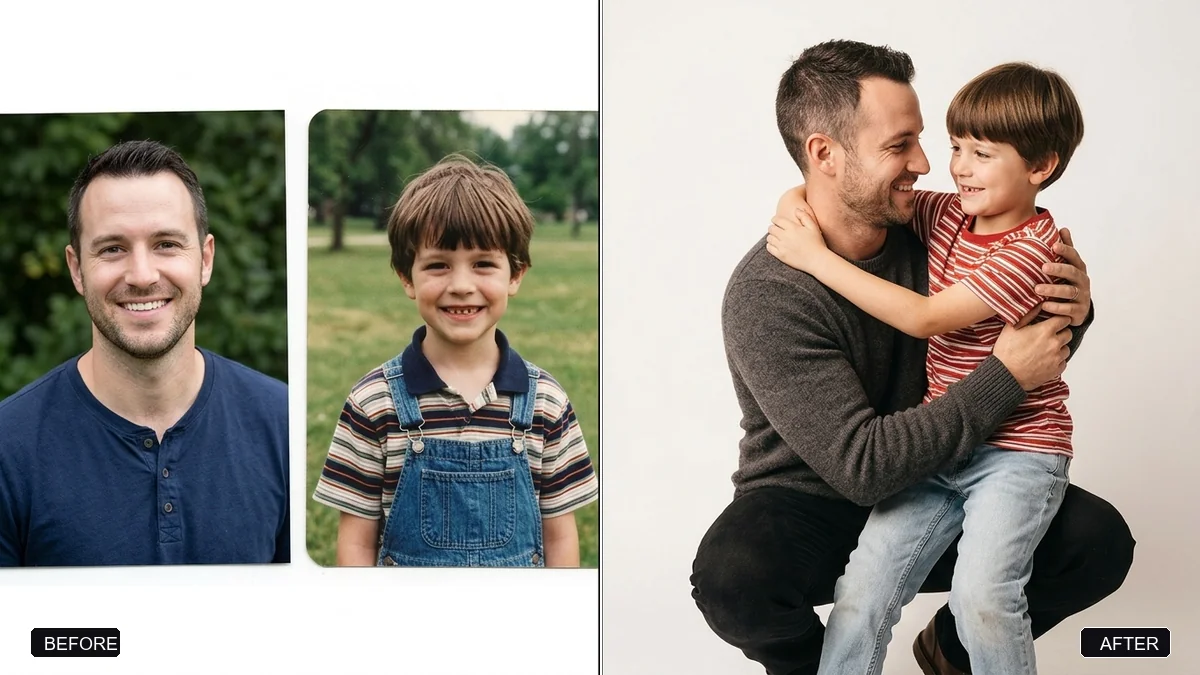
Combine these two photos into one realistic image: [PERSON A] and [PERSON B].
Keep both faces, skin tones and features exactly as they appear in their own original photo.
Setting: [SETTING]. Match the lighting on both people so they look photographed together.
This is close to the hug your younger self prompt, which blends two separate photos of the same person into one. The same structure, naming each subject and what to keep from their own photo, works for group photos too. The fix a group photo prompt is a smaller version of the same idea: name the one person to fix, and tell the model to leave everyone else untouched.
Product and layout prompts
Catalogue and flat-lay work benefits from the same multi-subject improvement. If you've tried combining several product photos into one layout before and had labels or colours drift, it's worth another go:
Combine the products in these photos into one neat flat-lay arrangement on a [COLOUR] background.
Keep every product's shape, colour and label exactly as shown in its own photo.
Top-down view, balanced composition, soft even light, catalogue quality.
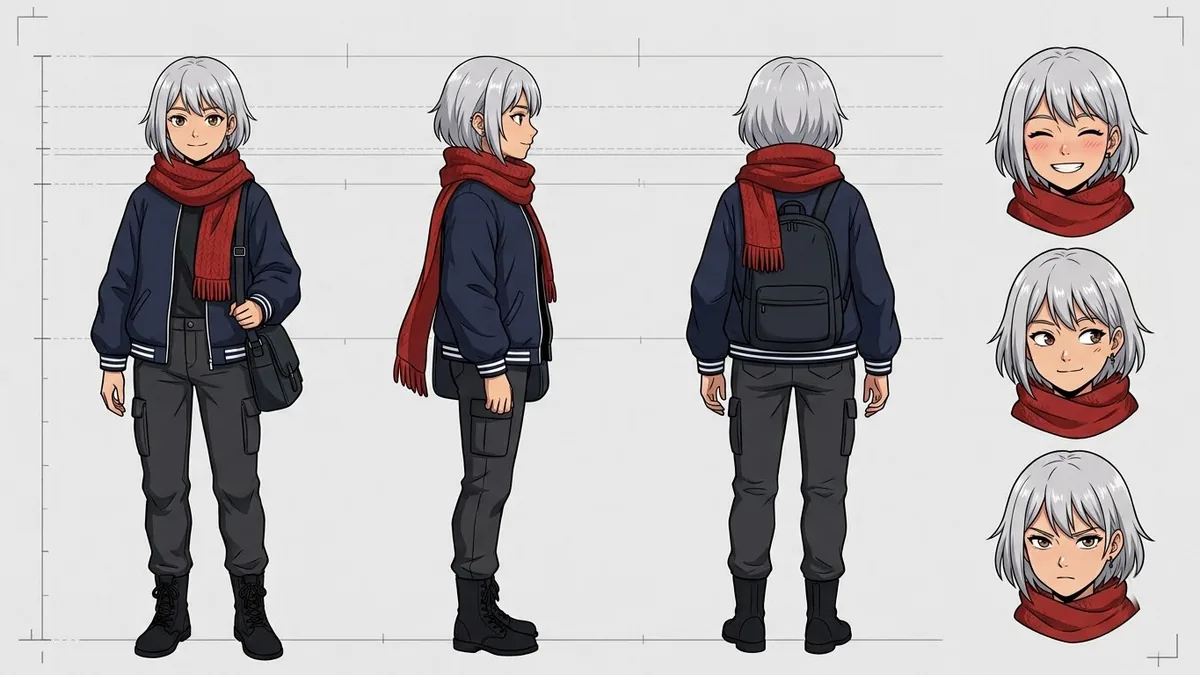
That's the combine product photos into a flat lay prompt. For character work, such as game or brand assets, the anime character sheet prompt also holds up better across the front, side and back views in one sheet, since consistency across views is the same underlying skill as consistency across people.
A quick migration checklist
Before 2 October 2026, if you use the Gemini API directly:
- Check whether your code, app or automation calls
gemini-2.5-flash-imageby name. - Point it at the current Nano Banana 2 model name in Google's docs.
- Re-run your most important saved prompts once and compare the result. Most need no changes.
- For any prompt involving more than one face or product, try removing workarounds you added to avoid the old model's limits, such as generating subjects separately and combining them in an editor.
- Keep "keep this exactly the same" instructions. They still matter.
Where to go from here
For general photo-edit prompting habits that still apply on any model, see how to edit an AI prompt. You'll find more ready-made prompts in the PromptUp photo editing prompts and Gemini prompts collections, and the prompt builder can adapt any of these for your own photos.
Quick checklist
- The original Nano Banana (
gemini-2.5-flash-image) is due to stop working via the Gemini API on 2 October 2026. - Nano Banana 2 is Gemini 3.1 Flash Image: faster, and better at keeping several subjects consistent.
- Single-subject prompts mostly need no changes.
- Multi-subject and multi-product prompts are worth retrying without your old workarounds.
- If you only use Google's consumer apps, you may already be on the newer model.

Comments
No comments yet. Be the first to share what worked for you.