- Updated
Remove stains and mould from a scan
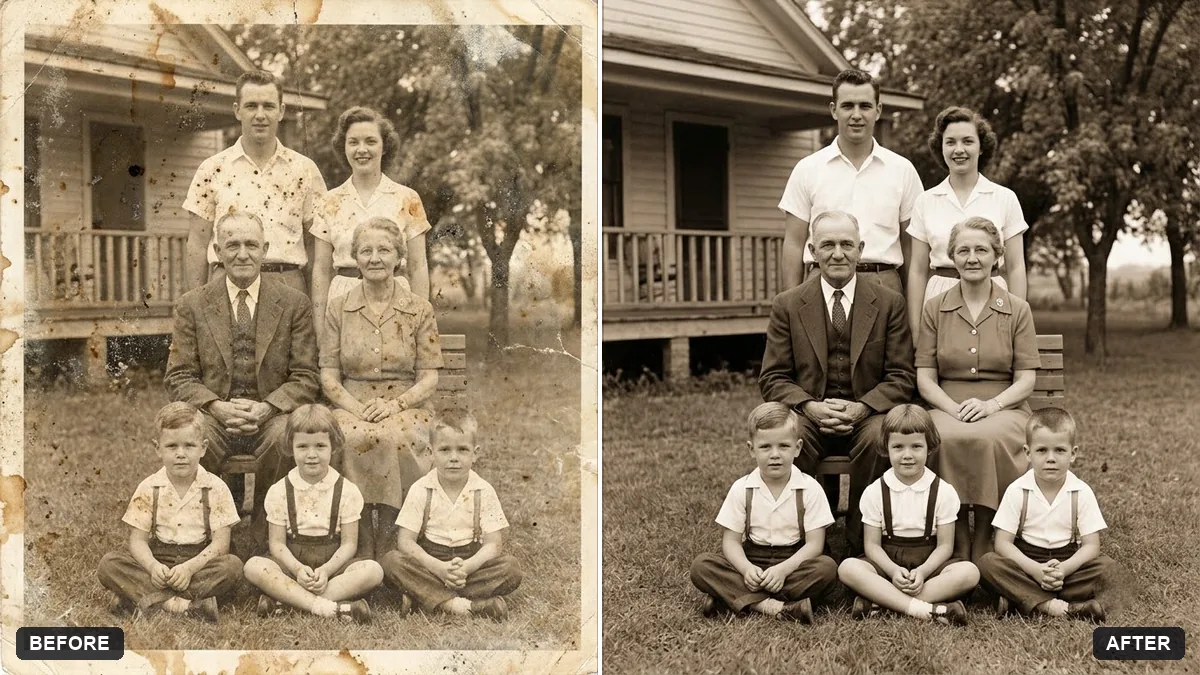
This prompt removes stains, mould spots, fingerprints and water marks from a scanned old photo and restores the underlying picture faithfully, keeping all faces as they are.
Clean this scanned old photo by removing brown stains, mould spots, fingerprints and water marks. Restore the underlying picture faithfully.

Keep all faces, clothing and details exactly as in the original, and keep the print's natural tone and grain. Extra instructions: [ANY DETAIL TO KEEP OR AVOID].
Keep the original colours and only clean the damage; do not ask for a different style.
Your photo goes to the AI app you choose, never to PromptUp.
Get a better result
Your scanned old photo cleaned of brown stains, mould spots, fingerprints and water marks, with the real picture restored faithfully and the print’s natural tone and grain intact.
Cleaning should restore, not repaint, so the prompt asks to remove stains, mould spots and water marks while keeping faces, clothing and detail exactly as they were. Keeping the natural tone and grain, as the tip says, protects the age of the print.
Faces become smoother and less like the person.
Fix: Repeat “keep all faces exactly as in the original, do not smooth or sharpen them”. Only the damage should be cleaned.
- Some stains remain, especially over dark areas. Run a second pass and name them: “remove the remaining brown stain at the top left and the water mark near the border”.
- The photo is recoloured or looks newly shot. As the tip says, clean the damage only. Add “keep the original tones, no colourising, no style change”.
Use this prompt first, then run a separate restoration step for scratches and fading. Doing them in two steps keeps faces safer than one big request.
Remove only the remaining stains and spots. Keep every face, the tone and the film grain exactly as in the original scan.
Guides on this topic
More photo editing prompts
See all 334 →
More like this
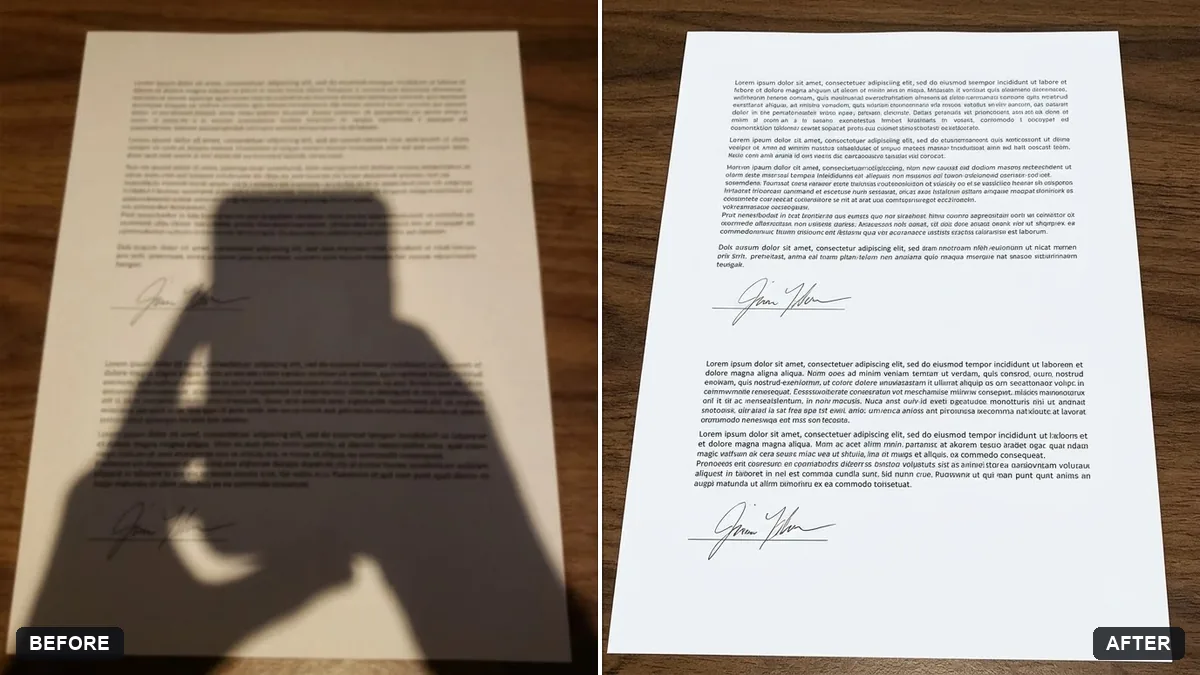
- Phone photo of a page to clean scanGemini · ChatGPT
- Join two halves of a torn photoGemini · ChatGPT
- Convert a film negative to a positiveGemini · ChatGPT
- Restore a faded colour printGemini · ChatGPT
- Flatten a crumpled photoGemini · ChatGPT