- Updated
Convert a film negative to a positive
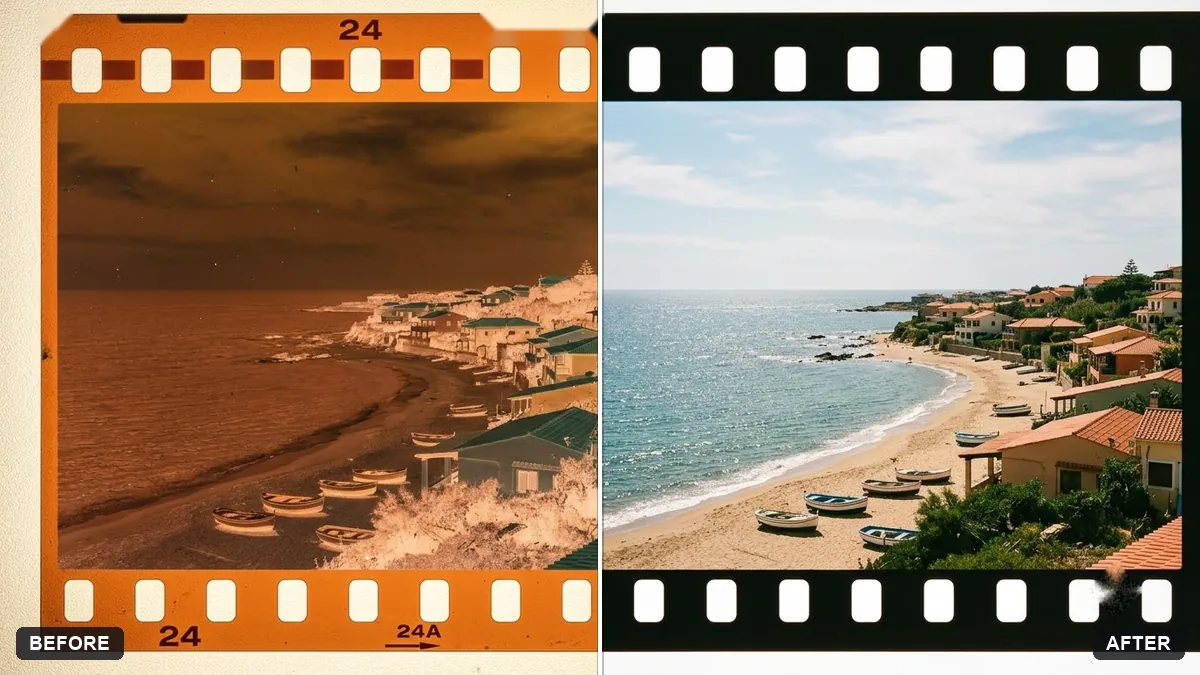
This prompt converts a scan of a colour or black-and-white film negative into a positive photo, removing the orange mask of colour negatives.
This is a scan of a [COLOUR / B&W] film negative. Convert it to a normal positive photo.

Remove the orange mask, correct the colours and contrast, clean dust and scratches, and keep the film grain and original details. Do not change faces or composition.
Scan negatives on a light table or with a backlight for best results.
Your photo goes to the AI app you choose, never to PromptUp.
Get a better result
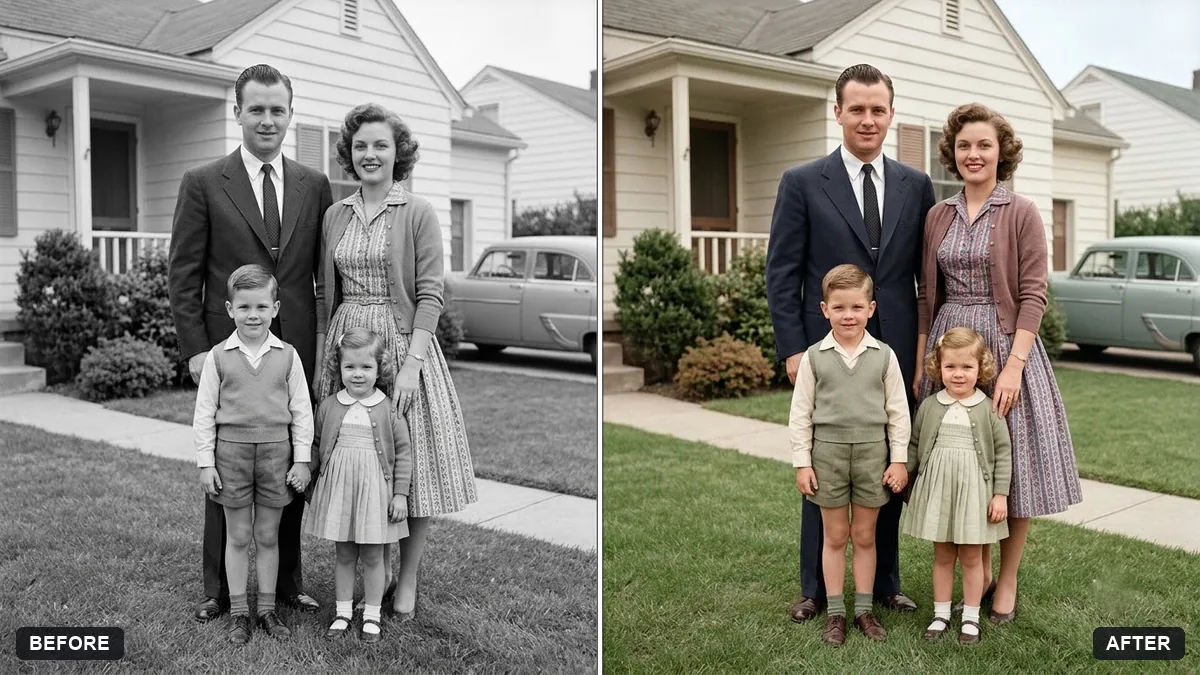
A normal positive photo made from your scan: the orange base removed, colours and contrast corrected, dust and scratches cleaned and the film grain and original details kept.
The colours are off, with a blue or green cast over the whole picture.
Fix: Describe what should be neutral: “skin tones natural, white clothes neutral white, sky blue, grass green”. These anchors help when the orange mask is strong.
- Dust is gone, but so is the grain, so the photo looks plastic. Say “remove only white dust specks and hairs, keep the film grain exactly as it is”. Grain is part of the film look.
- The scan was a phone photo of a negative on a screen, and the result is soft. Use a flatbed scan, or a phone photo of the negative on a bright white backlight, as the tip says. A low-quality input cannot give back detail that was never captured.
For a black and white negative write “B&W” in the brackets and add “keep the full range of tones from deep black to clean white and do not tint”. This keeps the old-print look without a colour wash.
The colour cast is still too blue. Make skin tones natural, white clothing neutral, keep the grain and crop out the film border and sprocket holes.
Guides on this topic
More photo editing prompts
See all 334 →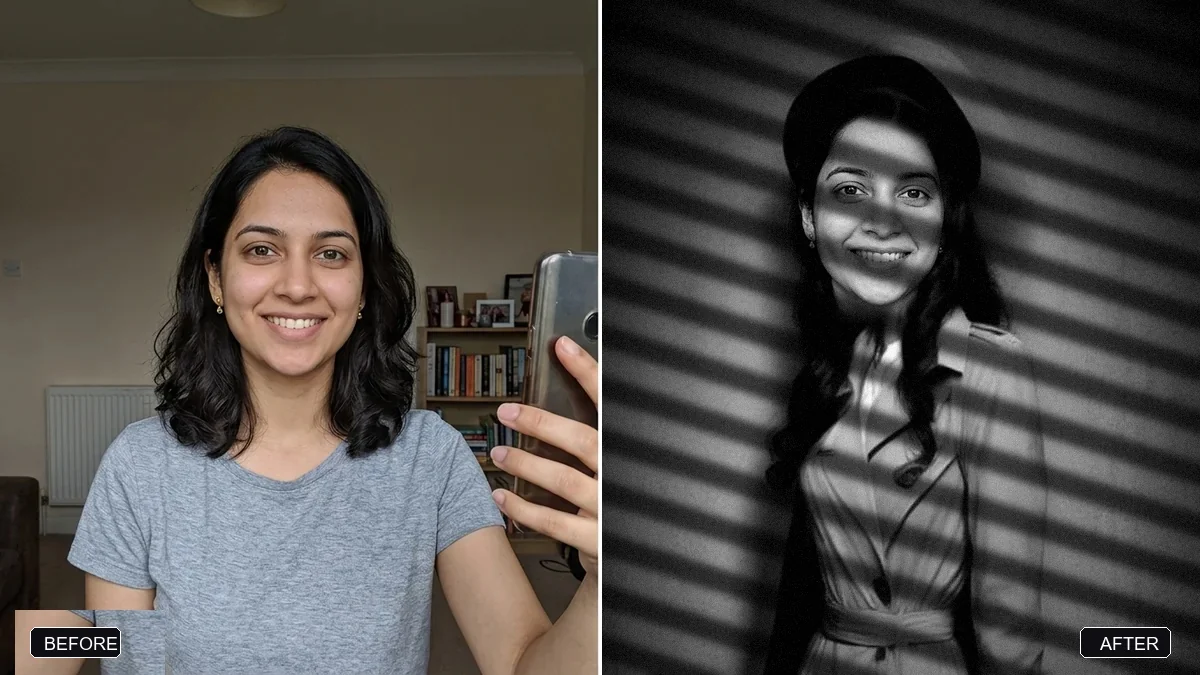
More like this
- Join two halves of a torn photoGemini · ChatGPT
- High-contrast black-and-white conversionGemini · ChatGPT
- Remove stains and mould from a scanGemini · ChatGPT
- Remove the orange date stamp from a scanGemini · ChatGPT
- Rebuild a torn photo cornerGemini · ChatGPT