Black and white AI portrait prompts: the viral monochrome trend, done well
Published
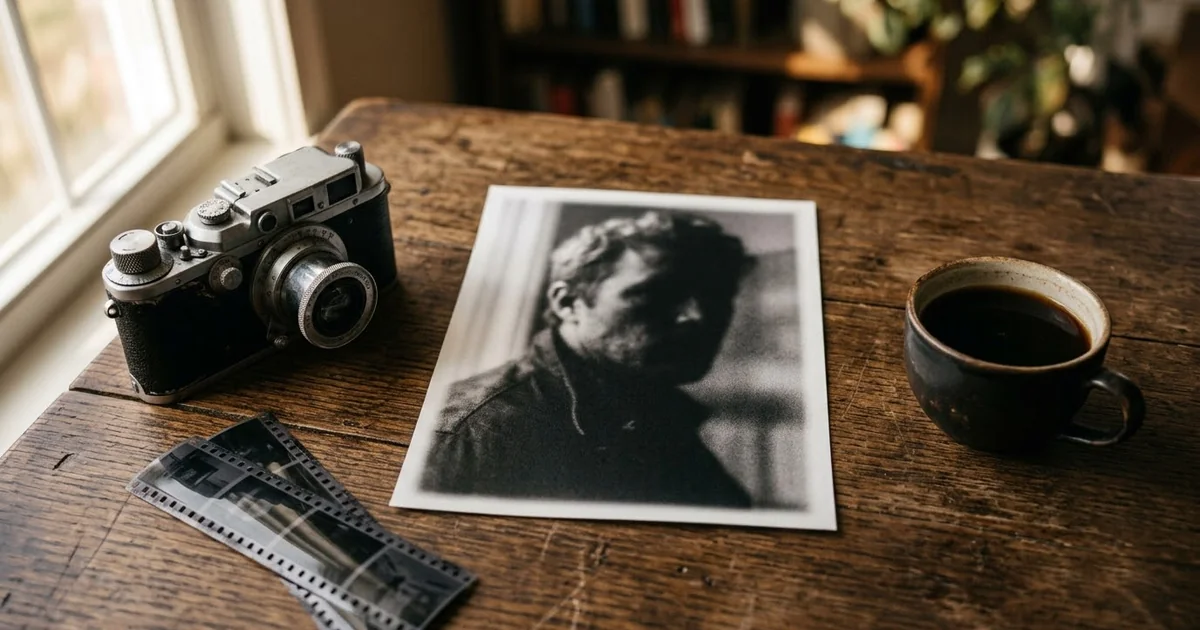
Short answerUpload one clear photo, say "keep my face exactly the same", then describe the light rather than the colour: one soft light from the side, deep shadows, a plain dark backdrop and fine film grain.
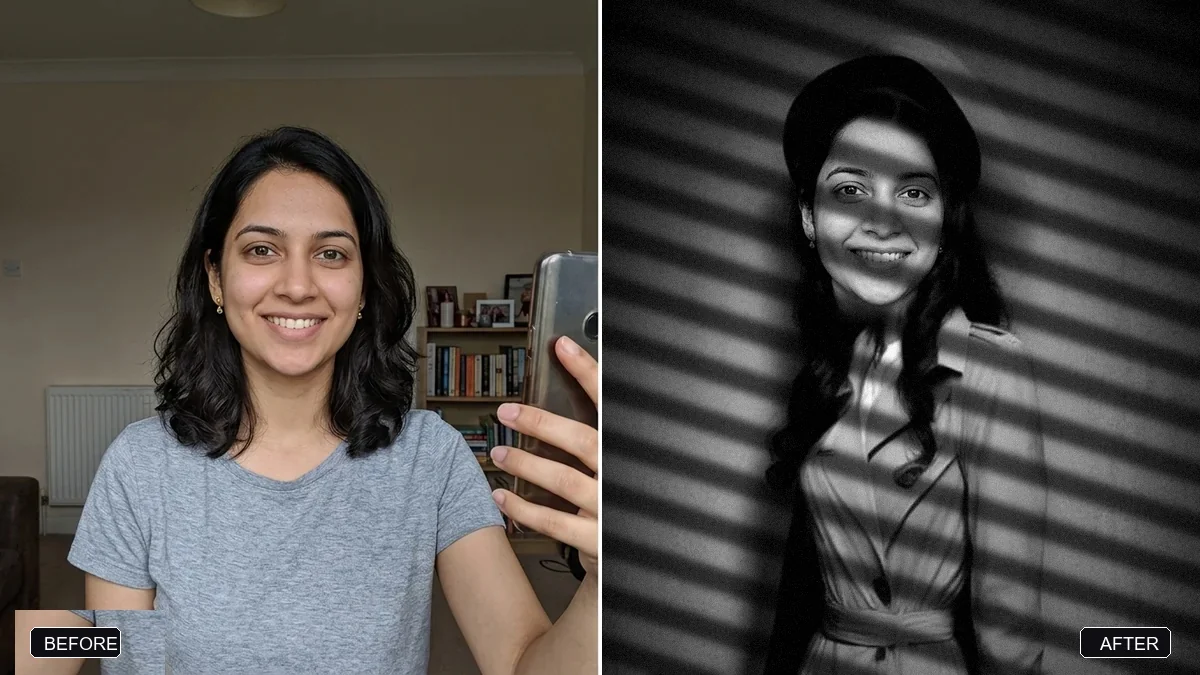
Dramatic black-and-white portraits are all over Instagram right now. People upload a selfie to Gemini or ChatGPT and get back a moody, magazine-style portrait with deep shadows and soft grain (Free Press Journal).
Part of the appeal is simple. Without colour, there is nothing to judge about skin tone, make-up or filters. The picture is only about light, shape and expression. That is also why a weak prompt shows up quickly: flat light in black and white just looks grey.
This guide gives you prompts that work, explains what each part does, and shows how to fix the usual problems.
Start with the right photo
- Face clearly visible and well lit. Leave the drama to the prompt.
- Looking at or near the camera. Side profiles work too, but they are harder to keep accurate.
- No beauty filter. Filters smooth away the texture that makes black and white look real.
- A plain background helps, but it is not essential. The prompt will replace it.
Only use photos of yourself, or of people who have agreed to it.
The classic studio portrait
This is the black-and-white studio portrait prompt from the library:
Turn this photo into a classic black-and-white studio portrait. Keep my face, features and expression exactly the same.

Style: [STYLE, e.g. 1940s Hollywood / modern fine-art]. Soft directional key light, deep shadows, gentle film grain, rich tonal range, plain dark grey backdrop. Slightly retouch stray hairs and shine but keep natural skin texture.
| Part of the prompt | What it does |
|---|---|
| "Keep my face, features and expression exactly the same" | The most important line. Put it first. |
| "Soft directional key light" | One main light from one side. This is what creates the mood. |
| "deep shadows" and "rich tonal range" | True blacks and bright highlights, not a flat grey picture. |
| "gentle film grain" | Makes it feel like a photograph, not a filter. |
| "keep natural skin texture" | Stops the smooth, plastic look. |
The actor headshot look
For a sharper, more serious portrait, like a casting photo, use the actor-style headshot prompt:
Turn this photo into a black-and-white actor-style headshot. Keep my face, features and expression exactly the same.

Dramatic soft light from one side, deep shadows, sharp eyes, subtle skin texture, a plain [BACKDROP, e.g. dark grey] backdrop, cropped from the shoulders up, classic casting portrait quality.
"Sharp eyes" matters. In black and white, the eyes carry the whole picture. If they come out soft, ask again with "tack-sharp focus on the eyes".
The film noir version
If you want a story in the picture, the film noir portrait prompt adds a 1940s detective-film look:
Turn this photo into a film noir portrait in black and white. Keep my face and features exactly the same.

A [OUTFIT, e.g. trench coat and fedora] look, hard side light with venetian blind shadows across my face, drifting mist, moody 1940s detective movie still.
The blind shadows are the signature of this look. If they cover your eyes, add "keep the shadows off my eyes".
Build your own: the light-first prompt
Every good black-and-white portrait comes down to light. Use this template and change one line at a time:
Turn this photo into a black-and-white portrait. Keep my face, hairstyle and expression exactly the same.

Light: [LIGHT, e.g. one soft window light from the left, the right side of my face in shadow].
Mood: [MOOD, e.g. calm and thoughtful / confident / soft and romantic].
Clothes: [CLOTHES, e.g. a plain black turtleneck] so nothing distracts from the face.
Background: [BACKGROUND, e.g. plain charcoal grey, slightly lighter behind my head].
Look: real photograph, fine film grain, true blacks and clean whites, natural skin texture, sharp eyes.
Shape: [RATIO, e.g. 4:5 for an Instagram post].
Plain clothes are a small trick with a big effect. Busy patterns turn into grey noise in black and white.
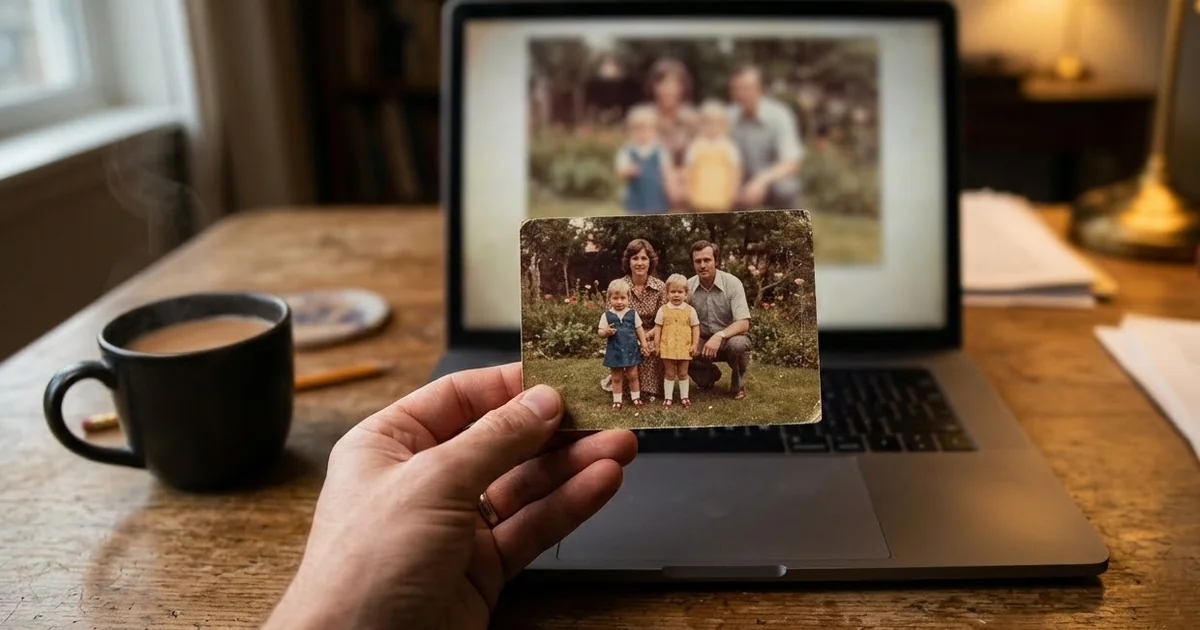
Already have a colour photo you like?
If you only want to convert a photo, not restyle it, use the high-contrast black-and-white prompt. It keeps the composition exactly as it is. Its tip is worth remembering: photos with strong shapes and shadows convert well, and flat, evenly lit photos don't.
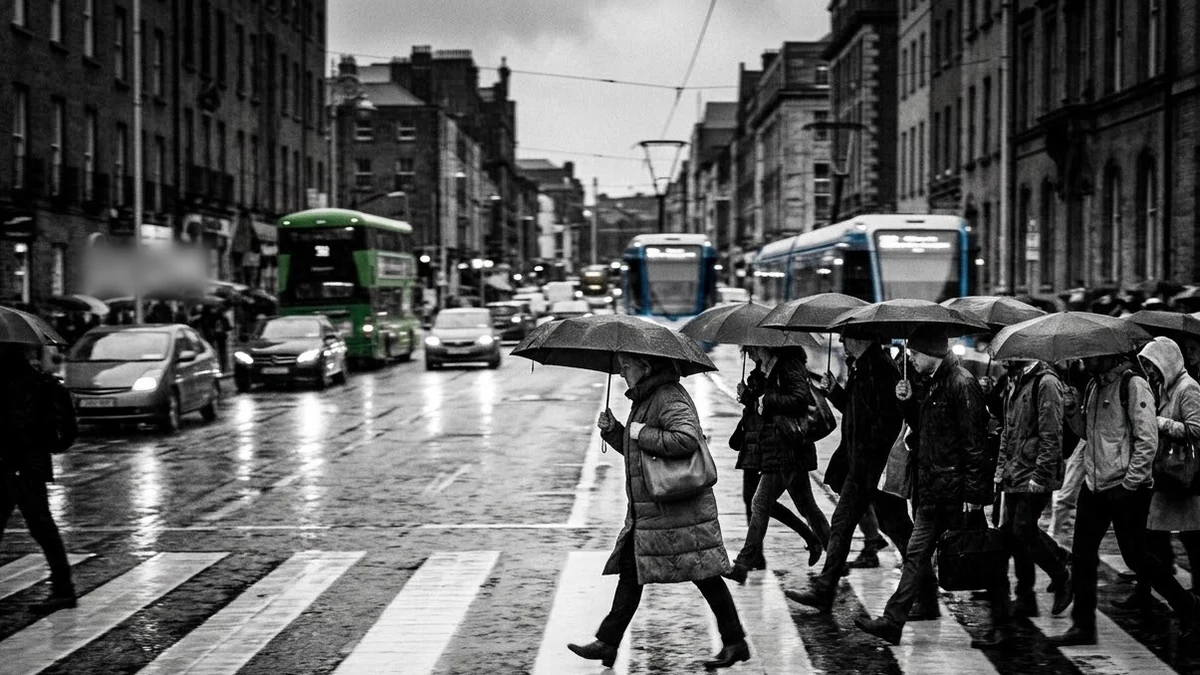
For scenes rather than portraits, the black-and-white street photograph prompt makes candid city pictures in the same mood.
Fixing common problems
It looks grey and flat. Ask for "true blacks, bright highlights, strong contrast", and name one light direction.
The face doesn't look like you. Reply with: "Keep my face identical to the original photo. Only change the light and the colour." Use a sharper, front-facing photo if it still drifts.
The skin looks like plastic. Add "visible pores, natural skin texture, no smoothing".
There is a strange colour tint. Say "pure black and white, no sepia, no colour tint".
Too much grain. Change "film grain" to "very fine, subtle grain".
Change one thing per try, so you can see what helped. Our guide to editing a prompt explains this routine.
Where to go from here
If you like the film feel, try our film-look AI photo prompts, which keep the grain and add warm colour back in. More trend looks are collected in the viral AI photo trend prompts, and the prompt builder can write a custom black-and-white prompt for any photo.
Quick checklist
- One sharp, well-lit photo, no filter.
- "Keep my face exactly the same" first.
- Describe the light: one soft light, one side, deep shadows.
- Plain clothes and a plain backdrop.
- Ask for fine grain, true blacks and natural skin texture.
- Fix one problem per try.
- Only use photos of people who have agreed to it.
Comments
No comments yet. Be the first to share what worked for you.