Black-and-white photo prompts
Black-and-white photos go two ways with AI. You can bring an old family picture into colour, with natural skin tones and the clothing colours you remember, or you can take a modern colour photo and give it the timeless look of a studio portrait, a film noir still or a high-contrast print.
Both work in Gemini and ChatGPT with a photo you upload. For colourizing, tell the AI the colours you know; for converting, say how much contrast and grain you want. Keep your original file either way.
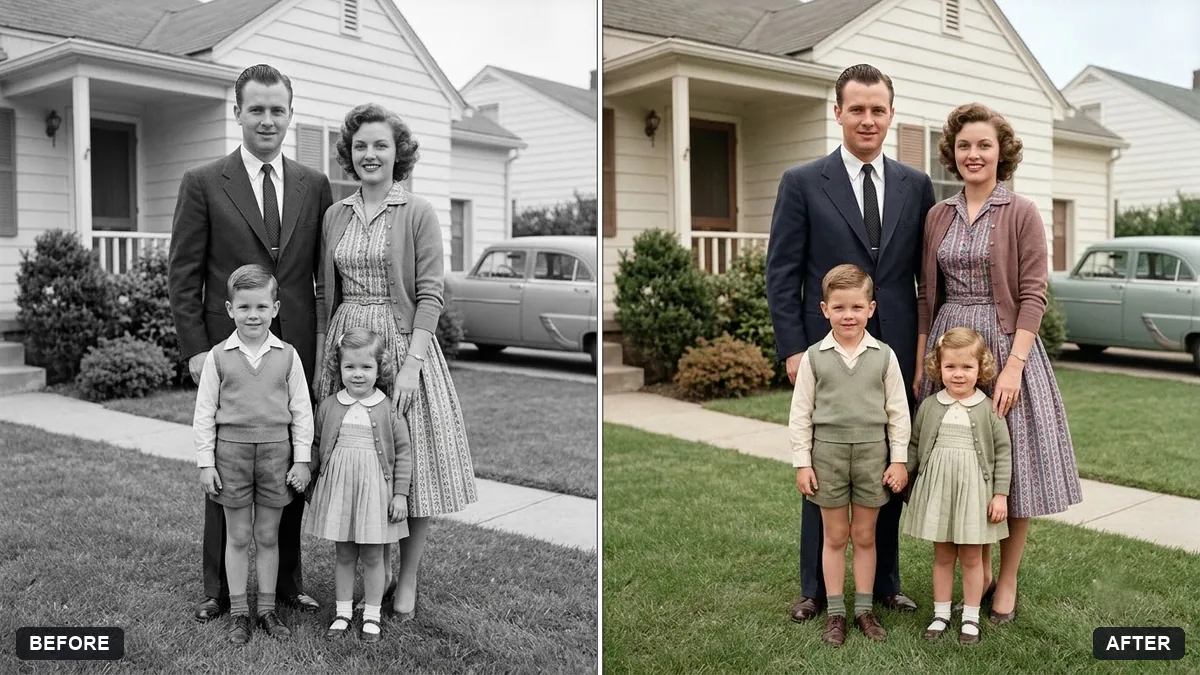
Colourize this black-and-white 1950s family photograph with natural, period-accurate colours. Clothing colours: [COLOURS YOU REMEMBER]. Skin tones natural, warm and varied.

Keep every face, pose and background detail exactly the same, with soft realistic film-era colour, not oversaturated.
Three steps, about a minute
- 1
Scan the old photo, or photograph it flat in soft daylight with no glare on the surface.
- 2
Upload it to Gemini or ChatGPT, paste the prompt and list any colours you remember.
- 3
Compare the faces with the original. Keep both files: the colour version is a new picture, not the record.
Make it yours
- Colours you know: "her saree was maroon with a gold border, his shirt was white, the door was blue".
- Era: say the decade ("1950s", "1970s") so the AI picks period-accurate colours.
- Converting to black and white: ask for "deep blacks, bright highlights, fine grain" for a print look.
- Mood: film noir adds hard light and shadows; the studio portrait prompt keeps it soft and classic.
If it goes wrong
- Colours look too bright
- Add "muted, film-era colour, not oversaturated".
- Skin tones look wrong
- Ask for "natural, warm and varied skin tones" and name them if you can.
- Faces changed
- Reply "keep every face exactly as in the original, change colour only".
- Black and white looks flat and grey
- Ask for "high contrast, deep blacks, bright whites".
9 more prompts in this collection
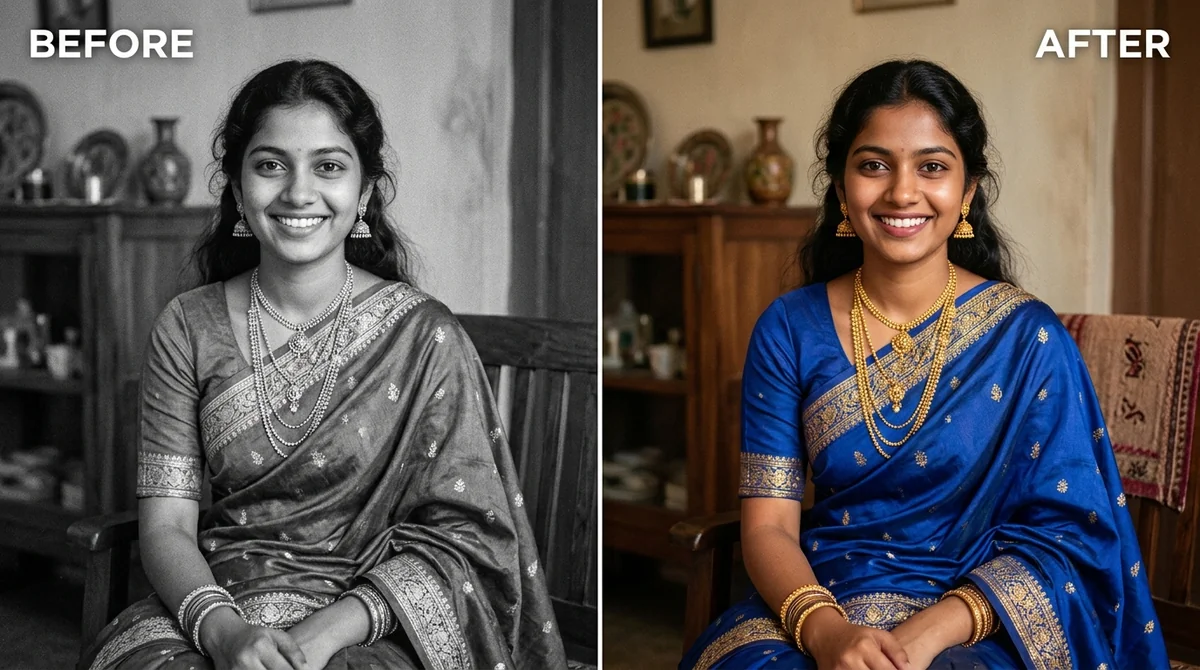 Colourize a black & white photoGemini · ChatGPT
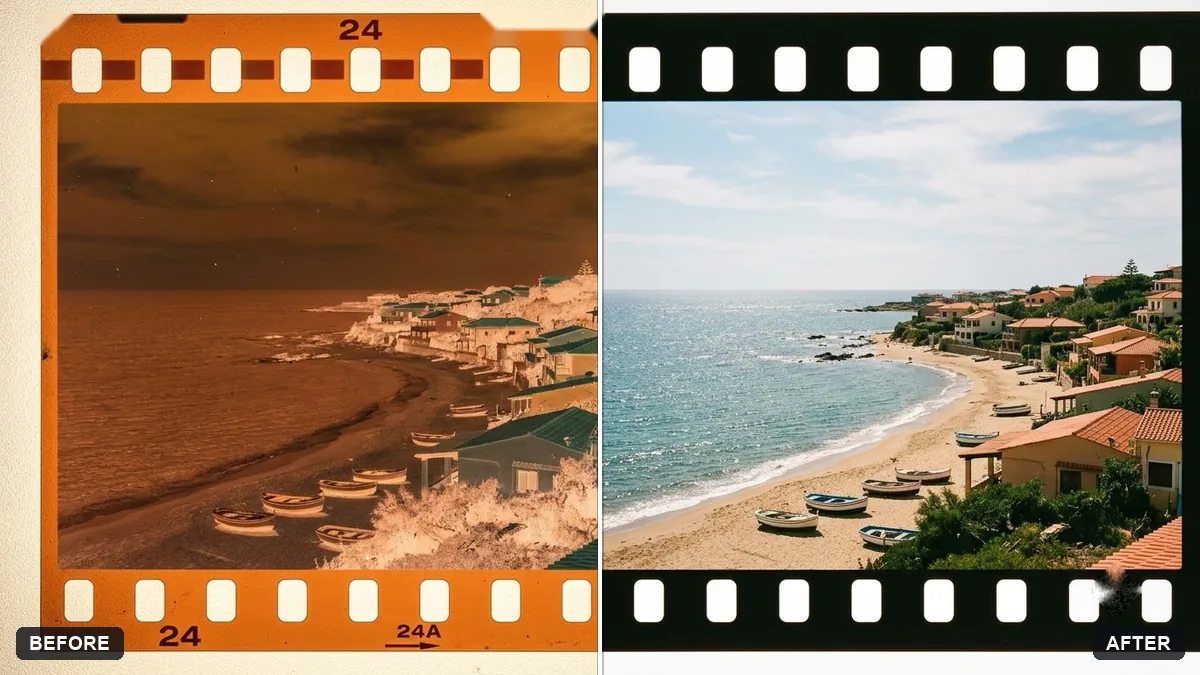 Convert a film negative to a positiveGemini · ChatGPT
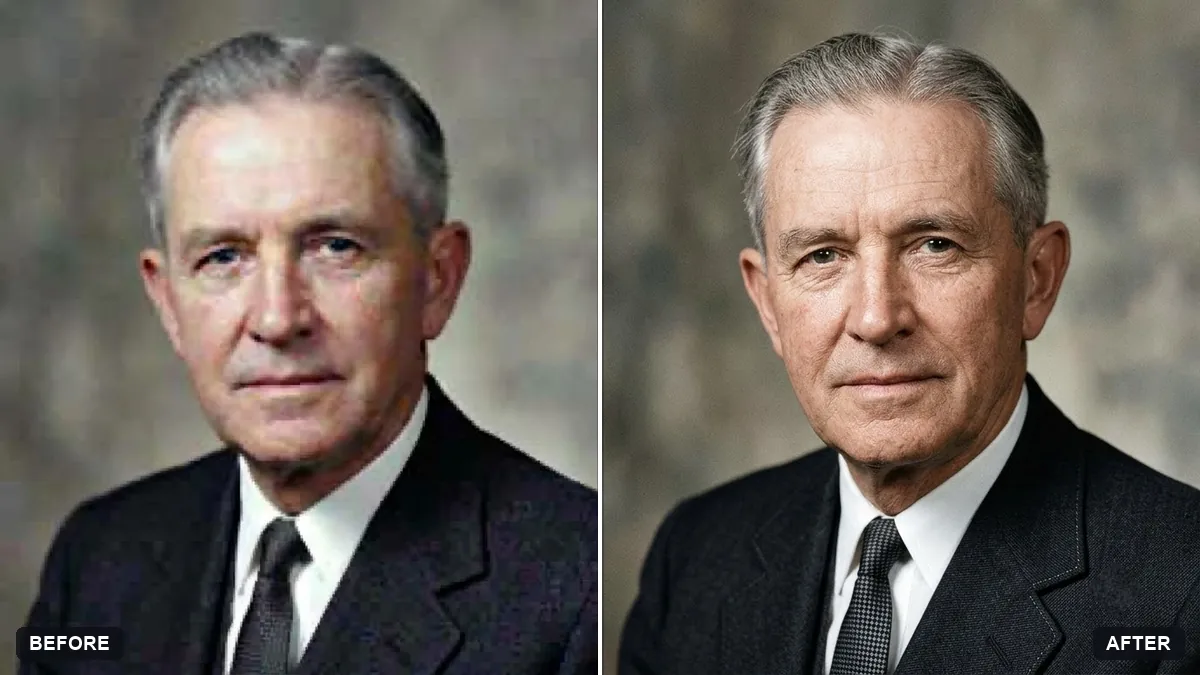 Upscale a tiny old portraitGemini · ChatGPT
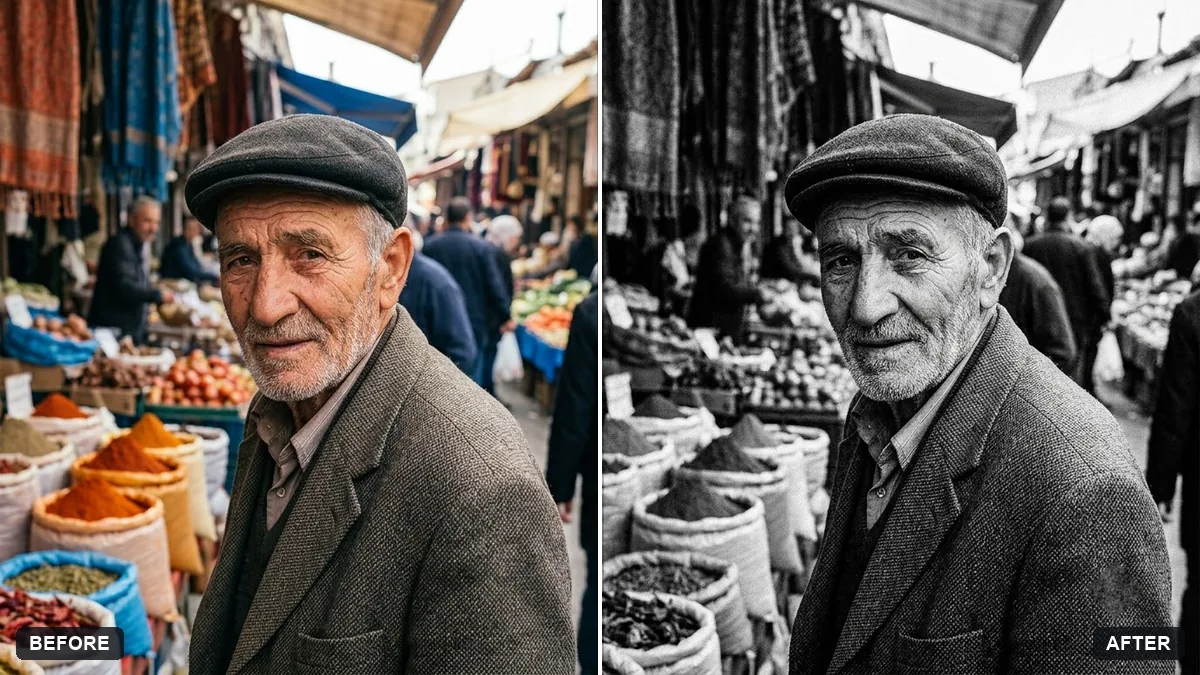 High-contrast black-and-white conversionGemini · ChatGPT
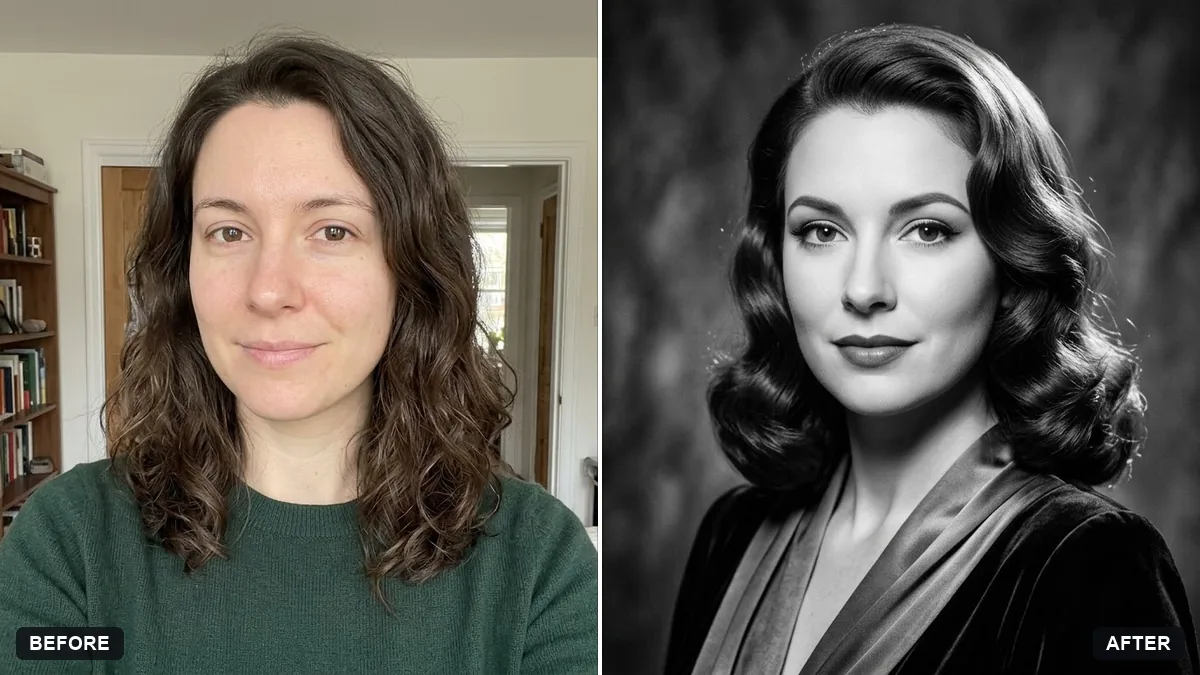 Classic black-and-white studio portraitGemini · ChatGPT
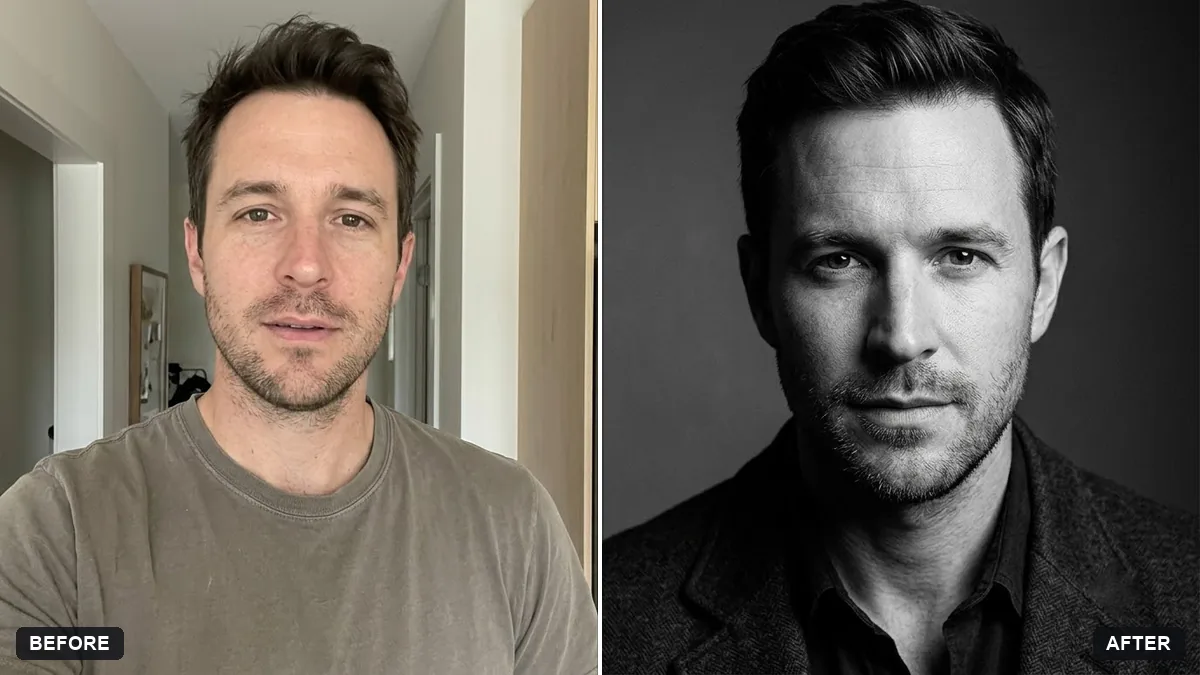 Actor-style black-and-white headshotGemini · ChatGPT
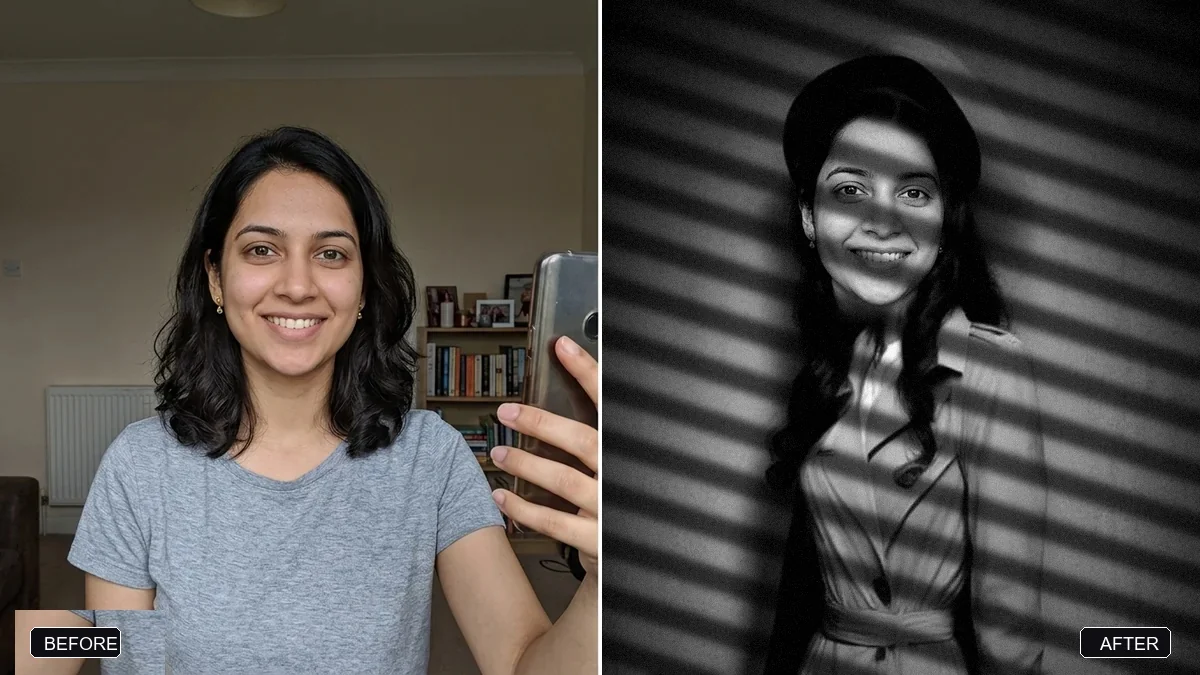 Film noir detective portraitGemini · ChatGPT
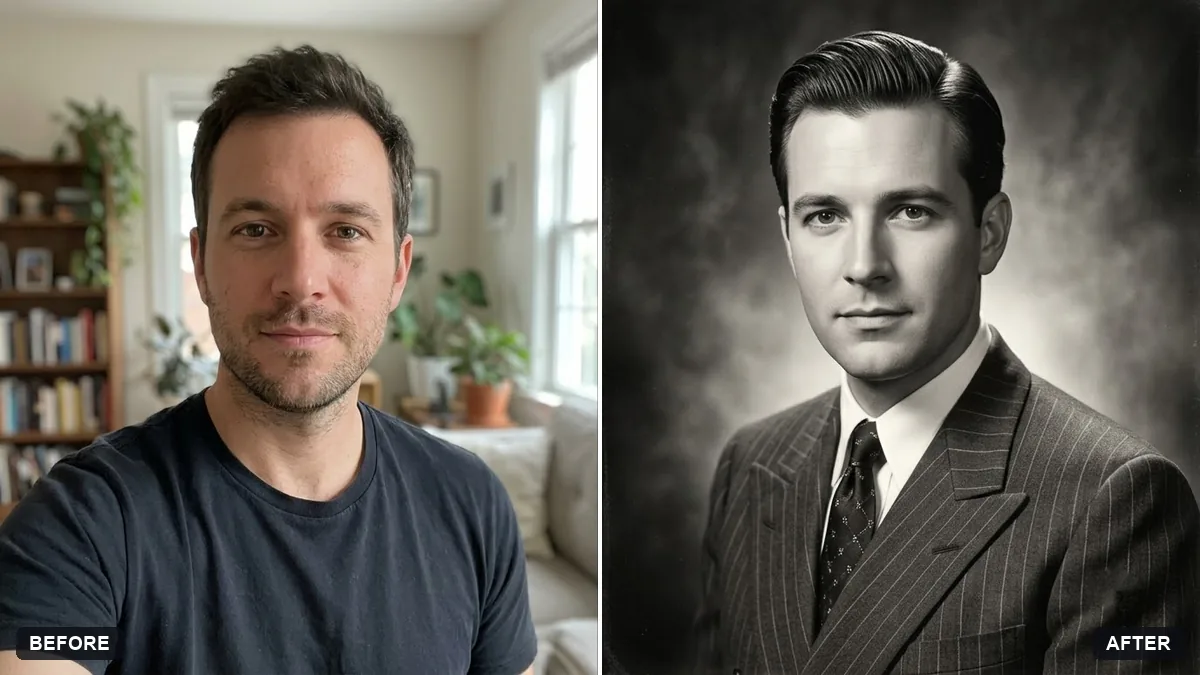 1940s studio portraitGemini · ChatGPT
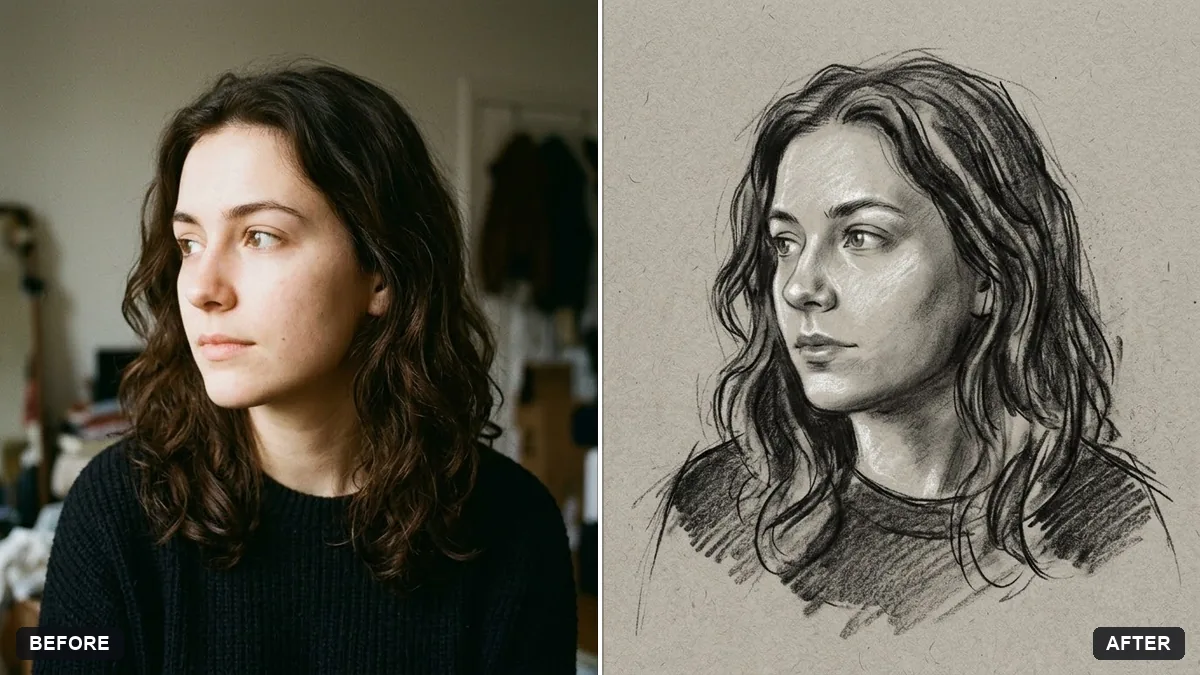 Charcoal drawing portraitGemini · ChatGPT
Guides that use these prompts
Questions, answered
How do I colourize a black-and-white photo for free?
Upload the photo to Gemini or ChatGPT, both of which have free tiers, and paste the colourize prompt. Add any colours you remember for a more accurate result.
Are AI colours accurate?
No AI can know the real colours. It makes a believable guess from the period and the shades of grey, so tell it what you know and treat the result as an artistic restoration, not a record.
How do I make a colour photo black and white with AI?
Use the high-contrast or studio portrait prompt. Unlike a simple filter, the AI can also change the lighting and background to suit black and white.