AI photo filter and colour grade prompts
A colour grade changes the mood of a photo without changing what is in it. These prompts work like presets you describe in words: a teal and orange movie look, a moody dark edit, a bright and airy feed, a faded vintage film look, real film grain, or a high-contrast black and white.
There are also creative effects such as double exposure, tilt-shift miniature, panning motion blur and long-exposure city lights. Every prompt asks the AI to keep the subject and composition unchanged, so only the look moves.
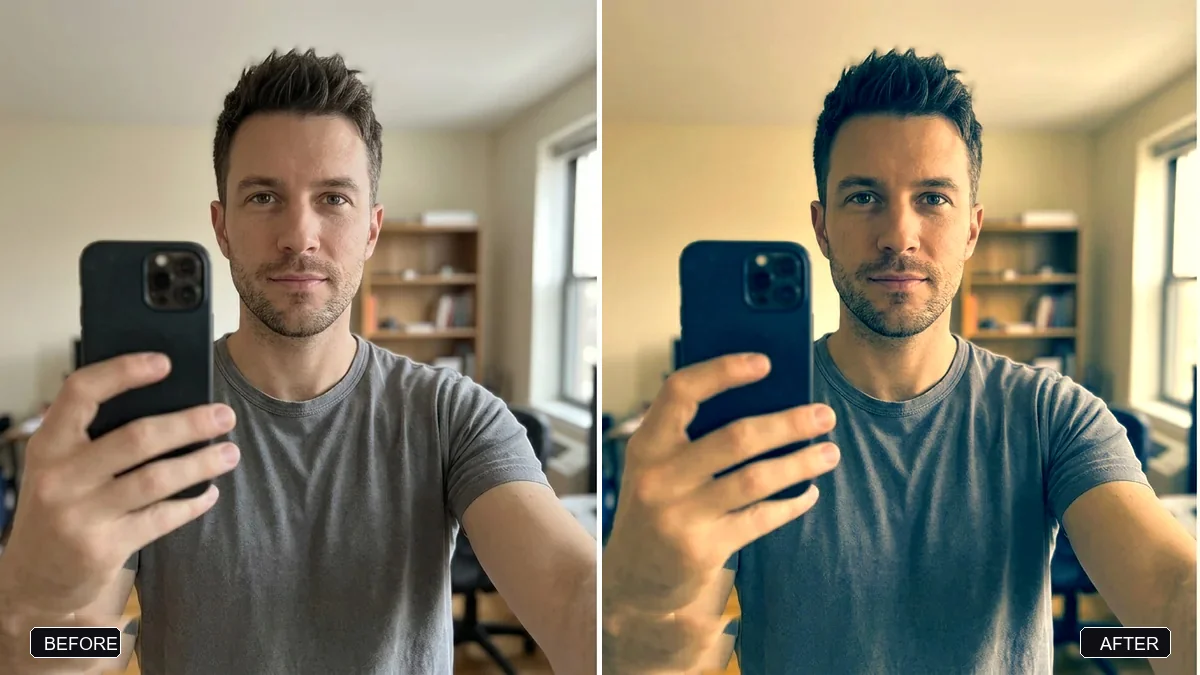
Apply a teal and orange movie colour grade to this photo. Push shadows and backgrounds toward teal and keep highlights and skin tones warm and natural.

Do not change the subject, expression or composition. Strength: [SUBTLE / MEDIUM].
Three steps, about a minute
- 1
Choose the look that fits the photo: warm and cinematic, dark and moody, bright and airy, or vintage.
- 2
Upload the photo to Gemini or ChatGPT, paste the prompt and set the strength.
- 3
Compare side by side with the original. If it is too strong, ask for "half the strength".
Make it yours
- Strength: "subtle" works for faces; "medium" suits landscapes and street photos.
- Skin: add "keep skin tones natural" to every filter for portraits.
- A feed: use one filter for a whole set so your grid looks planned.
- Effects: double exposure and tilt-shift are creative effects; use them on one photo, not a whole album.
If it goes wrong
- Skin looks orange or green
- Reply "keep skin tones natural; apply the grade to shadows and background only".
- It changed the scene, not just colours
- Add "do not change the subject, expression or composition; colour grade only".
- Too dark to see faces
- Ask for "lift the shadows on faces slightly".
- Grain looks digital
- Ask for "fine, organic film grain, stronger in the shadows".
12 more prompts in this collection
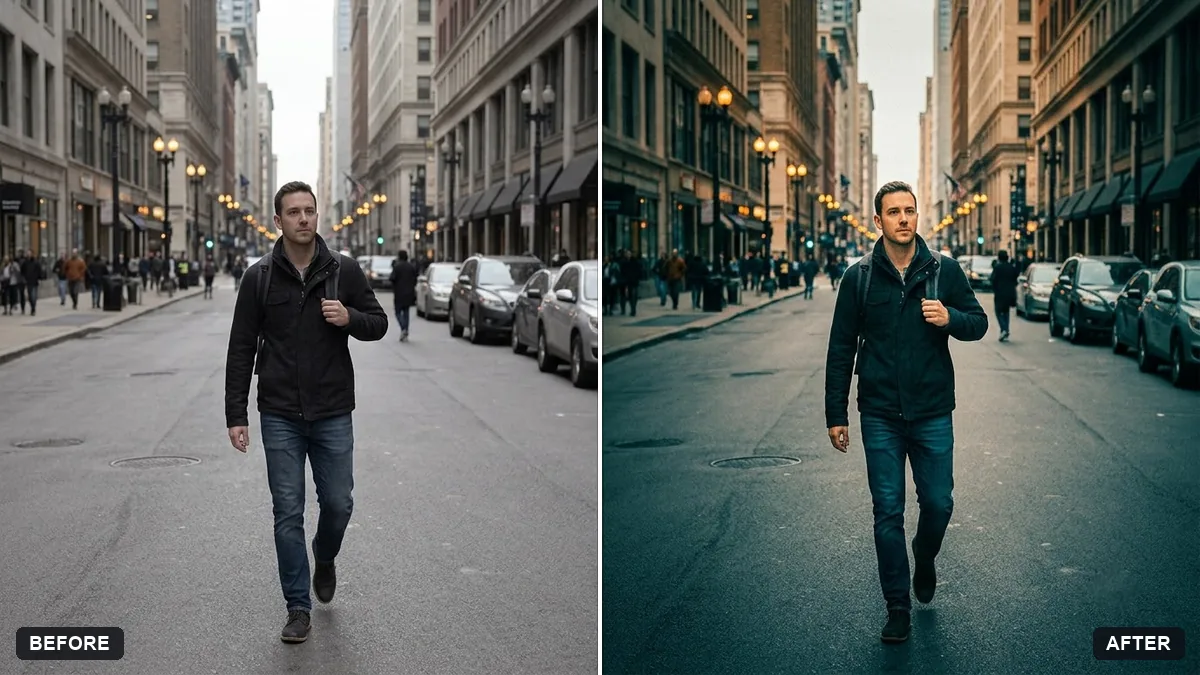 Cinematic colour grade with vignetteGemini · ChatGPT
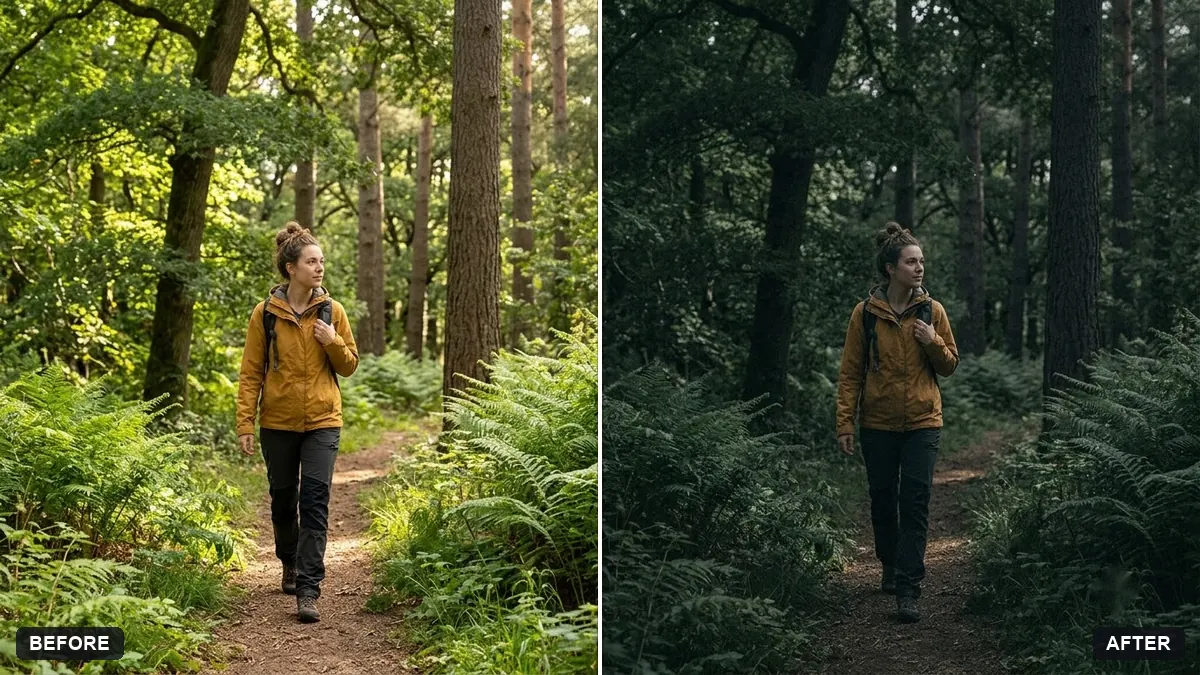 Moody dark photo presetGemini · ChatGPT
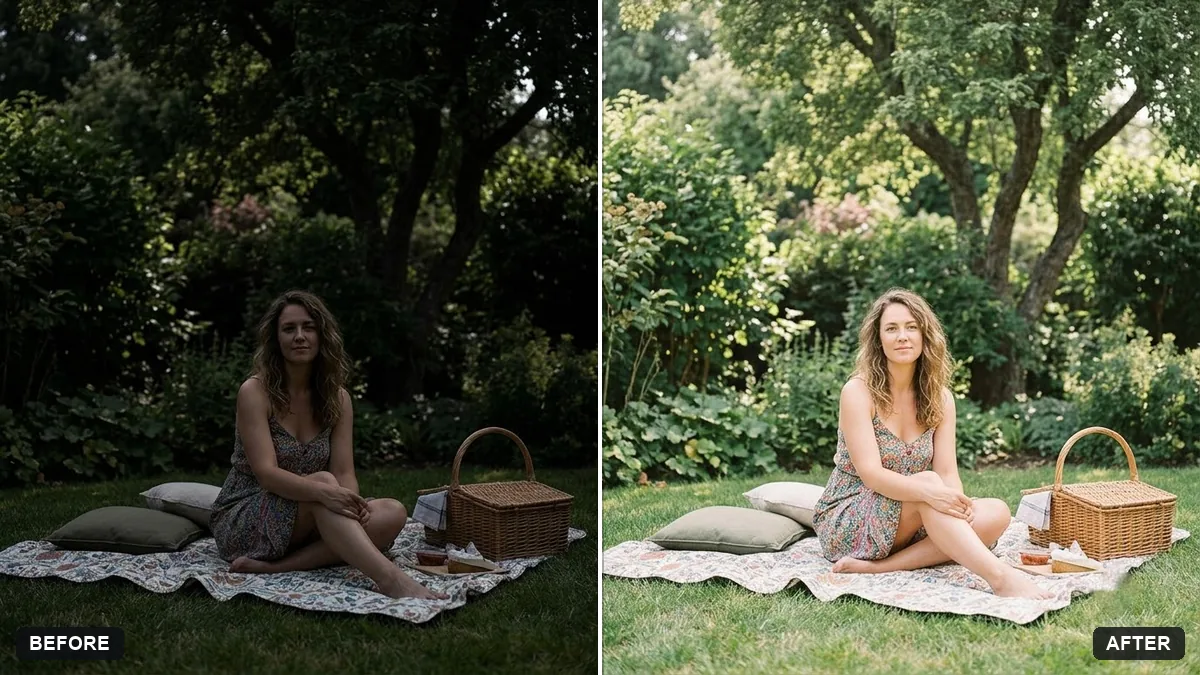 Bright and airy photo presetGemini · ChatGPT
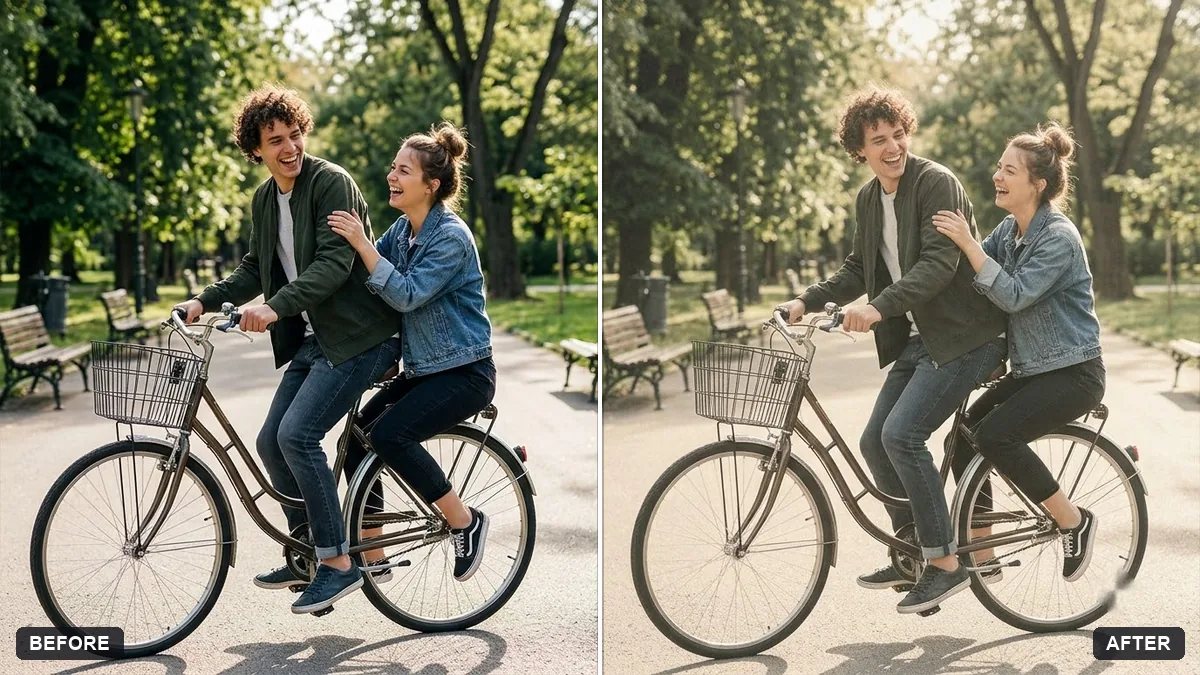 Vintage faded film lookGemini · ChatGPT
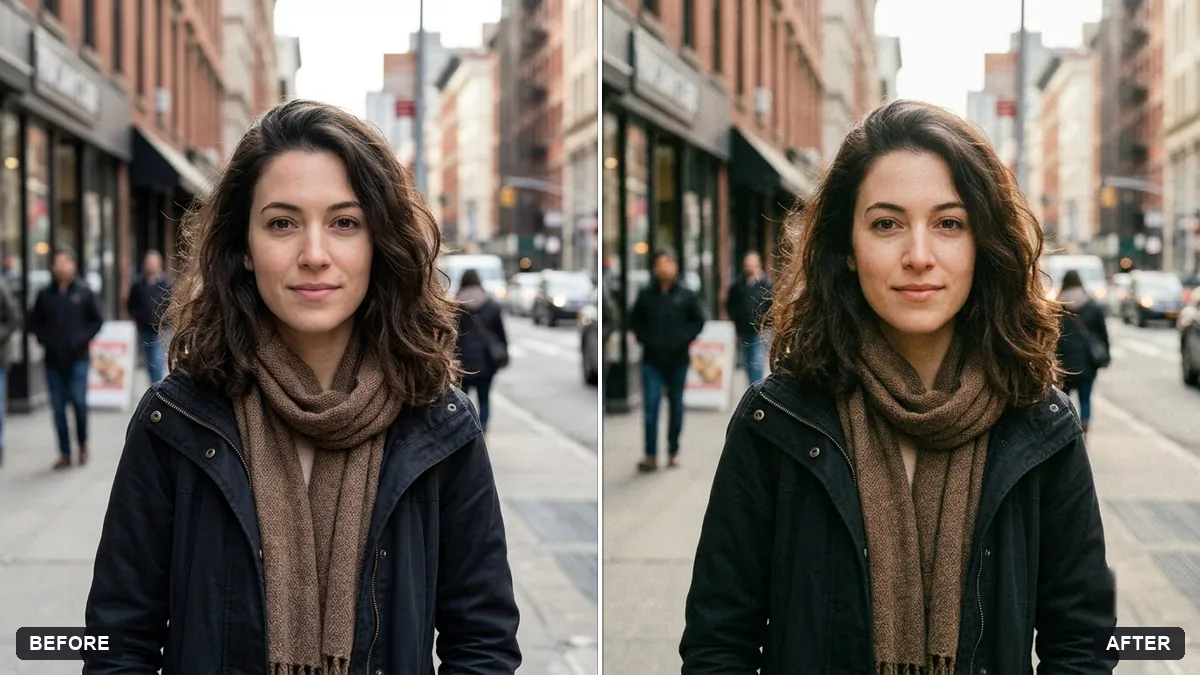 Add authentic film grainGemini · ChatGPT
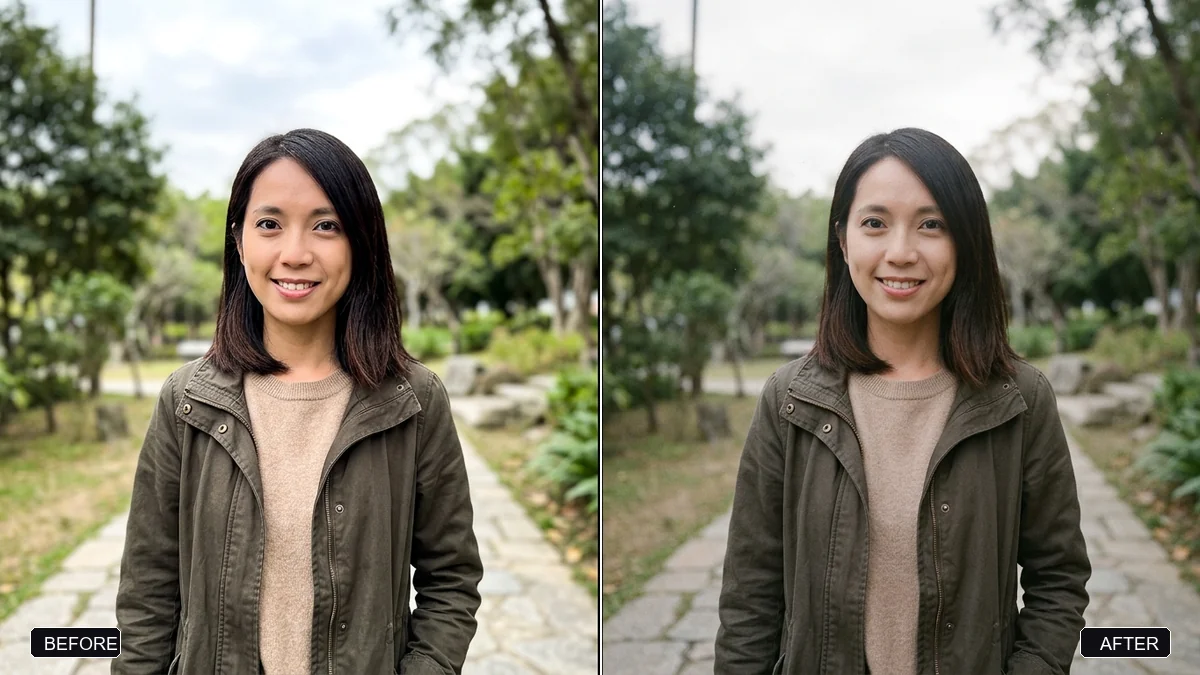 Trending
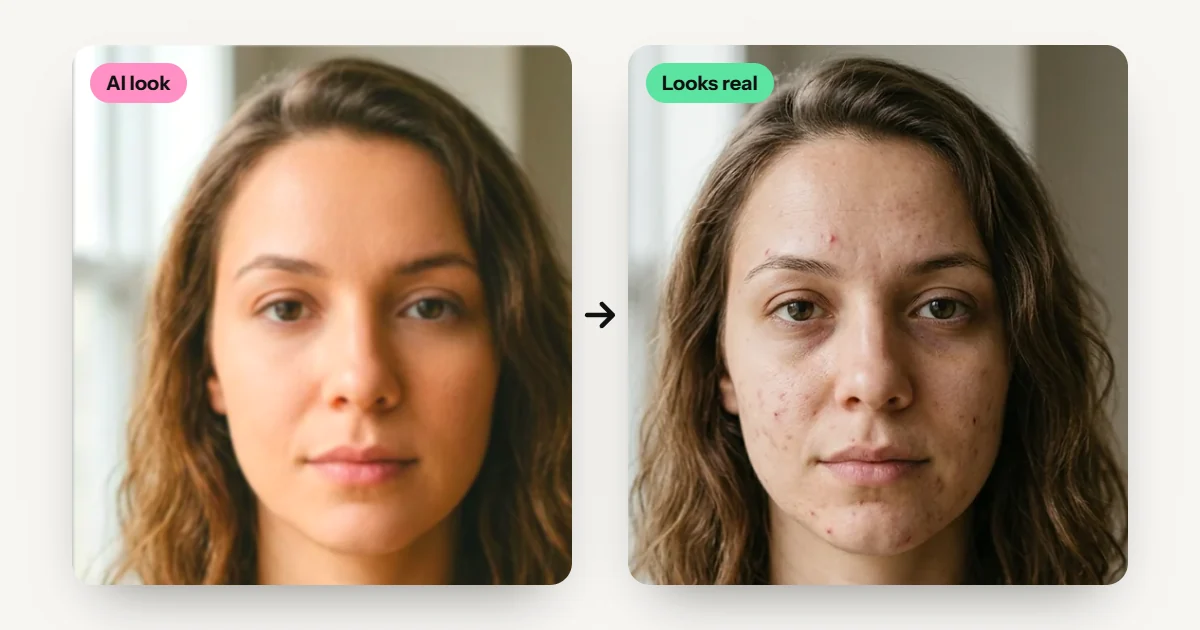
Real analog film look (anti-AI aesthetic)Gemini · ChatGPT
Trending
Real analog film look (anti-AI aesthetic)Gemini · ChatGPT
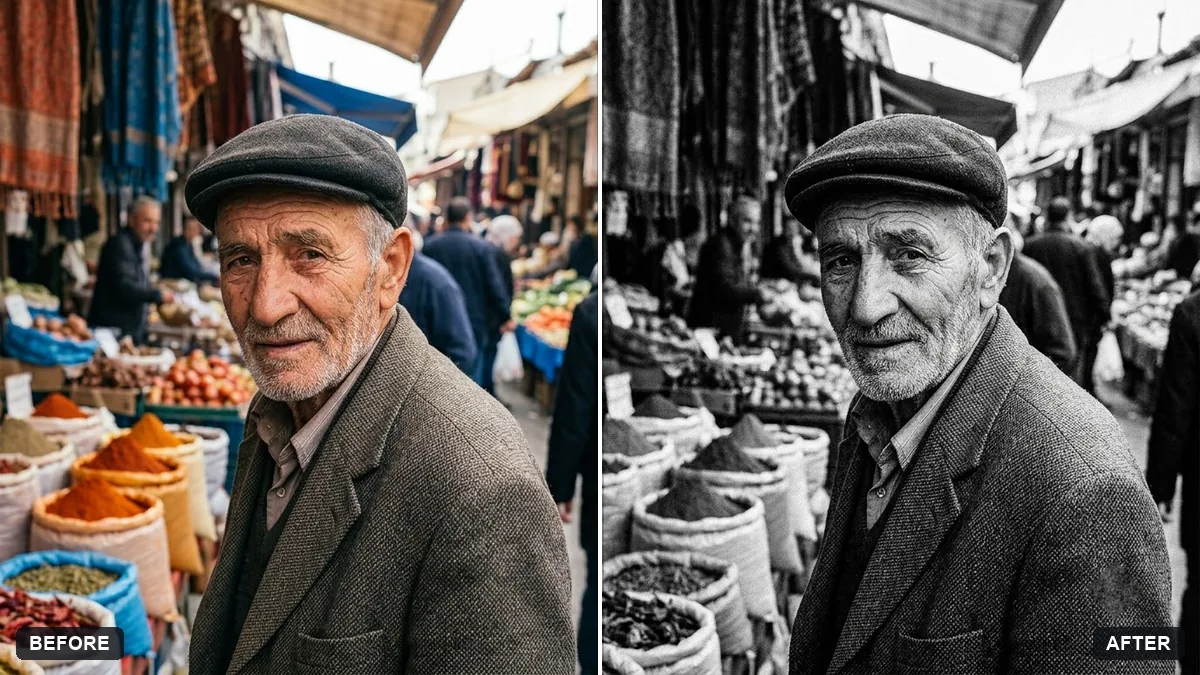 High-contrast black-and-white conversionGemini · ChatGPT
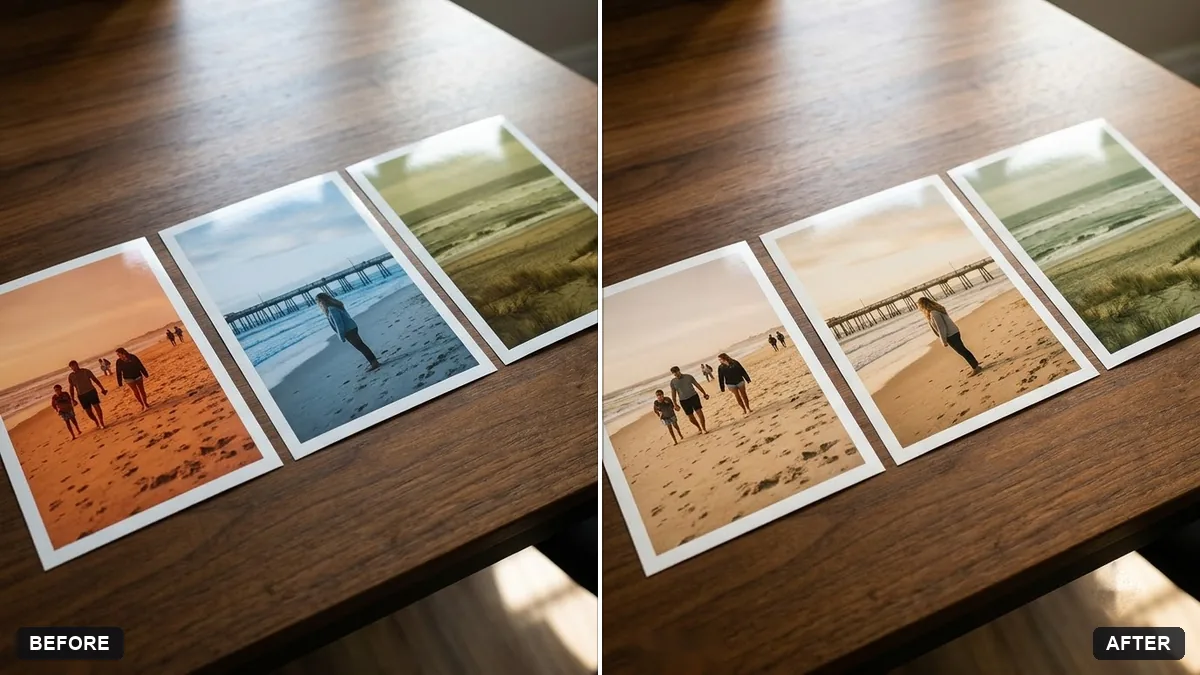 Match colours across a photo setGemini · ChatGPT
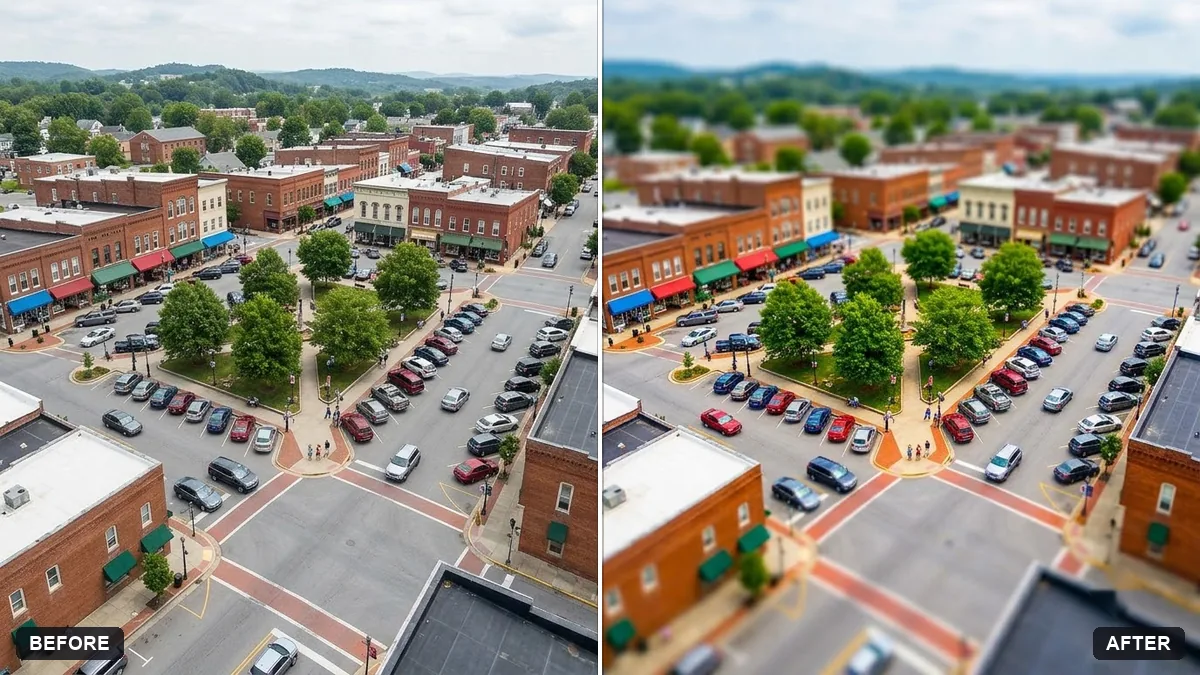 Tilt-shift miniature effectGemini · ChatGPT
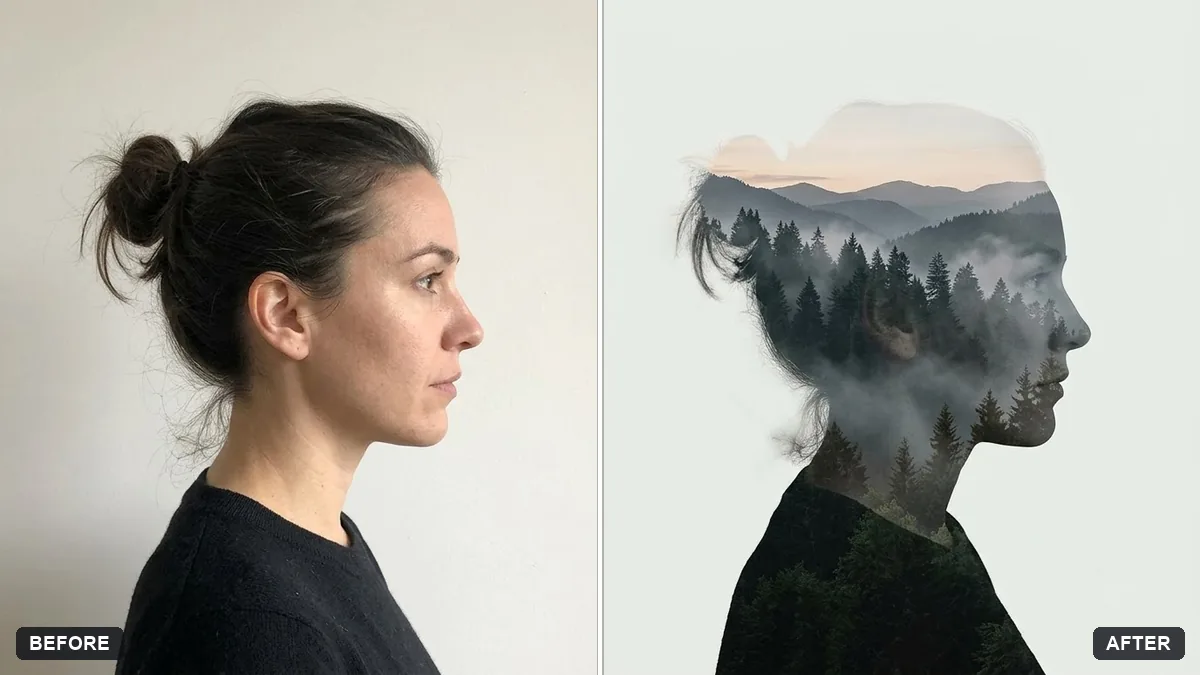 Double exposure portraitGemini · ChatGPT
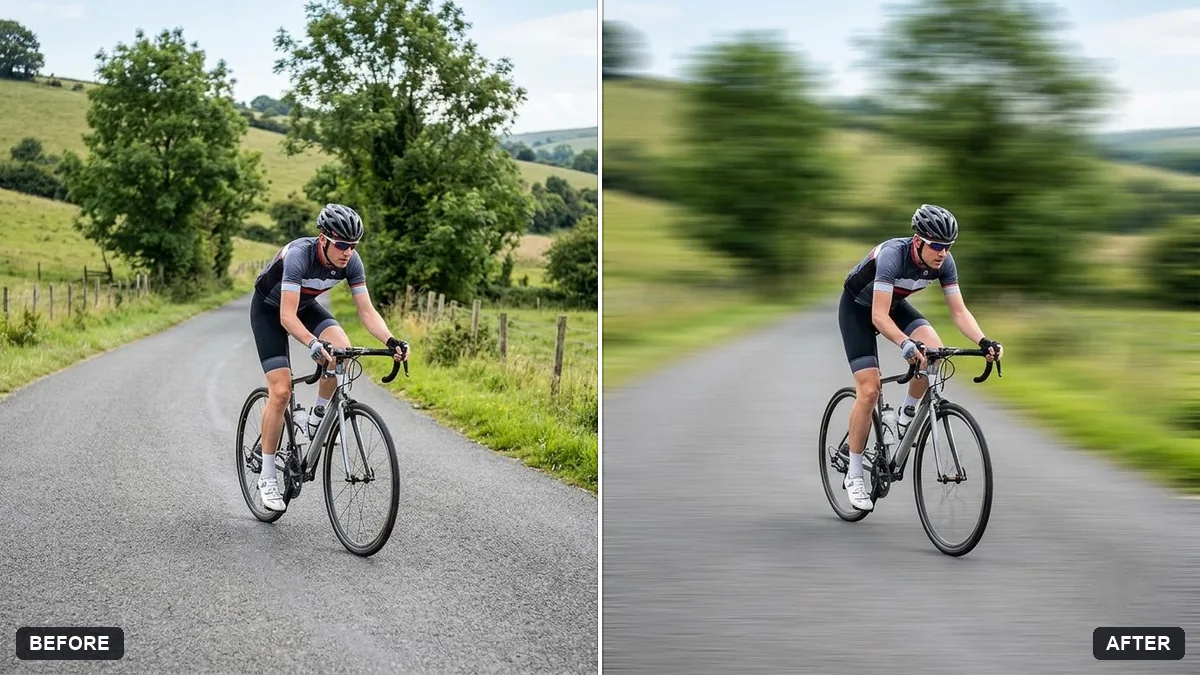 Panning motion blur effectGemini · ChatGPT
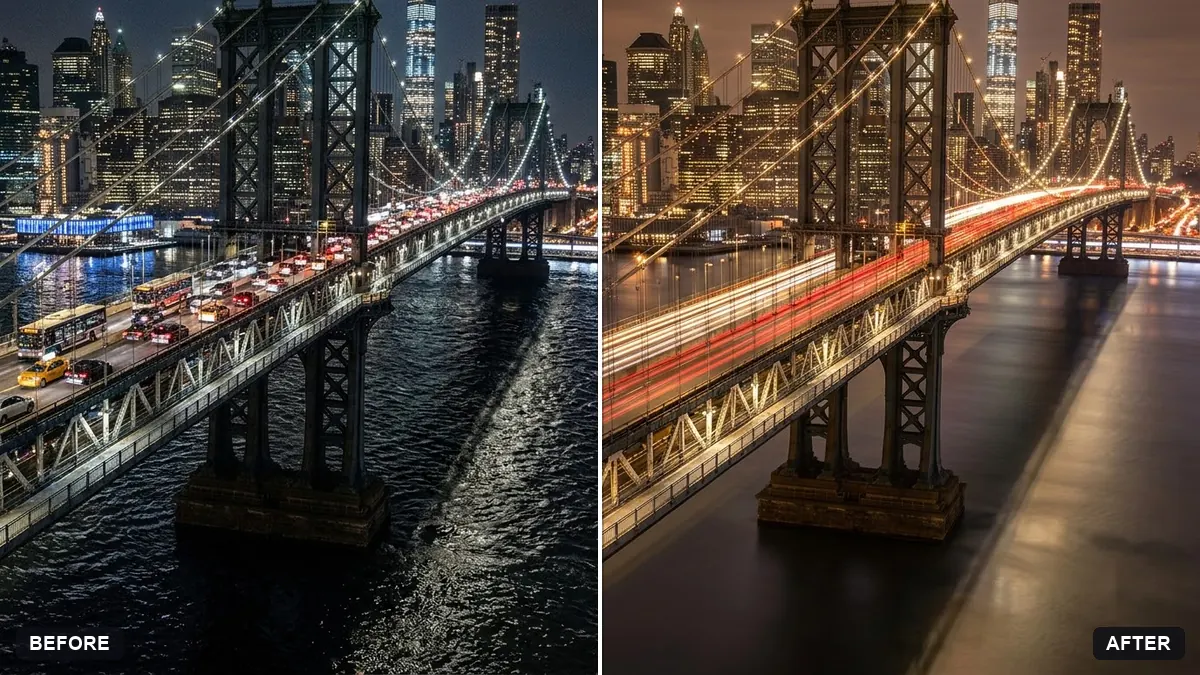 Long-exposure look for a night cityGemini · ChatGPT
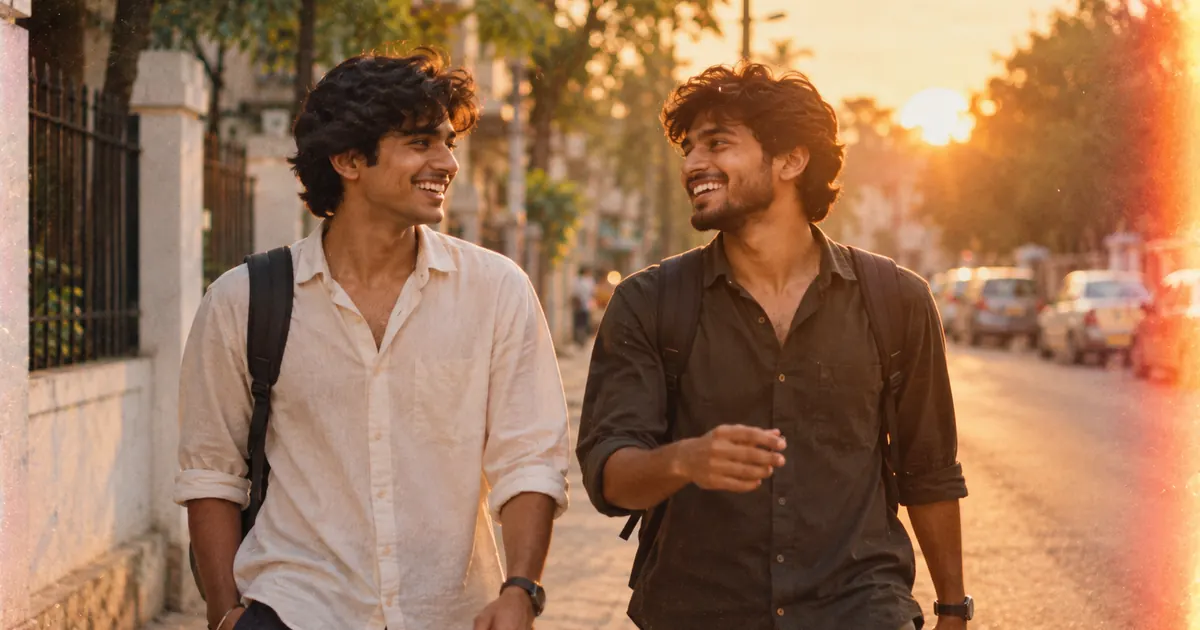
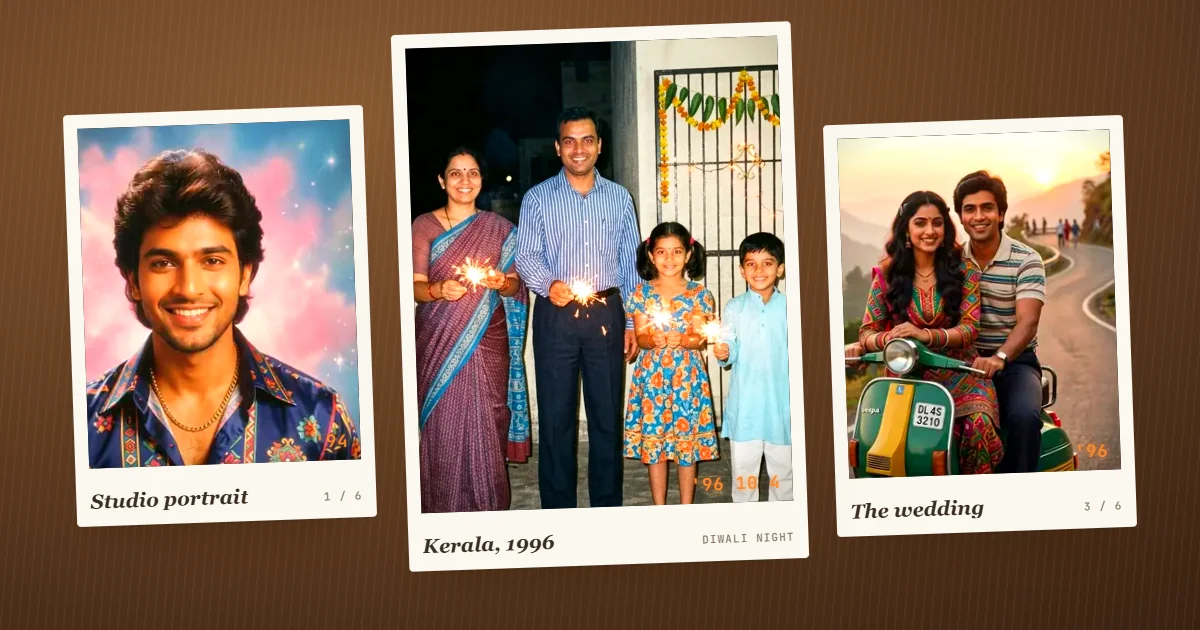
Guides that use these prompts
Questions, answered
Can AI apply a filter like Lightroom presets?
Yes, by description. Name the look and how strong it should be. Unlike a preset, the AI can also adjust light on faces, but it may change small details, so compare with the original.
How do I keep the same look on all my photos?
Use the colour match prompt, or paste the same filter prompt with the same strength on every photo in the set.
Why does the filter change my skin colour?
Strong grades push skin too. Add "keep skin tones warm and natural" to any filter prompt.