- Updated
Match colours across a photo set
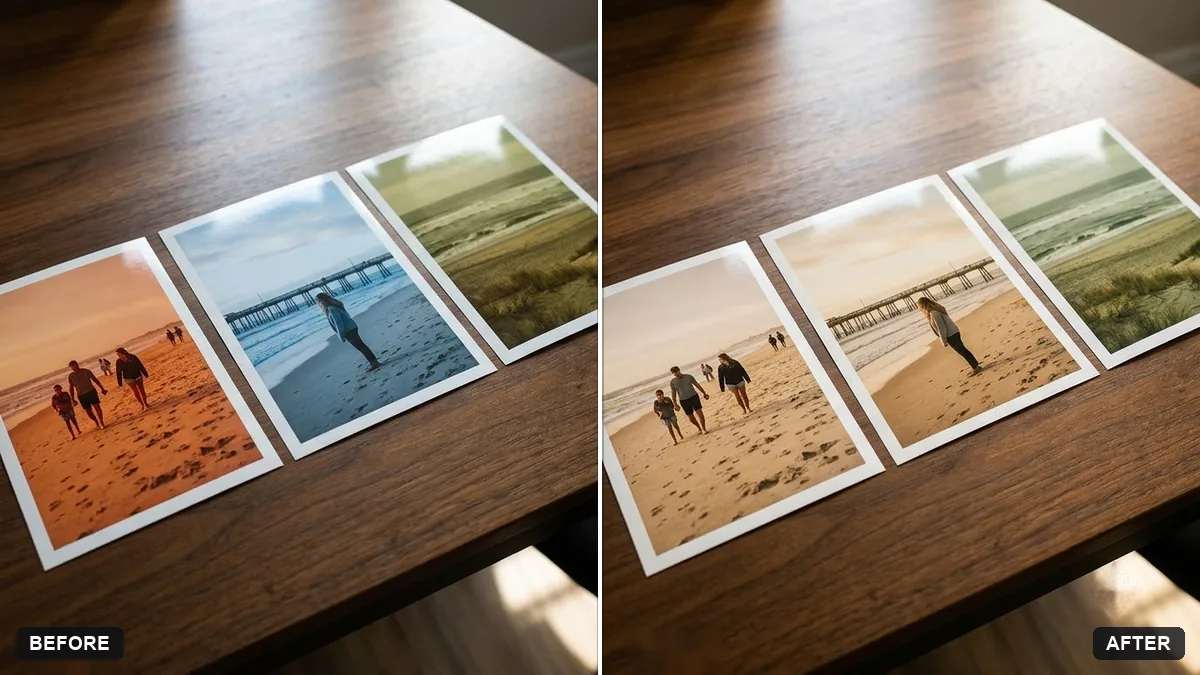
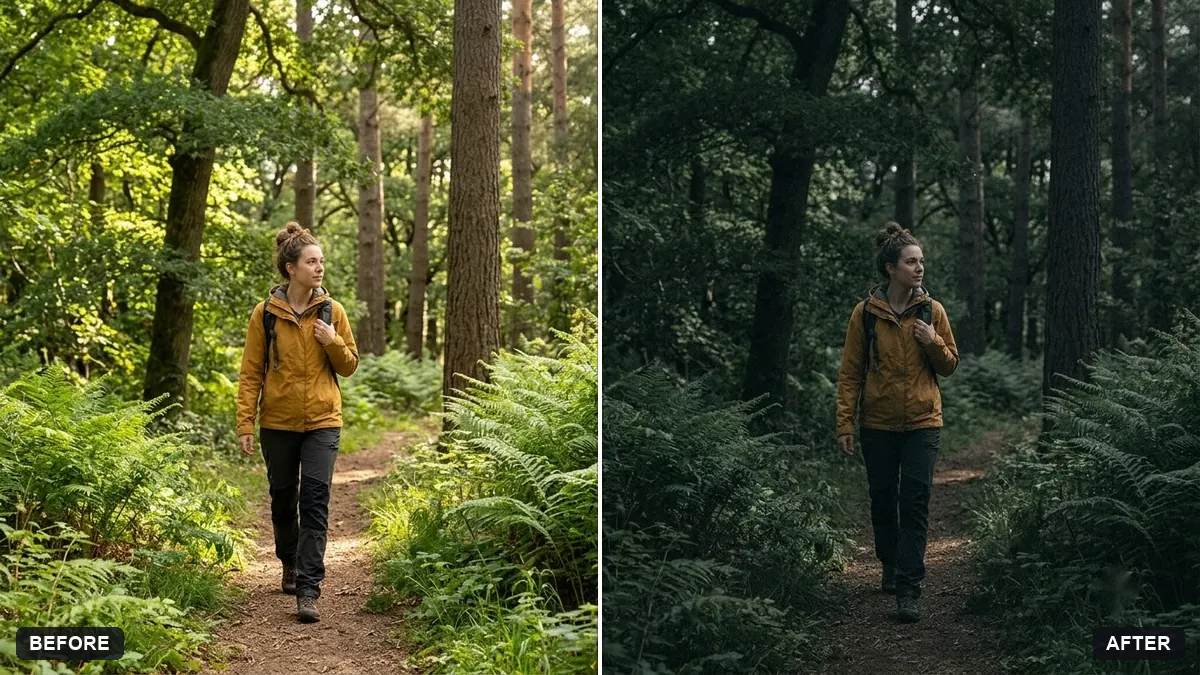
This prompt matches the colour and tone of your photo to a second reference photo with a look such as warm film, so a set of images looks consistent.
Match the colour and tone of this photo to my reference photo (the second image), which has a [LOOK, e.g. warm film] look. Keep the content of the first photo exactly the same.

Match white balance, contrast, saturation and overall mood. Do not change faces or composition. The result should look like the same shoot.
Upload your best photo as the reference for all others.
Your photo goes to the AI app you choose, never to PromptUp.
Get a better result
Your first photo regraded to the colour and tone of the reference photo: matching white balance, contrast, saturation and mood, so that the two look like part of the same shoot. The content is unchanged.
Objects or shapes from the reference photo appear in the edited one.
Fix: Say “copy only the colour, contrast and mood from the reference, never its objects, people or shapes”.
- Skin tones turn orange or grey while the rest matches. Add “protect the skin tones so they look natural, adjust the rest of the scene”. Different people need different skin colours.
- A harsh noon photo cannot be made to look like golden hour. Colour matching cannot change light direction or shadow length. Choose photos taken in similar light, or pick a reference with a gentle look.
Use the same reference and the same words for every photo. Check the first two next to each other before you do the other eight, and fix the wording then.
Copy only colour, contrast and mood from the reference, protect the skin tones and do not add or change any objects in my photo.
Guides that use this prompt
More photo editing prompts
See all 334 →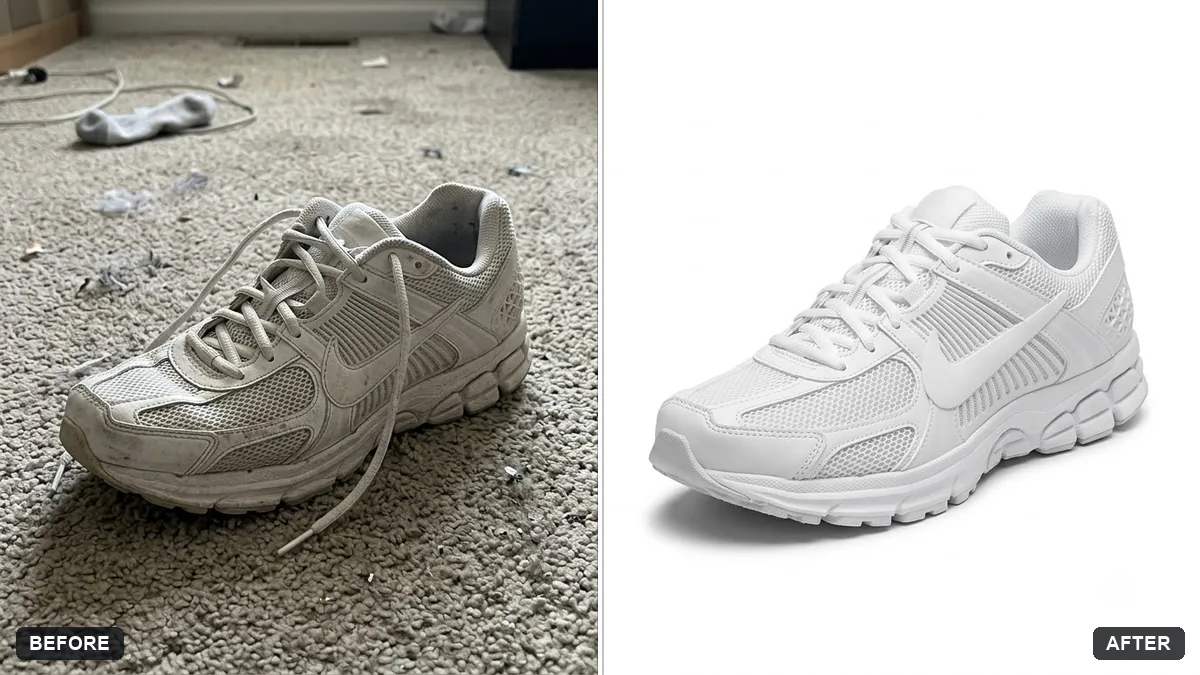
More like this
- Bright and airy photo presetGemini · ChatGPT
- Tilt-shift miniature effectGemini · ChatGPT
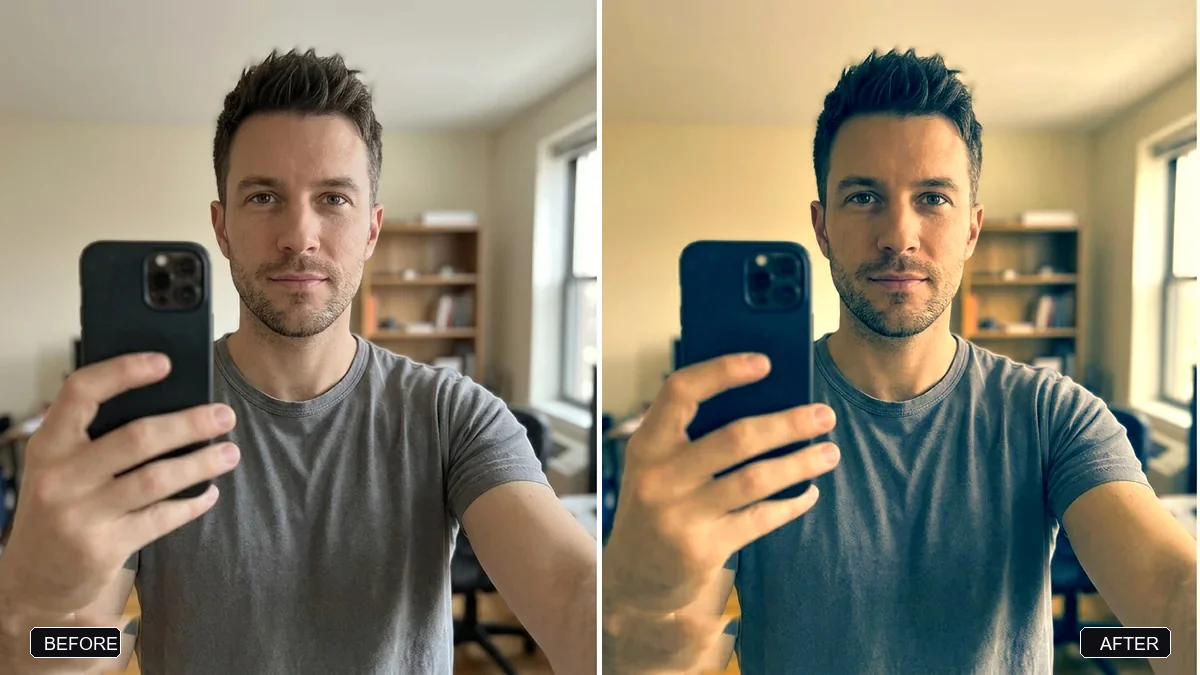
- Double exposure portraitGemini · ChatGPT
- Panning motion blur effectGemini · ChatGPT
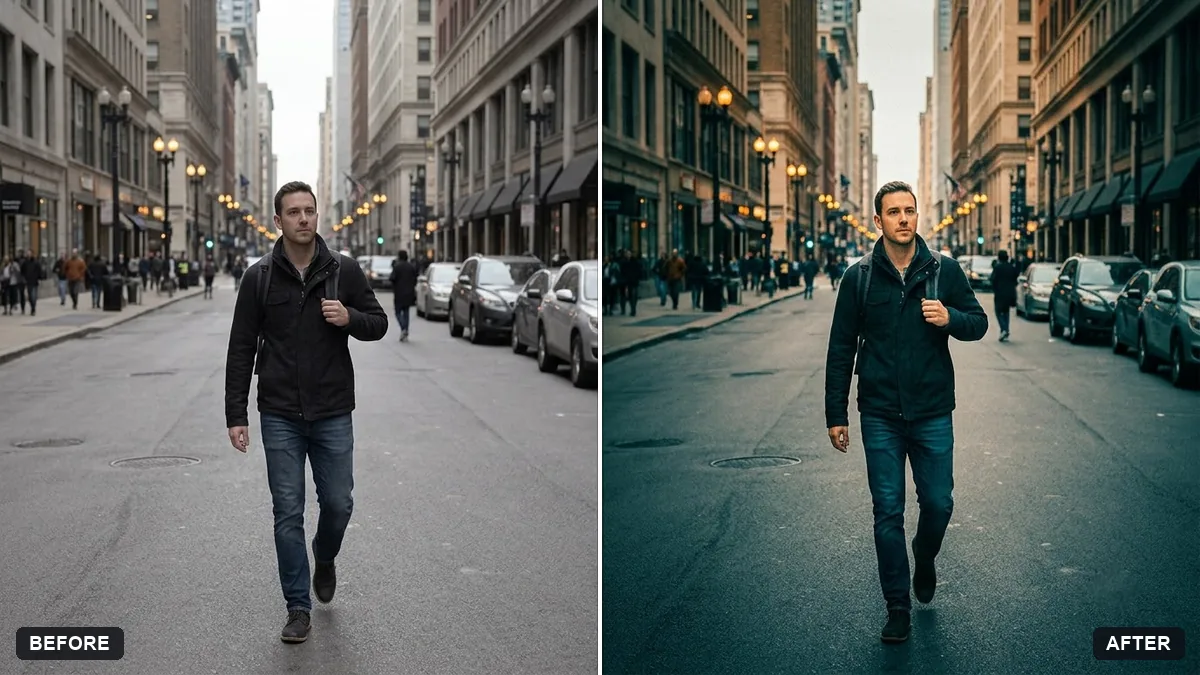
- Long-exposure look for a night cityGemini · ChatGPT
- Kabaddi match actionVeo · Kling · Seedance