- Updated
Teal and orange movie look
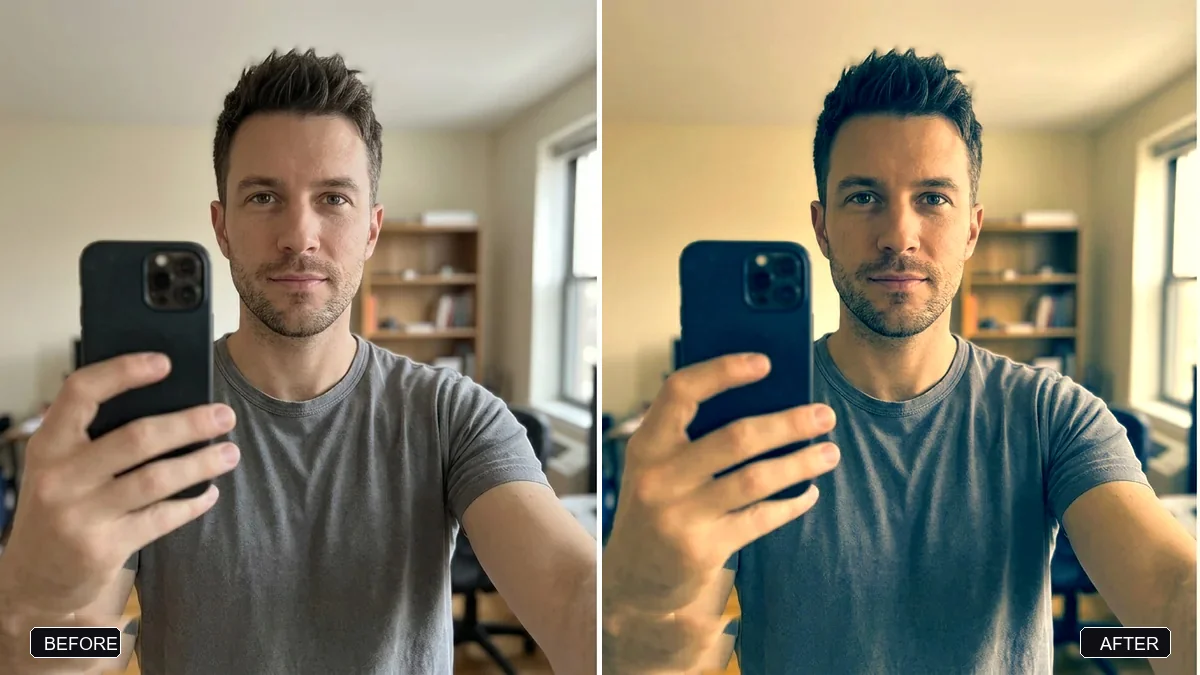
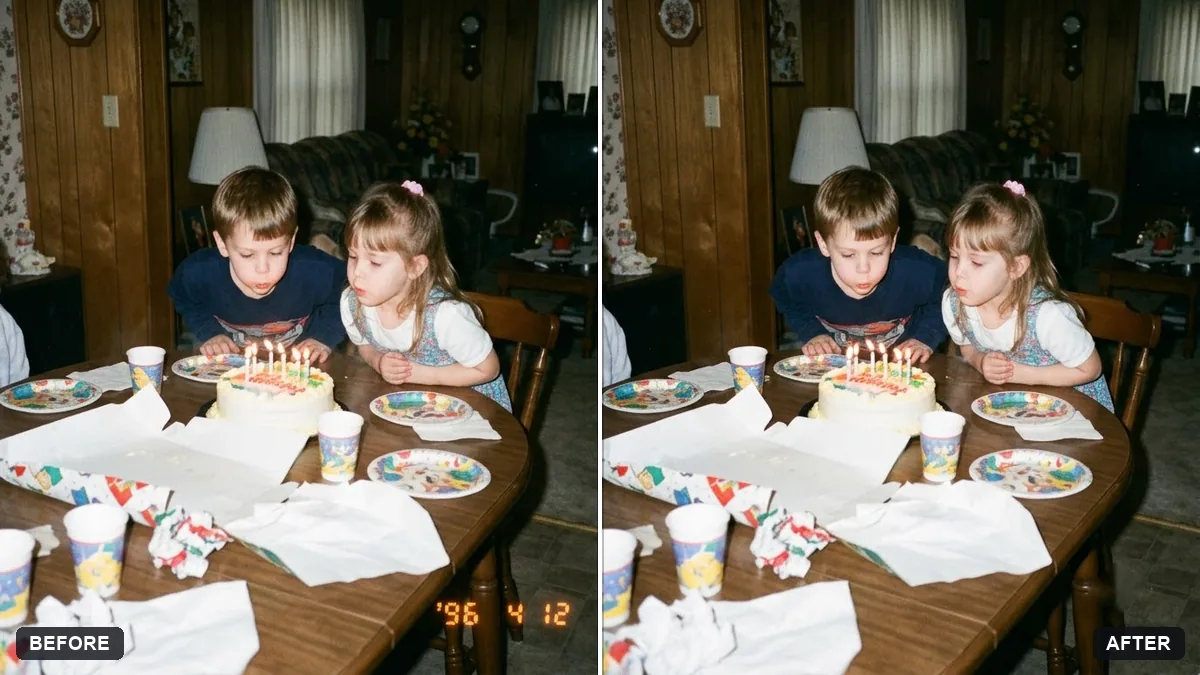
This prompt pushes shadows and backgrounds toward teal while keeping highlights and skin tones warm and natural, at a subtle or medium strength. It does not change the subject or composition.
Apply a teal and orange movie colour grade to this photo. Push shadows and backgrounds toward teal and keep highlights and skin tones warm and natural.

Do not change the subject, expression or composition. Strength: [SUBTLE / MEDIUM].
Keep skin tones warm and natural and push the teal only into shadows and backgrounds.
Your photo goes to the AI app you choose, never to PromptUp.
Get a better result
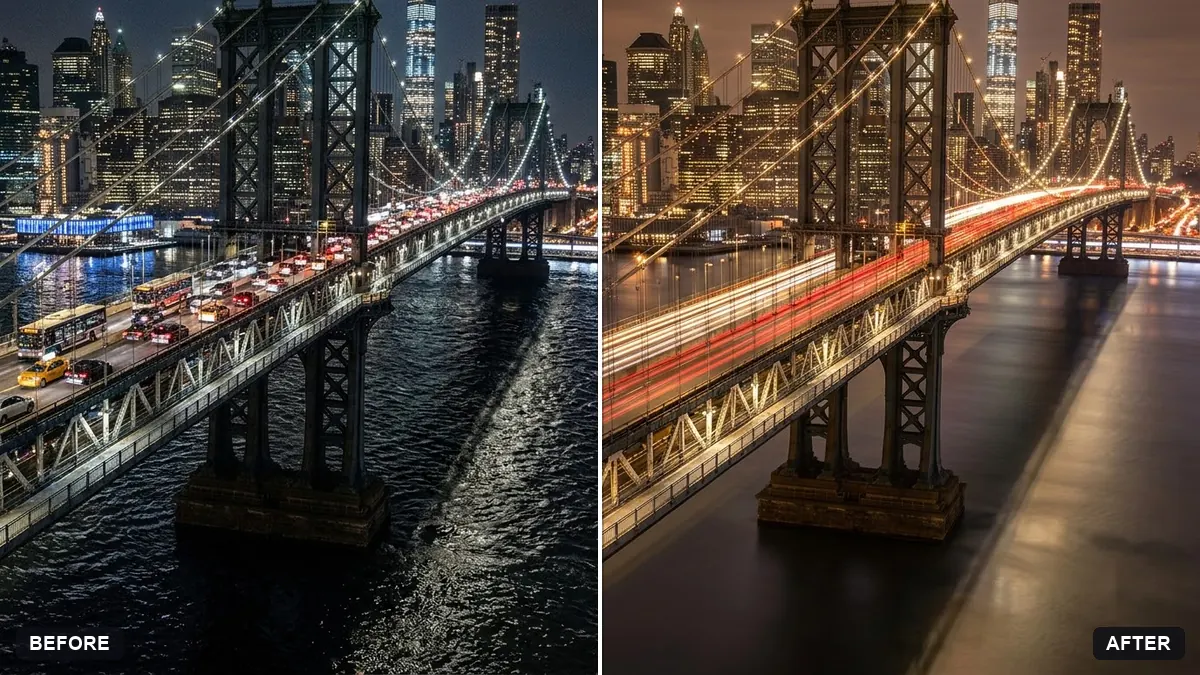
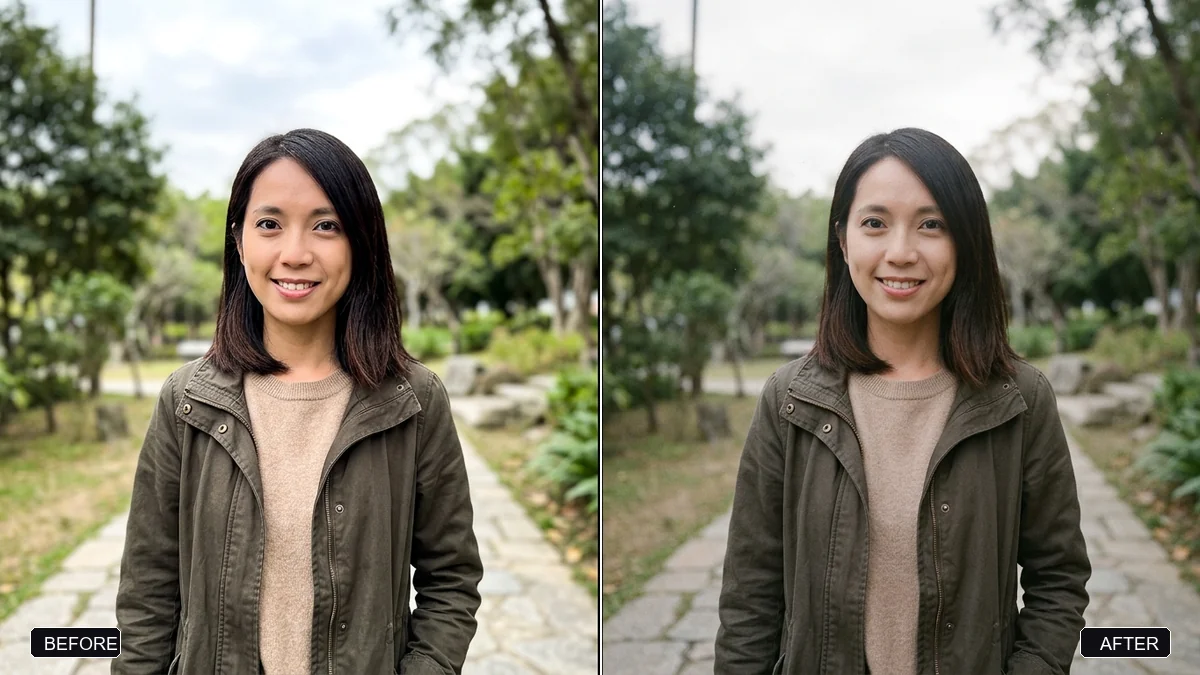
A cinematic colour grade with teal in the shadows and background, and warm natural skin and highlights, while the subject, expression and composition stay unchanged.
The teal and orange grade works because skin is warm and shadows are cool, which makes faces stand out. The prompt pushes teal into shadows and backgrounds only and keeps skin natural. The strength blank lets you choose a gentle or stronger version without changing the subject.
Skin turns orange.
Fix: Ask for “natural skin tones, teal only in shadows and backgrounds” and choose the subtle setting.
- The whole photo goes blue. Say the highlights must stay warm, and ask for less teal if it spreads over the whole frame.
- The look is too heavy. Generate again at subtle strength. A light grade usually looks more professional.
Ask for the same palette with lifted blacks, lower brightness and a little film grain, for a darker cinematic look.
Keep the same teal and orange grade on this photo, and write it as one short reusable sentence I can paste for the rest of the set.
More photo editing prompts
See all 334 →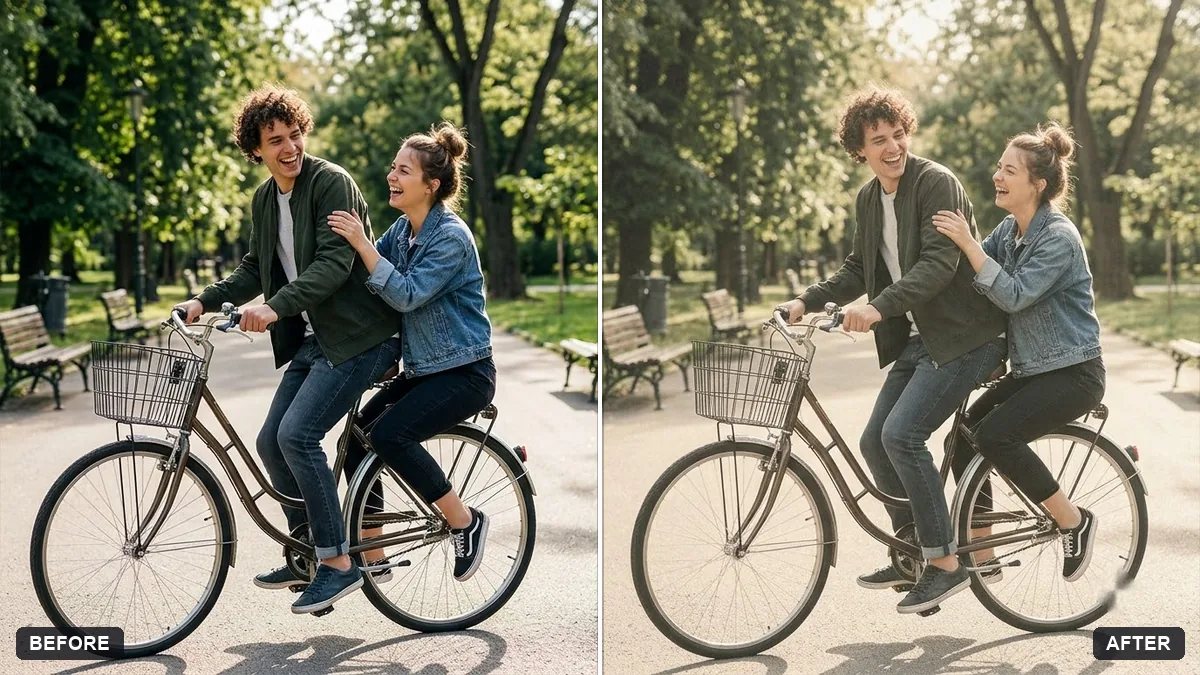
More like this
- Bright and airy photo presetGemini · ChatGPT
- Movie poster starring youGemini · ChatGPT
- Double exposure portraitGemini · ChatGPT
- Tilt-shift miniature effectGemini · ChatGPT
- Panning motion blur effectGemini · ChatGPT