- Updated
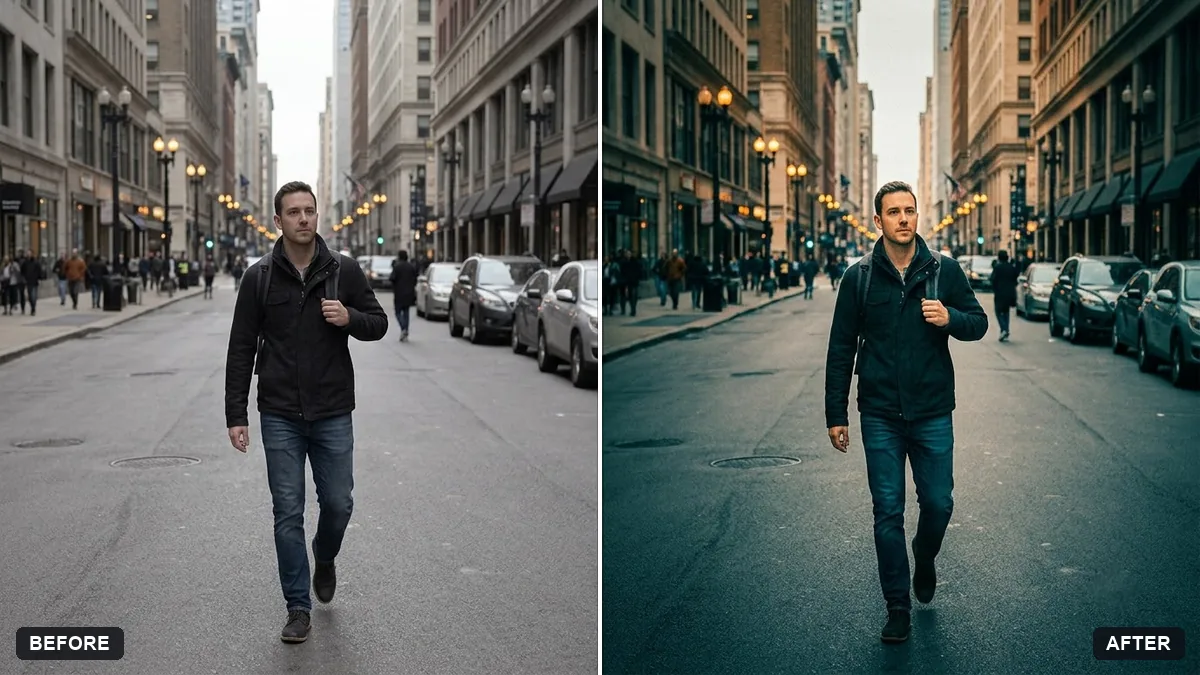
Cinematic colour grade with vignette
This prompt applies deep contrast, slightly lifted blacks, a soft vignette and gentle grain in a colour direction such as teal and orange, warm gold or cool blue. Ask for a lighter effect if it looks heavy.
Give this photo a cinematic colour grade. Deep contrast, slightly lifted blacks, a soft vignette, natural skin tones and gentle film grain.

Colour direction: [TEAL AND ORANGE / WARM GOLD / COOL BLUE]. Keep every detail and composition the same.
Ask for a lighter effect if it looks too heavy. Subtle grading looks more professional.
Your photo goes to the AI app you choose, never to PromptUp.
Get a better result
Your photo with deep contrast, slightly lifted blacks, a soft vignette, natural skin tones and gentle grain, in the colour direction you chose, with every detail and the composition unchanged.
A cinematic grade combines contrast, lifted blacks, a soft vignette and gentle grain. Natural skin tones keep people real. The colour direction blank sets the mood, and keeping it subtle, as the tip says, looks more professional.
The grade is heavy and the picture looks over-processed.
Fix: Follow the tip and ask for a lighter effect: “subtle grade, about half strength”.
- Skin turns orange or blue with the colour direction. Keep “natural skin tones” and add “keep skin neutral, apply the colour direction to shadows and highlights only”.
- The vignette shows as a dark circle around the edges. Ask for “a very soft, wide vignette that is barely noticeable”.
Pick “warm gold” and add “a faint amber glow in the highlights, shadows slightly cool”. Check the bright areas for lost detail.
Keep everything else exactly as in the original photo. Only change what I asked for.
Guides that use this prompt
More photo editing prompts
See all 334 →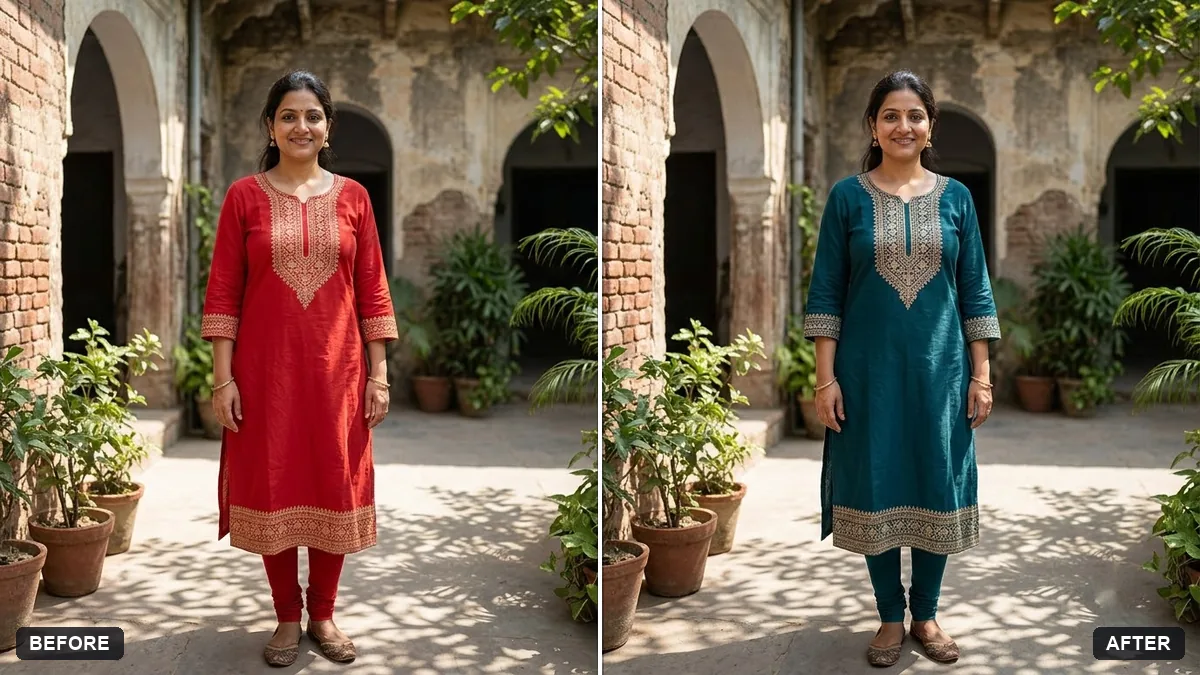
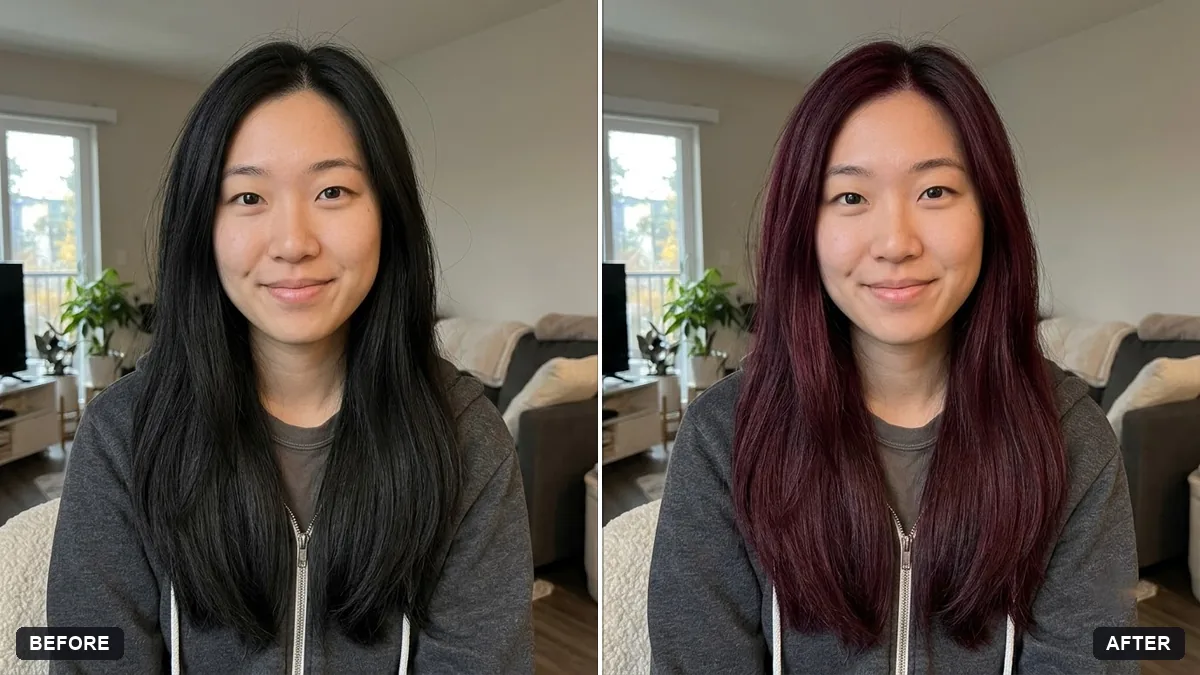
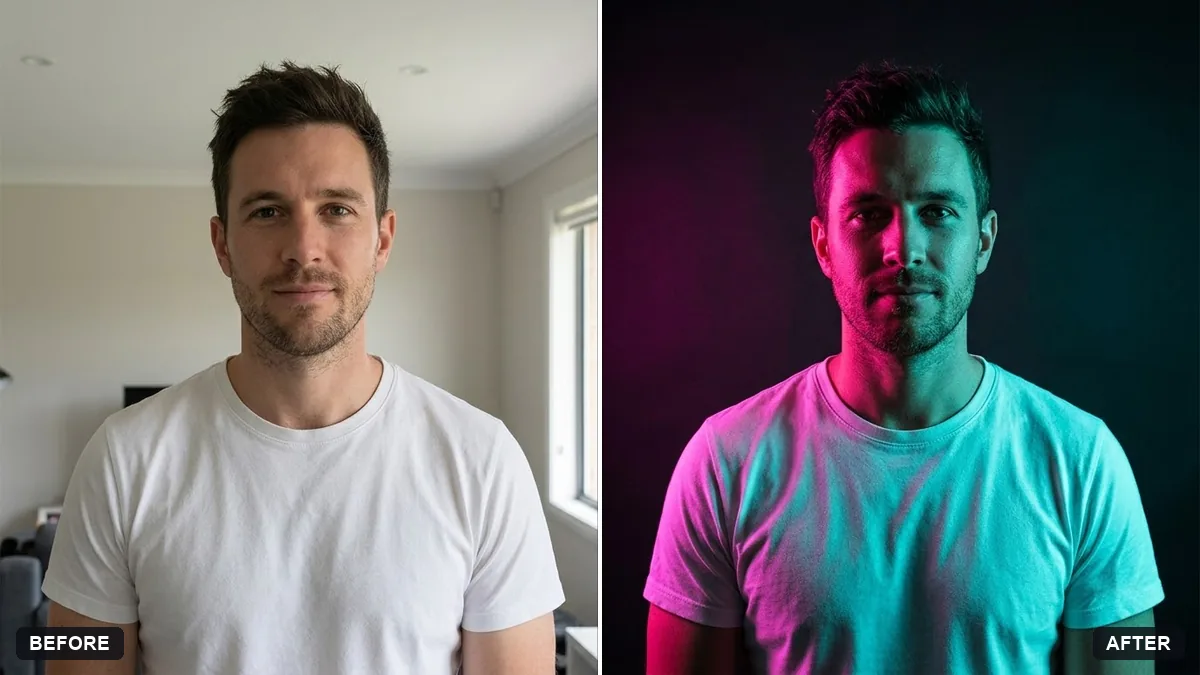
More like this
- Tilt-shift miniature effectGemini · ChatGPT
- Match colours across a photo setGemini · ChatGPT
- Panning motion blur effectGemini · ChatGPT
- Bright and airy photo presetGemini · ChatGPT
- Double exposure portraitGemini · ChatGPT