- Updated
Change the colour of clothing
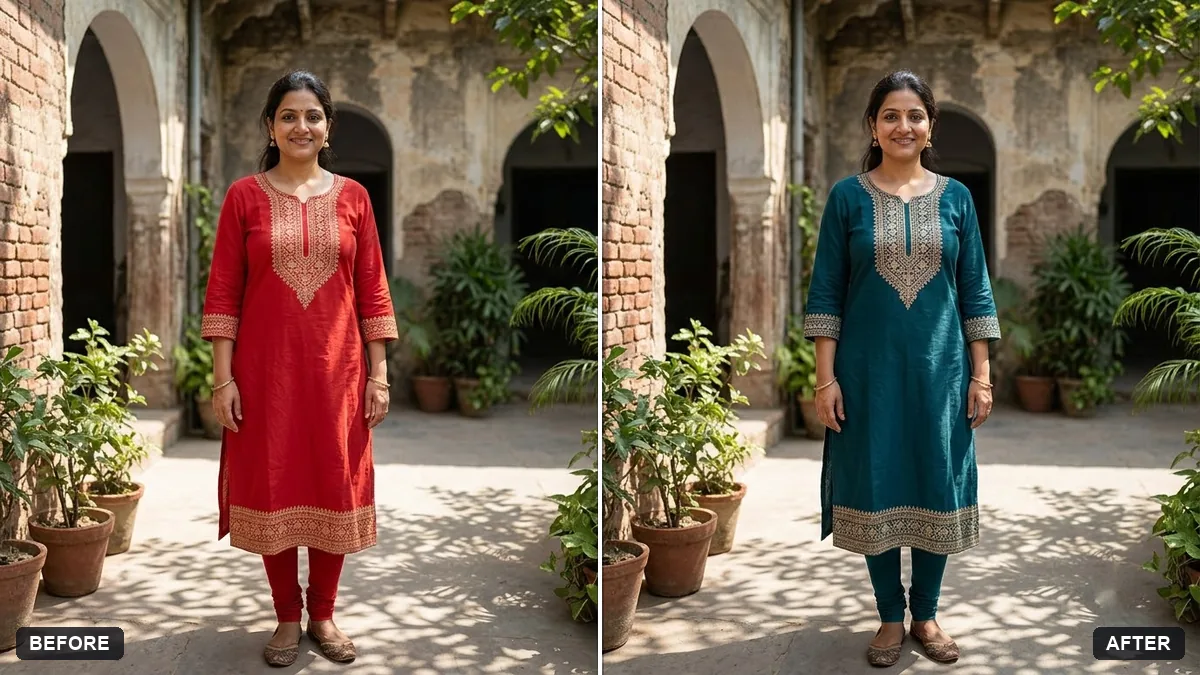
This prompt recolours one garment to the colour you name and keeps the fabric texture, folds, shadows and highlights. Face, skin, hair and background stay the same. Use a colour plus a shade, such as deep emerald green.
Change the colour of the [SHIRT / DRESS / JACKET] the person is wearing to [COLOUR]. Keep the fabric texture, folds, shadows and highlights exactly as they are.

Do not change anything else: face, skin, hair and background stay the same.
Use a colour name plus a shade, such as "deep emerald green", for accurate results.
Your photo goes to the AI app you choose, never to PromptUp.
Get a better result
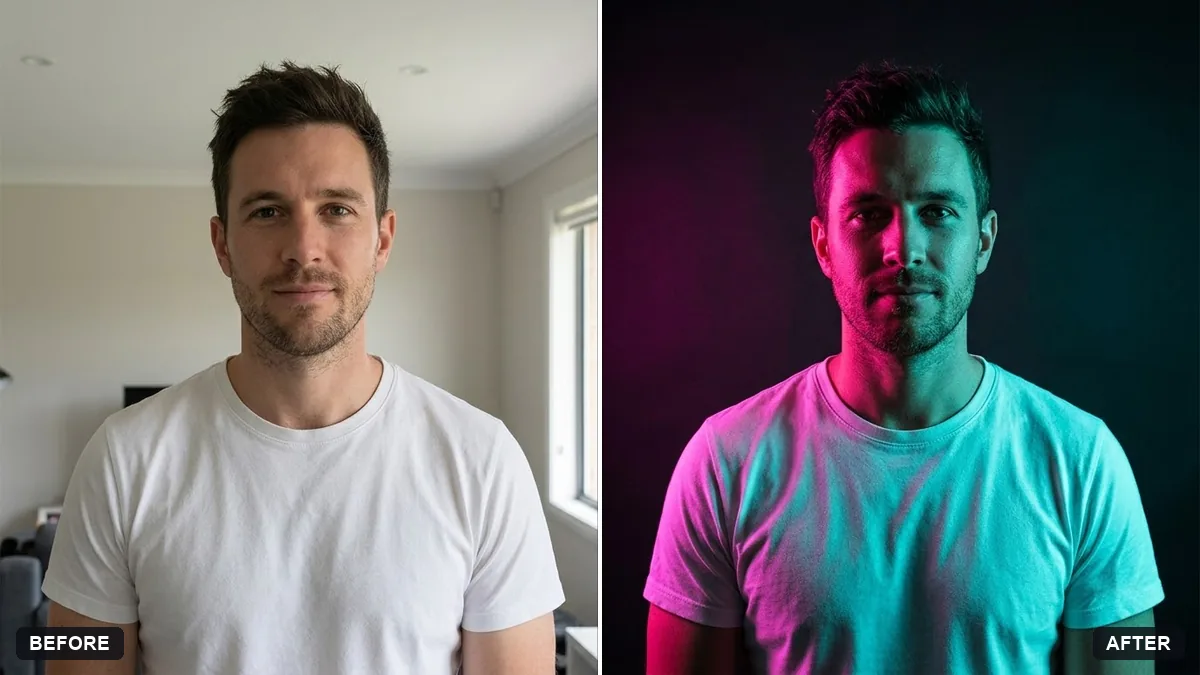
The garment you named recoloured to the shade you choose, with the fabric texture, folds, shadows and highlights kept, and your face, skin, hair and background unchanged.
A colour change looks real only if the fabric still behaves the same, so the prompt keeps texture, folds, shadows and highlights. Face, skin, hair and background stay untouched. A shade name, as the tip says, gives a precise colour.
The new colour spills onto skin, hair or other clothes.
Fix: Name the item and the limits: “only the shirt, not the tie, hair or skin”. Check the edges around the collar and neck.
- The new colour looks flat and loses the cloth’s folds. Add “keep all the shading and fold highlights exactly, only change the hue”. Dark shades hide folds, so check them.
- White buttons or printed patterns turn into the new colour. Say “keep the white buttons and the printed pattern as they are”. Recolour only the base colour.
For an online shop, add “make three versions in navy, olive and maroon, each in a separate image, same shadows”. Colour variants save a re-shoot.
Change only the base colour of the garment. Keep the folds, shadows, buttons and pattern exactly the same.
Guides that use this prompt
More photo editing prompts
See all 334 →
More like this
- Virtually try on an outfitGemini · ChatGPT
- Natural teeth brighteningGemini · ChatGPT
- Try a new hairstyle before you cutGemini · ChatGPT
- Smooth flyaway hairGemini · ChatGPT
- Preview a beard or moustache styleGemini · ChatGPT