- Updated
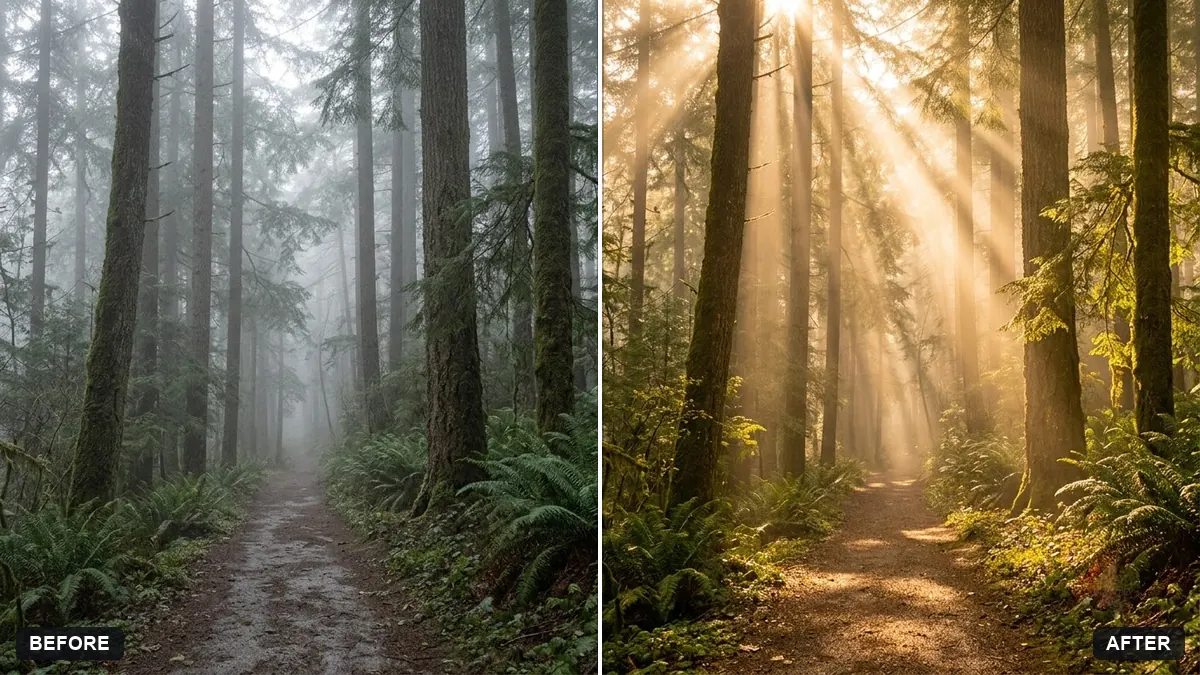
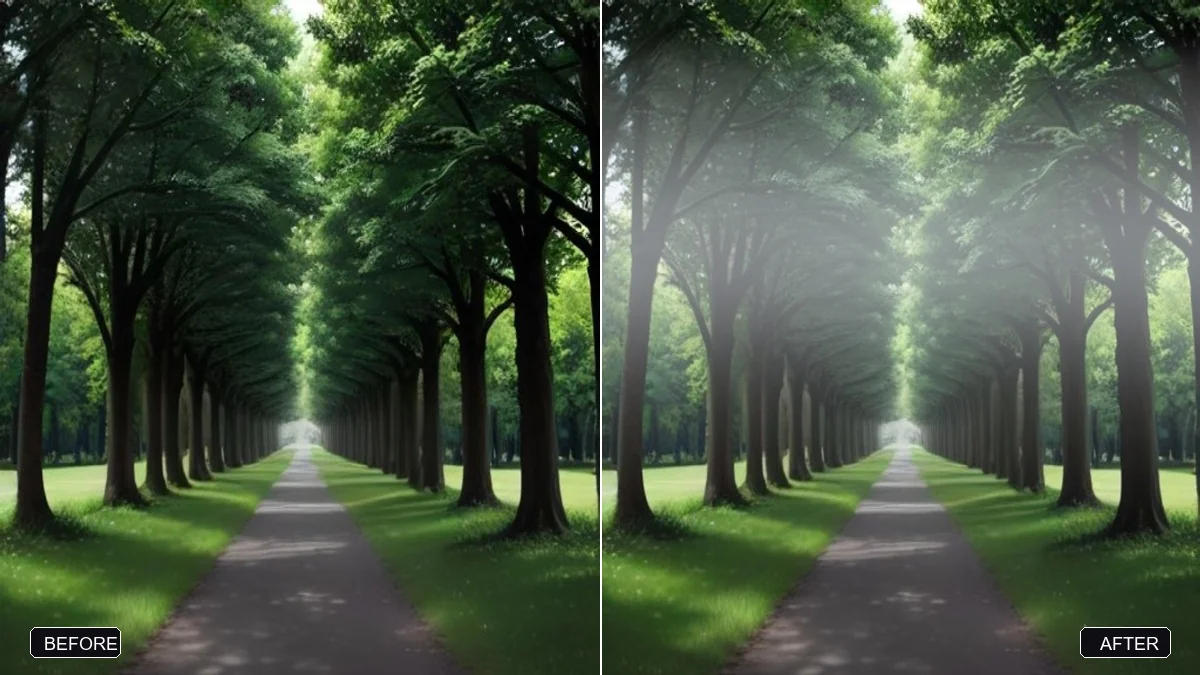
Add sun rays through trees
This prompt adds sun rays with a slight haze and warm glow that follow the direction of the existing light. Choose photos with a visible light direction so the rays match.
Add soft golden sun rays streaming through the [TREES / WINDOW / CLOUDS] in this photo, with a slight haze and warm glow that follows the direction of the existing light.

Keep everything else exactly the same.
Choose photos with a visible light direction so the rays match.
Your photo goes to the AI app you choose, never to PromptUp.
Get a better result
Soft golden beams streaming through trees, a window or clouds, with a slight haze and a warm glow that follows the light already in your picture.
Sun rays only look real if they come from the right direction, so the prompt asks them to follow the existing light in your photo. Choosing trees, a window or clouds tells the model where the light breaks through. A slight haze makes the rays visible, and keeping everything else exactly the same stops the edit from changing the scene.
The rays point the wrong way.
Fix: Look at your shadows first. The beams should come from the same side as the existing light.
- The beams are too bright. Ask for “faint, atmospheric rays, not a spotlight”, and keep faces from being washed out.
- Everything else gets changed. Repeat “keep everything else exactly the same” and compare the people and colours with your original.
Ask for light beams entering through a window and falling across a floor or table, with dust drifting in the air.
Add more haze in the air so the sun rays have something to shine through, and keep the rays following the direction of the real light.
More photo editing prompts
See all 334 →
More like this
- Replace a dull sky with a sunsetGemini · ChatGPT
- Add stars to a night skyGemini · ChatGPT
- Add a dramatic stormy skyGemini · ChatGPT
- Turn a green scene into autumnGemini · ChatGPT
- Add a rainbow after rainGemini · ChatGPT