- Updated
Replace a dull sky with a sunset
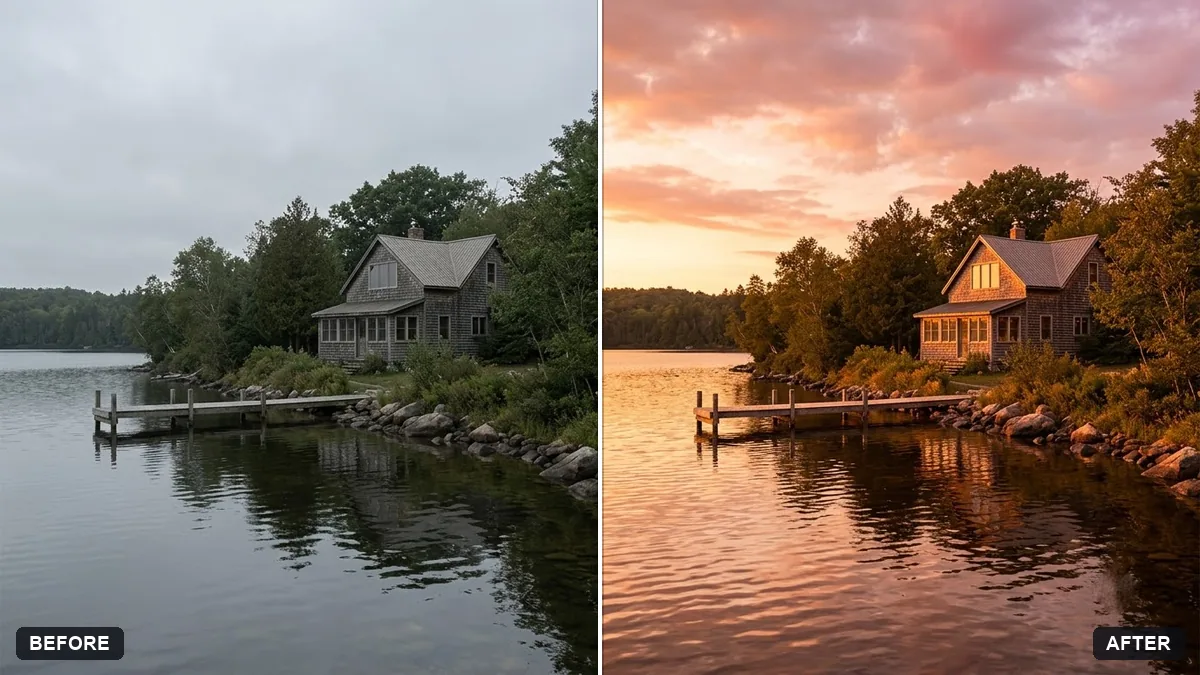
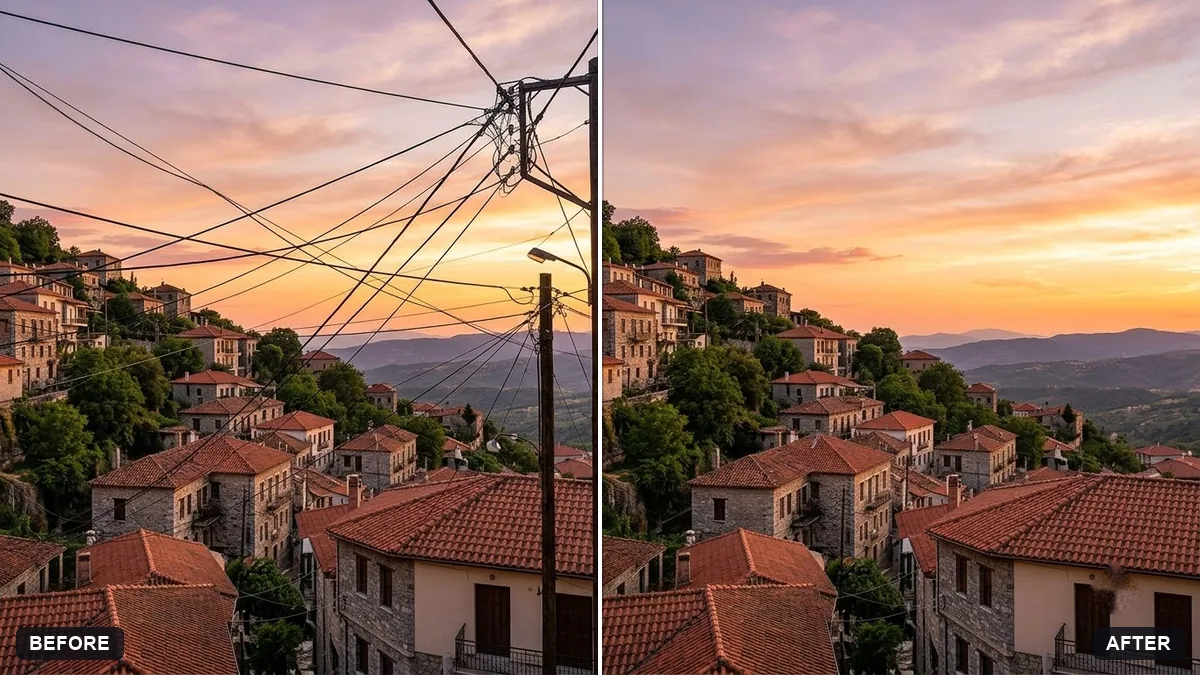
This prompt replaces the sky in your photo with one you choose, such as a warm sunset with soft clouds. Everything else stays unchanged, and the light and colour on buildings and people are matched.
Replace the sky in this photo with a [SKY, e.g. warm sunset with soft clouds]. Keep everything else in the photo unchanged.

Match the light and colour on the buildings, ground and people to the new sky, add matching reflections in glass or water, and blend the horizon so the edit looks natural. No halos.
Pick a sky that matches the direction of the original shadows.
Your photo goes to the AI app you choose, never to PromptUp.
Get a better result
Your photo with a new warm sky, the light on buildings, ground and people matched to it, reflections added where there is glass or water, and a clean horizon without halos.
A new sky only works if the scene matches it, so the prompt adjusts light on buildings, ground and people and adds reflections. Blending the horizon with no halos hides the join. Matching shadow direction, as the tip says, keeps it believable.
The light does not match.
Fix: Pick a sky that lights the scene from the same side as the existing shadows, or the edit looks pasted on.
- A bright halo shows around trees. Ask it to blend fine edges such as leaves and wires, and zoom in to check before you share it.
- The sky is too dramatic. Say “subtle, believable” and choose soft clouds. An over-saturated sky is easy to spot.
Swap the sunset for deep blue dusk with the first lit windows, and warm interior light on the buildings.
Keep everything else the same. Make every window, glass surface and the water reflect the new sunset sky, not the old one.
More photo editing prompts
See all 334 →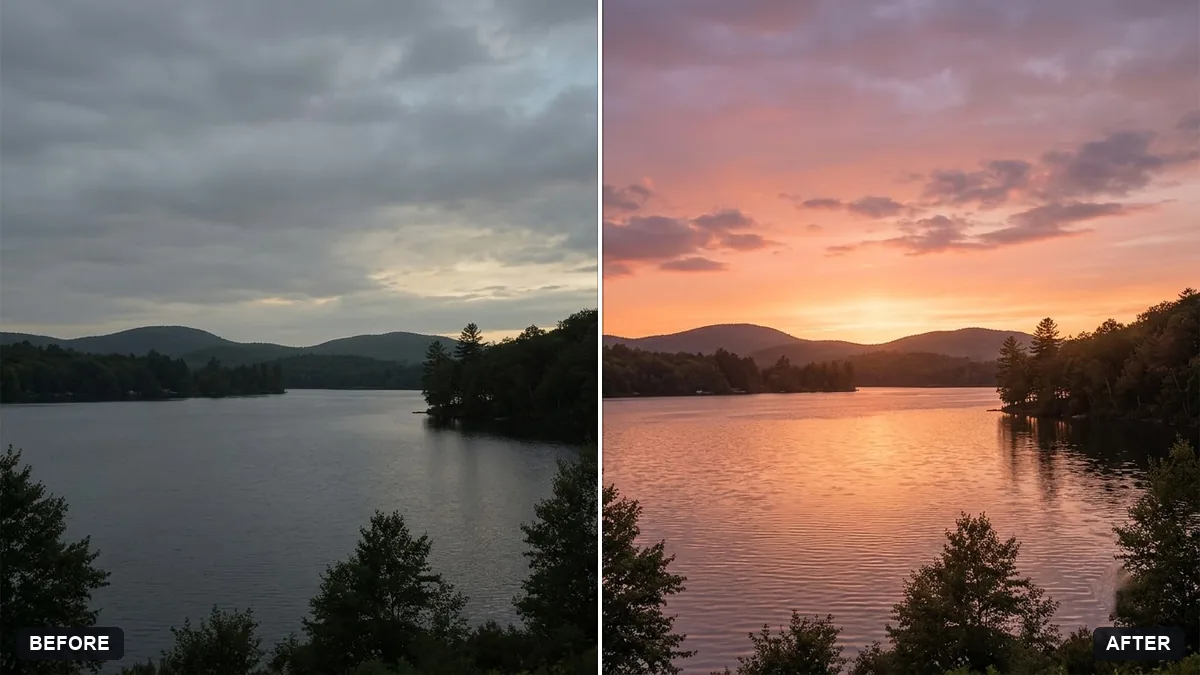
More like this
- Change the season in a photoGemini · ChatGPT
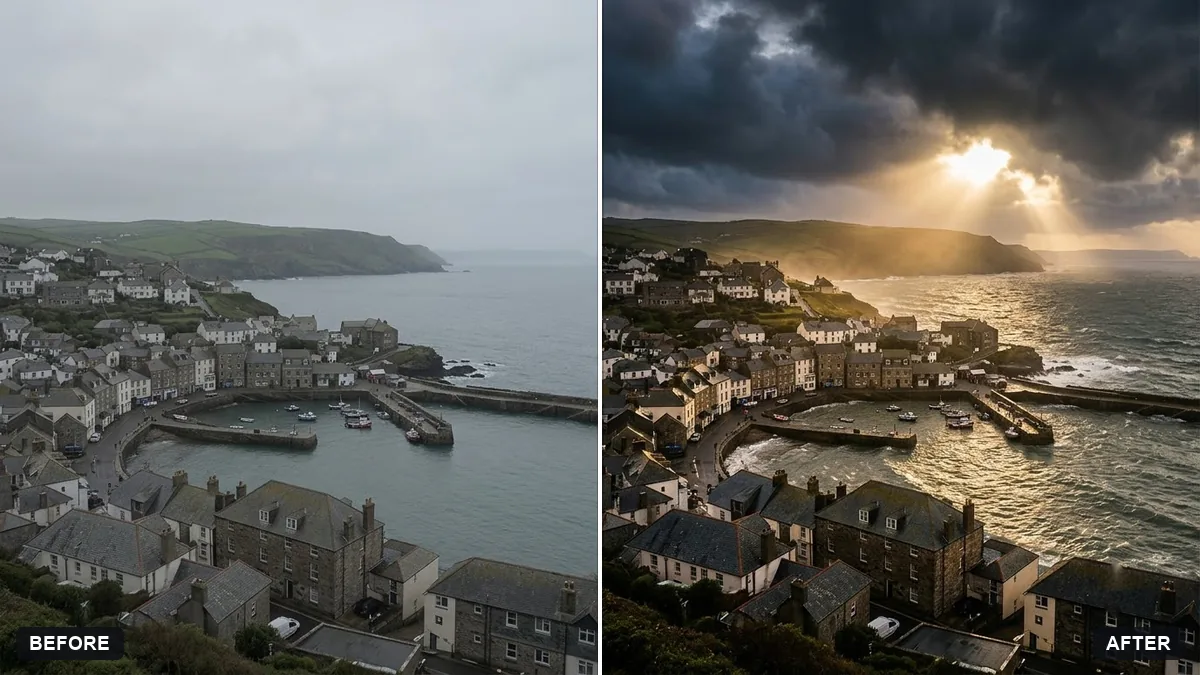
- Add sun rays through treesGemini · ChatGPT
- Add northern lightsGemini · ChatGPT
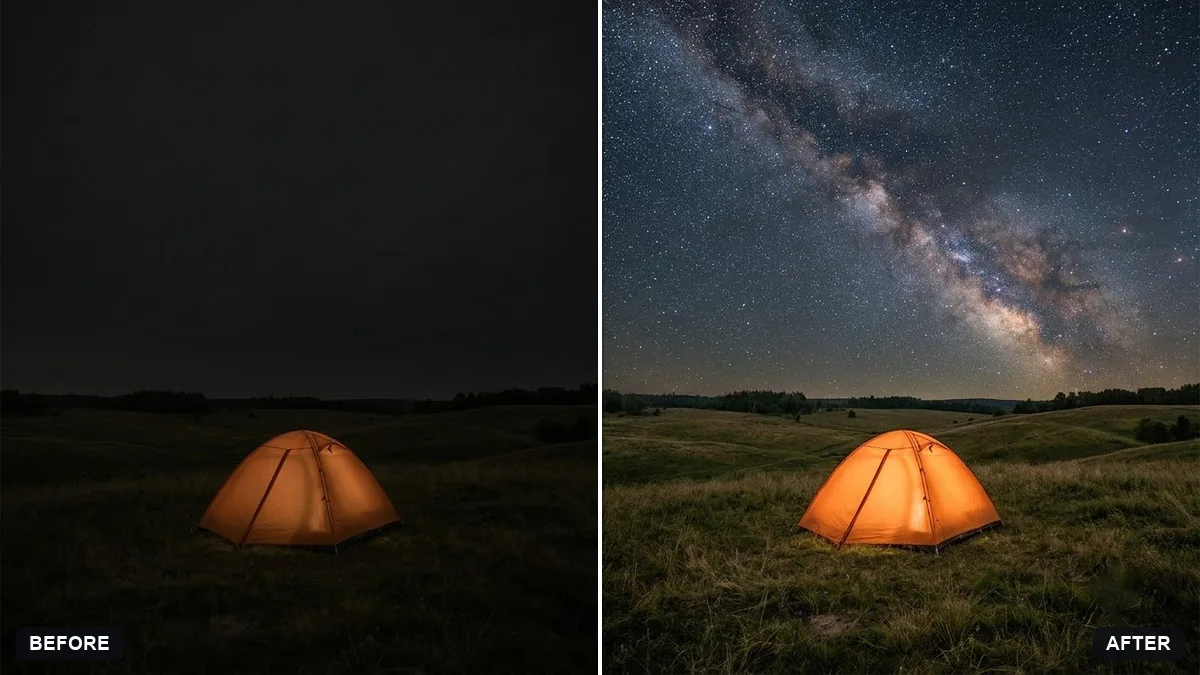
- Turn a night scene into daytimeGemini · ChatGPT
- Turn a day scene into a night sceneGemini · ChatGPT