- Updated
Boost a dull sunset
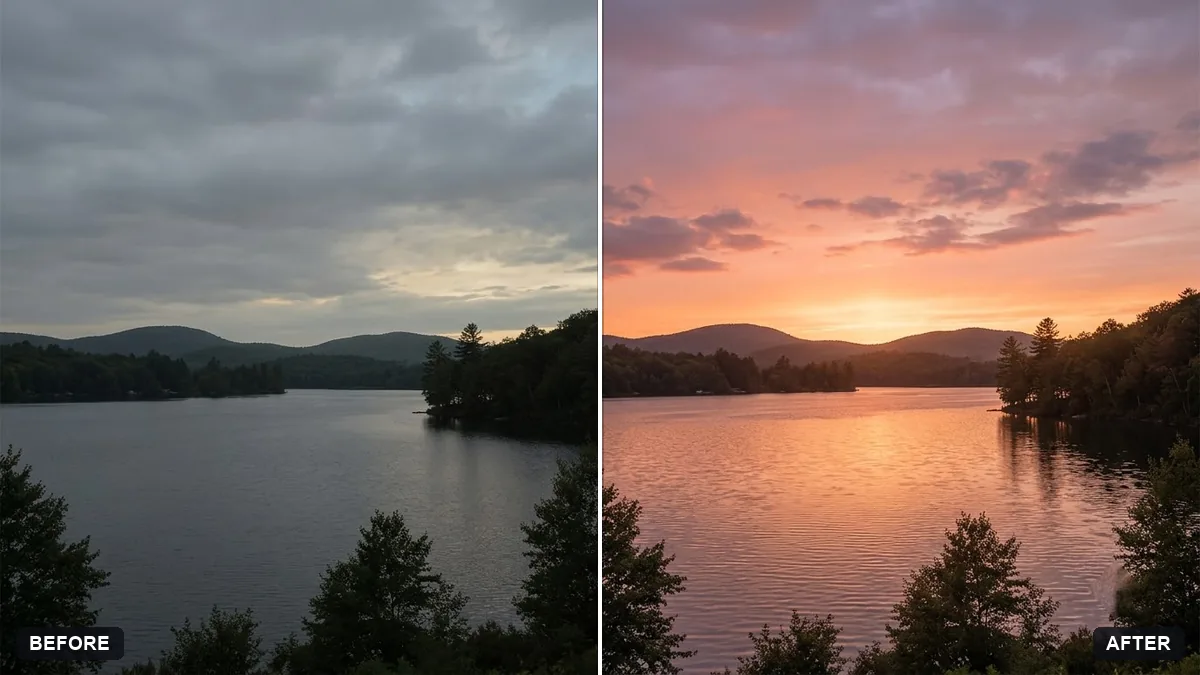
This prompt deepens the sky colours, adds a gentle glow near the horizon and soft reflections on water or ground, keeping the scene realistic. Ask for a subtle result if the first is too strong.
Boost the colours of the sunset in this photo. Deepen the [ORANGE / PINK] tones in the sky, add gentle glow near the horizon and soft reflections on the water or ground.

Keep the scene realistic. Do not add extra objects or change the composition.
Ask for a subtle result if the first one looks over-the-top.
Your photo goes to the AI app you choose, never to PromptUp.
Get a better result
The same sunset photo with deeper orange or pink in the sky, a warm glow at the horizon and soft colour reflected on the water or ground, with nothing added or moved.
A colour boost should stay believable, so the prompt deepens the chosen tone, adds a glow near the horizon and softens reflections. It rules out extra objects and new composition. Asking for subtle, as the tip says, fixes an over-the-top result.
The whole photo turns orange.
Fix: Ask for the boost in the sky only, and keep people, buildings and foliage close to their natural colours.
- Clouds and objects are added. Repeat “do not add anything” and ask for the same clouds, only richer in colour.
- The sky looks painted. Ask for a subtle result, as the tip says, and keep the gradient smooth, not banded.
Ask for the minutes just after sunset instead, with deep blue sky, a thin orange line at the horizon and lights turning on.
Make the colour boost half as strong. It should still look like a real sunset at phone size.
More photo editing prompts
See all 334 →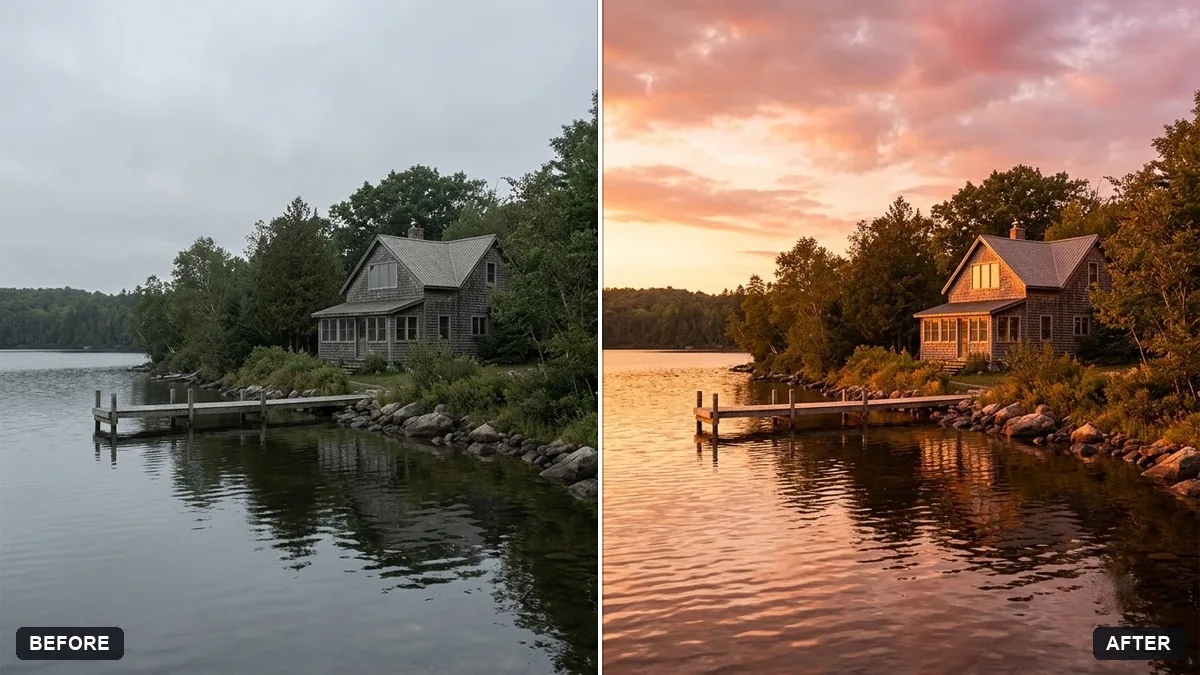
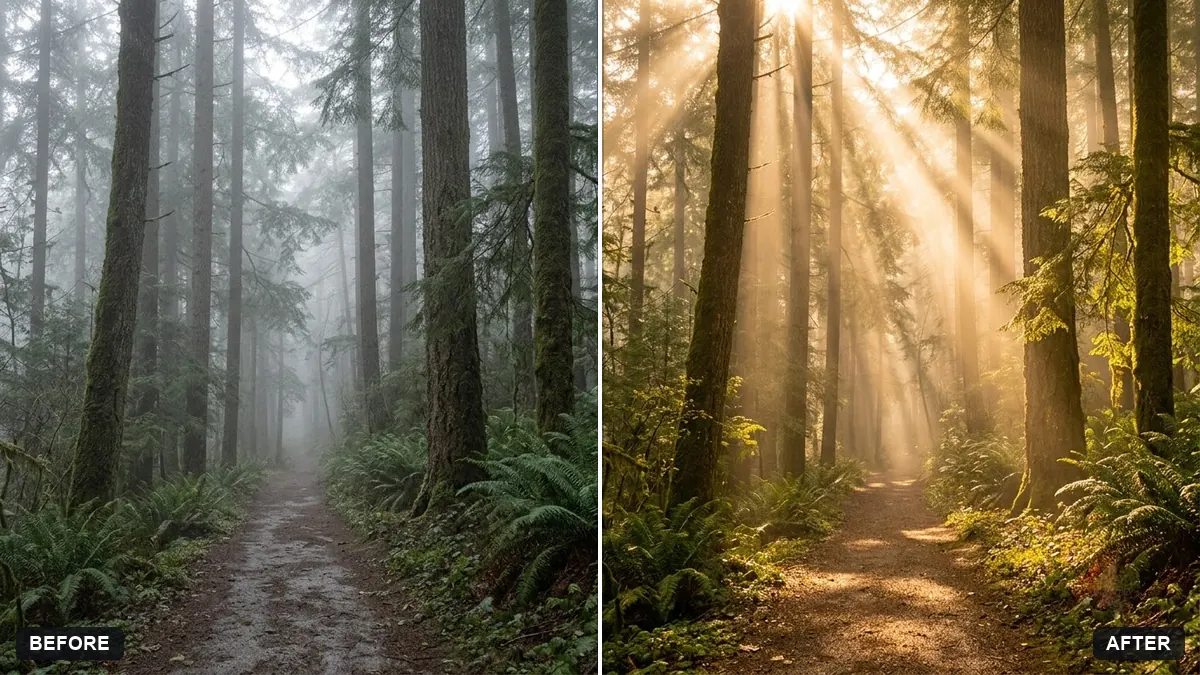
More like this
- Add morning fog to a landscapeGemini · ChatGPT
- Change the season in a photoGemini · ChatGPT
- Add stars to a night skyGemini · ChatGPT
- Add a rain effect to a photoGemini · ChatGPT
- Turn a day scene into a night sceneGemini · ChatGPT