- Updated
Change the season in a photo
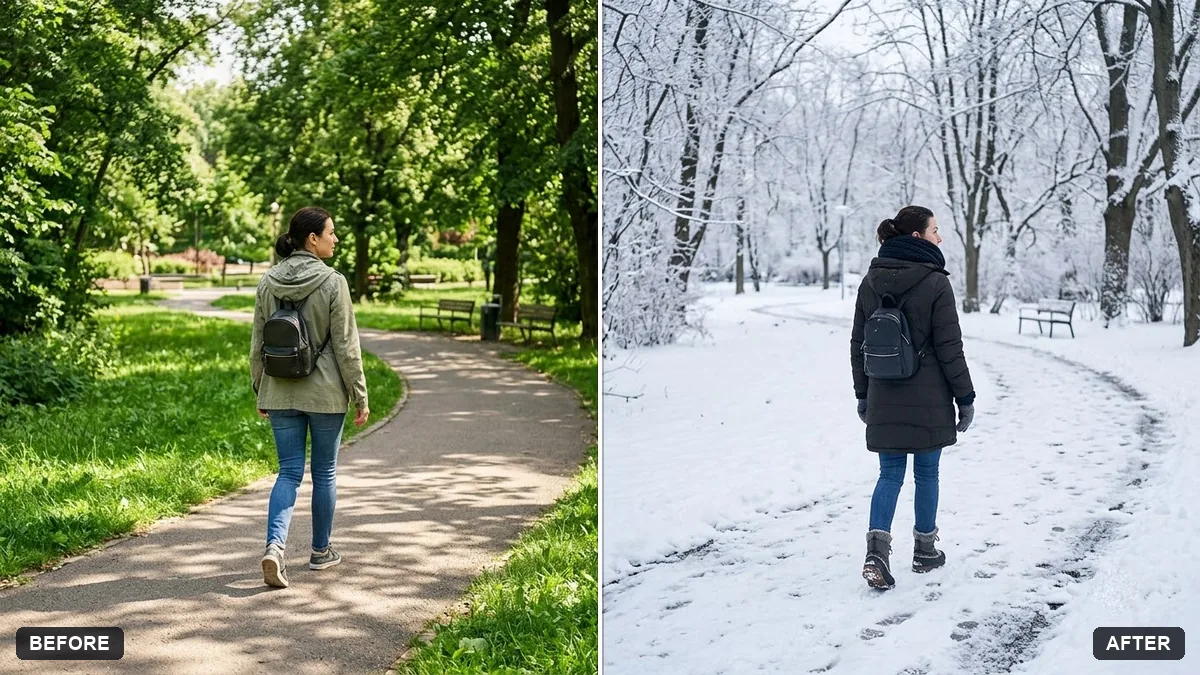
This prompt changes the season in your photo. The people, pose, clothing style and camera angle stay the same, and only the environment changes, for example snow on the ground and bare trees for winter.
Change the season in this photo to [WINTER / AUTUMN / SPRING / MONSOON]. Keep the people, pose, clothing style and camera angle the same.

Update the environment: [e.g. snow on the ground and bare trees / orange leaves / rain puddles and wet reflections]. Match the lighting, sky and colour tone to the new season. Realistic result, no cartoon effects.
Adjust clothing in the prompt if the new season needs it.
Your photo goes to the AI app you choose, never to PromptUp.
Get a better result
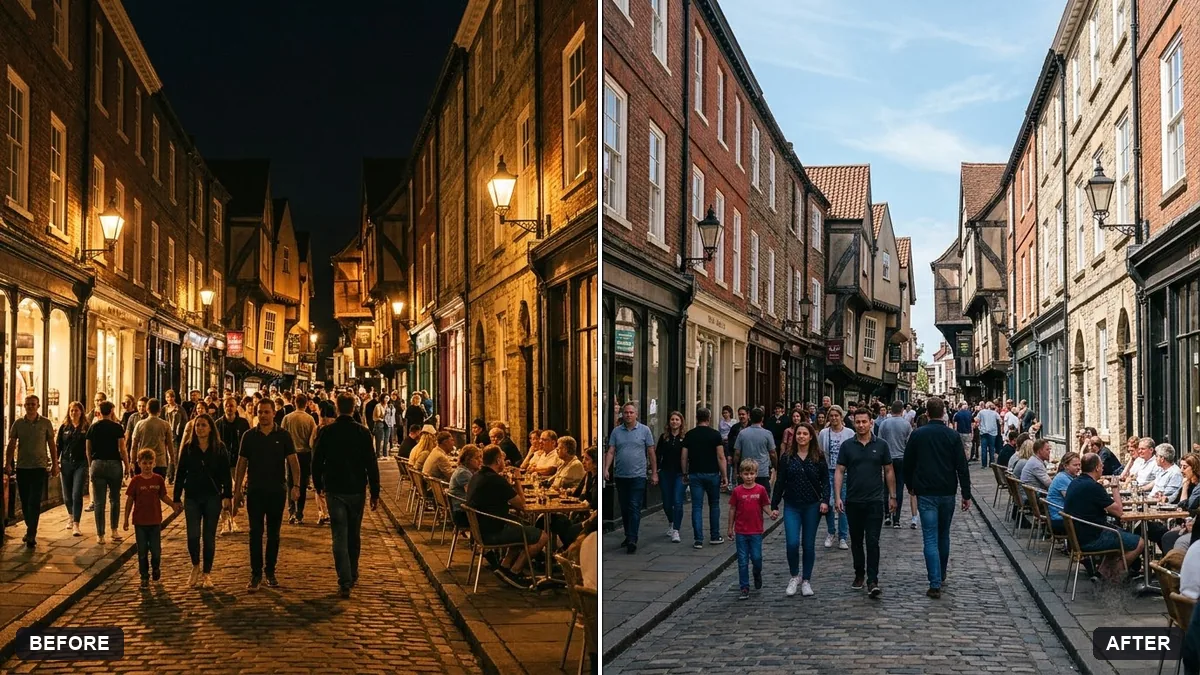
Your photo moved into winter, autumn, spring or monsoon, with the environment, sky, light and colour tone changed to match, while the people, pose, clothing style and camera angle stay the same.
People look wrong for the weather, such as a T-shirt in snow.
Fix: Use the tip and describe the clothing for the new season: “a wool coat and scarf”, or “a light raincoat”.
- The new season looks like a filter, not real weather. Say what changes physically: “snow on the ground and branches, breath visible in the cold, flat winter light”.
- Shadows still point the old way under a cloudy sky. Add “match the shadows and light to an overcast monsoon sky”. Soft light means soft shadows.
Add “and make it evening, with street lights glowing on the wet ground”. A second change such as time of day works best when the first one is kept simple.
Change the season to winter with snow on the ground and bare trees, match the light and shadows, and give everyone clothing that suits the cold.
Guides on this topic
More photo editing prompts
See all 334 →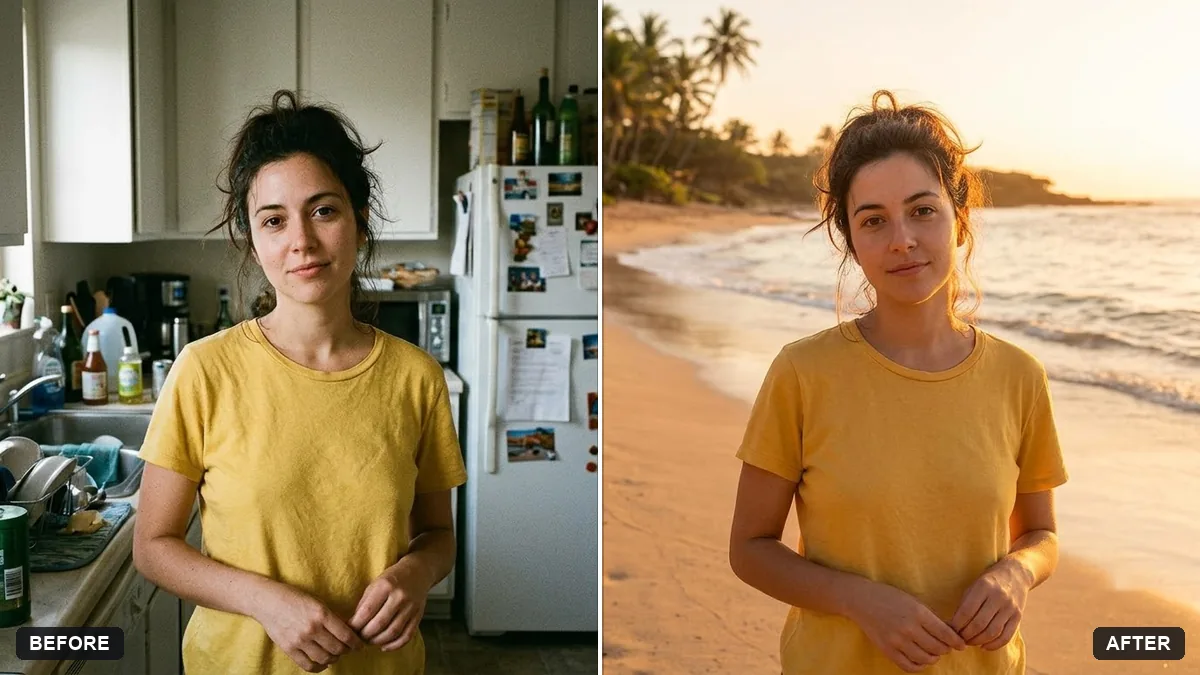
More like this
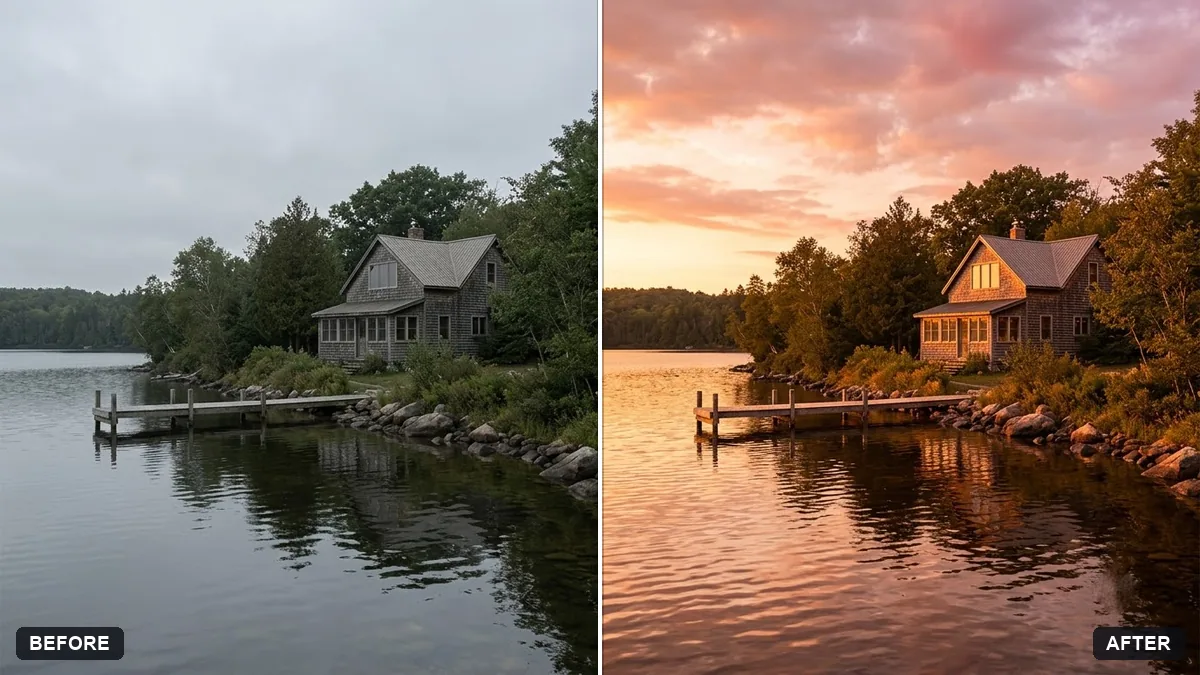
- Boost a dull sunsetGemini · ChatGPT
- Write your self-review for performance seasonChatGPT · Gemini · Claude
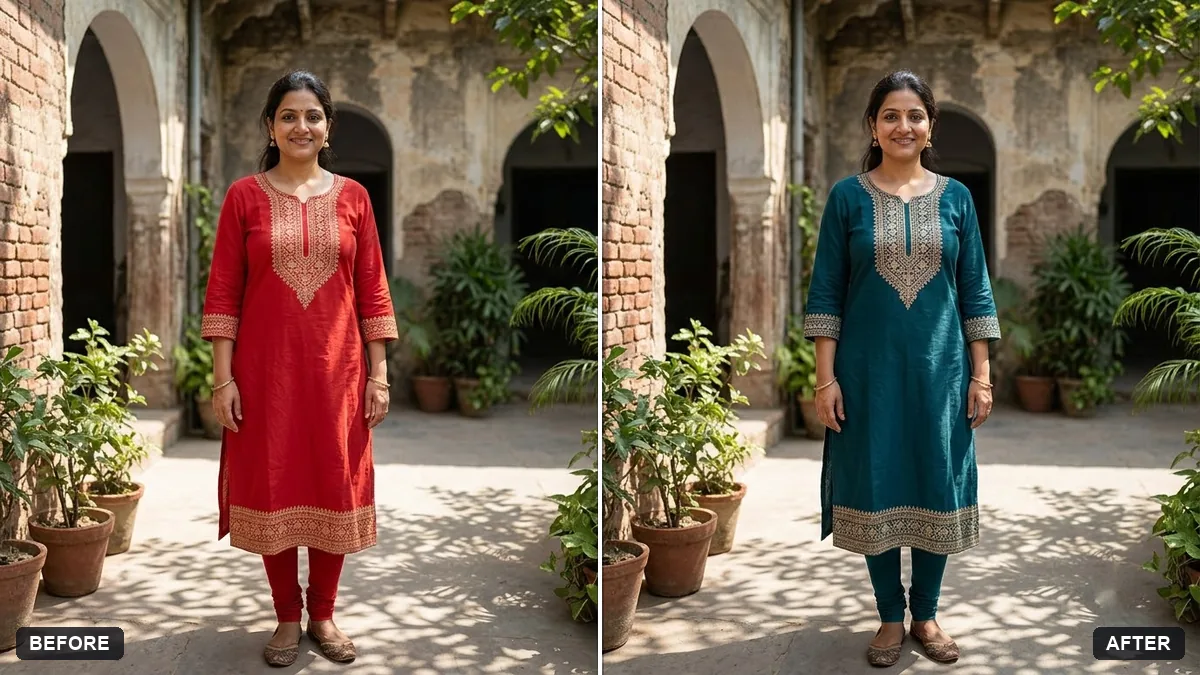
- Add a rain effect to a photoGemini · ChatGPT
- Add northern lightsGemini · ChatGPT
- Add a dramatic stormy skyGemini · ChatGPT