- Updated
Change the background (keep you the same)
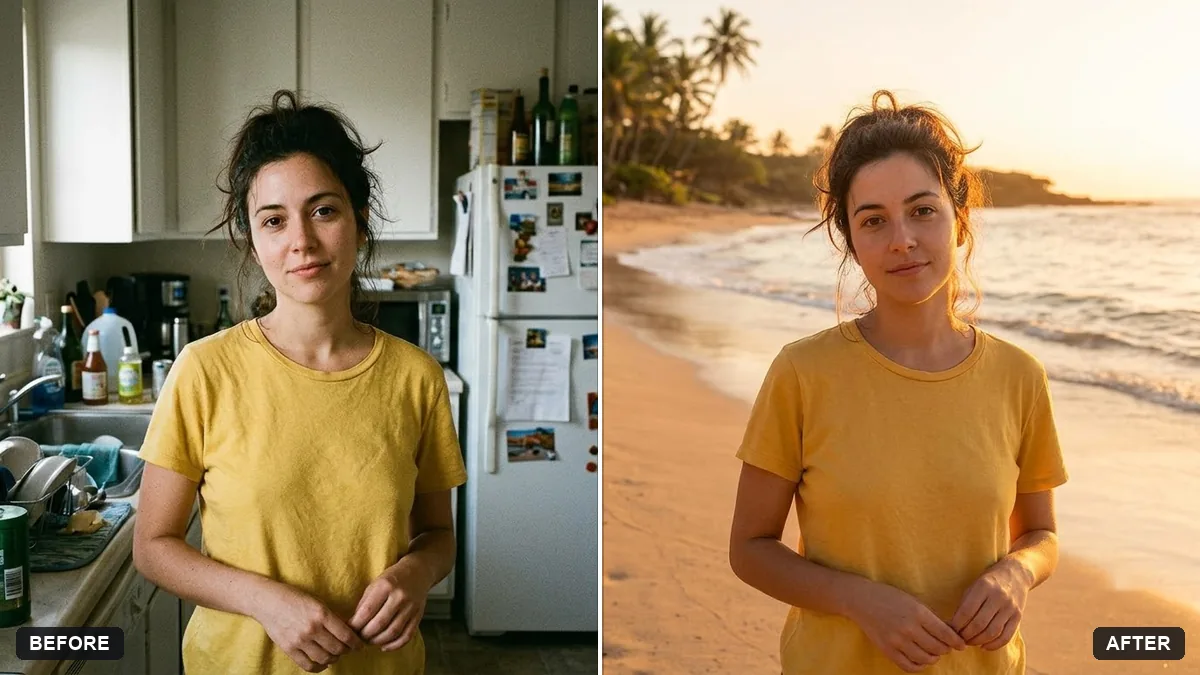
This prompt replaces the background with a new one, such as a sunny beach in Goa at golden hour. Your face, hair, body, clothes and pose stay the same, and the lighting direction, colour temperature and shadows are matched to the new scene.
Replace the background of this photo with [NEW BACKGROUND, e.g. a sunny beach in Goa at golden hour]. Keep me — face, hair, body, clothes, and pose — exactly the same.

Match the lighting direction, colour temperature, and shadows on me to the new scene, and blend the hair edges naturally so there are no cut-out halos.

Photorealistic, same framing and aspect ratio as the original.
If the edges look fake, reply: “Blend the hair edges and match the light on my face to the background.”
Your photo goes to the AI app you choose, never to PromptUp.
Get a better result
Your photo with the background replaced by your chosen scene, the lighting, colour temperature and shadows on you matched to it, and hair edges blended with no cut-out halo.
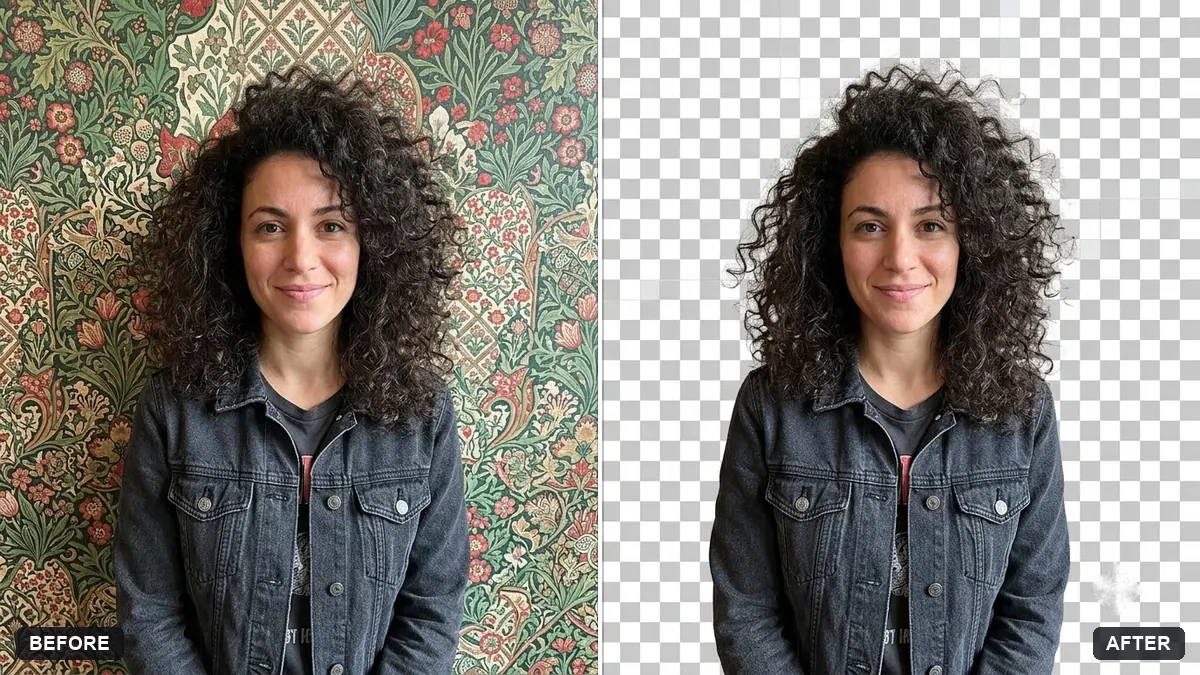
The hair edges look cut out, with a light halo.
Fix: Start from a photo with a plain, contrasting background, then reply “blend the hair edges and remove any halo”, as the tip says.
- Your face is lit from one side while the new sun is on the other. Name the sun direction: “the sun comes from the right, so the light on my face comes from the right”.
- You look sharper than the soft background around you. Ask for “match the focus: the same softness and grain as the background”. Mismatched sharpness gives the pasted-on look.
Replace the background with “plain white, even lighting, no shadows”. Many official photo rules do not allow edited pictures, so use this for casual forms only.
Blend the hair edges, remove any halo, match the light direction on my face to the new scene, and match the sharpness and grain.
Guides that use this prompt
More photo editing prompts
See all 334 →
More like this
- Website hero image from a photoGemini · ChatGPT
- Add dreamy bokeh lightsGemini · ChatGPT
- HDR blend for a bright window roomGemini · ChatGPT
- Travel photo at a famous landmarkGemini · ChatGPT
- Extend a photo to a wider frameGemini · ChatGPT