- Updated
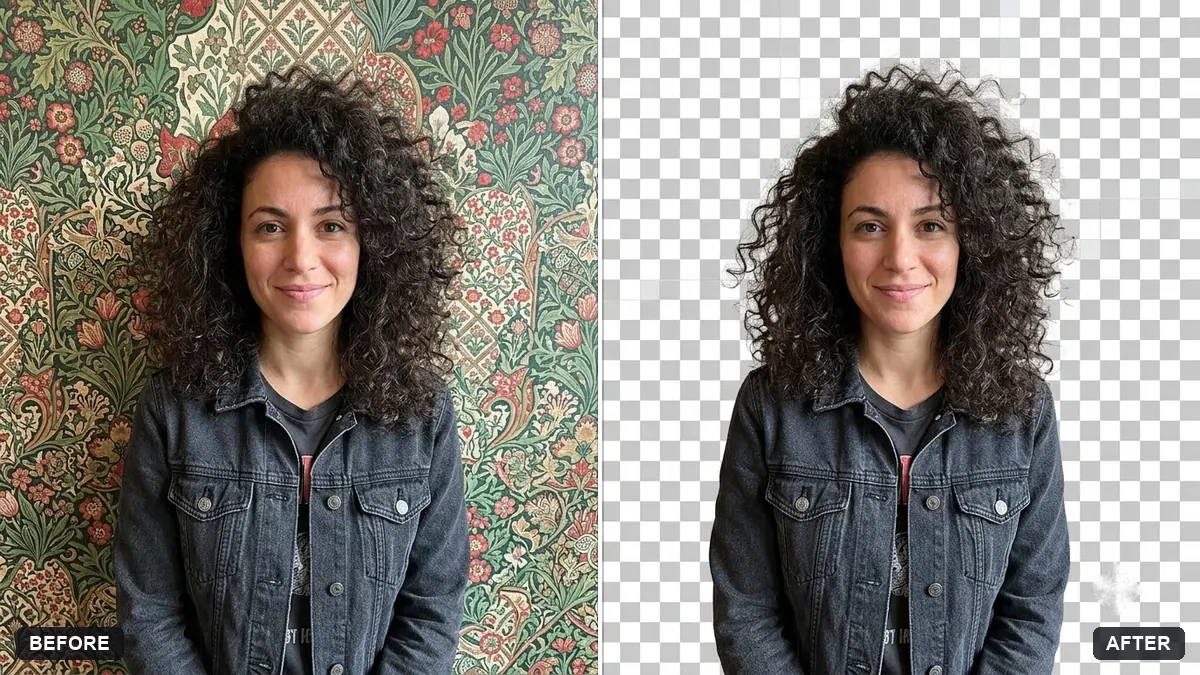
Clean cutout on a transparent background
This prompt cuts out the main subject with clean edges, including fine hair or fur, and removes any halo or colour fringe, without changing colours, lighting or proportions. Save the result as PNG to keep transparency.
Cut out the main subject ([SUBJECT]) of this photo and place it on a plain transparent background. Keep every edge clean, including fine hair or fur, and remove any leftover halo or colour fringe.

Keep the subject exactly as it is without changing colours, lighting or proportions.
Save as PNG so the transparency is preserved for use in other designs.
Your photo goes to the AI app you choose, never to PromptUp.
Get a better result
Your subject cut cleanly out of its background, edges crisp including any fine hair or fur, with no leftover halo or colour fringe, ready to save as a PNG with transparency.
A white or coloured outline is left around the subject.
Fix: Add “remove all halo and colour fringe, edges clean on both light and dark backgrounds”, and test it on a dark colour.
- Hair or fur is chopped off. Say “keep every strand of hair and fur, soft natural edges”, and start with a photo where the subject contrasts with the background.
- The tool gives a chequered pattern drawn into the picture. Download as a PNG and open it in a design tool to check that the transparency is real, not a painted pattern.
Ask for the same cutout with a soft ground shadow on a separate layer, so you can drop it onto any background and keep it grounded.
Keep the cutout. Place it on a solid dark colour and a solid light colour to check the edges at both extremes.
Guides that use this prompt
More photo editing prompts
See all 334 →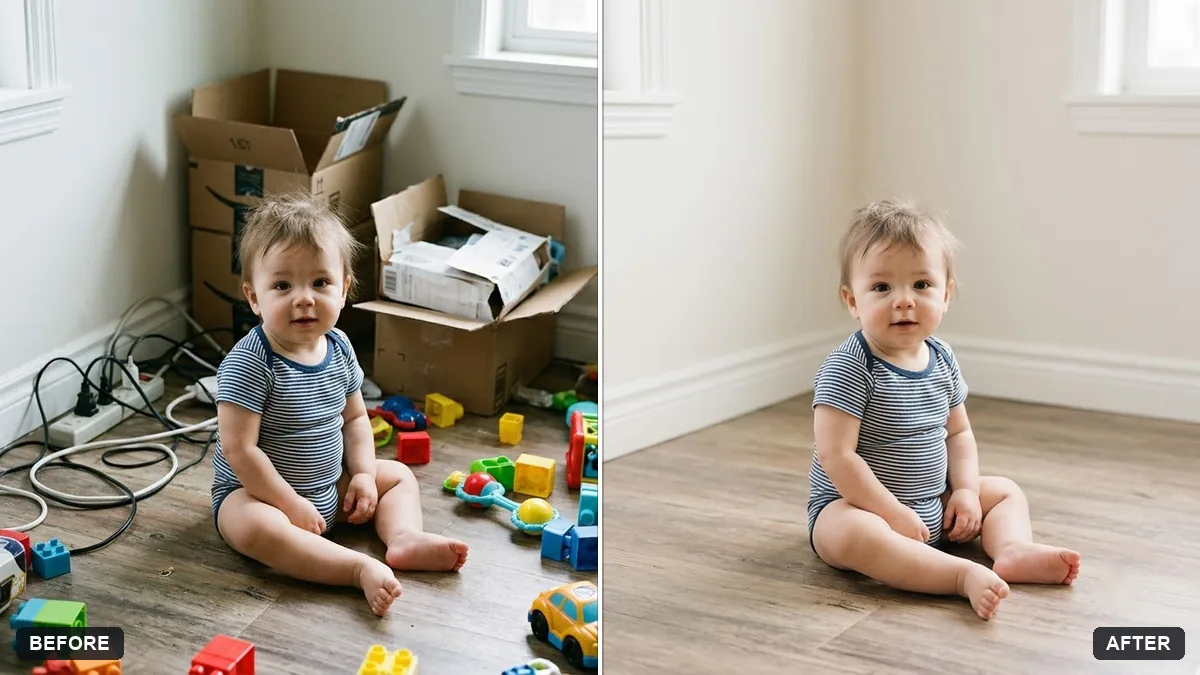
More like this
- Gym equipment catalogue imageGemini · ChatGPT · Midjourney
- Extend a photo to a wider frameGemini · ChatGPT
- Add dreamy bokeh lightsGemini · ChatGPT
- Change the background (keep you the same)Gemini · ChatGPT
- Tidy a cluttered backgroundGemini · ChatGPT