Qwen-Image-2.1-Turbo explained: a fast open-weight image model, in plain English
Published
Short answerQwen-Image-2.1-Turbo is a fast image model from Alibaba's Qwen team, released on 9 October 2026. It makes images and edits in 8 steps instead of 40, handles transparent backgrounds and several reference photos at once, and is strong at typography and layout. The downloadable weights carry a research-only licence, so check that before using it for anything commercial.
Alibaba's Qwen team released Qwen-Image-2.1-Turbo on 9 October 2026, an accelerated version of the Qwen-Image-2.1 model it put out three weeks earlier. The headline change is speed: it reaches a finished image in about 8 steps, where the base model needs around 40. Coverage of the release is mostly from AI news sites and the model's own Hugging Face page, since Alibaba's own announcement wasn't easy to find in English, so treat the figures below as reported rather than officially confirmed where noted.
This guide explains what the model actually does well, the one thing to check before you build anything on it, and how to prompt it.
What it is
Qwen-Image-2.1-Turbo is a 7-billion-parameter image model that handles both text-to-image generation and image editing in one model. According to the model card and early coverage:
- It's fast. The Turbo checkpoint ships its own sampling schedule tuned for 8 steps, so you don't need to configure a scheduler yourself.
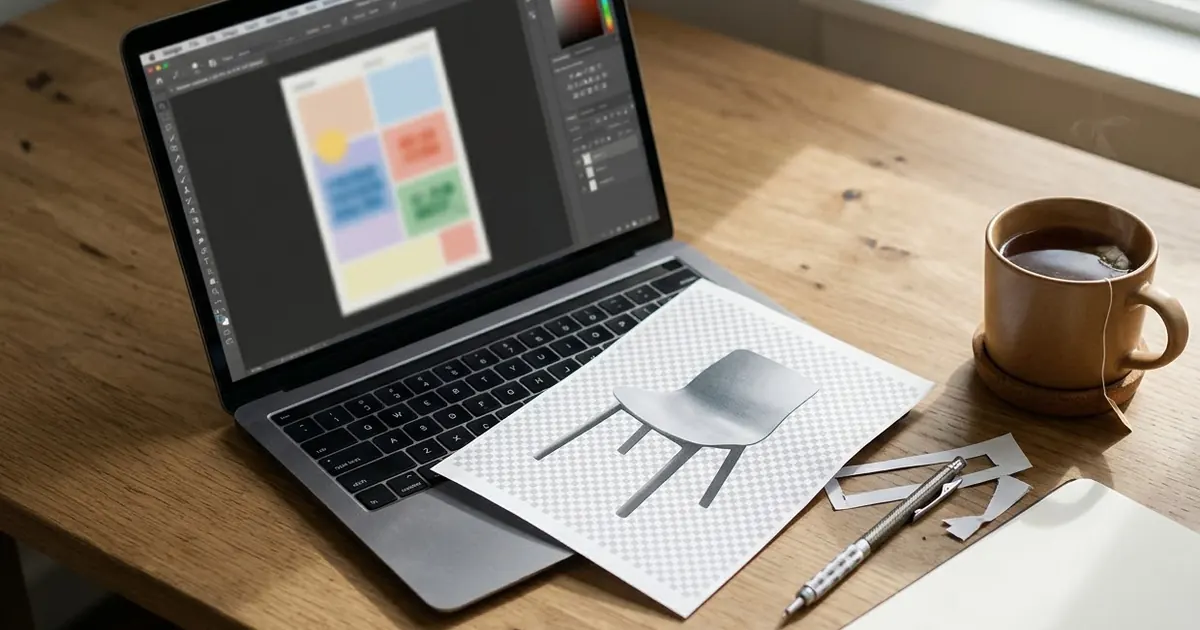
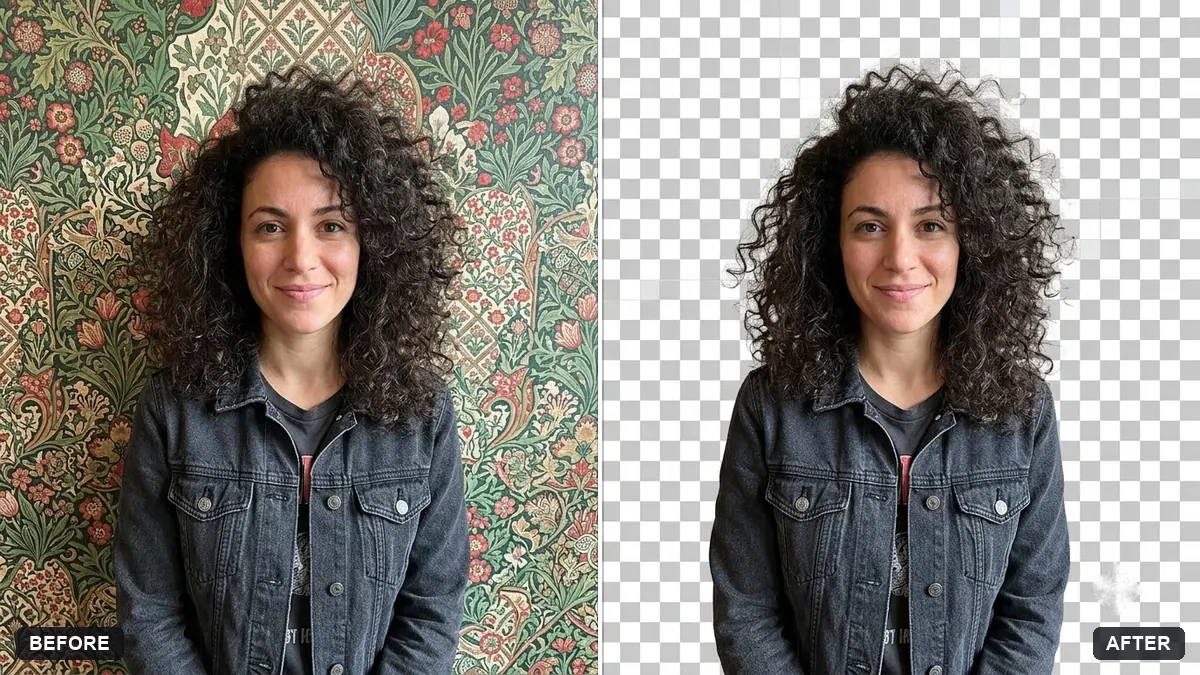
- It supports transparent output. Native RGBA generation, meaning it can produce a cutout with a see-through background directly, rather than you removing the background afterwards.
- It takes several reference images at once. The base model supports up to 10 reference images together, useful for combining a product, a backdrop and a logo in one generation.
- It's good at text in images. Early coverage highlights typography, poster design and UI or information layout as strengths, alongside portraits and human poses.
- Default resolution is 2K (2048x2048), native, not upscaled afterwards.
The licence catch
This is the detail most coverage leads with, and the reason to read before you build: the earlier Qwen-Image models shipped under the permissive Apache 2.0 licence. Qwen-Image-2.1 and this Turbo version switched to the Qwen Research License Agreement. Multiple reports agree that this licence covers non-commercial research and evaluation, and that commercial use needs a separate agreement with Alibaba.
That restriction applies to the downloadable weights. If you only ever use a model through a paid, hosted API (Alibaba Cloud's Model Studio, or a third-party API that has its own commercial terms with Alibaba), the usage terms you're bound by are whatever that API's terms of service say, not the weights' research licence. If you're downloading the model to run yourself, or using someone else's free hosted copy of the weights, read the licence text on Hugging Face first and don't assume it's fine for a paying client's work.
Who should try it
- Hobbyists and researchers running their own hardware. An 8-step model is noticeably cheaper to run than a 40-step one, which matters if you're generating a lot of images locally.
- Anyone testing transparent cutouts or multi-reference composition. These are the two features worth specifically trying, since they're less common in consumer tools.
- Not yet for: anyone who needs a clear commercial licence today. Wait for Alibaba's separate commercial terms, or stick to a model whose licence you've already checked, such as the ones behind ChatGPT, Gemini or Midjourney.
Prompts that use its strengths
A clean transparent cutout
Native RGBA output is the feature worth testing first, since most tools fake this with a second masking step.
Cut out [SUBJECT, e.g. a pair of white trainers] from this photo onto a fully transparent background. Keep every edge sharp, including laces and shadows under the subject. No background, no colour fringe, no added shadow unless I ask for one.
This is the same idea as our transparent background cutout prompt; try both and compare how clean the edges are, especially around hair, fur or thin straps.
A poster that leans on typography
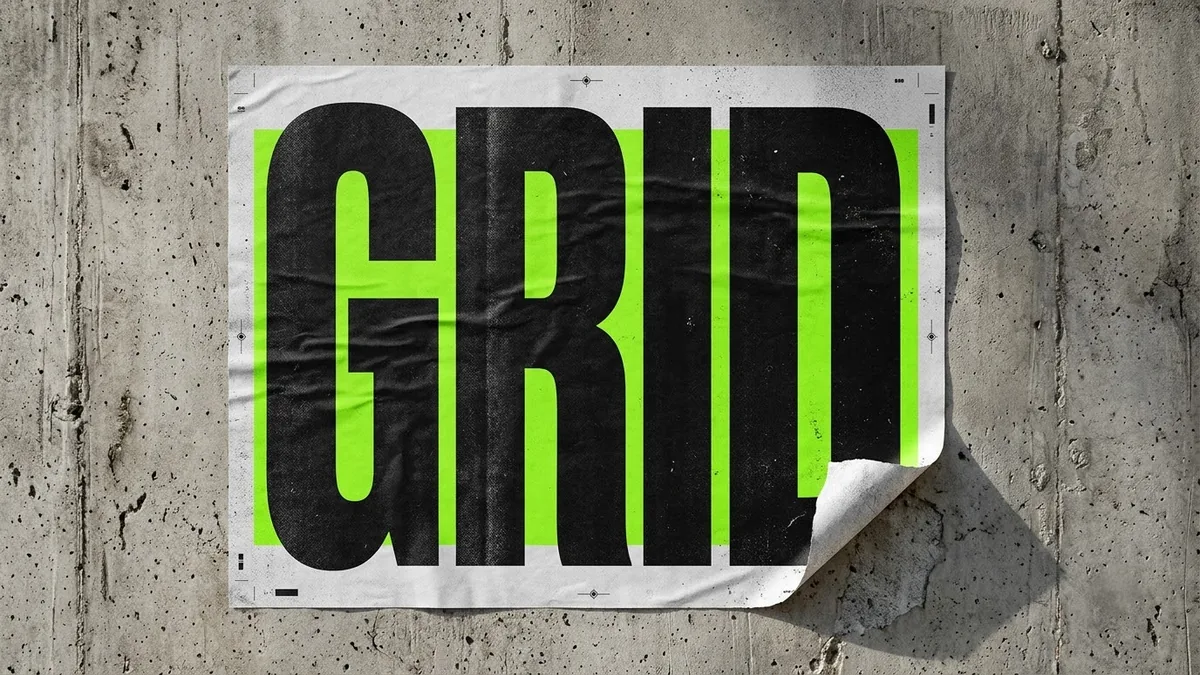
A poster for [EVENT OR PRODUCT NAME]. Bold, oversized title typography reading "[EXACT WORDS]" as the main visual element, filling most of the frame. Supporting line underneath: "[SHORT LINE]". [COLOUR PALETTE, e.g. black background, single orange accent]. Clean, modern, print-ready layout.
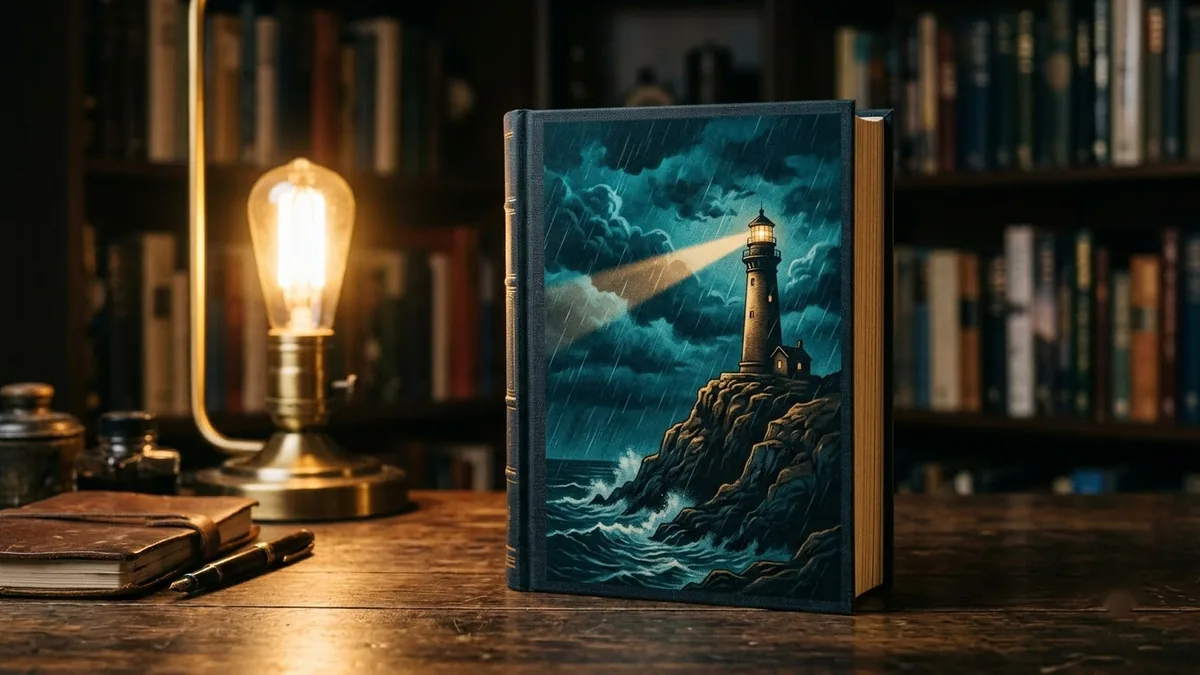
Keep the wording short and put it in quotes, since text accuracy still varies between models. Our brutalist typography poster prompt and book cover design prompt follow the same pattern of naming the exact words and letting the layout do the rest.
Combining several reference images
Using these [NUMBER] reference images, create one image: [PRODUCT] from the first photo, placed on [BACKDROP] from the second photo, with [LOGO OR DETAIL] from the third added in the corner. Match the lighting across all elements so it looks like one real photo, not a collage.
Multi-reference composition is the other headline feature. Start with 2 or 3 references before trying all 10, since more inputs give the model more chances to blend something oddly.
A UI or dashboard mockup
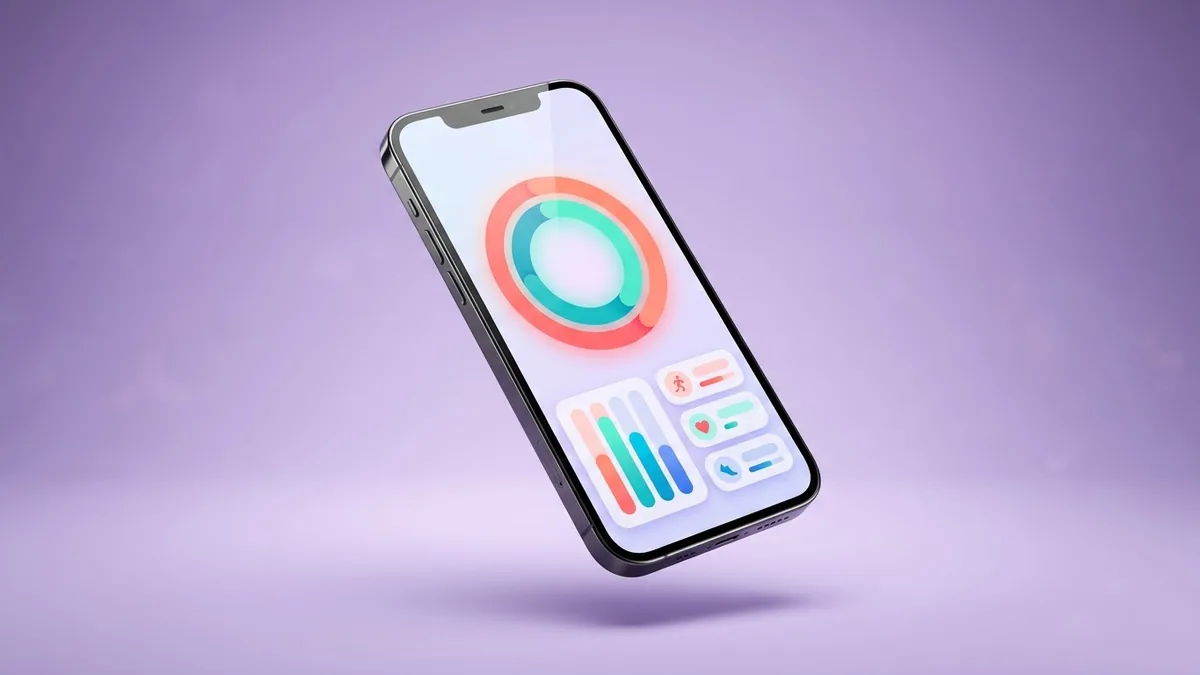
A clean UI mockup of a [APP TYPE] app screen: [ELEMENTS, e.g. a progress chart, three stat cards, a bottom navigation bar]. Modern minimal design, [COLOUR SCHEME], readable labels, shown on a phone frame.
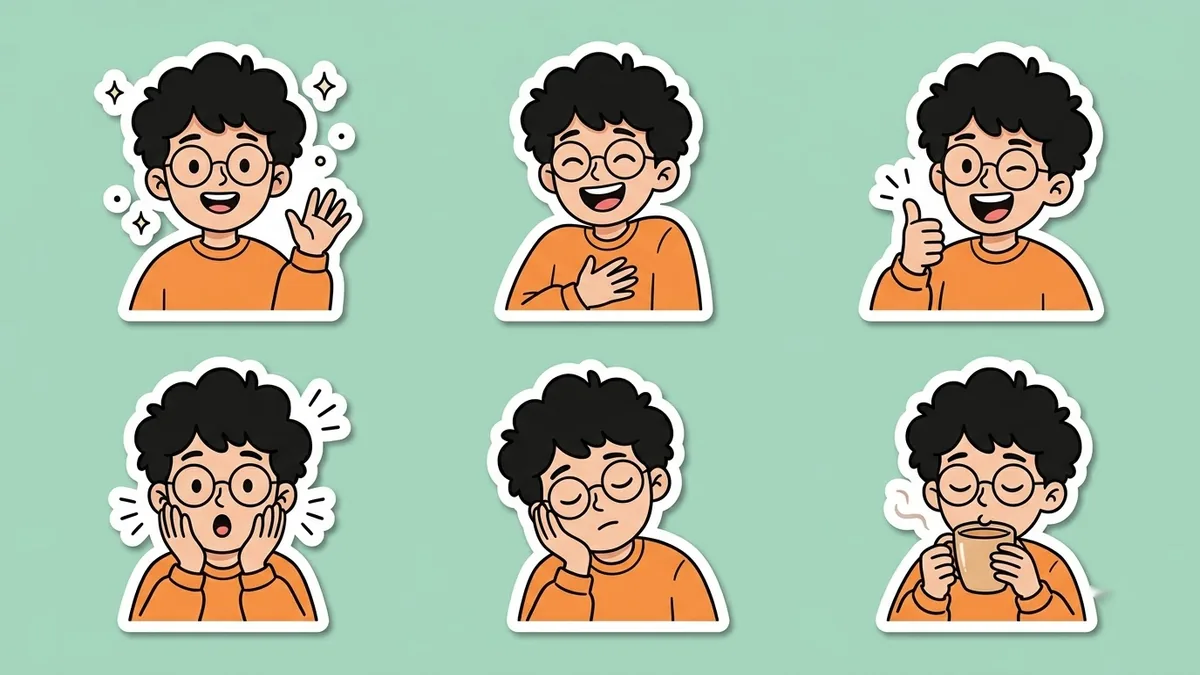
This plays to the "information layout" strength the coverage mentions. Our dashboard UI mockup prompt and sticker pack prompt are built the same way: describe the exact elements, not just the vibe.
A fair way to test it
- Run the same prompt through a tool you already trust, and compare.
- Check text accuracy first, since that's the claimed strength.
- Try one transparent cutout and zoom in on the edges before judging the feature.
- If you like it enough to build on it, read the licence text itself, not a summary of it, including this one.
Where to go from here
For a model you can use commercially today without checking a research licence, see the Nano Banana 2.1 guide. All the editing ideas above also work with the tools in the image generation prompts collection, and the prompt builder can turn any of these into a ready-to-paste prompt for your own subject.
Quick checklist
- Released 9 October 2026; 8 sampling steps instead of around 40.
- Native transparent (RGBA) output and up to 10 reference images at once.
- Strong reported results on typography, posters and UI layout.
- Weights are under a research-only licence; check the terms before any commercial use.
- Test text accuracy and cutout edges first, since those are the standout claims.
Comments
No comments yet. Be the first to share what worked for you.