- Updated
Clean dish cutout for menus
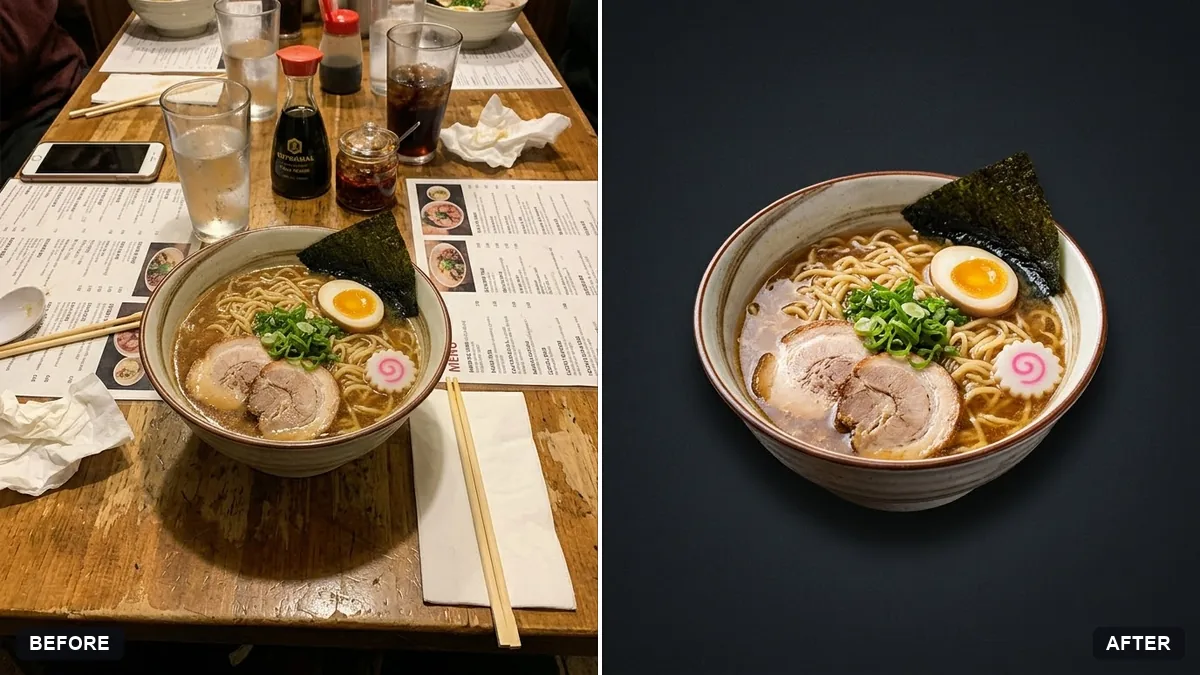
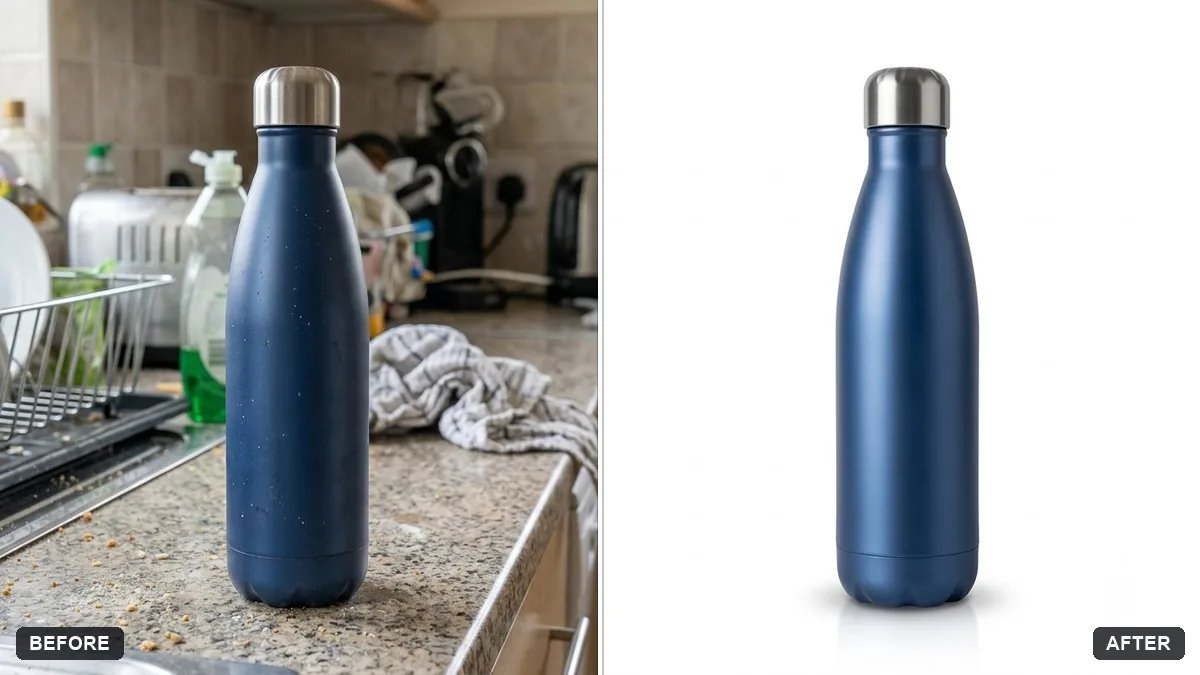
This prompt cuts out your dish onto a plain white or dark background, ready for a menu or delivery app, keeping the food and plate as they are.
Cut out the [DISH] from this photo on a plain [WHITE / DARK] background, ready for a menu or delivery app. Keep the food, plate and portions exactly the same.

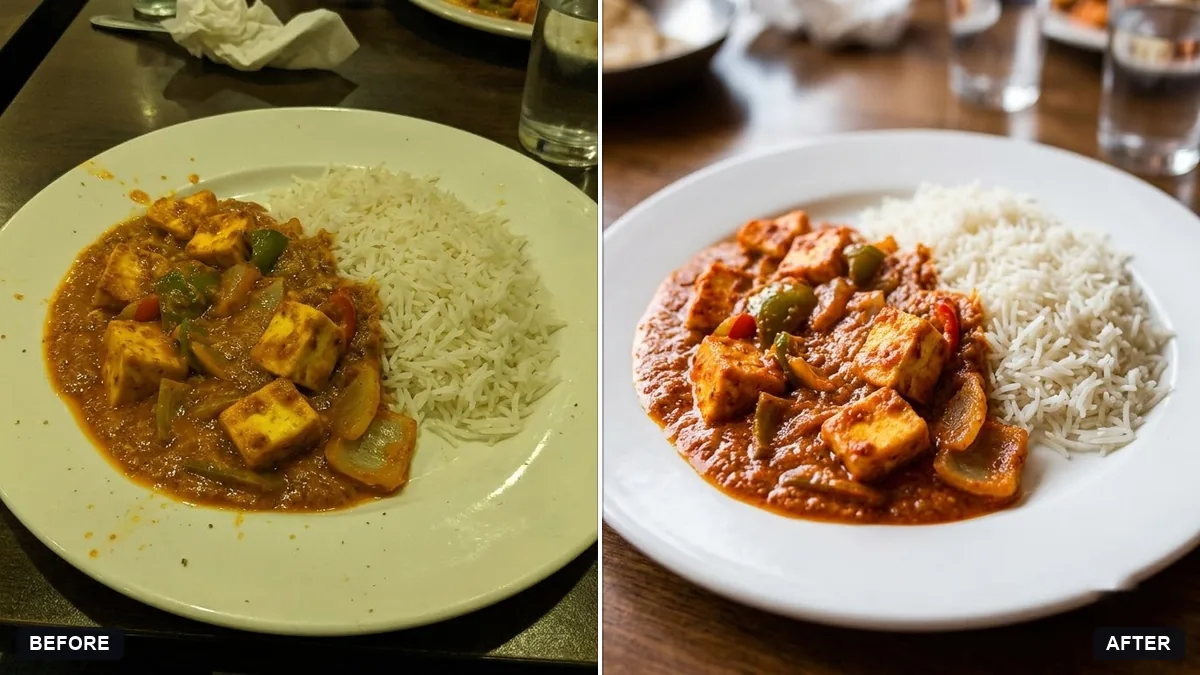
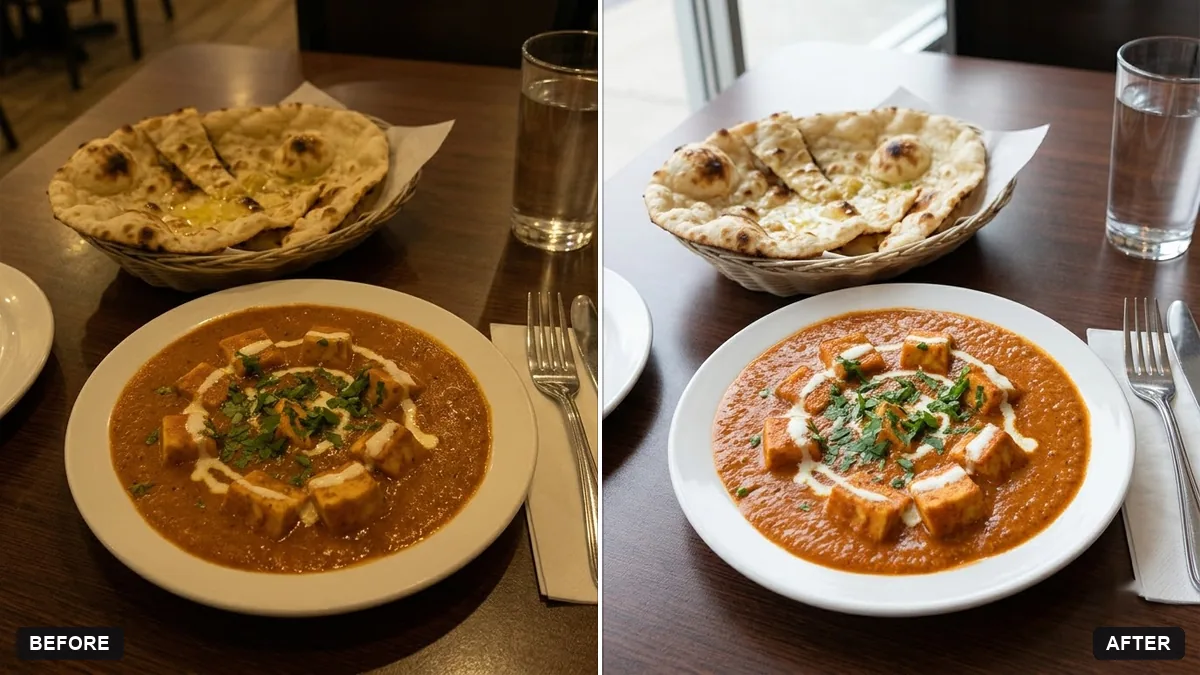
Add a soft shadow beneath, correct the colour to look fresh, and remove crumbs and stains from the plate. Do not add or change any ingredients.
Consistent plates and angles make a professional menu.
Your photo goes to the AI app you choose, never to PromptUp.
Get a better result
Your dish cut out onto a plain white or dark background, ready for a menu or delivery app, with the food, plate and portions unchanged, a soft shadow below, fresh colour and crumbs and stains removed.
The plate edge is jagged or has a halo.
Fix: Ask for “a clean, smooth plate edge, no halo, with a shadow that touches the base of the plate”.
- Garnish is removed as if it were a crumb. Name what stays: “keep the coriander and the lemon wedge”. Crumbs on the rim are the only things to remove.
- There is no shadow, so the dish seems to float. Repeat “a soft shadow beneath the plate”. On a dark background, make it slightly darker than the surface.
Choose the dark option and add “matte charcoal background, a soft warm light from above”. Light-coloured food such as idli or rice stands out well on dark.
Keep everything else exactly as in the original photo. Only change what I asked for.
Guides that use this prompt
More photo editing prompts
See all 334 →
More like this
- Menu photo for food delivery appsGemini · ChatGPT
- Hand-lettered chalkboard menuIdeogram · ChatGPT · Gemini
- Elegant restaurant menu layoutIdeogram · ChatGPT · Gemini · Canva
- Food truck menu boardGemini · ChatGPT · Midjourney
- Pasta plate in a trattoriaGemini · ChatGPT · Midjourney