AI food photography prompts that make a dish look worth ordering
Published
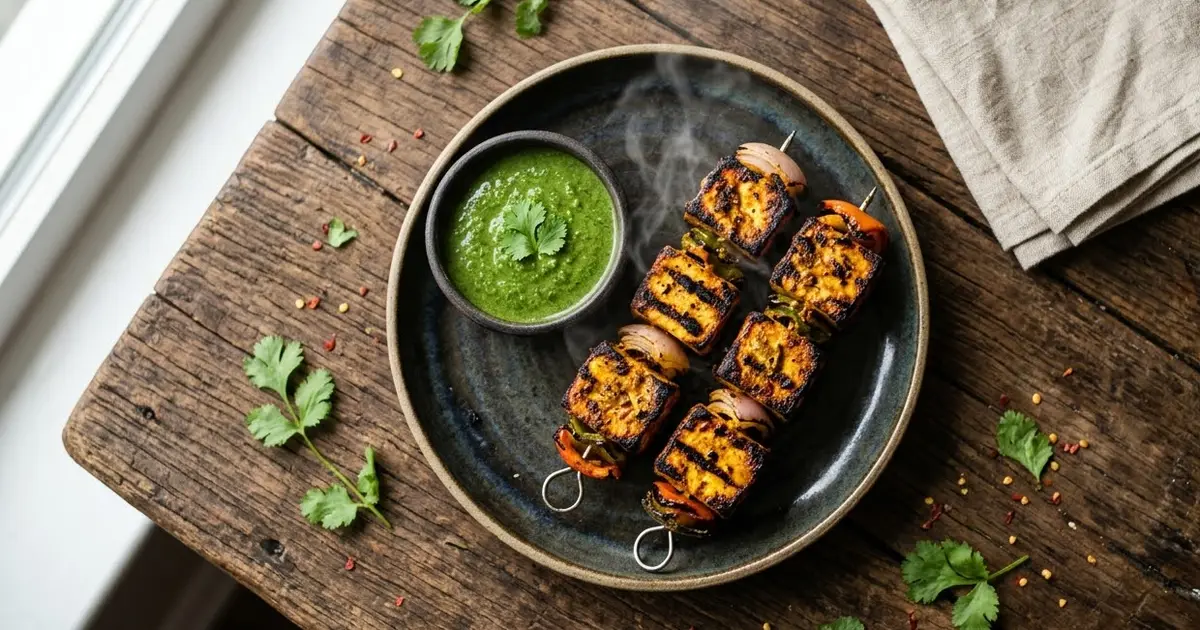
Short answerName the dish, the surface and the light, keep the actual food and plating unchanged, and ask for warm colour and glossy highlights rather than a vague "make it look better". The same approach works for a menu photo, an Instagram flat lay or a short sizzle video.
A dish can taste great and still photograph badly: flat lighting, a dull plate, steam that didn't show up in the shot. Restaurants and home cooks are increasingly fixing this with AI instead of a reshoot, enhancing the photo they already have rather than styling a whole new one. This guide covers the prompts that keep the food honest while making it look like something worth ordering.
The rule that keeps it honest
Food photography edited with AI has one real risk: making the dish look like something the kitchen can't actually serve. Every prompt below includes a line that keeps the real food, the real portion and the real ingredients in place, and only changes the light, colour and background around it. Keep that line in, especially for anything going on a menu or a delivery app, where the photo sets an expectation the dish has to meet.
Making an existing photo menu-ready
If you already have a decent photo on your phone, this is the fastest fix. Based on the restaurant food enhance prompt:
Enhance this photo of [DISH] so it looks appetising for a menu. Keep the dish exactly as it is. Do not add or remove ingredients.

Improve: warmer colour, fresh glossy highlights on sauces and glazes, cleaner plate edges, a sharper focus on the food, soft natural shadow.
Background: keep it simple and slightly blurred so the dish stays the focus.
"Do not add or remove ingredients" is the line that matters most here. Without it, some tools will "improve" a dish by adding a garnish that was never on the plate, which is the opposite of what you want for a photo that has to match reality.
An overhead flat lay
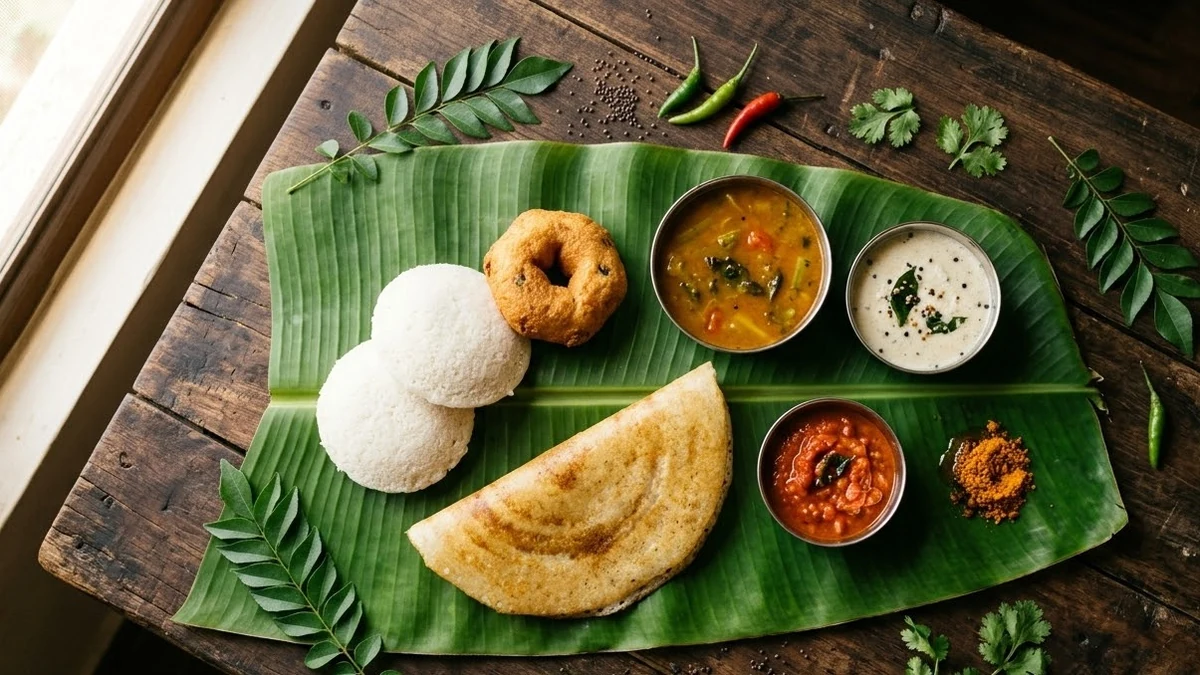
Flat lays suit social posts and recipe cards. Based on the food flat-lay prompt:
Overhead flat-lay photograph of [DISH AND SIDES, e.g. a spread of South Indian breakfast on banana leaves], on a [SURFACE, e.g. rustic dark wooden table], with hands reaching in from the edges, scattered ingredients and a folded cloth napkin nearby.
Soft natural window light from one side, shallow shadows, warm colour, shot from directly above.
Naming the surface does more work than people expect. A banana leaf, a marble slab, a scratched wooden table and a linen cloth each set a completely different mood for the same dish.
A bakery or counter display
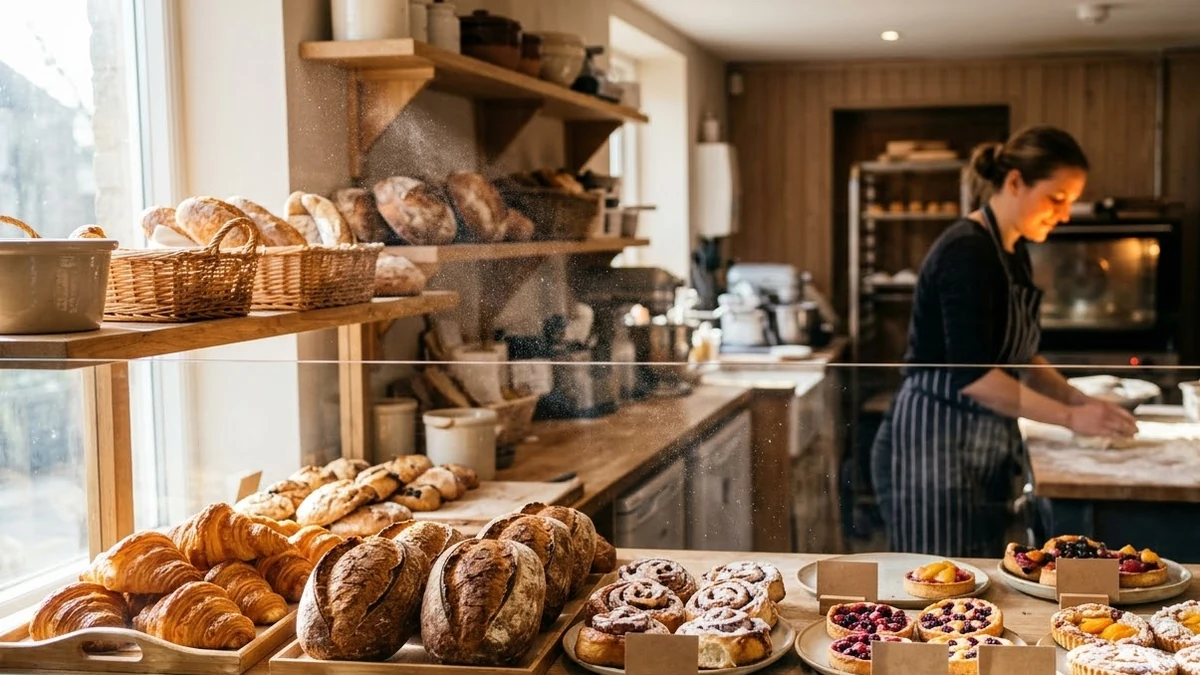
For a shop front, a social post, or a sign, the bakery display prompt builds a whole scene rather than a single dish:
A warm bakery display counter at morning light filled with [ITEMS, e.g. croissants, sourdough loaves, cinnamon rolls], hand-written price cards, flour dust in the air, wooden shelves, a baker in an apron slightly out of focus in the background.
Warm golden light, realistic photography, inviting and busy.
This is a good one to generate fresh rather than edit from a photo, especially if your actual counter is a little bare on a slow morning.
A clean cutout for a menu or delivery app
Delivery apps need a simpler, flatter style than a restaurant's own photos: one dish, one background, nothing distracting. The menu dish cutout prompt is built for that:
Cut out the [DISH] from this photo on a plain [WHITE / DARK] background, ready for a menu or delivery app. Keep the food, plate and portions exactly the same.
Add a soft shadow beneath, correct the colour balance, sharpen slightly.
Keep a consistent background colour across your whole menu. A mix of white-background and dark-background dish photos looks unplanned next to each other on the same page.
Turning a dish into a short video clip
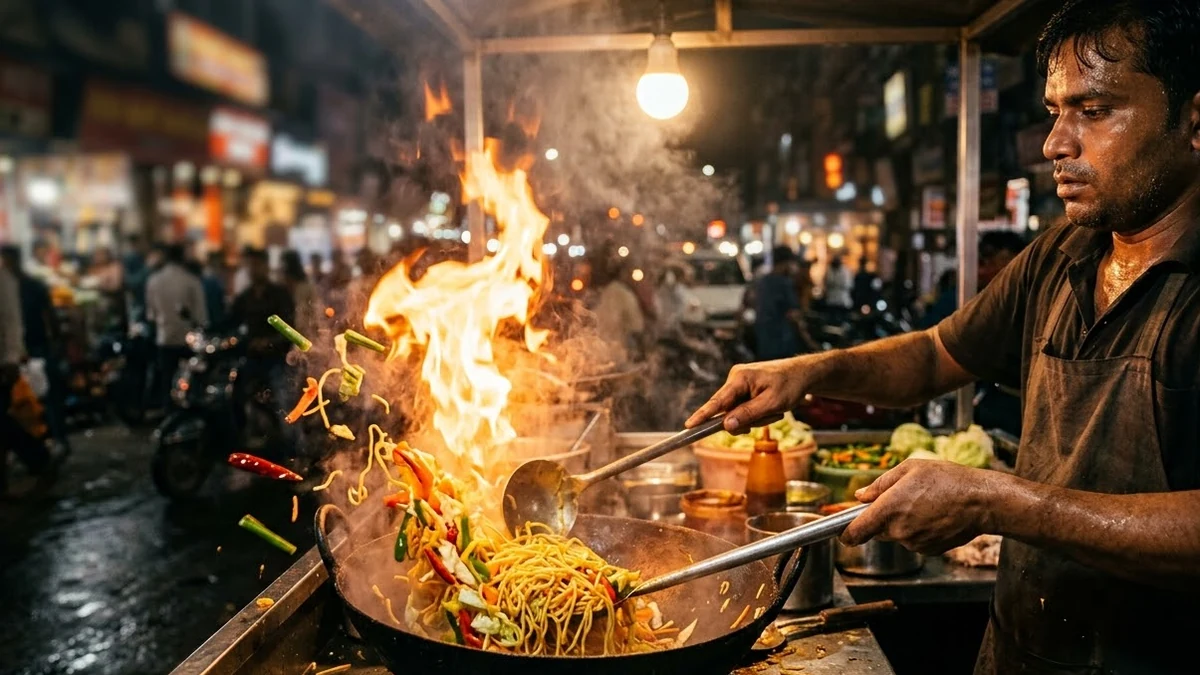
Video does well on Instagram and food delivery promotions. Two to try:
- The sizzle shot. The street food sizzle prompt gives you a close-up of food cooking with steam, smoke and movement, good for anything fried, grilled or cooked to order.
- The recipe clip. If you want to show the making of the dish rather than the finished plate, a hands-and-timelapse style video works well for a recipe page or a reel; keep the steps to three or four so the clip doesn't drag.
Fixing common problems
The food looks fake or plastic. Add "realistic food photography, natural texture, not overly glossy" and remove any instruction that asks for extreme shine.
The colours look oversaturated. Say "natural, true-to-life colour, not oversaturated" instead of just "warmer" or "more vivid".
It changed the plate or portion size. Repeat "keep the dish, plate and portion exactly the same" and use a clear, well-lit original photo so the model has less to guess at.
The background is too busy. Ask for a plainer surface, or add "background slightly blurred so the dish stays the focus".
Where to go from here
For more on getting consistent results from a single photo, see our guide to editing photos with AI prompts. More ready-made prompts for products and ads are free in the image generation prompts collection, and the prompt builder can write a version of any of these for your own dish and setting.
Quick checklist
- Name the dish, the surface and the light; don't just ask for "better".
- Keep the "don't add or remove ingredients" line for anything going on a menu.
- Match the background style across all your dish photos.
- Use a clear, well-lit original photo as your starting point.
- Ask for "natural, true-to-life colour" if results look oversaturated.
Comments
No comments yet. Be the first to share what worked for you.