AI food photo prompts for restaurants and home cooks
Most restaurant and home-kitchen food photos are taken under yellow lights with a busy background. These prompts make them menu-ready: warmer colour, fresh highlights, soft side light, a clean plate and a blurred background, plus clean cutouts for delivery apps and better photos of bakery counters, cocktails and the restaurant itself.
Each edit prompt says to keep the dish exactly as it is, without adding or removing ingredients, so customers get what they see.
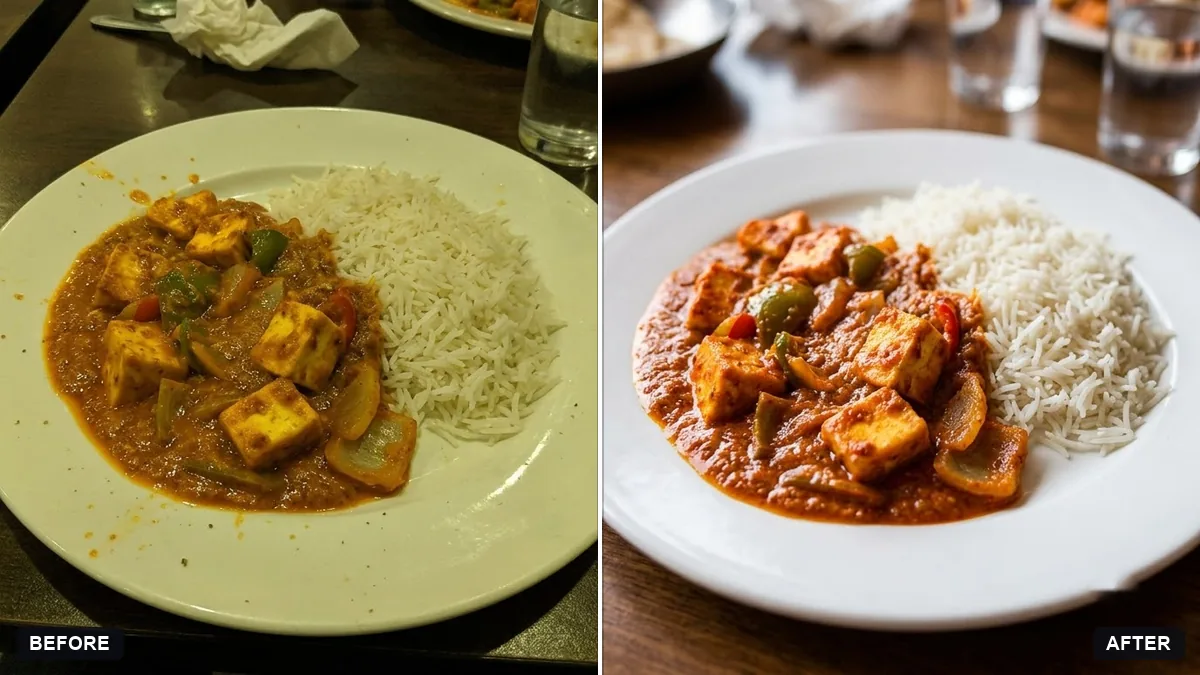
Enhance this photo of [DISH] so it looks appetising for a menu. Keep the dish exactly as it is. Do not add or remove ingredients.

Improve: warmer colour, fresh glossy highlights, cleaner plate edges, soft window-style side light, gently blurred background and slightly deeper contrast. Natural look, no oversaturation.
Three steps, about a minute
- 1
Photograph the dish near a window, from above or at 45 degrees, with no flash.
- 2
Upload it to Gemini or ChatGPT, paste the prompt and fill in the dish name.
- 3
Compare the portion and toppings with the real plate before you use it on a menu.
Make it yours
- Angle: top-down for thalis and pizzas, 45 degrees for burgers, cakes and drinks.
- Delivery apps: use the cutout prompt for a clean, matching look across the whole menu.
- Mood: "warm evening bar light" for cocktails, "bright morning light" for breakfast.
- Steam: ask for "a little natural steam" for hot dishes, but keep it subtle.
If it goes wrong
- It added food that is not there
- Reply "keep the dish exactly as it is; do not add or remove ingredients".
- Colours look too strong
- Ask for "natural look, no oversaturation".
- The plate edges look messy
- Ask for "clean plate edges, wipe drips".
- Portion looks bigger than real
- Add "same portion size and plate as the original".
9 more prompts in this collection
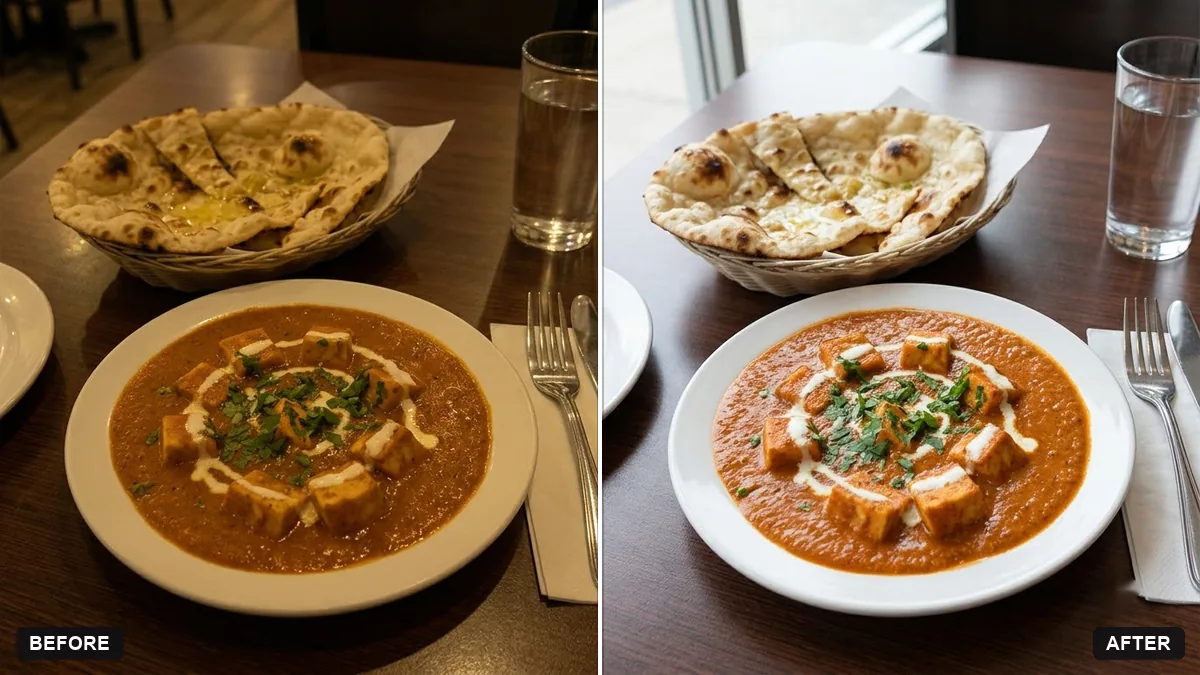 Brighten a dim restaurant dish photoGemini · ChatGPT
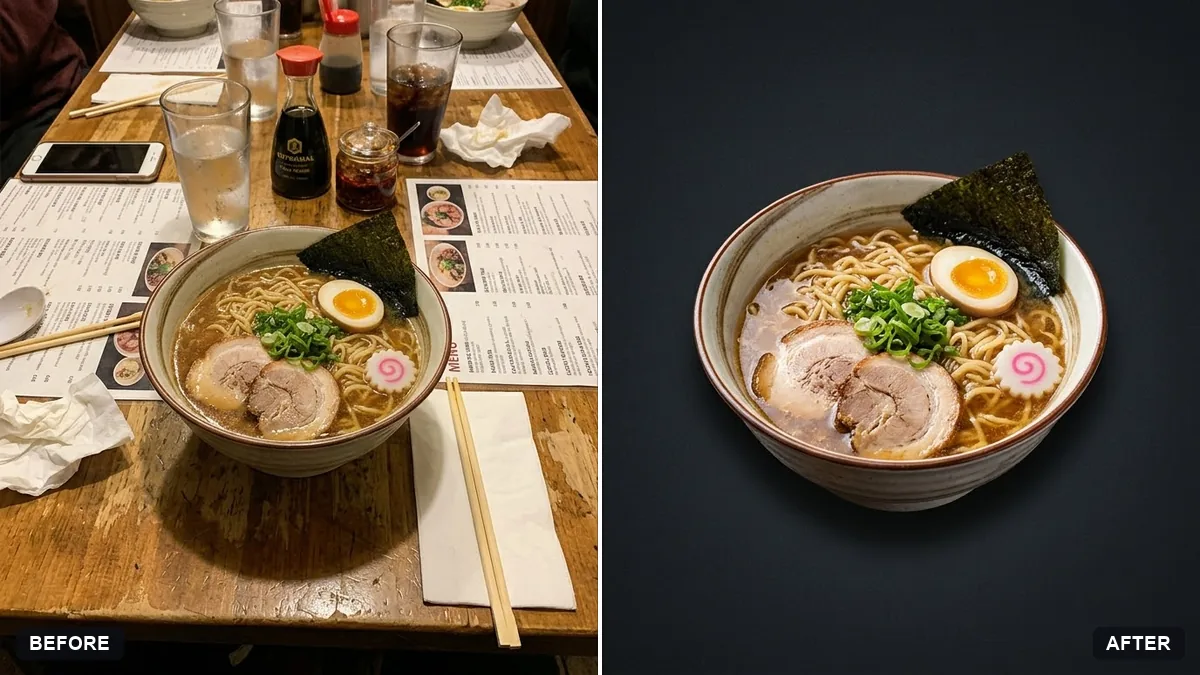 Clean dish cutout for menusGemini · ChatGPT
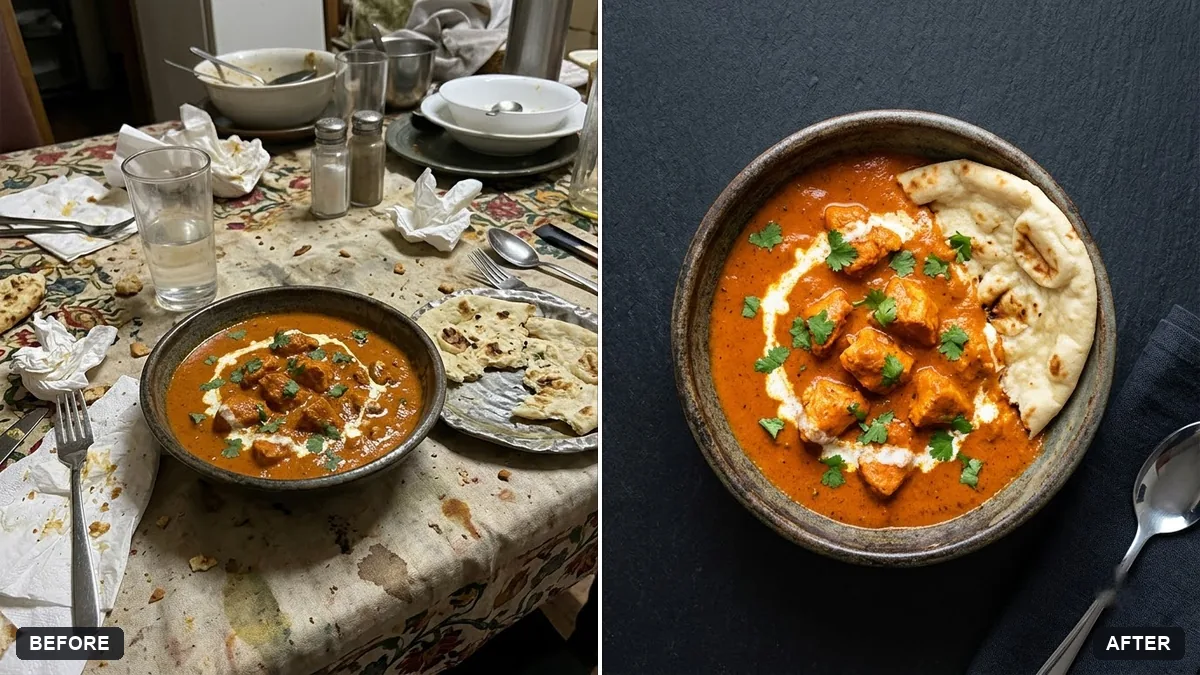 Menu photo for food delivery appsGemini · ChatGPT
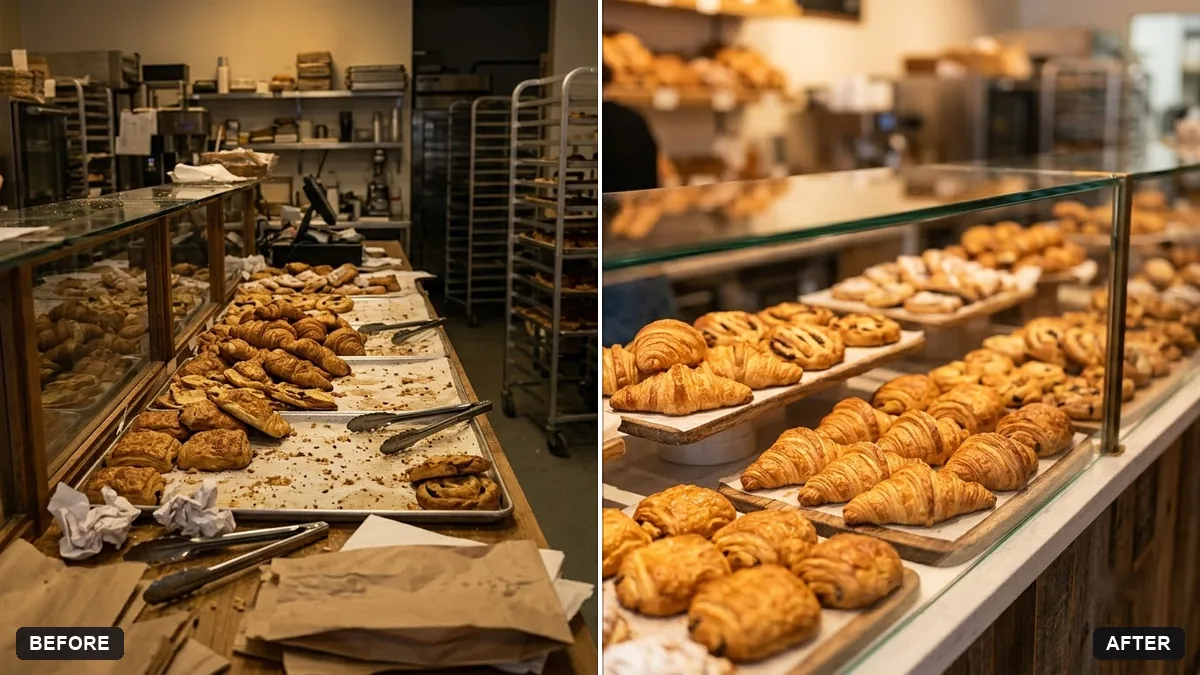 Bakery counter display photoGemini · ChatGPT
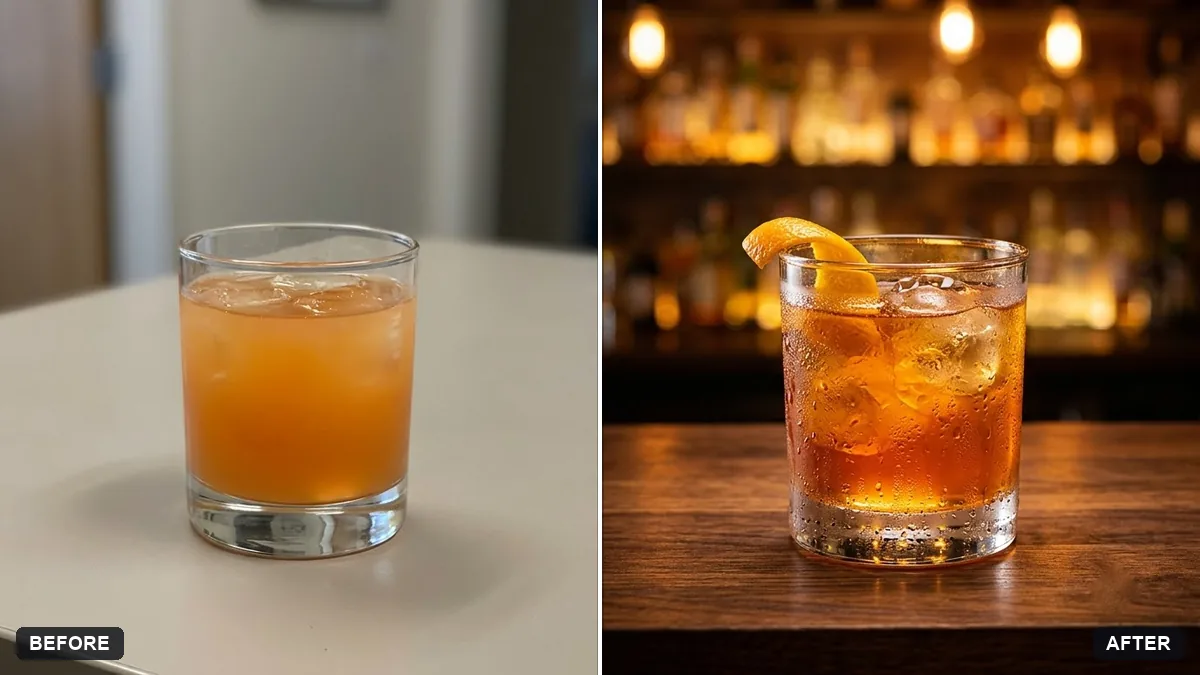 Cocktail photo with bar moodGemini · ChatGPT
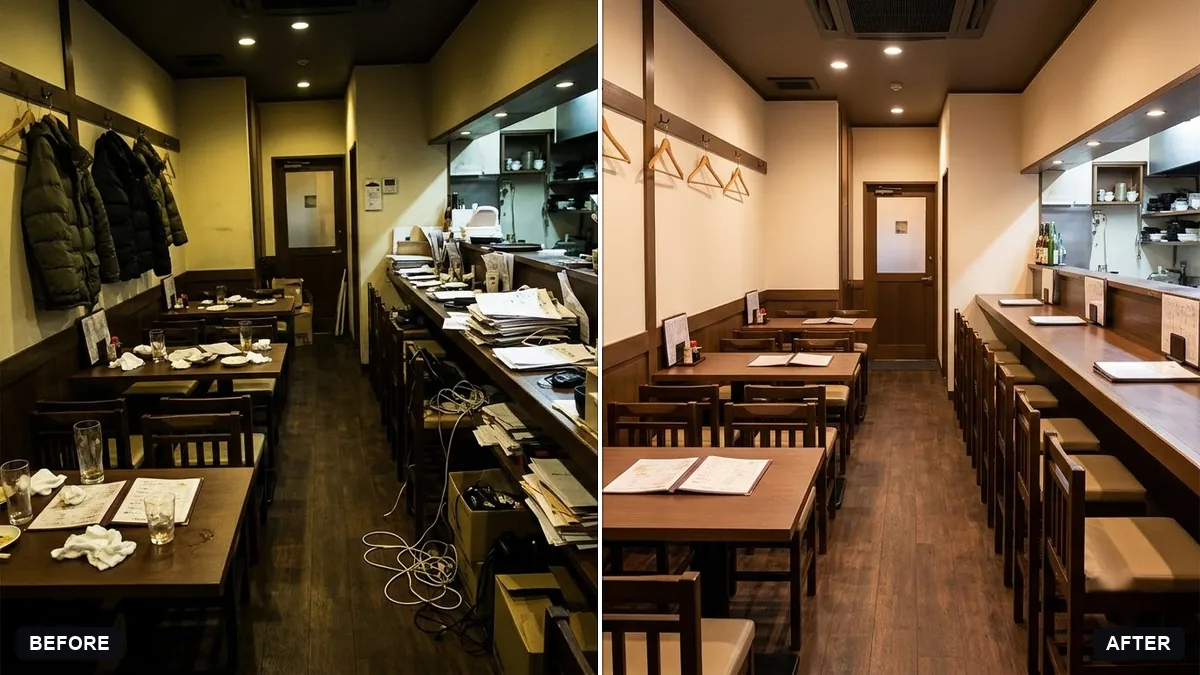 Brighten a restaurant interior photoGemini · ChatGPT
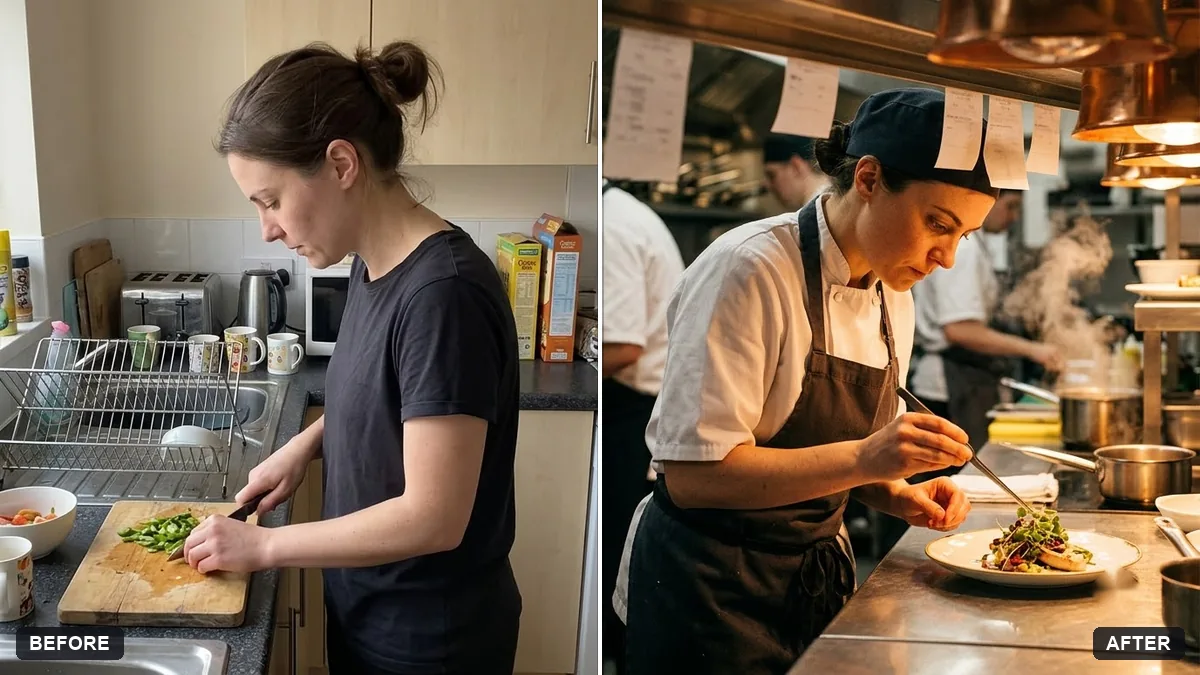 Chef plating candidGemini · ChatGPT
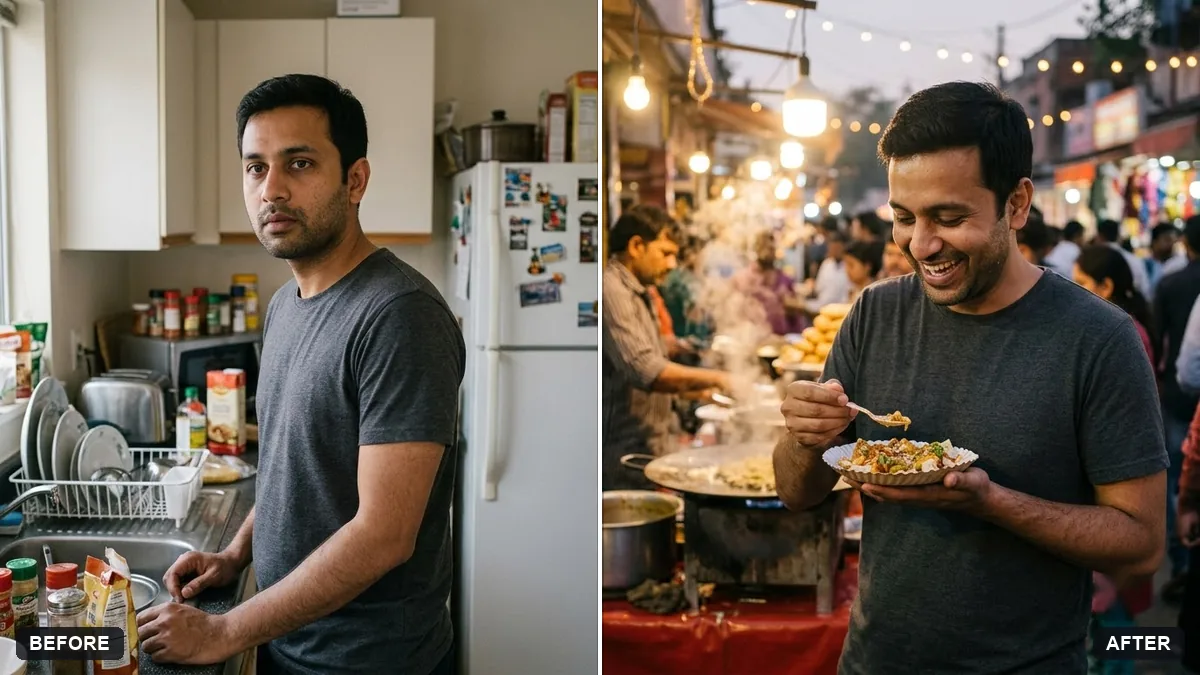 Street food stall candidGemini · ChatGPT
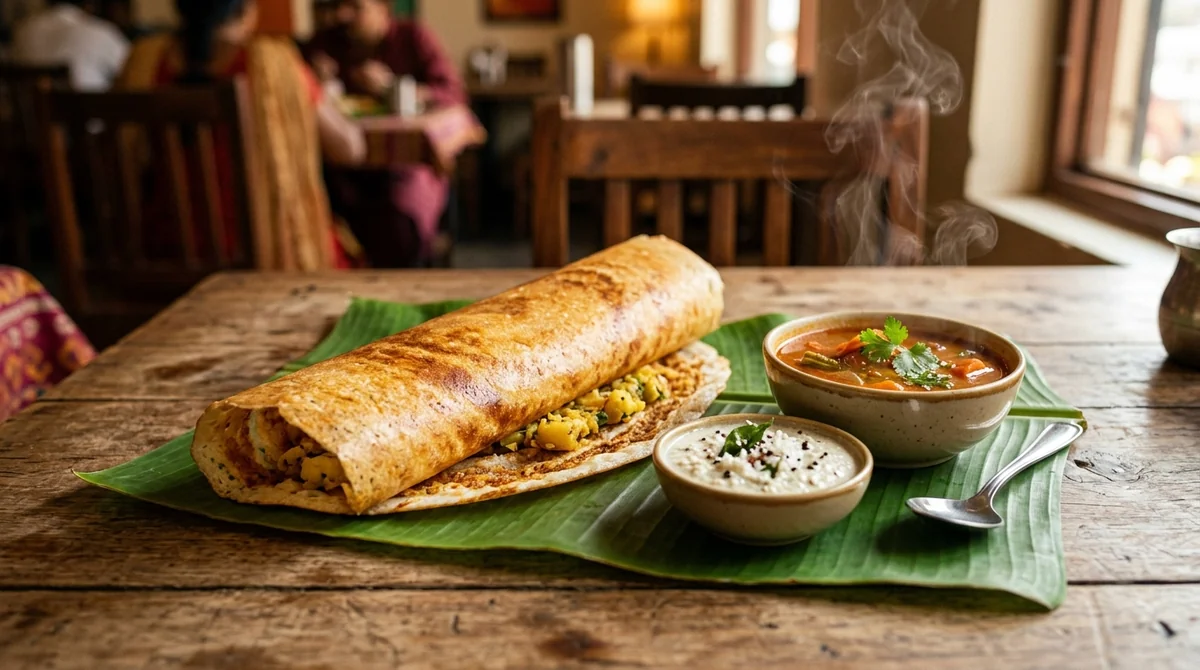 Mouth-watering food photoAny tool
Guides that use these prompts
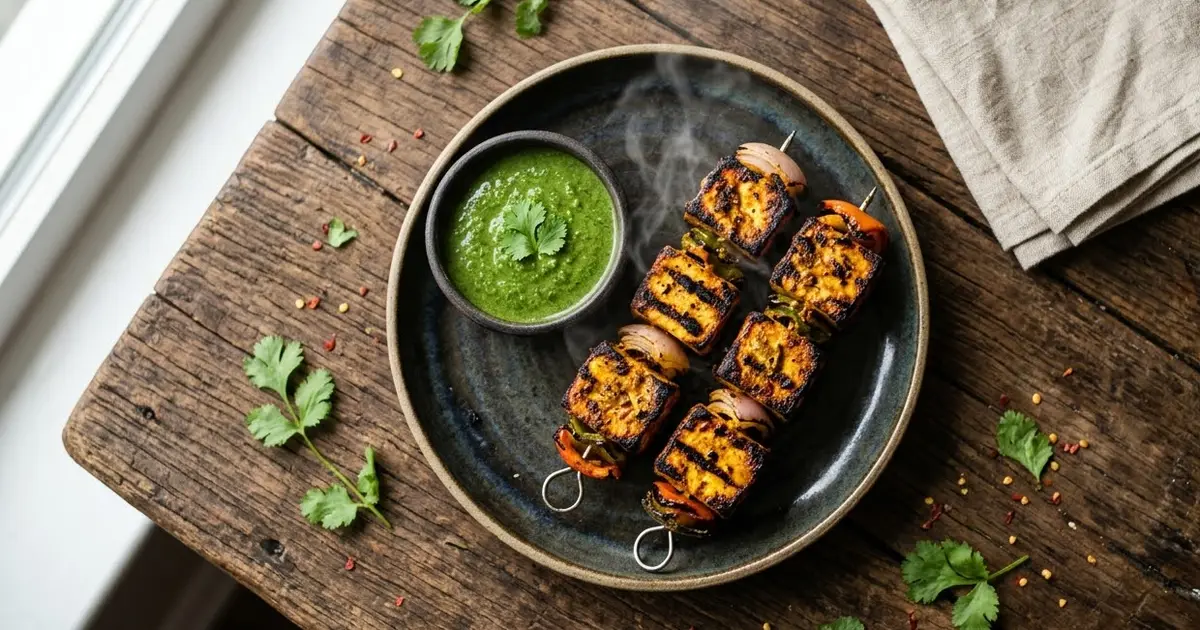
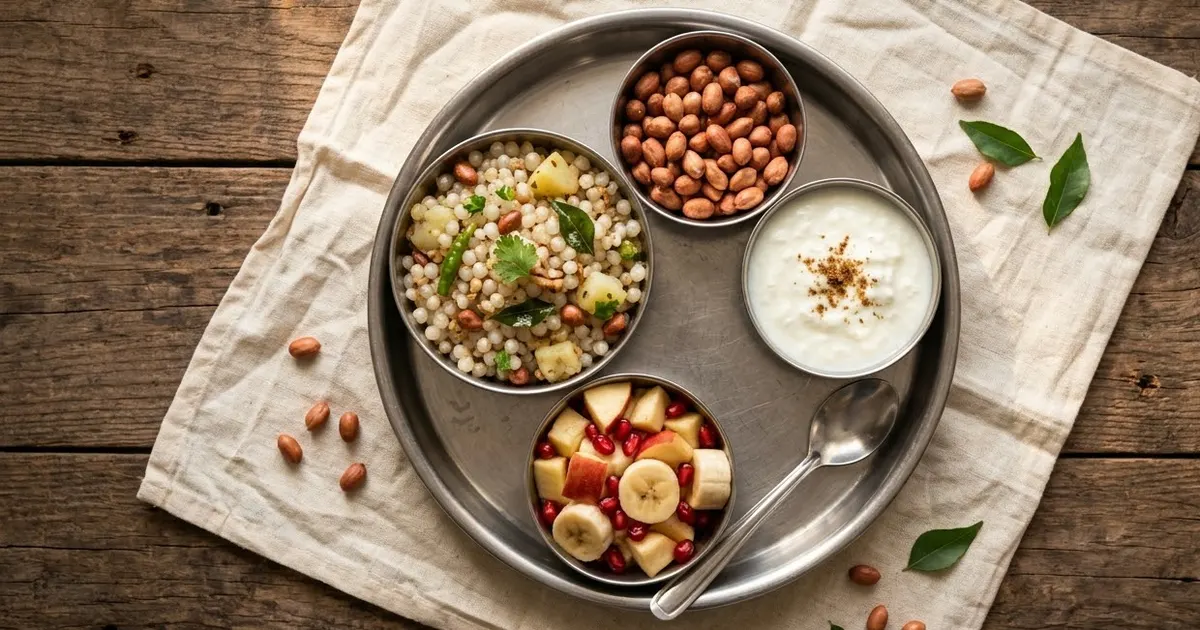
Questions, answered
Can I use AI-edited food photos on Swiggy or Zomato?
Use edits that improve light and background but keep the real dish. Check each app's current photo guidelines before you upload.
Will the AI change my dish?
It can. The prompts say "do not add or remove ingredients", but always compare the portion size and toppings with the real plate.
How do I take a better food photo to start with?
Shoot near a window, from above or at 45 degrees, with the plate filling most of the frame and no flash.