- Updated
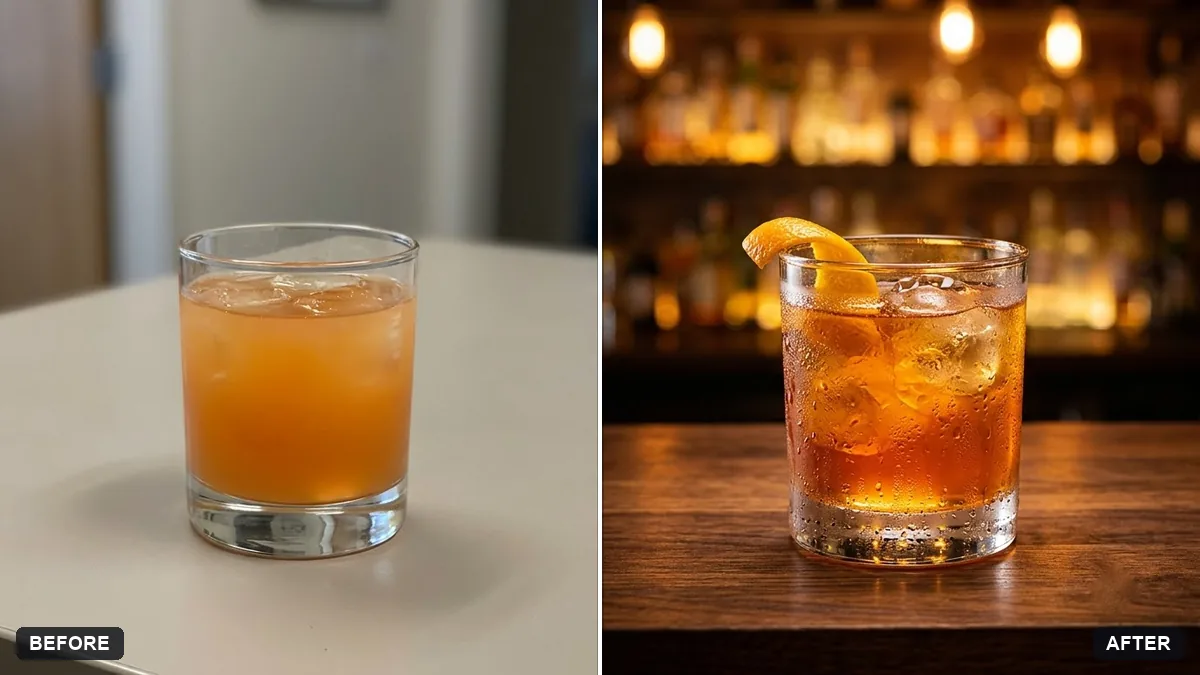
Cocktail photo with bar mood
This prompt adds condensation on the glass, a citrus or herb garnish, warm bokeh lights and a dark wood bar top in an editorial drinks style, while keeping the glass and drink as they are.
Enhance this cocktail photo with a moody bar atmosphere. Add condensation on the glass, a garnish of [CITRUS / HERBS], soft warm bokeh lights behind, rich colours in the drink and a dark wood bar top.

Keep the glass and drink as they are. Editorial drinks photography style.
Ask for condensation on the glass to make the drink look freshly poured.
Your photo goes to the AI app you choose, never to PromptUp.
Get a better result
Your cocktail photo with a moody bar feel: condensation on the glass, your chosen garnish, warm bokeh lights behind and a dark wood bar top, with the glass and drink kept as they are.
The drink’s colour or layers change.
Fix: Add “keep the exact colour and layers of the drink”. Requests for rich colour can alter the liquid.
- The glass shape or rim is altered. Name the glass: “a tall highball with a straight rim”. The AI keeps it more faithfully when it knows what it is.
- The condensation looks like heavy rain on the glass. Say “fine, light condensation with a few small droplets”. Less is more believable.
For a lighter feel, replace the setting with “sunny terrace table, bright daylight, a blurred green background”. Same drink, different venue.
Keep the glass and the drink exactly as in my photo. Only add light condensation, the garnish and the warm background lights.
Guides that use this prompt
More photo editing prompts
See all 334 →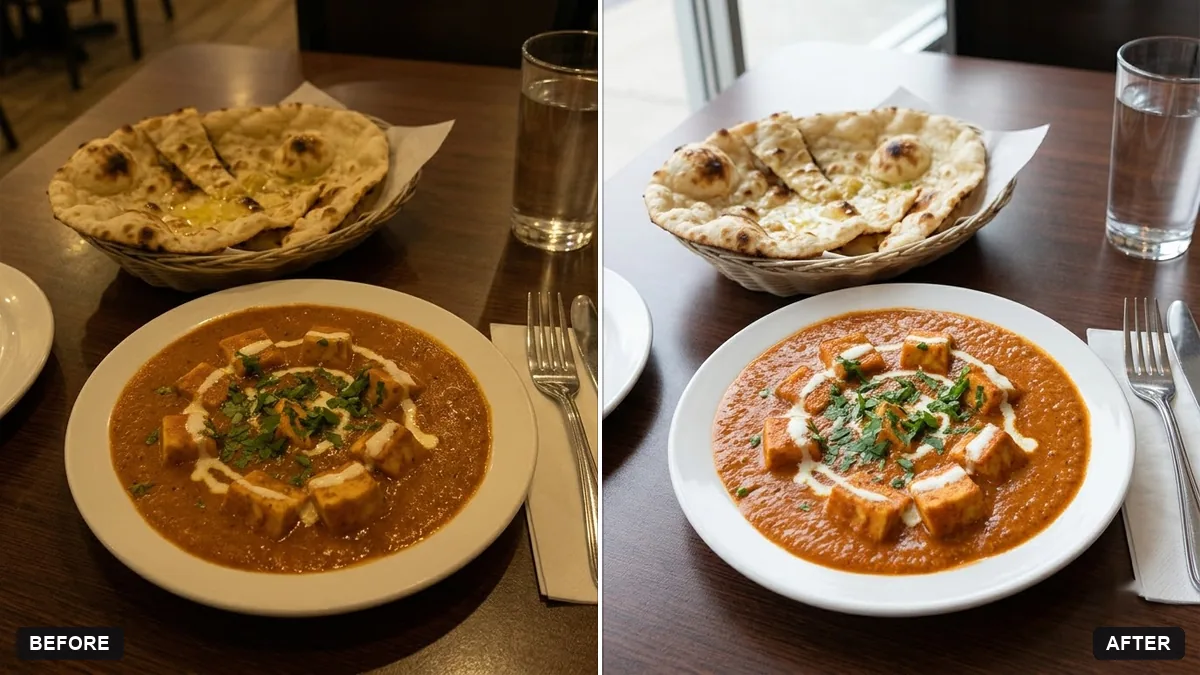
More like this
- Bartender crafting a cocktailVeo · Kling · Seedance
- Artisan chocolate bar packagingGemini · ChatGPT · Midjourney
- Make a restaurant dish photo look deliciousGemini · ChatGPT
- Bakery counter display photoGemini · ChatGPT
- Energy drink can adKling · Veo · Seedance