- Updated
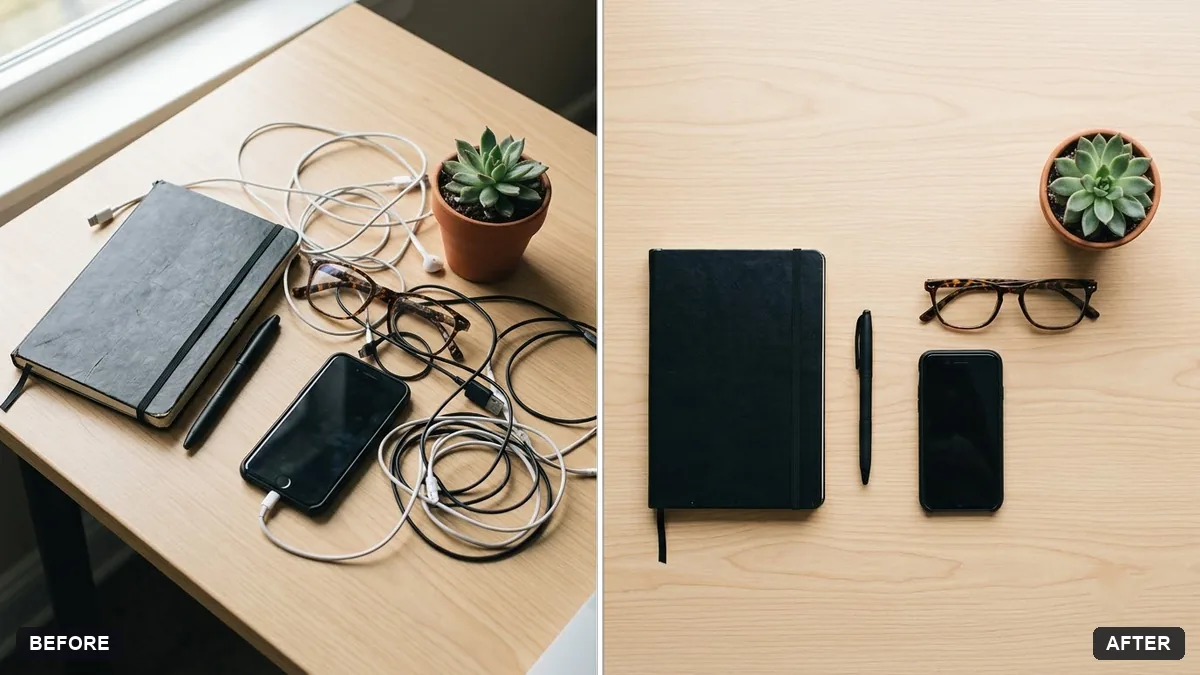
Tidy desk setup flat lay
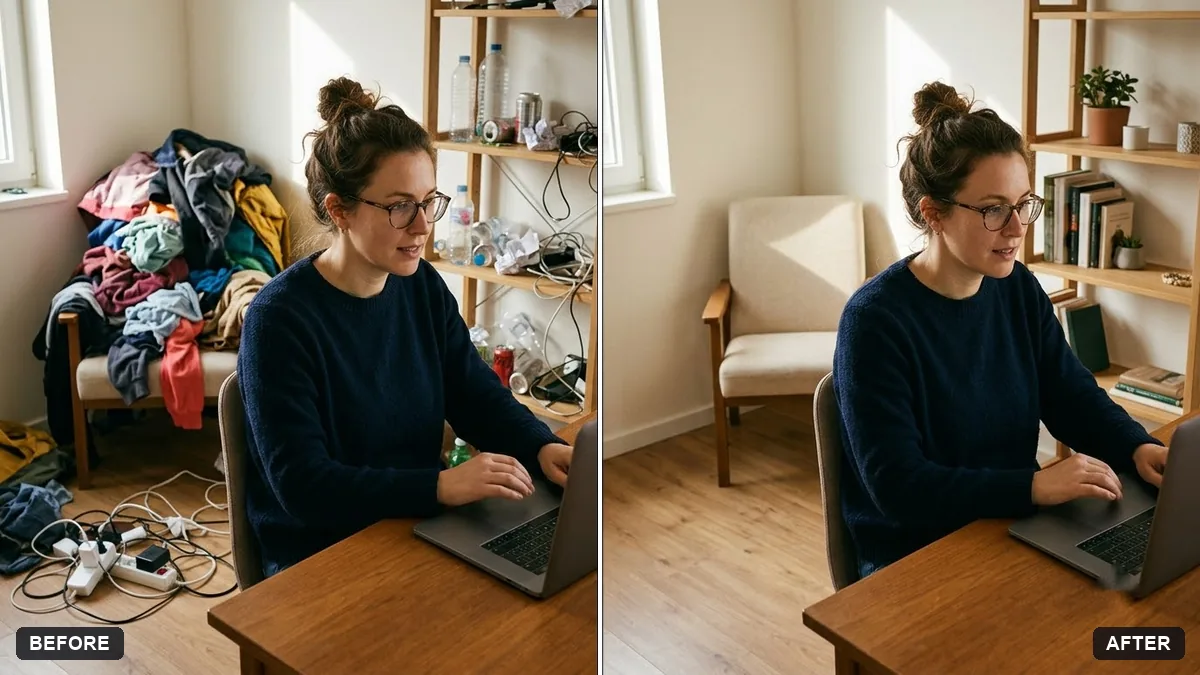
This prompt arranges your items neatly with even spacing on a wood, white or concrete surface, adds soft natural light and shadows and removes clutter and stray cables. Every object stays identical. Shoot from directly above for the best result.
Turn this photo of my desk items into a clean, styled flat lay from directly above. Arrange the items neatly with even spacing on a [WOOD / WHITE / CONCRETE] surface, add soft natural light and gentle shadows.

Keep every object identical. Remove clutter and stray cables.
Shoot from directly above and ask the AI to align everything on a grid.
Your photo goes to the AI app you choose, never to PromptUp.
Get a better result
A top-down flat lay of your own desk items on a wood, white or concrete surface, neatly spaced in a grid with soft daylight, and stray cables and clutter removed.
Flat lays look neat when items line up, so the prompt asks for even spacing from directly above on a chosen surface. Every object stays identical so it is still your desk. Removing clutter and stray cables is the tidy-up a stylist would do.
Items are swapped for other brands.
Fix: Say “keep every object identical, including logos”, and photograph from straight above, as the tip says.
- The spacing is uneven. Ask for a grid with equal gaps and every item square to the edge of the frame.
- The screen shows garbled text. Ask for the laptop or phone screen to be off, or plain and dark.
Ask for every item laid out at right angles in tight rows with a little space around each, in the knolling style.
Keep the items. Leave the top right corner empty, plain and even, with no shadows, for text.
Guides that use this prompt
More photo editing prompts
See all 334 →
More like this
- Outdoor gear flat layGemini · ChatGPT · Midjourney
- Desk setup tourVeo · Kling · Seedance
- Cosmetics flat-lay with soft shadowsMidjourney · Gemini · ChatGPT
- Sunglasses summer flat layGemini · ChatGPT · Midjourney
- Leather wallet flat layGemini · ChatGPT · Midjourney