- Updated
Jewellery on a model's hand
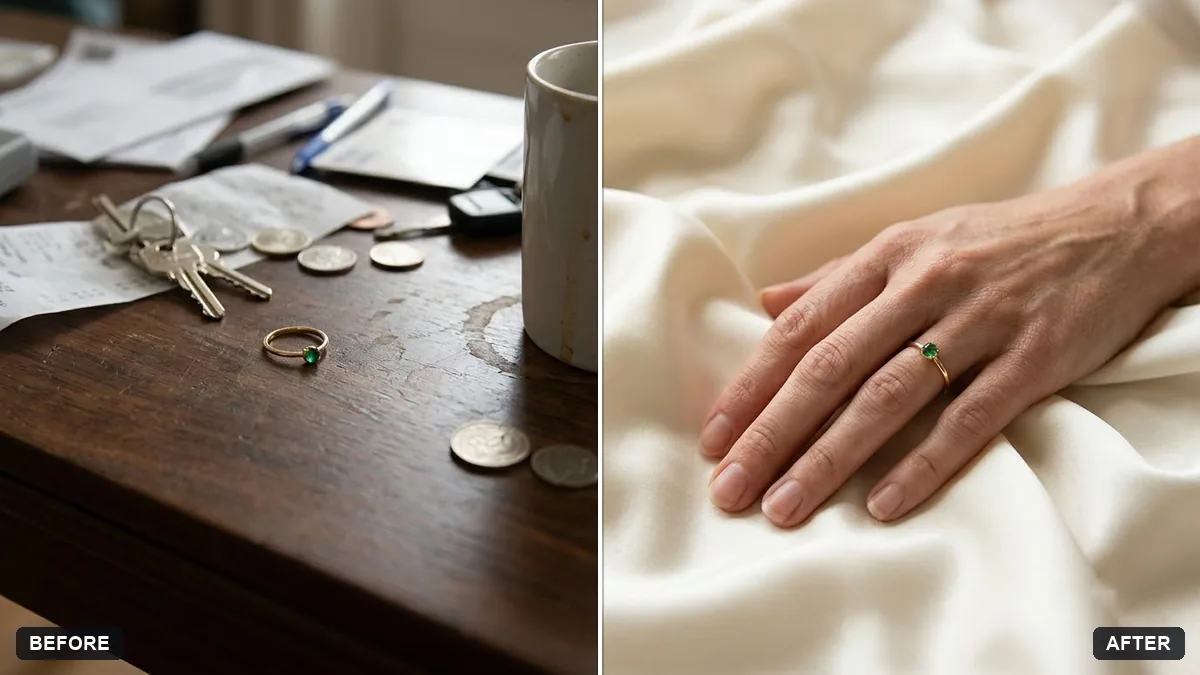
This prompt places your jewellery on a model's hand in soft natural window light with realistic skin and shallow depth of field, in a premium catalogue style. The design, stones and metal stay exactly the same.
Place the [RING / BRACELET / WATCH] from this photo on a graceful hand resting on [SILK / MARBLE / A LINEN SURFACE]. Keep the jewellery design, stones and metal exactly the same.

Soft natural window light, realistic skin, shallow depth of field, premium catalogue style.
Use a sharp, well-lit photo of the ring or bracelet so the details stay accurate.
Your photo goes to the AI app you choose, never to PromptUp.
Get a better result
Your ring, bracelet or watch placed on a graceful, realistic hand resting on a soft surface, in natural window light, with the design, stones and metal kept the same.
The stones or engraving change shape.
Fix: Use a sharp close-up of the piece and add “keep the number, shape and colour of every stone exactly the same”. Count the stones after the edit.
- The hand has extra fingers or odd joints. Ask for “a natural hand with five fingers, relaxed, fingers slightly apart”. If it still fails, regenerate: hands are a common weak spot.
- The piece is the wrong size for the hand. Say how it should fit: “the ring sits on the ring finger, snug at the base”. Describe the finger and the position.
For social posts, replace the surface with “a hand holding a coffee cup, the jewellery visible in warm light”. A lived-in scene suits Instagram better than a catalogue one.
Keep the jewellery design, stones and metal exactly the same, and make the hand natural with five fingers.
Guides on this topic
More photo editing prompts
See all 334 →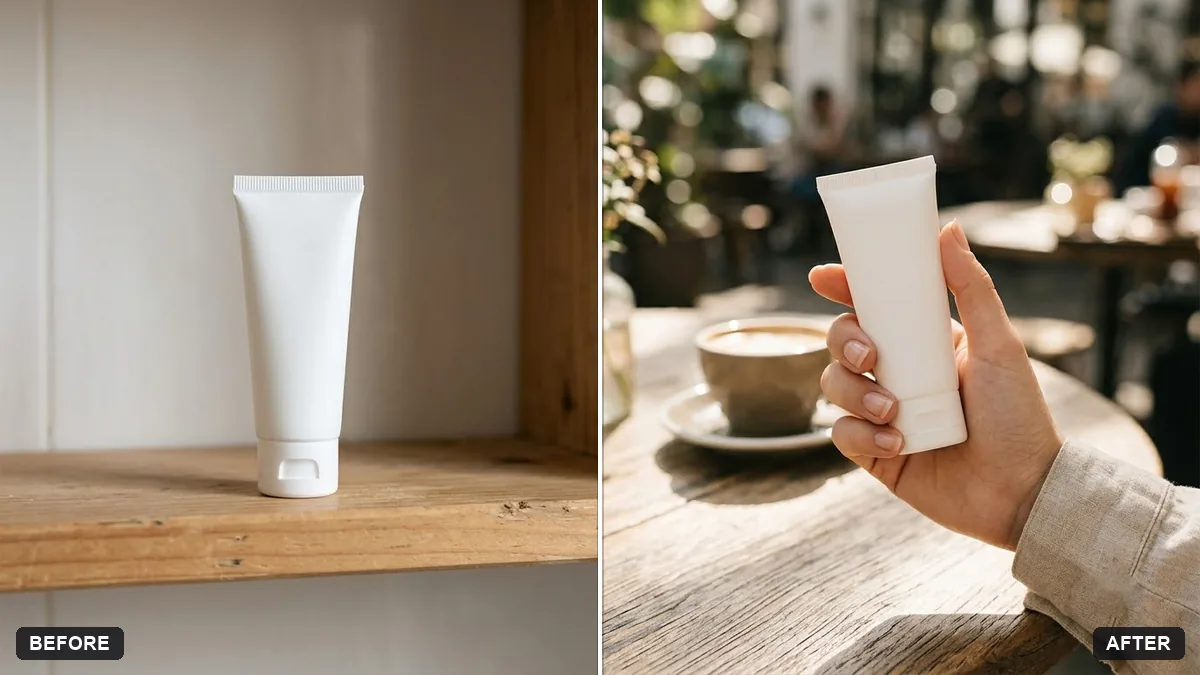
More like this
- Jewellery spin and sparkleVeo · Kling · Seedance
- Festive jewellery adVeo · Kling · Seedance
- Luxury jewellery macro product shotMidjourney · Gemini · ChatGPT
- Ethnic jewellery set displayGemini · ChatGPT · Midjourney
- Lifestyle product ad for InstagramMidjourney · Gemini · ChatGPT